
Best Floating Assistant & Assistive Touch Apps for Android (2026)
The best floating assistant and assistive touch apps for Android in 2026: what to look for (floating ball, shortcuts, one-hand use) and how Floating Assistant compares to Assistive Touch.
A floating ball puts your most-used actions one tap away and makes big phones usable one-handed. This 2026 guide covers what to look for in an assistive-touch app and how Floating Assistant compares to the alternatives.
Why floating assistant app matters on Android
On Android a floating overlay works above any app with no root, so large-screen phones become reachable and your favorite toggles are always one tap away. That one-handed win is why this category exists almost entirely on Android, not iOS.
What to look for in a floating assistant app
- Floating ball / overlay — stays on top across apps, not buried in a drawer.
- Custom shortcuts — launch apps, contacts and system toggles quickly.
- One-hand operation — reach controls on large screens without shifting your grip.
- Gestures — swipe or tap the ball for different actions.
- Lightweight & stable — no crashes and minimal battery/memory use.
- Privacy — understand what the overlay can and cannot access on your device.
The field at a glance
| App | Price (2026) | Platform | Best for / notes |
|---|---|---|---|
| Floating Assistant | Free download, core free + optional unlock | Android only | Floating ball, app/contact shortcuts, one-hand helper |
| Assistive Touch (easytools) | Free + ads | Android only | Popular floating touch ball, but ad-supported |
| Easy Touch | Free + ads | Android only | Assistive touch ball with gestures, similar ad model |
Floating Assistant, in depth
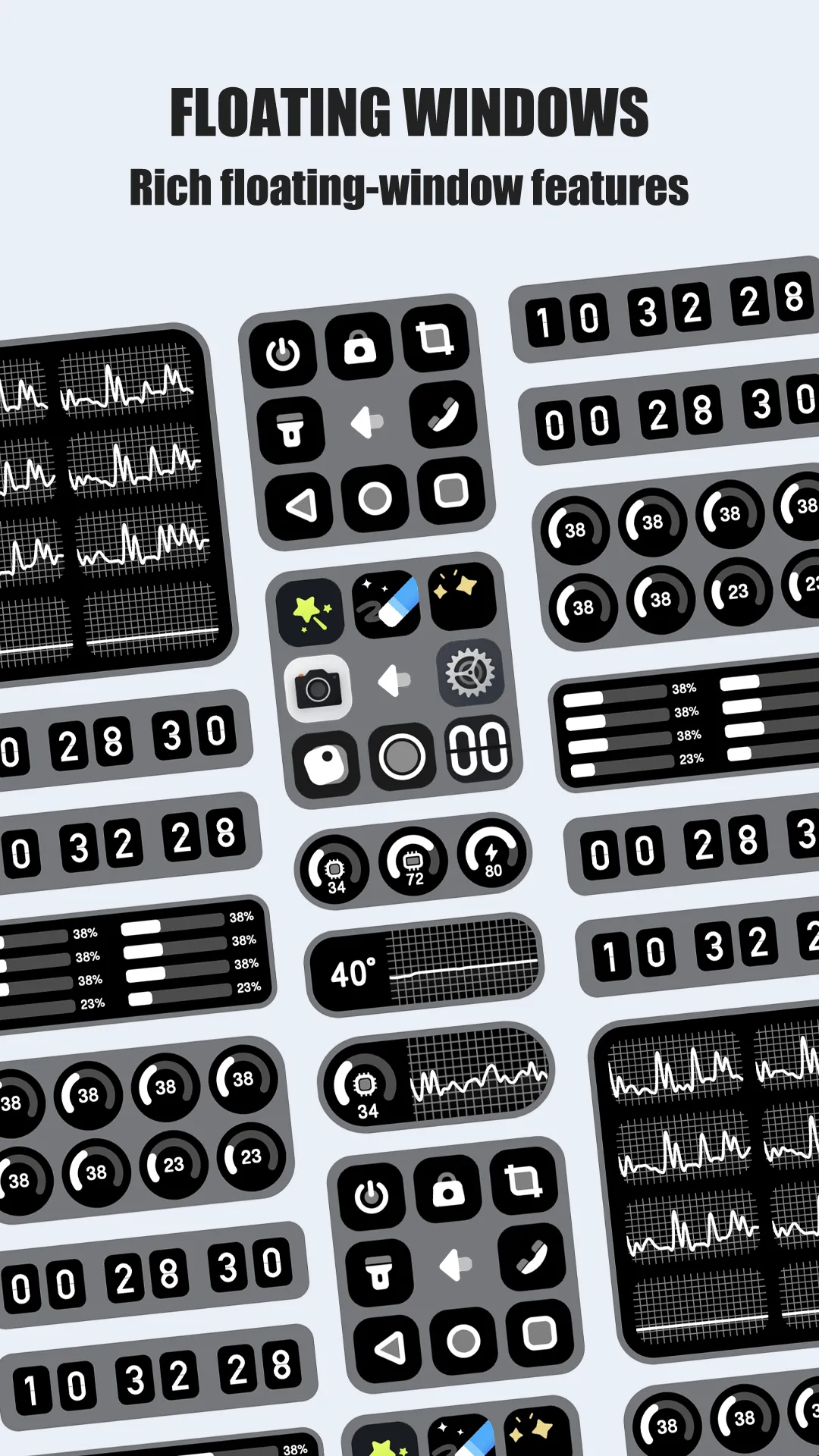
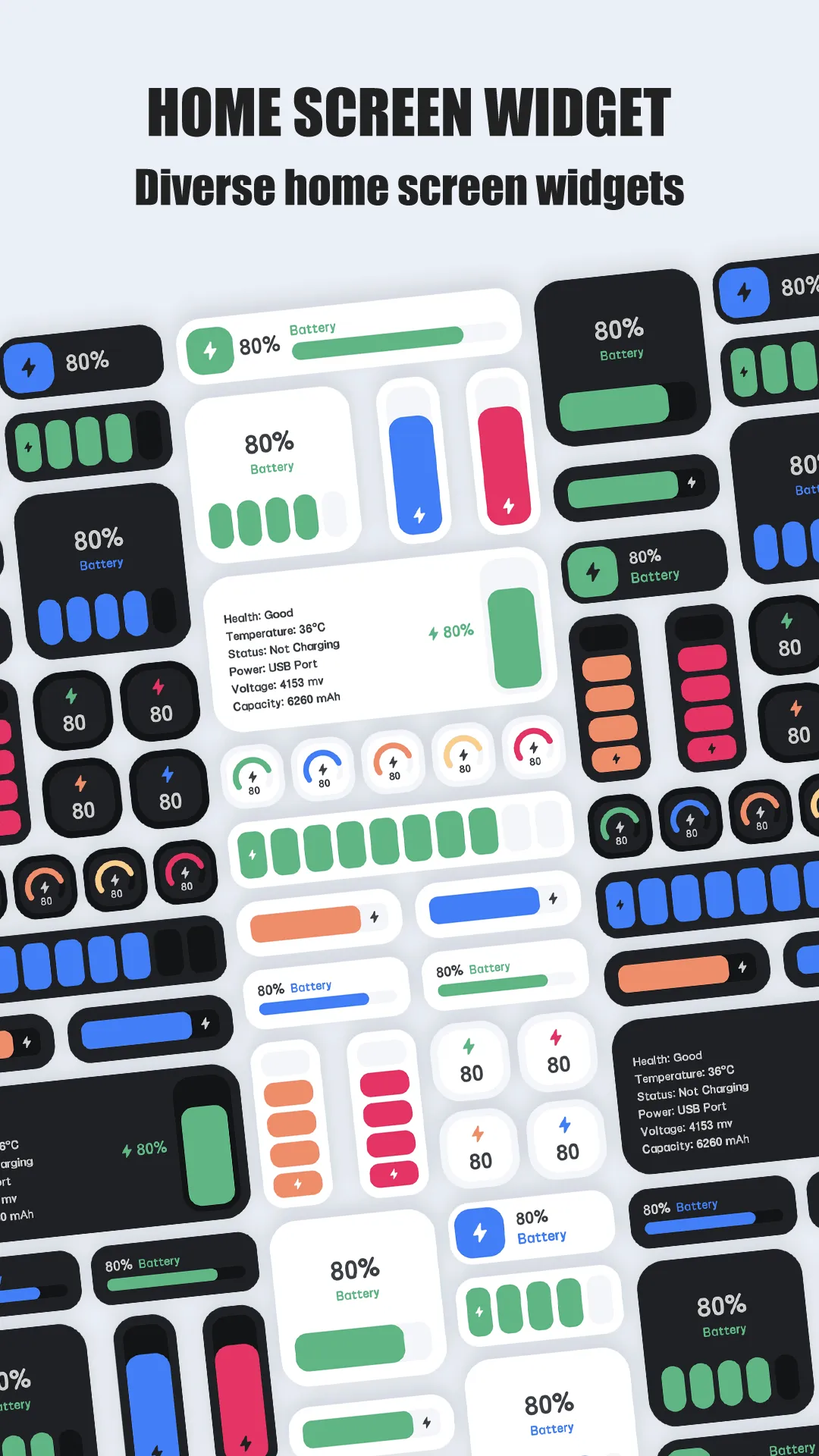
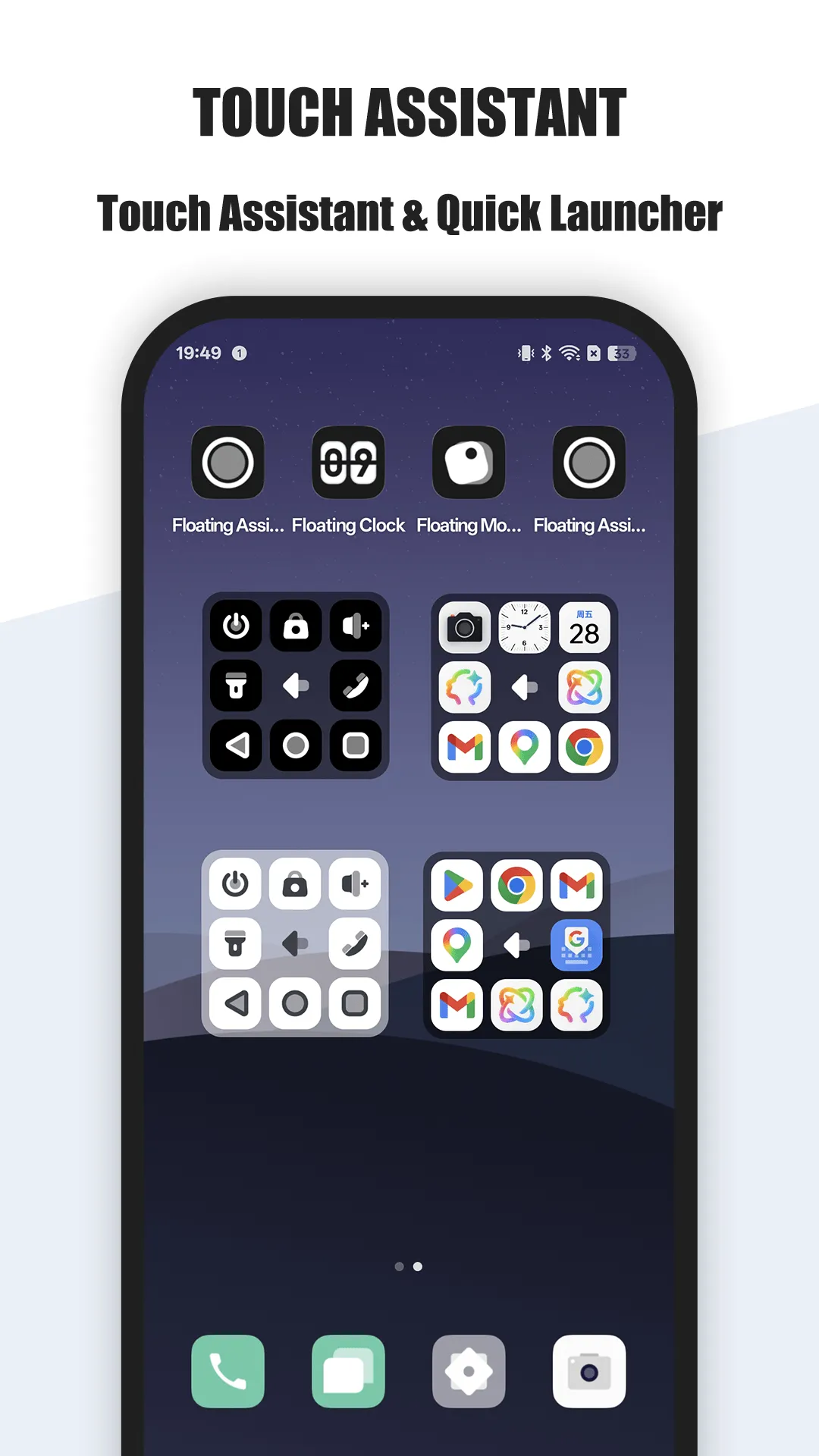
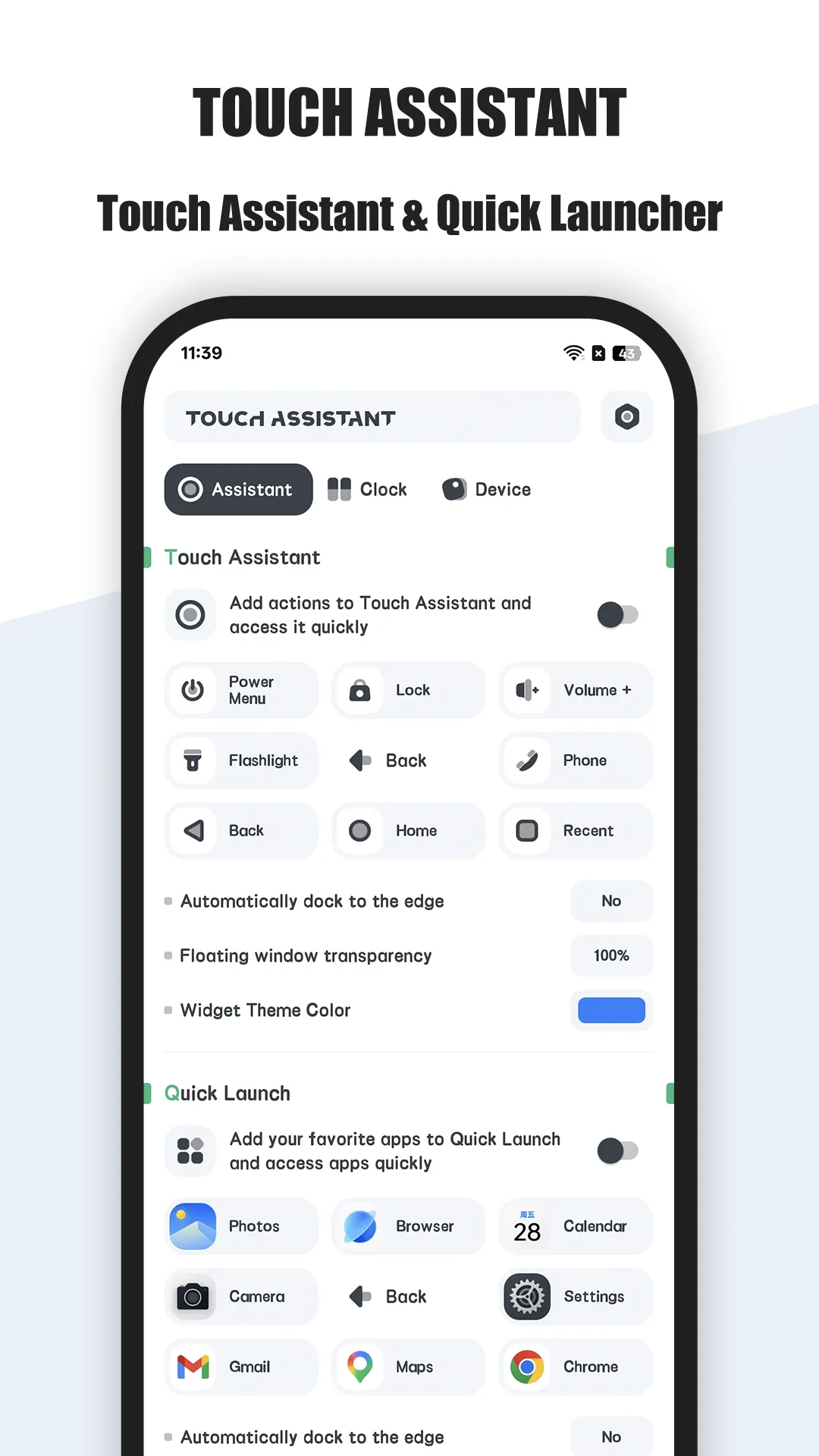
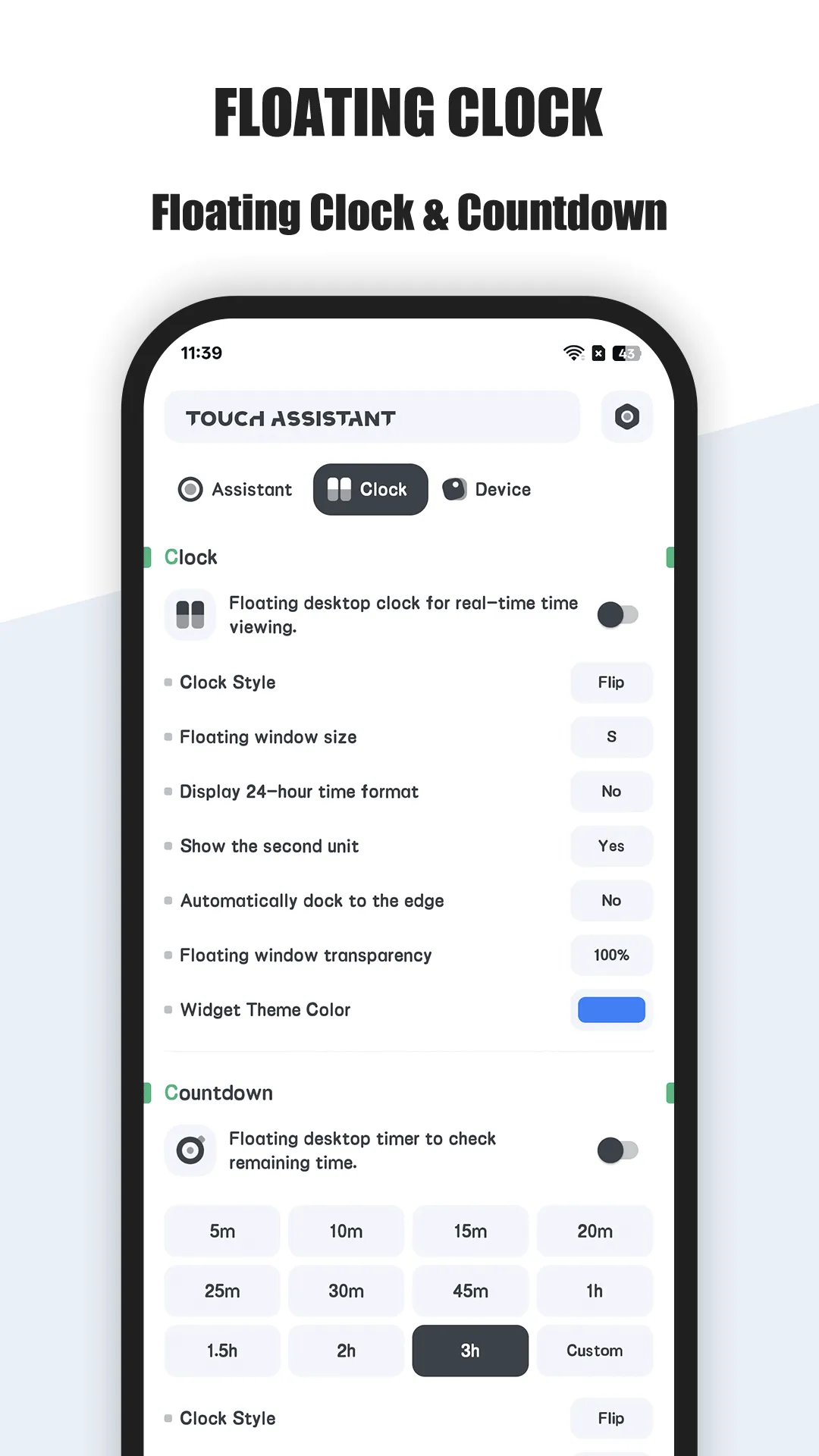
Floating Assistant adds a customizable floating ball to Android for quick app launches, system toggles and one-handed control.
- Floating ball — a persistent overlay above any app, movable anywhere.
- Custom shortcuts — apps, contacts and system toggles one tap away.
- One-hand helper — reach actions on large phones easily without reshuffling your grip.
- Gesture support — tap or swipe the ball for different actions.
- Lightweight — minimal battery and memory footprint, stable in the background.
- Free to start — core floating assistant is free; extras are optional.
Best for: large-phone users who want one-handed, one-tap access to actions.
Go deeper:
- Best floating assistant app
- Best assistive touch for one-hand use
- Floating Assistant app page
- Floating Assistant Official User Guide
How Floating Assistant compares to the competition
- vs Assistive Touch (easytools) — Assistive Touch (easytools) is the popular, ad-supported ball; Floating Assistant delivers the same floating control with a cleaner optional-unlock model instead of constant ads. Full breakdown in Floating Assistant vs Assistive Touch.
- vs Easy Touch — Easy Touch is another ad-supported ball with gestures; if you want fewer ads and a one-time-style unlock, Floating Assistant is the lighter choice.
- More options — see Best Assistive Touch Alternatives in 2026 for the full field.
Which should you pick?
Quick pick by situation:
- Big phone, want one-handed reach → Floating Assistant.
- Fine with ads, want the most installed ball → Assistive Touch.
- Want gestures + ball free → Easy Touch.
- Want minimal ads + optional unlock → Floating Assistant.
Conclusion
For large-phone users who want one-handed, one-tap access to actions, Floating Assistant is the most flexible pick — and the core app is free.
Or read the Best floating assistant app for the full breakdown.