
Floating Assistant: A Floating Button That Does the Work
A practical look at Floating Assistant versus Assistive Touch in 2026 — edge floating ball, quick actions, customization, and one-handed multitasking on Android.
A floating assistant puts a small button on the screen edge that triggers the actions you reach for constantly — back, home, recent, lock, screenshot — without hunting for a physical key. Floating Assistant is an edge floating-ball app for Android with deep customization. Below we compare it with Assistive Touch, the popular floating-button class, for everyday multitasking.
What a floating assistant needs
- Edge floating ball — a thumb-reachable button that stays out of the way.
- Quick actions — back, home, recent, lock screen, screenshot, split-screen.
- Custom buttons and gestures — map what you actually use.
- Lightweight — it shouldn’t lag the phone.
- Local and private — no account, no upload.
The contenders at a glance
| App | Price (2026) | Floating ball | Actions | Customize | Best for |
|---|---|---|---|---|---|
| Floating Assistant | Free core + VIP | ✅ | Back/home/recent/lock/screenshot/split | ✅ buttons + gestures | Power users |
| Assistive Touch | Free + IAP | ✅ | Virtual keys + shortcuts | ✅ | Simple virtual keys |
| Other edge tools | Varies | ✅ | Limited | ⚠️ | Niche |
Floating Assistant, in depth
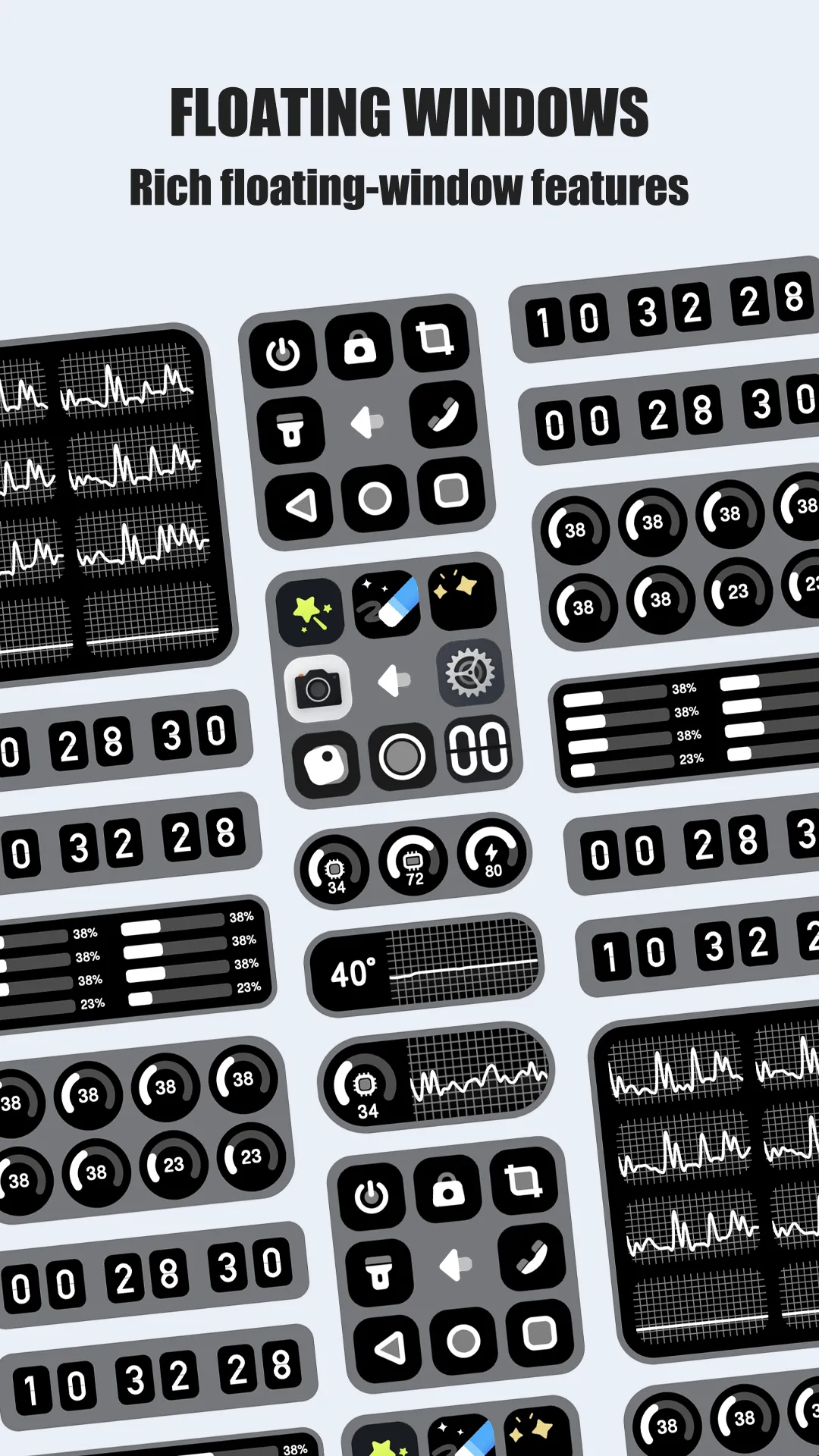
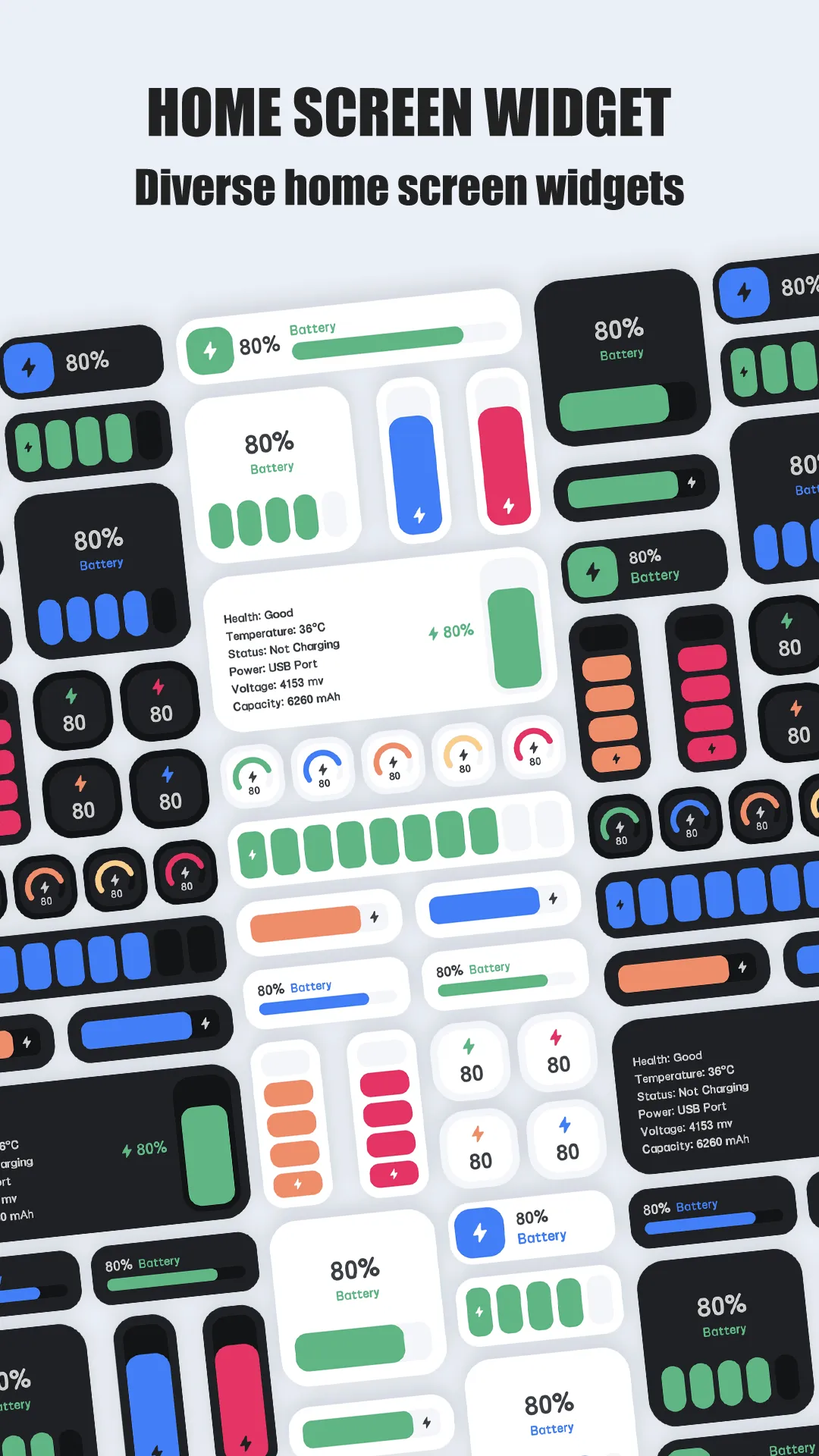
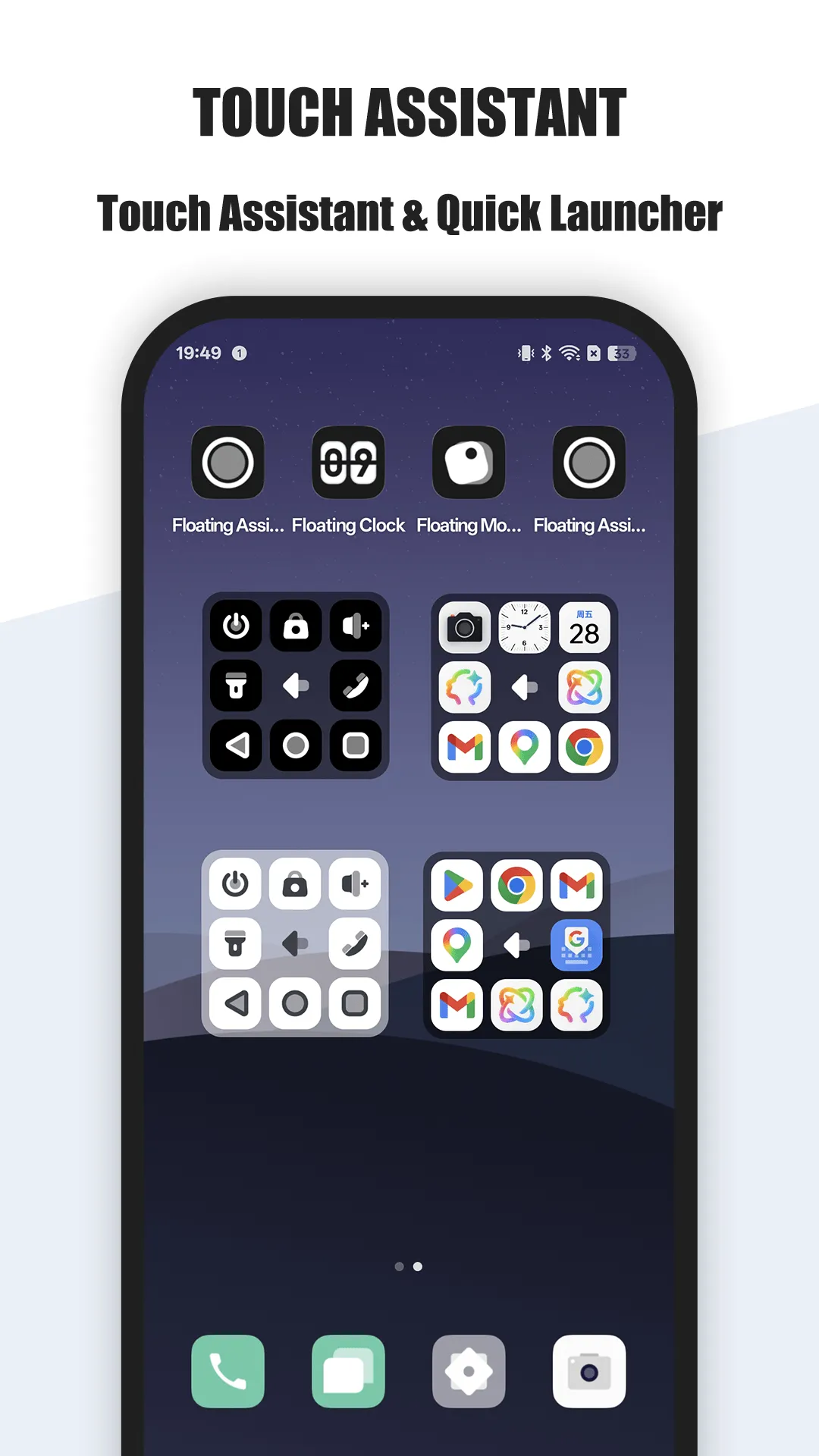
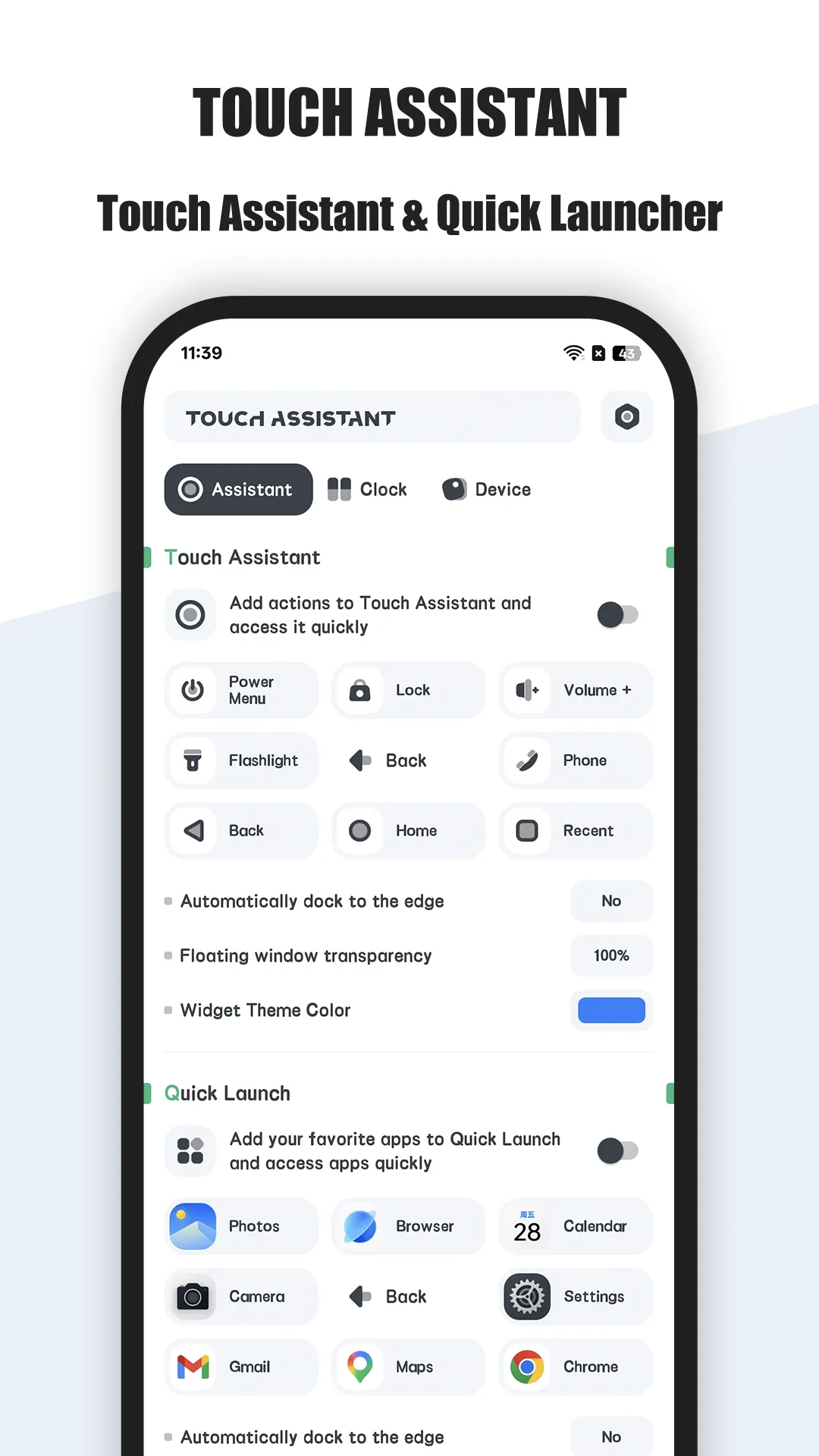
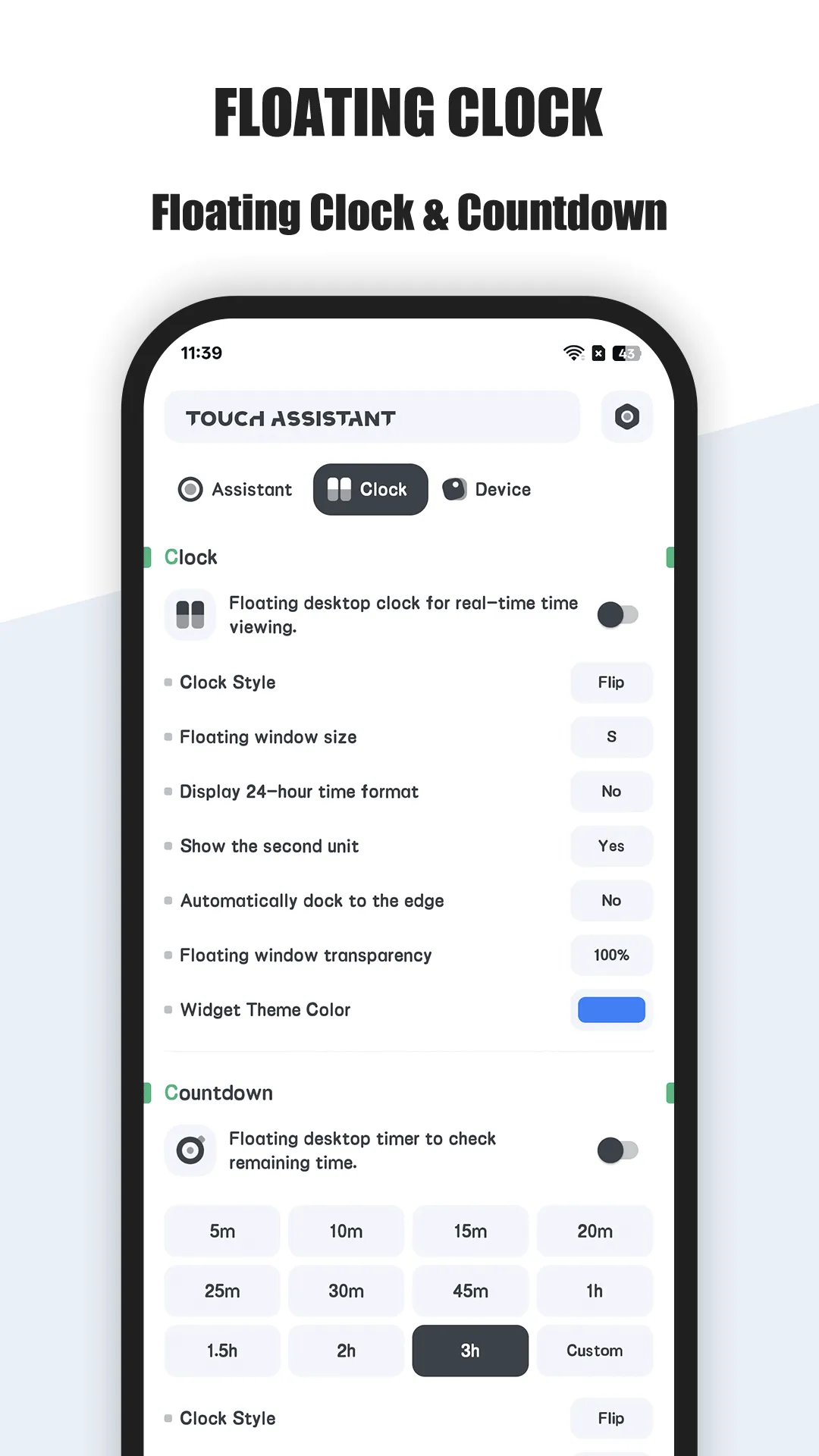
Floating Assistant is an edge floating-ball app for Android with a rich action set and customization.
Strengths for everyday use
- Edge ball — a thumb-reachable button on any screen.
- Deep actions — back, home, recent, lock, screenshot, split-screen, volume, brightness.
- Custom buttons and gestures — map taps, swipes, and long-presses to what you use.
- Lightweight and local — runs on-device, no account.
- Multi-window friendly — quick split-screen for true multitasking.
Weaknesses for everyday use
- VIP for more — extra actions and gestures sit behind the upgrade.
- Overlay permission — you grant access once.
Best for: Android users who want a flexible, customizable floating control.
Assistive Touch, in depth
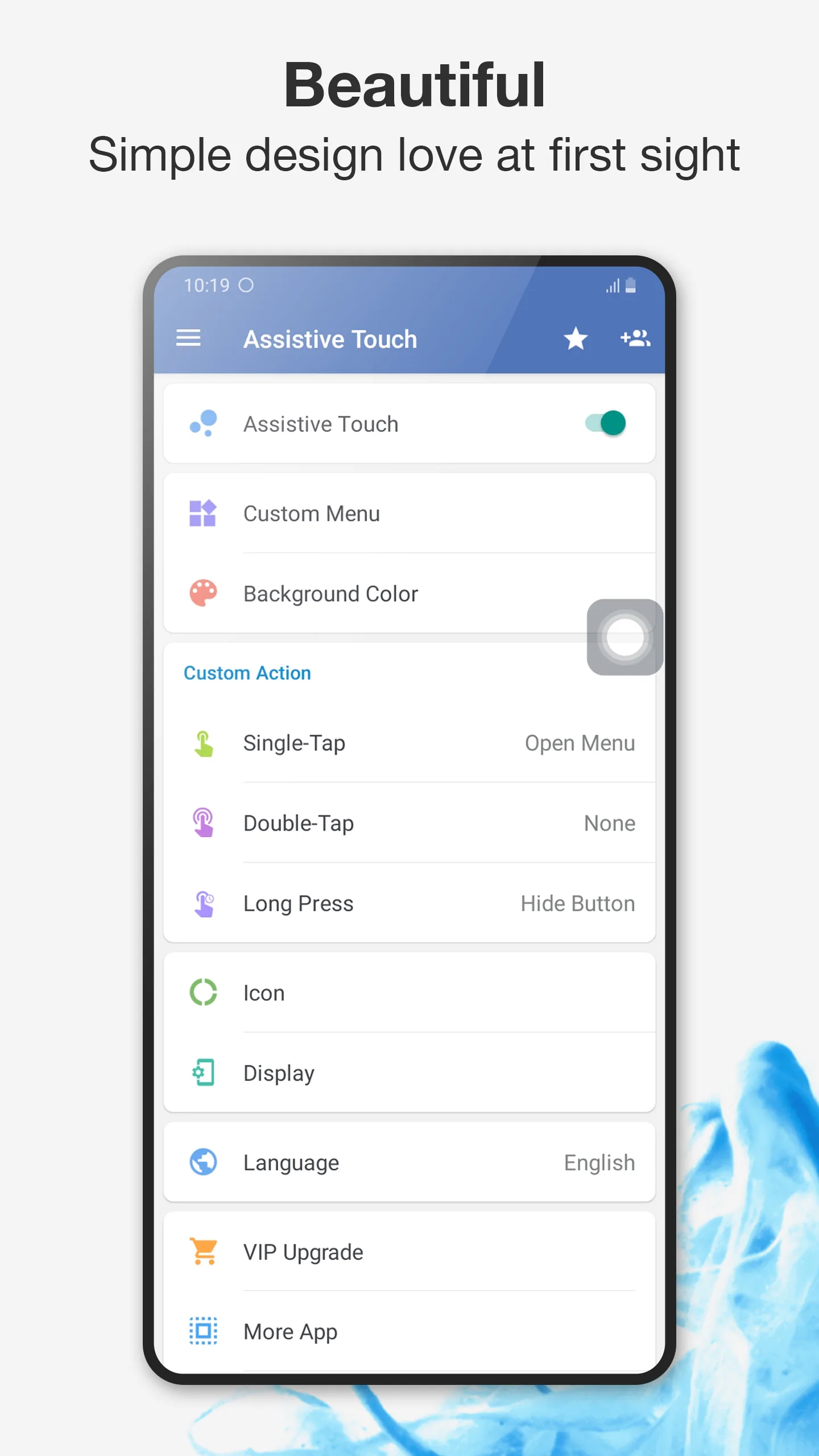
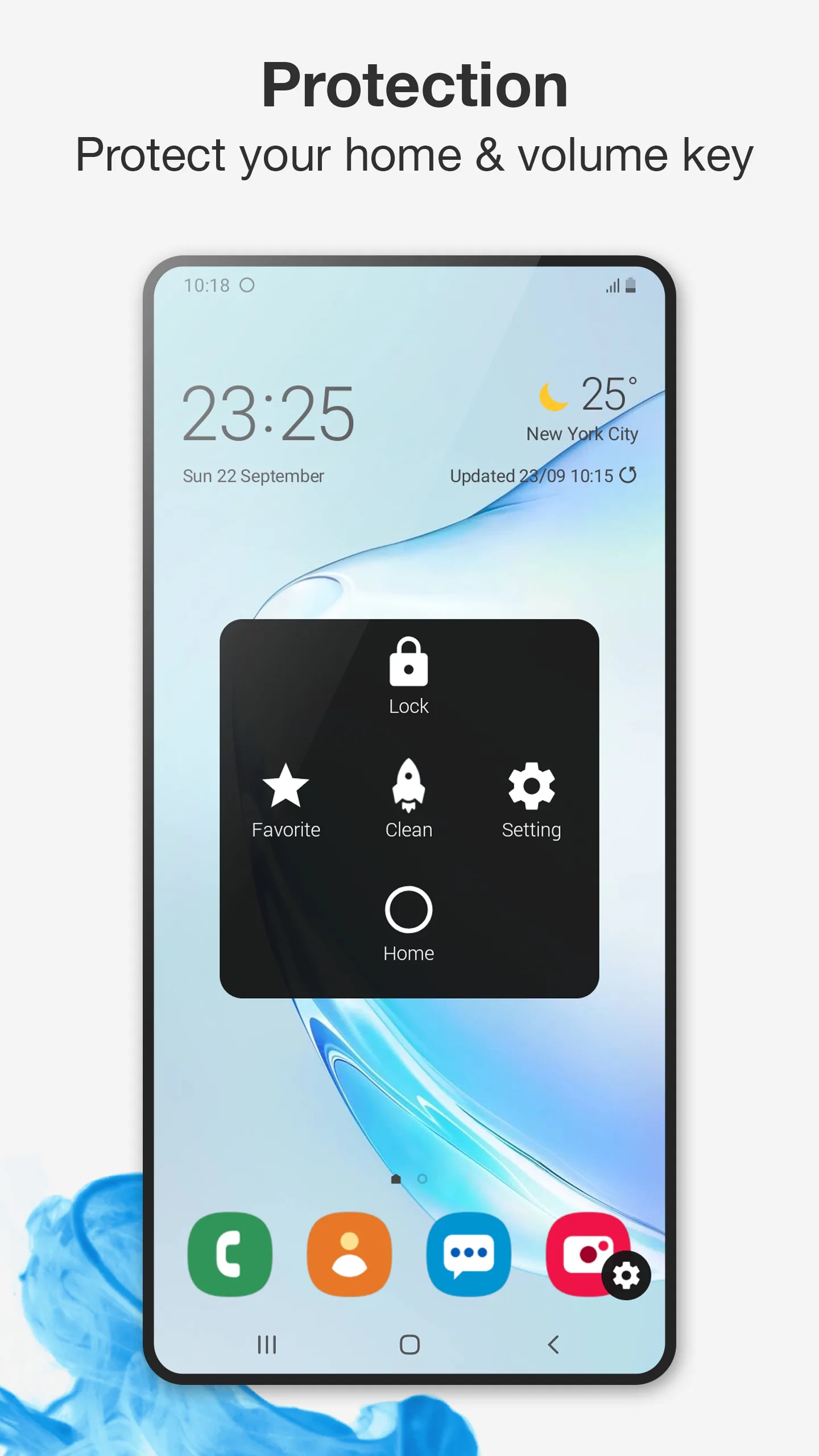
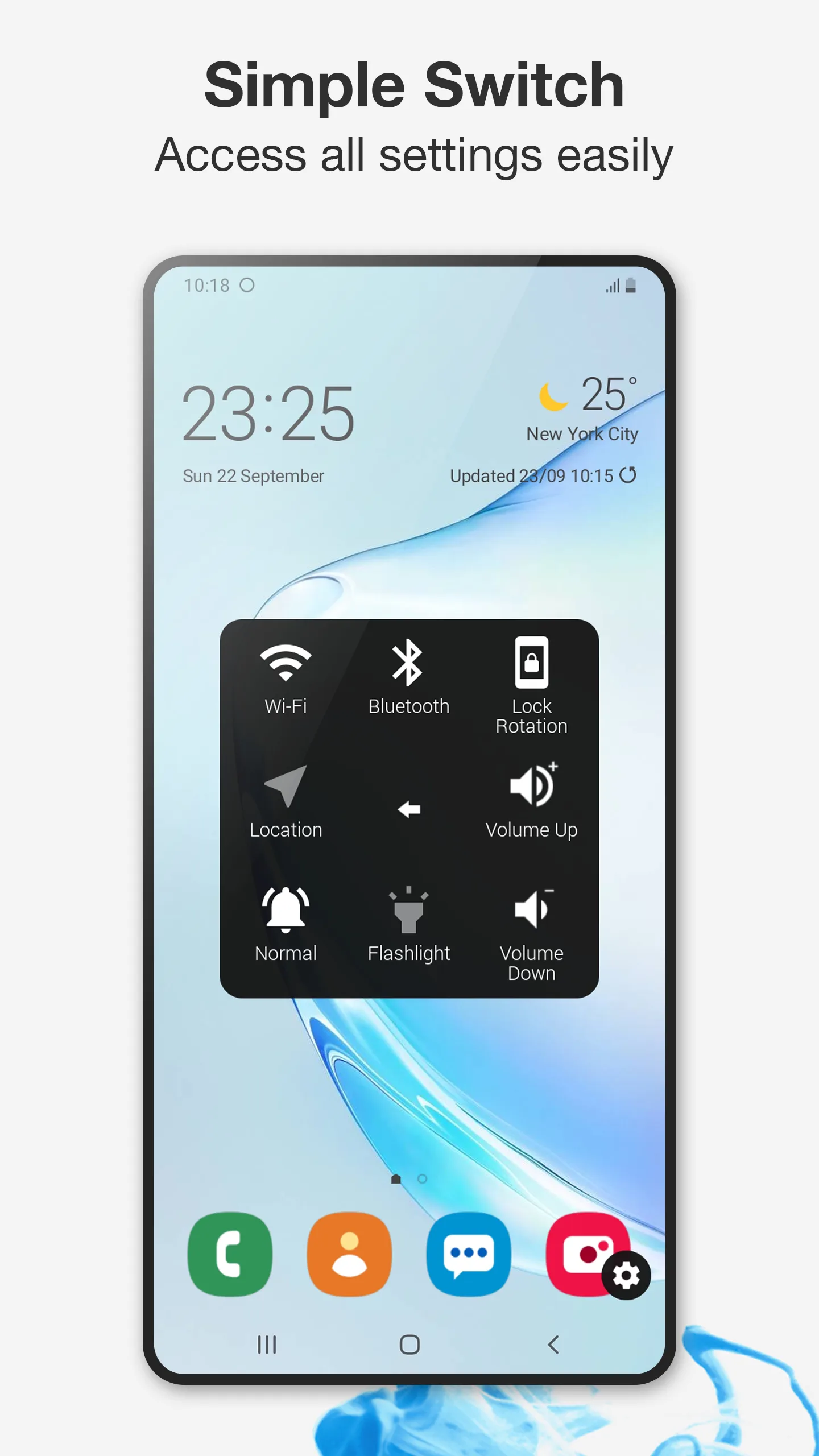
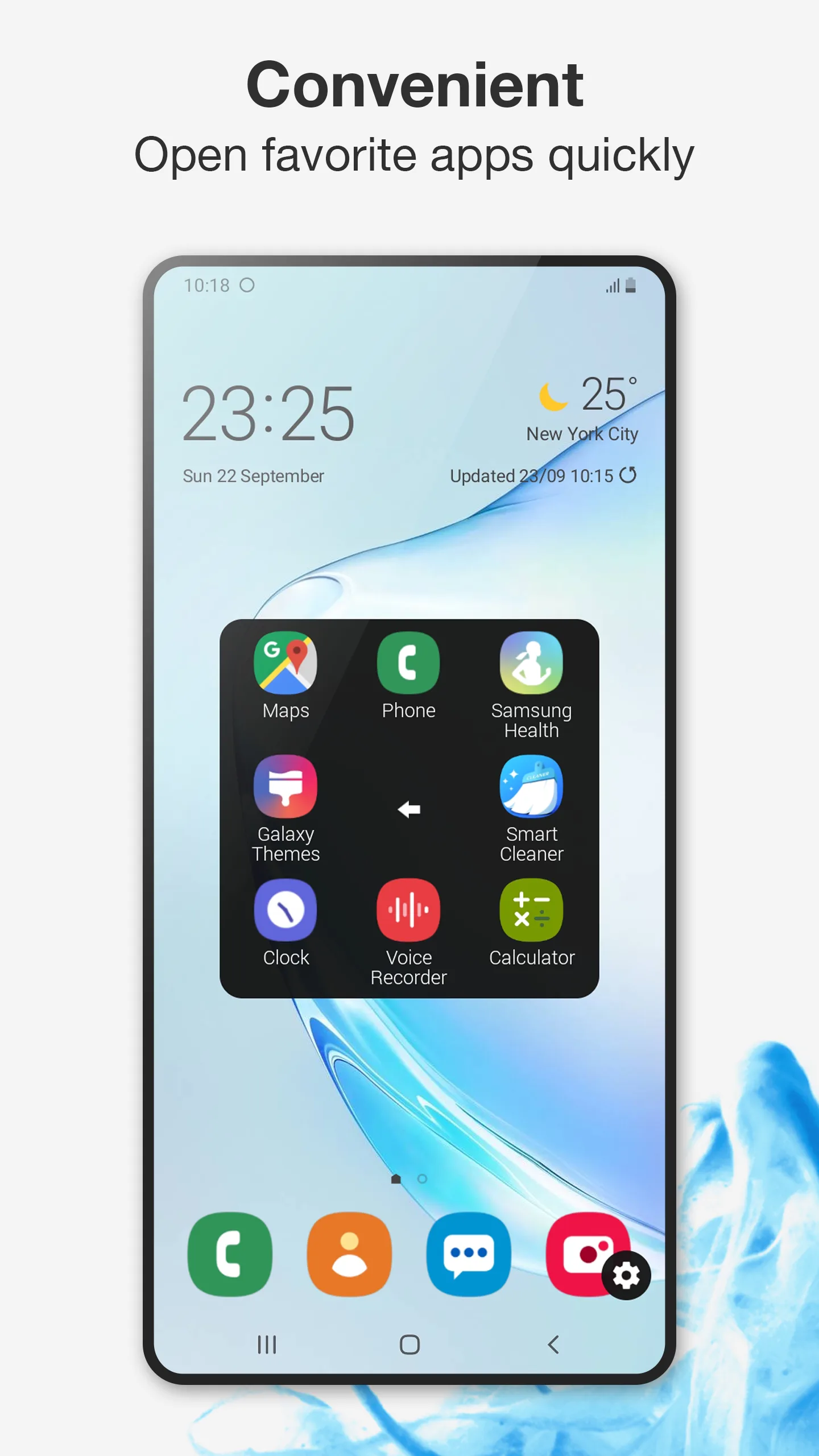
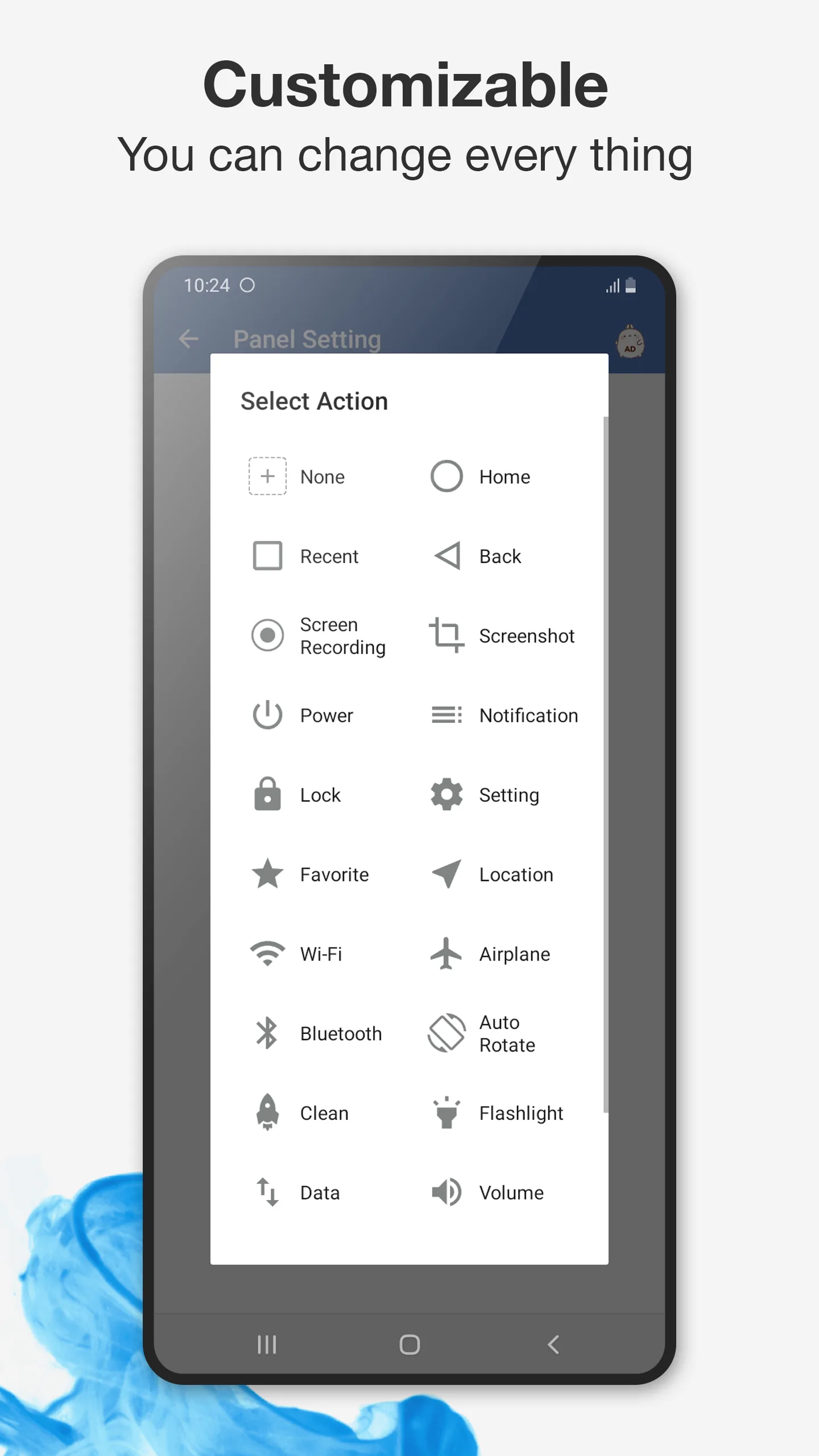
Assistive Touch (package mtr.assistivetouch.easytools) is a popular floating-button app offering virtual keys and shortcuts.
Strengths for everyday use
- Floating ball + virtual keys — back, home, recent, lock, and more as on-screen buttons.
- Quick app shortcuts — launch favorites from the ball.
- Brightness/volume controls — handy without physical keys.
- Free to start — basic use with IAP for extras.
Weaknesses for everyday use
- Standard action set — less deep than Floating Assistant’s gestures.
- Ads / IAP — promotional content and packs vary.
- Lighter customization — fewer ways to remap complex flows.
Best for: users who want simple virtual keys to replace physical buttons.
Which should you pick?
- Want deep actions + gestures + multitasking → Floating Assistant.
- Want simple virtual keys, free → Assistive Touch.
Get Floating Assistant — available on Android.