
Floating Assistant for Accessibility: One-Handed Control on a Big Phone
A practical look at Floating Assistant versus Assistive Touch for accessibility in 2026 — virtual keys, edge reach, gestures, and control without physical buttons on Android.
Big phones are hard to use one-handed, and some users simply can’t reach physical buttons reliably. An accessibility floating button puts the controls you need within a thumb’s reach. Floating Assistant is an edge floating-ball app for Android built for exactly this. Below we compare it with Assistive Touch for accessible, one-handed control.
What an accessibility tool needs
- Virtual keys — back, home, recent, lock without physical buttons.
- Edge reach — the control sits where a thumb already is.
- Large, clear targets — easy to hit, low precision needed.
- Custom common actions — your daily moves in one tap.
- No reliance on hardware — works when buttons are awkward or unavailable.
The contenders at a glance
| App | Price (2026) | Virtual keys | Edge reach | Gestures | Best for |
|---|---|---|---|---|---|
| Floating Assistant | Free core + VIP | ✅ | ✅ | ✅ | Flexible access |
| Assistive Touch | Free + IAP | ✅ | ✅ | ✅ | Simple virtual keys |
| System accessibility | Free (OS) | ⚠️ limited | ❌ | ⚠️ | Built-in only |
Floating Assistant, in depth
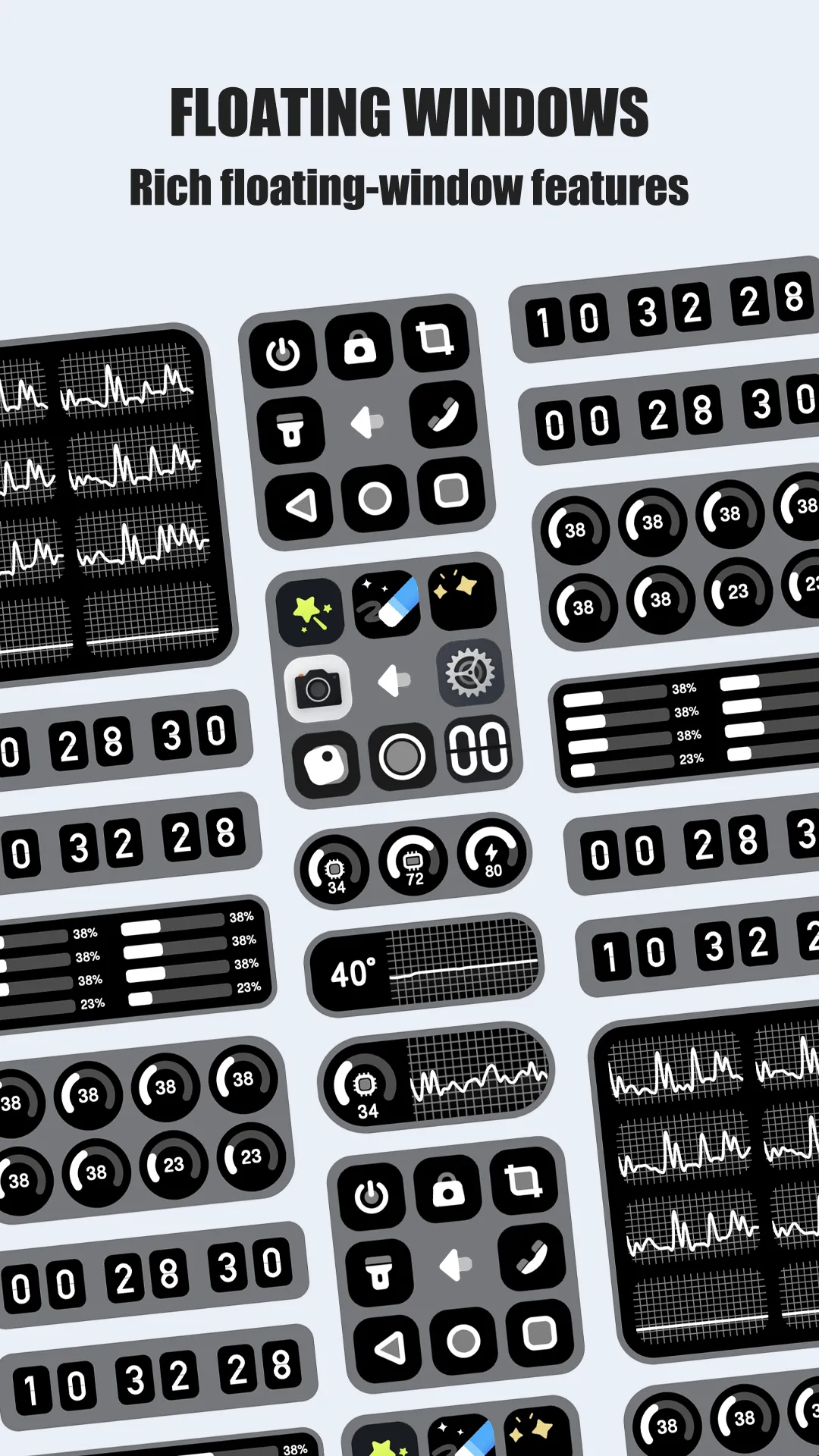
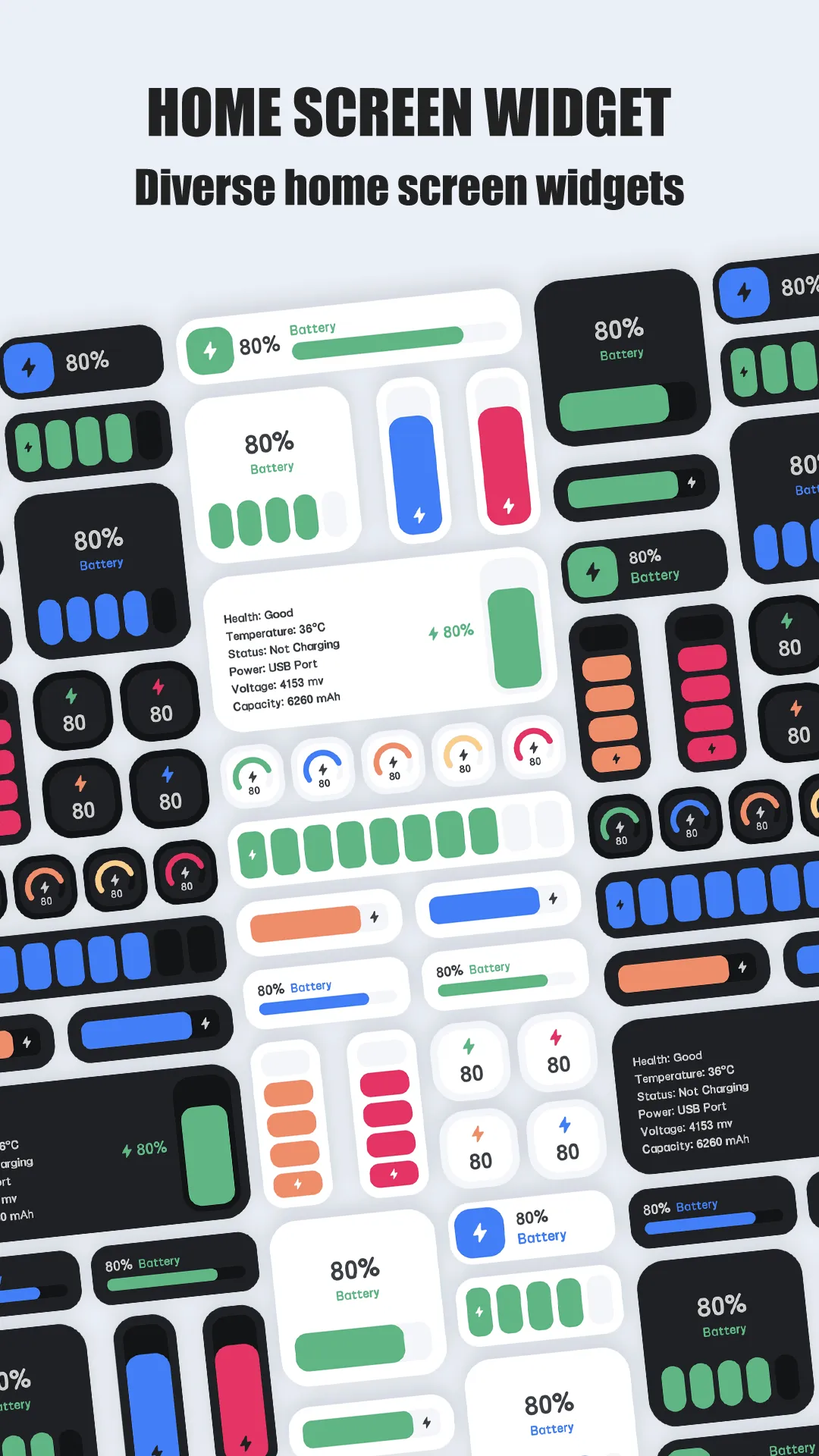
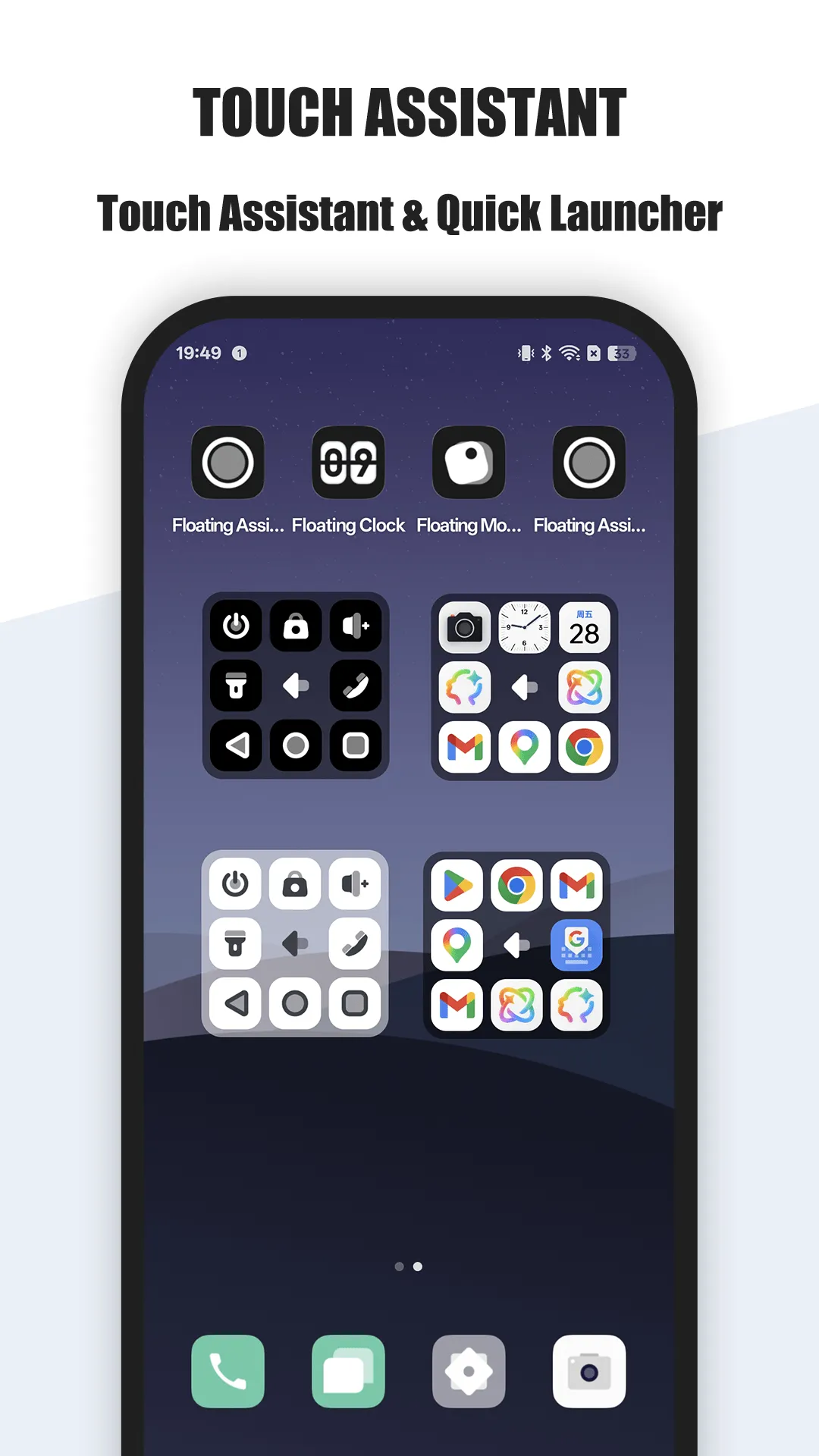
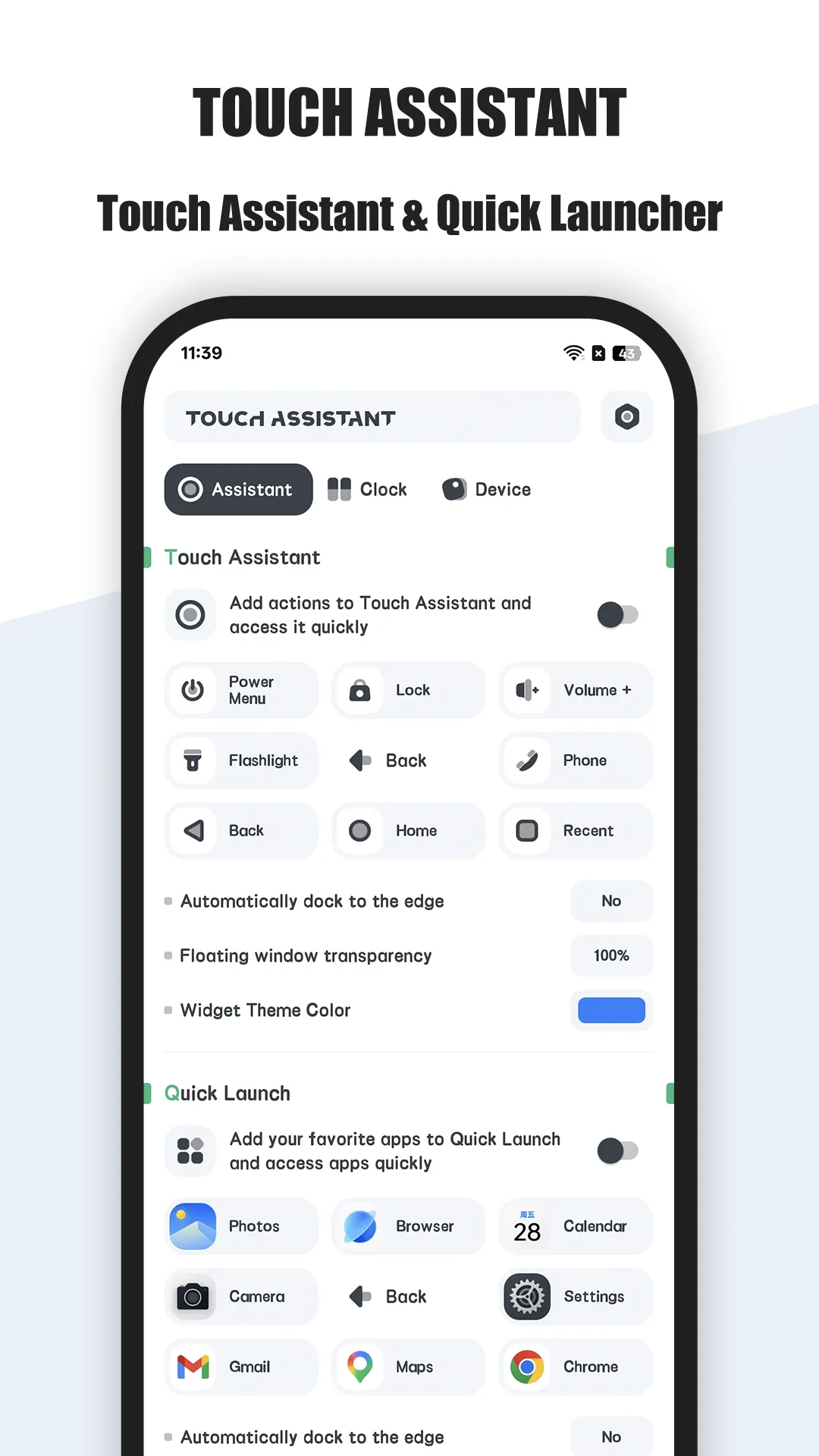
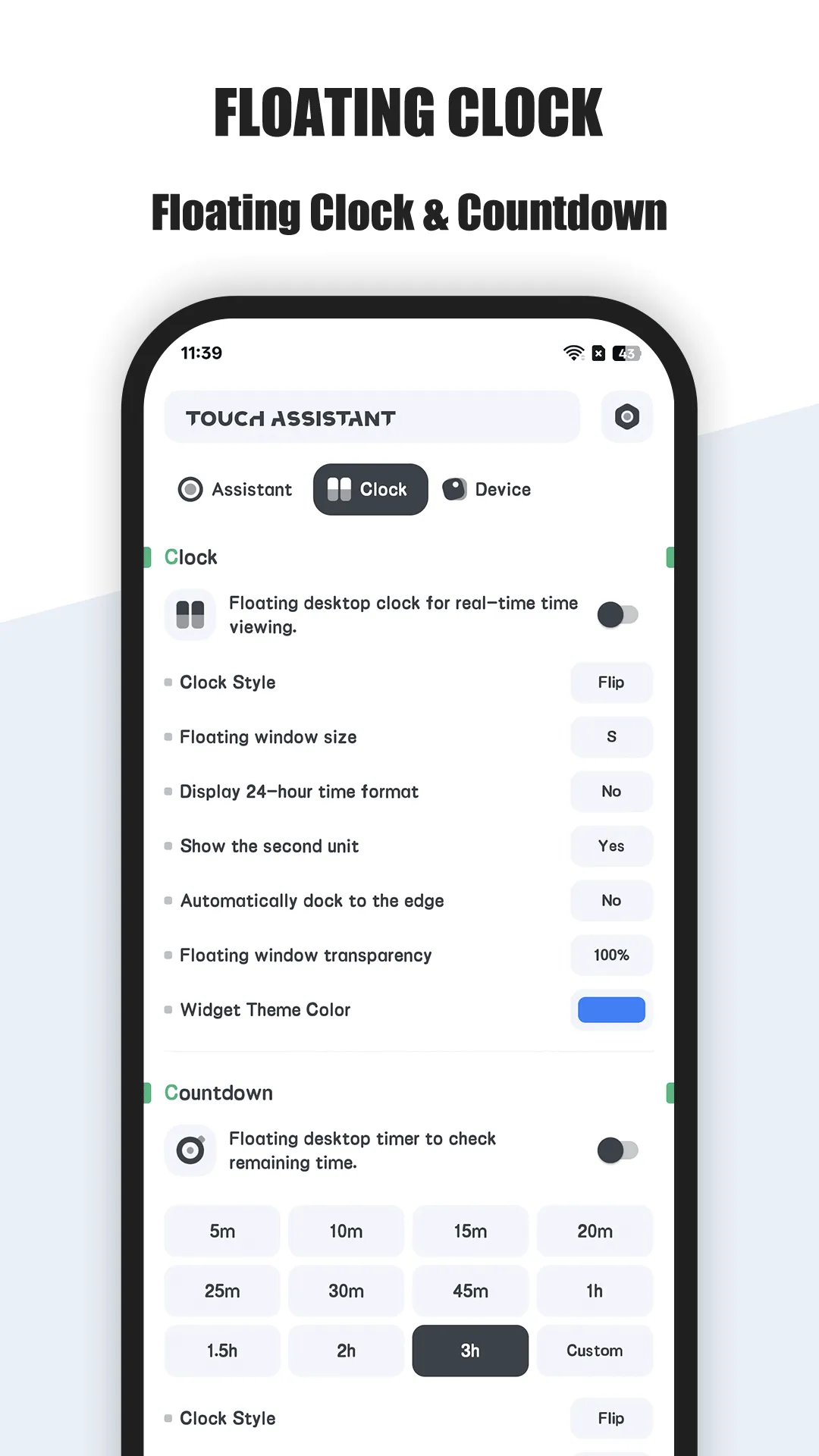
Floating Assistant is an edge floating-ball app for Android with virtual keys and gestures.
Strengths for accessibility
- Virtual keys on screen — back, home, recent, and lock without reaching the hardware.
- Edge ball within thumb reach — stays where your hand already is.
- Custom actions and gestures — put the few things you use most in one tap.
- Lightweight and local — on-device, no account.
- Multi-window — split-screen without hunting for recents.
Weaknesses for accessibility
- VIP for more — deeper gestures behind the upgrade.
- Overlay permission — a one-time grant.
Best for: big-phone users and anyone who needs reliable one-handed control.
Assistive Touch, in depth
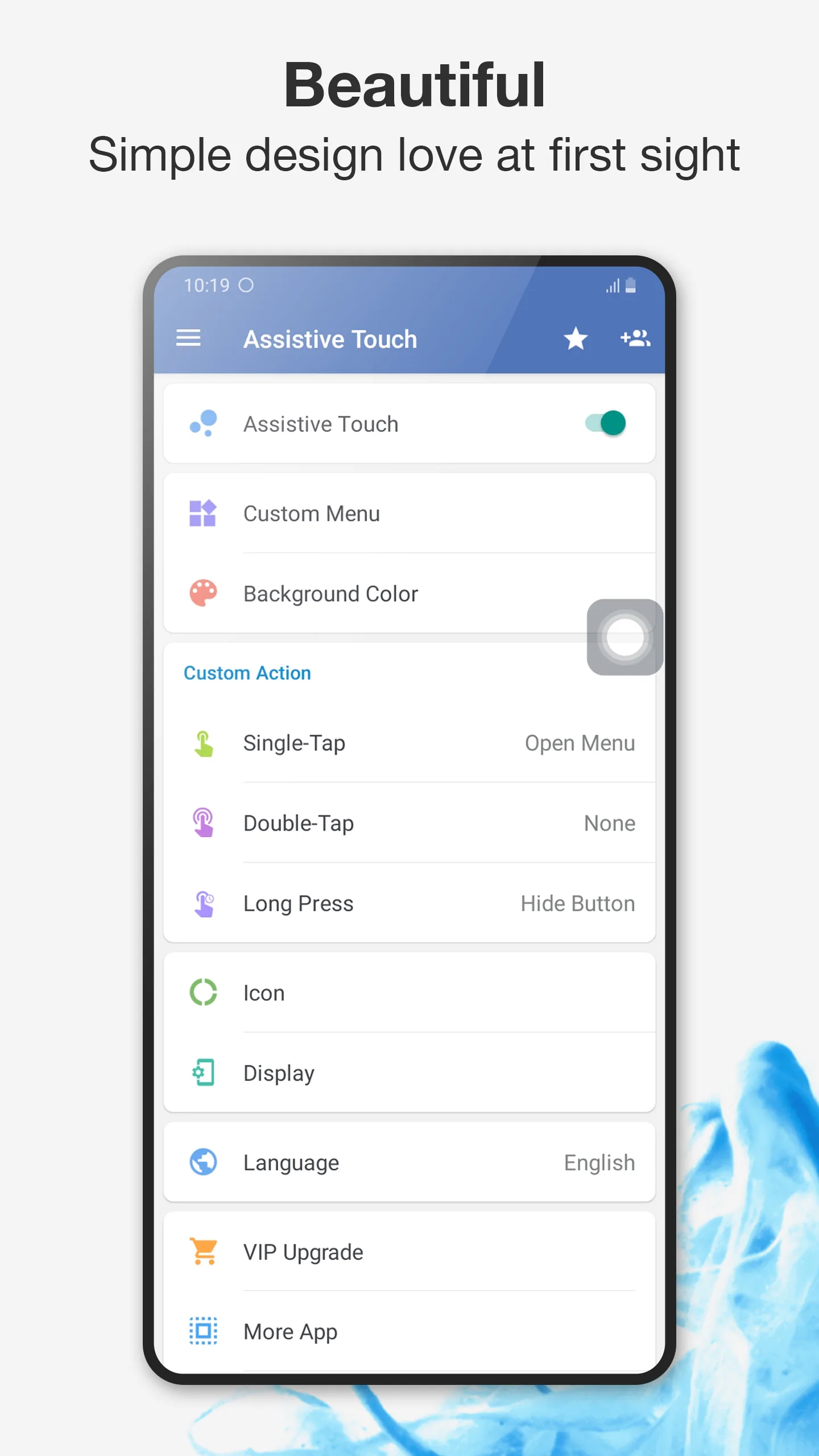
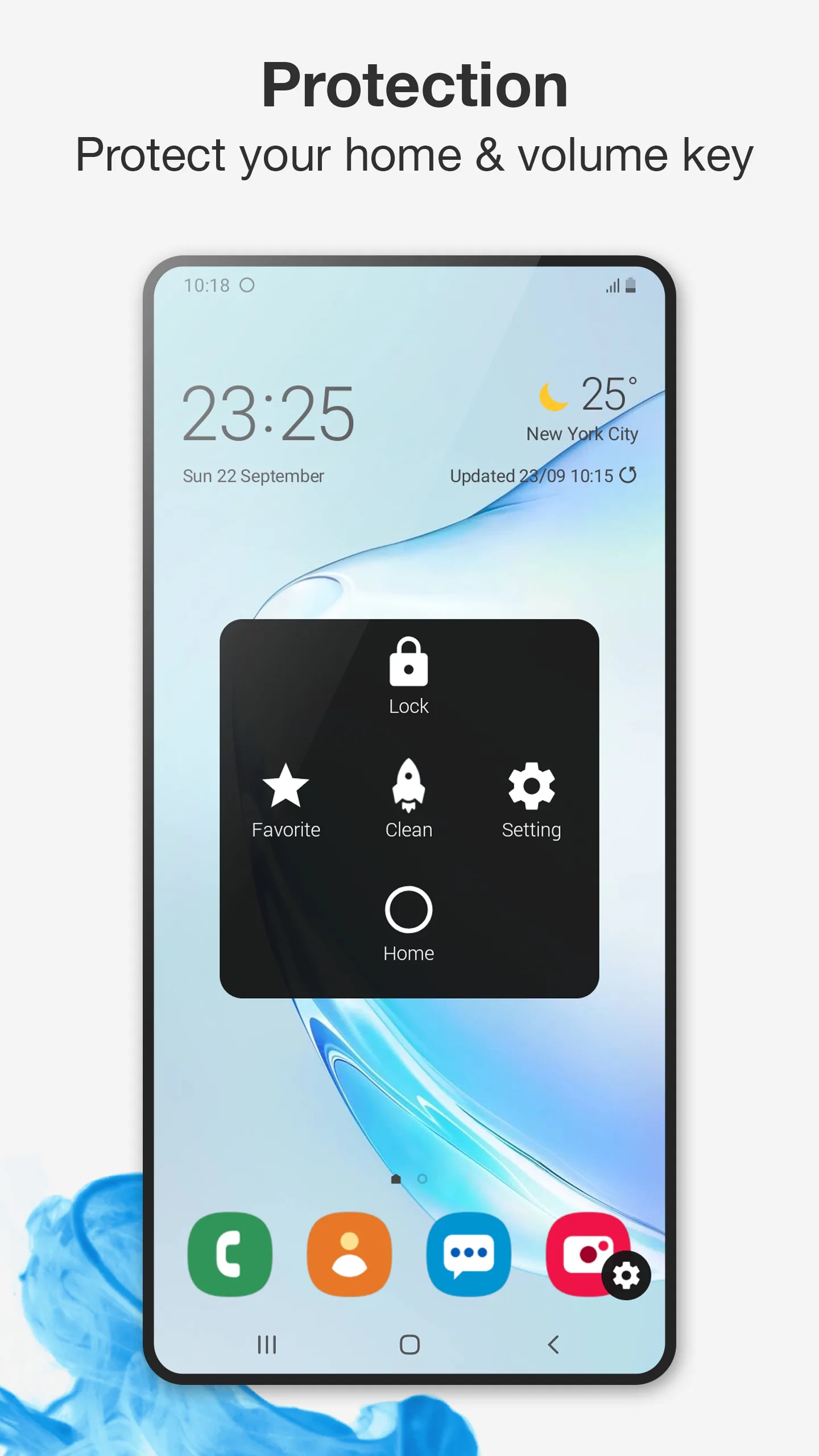
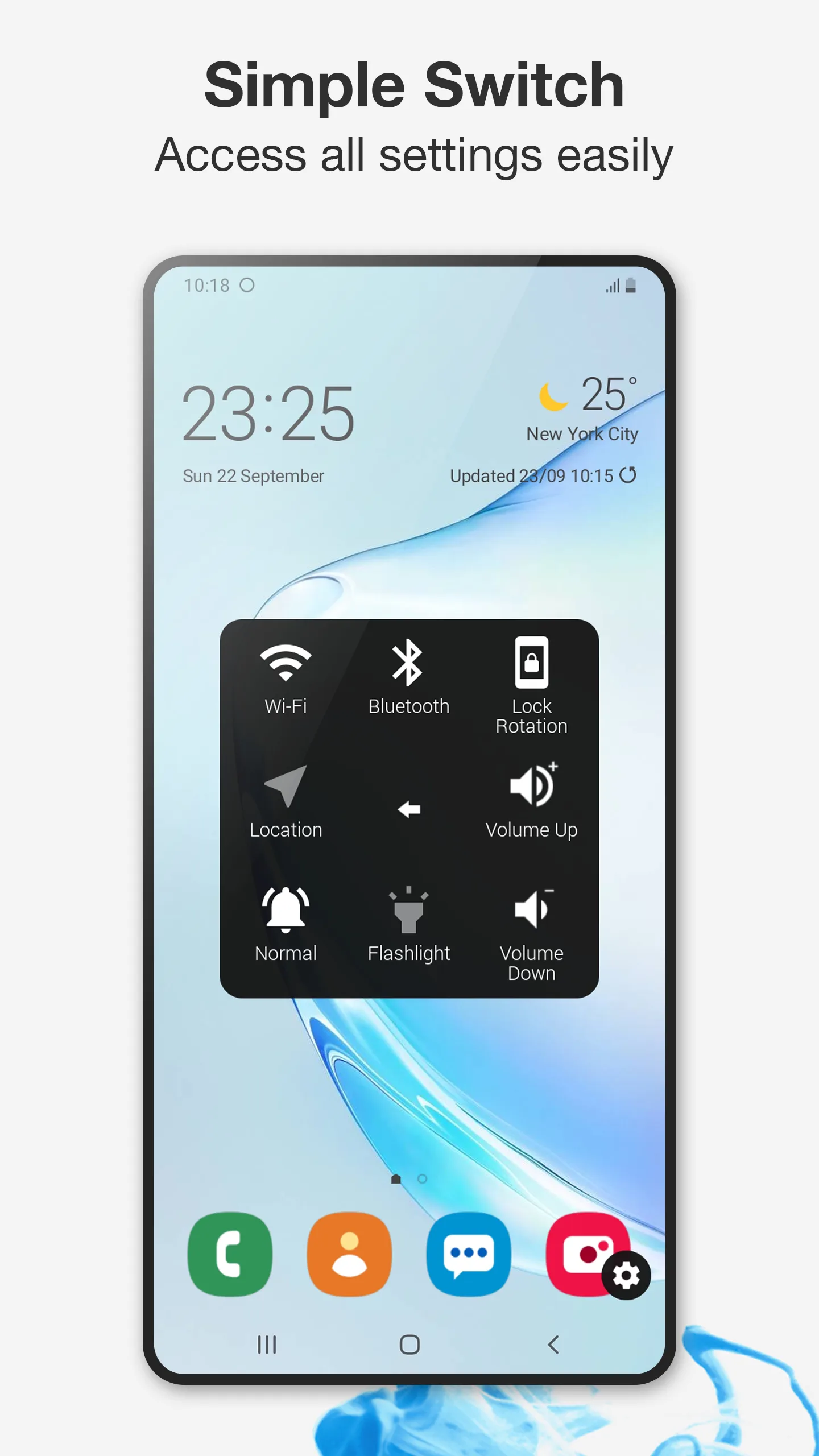
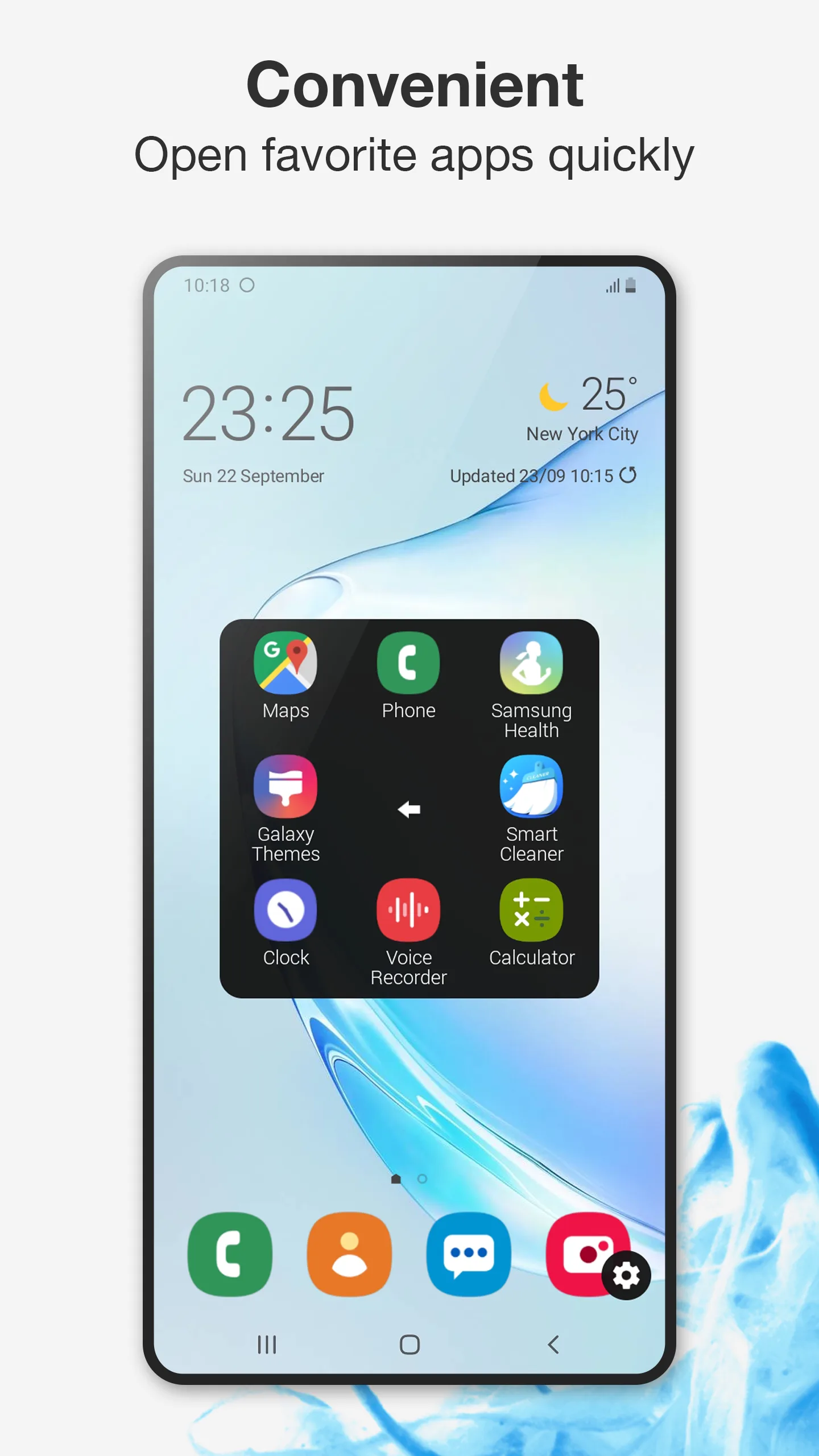
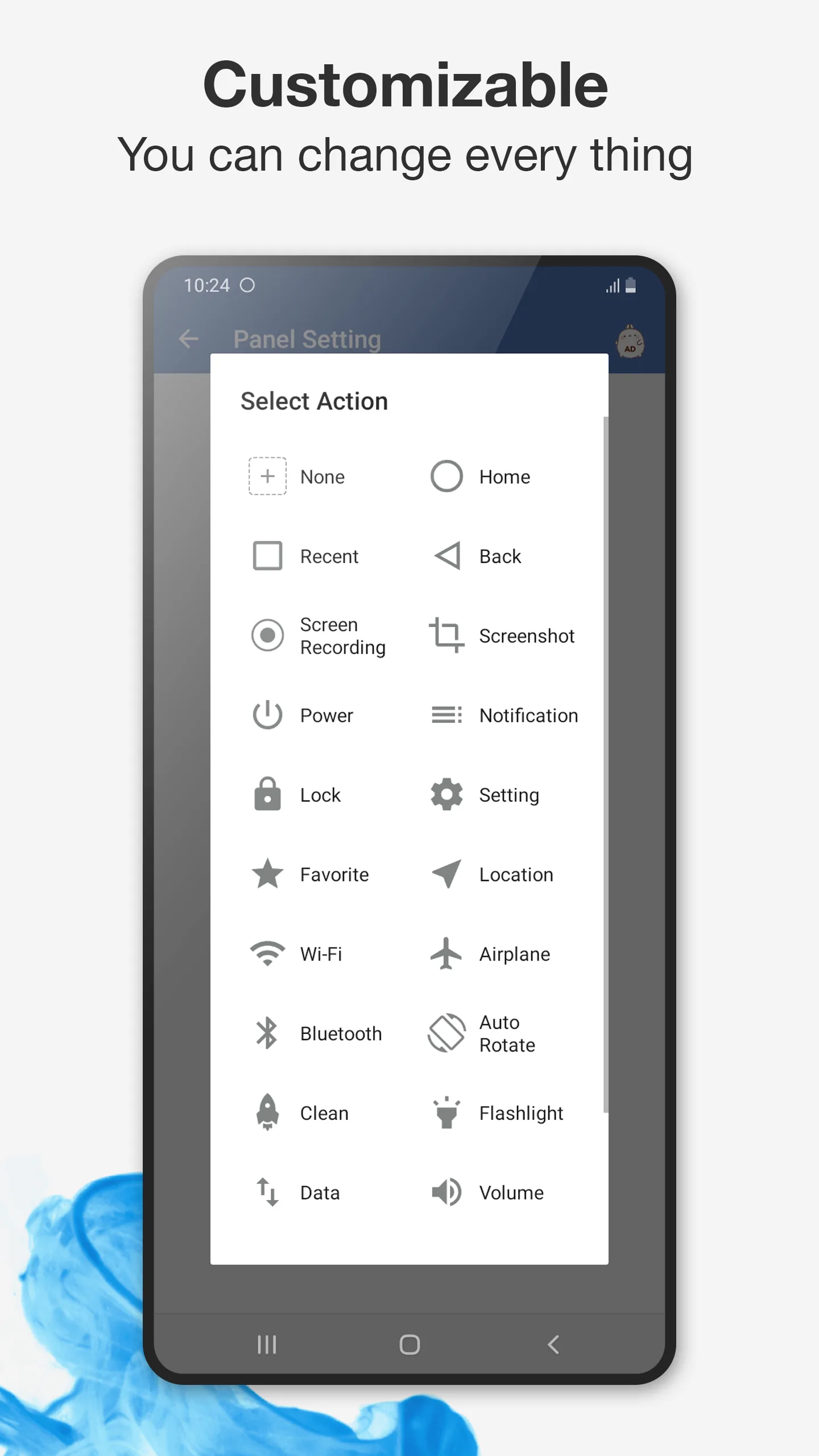
Assistive Touch (package mtr.assistivetouch.easytools) offers on-screen virtual keys and a floating ball.
Strengths for accessibility
- Virtual keys — replace back/home/recent/lock with taps.
- Floating ball — thumb-reachable on any screen.
- Brightness/volume on screen — no physical keys needed.
- Free to start — basic use with IAP.
Weaknesses for accessibility
- Lighter customization — fewer gesture remaps than Floating Assistant.
- Ads / IAP — promotional content varies.
Best for: users who want a simple, free virtual-key replacement.
Which should you pick?
- Want flexible, gesture-rich one-handed control → Floating Assistant.
- Want simple free virtual keys → Assistive Touch.
Get Floating Assistant — available on Android.