
Best CPU Temperature Monitor Apps for Android (2026)
The best CPU temperature and frequency monitor apps for Android in 2026: what to look for (real-time temp, widgets, overheat alarm) and how CPU Monitor compares to CPU-Z and DevCheck.
When your phone gets hot or sluggish, you want to know why — not just a vague ‘optimizing’ message. A CPU monitor shows the numbers behind the slowdown, and this 2026 guide covers what to look for and how CPU Monitor compares.
Why CPU temperature monitor matters on Android
On Android, a status-bar and desktop floating window plus home-screen widgets show live temperatures without opening the app — ideal while gaming or charging, when heat actually spikes. Background monitoring is light enough to leave on all the time.
What to look for in a CPU temperature monitor
- Real-time temperature — actual CPU and battery temperature, not a guess from load.
- Frequency & multicore — per-core speed and load so you see throttling.
- Floating window & widgets — live stats above any app and on the home screen.
- Overheat alarm — a warning before heat damages battery or performance.
- History & analysis — temperature/frequency curves to spot what triggers spikes.
- Lightweight — monitoring shouldn’t itself drain the battery or slow the phone.
The field at a glance
| App | Price (2026) | Platform | Best for / notes |
|---|---|---|---|
| CPU Monitor | Free download, core free + Pro unlock | Android only | Real-time temp/freq, RAM/battery, floating window, overheat alarm |
| CPU-Z | Free | Android + iOS | Hardware detection (CPU, GPU, sensors) but no live overheat alarm |
| DevCheck | Free + Pro | Android only | Hardware info and live sensors, deeper but busier UI |
CPU Monitor, in depth
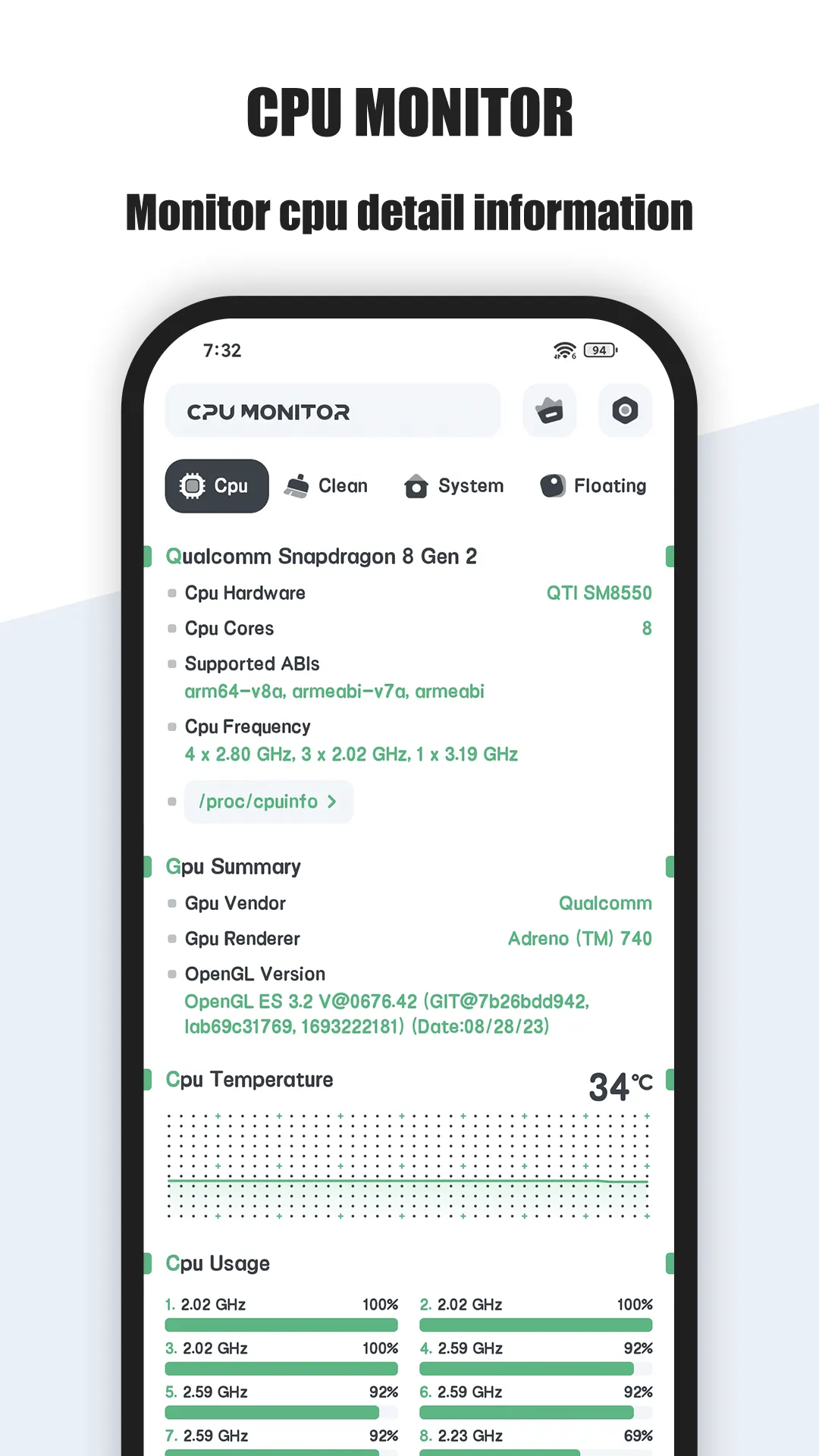
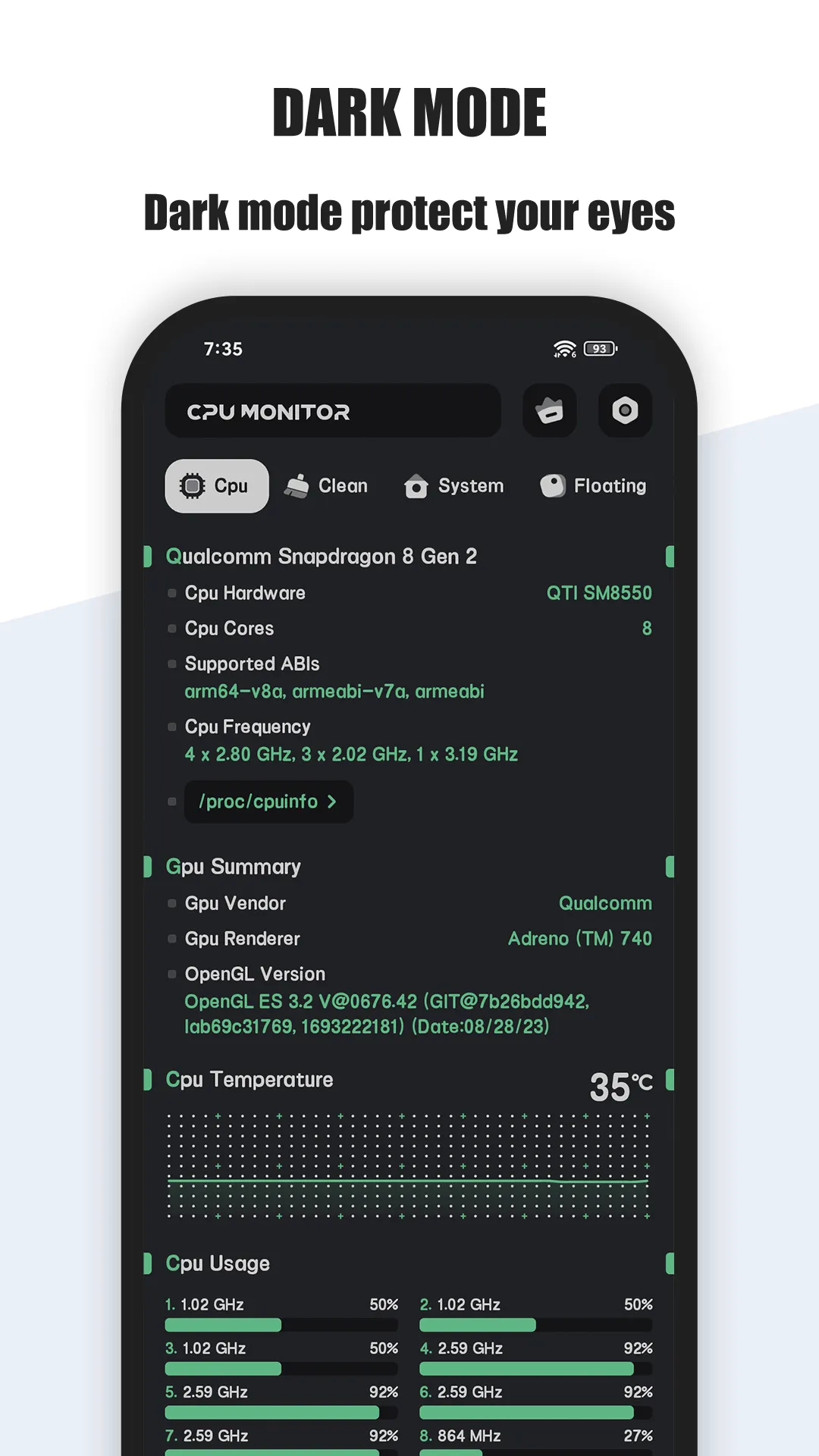
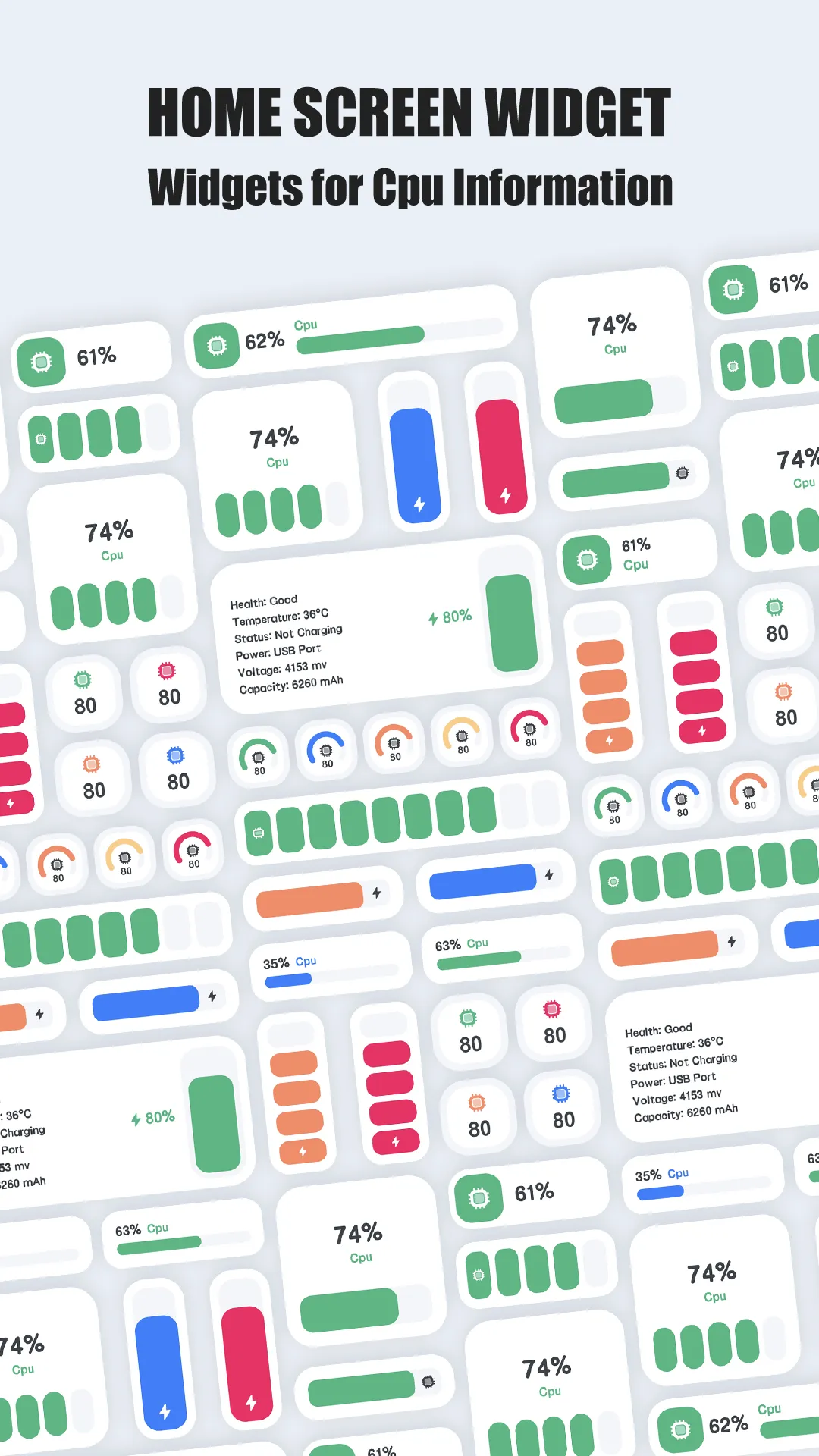
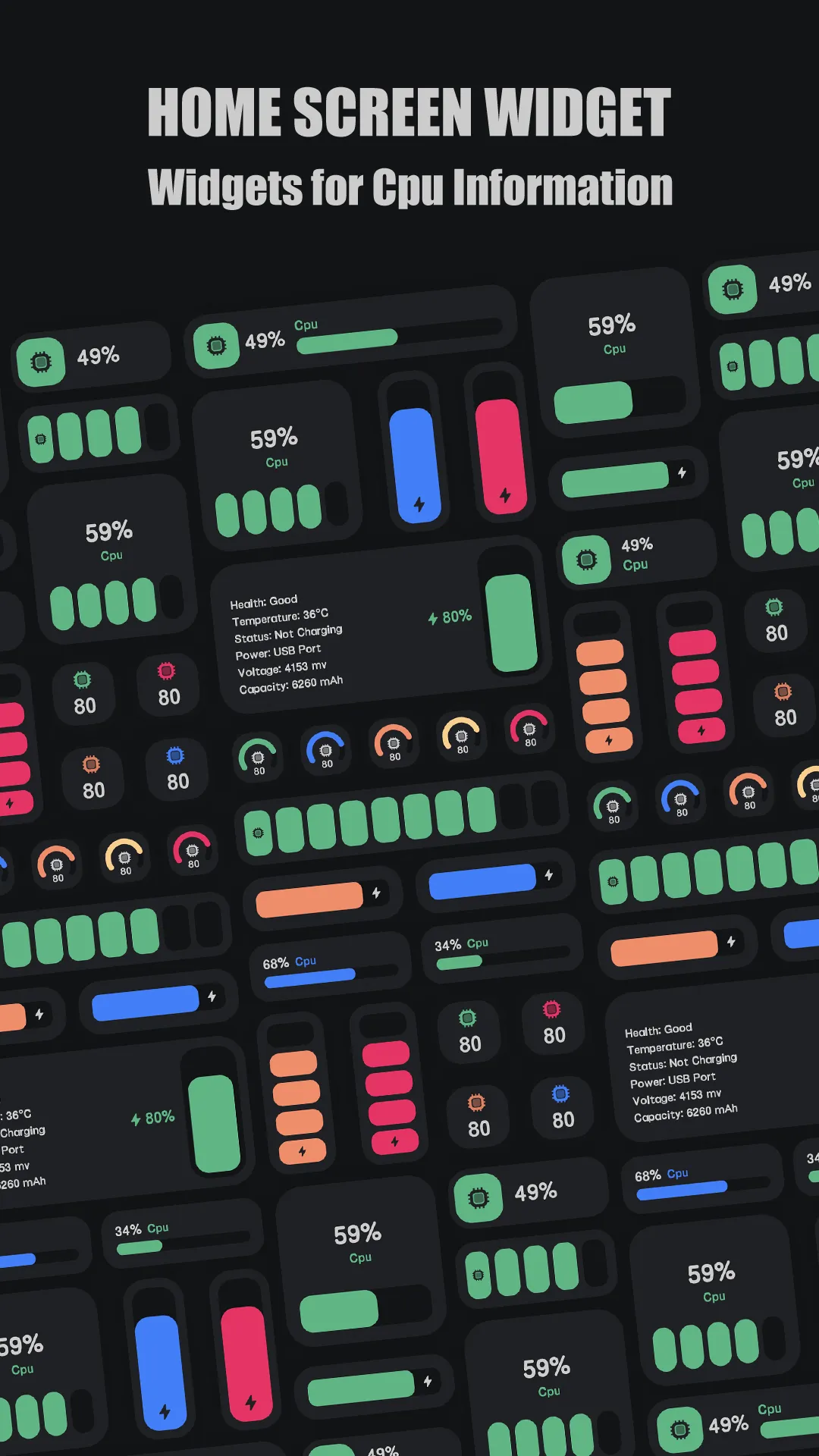
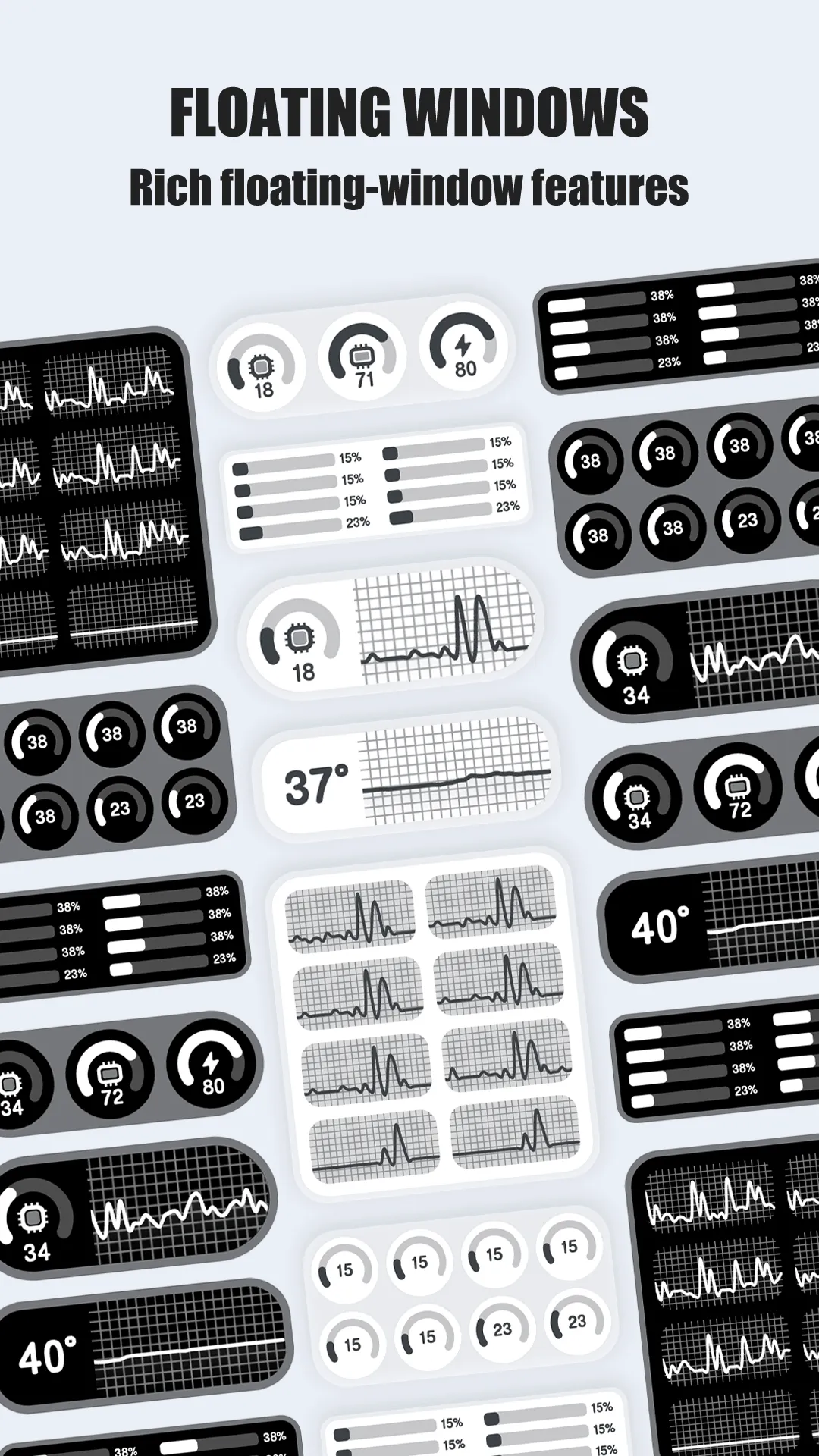
CPU Monitor shows real-time CPU temperature and frequency, RAM, battery and multicore usage on Android, with a floating window, widgets and an overheat alarm.
- Real-time CPU temp & frequency — plus multicore monitoring so you catch throttling early.
- RAM, battery & storage — live device stats in one place, not three apps.
- Floating window & widgets — status bar, desktop and home-screen widgets keep numbers in view.
- Overheat alarm — alerts when CPU or battery runs hot so you can cool down before damage.
- History analysis — temperature and frequency curves to find what triggers spikes (games, charging, sun).
- Pro upgrade — unlocks the deeper ‘Powerful System Monitor’ toolset for power users.
Best for: Android users who want live device temperatures and an overheat warning.
Go deeper:
- Best CPU temperature monitor
- Best phone temperature app
- CPU Monitor app page
- CPU Monitor Official User Guide
How CPU Monitor compares to the competition
- vs CPU-Z — CPU-Z is a free, respected hardware detector, but it’s a static spec sheet — no live overheat alarm or floating window while you game. CPU Monitor adds real-time temp tracking and alerts. Full breakdown in CPU Monitor vs CPU-Z.
- vs DevCheck — DevCheck shows rich live sensor data and is powerful, but the busier interface and Pro upsell make it heavier than CPU Monitor’s focused, glanceable approach.
- More options — see Best CPU-Z Alternatives in 2026 for the full field.
Which should you pick?
Quick pick by situation:
- Want live temp + overheat alarm while gaming → CPU Monitor.
- Just need a free spec sheet → CPU-Z.
- Want deep sensor data and don’t mind a busier UI → DevCheck (Pro).
- Want widgets + floating window at a glance → CPU Monitor.
Conclusion
For Android users who want live CPU temperatures, an overheat alarm and widgets, CPU Monitor is the most practical pick.
Or read the Best CPU temperature monitor for the full breakdown.