
Best CPU-Z Alternatives for Android in 2026
Looking for alternatives to CPU-Z in 2026? We compare six hardware and system-info apps — CPU Monitor, DevCheck, AIDA64, Device Info HW, Droid Hardware Info and System Monitor — across live temperature, frequency, RAM, battery, floating windows and widgets, with a core-capability table and a pick-by-need guide.
CPU-Z is great for a quick spec sheet, but on Android it doesn’t show live temperature, lacks a floating window, and offers no widgets or overheat alarms. If you want real-time monitoring, the field has mature options.
Below we compare six alternatives to CPU-Z — from a live temperature monitor to deep spec reporters — across price, platforms and the capabilities that actually matter.
Why look beyond CPU-Z
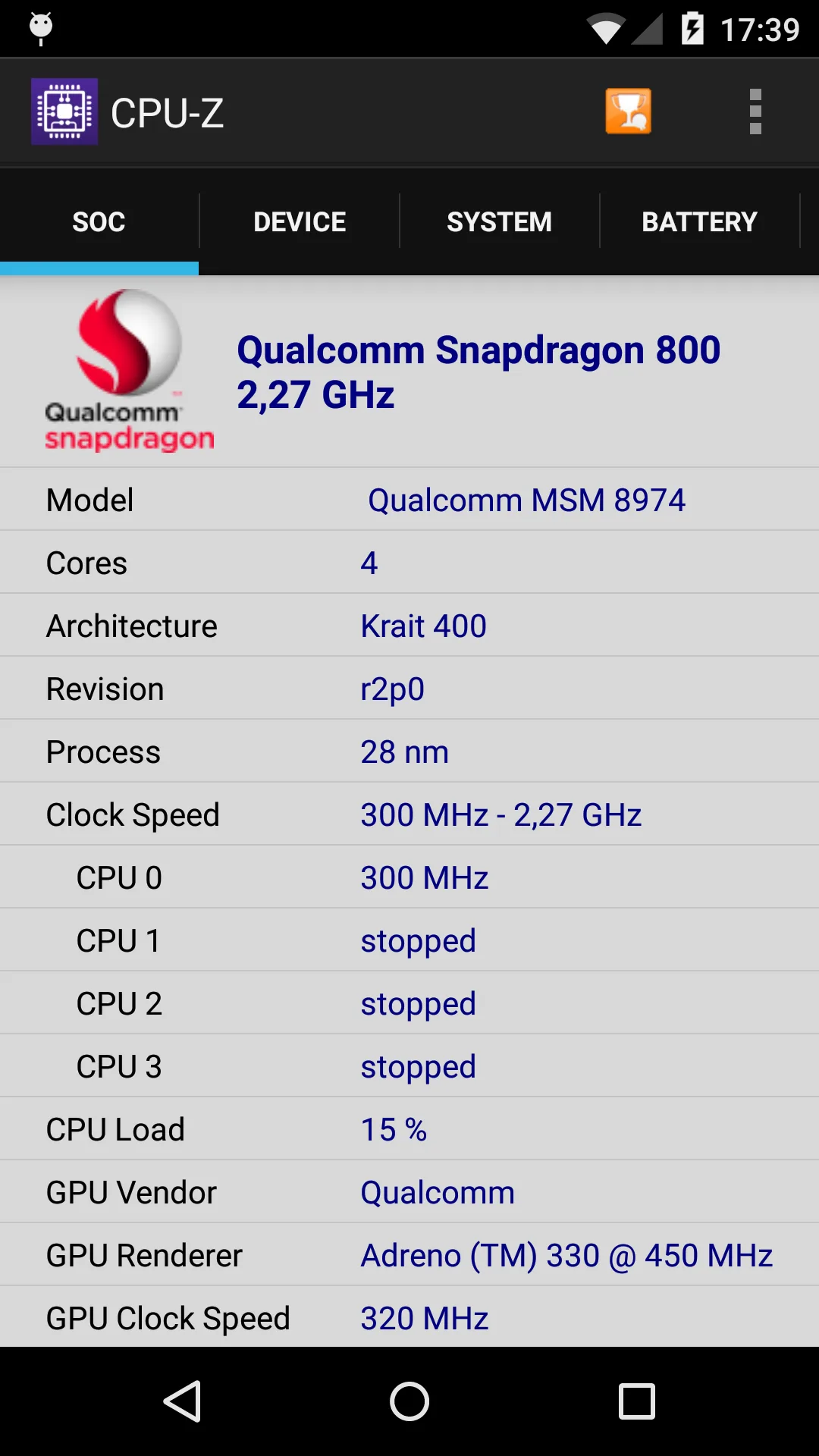
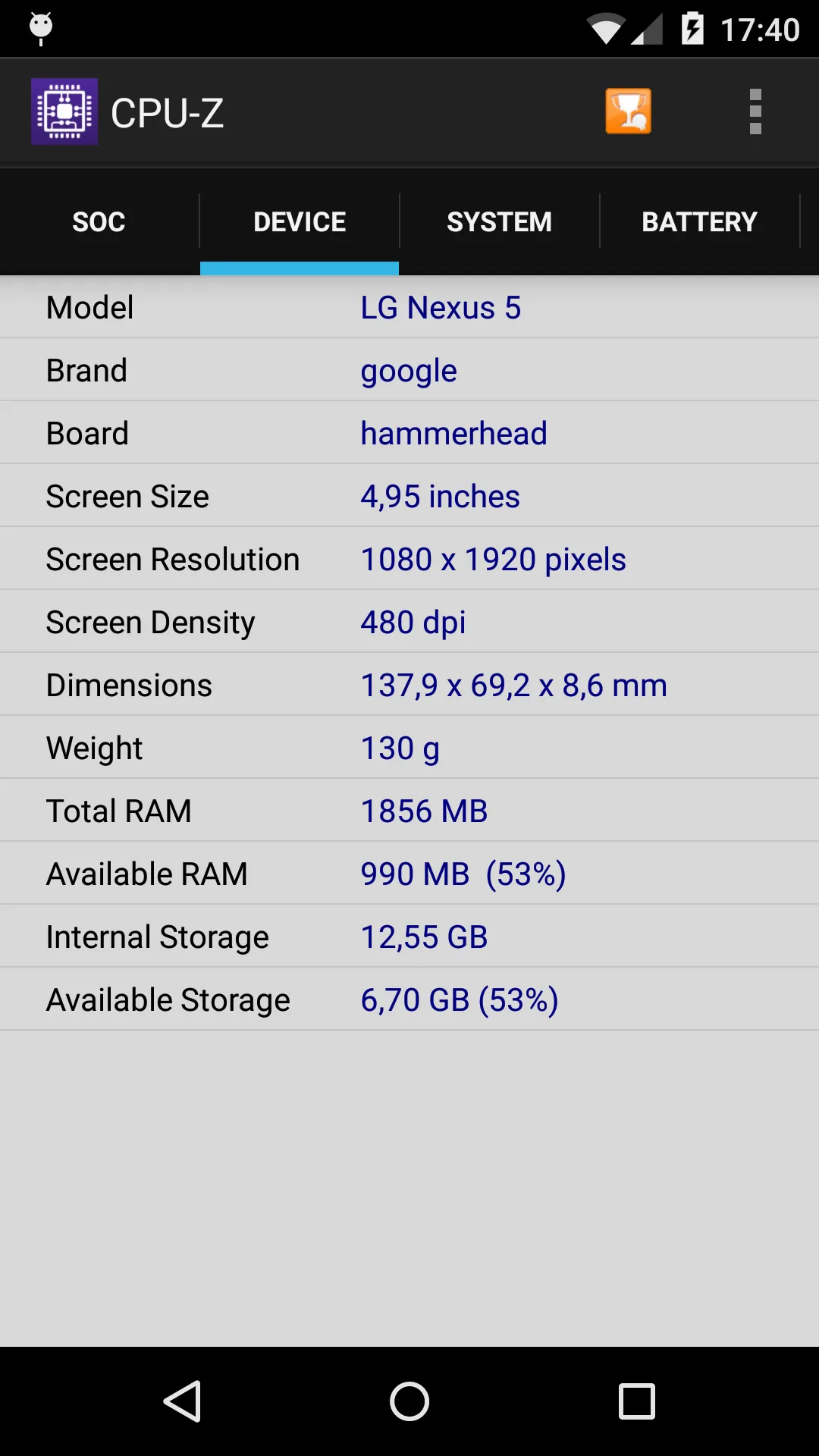
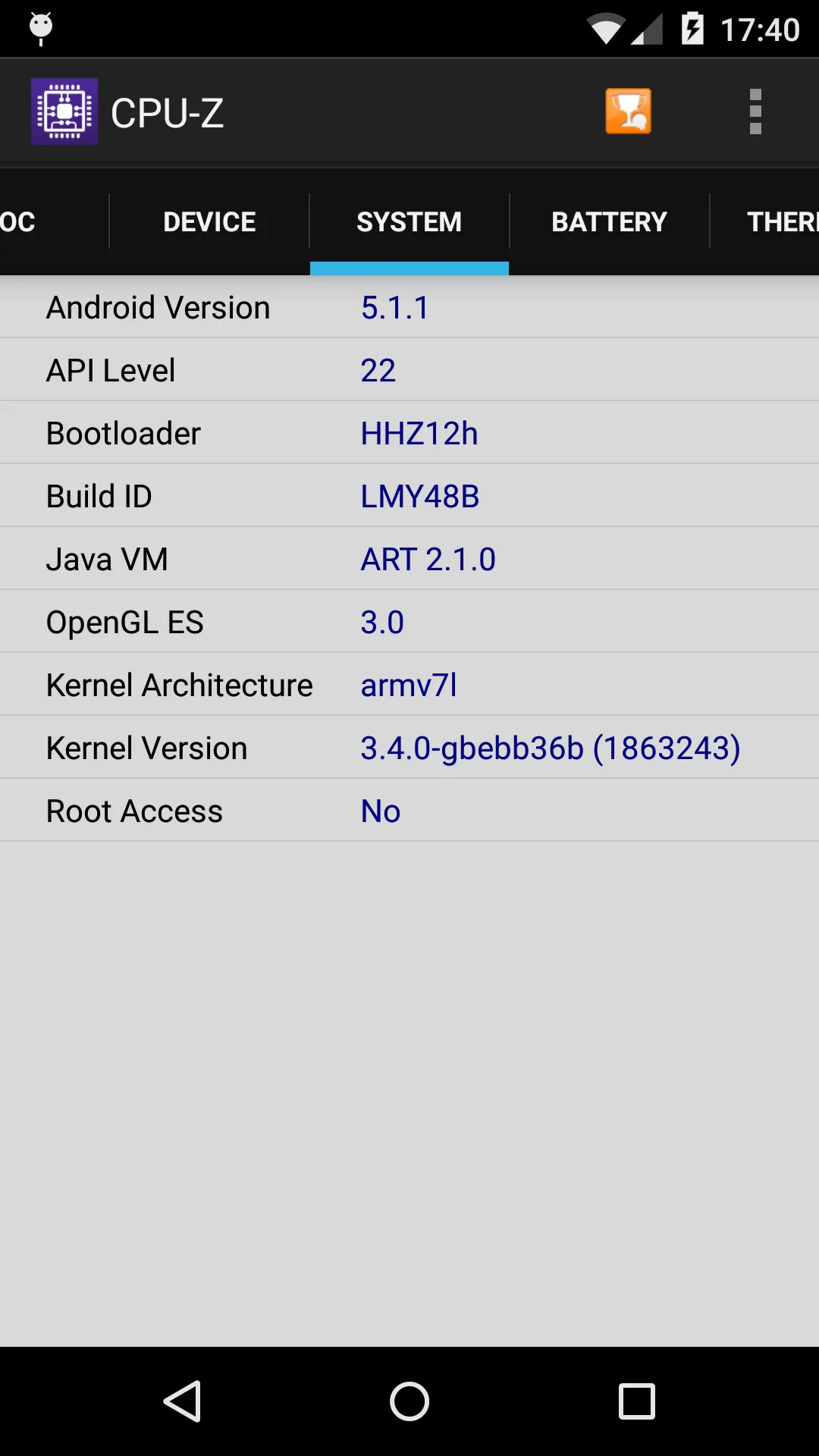
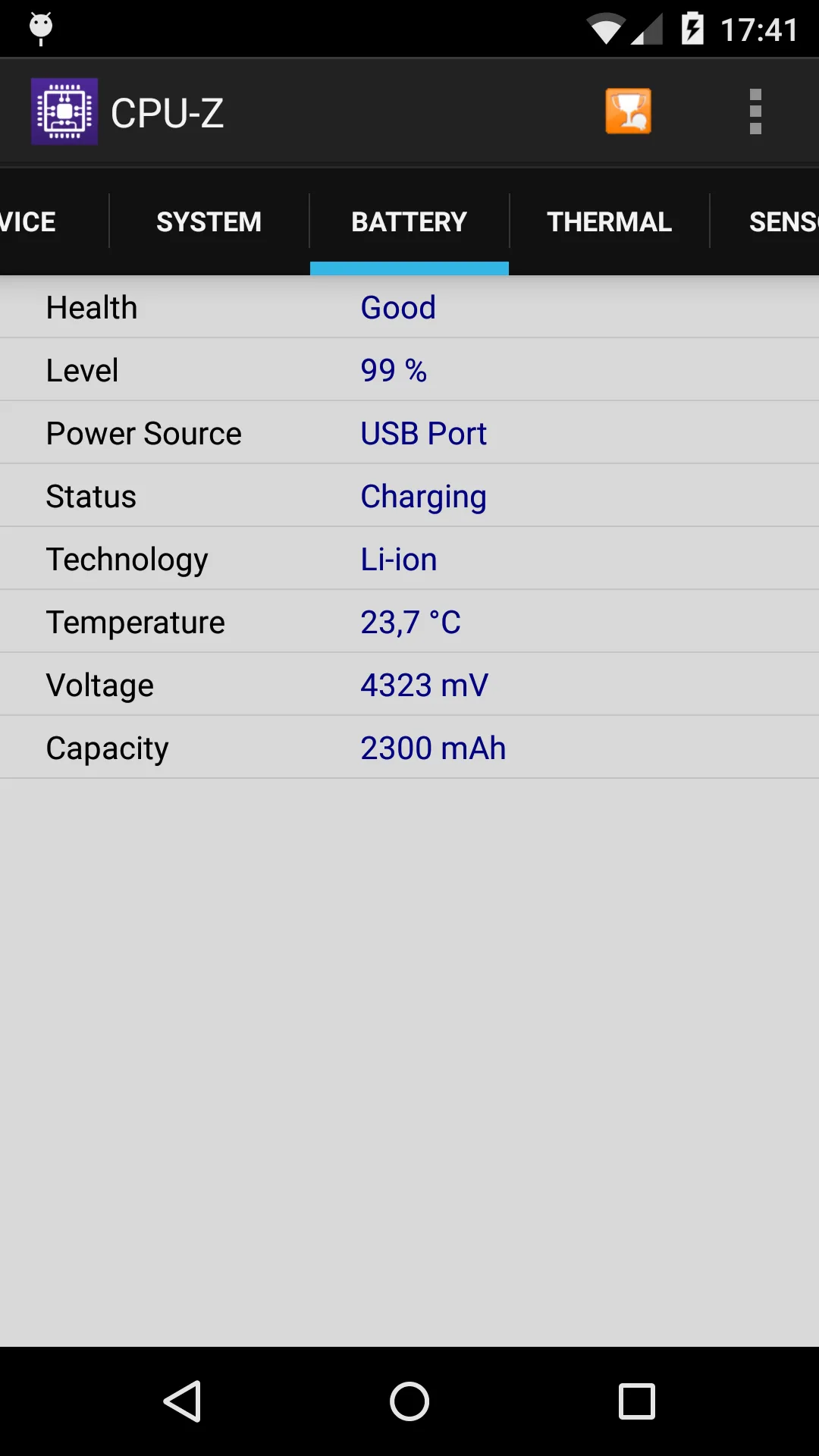
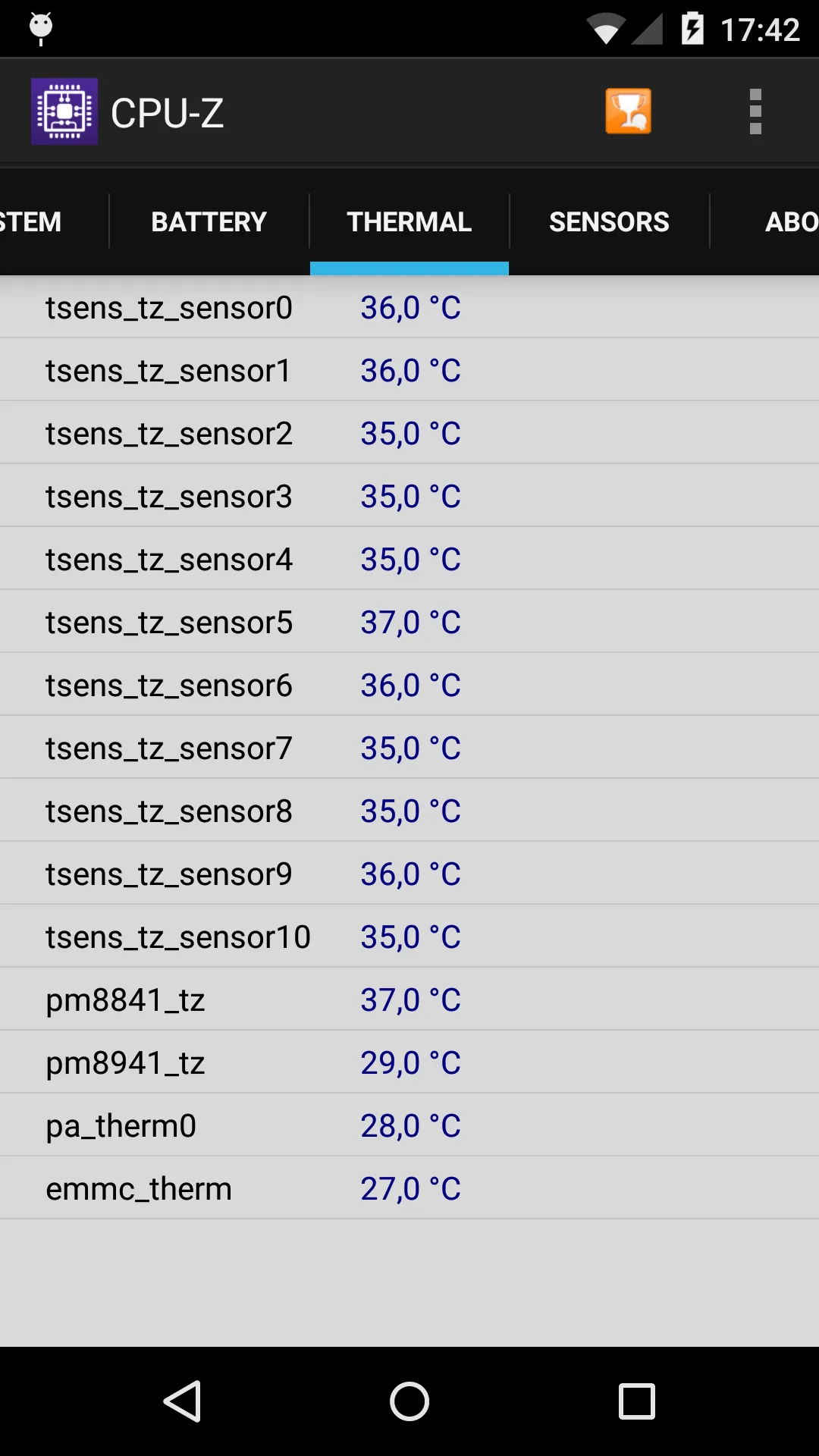
- No live CPU temperature on most Android devices — it reports specs, not heat.
- No floating window or widgets for at-a-glance monitoring.
- Light on sensors and battery health compared with dedicated tools.
- Mobile version is ad-supported and less deep than the PC classic.
- You may want overheat alarms or one-tap boost, which it doesn’t provide.
The best CPU-Z alternatives at a glance
| App | Price (2026) | Platforms | Best for |
|---|---|---|---|
| CPU Monitor | Free core + unlock | Android | Live temp, frequency, floating window |
| DevCheck | Free + Pro | Android, iOS | Detailed hardware and sensors |
| AIDA64 | Free | Android, iOS | Deep spec report |
| Device Info HW | Free + Pro | Android | Per-component hardware info |
| Droid Hardware Info | Free | Android | Quick device specification |
| System Monitor | Free core + unlock | Android | Monitor + cleaner + booster |
1. CPU Monitor — best for live temperature
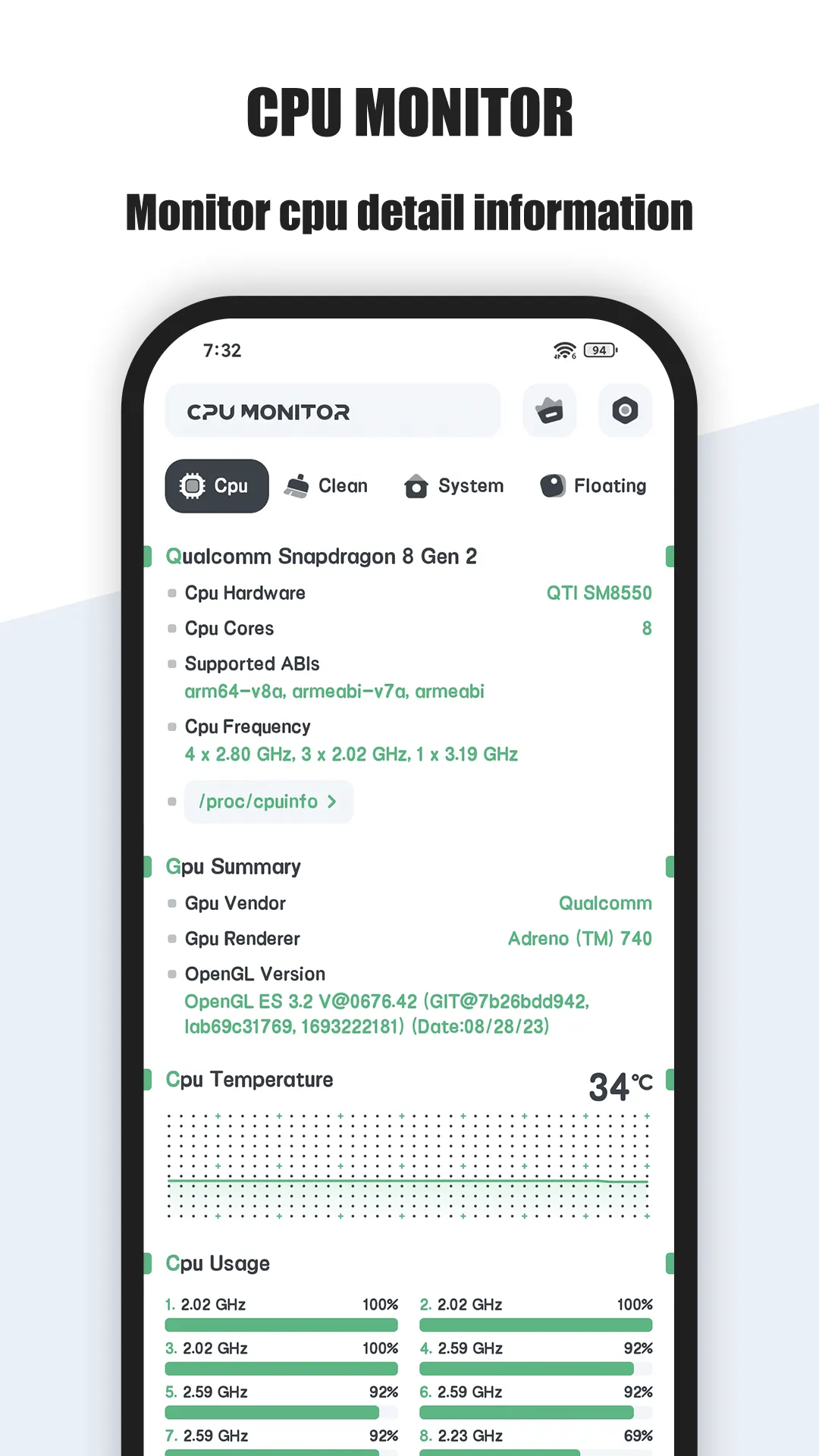
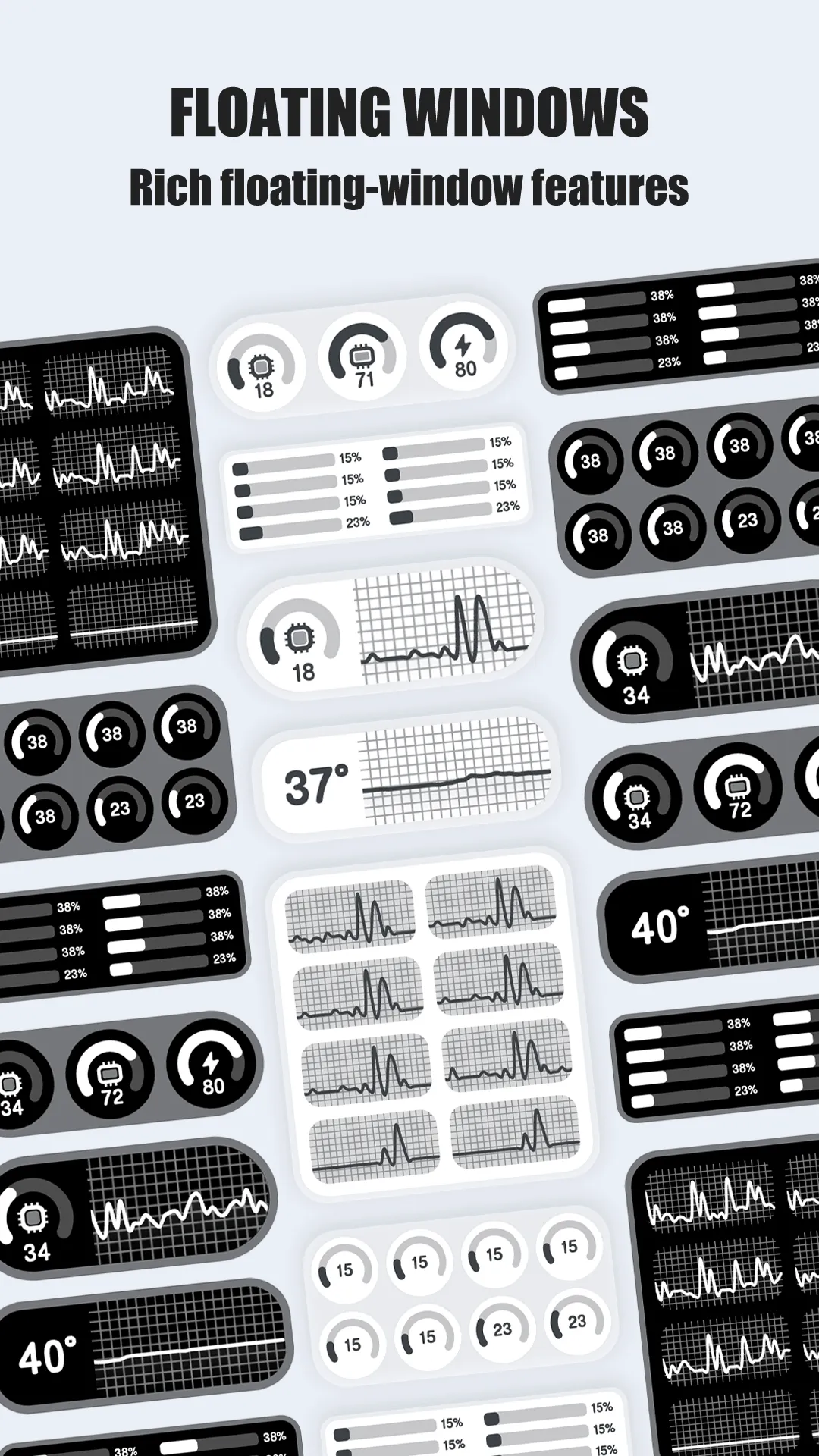
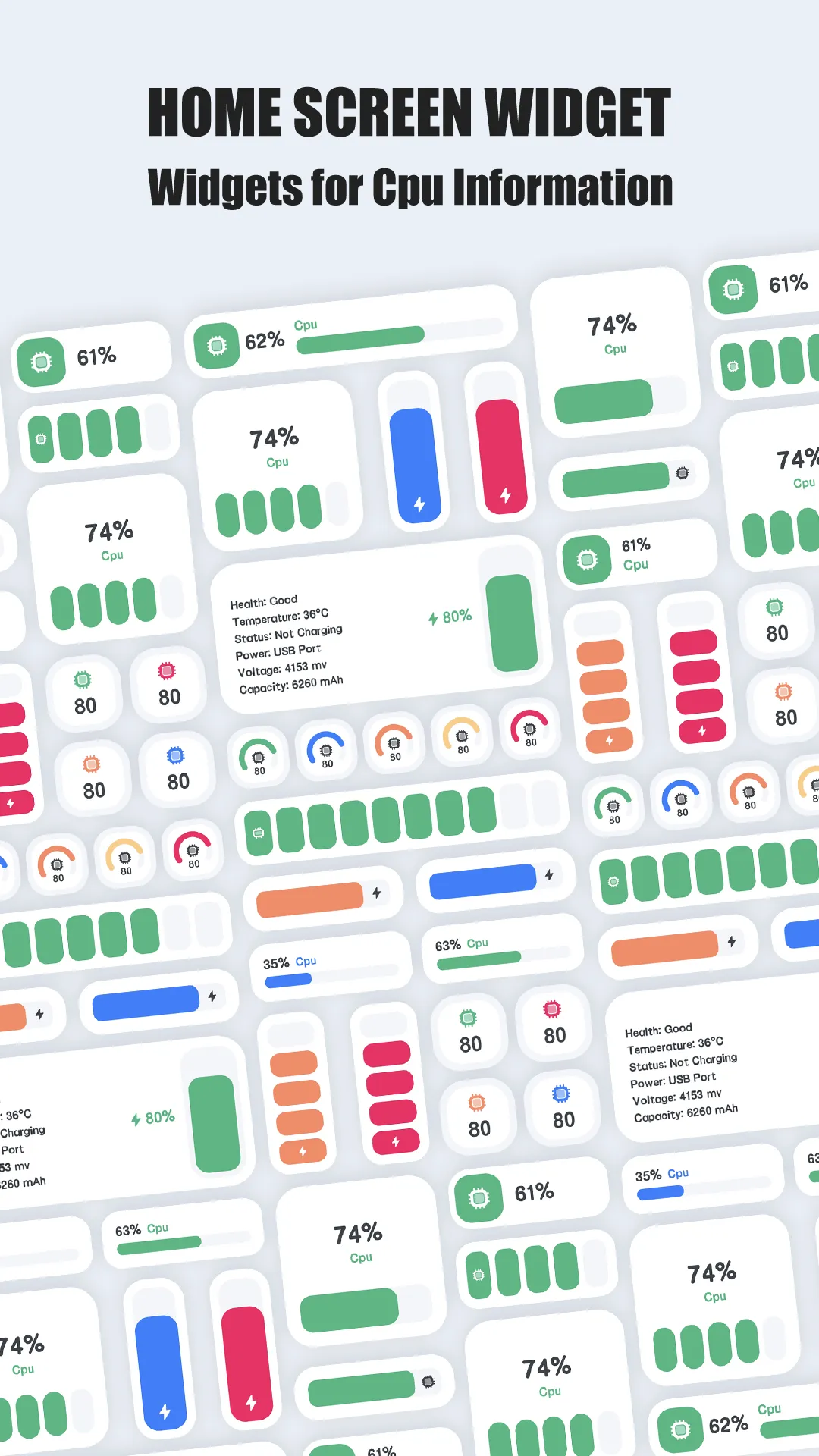
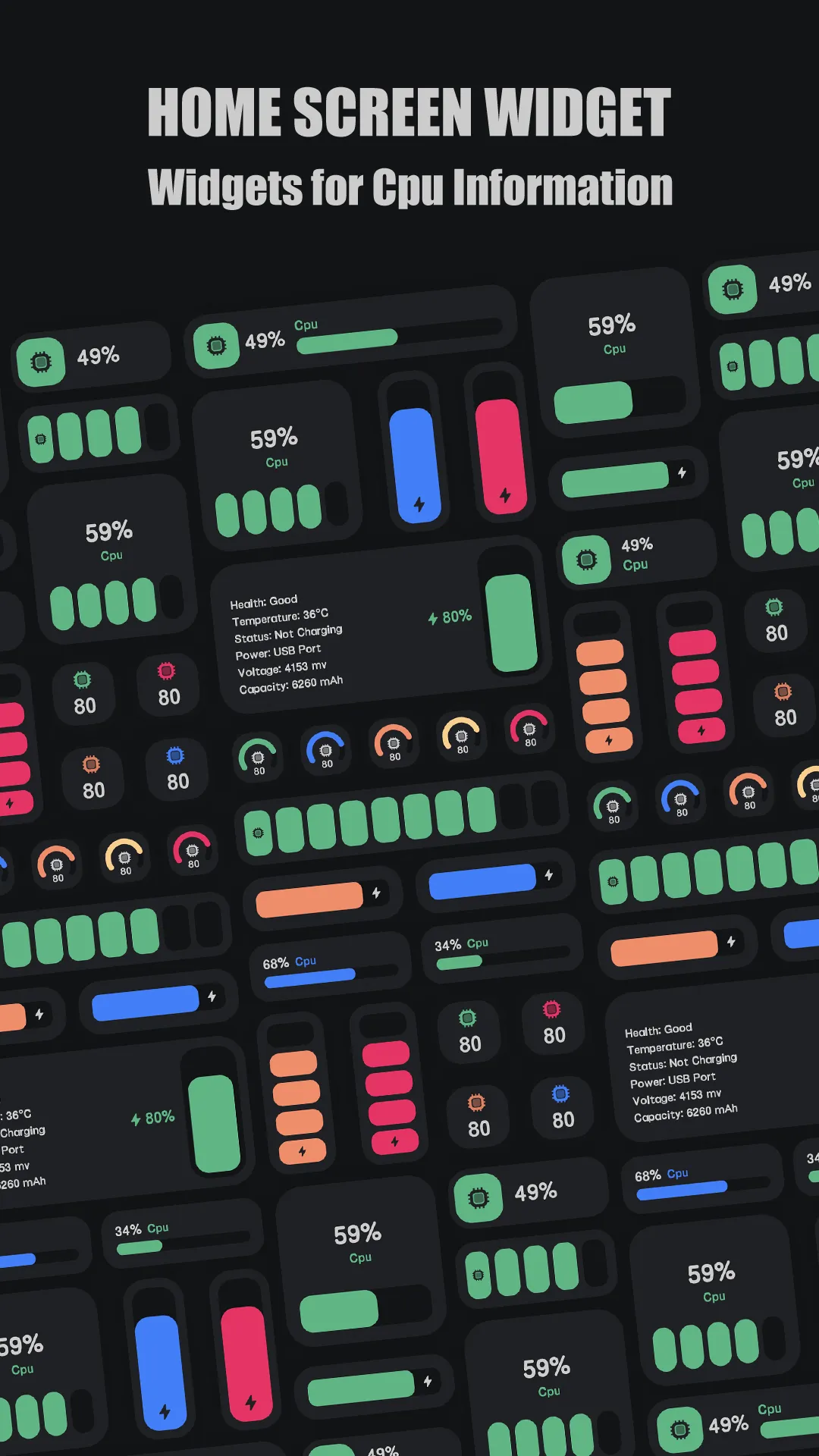
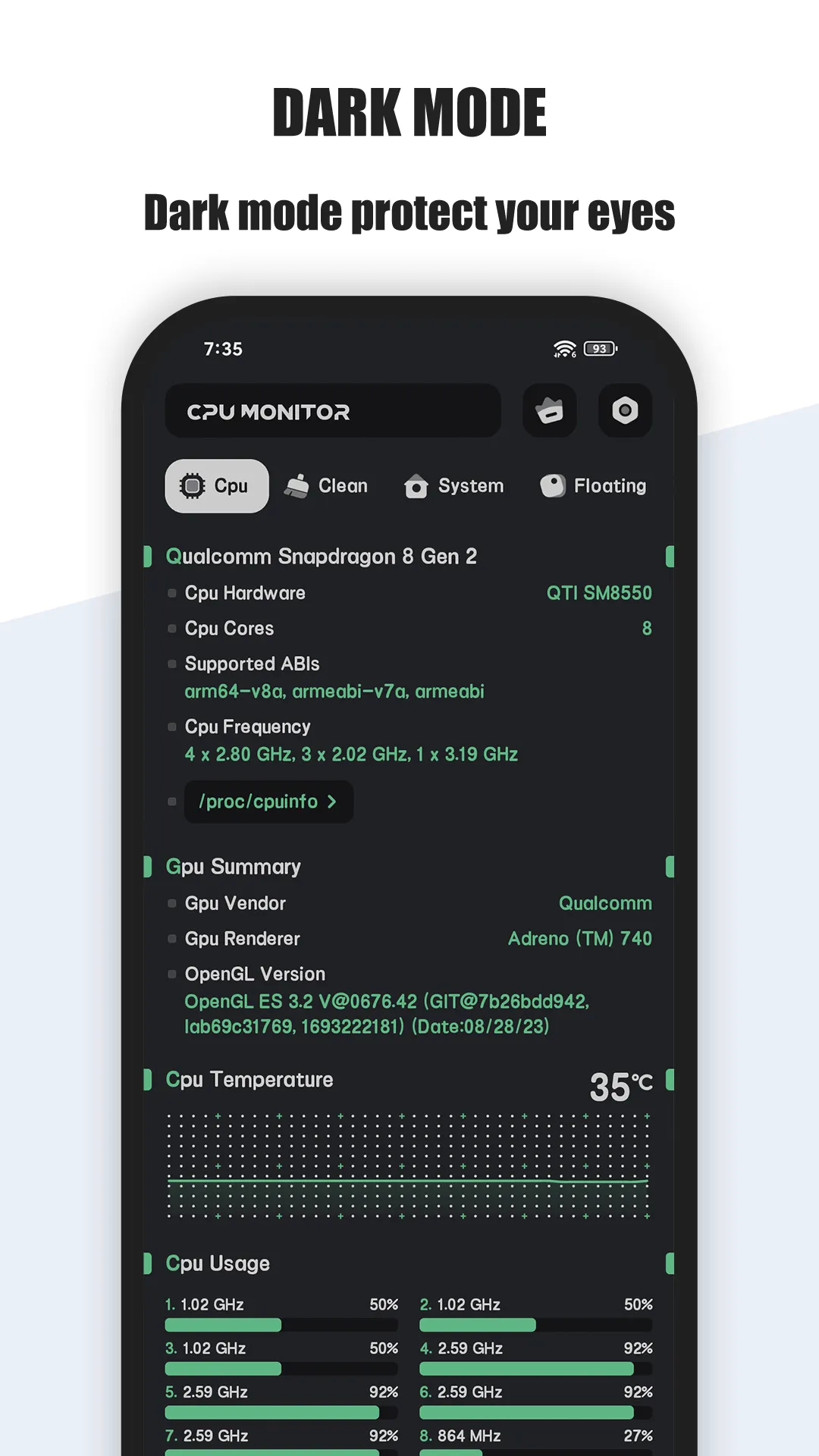
CPU Monitor shows real-time CPU temperature and frequency, RAM, battery and multicore usage, with a floating window, widgets, one-tap boost and an overheat alarm.
Strengths
- Real-time CPU temperature and frequency with history analysis.
- Multicore CPU monitoring and per-core usage.
- Floating window (status bar + desktop) and RAM/CPU/battery widgets.
- Overheat alarm that warns you to close heavy apps and cool down.
- One-tap boost shortcut to free RAM quickly.
- Multi-theme, lightweight, and free core.
Weaknesses
- Android only — no iOS app.
- Advanced history/theme features sit behind an unlock.
- Temperature accuracy depends on device sensor availability.
Best for: users who want to actually watch heat and frequency while gaming or charging.
Download CPU Monitor
2. DevCheck — best for detailed sensors
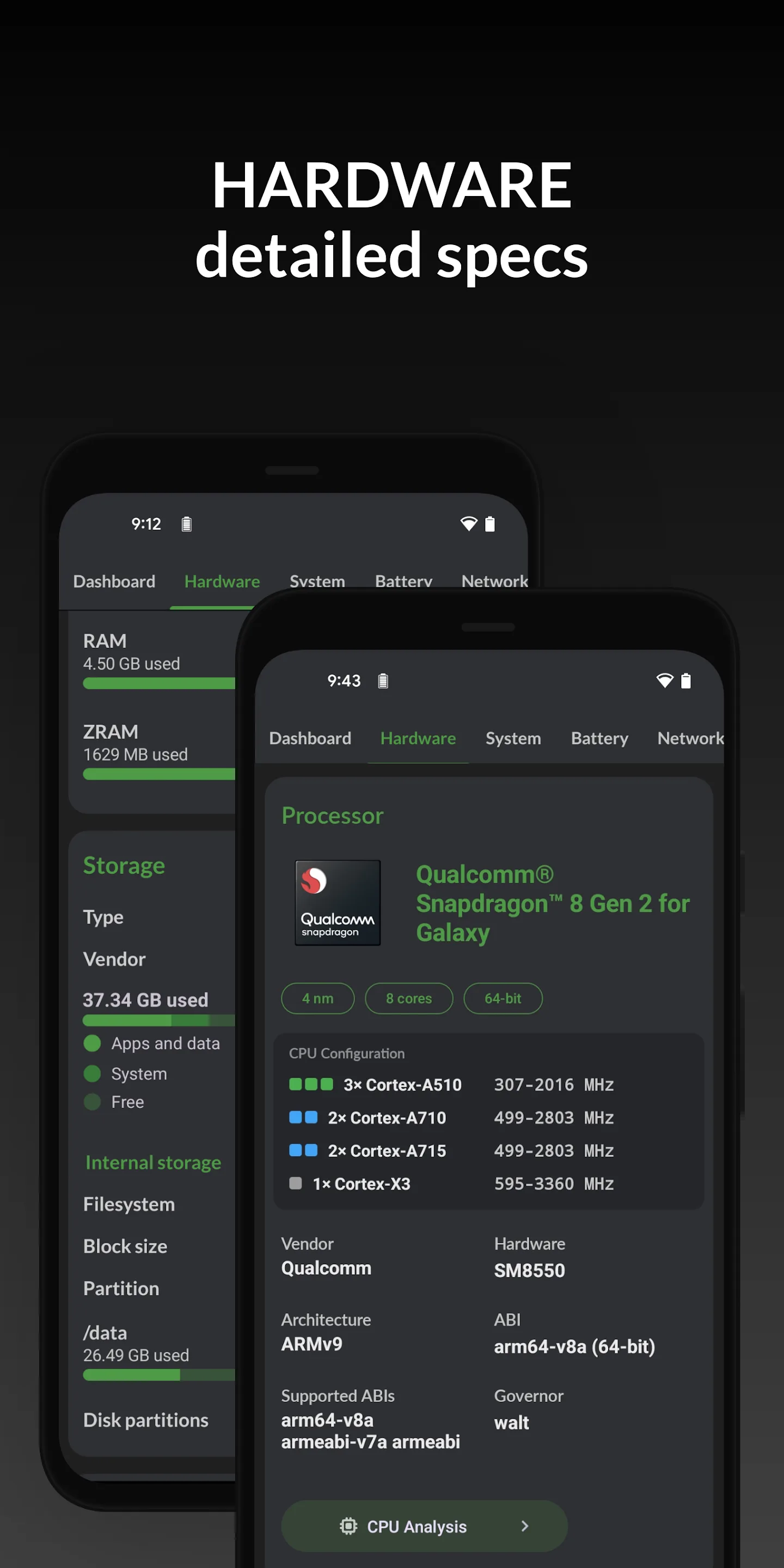
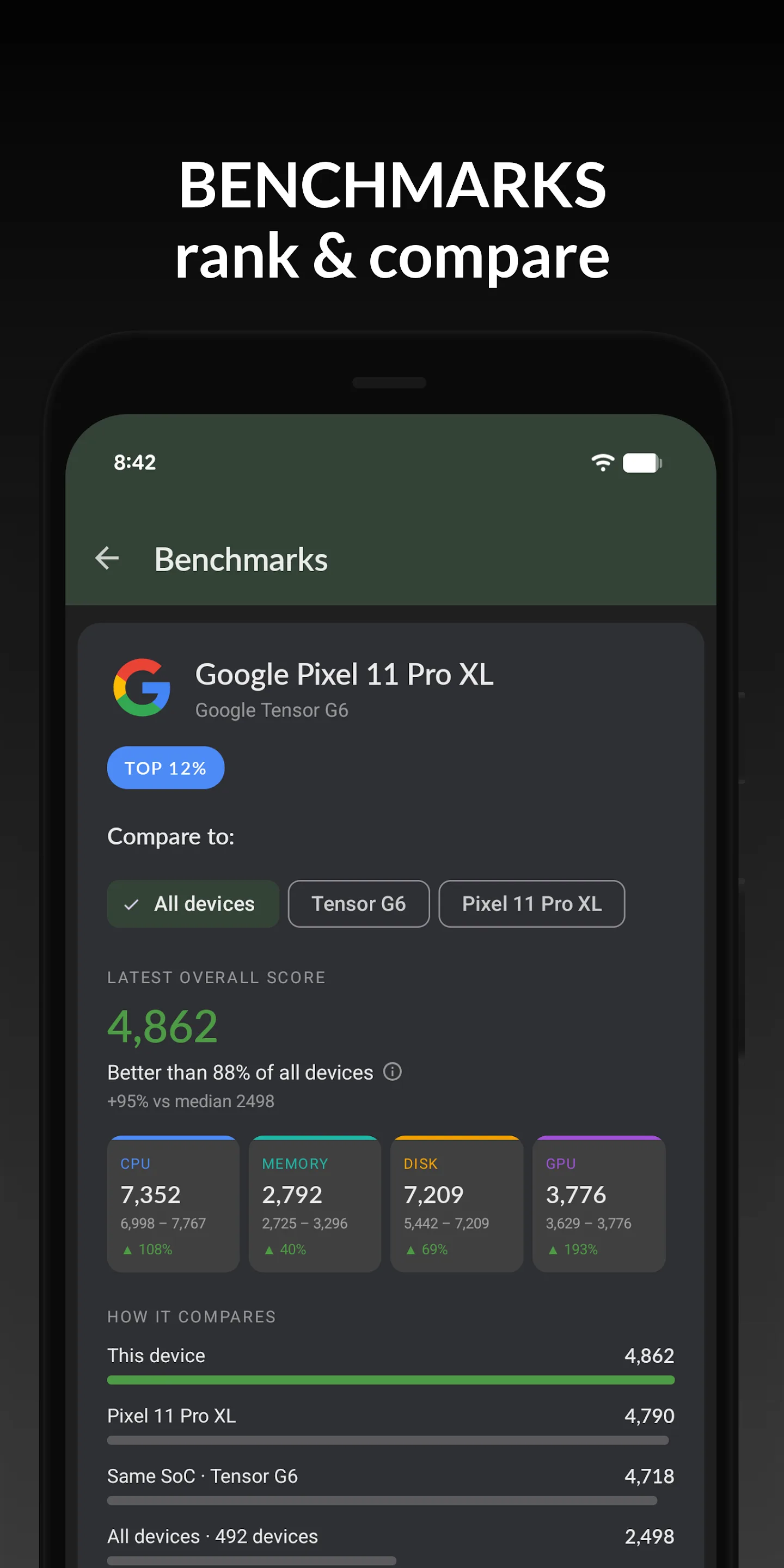
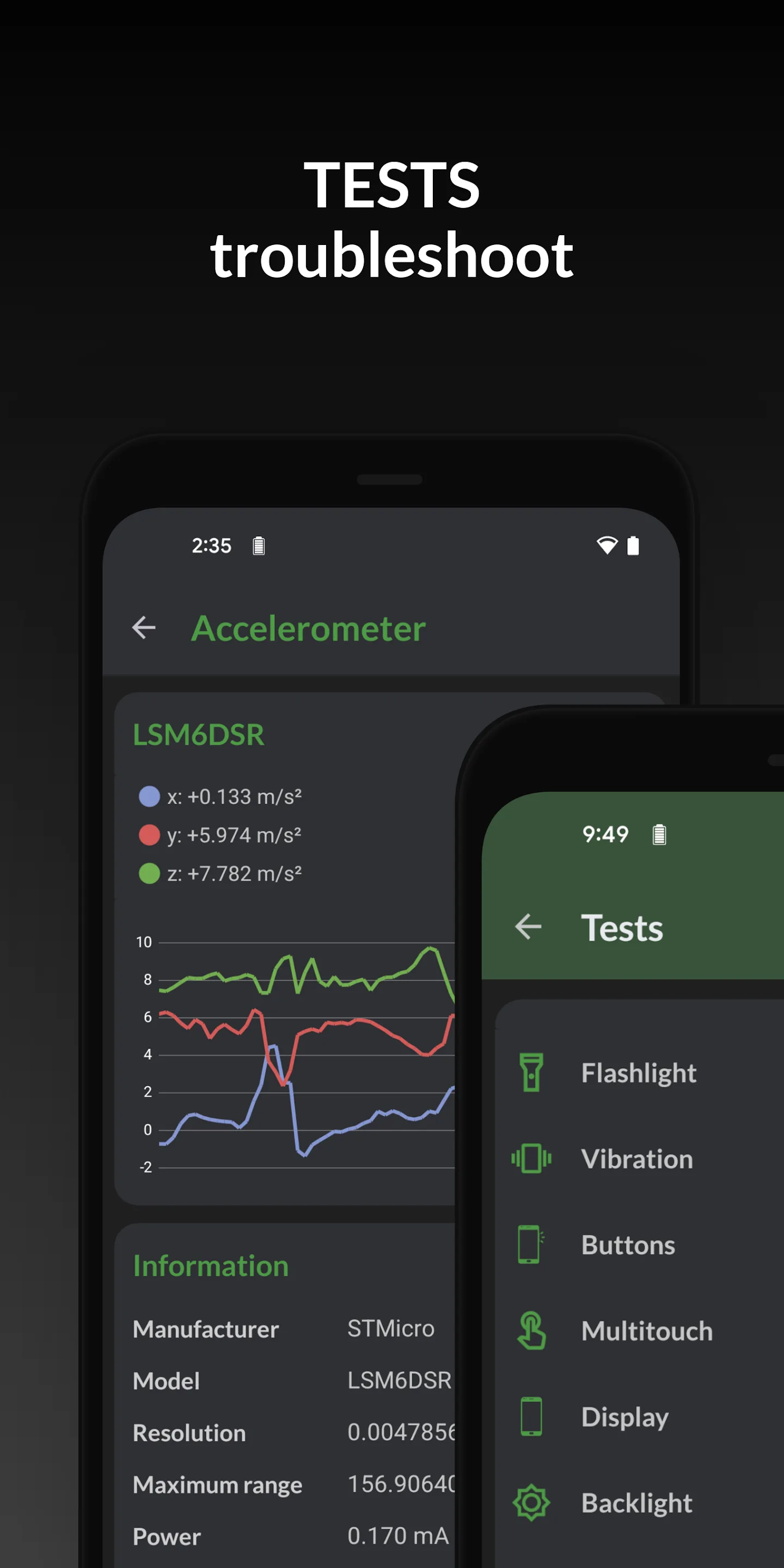
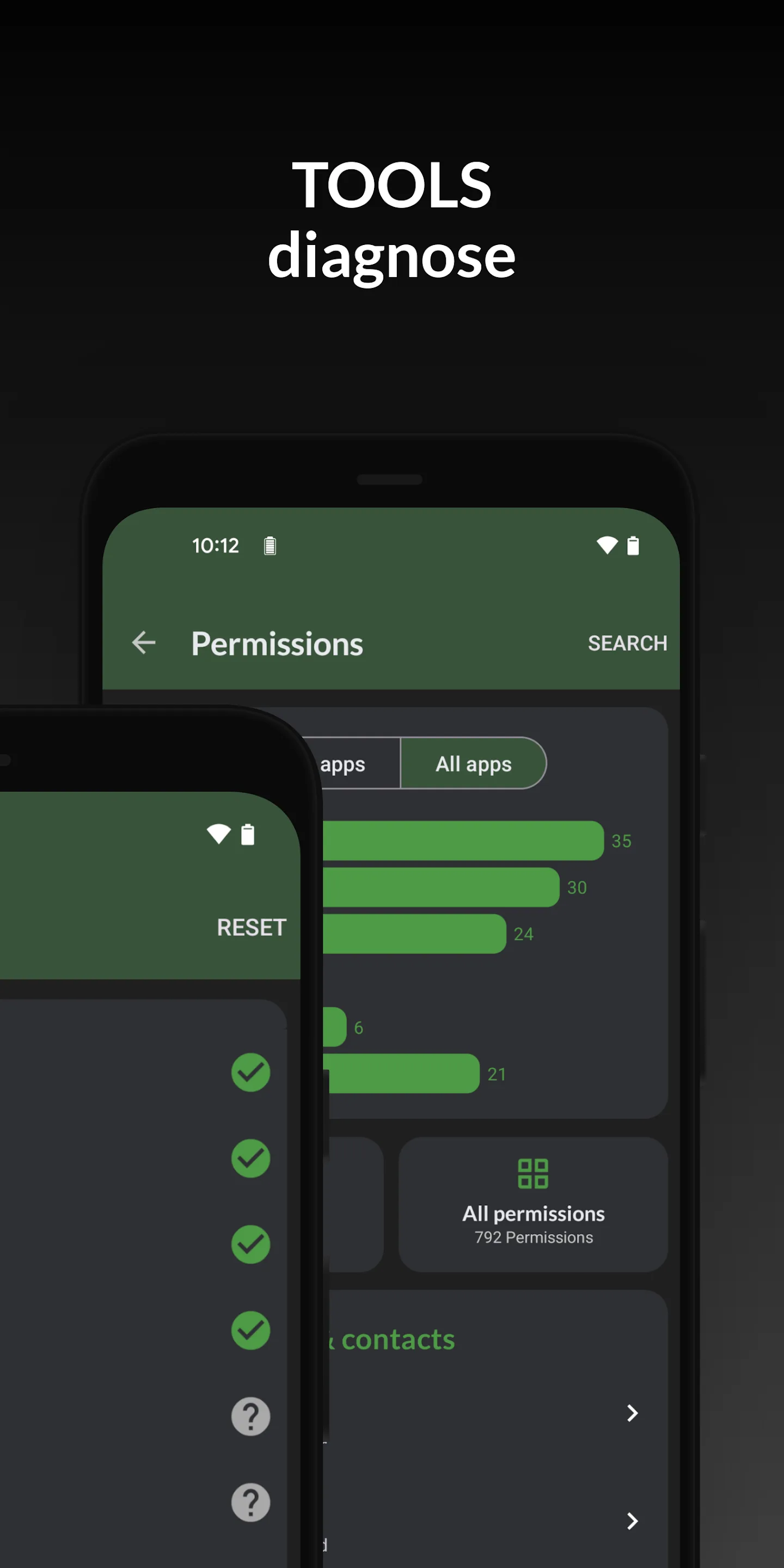
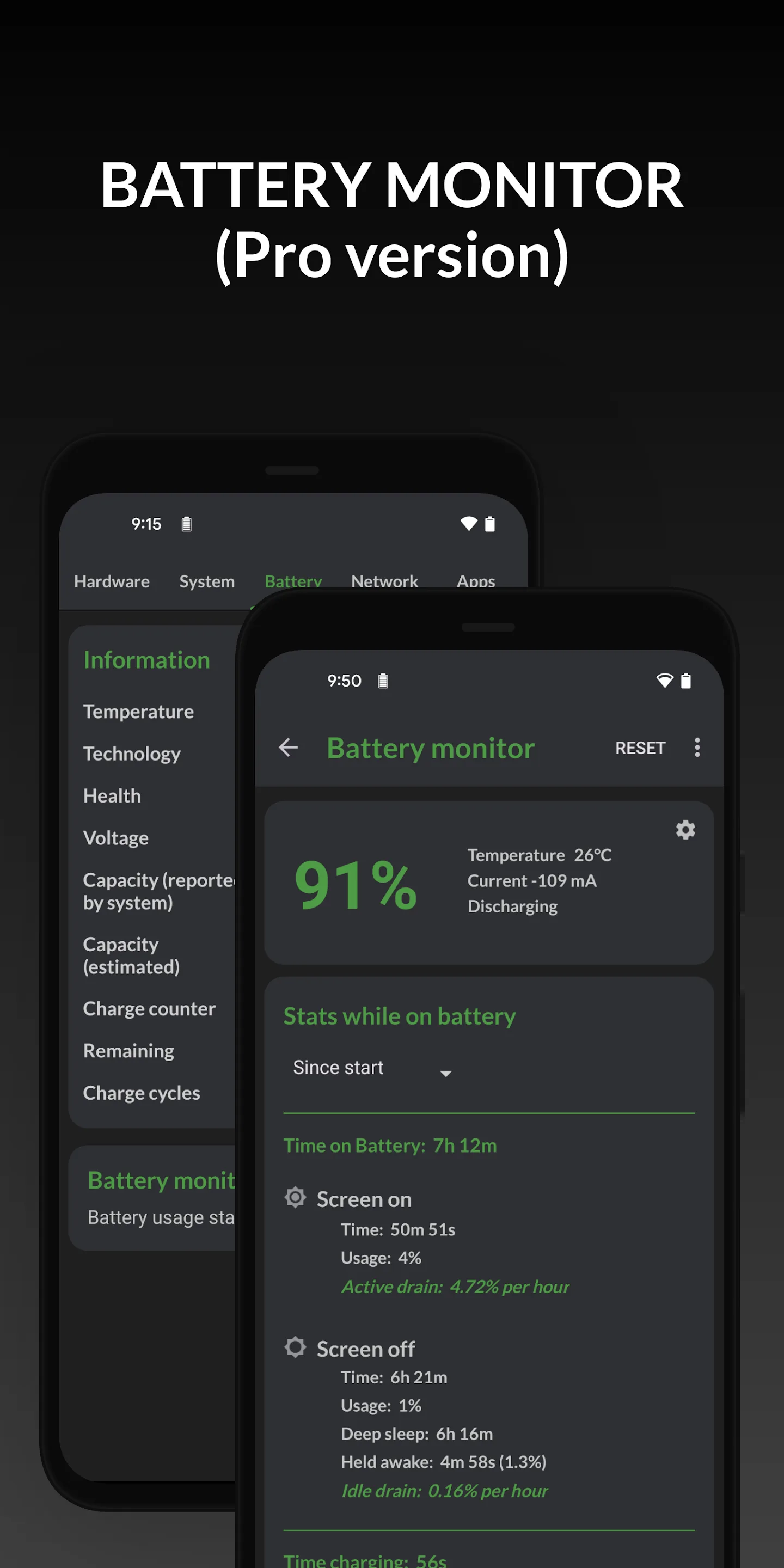
DevCheck is a comprehensive hardware and sensor reporter with a clean dashboard: CPU, GPU, battery, network, sensors, and more, plus a system monitor and widgets.
Strengths
- Deep hardware readout — SoC, GPU, memory, storage, camera, sensors.
- Live dashboard for CPU, battery and thermal info.
- Widgets and a system monitor for ongoing tracking.
- Clean, ad-light interface.
- Free with a Pro upgrade for extra dashboards.
Weaknesses
- No floating window overlay.
- Overheat alarms and one-tap boost are not its focus.
- Best depth is behind DevCheck Pro.
Best for: tinkerers who want a full hardware inventory and sensor list.
Download DevCheck
3. AIDA64 — best deep spec report
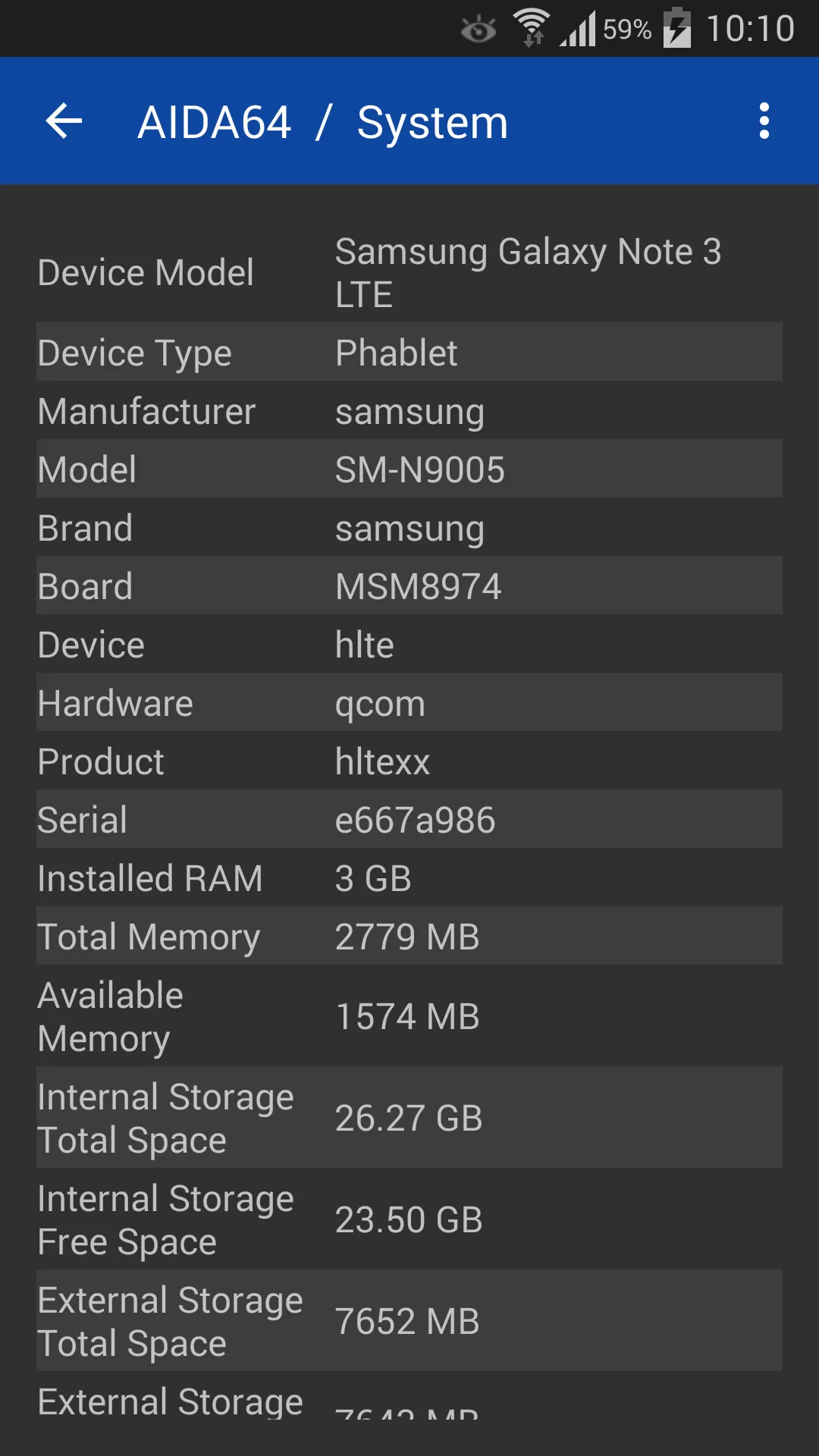
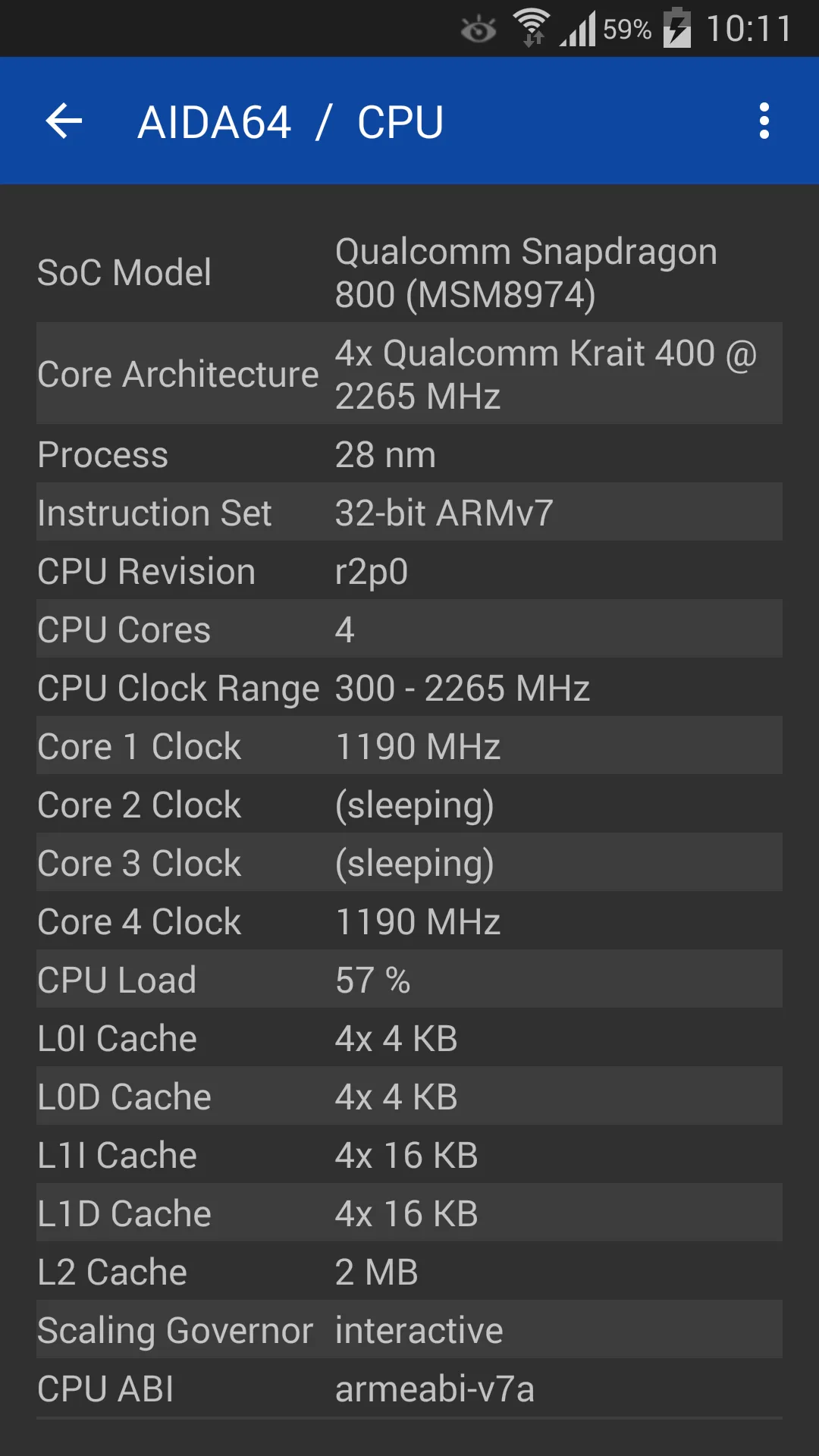
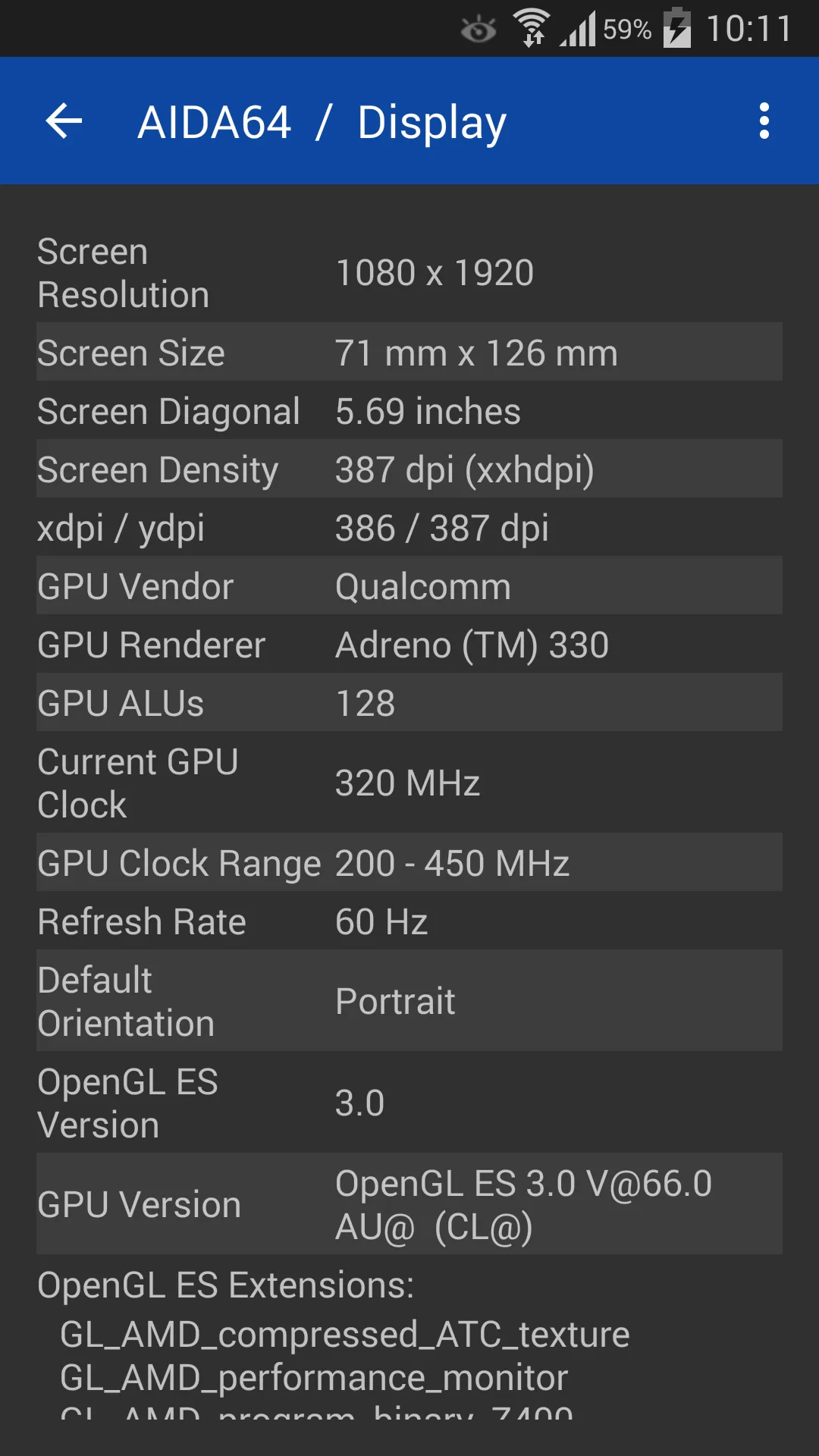
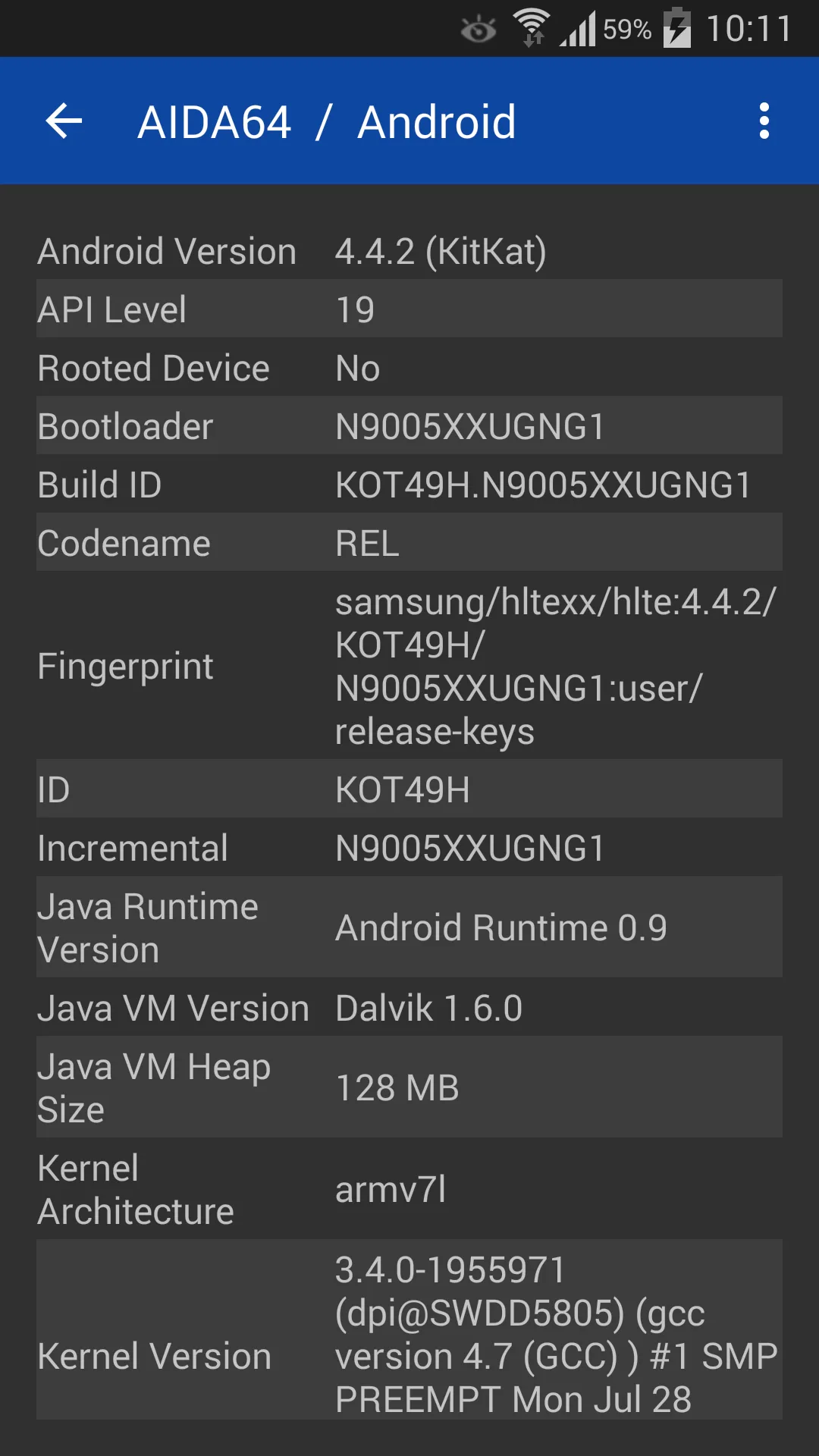
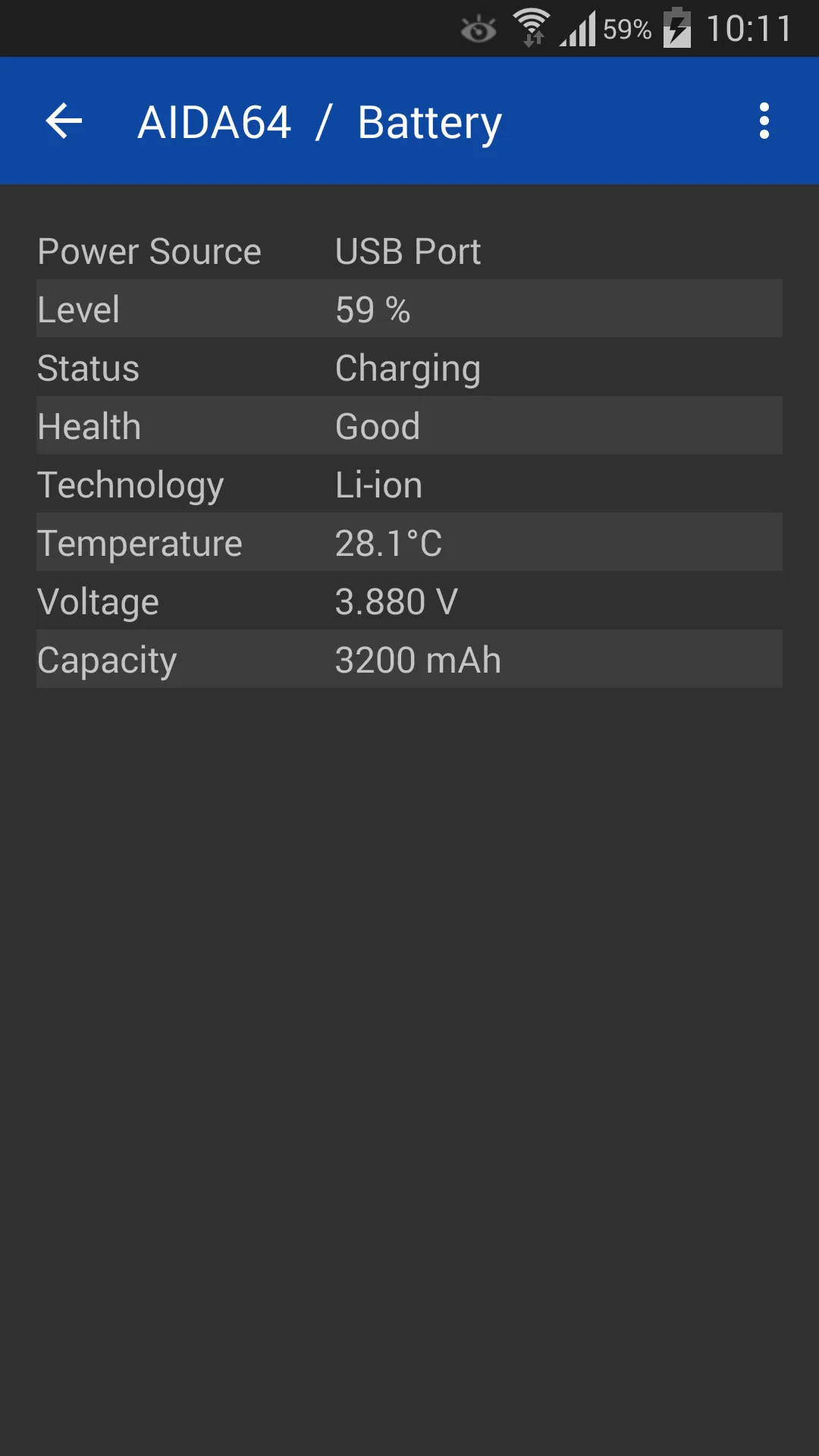
AIDA64 brings the well-known PC diagnostic brand to Android and iOS, with a thorough device specification report and live sensor readings.
Strengths
- Trusted, detailed spec report across CPU, screen, battery, network and more.
- Live sensor pages for thermal, battery and load.
- Available on both Android and iOS.
- No ads in the free version.
- Familiar layout for desktop AIDA64 users.
Weaknesses
- No floating window or widgets.
- Not focused on overheat alarms or boosting.
- Less “real-time monitoring” than dedicated monitors.
Best for: users who want a reputable, deep spec sheet on phone or tablet.
Download AIDA64
4. Device Info HW — best per-component info
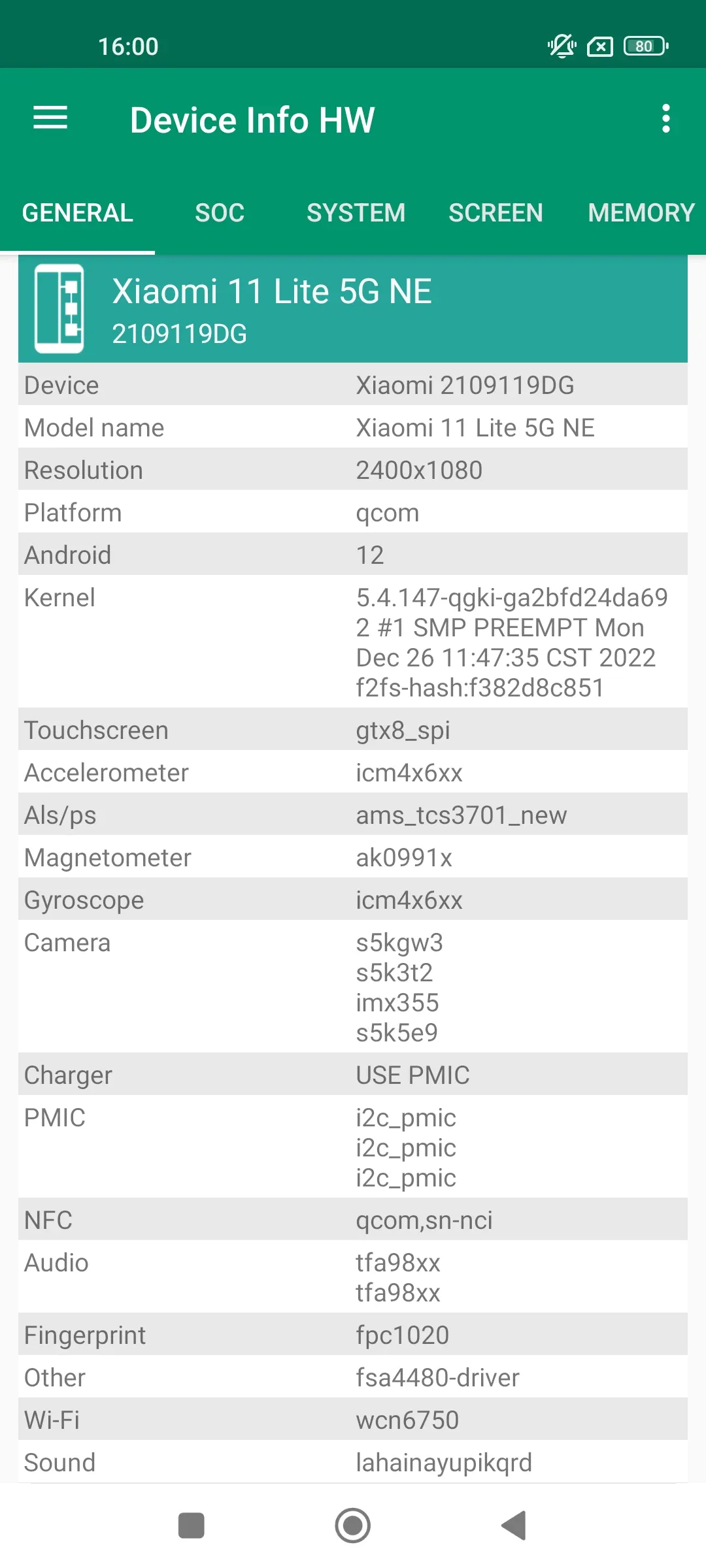
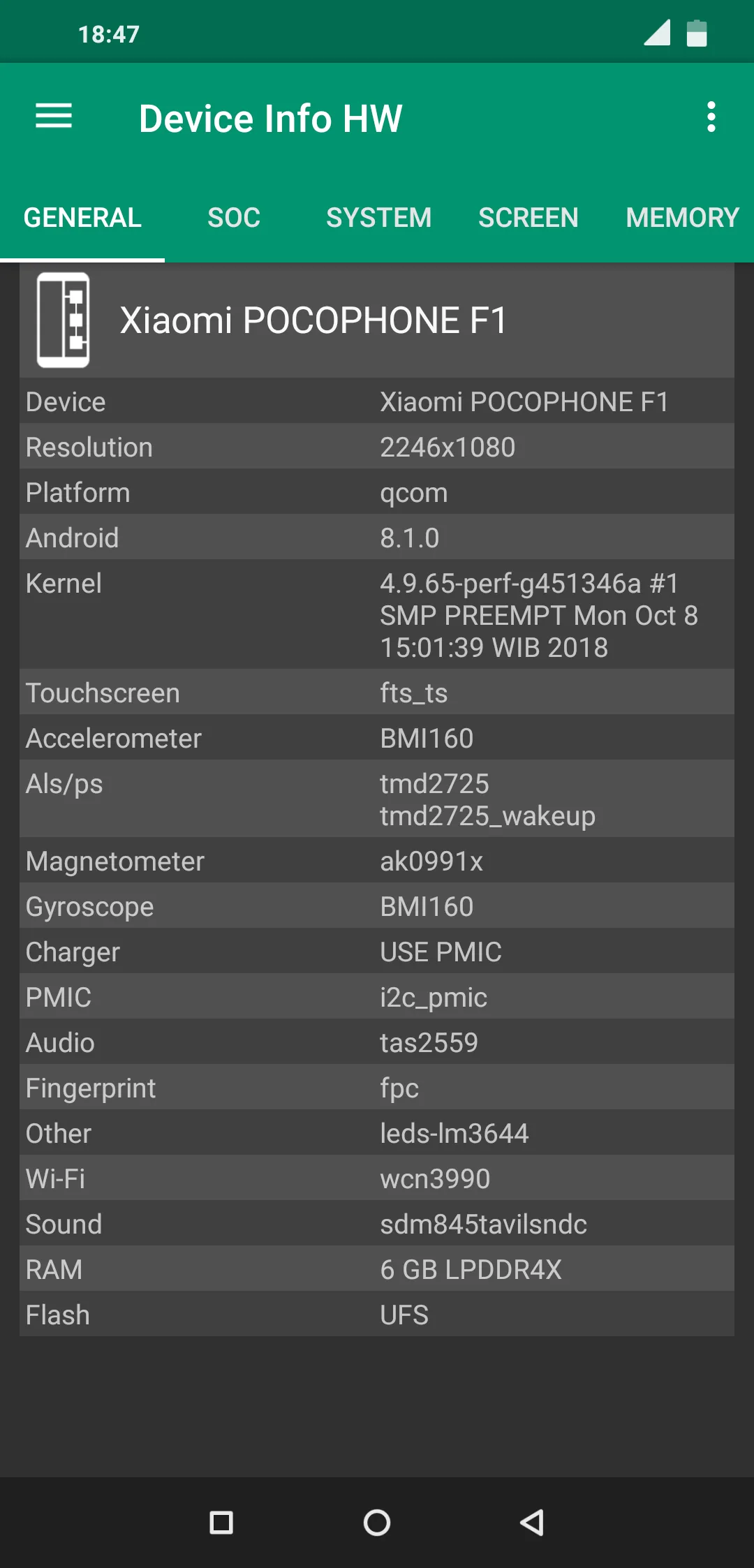
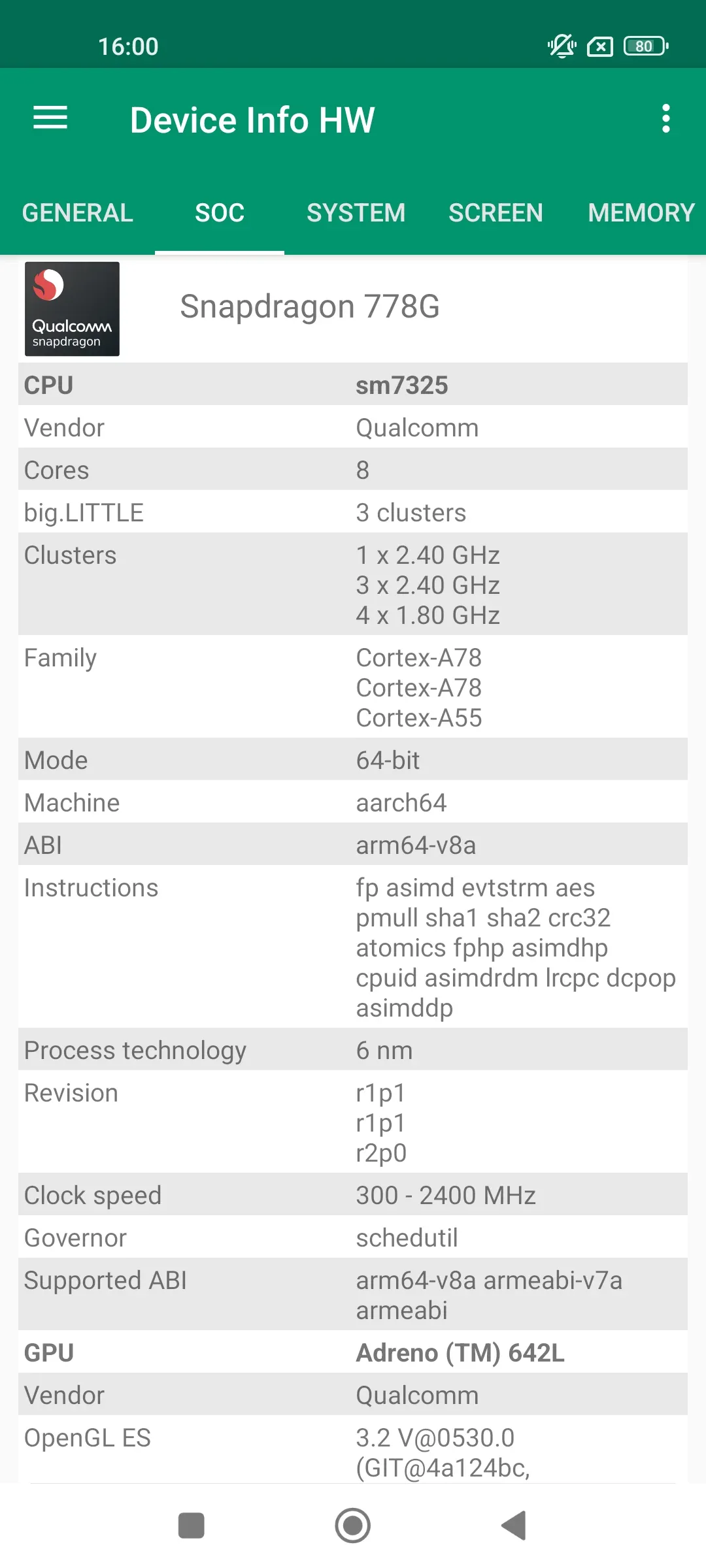
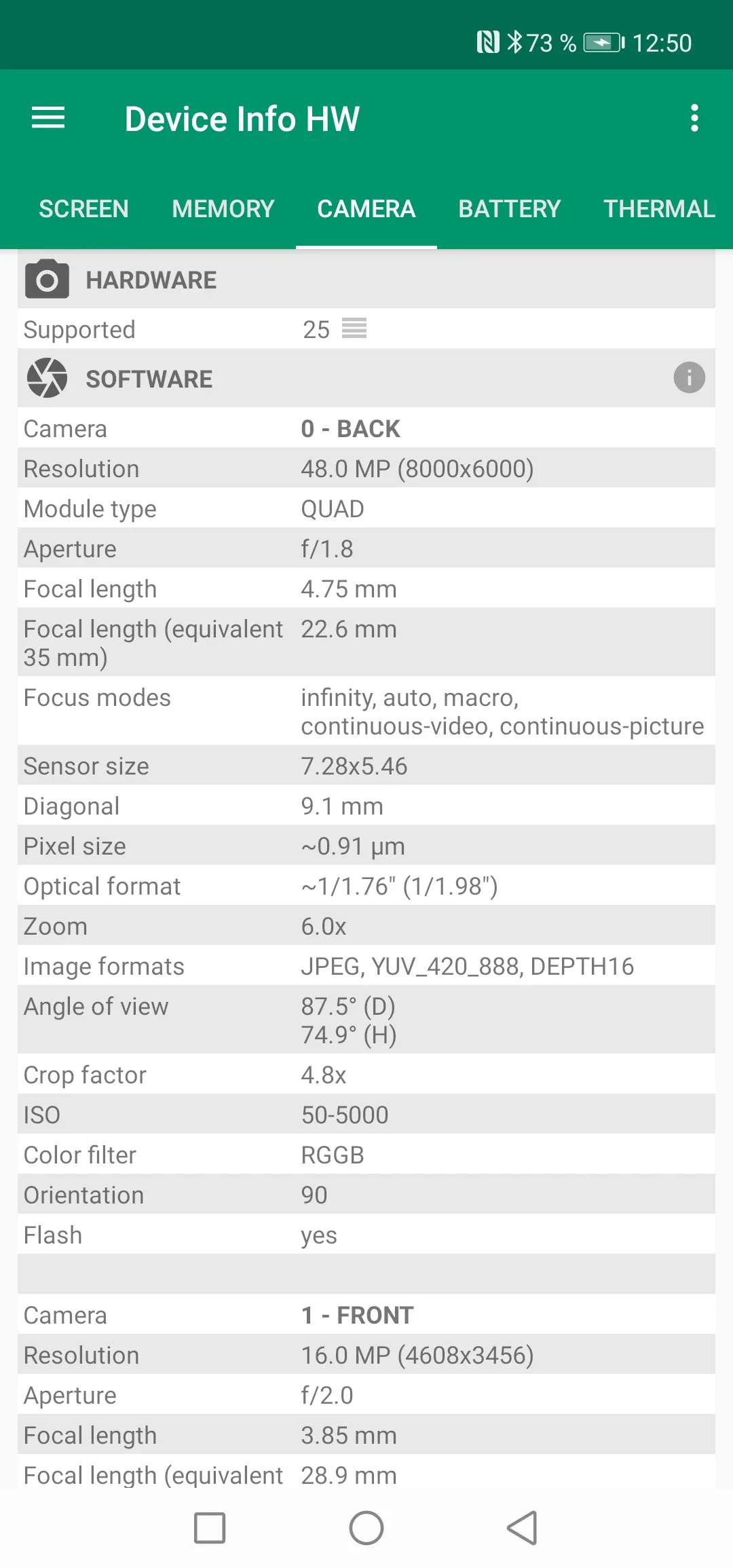
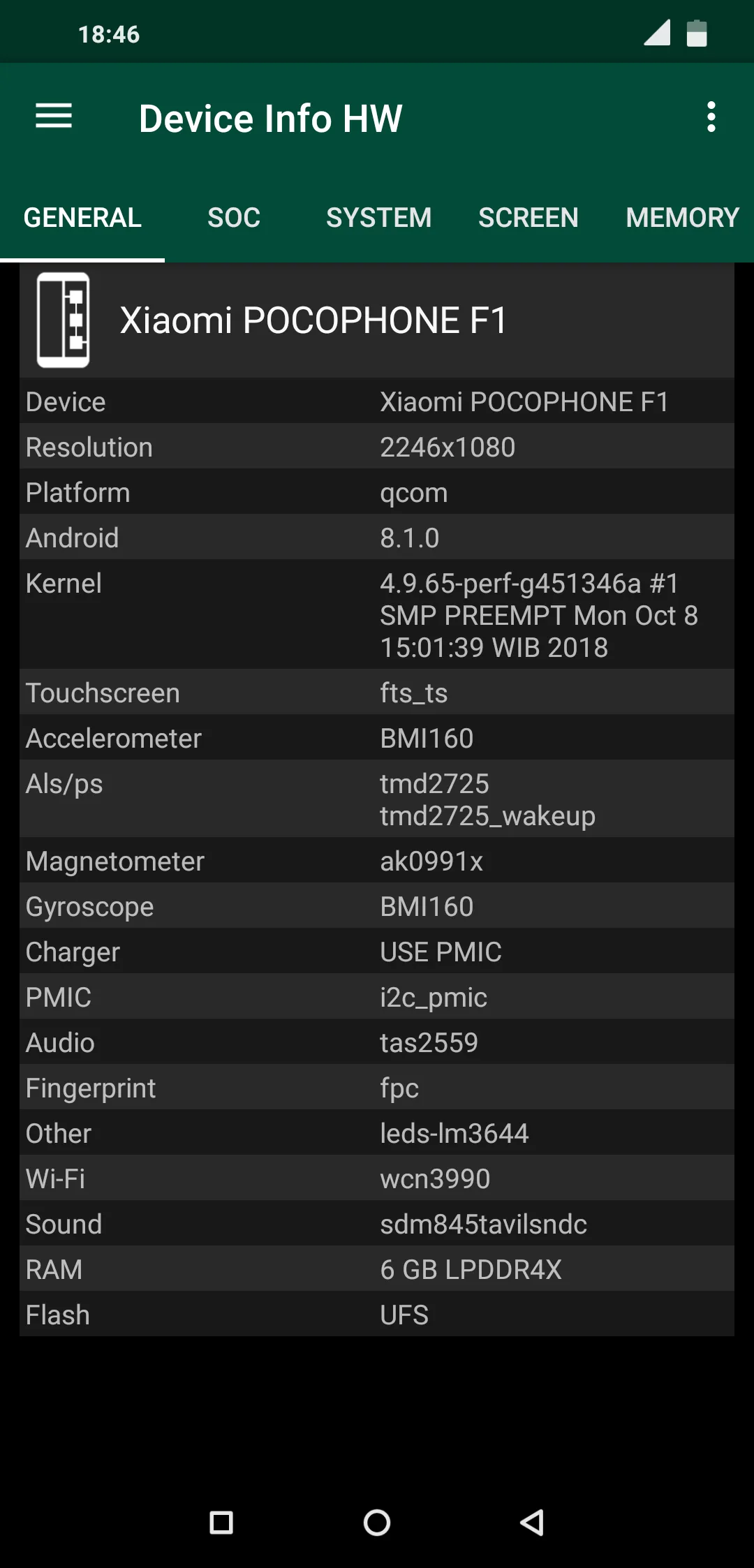
Device Info HW is a hardware info app that breaks down each component — CPU, GPU, battery, camera, sensors, storage — with a clear, component-level view.
Strengths
- Component-level detail (e.g., exact camera sensor, GPU model).
- Battery info including health and charge details.
- Sensors list with live values.
- Clean reporting and export-friendly layout.
- Free with a Pro upgrade.
Weaknesses
- Android only.
- No live floating window or overheat alarm.
- Not a performance/thermal monitor by design.
Best for: users who want to know exactly what’s inside their device.
Download Device Info HW
5. Droid Hardware Info — best quick specification
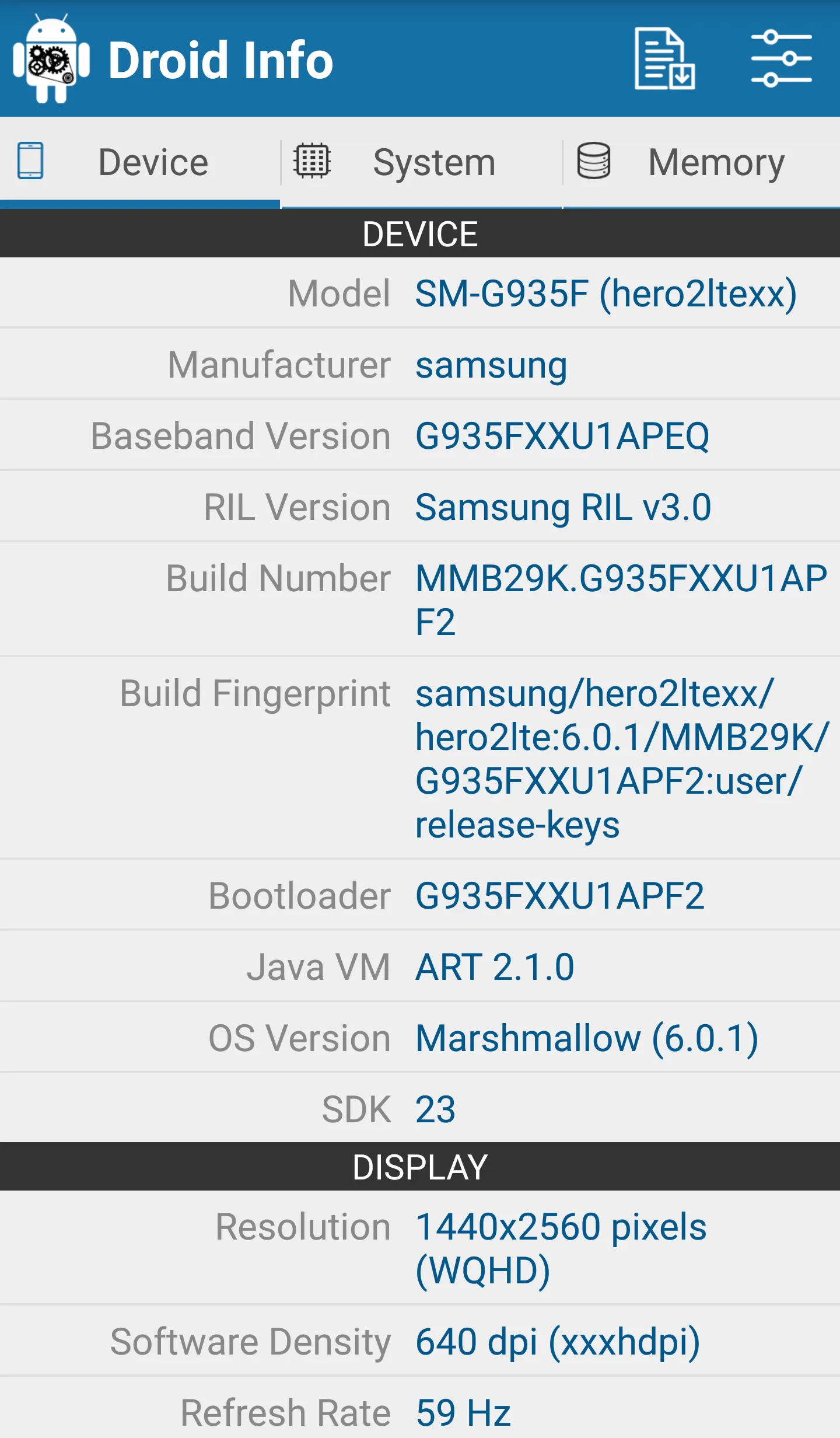
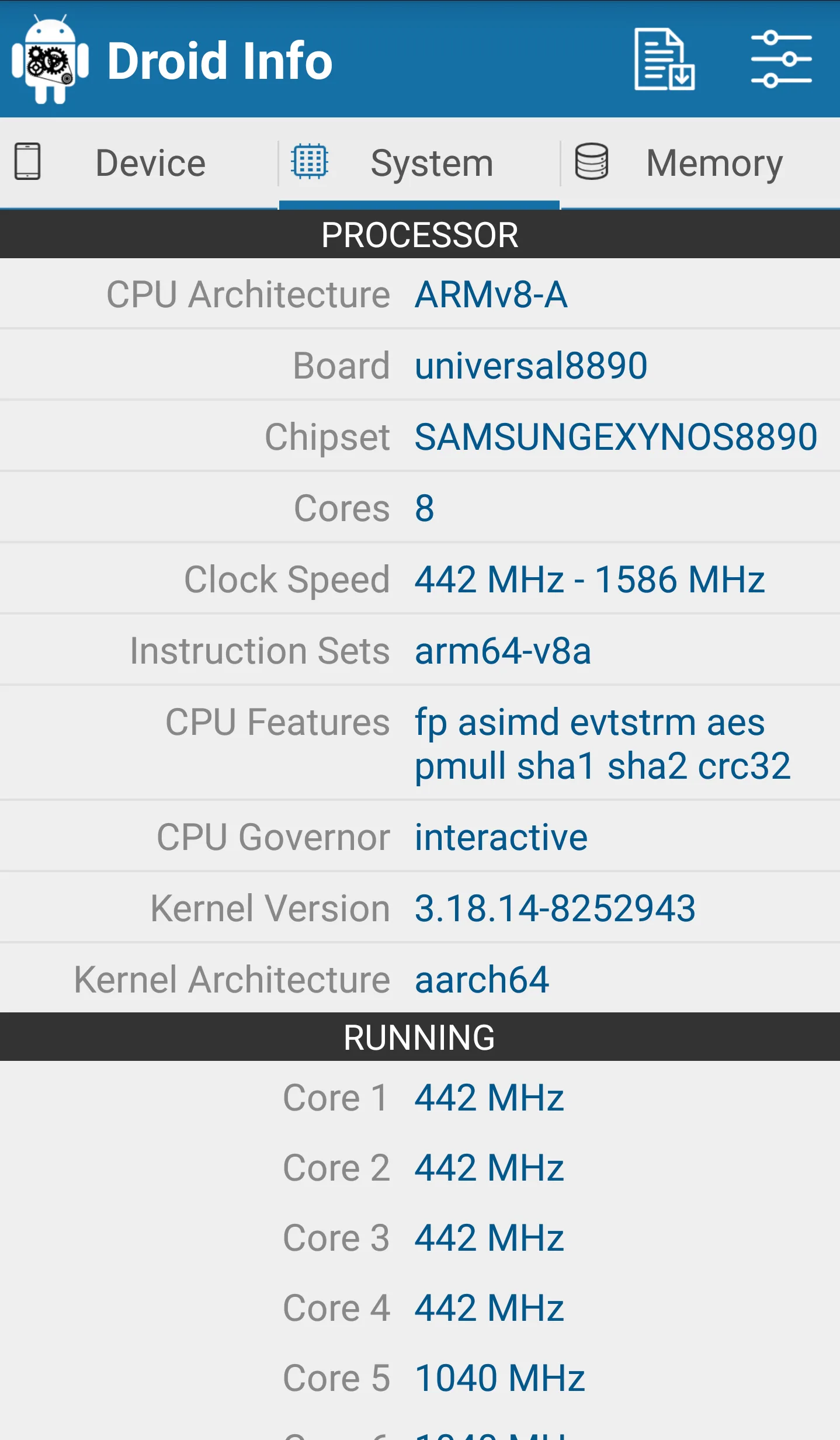
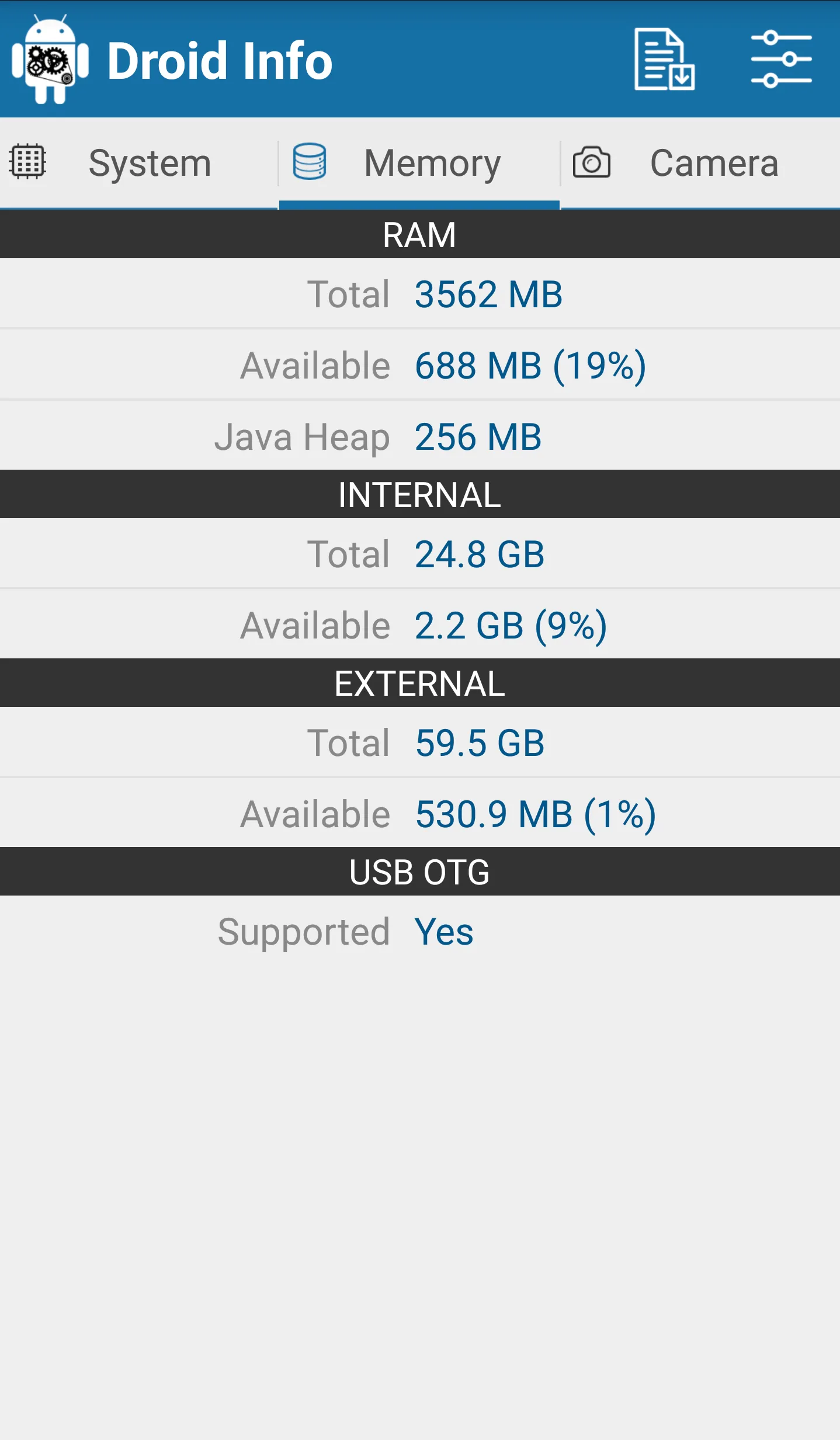
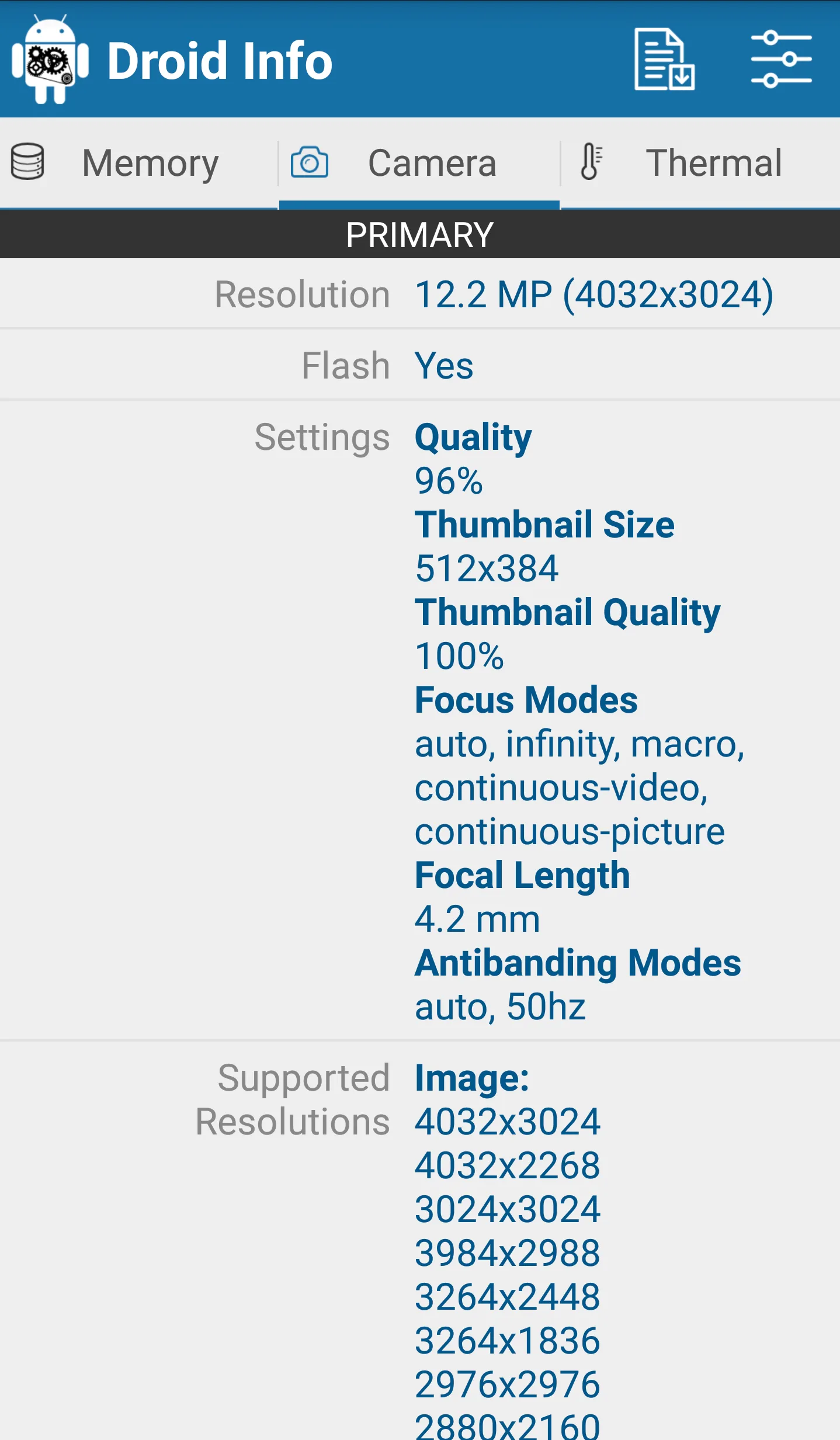
Droid Hardware Info is a lightweight spec viewer that shows system, CPU, GPU, memory, camera and sensor details in a simple list.
Strengths
- Fast, simple spec list — no setup required.
- Covers CPU, GPU, RAM, storage, camera and sensors.
- Very small and free.
- Good for quick lookups and sharing specs.
- No account or ads clutter.
Weaknesses
- Android only; no iOS version.
- No live monitoring, widgets or floating window.
- Less depth than DevCheck or AIDA64.
Best for: anyone who just wants a quick, clean device spec readout.
Download Droid Hardware Info
6. System Monitor — best all-in-one monitor + cleaner
System Monitor is an all-in-one Android tool: CPU monitor, storage cleaner, RAM booster and battery doctor, keeping your phone fast, cool and optimized.
Strengths
- CPU temperature and frequency with history and multicore monitoring.
- Storage cleaner for junk/cache and a RAM analyzer with one-tap boost.
- Battery monitor with health, voltage and temperature curves.
- Overheating alarm and protection plus floating window and widgets.
- Multi-theme and free core.
Weaknesses
- Android only.
- Cleaning is lighter than dedicated cleaners (focus is monitoring).
- Some features sit behind the Pro upgrade.
Best for: users who want monitoring plus light cleanup in one app.
Download System Monitor
Core-capability comparison
| Capability | CPU Monitor | DevCheck | AIDA64 | Device Info HW | Droid Hardware Info | System Monitor |
|---|---|---|---|---|---|---|
| Platforms | Android | Android, iOS | Android, iOS | Android | Android | Android |
| Live CPU temperature | Yes | Partial | Sensors | No | No | Yes |
| CPU frequency / multicore | Yes | Yes | Yes | No | No | Yes |
| RAM monitoring | Yes | Yes | Yes | Partial | Partial | Yes (boost) |
| Battery health / temp | Yes | Yes | Yes | Yes | No | Yes |
| Sensors list | Partial | Yes | Yes | Yes | Yes | Partial |
| Floating window | Yes | No | No | No | No | Yes |
| Widgets | Yes | Yes | No | No | No | Yes |
| Overheat alarm | Yes | No | No | No | No | Yes |
| One-tap boost / cleaner | Yes (boost) | No | No | No | No | Yes (boost + clean) |
| Deep spec report | Partial | Strong | Strong | Strong | Basic | Partial |
| Free tier / ads | Free core | Free + Pro | Free (no ads) | Free + Pro | Free | Free core |
| Root required | No | No | No | No | No | No |
How to choose
- Want live temperature + floating window + overheat alarm → CPU Monitor
- Want the most detailed hardware and sensor report → DevCheck or AIDA64
- Want component-level specs (camera/GPU) → Device Info HW
- Want a quick free spec readout → Droid Hardware Info
- Want monitoring + cleaner + booster in one → System Monitor
How to migrate away from CPU-Z
- Decide what you actually check — specs once, or live temperature while gaming.
- Install a monitor (CPU Monitor or System Monitor) and grant the overlay permission for the floating window.
- Add a widget to your home screen for at-a-glance CPU/RAM/battery.
- Turn on the overheat alarm if you game or charge heavily, so you get warned before throttling.
- Use one-tap boost or cleaner (CPU Monitor boost, System Monitor cleaner) to free memory when the phone feels slow.