
CPU Monitor vs CPU-Z: Which Android Hardware App?
CPU Monitor vs CPU-Z compared in depth for 2026: real-time temperature and a floating window with widgets versus a detailed device-info reader. Features, price and a verdict per need.
Both read your phone’s internals, but they answer different questions. CPU Monitor is built to watch your device in real time — temperature, frequency, RAM and battery while you game or charge. CPU-Z is built to identify your device once — a clean spec sheet of the SoC, GPU, memory and sensors. This CPU Monitor vs CPU-Z comparison helps you pick the right Android hardware app in 2026.
At a glance
| CPU Monitor | CPU-Z | |
|---|---|---|
| Core purpose | Real-time monitor (temp, frequency, RAM, battery) | Device spec-sheet reader |
| Platforms | Android | Android (no iOS) |
| Price | Free core + optional unlock | Free, no subscription |
| Live CPU temperature | Yes, real-time + overheat alarm | Static sensor read |
| CPU frequency / per-core | Yes, live | Listed in specs |
| RAM monitoring | Yes, live | Shown once |
| Battery health / temp | Yes, with curves | Basic readout |
| Floating window | Yes | No |
| Home widgets | CPU, RAM, battery | No |
| One-tap boost | Yes | No |
| Themes | Multiple | None (utility UI) |
| History / trends | Yes (usage graphs) | No |
| Best for | Watching heat live while gaming/charging | One-time device identification |
CPU Monitor, in detail
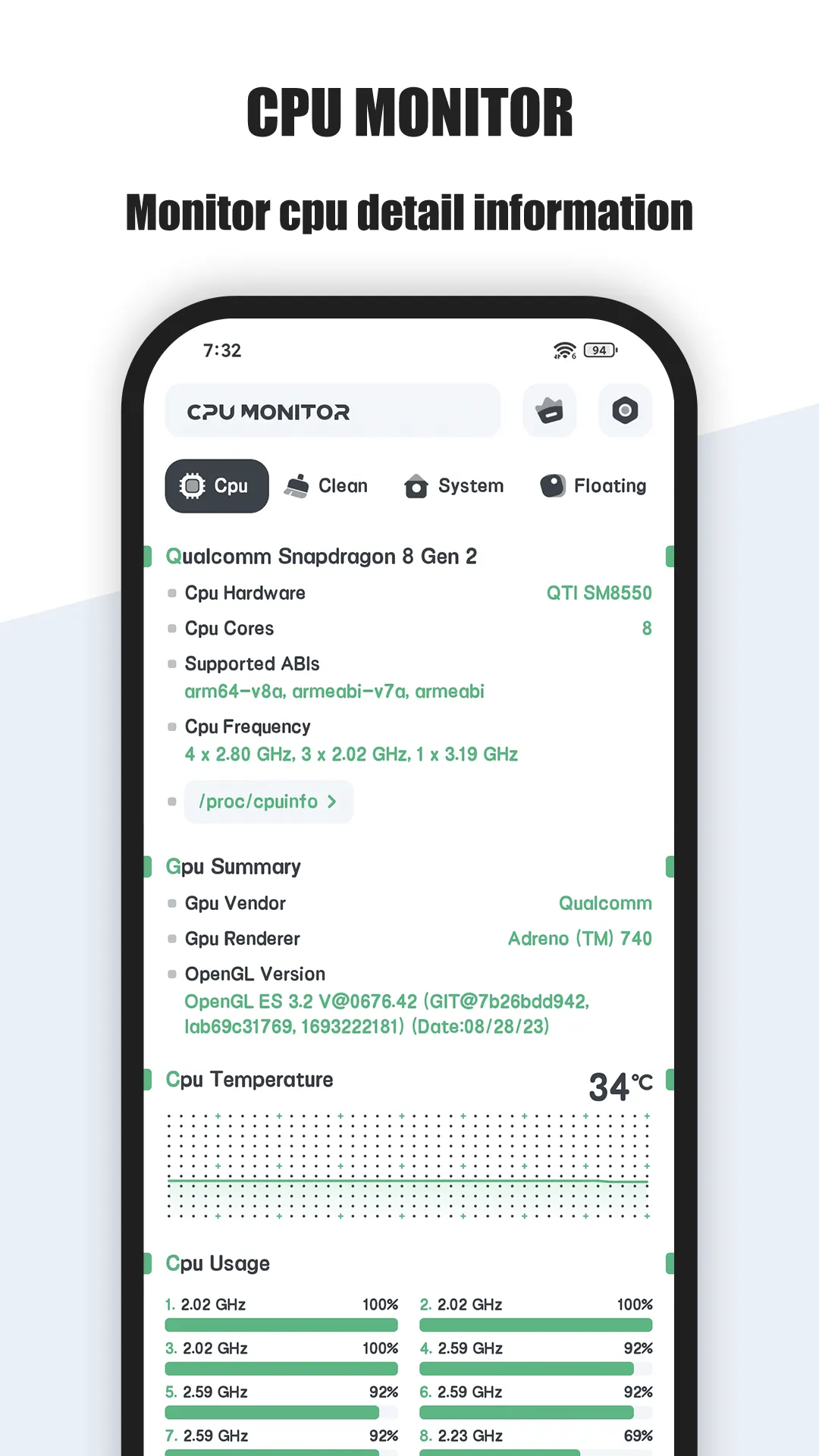
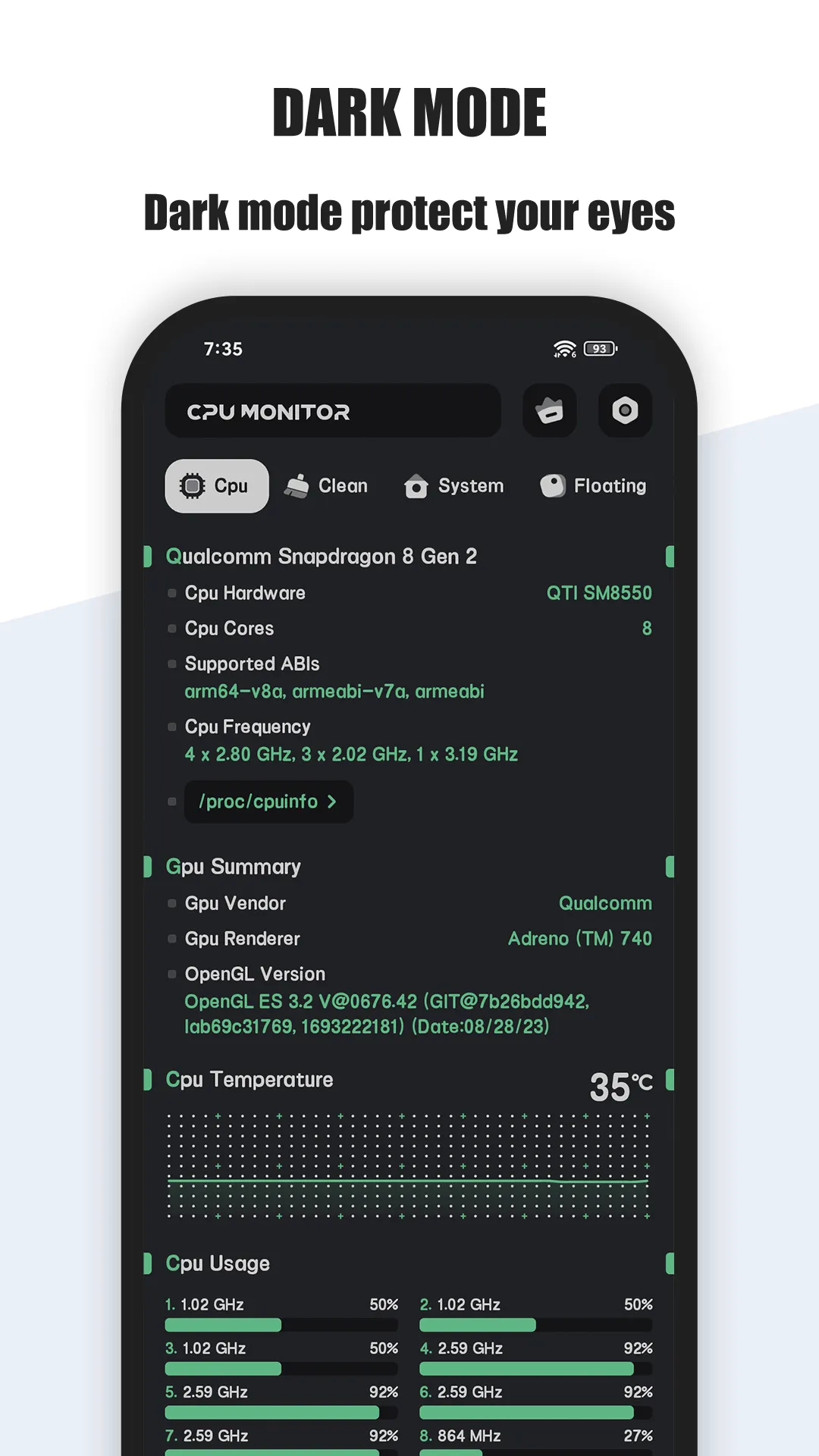
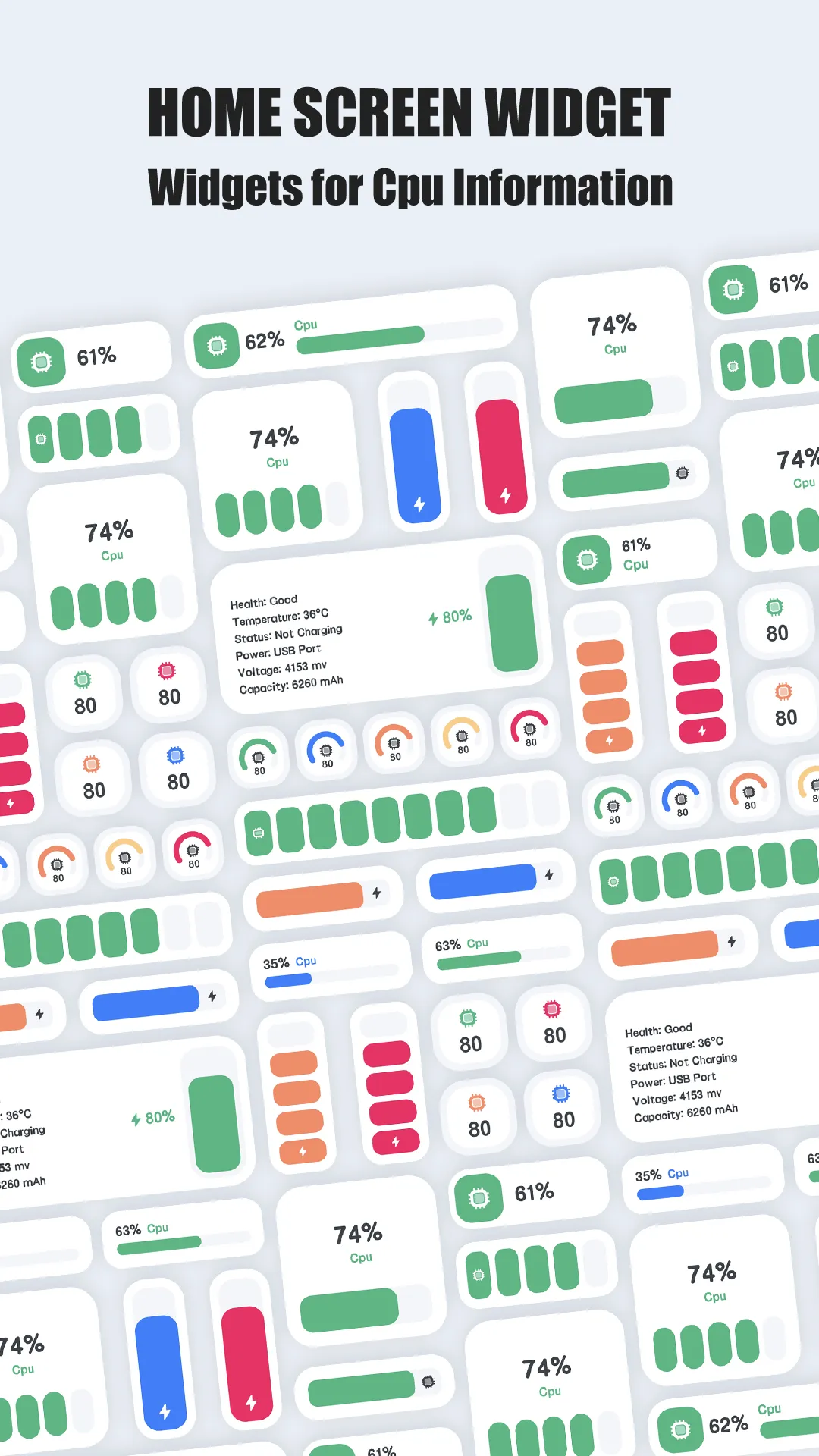
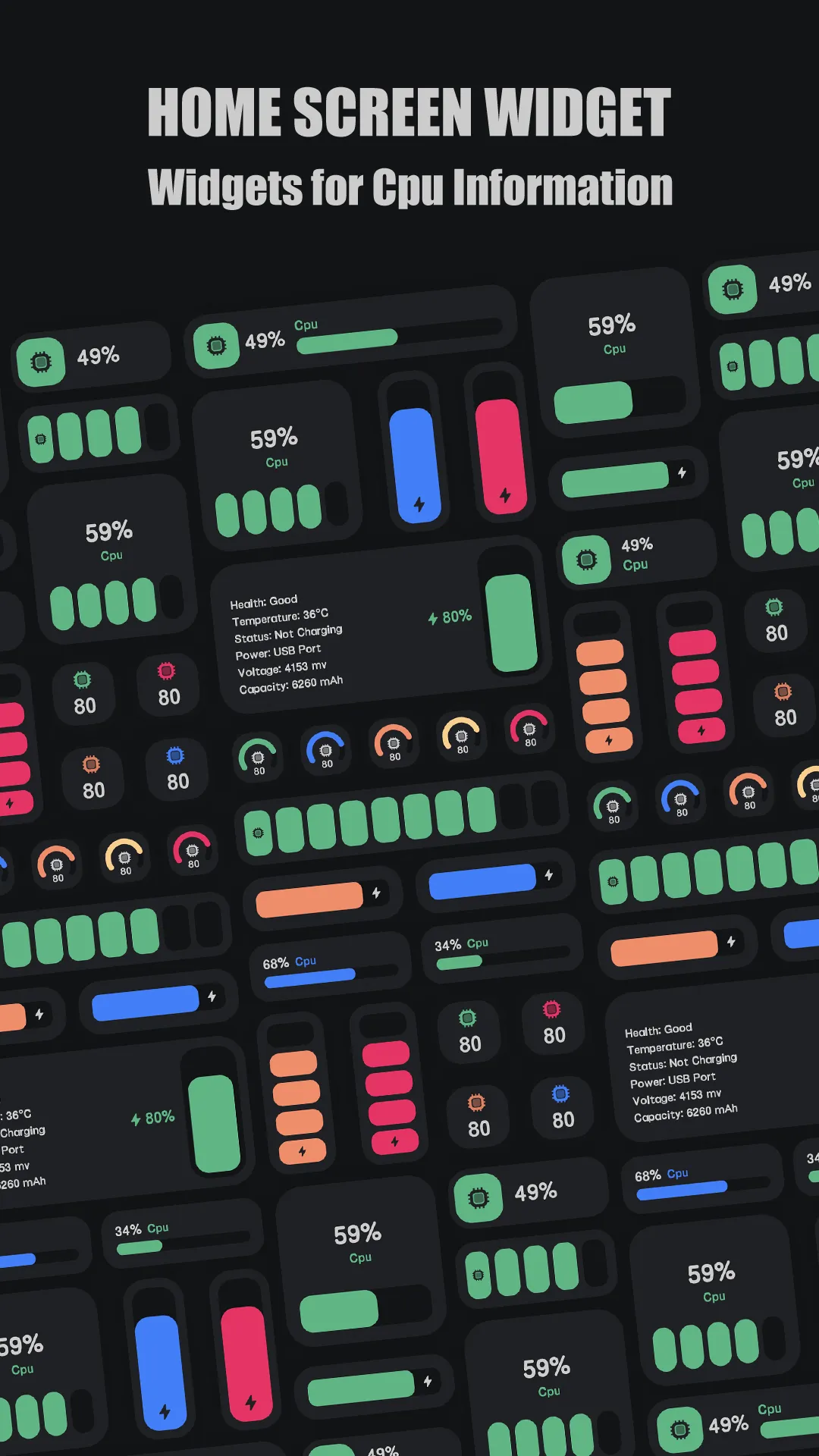

CPU Monitor turns your status bar and home screen into a live dashboard. Its headline feature is real-time CPU temperature and frequency with an overheat alarm, so you get warned before thermal throttling kicks in during a long game or fast charge.
Strengths
- Live temperature with an overheat alarm — the single feature CPU-Z cannot match; it warns you to close heavy apps and cool down.
- Per-core frequency monitoring — see exactly which cores are spinning up, not just an average.
- Floating window and widgets — a status-bar overlay plus CPU/RAM/battery widgets keep the numbers visible without opening the app.
- One-tap boost — quickly free RAM when the phone feels slow.
- Battery doctor — health, voltage and temperature curves for the battery.
- Lightweight and free at the core, with multiple themes.
Weaknesses
- Android only — no iPhone or iPad version.
- Accuracy depends on sensors — not every device exposes a real temperature sensor, so some readings are estimated.
- Less deep on static specs — it shows live numbers but not a full component inventory (e.g., exact GPU model, screen panel).
- Extra themes/history sit behind an optional unlock.
- No export of a spec report.
Best for
Gamers, emulation fans, and anyone who wants to watch heat and load in real time rather than read a spec list once.
Download CPU Monitor
CPU-Z, in detail
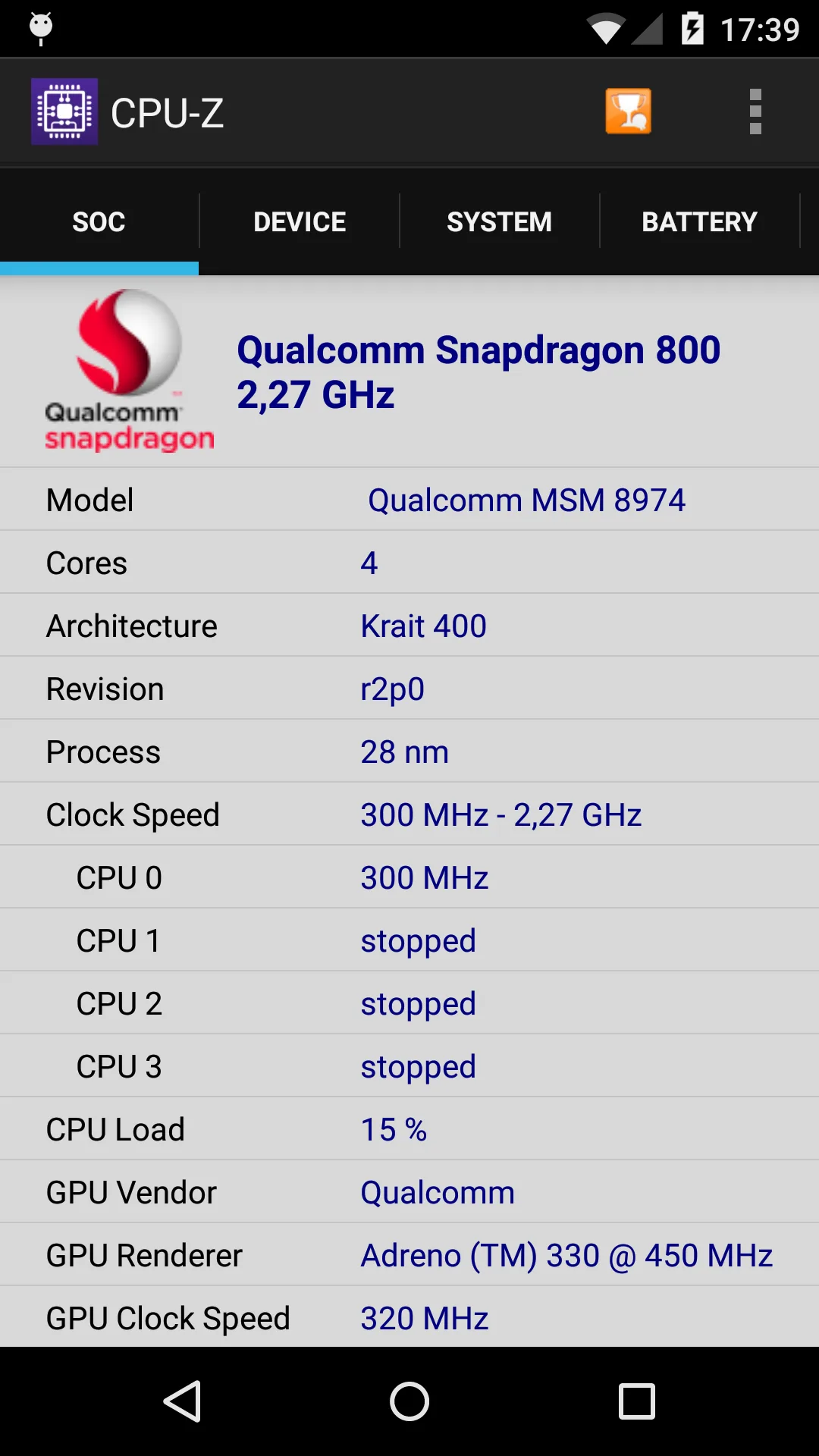
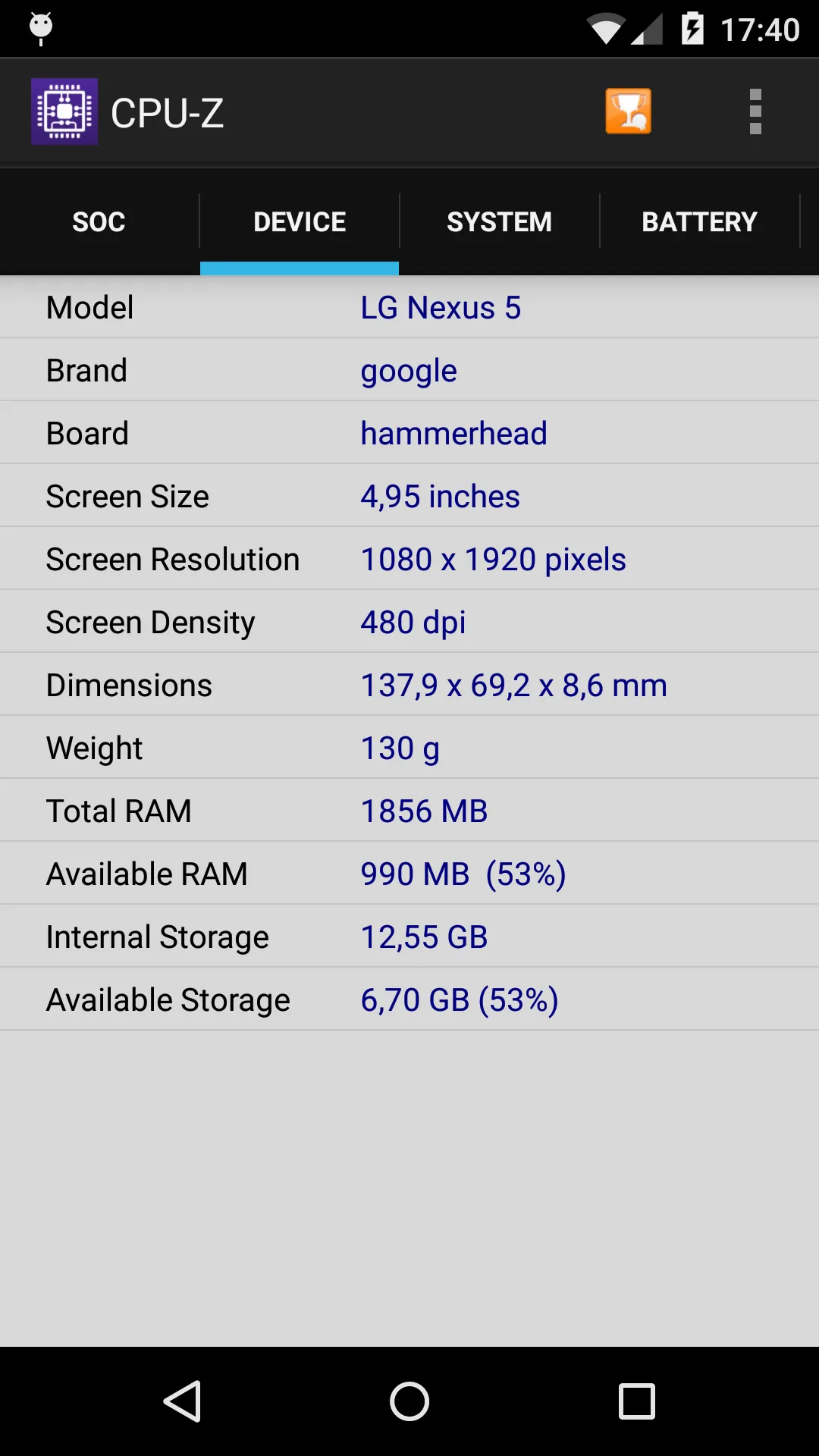
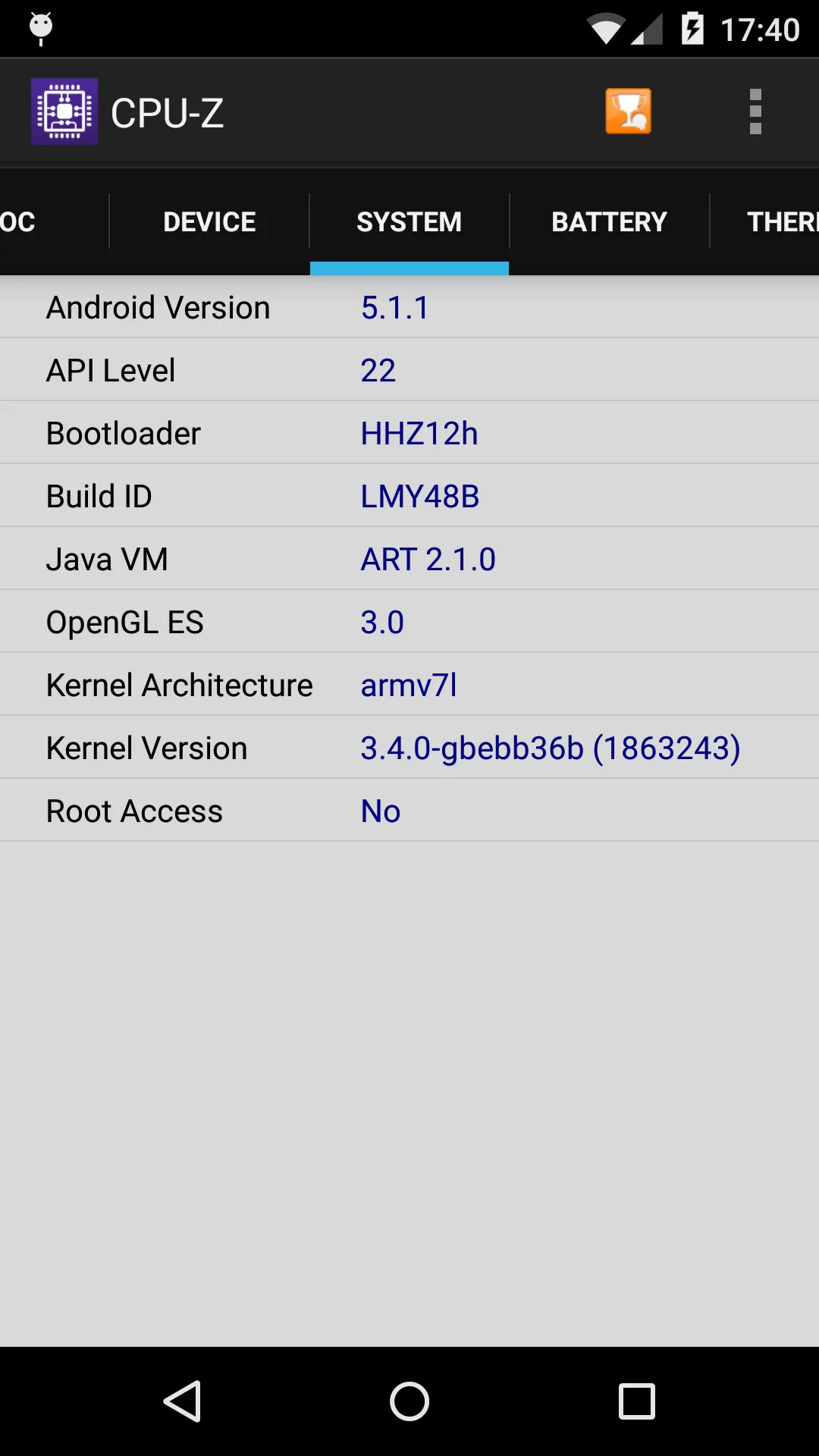
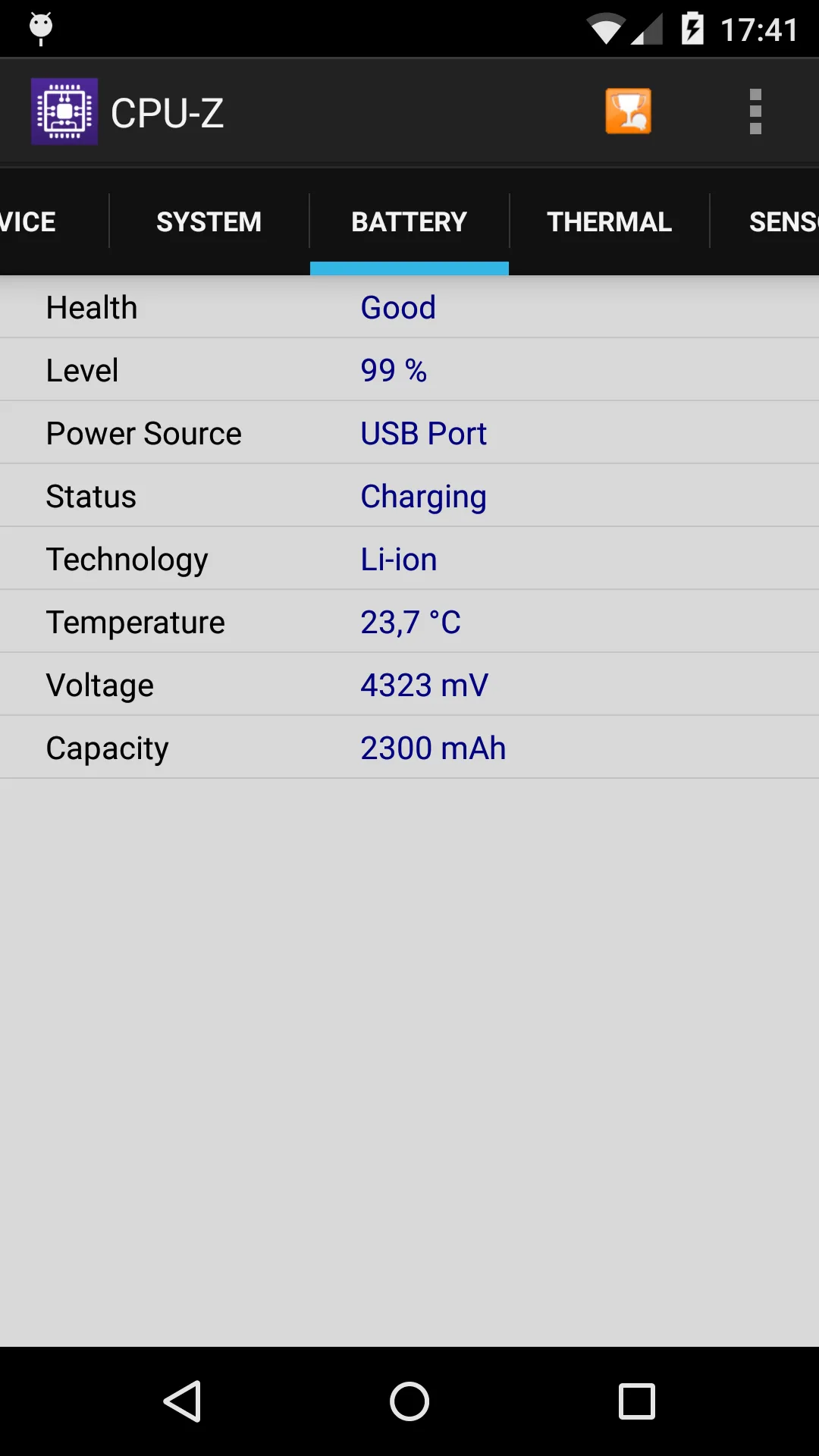
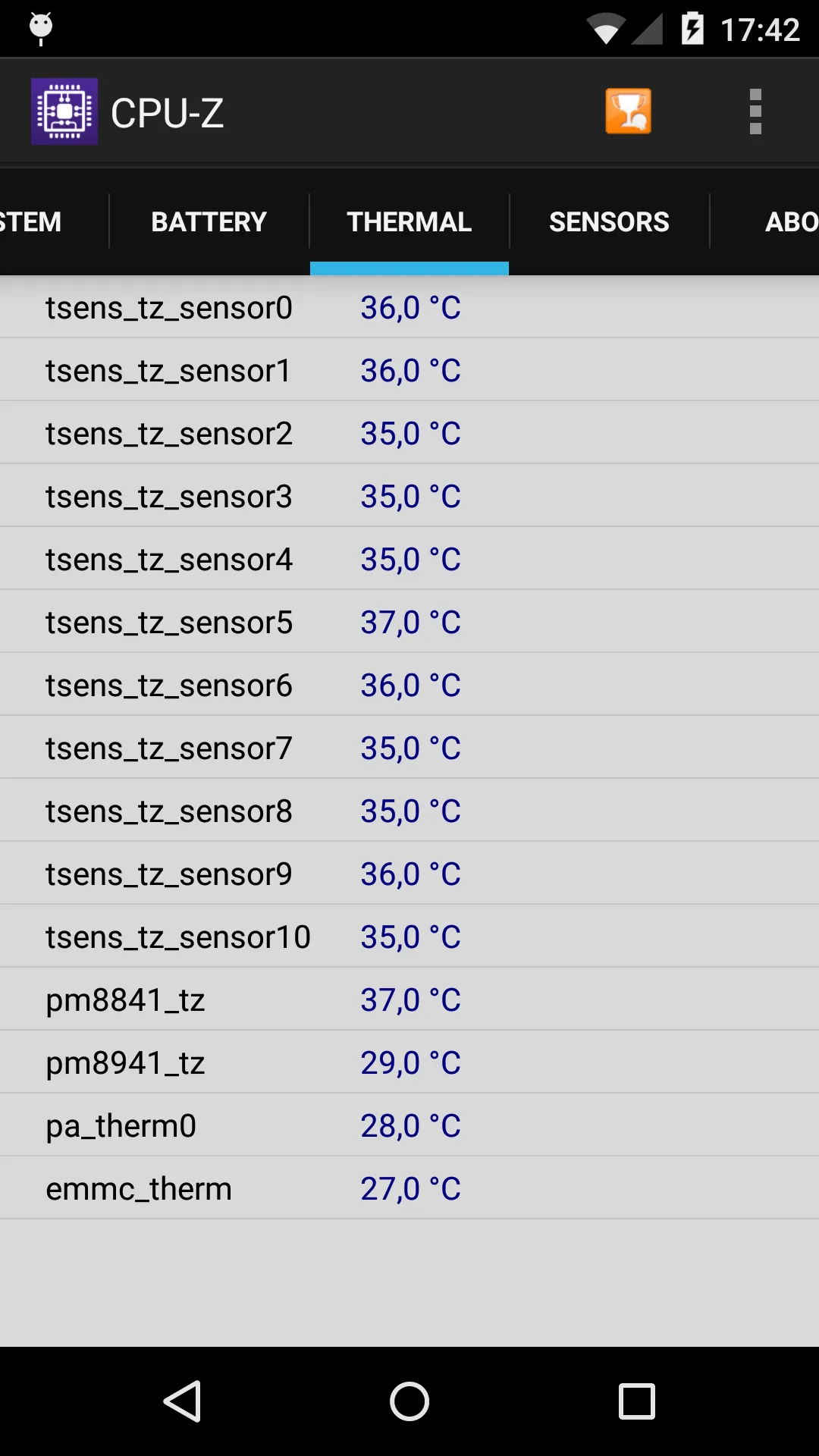
CPU-Z is the Android port of the famous PC utility by CPUID. It opens to a clean, tabbed spec sheet: SoC name and architecture, GPU, memory and storage, battery, sensors, and even screen details. It’s the app you reach for when you need to know what’s inside.
Strengths
- Authoritative, detailed spec sheet — SoC, GPU, memory type, storage, battery design capacity, and a long sensor list.
- Trusted brand with a no-nonsense, ad-light utility interface.
- Completely free, no subscription, no account.
- Great for identification — settle “which chip is this?” or “is this really UFS 3.1?” in seconds.
- Sensor tab exposes live values (including temperature) for a one-off check.
Weaknesses
- Static, not a monitor — it shows a snapshot; it does not track temperature over time or alert you when things get hot.
- No floating window, widgets, or overheat alarm — you must open the app to see anything.
- No one-tap boost or RAM management.
- Android only, and the UI is pure utility (no theming).
- No trends or history — you can’t see how temperature changed during a game.
Best for
Developers, shoppers verifying a used phone, and anyone who needs a one-time, trustworthy hardware readout.
Download CPU-Z
How they compare where it matters
Live monitoring vs a spec sheet
This is the heart of the difference. CPU Monitor is a monitor: open it (or use the floating window) and you see temperature climbing, cores ramping, and RAM filling — in real time. CPU-Z is a reader: it captures the state at the moment you open it and presents it as a tidy report. If your goal is “is my phone overheating?”, only CPU Monitor answers it continuously.
Overlays and widgets
CPU Monitor gives you a status-bar overlay, desktop floating window, and home widgets for CPU/RAM/battery — persistent visibility. CPU-Z shows nothing unless you launch it. For someone who wants a glanceable dashboard, that’s decisive.
Gaming and heat protection
While playing, CPU Monitor’s overheat alarm and live frequency graph tell you when to back off. CPU-Z can show temperature once, but it can’t watch a session. For gaming or heavy emulation, CPU Monitor is the practical pick.
Depth of hardware detail
For raw identification, CPU-Z wins. It lists the exact SoC model, GPU, memory standard, storage type, and a fuller sensor inventory. CPU Monitor is lighter on static detail and stronger on live behavior.
Price and platform
Both are free on Android; CPU Monitor adds an optional unlock for extra themes/history, while CPU-Z is free with no upsell. Neither is on iOS.
Which should you choose
- Choose CPU Monitor if you want to watch temperature, frequency and RAM live, get an overheat warning while gaming, or keep a floating widget on your home screen.
- Choose CPU-Z if you need a trustworthy, detailed spec sheet of your device — chip, GPU, memory, sensors — and don’t care about live tracking.
- Power users often keep both: CPU-Z for the occasional “what’s in this phone?” check, and CPU Monitor for day-to-day thermal and load awareness.