
CPU Monitor: Watch Your CPU Temperature Before It Throttles
A practical look at CPU Monitor versus CPU-Z in 2026 — real-time CPU temperature, per-core load, overheat alerts, and price on Android.
When a phone gets hot it slows down — thermal throttling kicks in and frames drop. A CPU temperature monitor lets you see the heat before it costs performance. CPU Monitor is a CPU temp app for Android with real-time temperature, per-core load, and overheat alerts. Below we compare it with CPU-Z, the classic hardware-info tool, for spotting heat early.
What a CPU temp monitor needs
- Real-time temperature — the current CPU temp at a glance.
- Per-core frequency and load — see which core is working hardest.
- Overheat alerts — a warning before throttling bites.
- Light background use — monitoring shouldn’t itself heat the phone.
- History — a curve that shows when it spiked.
The contenders at a glance
| App | Price (2026) | Real-time temp | Per-core | Alerts | Best for |
|---|---|---|---|---|---|
| CPU Monitor | Free core + VIP | ✅ | ✅ | ✅ | Heat early-warning |
| CPU-Z | Free | ✅ (sensors) | ✅ | ❌ | Hardware specs |
| DevCheck | Free + IAP | ✅ | ✅ | ❌ | Detailed info |
| AIDA64 | Free | ✅ | ✅ | ❌ | Deep specs |
CPU Monitor, in depth
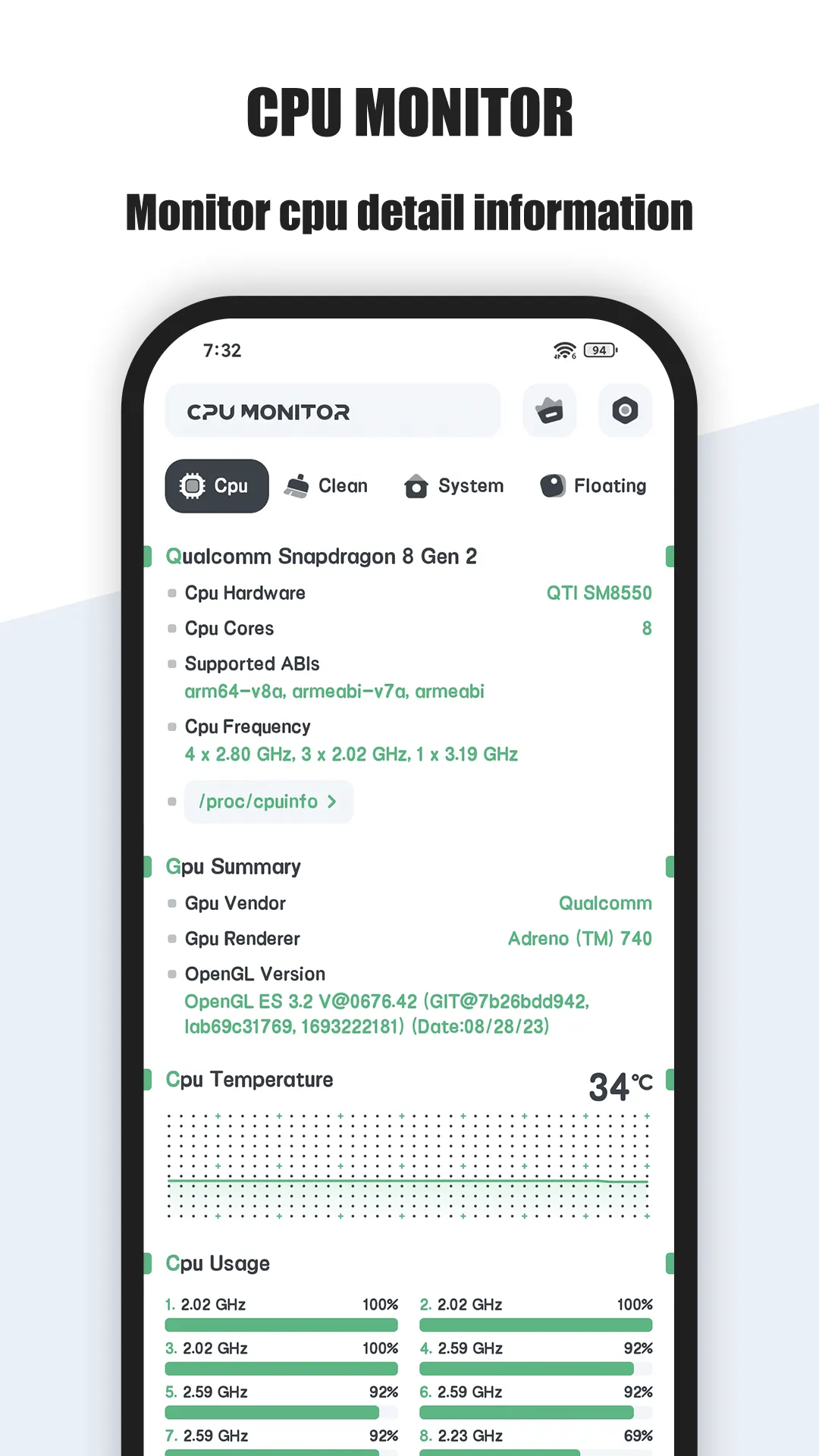
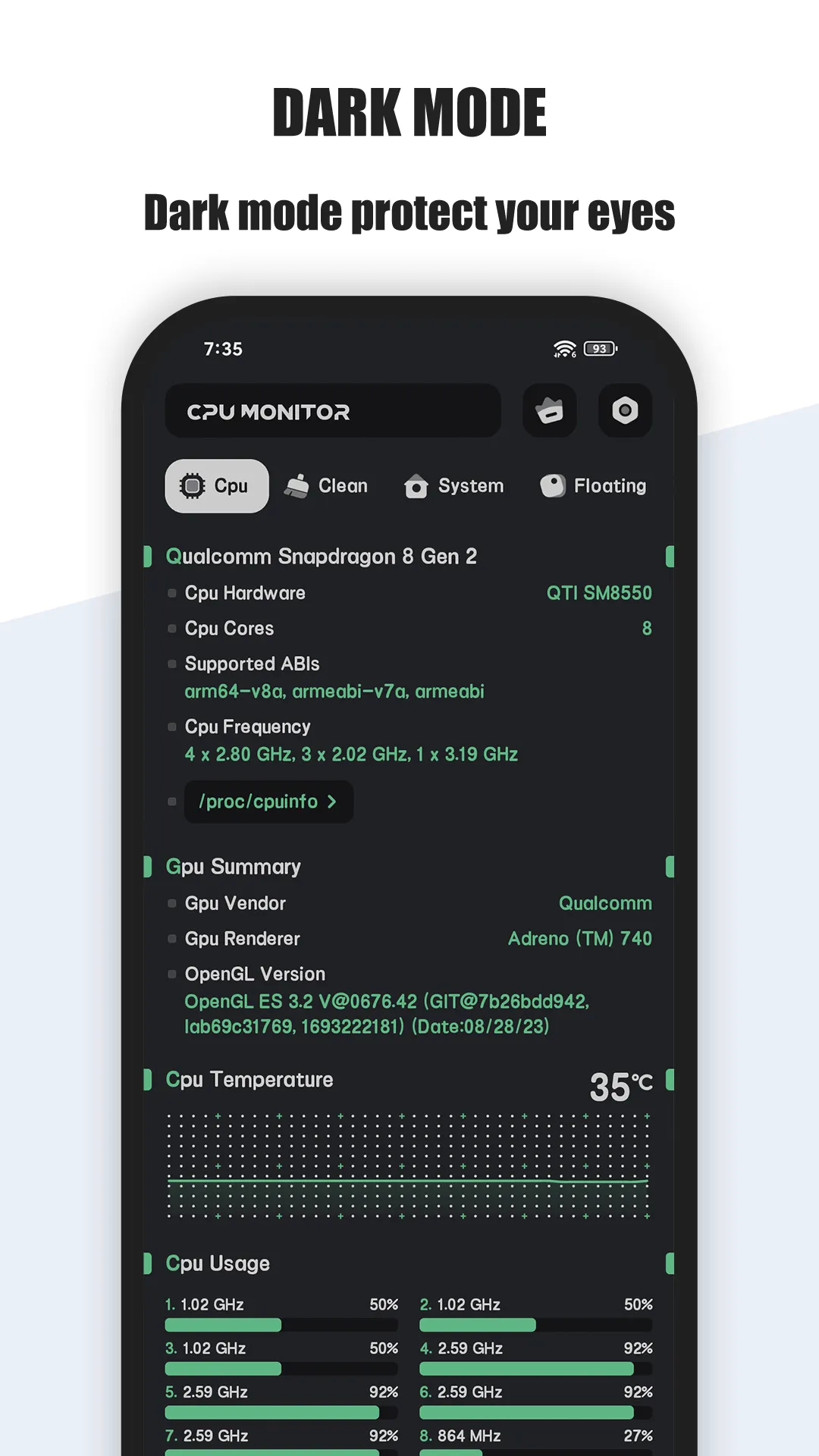
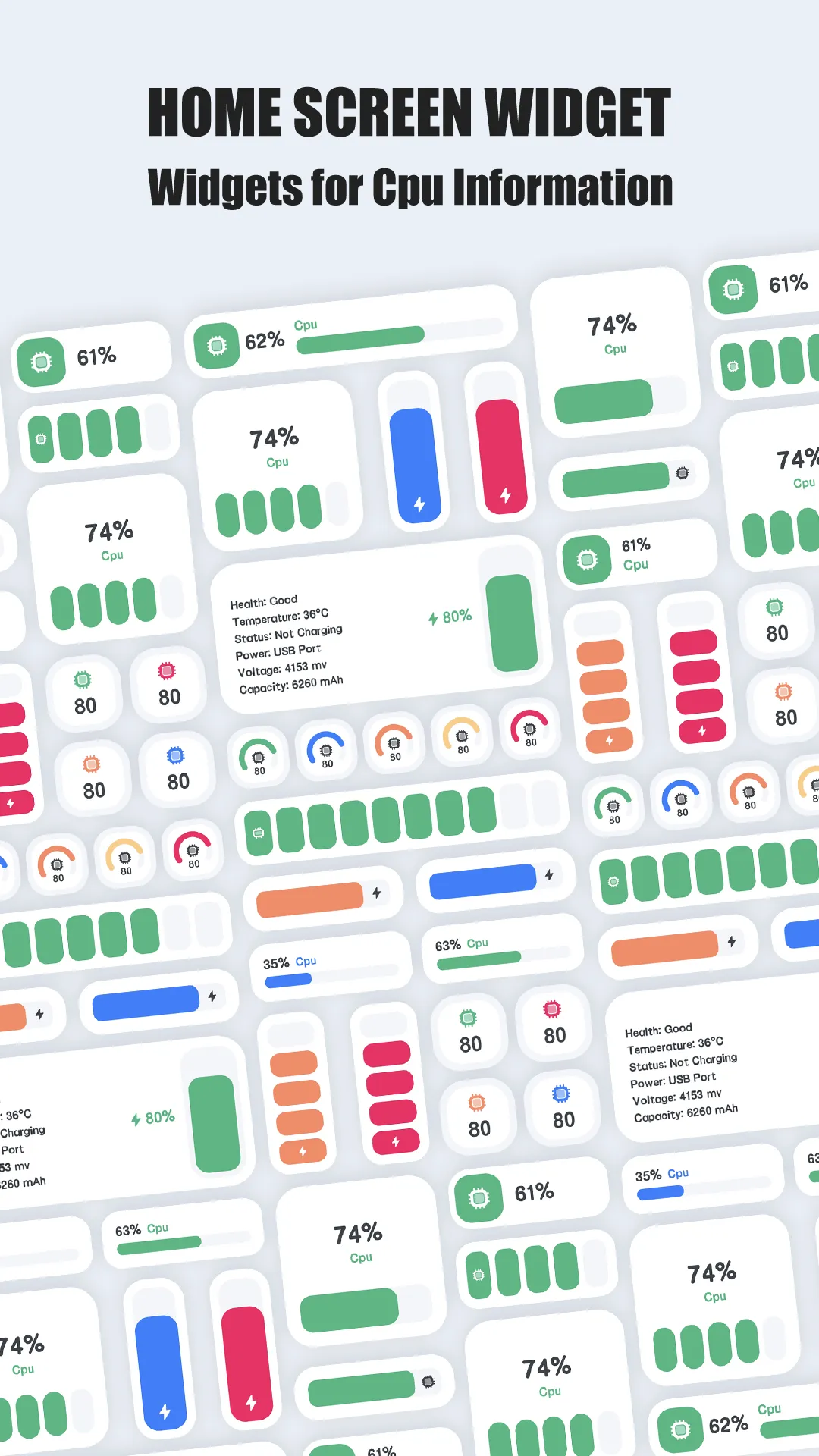
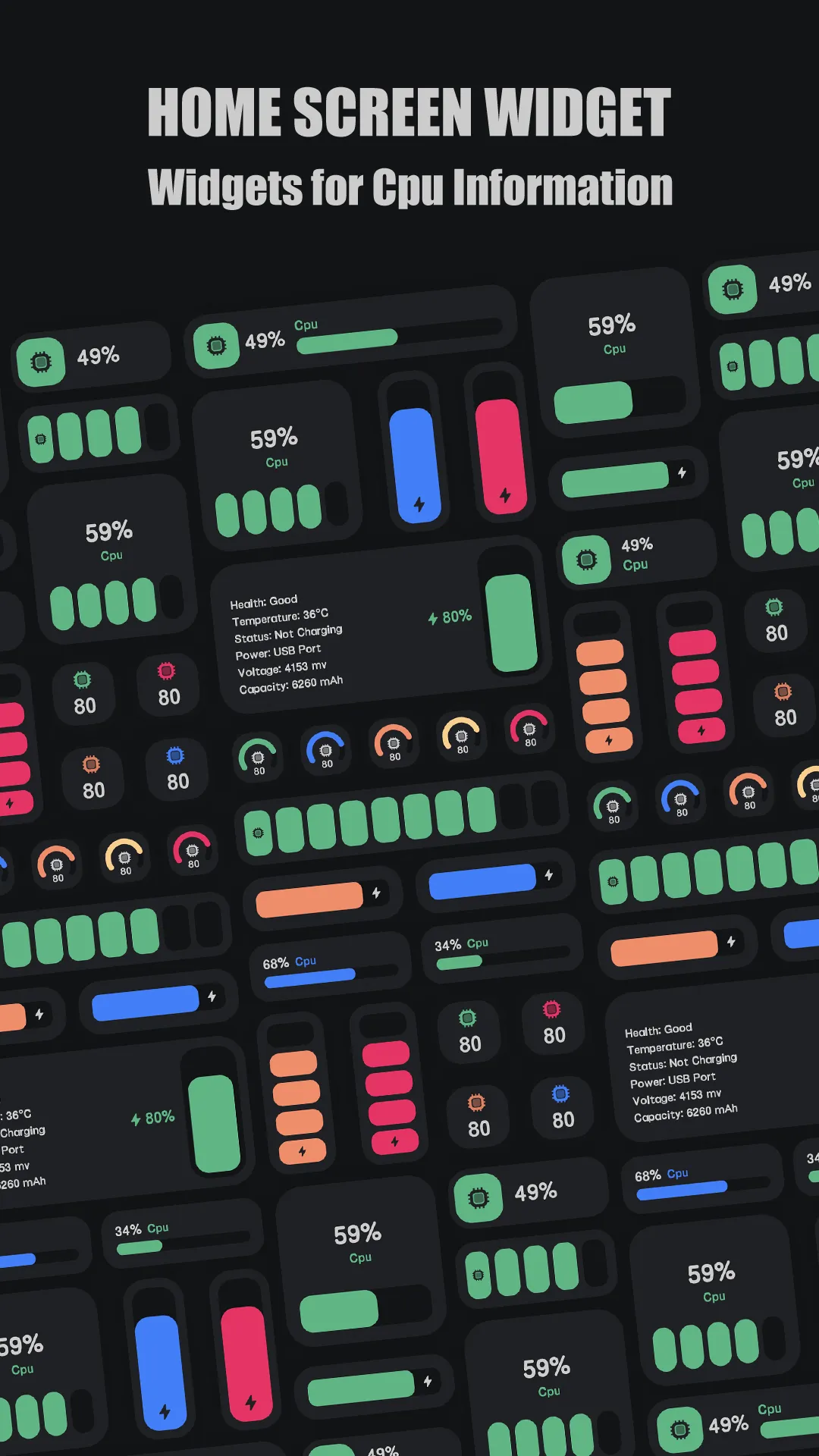

CPU Monitor is a CPU temperature and load monitor for Android. The core — live temperature, per-core frequency, and load — is free; VIP adds deeper history and options.
Strengths for heat watching
- Live CPU temperature — a clear number you can watch while gaming or charging.
- Per-core frequency and load — spot the core pinned at 100%.
- Overheat alerts — get warned before throttling drops performance.
- Lightweight — minimal background cost, so monitoring doesn’t add heat.
- History curve — see when temperature spiked during a session.
Weaknesses for heat watching
- VIP for deeper history — long-term logs sit behind the upgrade.
- Sensor accuracy varies — readings depend on what the device exposes.
Best for: people who want to catch overheating early, not just read specs.
CPU-Z, in depth
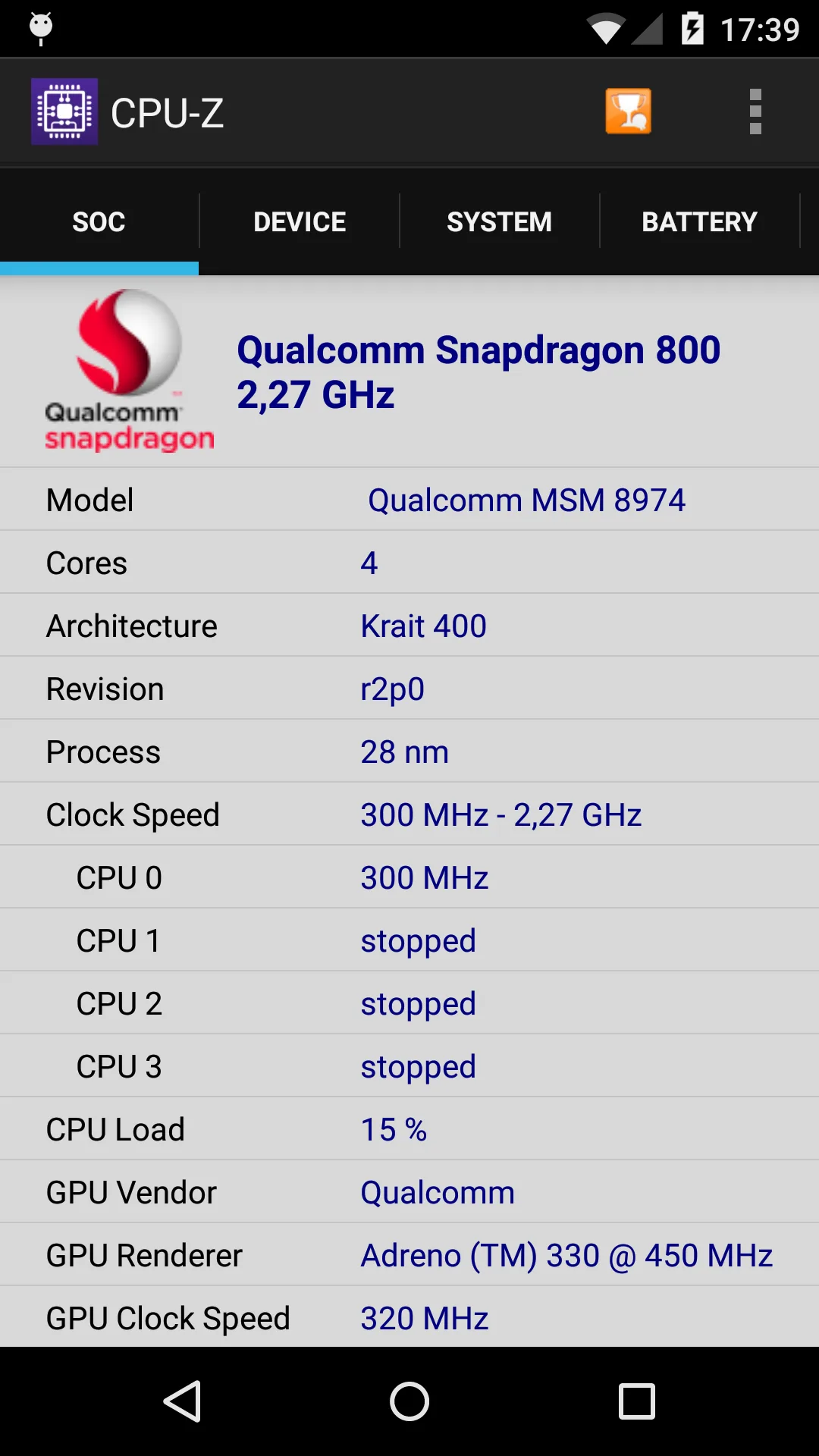
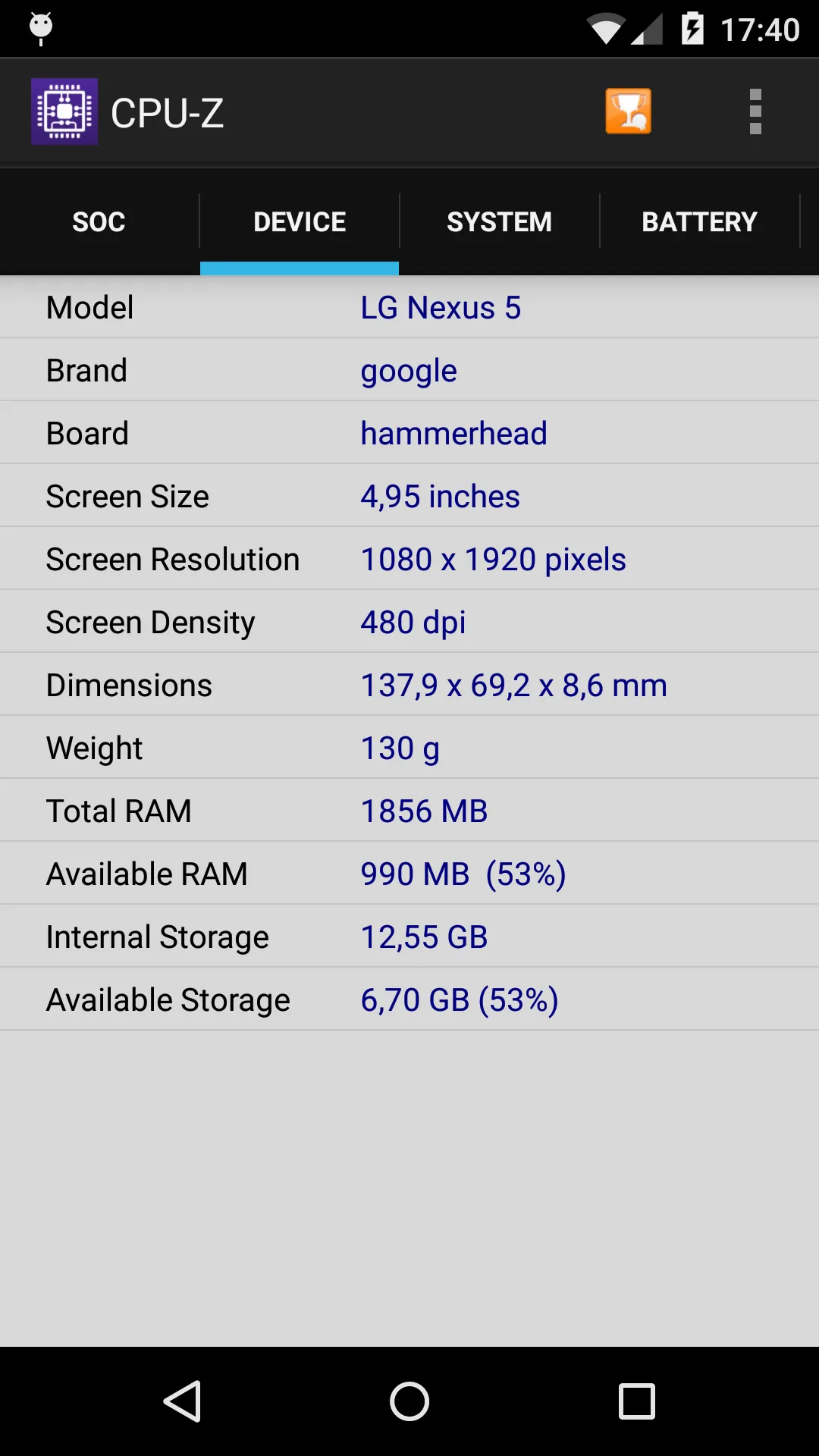
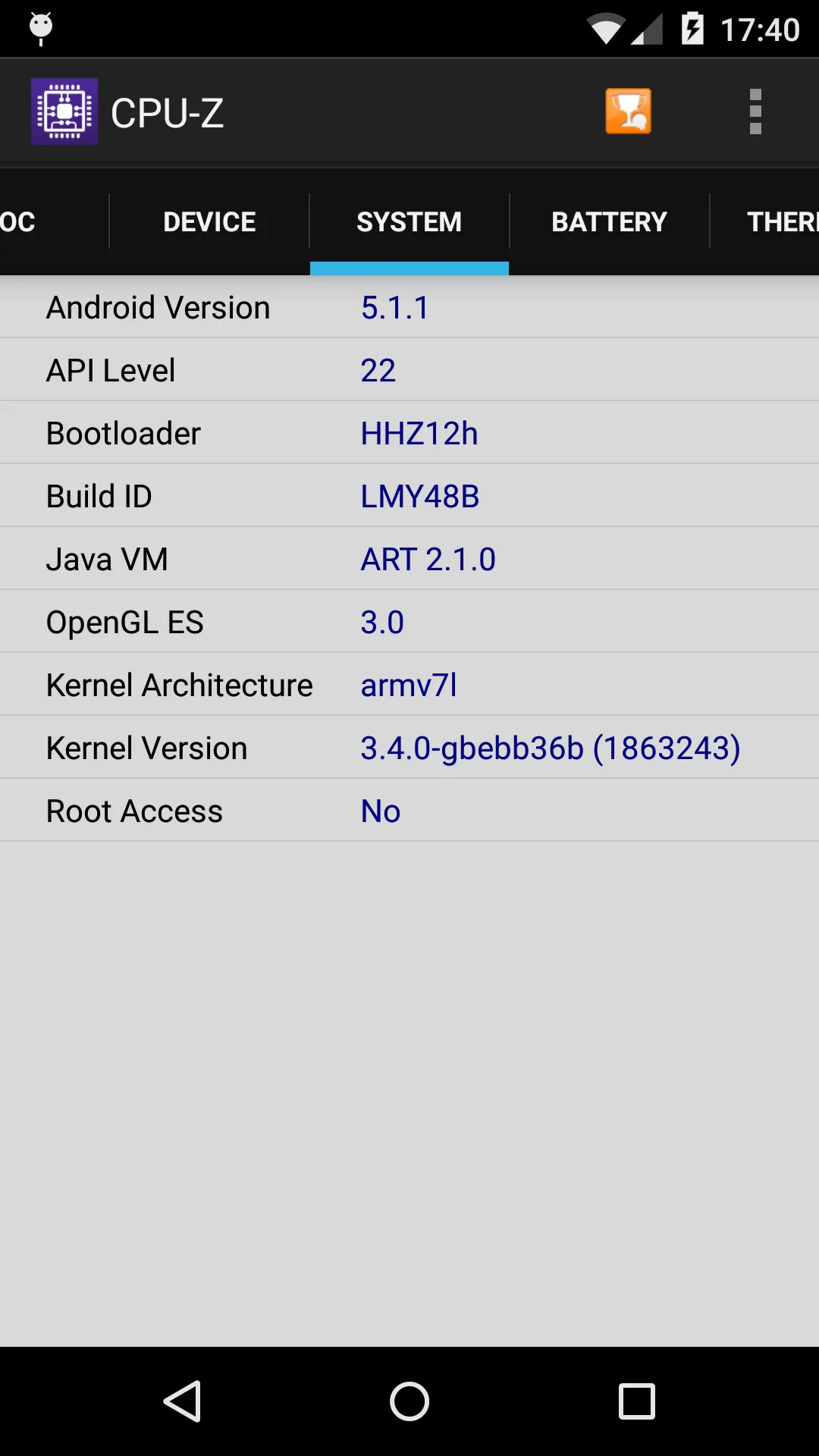
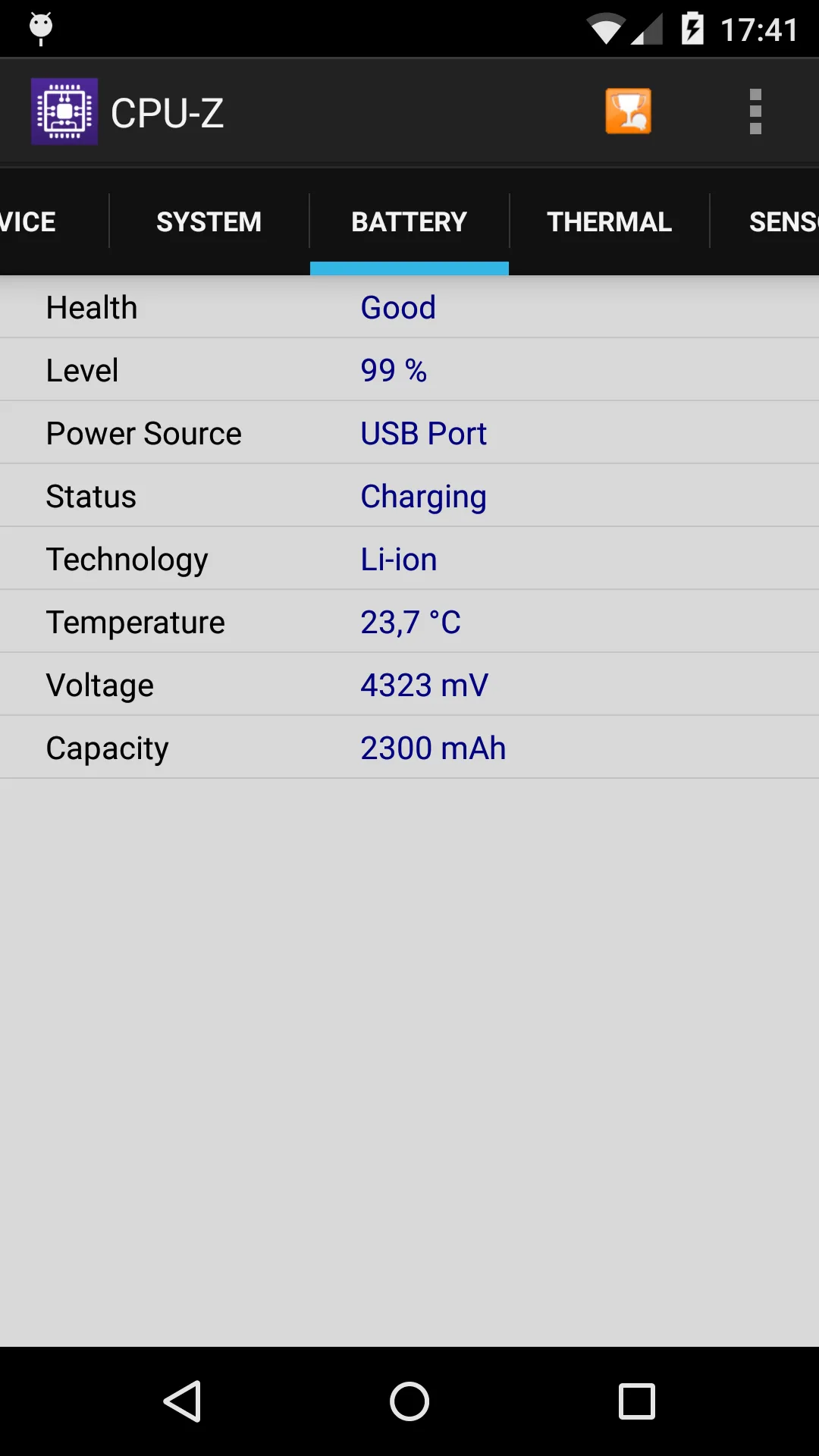
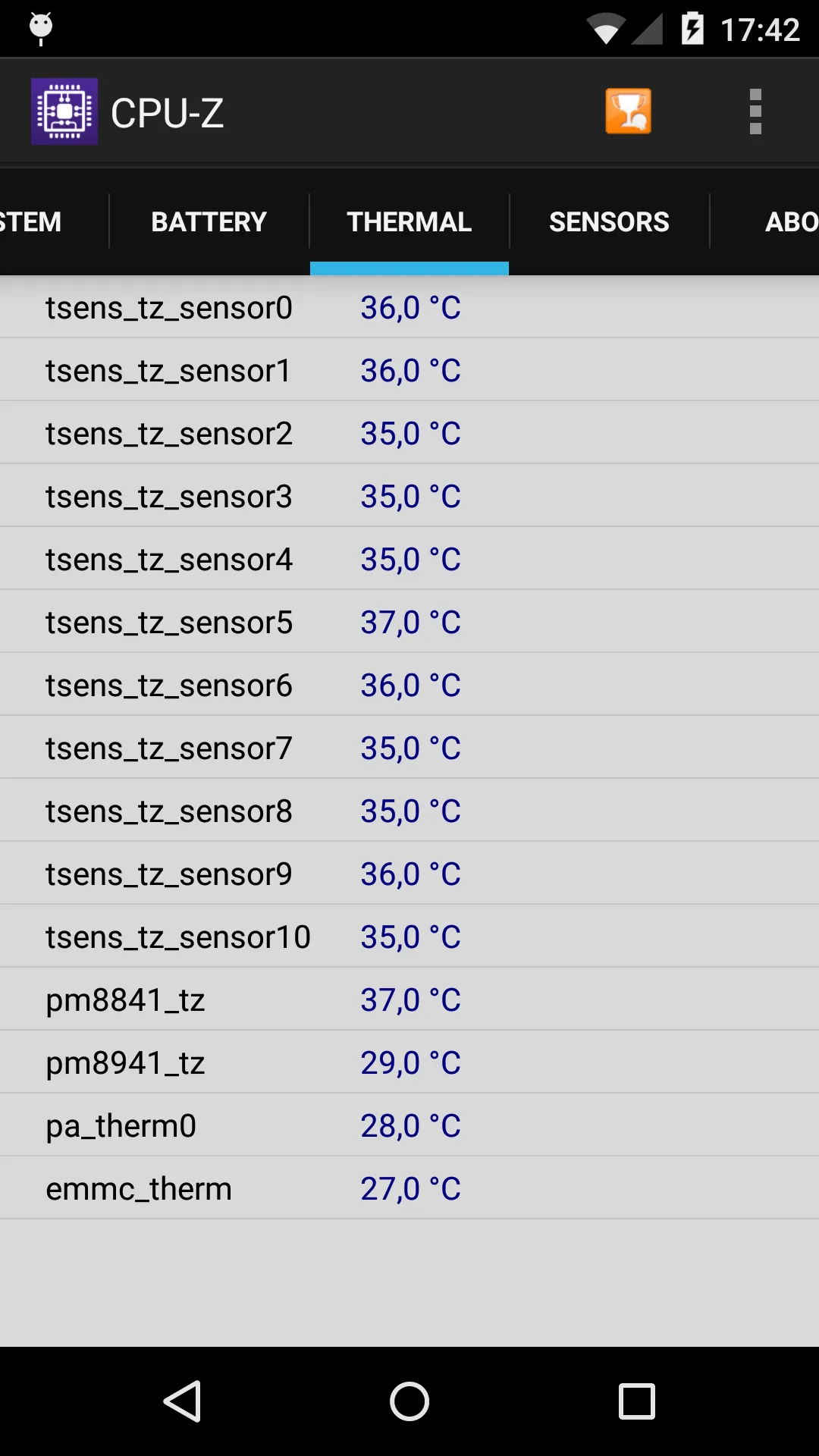
CPU-Z (package com.cpuid.cpu_z) is the Android port of the well-known CPUID tool, focused on reporting hardware details.
Strengths for heat watching
- Detailed hardware readout — SoC name, architecture, per-core frequency, system, battery, and sensors.
- Free — no cost, no subscription.
- Trusted source — CPUID’s reputation for accurate specs.
Weaknesses for heat watching
- Info only — it shows temperature but offers no alerts or advice.
- No trend curve — a snapshot, not a history.
- Limited Android sensors — the mobile build exposes less than the PC version.
Best for: users who want to read exact hardware specs and current temps.
How the others compare
- DevCheck shows rich device info with a live view; free with IAP, but no overheat alerts.
- AIDA64 is the deepest spec reader; great for details, not for heat warnings.
Which should you pick?
- Want real-time temp + per-core load + overheat alerts → CPU Monitor.
- Want free, detailed hardware specs → CPU-Z.
Get CPU Monitor — available on Android.