
CPU Monitor for Phone Temperature: Keep the Whole Device Cool
A practical look at CPU Monitor versus CPU-Z for whole-device temperature in 2026 — CPU, battery and sensor heat, alerts, and advice on Android.
Heat isn’t only about the CPU — the battery, GPU, and ambient sensors all contribute, and a hot battery ages faster. A phone temperature app should read the whole device, warn you, and suggest a fix. CPU Monitor is a device temperature monitor for Android with alerts and advice. Below we compare it with CPU-Z for managing the device’s overall heat.
What a phone temperature app needs
- Multiple heat sources — CPU plus battery and sensor reads.
- Overheat alerts — a nudge to put the phone down.
- Plain advice — “close games, unplug, cool down.”
- Light monitoring — no extra heat from the app itself.
The contenders at a glance
| App | Price (2026) | Heat sources | Alerts | Advice | Best for |
|---|---|---|---|---|---|
| CPU Monitor | Free core + VIP | CPU + battery/sensors | ✅ | ✅ | Device heat care |
| CPU-Z | Free | CPU + sensors | ❌ | ❌ | Specs & current temp |
| DevCheck | Free + IAP | CPU + battery | ❌ | ❌ | Detailed info |
CPU Monitor, in depth
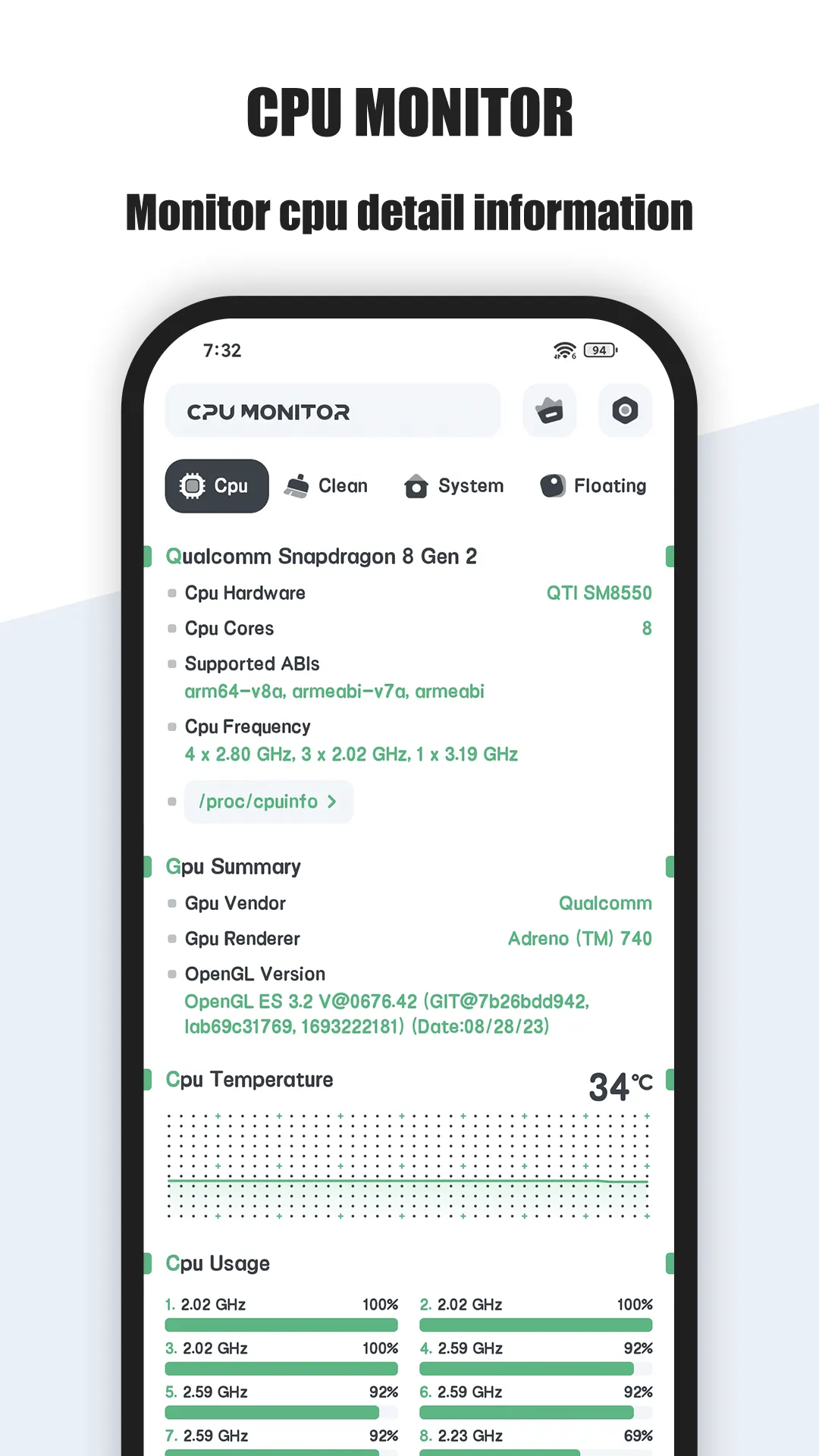
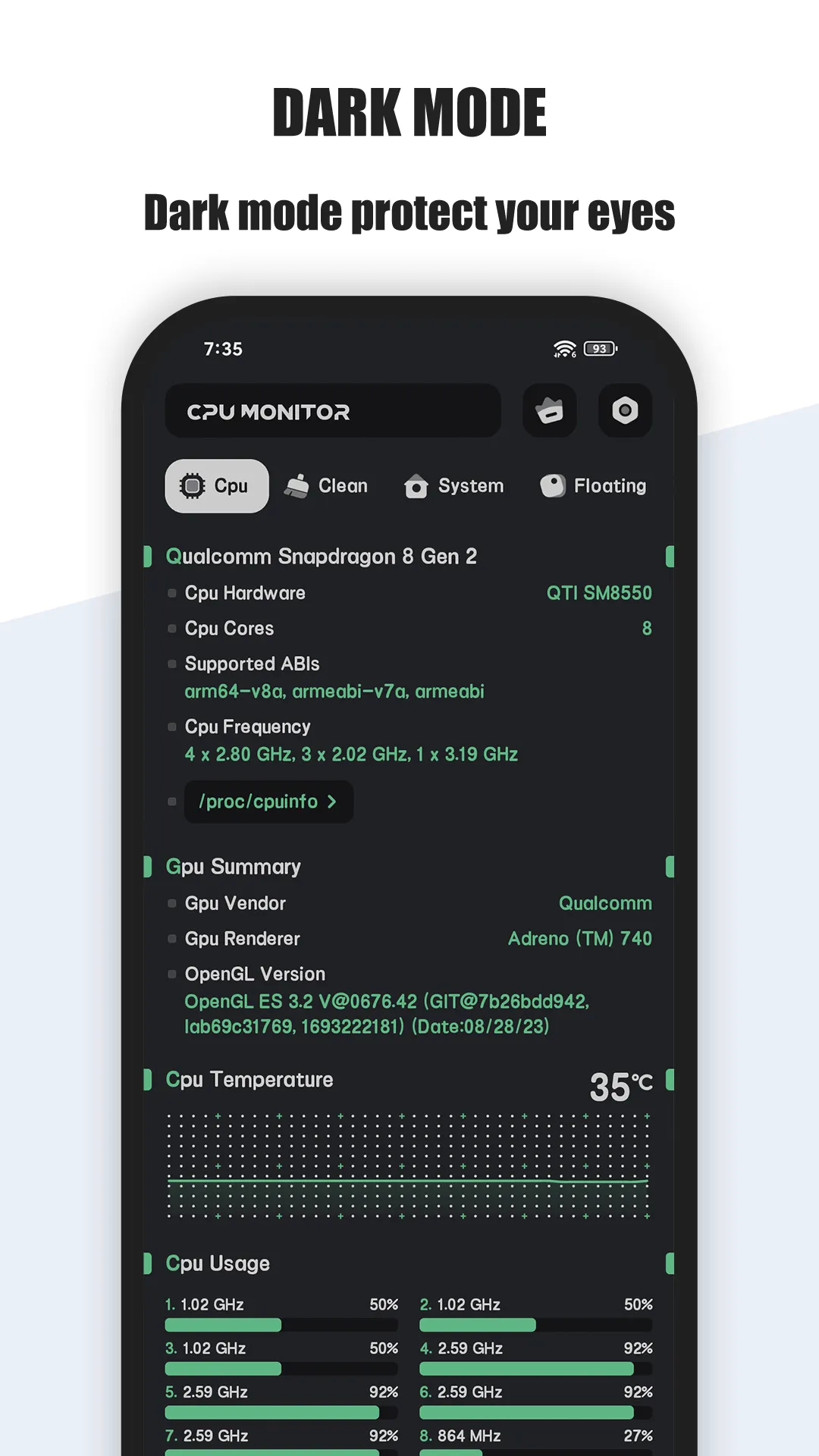
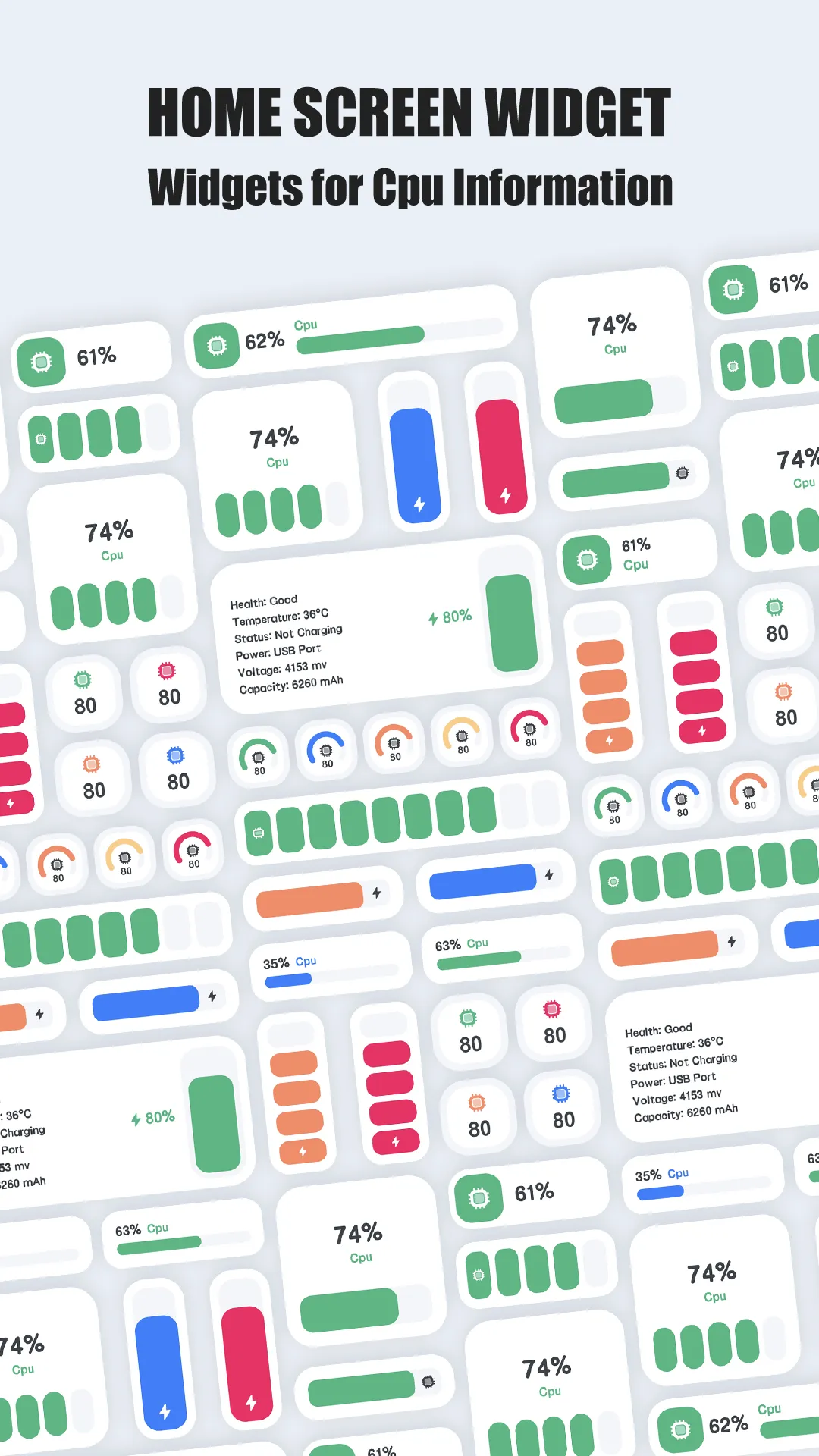
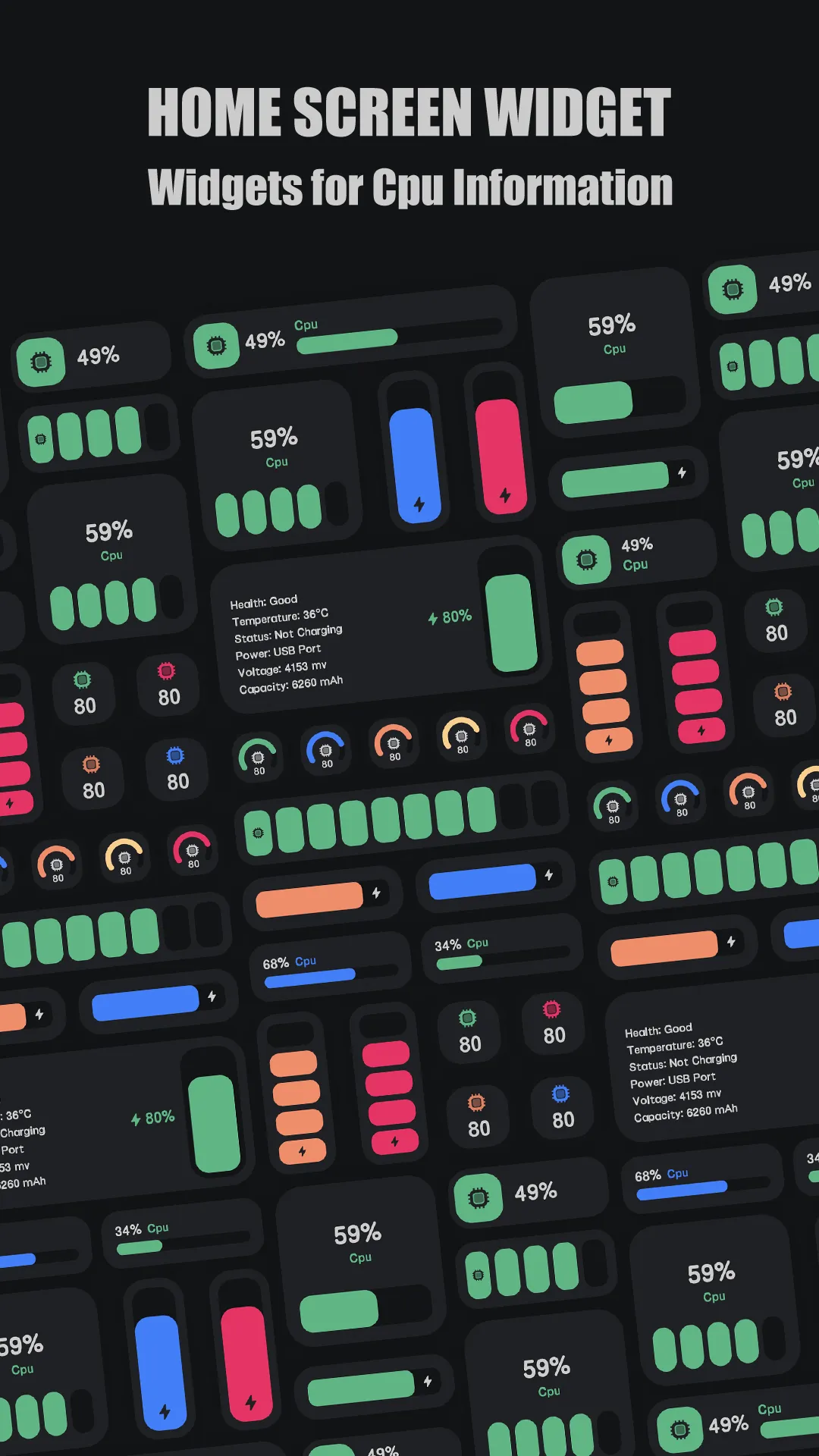

CPU Monitor is a device temperature monitor for Android covering CPU, battery, and sensor heat, with alerts and suggestions.
Strengths for device heat
- Multiple sources — watch CPU and battery temperature together.
- Overheat alerts — warned before the battery takes damage.
- Actionable advice — the app suggests cooling steps, not just numbers.
- Lightweight — low background cost.
Weaknesses for device heat
- VIP for deeper logs — long history behind the upgrade.
- Sensor dependence — richness varies by device.
Best for: people who want to protect the whole phone from heat, not just read one number.
CPU-Z, in depth
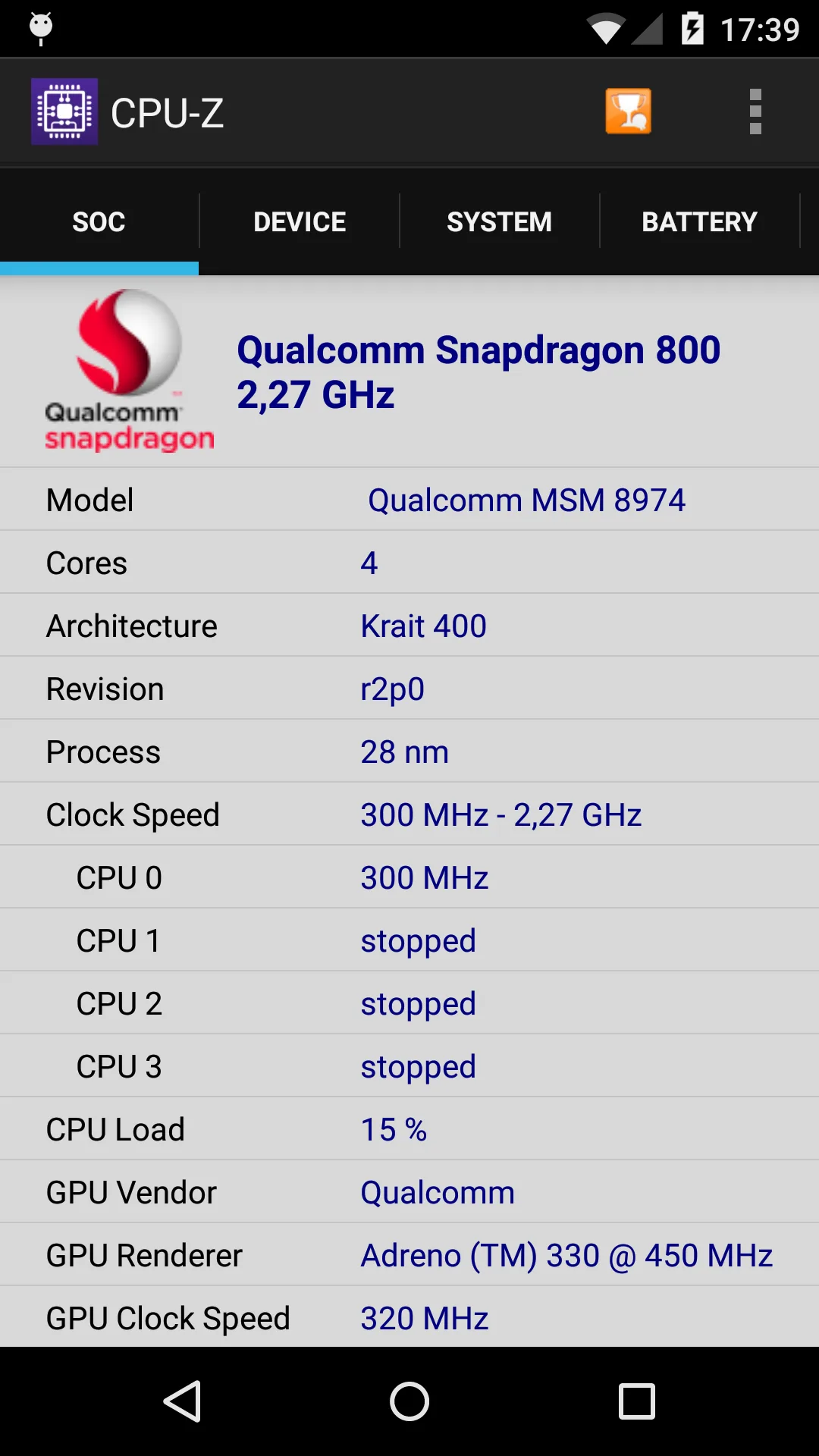
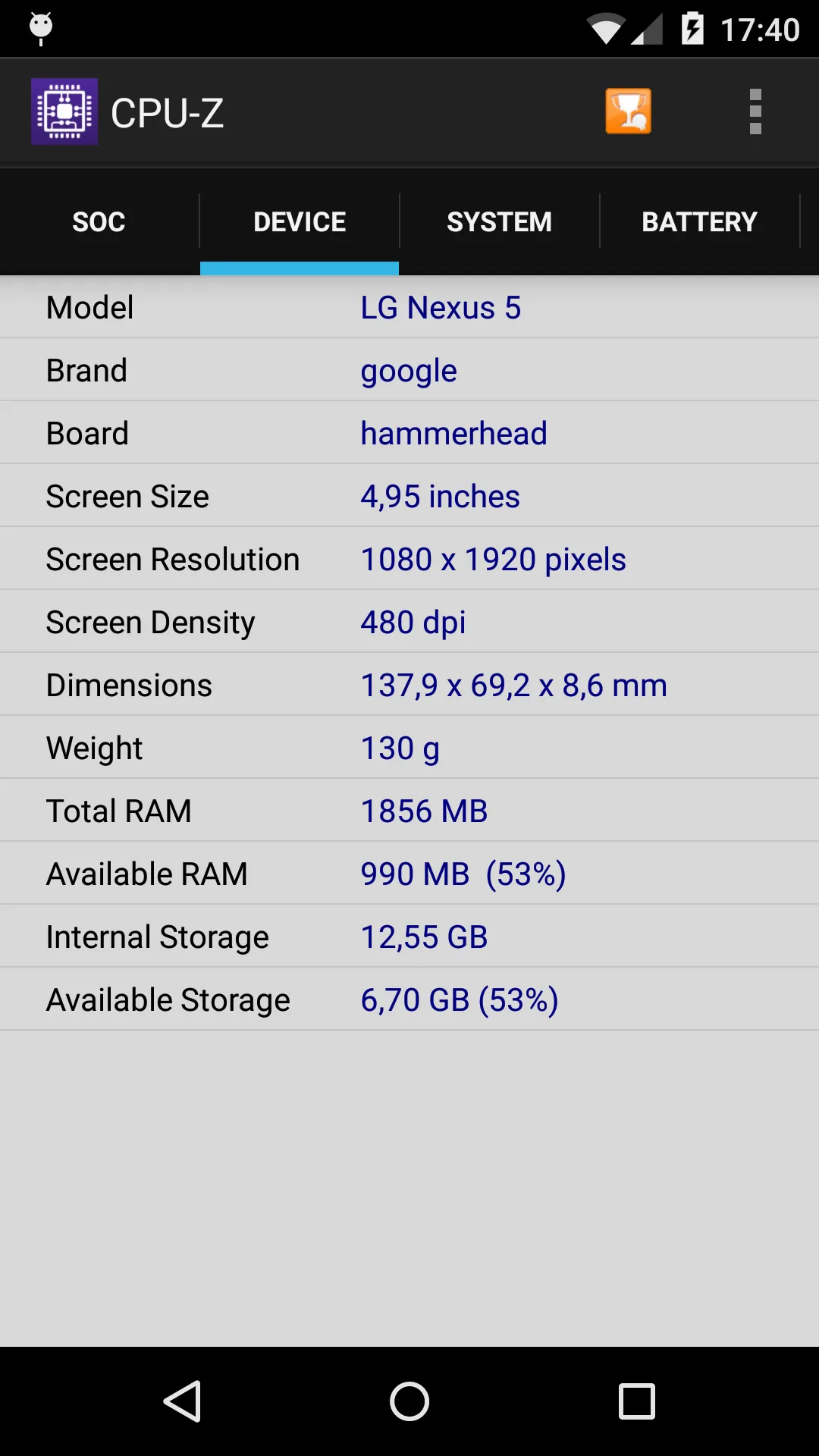
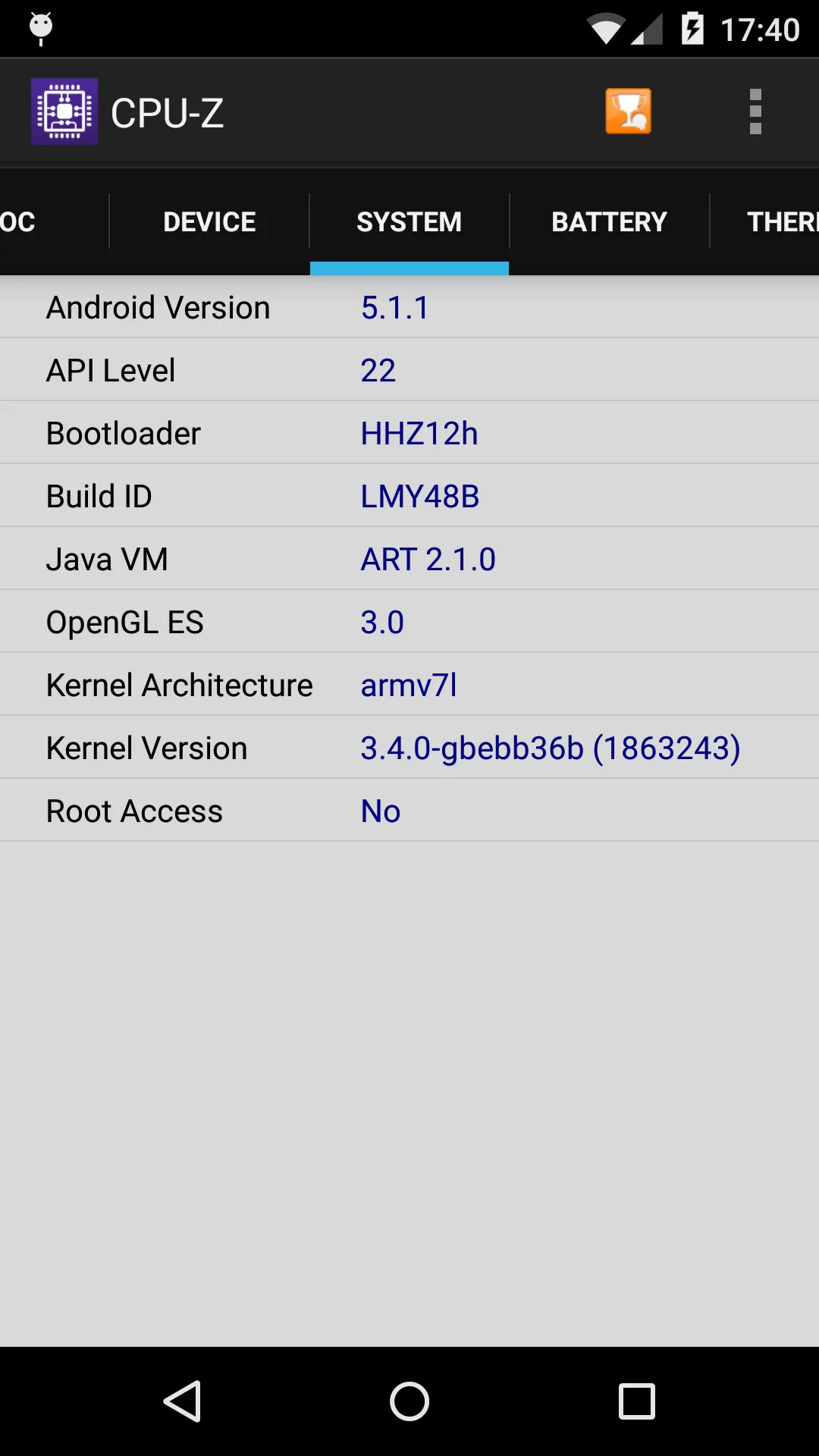
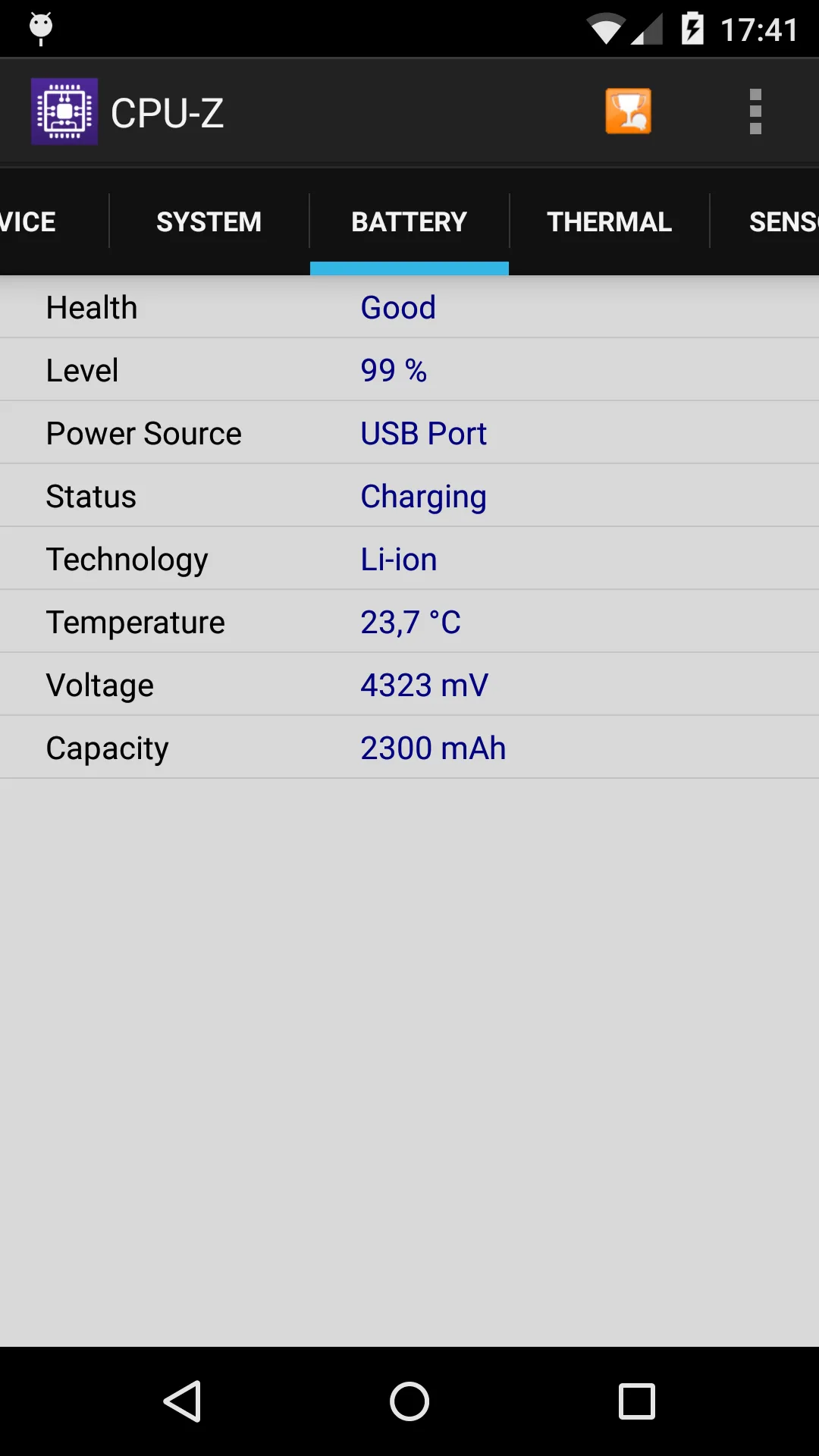
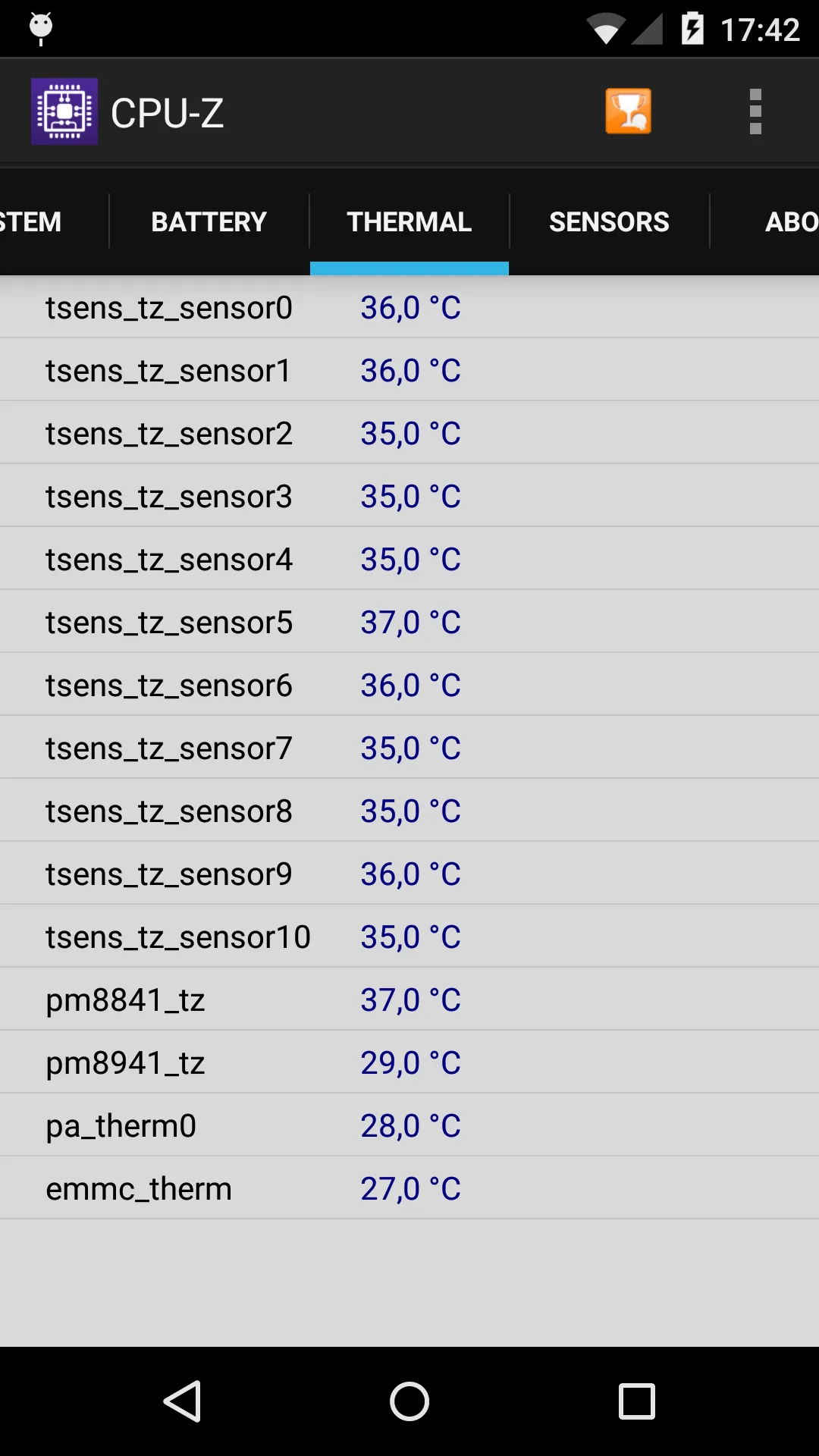
CPU-Z (package com.cpuid.cpu_z) reports hardware details including current temperatures from available sensors.
Strengths for device heat
- Free and detailed — SoC, battery, and sensor data in one screen.
- Trusted accuracy — CPUID’s spec reporting is solid.
Weaknesses for device heat
- No alerts — it shows the temp, it won’t warn you.
- No advice — raw numbers, no “what to do.”
- Limited mobile sensors — the Android build is lighter than the PC tool.
Best for: users who want a free spec-and-temp snapshot.
How the others compare
- DevCheck adds battery and live device info for free; solid, but still no proactive alerts.
Which should you pick?
- Want whole-device heat + alerts + advice → CPU Monitor.
- Want free specs and a current temp → CPU-Z.
Get CPU Monitor — available on Android.