
System Monitor vs CCleaner: Monitor or Cleaner?
System Monitor vs CCleaner compared in depth for 2026: an all-in-one Android monitor with boost and battery doctor versus a popular junk-cleaning app. Features, price and a verdict per need.
One cleans, one monitors. System Monitor is an all-in-one Android tool showing live CPU, RAM and battery data with a one-tap boost and battery doctor. CCleaner is a popular junk-cleaning app for cache and unused files. This System Monitor vs CCleaner comparison clarifies which android system monitor / cleaner fits you in 2026.
At a glance
| System Monitor | CCleaner | |
|---|---|---|
| Core | Monitor (CPU/RAM/battery) + boost | Junk/cache cleaner |
| Platforms | Android | Android |
| CPU monitoring | Yes (temp, freq, per-core) | Limited |
| RAM boost | One-tap + ignore list | Yes |
| Battery doctor | Health + saver modes | Basic |
| Junk cleaning | Storage overview only | Yes (cache/junk) |
| Overheat alarm | Yes | No |
| Floating window | Yes | No |
| Privacy / safety | Local, no data collection | Ad-supported |
| Price | Free core + unlock | Free (ad-supported) |
| Best for | Insight & control | Clearing cache/unused files |
System Monitor, in detail
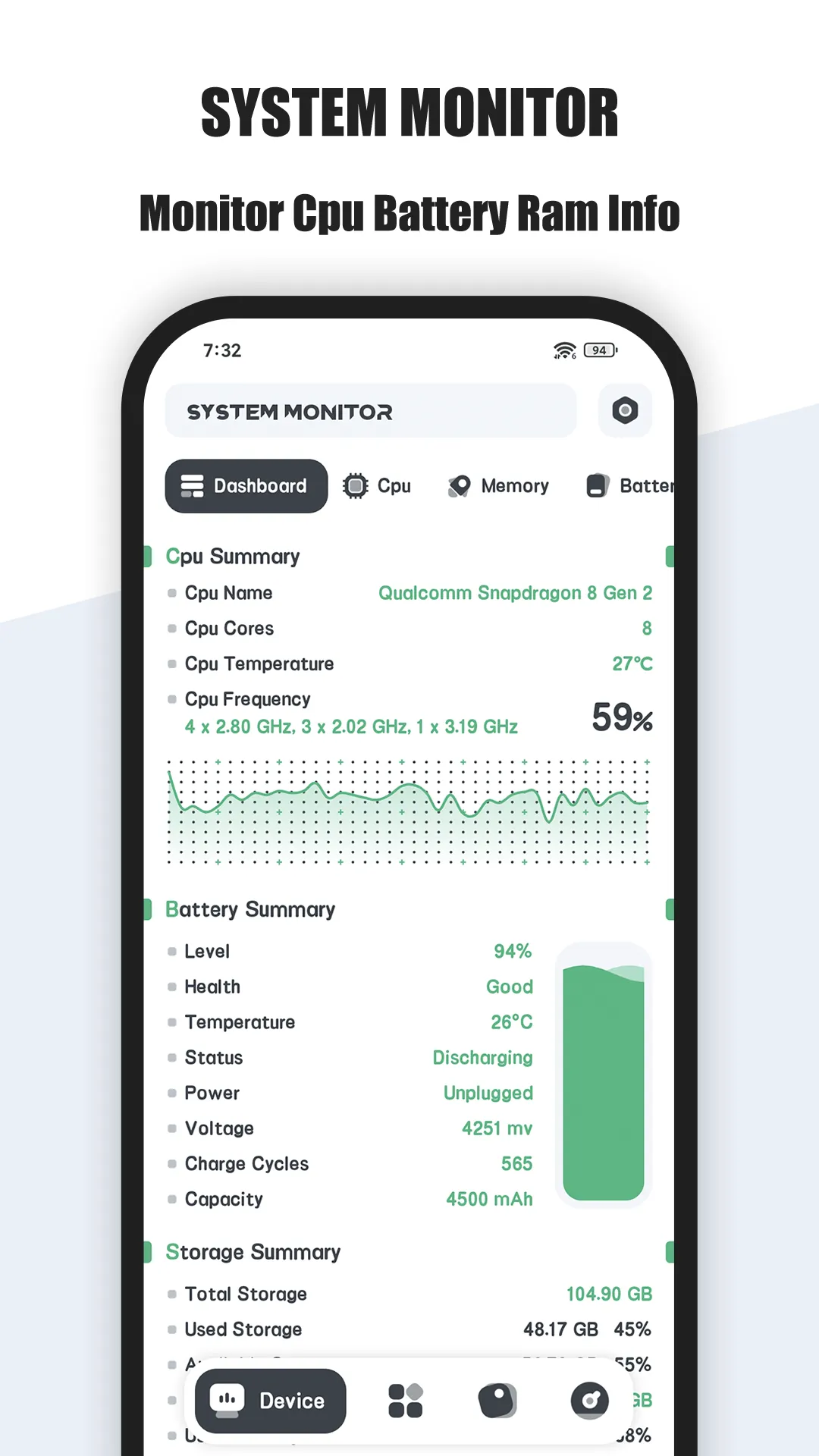
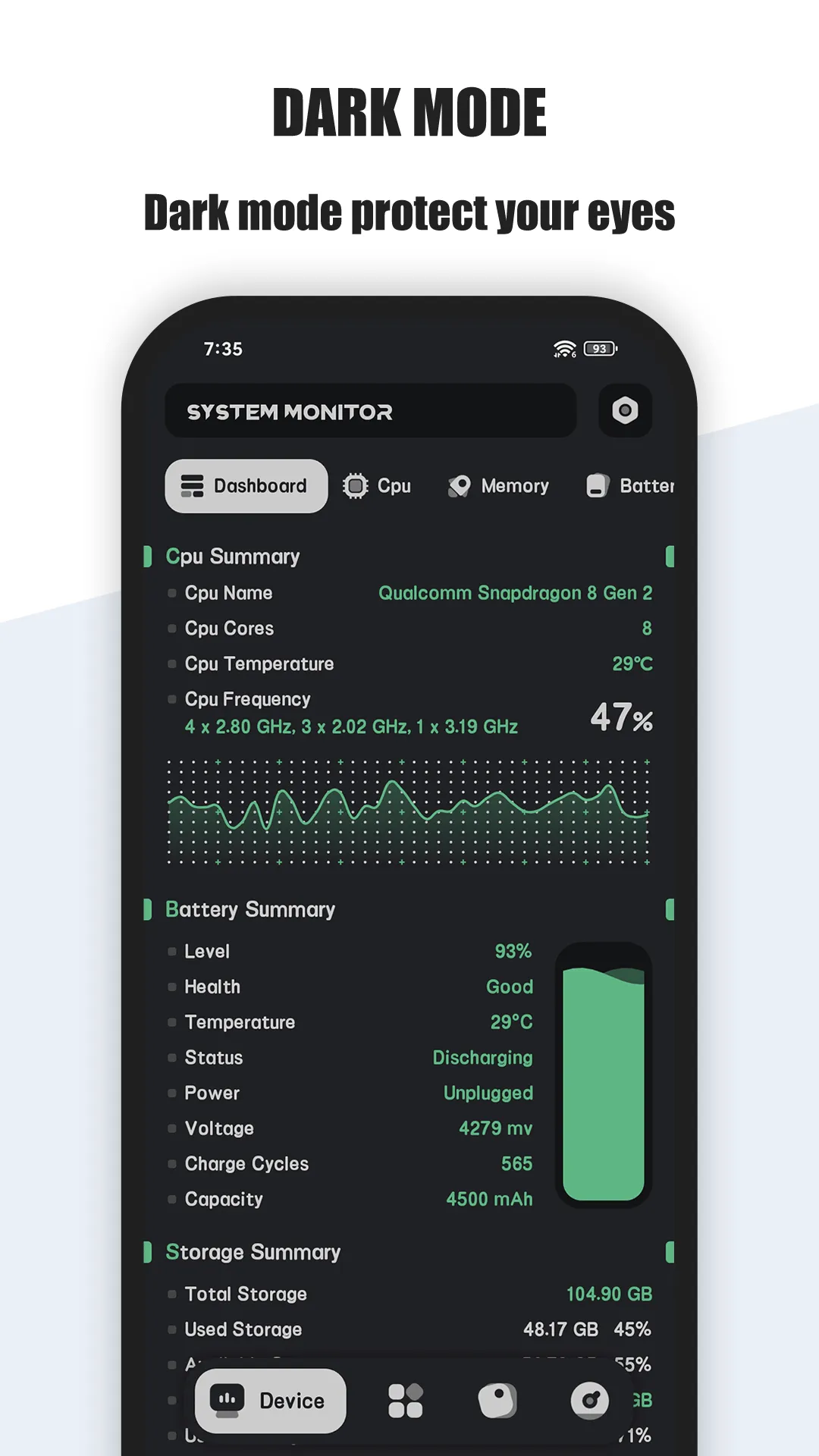
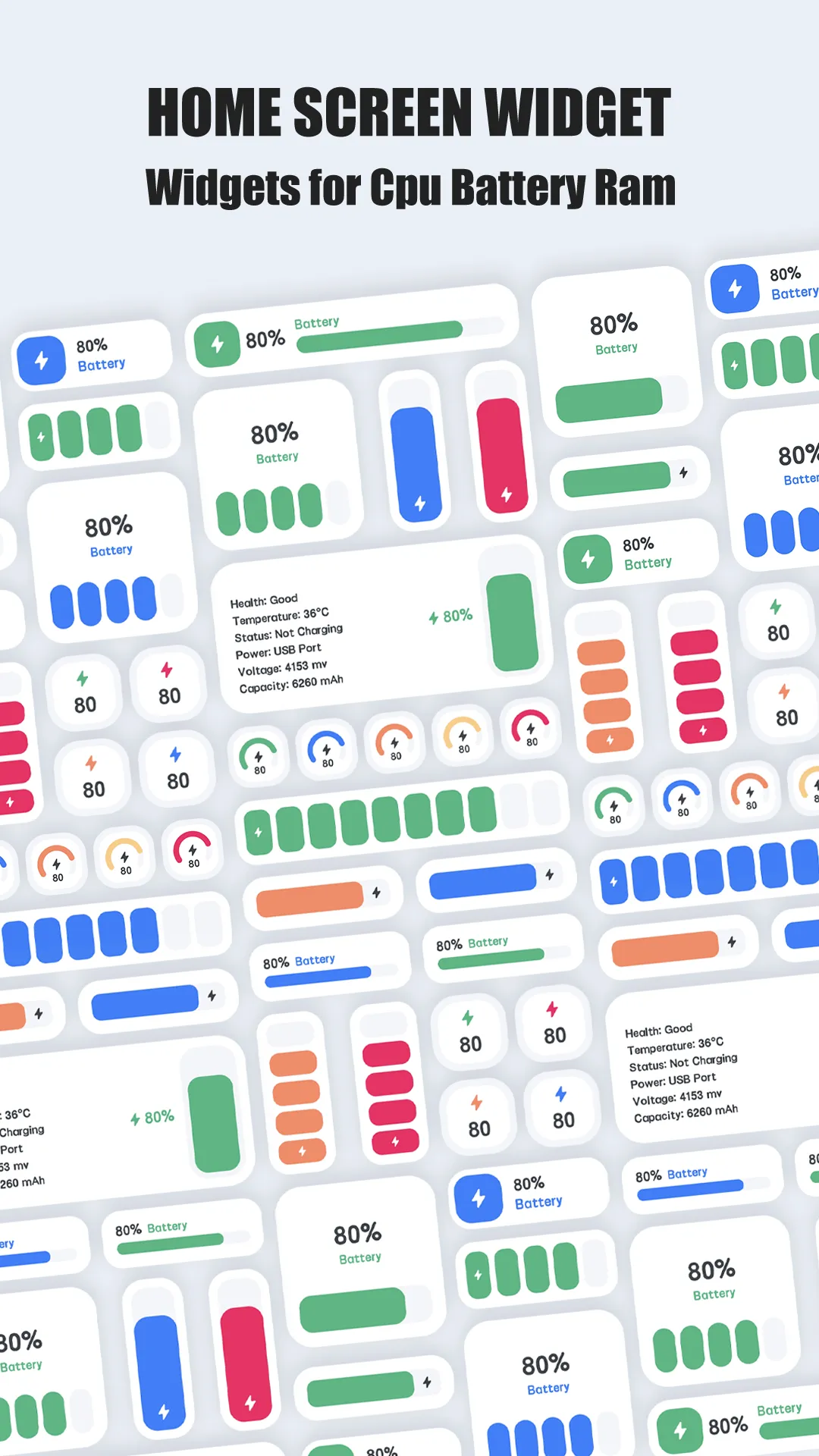
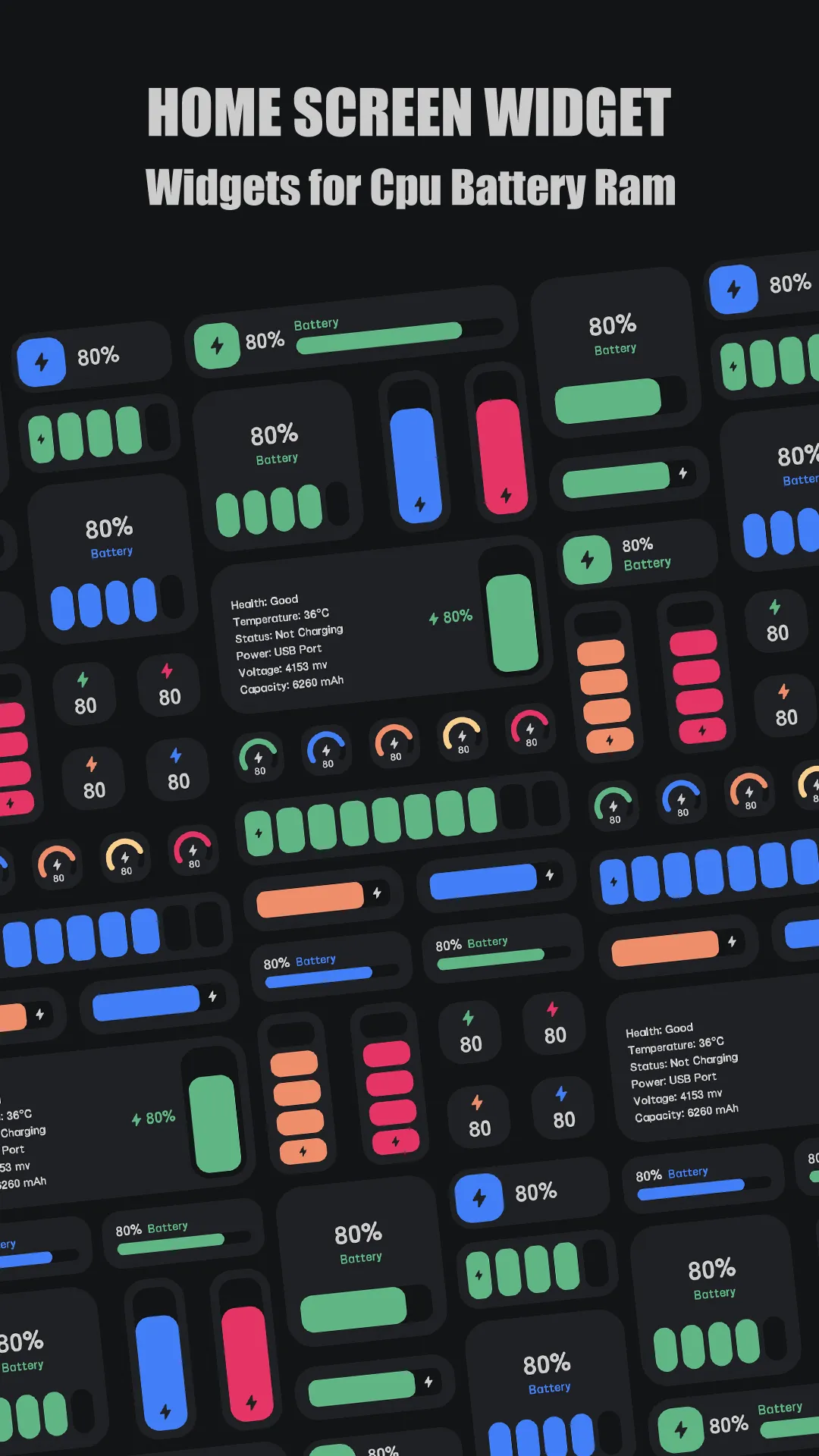

System Monitor is an all-in-one Android tool: CPU monitor, storage overview, RAM booster and battery doctor — so you get insight and quick action in one place.
Strengths
- Live CPU temperature and frequency with history analysis and an overheat alarm.
- Multicore CPU monitoring and per-core usage.
- One-tap RAM boost with an ignore list so important apps aren’t killed.
- Battery doctor — health, voltage and temperature curves, plus saver modes.
- Floating window and widgets for at-a-glance CPU/RAM/battery.
- Storage overview to see what’s using space (without deleting files).
- Multi-theme and a free core.
Weaknesses
- Android only — no iOS version.
- Does not delete junk/cache — it’s a monitor, not a cleaner (by design).
- Extra themes/history sit behind an optional unlock.
- No deep file management (no duplicate finder or app uninstaller).
- Sensor-dependent accuracy for temperature on some devices.
Best for
Users who want to understand and control what’s using resources — and get warned before overheating — rather than blindly clean.
Download System Monitor
CCleaner, in detail
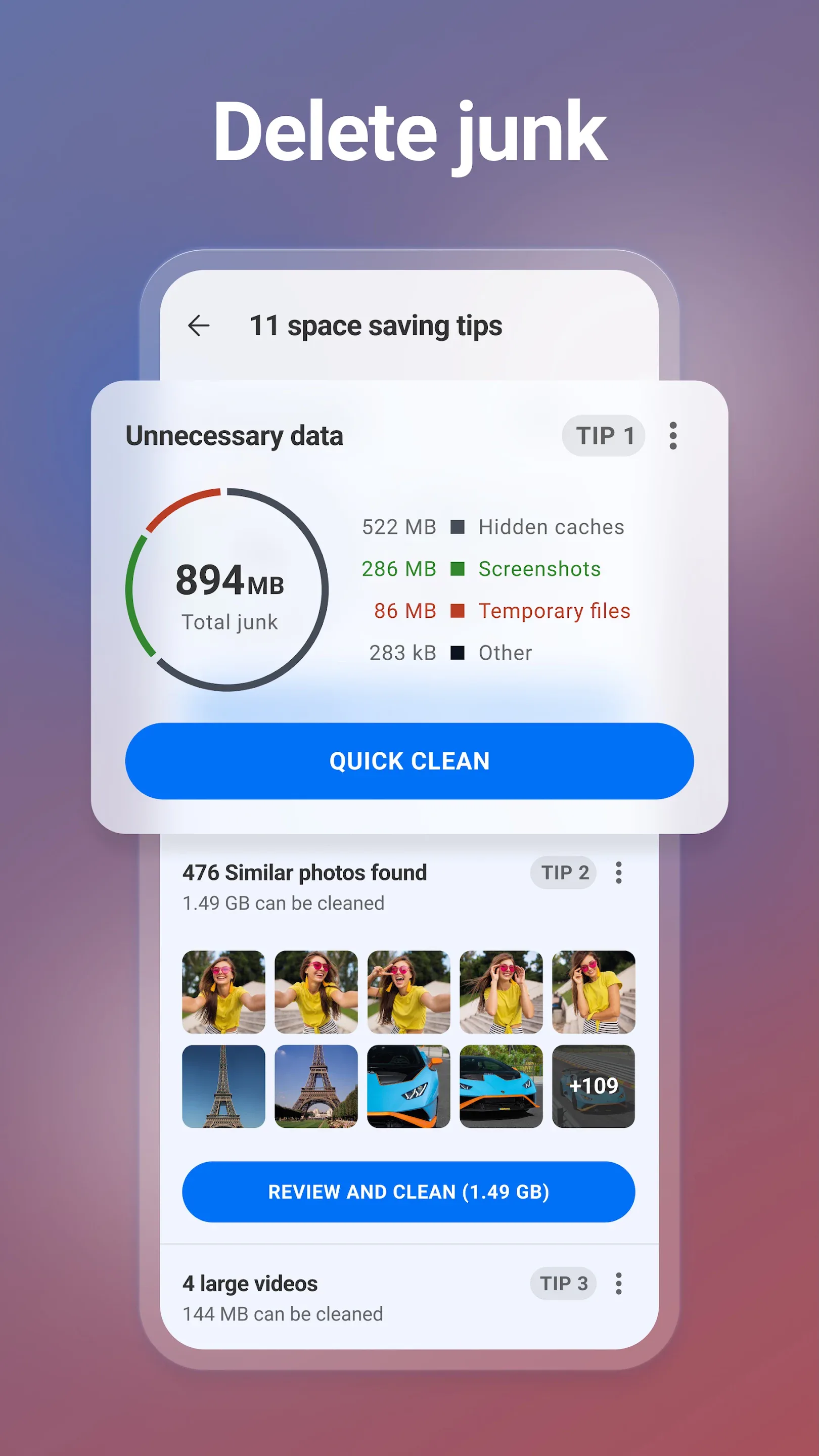
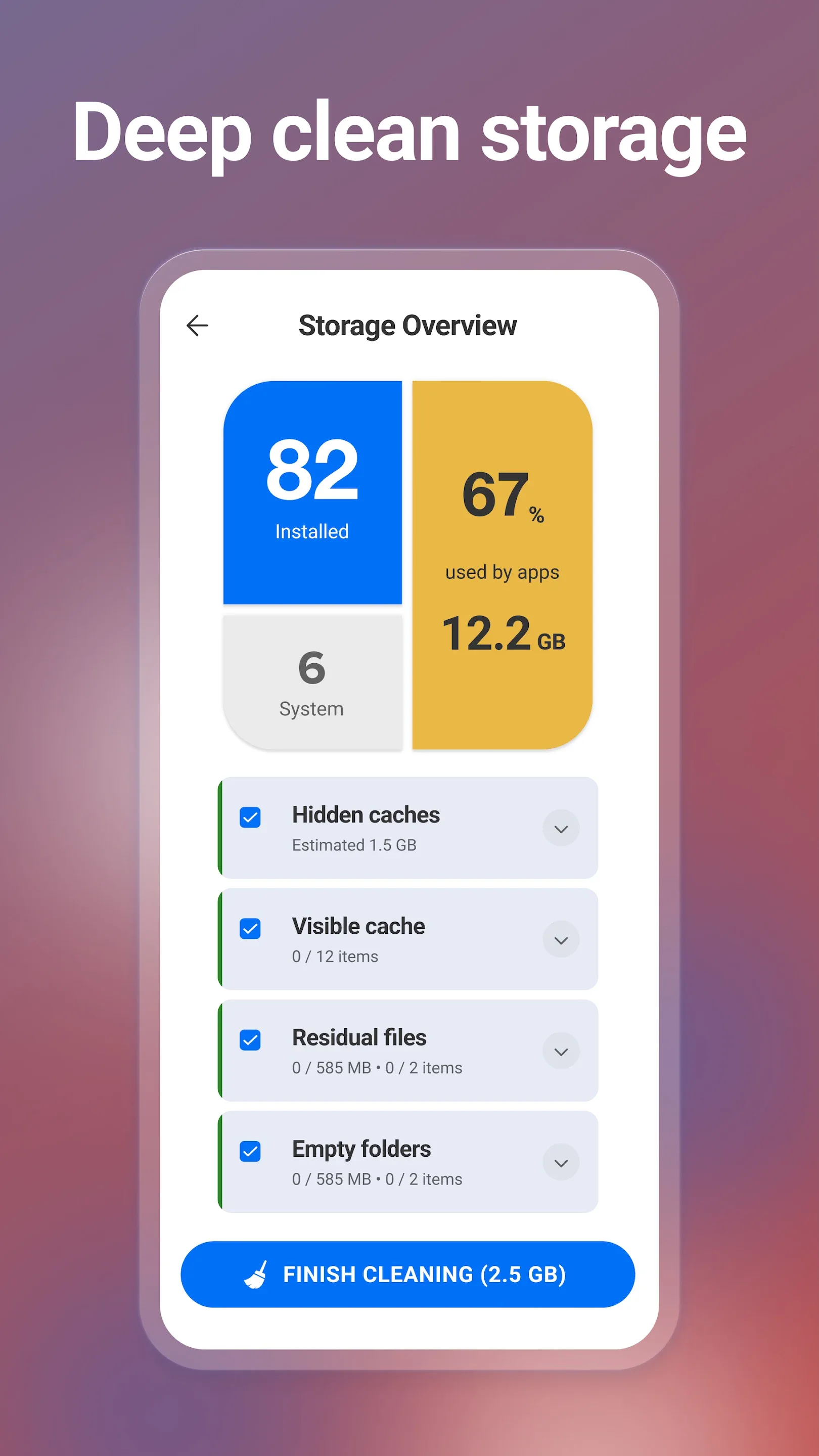
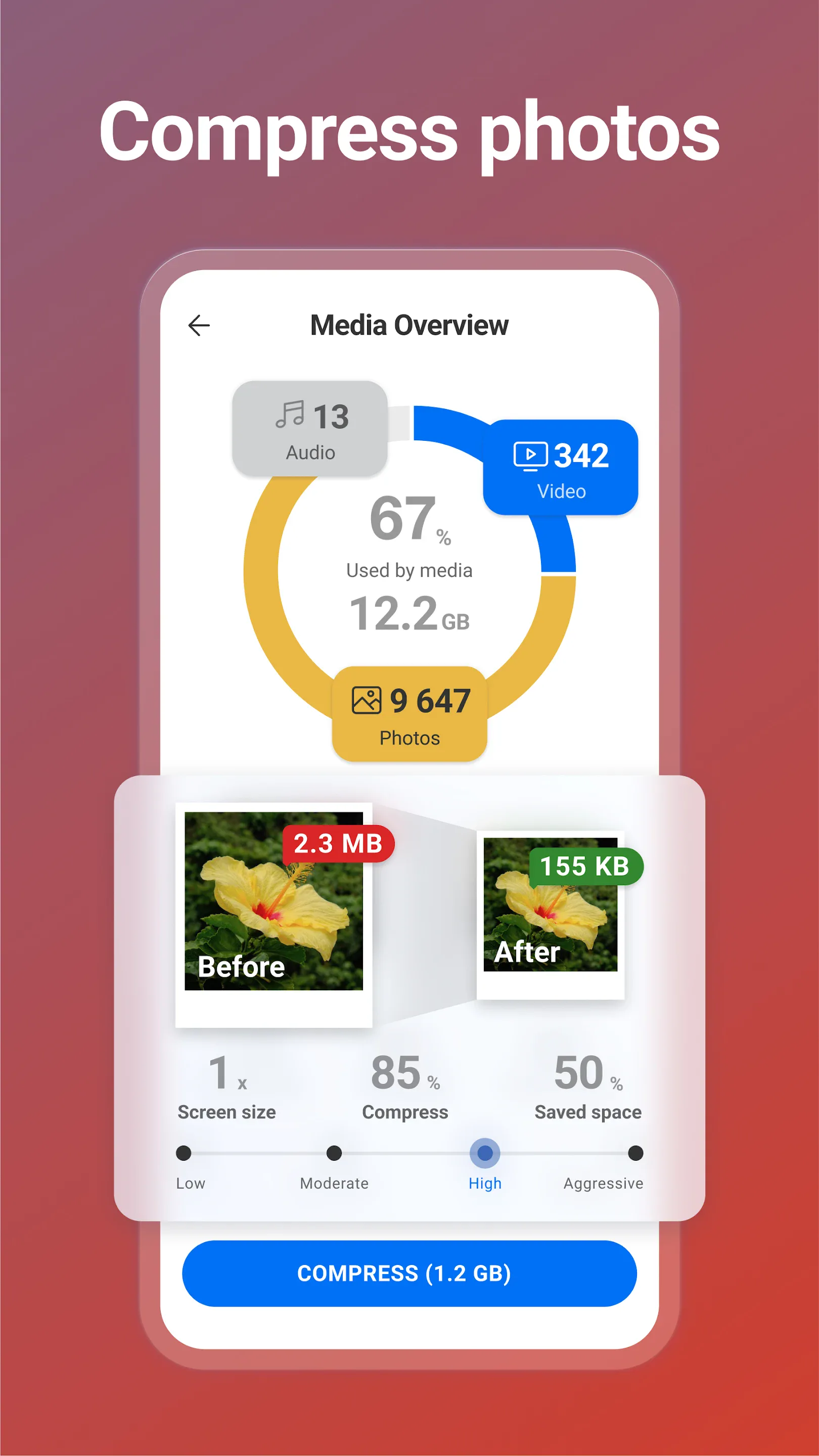
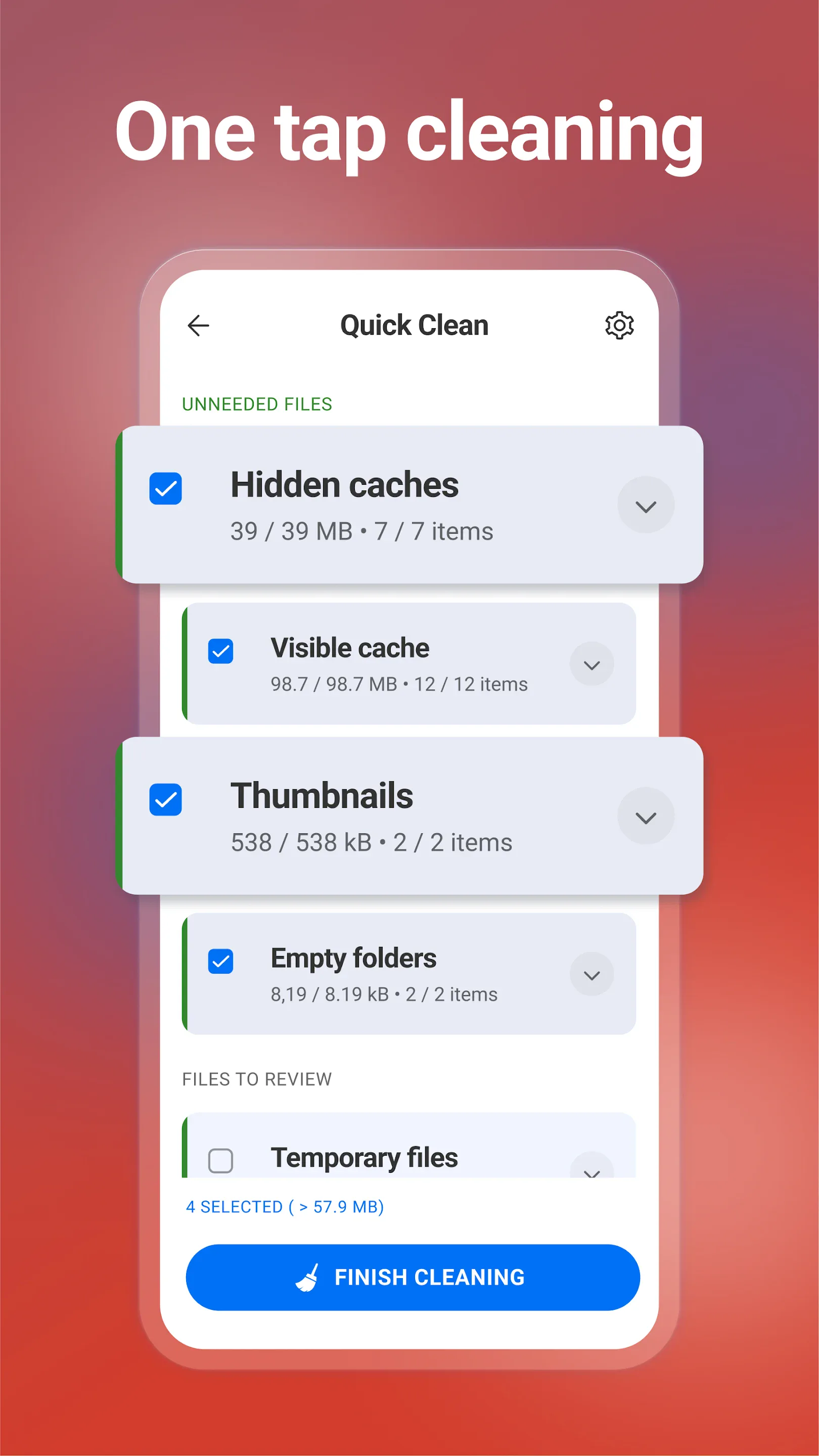
CCleaner for mobile is the phone version of the famous PC tool — a quick way to clear cache, browsing history and unused files, plus basic photo and battery helpers.
Strengths
- Familiar brand and flow if you’ve used CCleaner on desktop.
- Quick cache/history cleanup and a simple storage overview.
- Battery and app hibernation helpers in the premium tier.
- Easy one-tap scans for casual users.
- Free tier available.
Weaknesses
- Limited real impact on modern Android — the OS already manages cache and background tasks; “cleaning” often frees little.
- Ad-supported free version with subscription prompts.
- No live monitoring — it can’t show temperature, frequency or RAM in real time.
- No overheat alarm or floating window.
- No iOS version — Android only now.
- Aggressive cleaning can even hurt battery by force-closing apps that reopen.
Best for
Casual users who want a familiar, one-tap way to clear cache and unused files.
Download CCleaner
How they compare where it matters
Monitor vs cleaner
This is the core split. System Monitor observes — live CPU/RAM/battery, overheat alarm, floating window — and offers a boost. CCleaner acts — deleting cache and junk. If you want to know what’s happening, System Monitor; if you want to clear space, CCleaner.
What cleaning actually does on modern Android
Honestly, Android already manages RAM and cache. A cleaner’s biggest real win is deleting unused files and large media — not “speeding up” via RAM clears. System Monitor’s value is helping you see the culprit (a hot CPU, a RAM-hungry app) instead of guessing.
Battery and safety
System Monitor includes a battery doctor with health curves and saver modes, plus a local-only privacy posture. CCleaner offers basic battery help but is ad-supported. For ongoing battery awareness, System Monitor is more useful.
Price and ads
System Monitor is free at the core with an optional unlock; CCleaner is free but ad-supported with subscription nudges. Neither is subscription-heavy.
Which should you choose
- Choose System Monitor if you want live insight and control — temperature, frequency, RAM, overheat alarms, floating widgets — and a boost when things feel slow.
- Choose CCleaner if you specifically want a familiar, one-tap cache/junk clear and don’t need monitoring.
- Best practice: keep System Monitor for awareness, and if you must clear storage, prefer Files by Google (official, safe, no aggressive behavior) over blind cleaning.