
System Monitor: Real-Time Device Stats Without the Bloat
A practical look at System Monitor versus CCleaner in 2026 — live CPU, memory, storage and battery info, process lists, and price on Android.
When your phone feels slow, you want to know why — which core is pinned, how much RAM is left, what’s eating storage. A system monitor shows live device stats without trying to “fix” anything. System Monitor is a paid device-info app for Android that detects CPU, memory, storage, and battery details in depth. Below we compare it with CCleaner, the cleanup brand, for understanding your phone.
What a system monitor needs
- Live CPU, memory, storage — the numbers that explain slowness.
- Battery and temperature — health and heat at a glance.
- Process list — see what’s running and using resources.
- Lightweight — monitoring shouldn’t add load.
- Private — local reads, no account, no upload.
The contenders at a glance
| App | Price (2026) | Live stats | Process list | Action (clean/boost) | Best for |
|---|---|---|---|---|---|
| System Monitor | Paid (one-time) | ✅ CPU/RAM/storage/battery | ✅ | ❌ info only | Seeing what’s happening |
| CCleaner | Free + Pro subscription | ⚠️ partial | ⚠️ limited | ✅ | Cleaning & optimizing |
| DevCheck | Free + IAP | ✅ deep | ✅ | ❌ | Spec deep-dive |
System Monitor, in depth
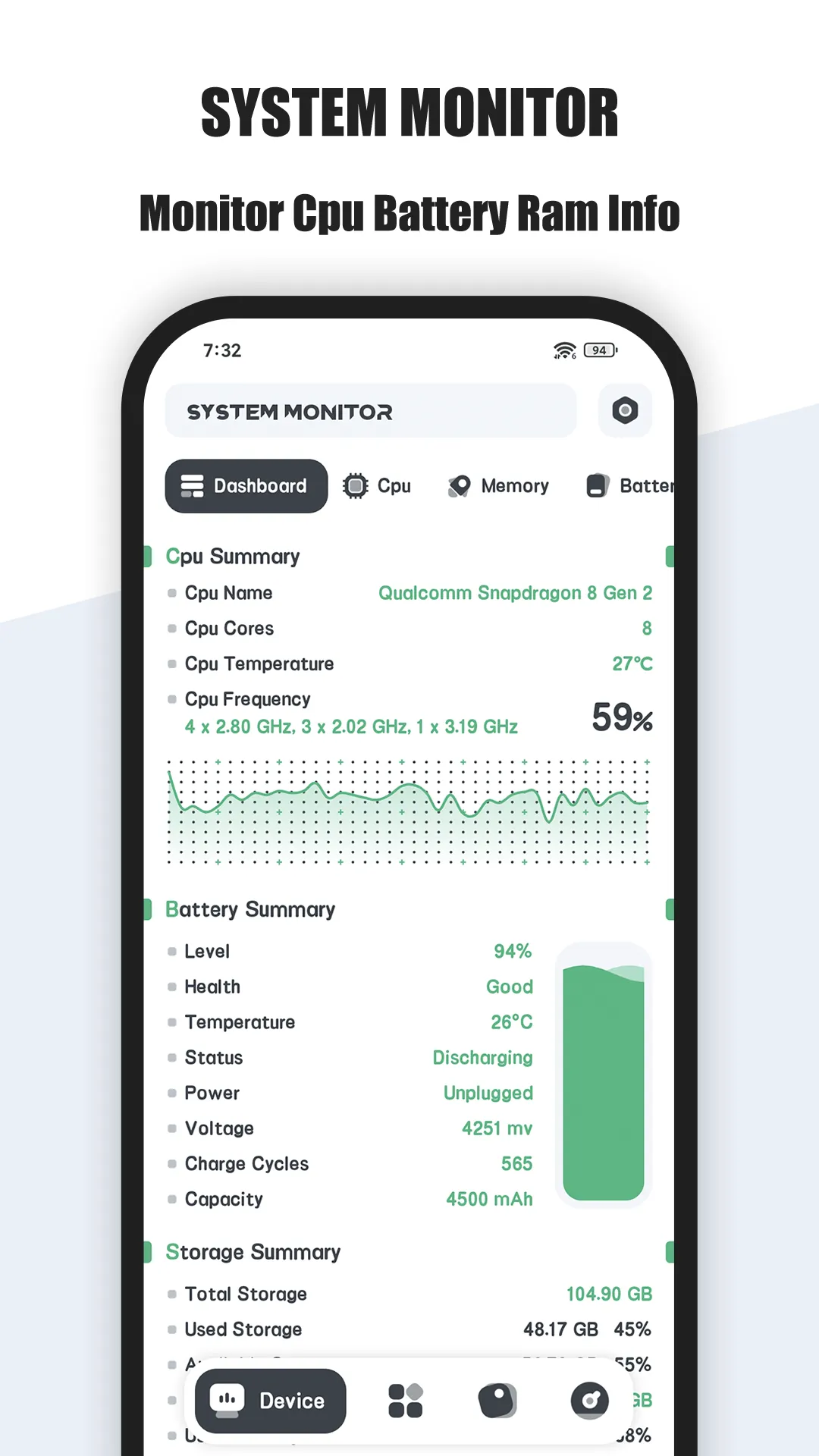
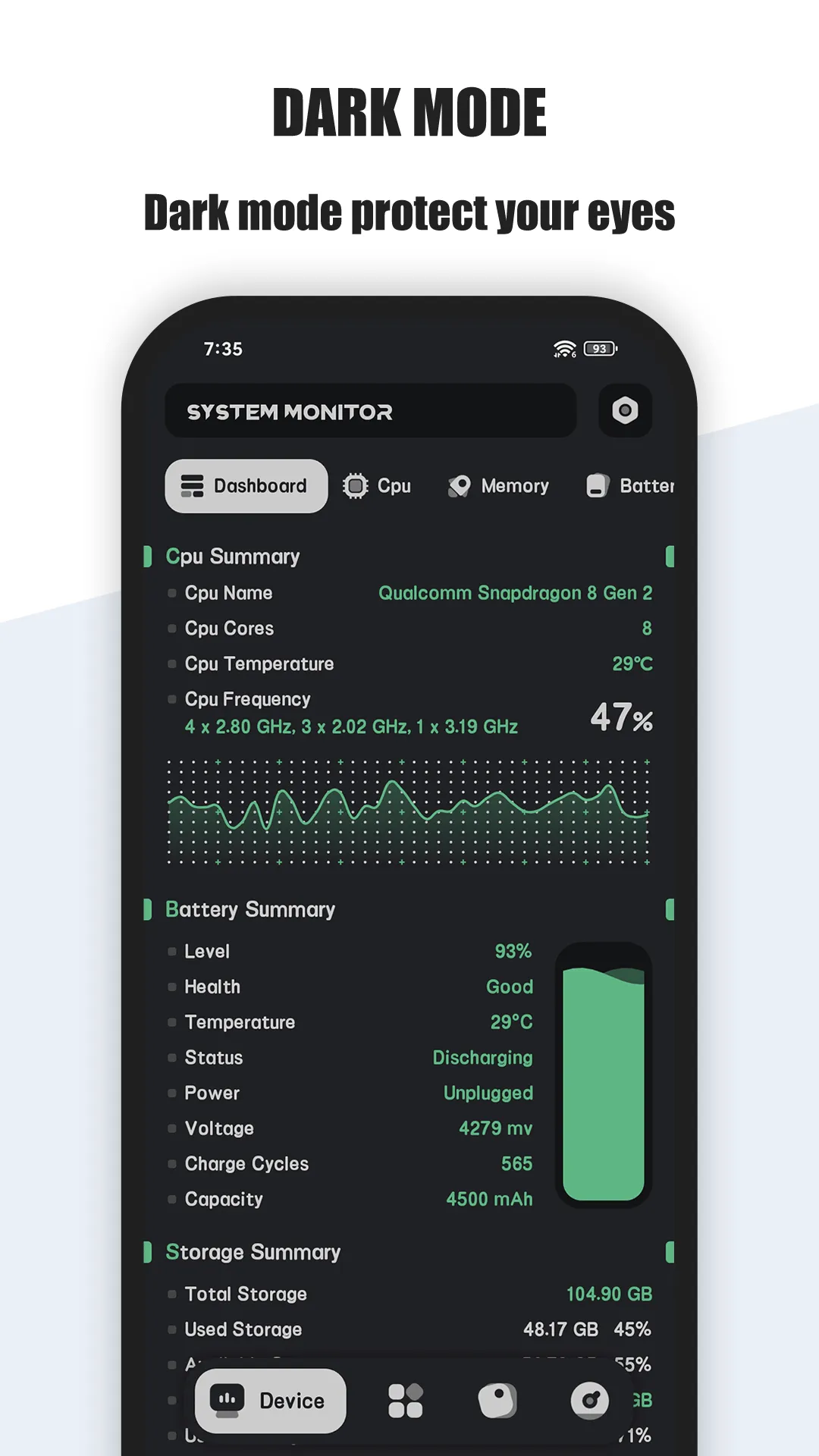
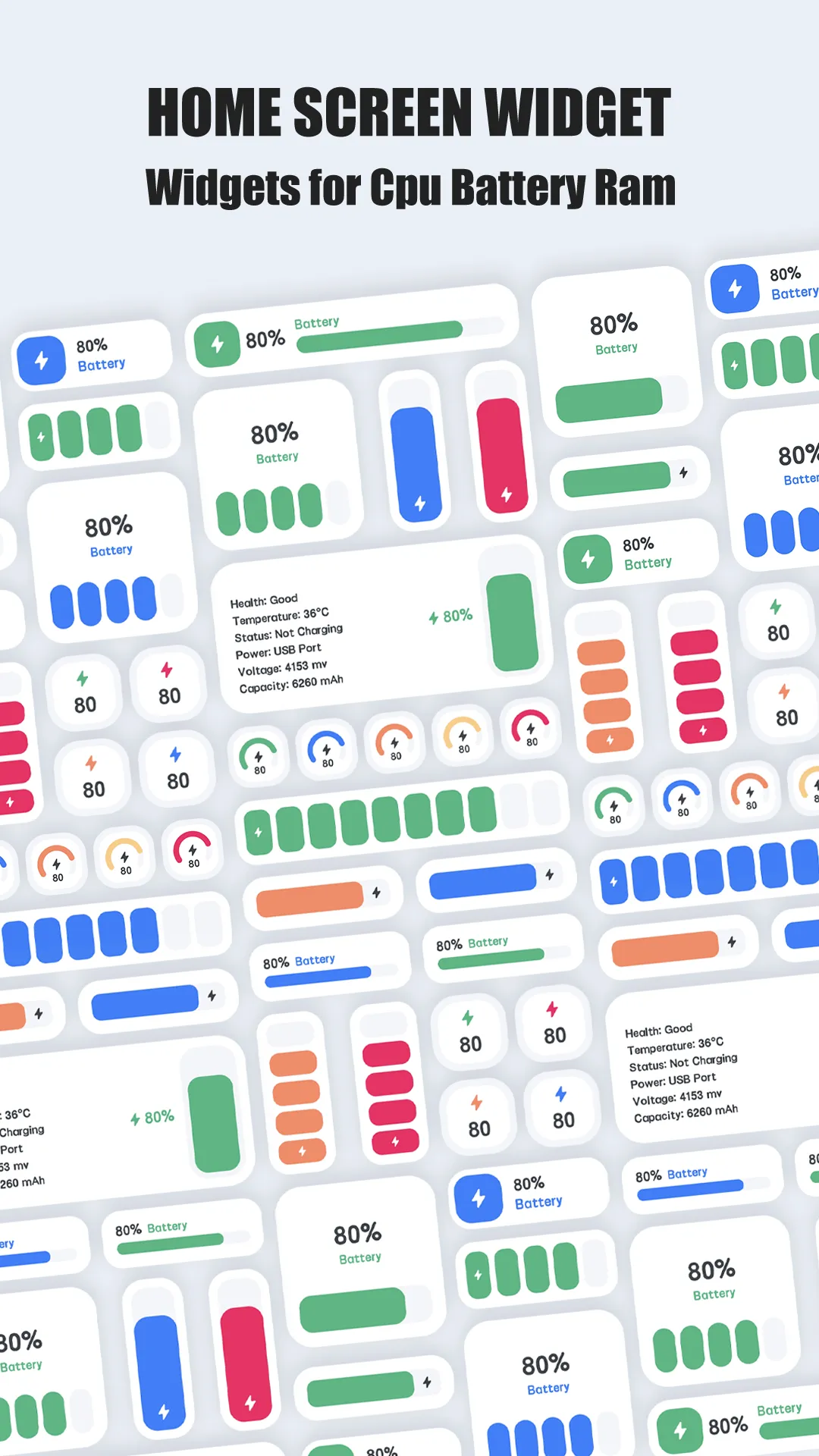

System Monitor is a paid Android device-info tool. For a one-time download price it reports detailed hardware and live stats: CPU model and per-core frequency, memory usage, storage breakdown, and battery health/temperature — read-only detection, not optimization.
Strengths for monitoring
- Detailed hardware detection — CPU model/architecture, per-core frequency, memory totals and usage, storage breakdown, sensor readings.
- Live CPU/RAM/storage/battery — a clear dashboard of what’s happening now.
- Process list — see running apps and their resource use.
- Temperature readouts — catch heat alongside load.
- Lightweight and local — runs on-device, no account, no cloud.
- Paid, no upsell — full feature set for the one-time price; no VIP wall.
Weaknesses for monitoring
- Info only — it reports specs and stats; it does not free memory, clean files, or kill tasks.
- Overlaps OS tools — Android’s own settings already show some of this.
- Paid up front — no free tier to try before buying.
Best for: people who want a deep, read-only hardware and live-stats view of their phone.
CCleaner, in depth
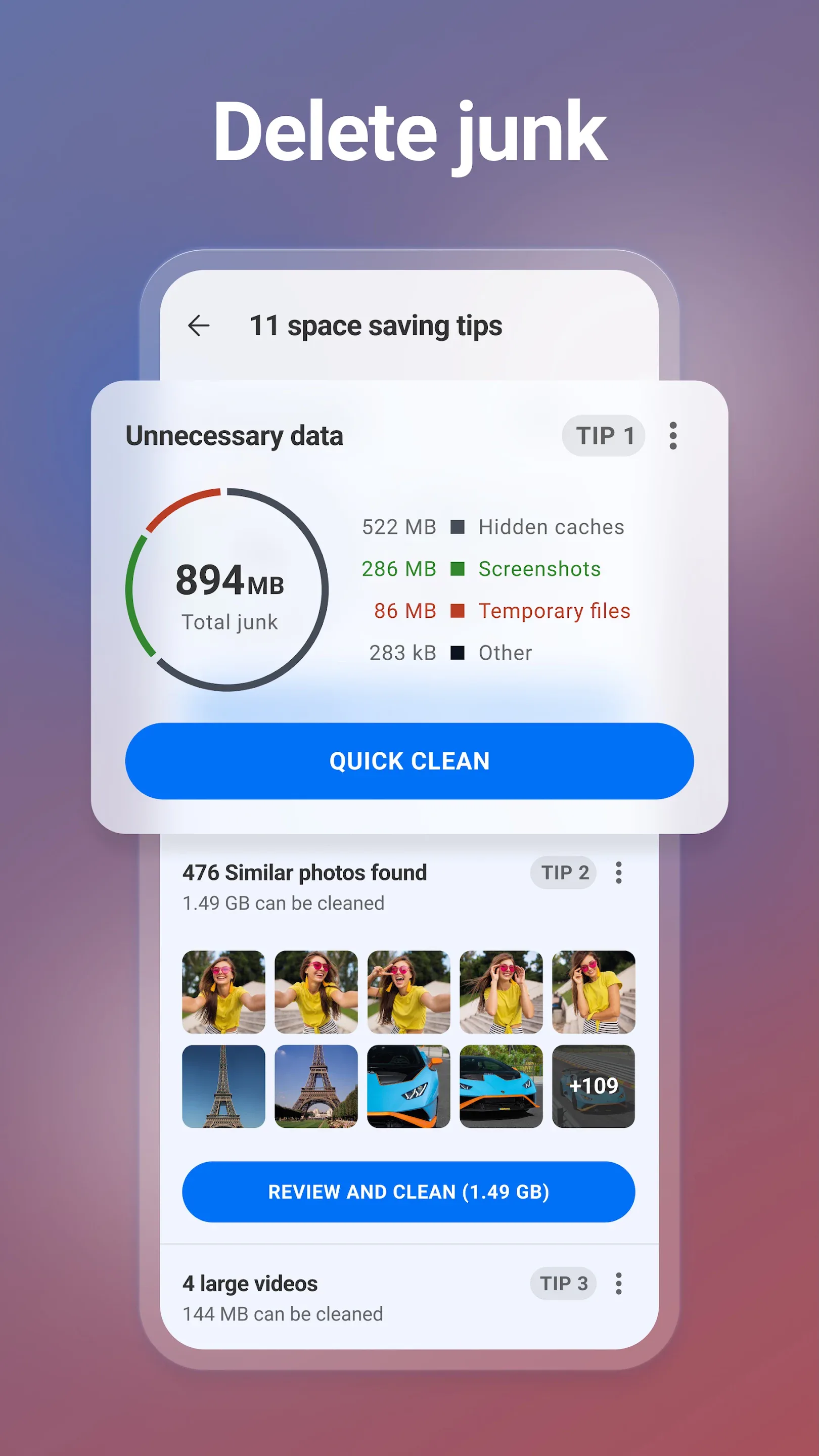
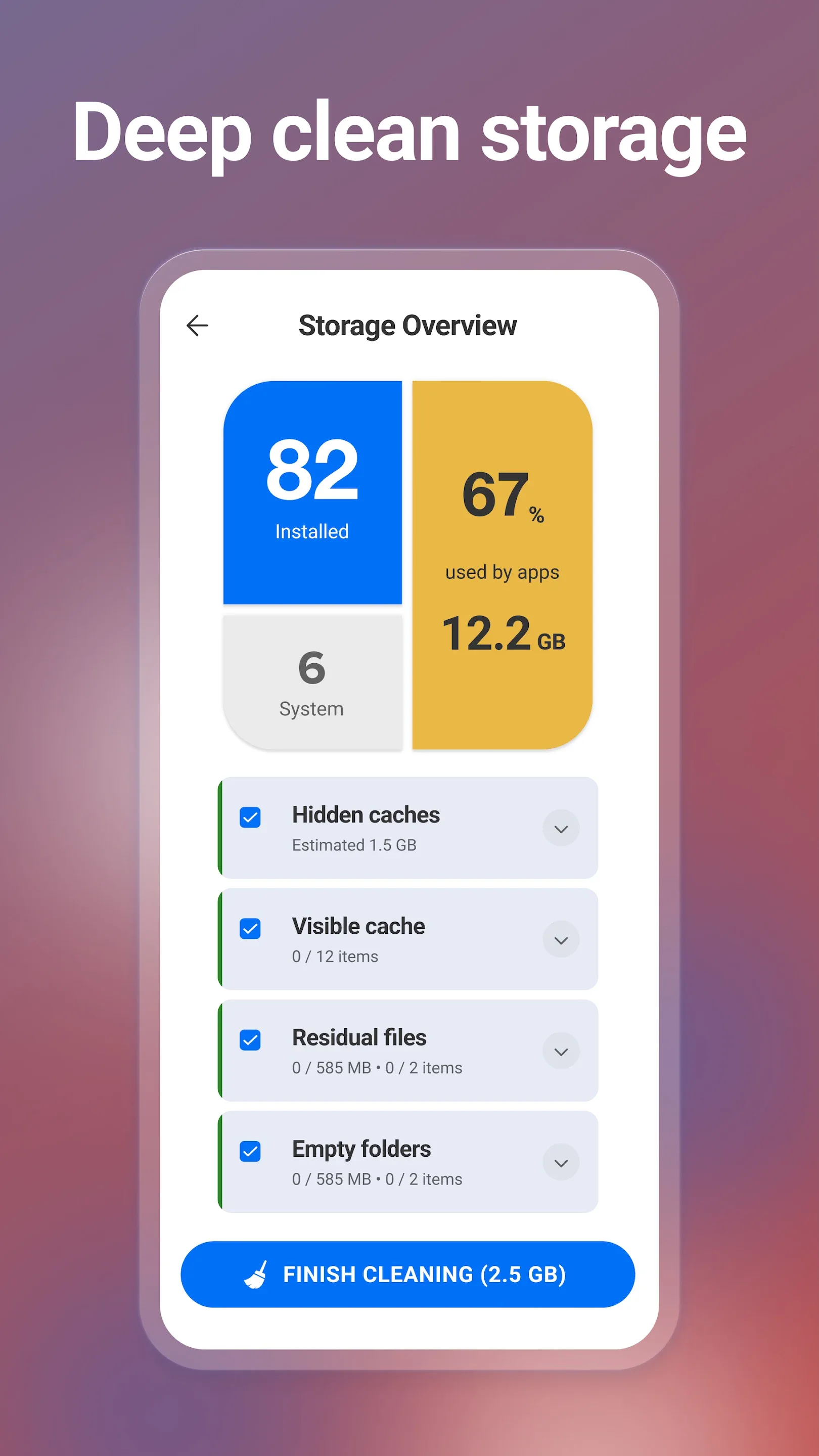
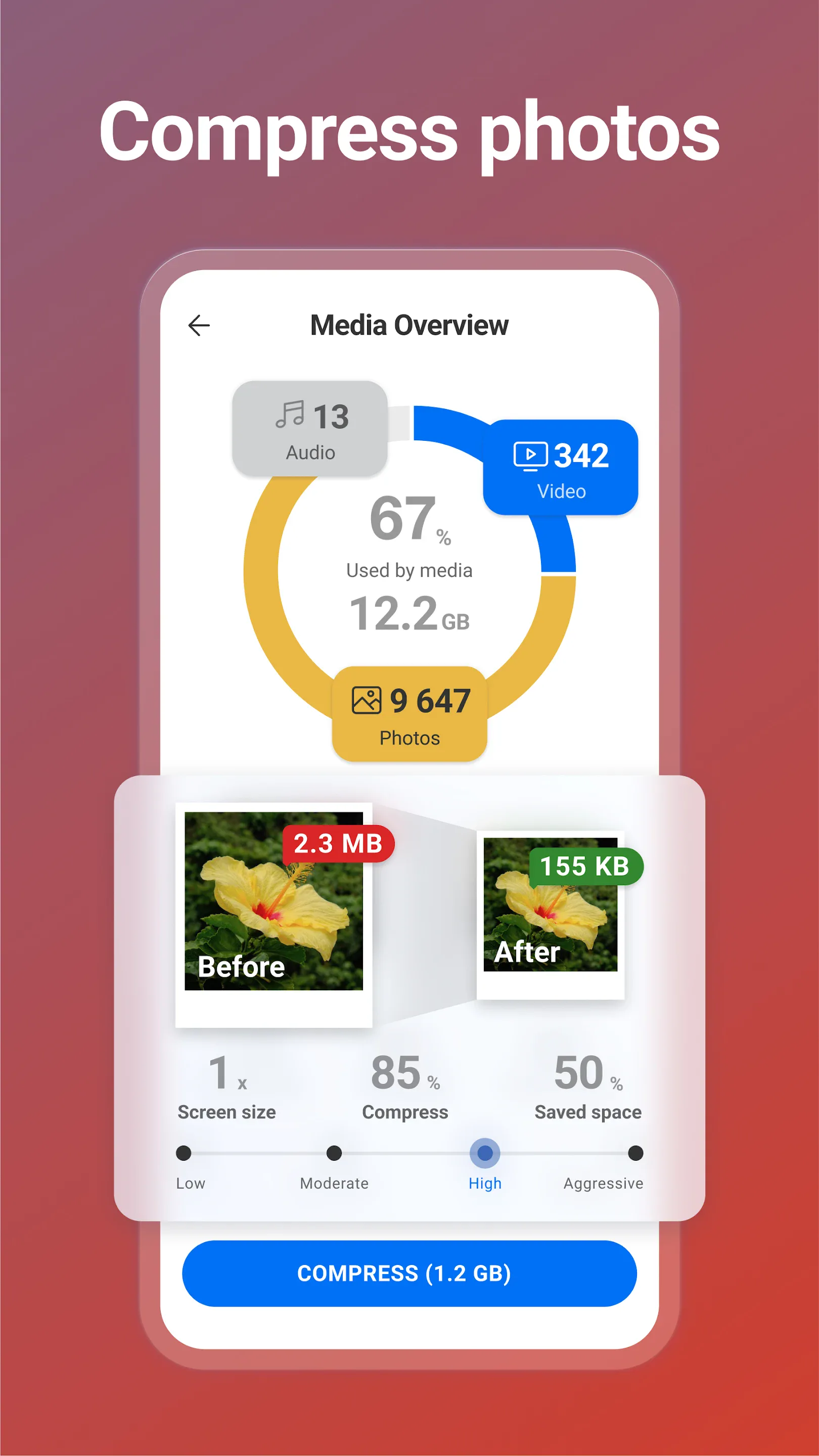
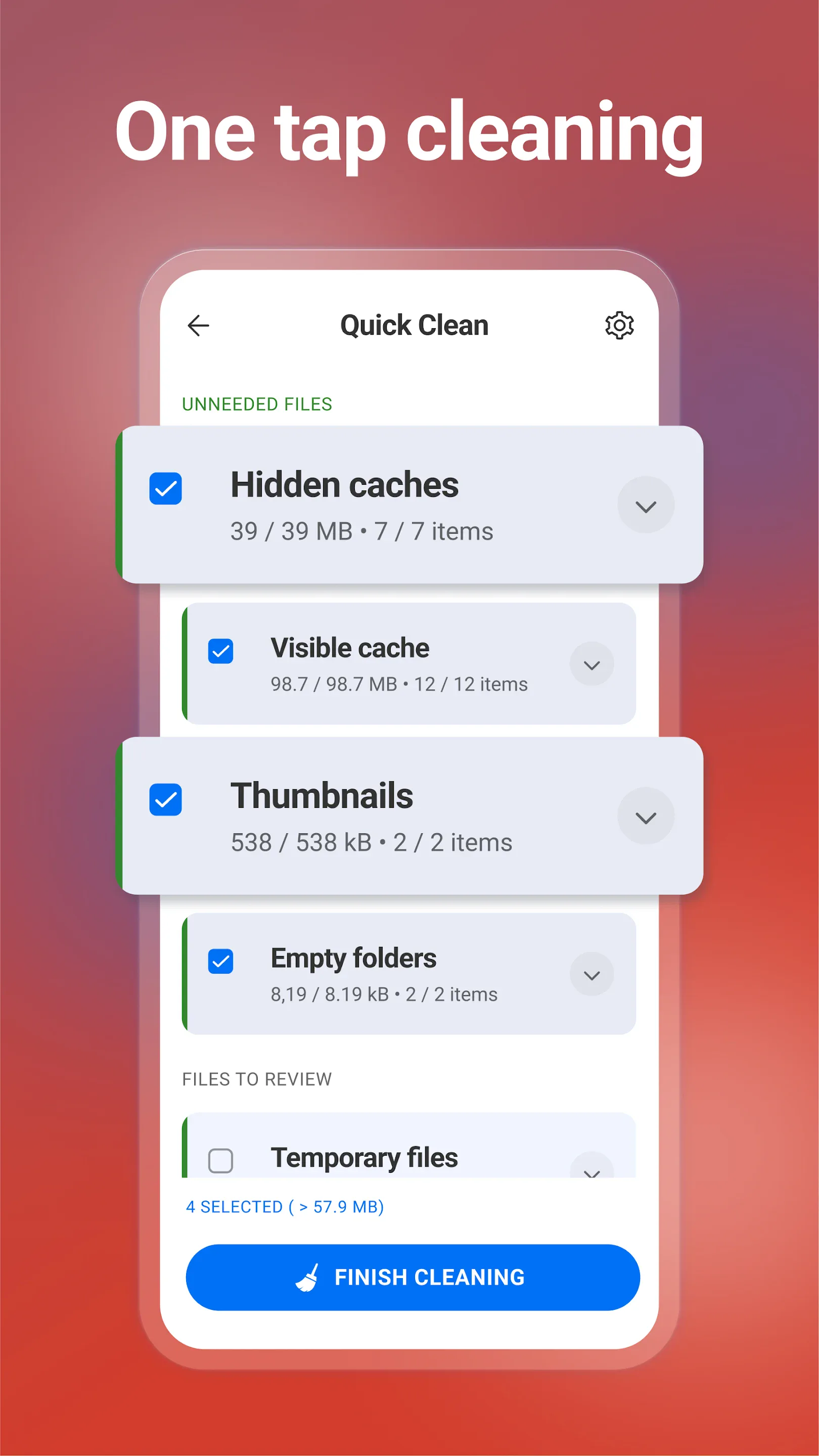
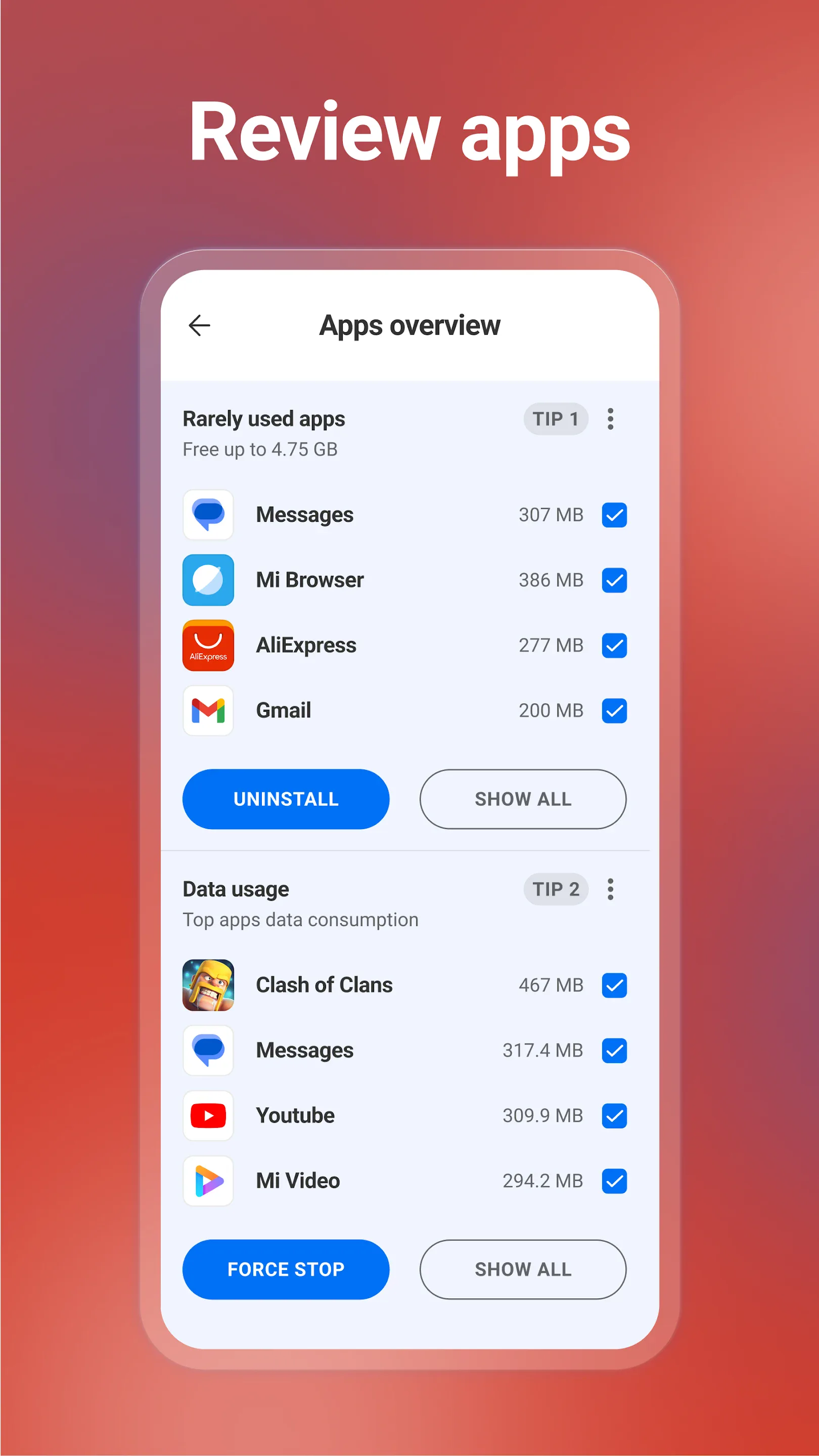
CCleaner (package com.piriform.ccleaner, by Gen Digital) is best known for PC cleanup and carries that brand to Android with junk cleaning and performance tools.
Strengths for monitoring/cleanup
- Junk & cache cleaning — frees storage from temp files.
- Duplicate-file finder — reclaims space from repeats.
- Privacy cleaning — clears browsing traces.
- Cross-platform brand — familiar from desktop.
Weaknesses for monitoring
- Weak live stats — it cleans more than it monitors; there’s no rich real-time dashboard.
- Limited on Android — modern Android already manages memory and caches automatically, so gains are modest.
- Subscription — Pro features need a paid plan.
- Privacy history — the brand has faced past scrutiny over data practices.
Best for: users who want a one-tap cleaner and accept a subscription.
How the others compare
- DevCheck offers the deepest spec readout and a process list for free with IAP; a monitoring peer to System Monitor rather than a cleaner.
Which should you pick?
- Want deep, read-only hardware and live-stats info → System Monitor.
- Want a one-tap cache/storage cleaner → CCleaner.
Get System Monitor — available on Android.