
System Monitor for RAM: See Exactly What Your Memory Is Doing
A practical look at System Monitor versus CCleaner for understanding RAM in 2026 — detailed memory info, process lists, and what actually helps on Android.
When a game stutters or an app reloads, the usual suspect is RAM — but “low memory” is vague until you can see it. A RAM info tool shows exactly what’s using memory and how much is free, so you understand the problem instead of blindly tapping a “boost” button. System Monitor is a paid Android device-info app that detects detailed memory, CPU, storage, and battery data. Below we compare it with CCleaner, which actually clears caches, for understanding your phone’s memory.
What a RAM info tool needs
- Memory totals and usage — total, used, free, and per-app breakdown.
- Process list — see what’s holding memory.
- Live monitoring — watch memory shift as you open apps.
- Storage context — see what’s filling the device.
- Lightweight — the tool itself shouldn’t eat RAM.
The contenders at a glance
| App | Price (2026) | RAM info | Process list | Action (free/clean) | Best for |
|---|---|---|---|---|---|
| System Monitor | Paid (one-time) | ✅ detailed | ✅ | ❌ info only | Understanding memory |
| CCleaner | Free + Pro subscription | ⚠️ basic | ⚠️ limited | ✅ | Cache/storage clean |
| DevCheck | Free + IAP | ✅ detailed | ✅ | ❌ | Spec view |
System Monitor, in depth
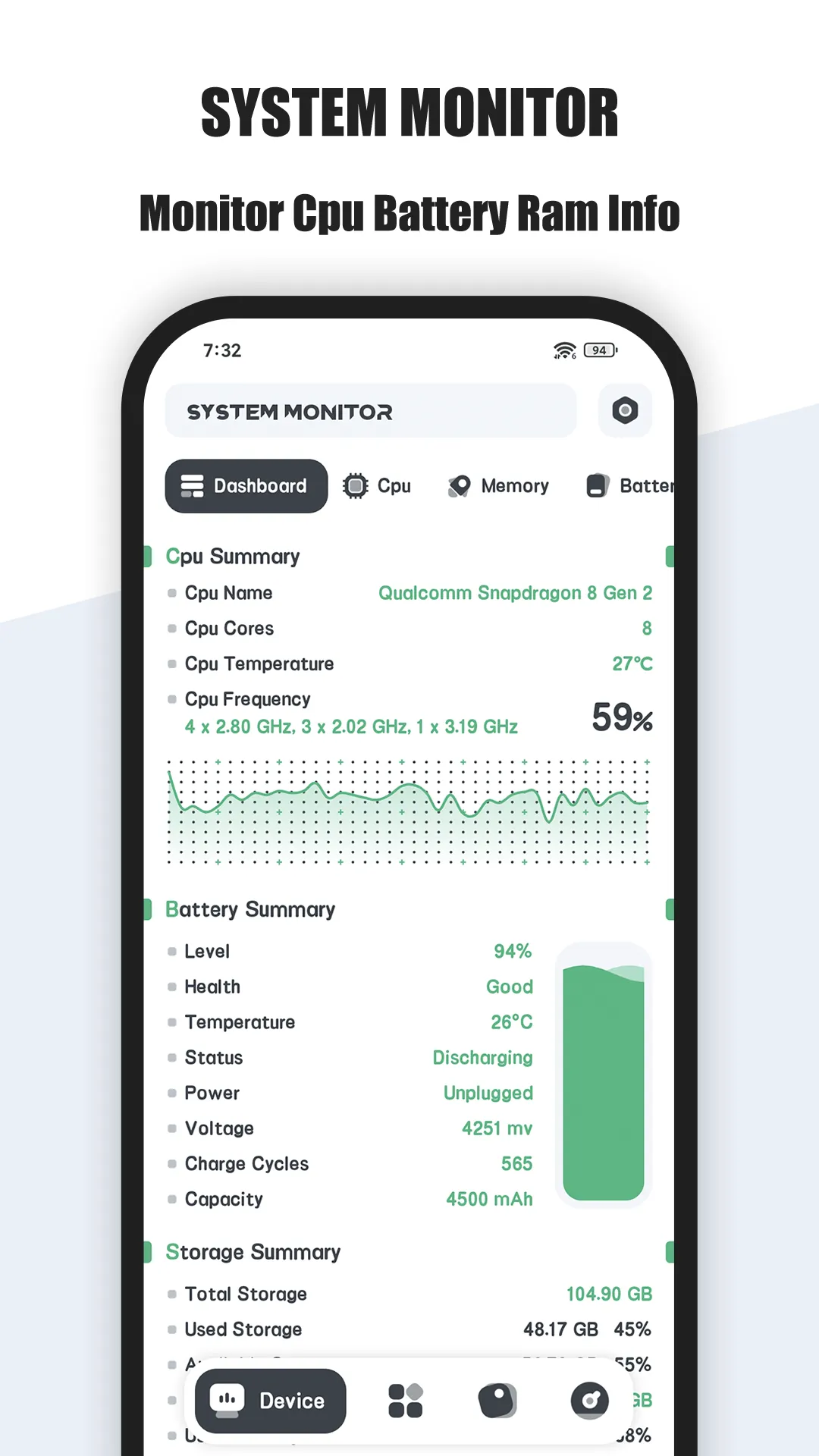
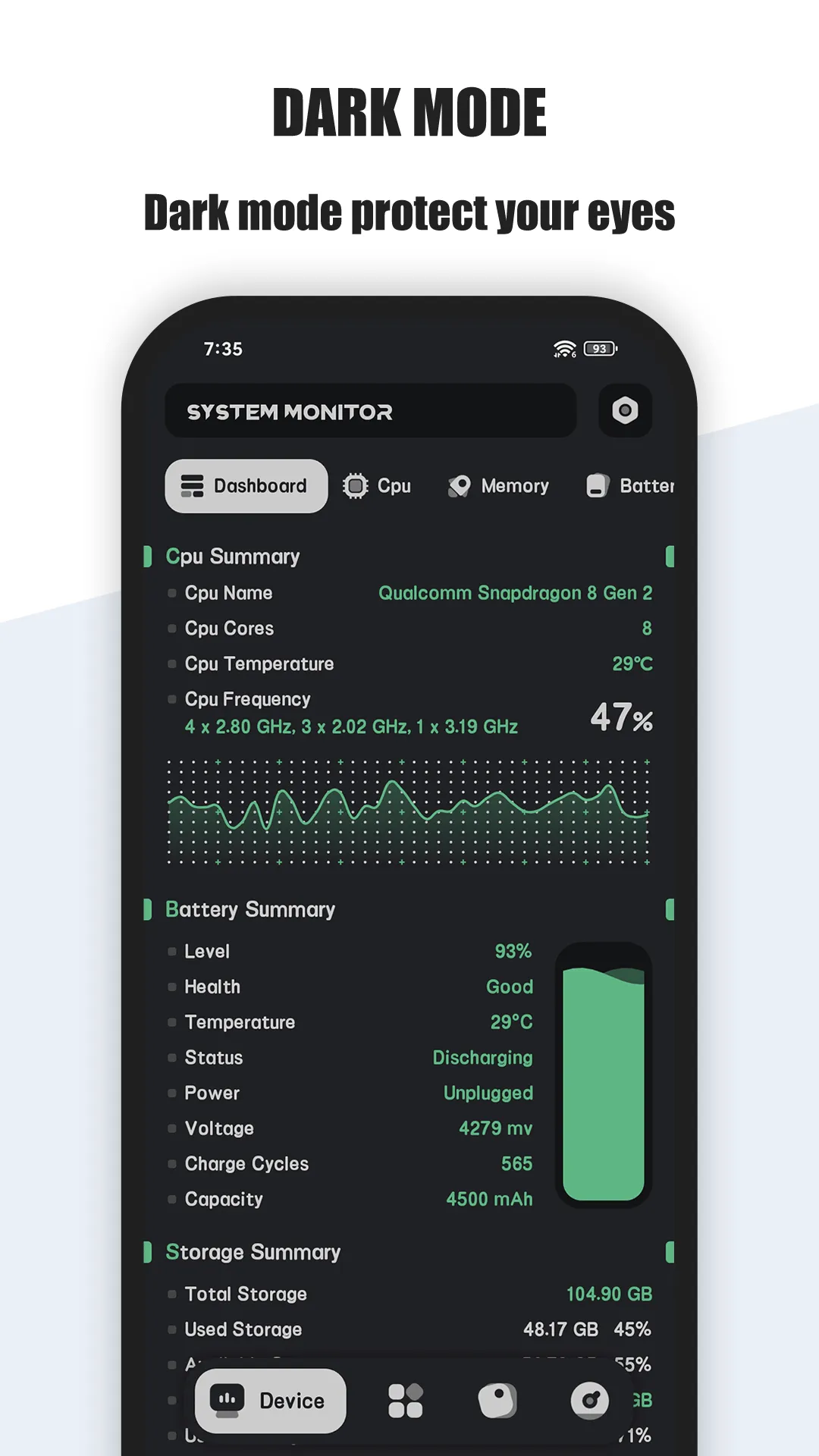
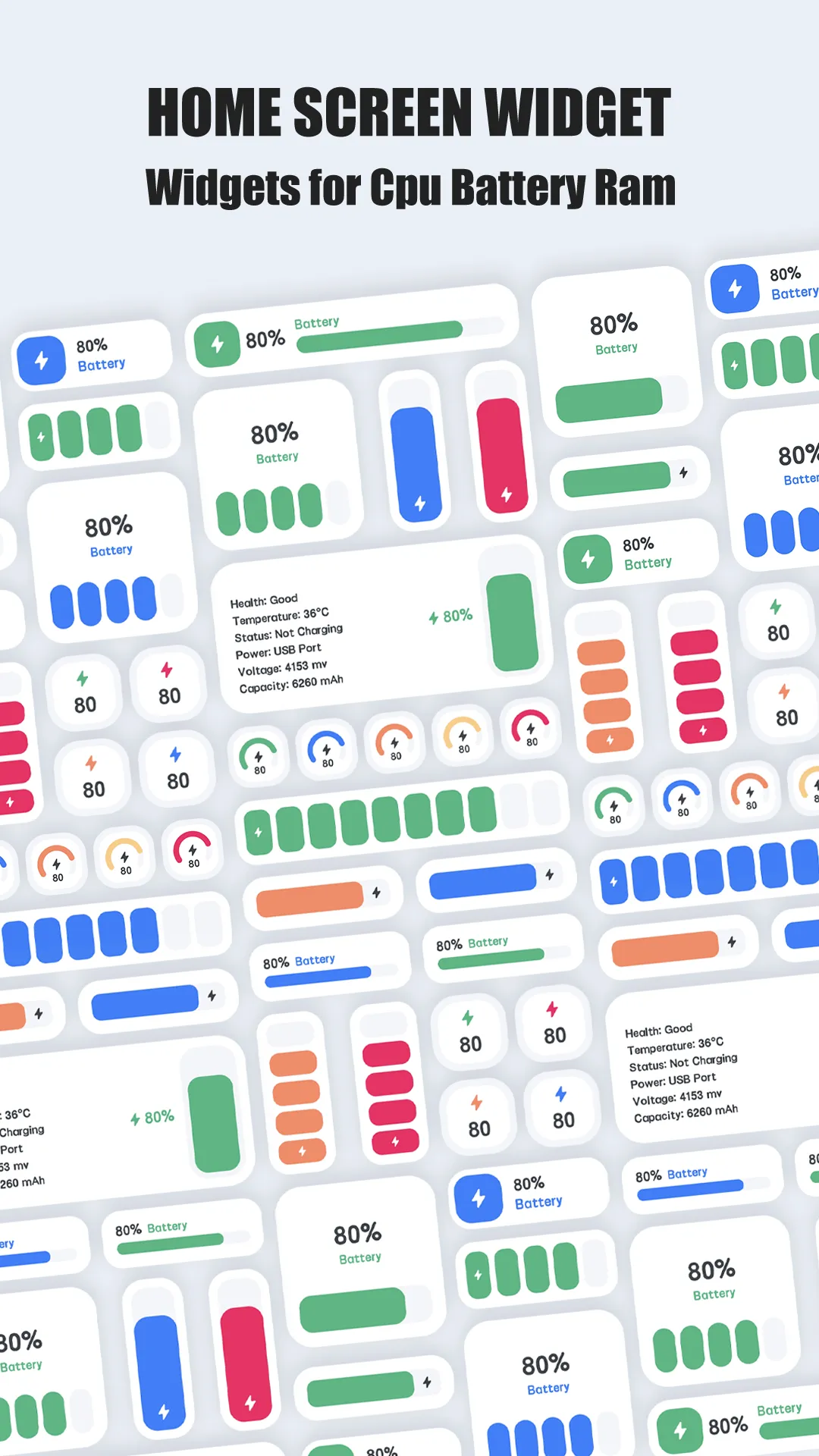
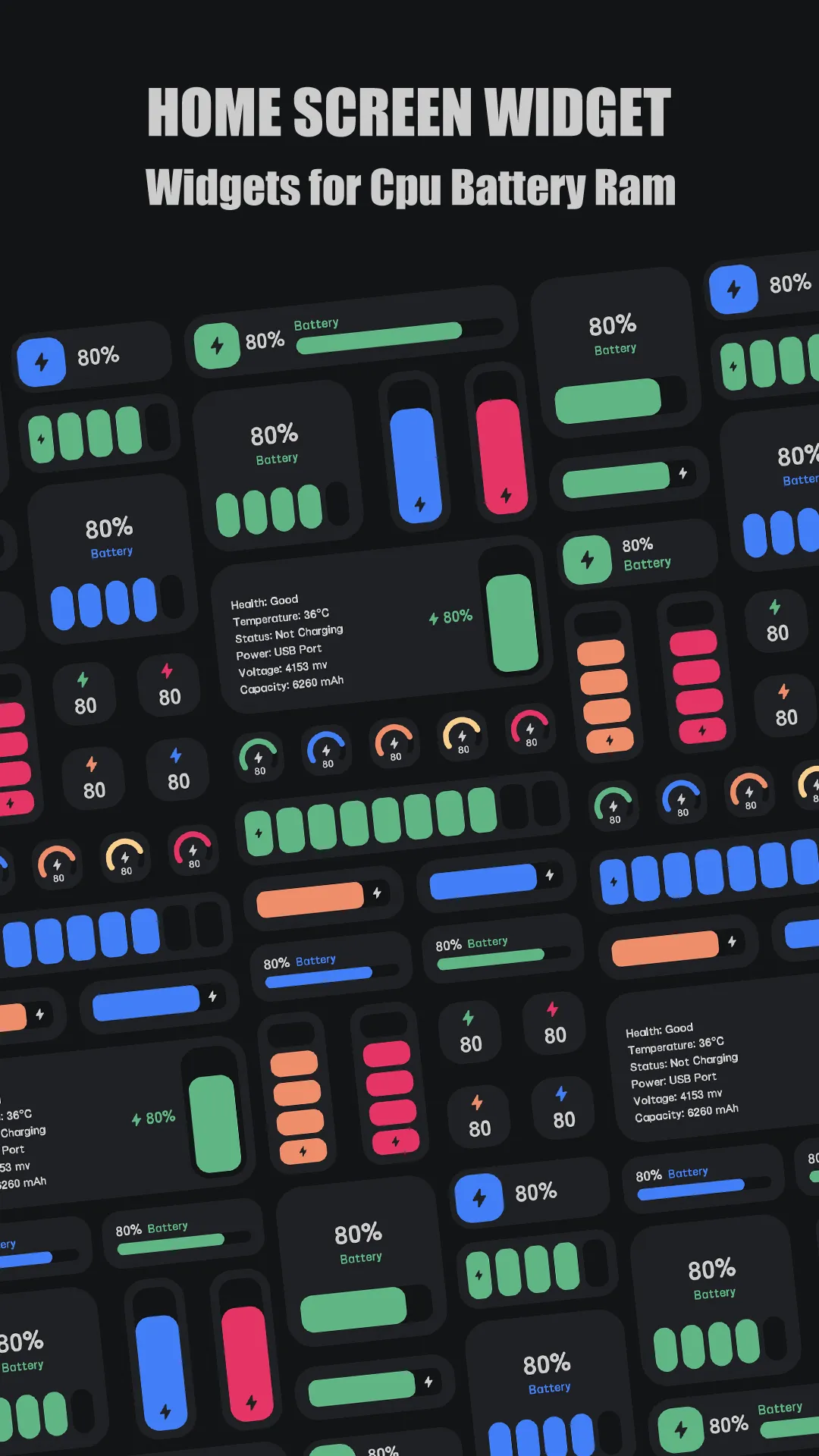

System Monitor is a paid Android device-info tool. For a one-time download price it detects detailed hardware, including memory: total/used/free RAM and per-app memory use, with live updates as you switch tasks. It reports — it does not free or boost memory.
Strengths for RAM understanding
- Detailed memory info — total, used, free, and per-app RAM, not just a single bar.
- Process list — see which apps hold memory and decide what to close yourself.
- Live monitoring — watch memory before and after opening an app.
- Lightweight and local — no account, no cloud, low overhead.
- Paid, no upsell — full feature set for the one-time price.
Weaknesses for RAM understanding
- No memory freeing — it shows the data; it won’t kill tasks or reclaim RAM for you (Android already manages that).
- Read-only — insight, not action; you close apps manually.
- Paid up front — no free tier.
Best for: users who want to understand their memory use in detail, not just tap a boost button.
CCleaner, in depth
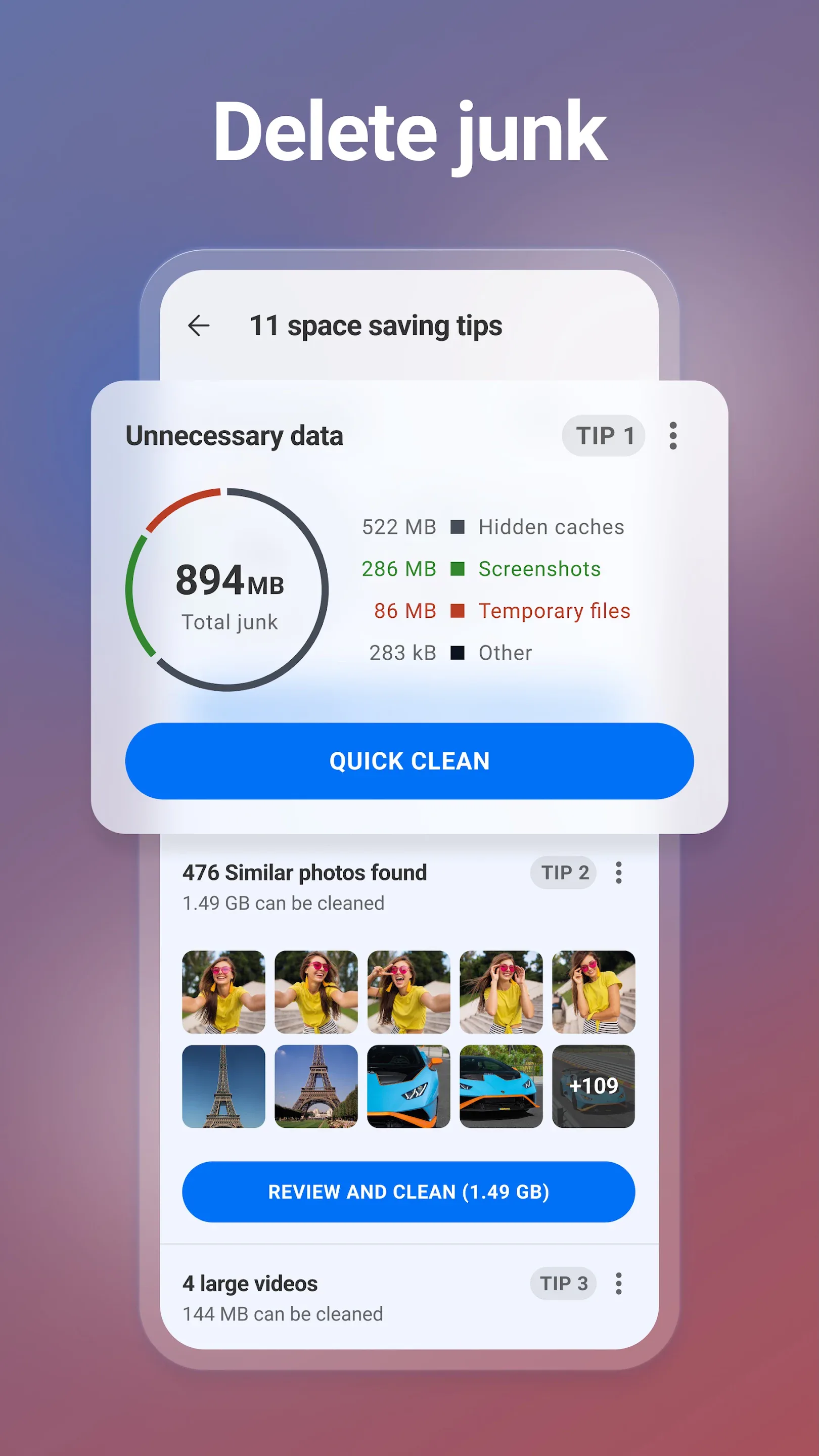
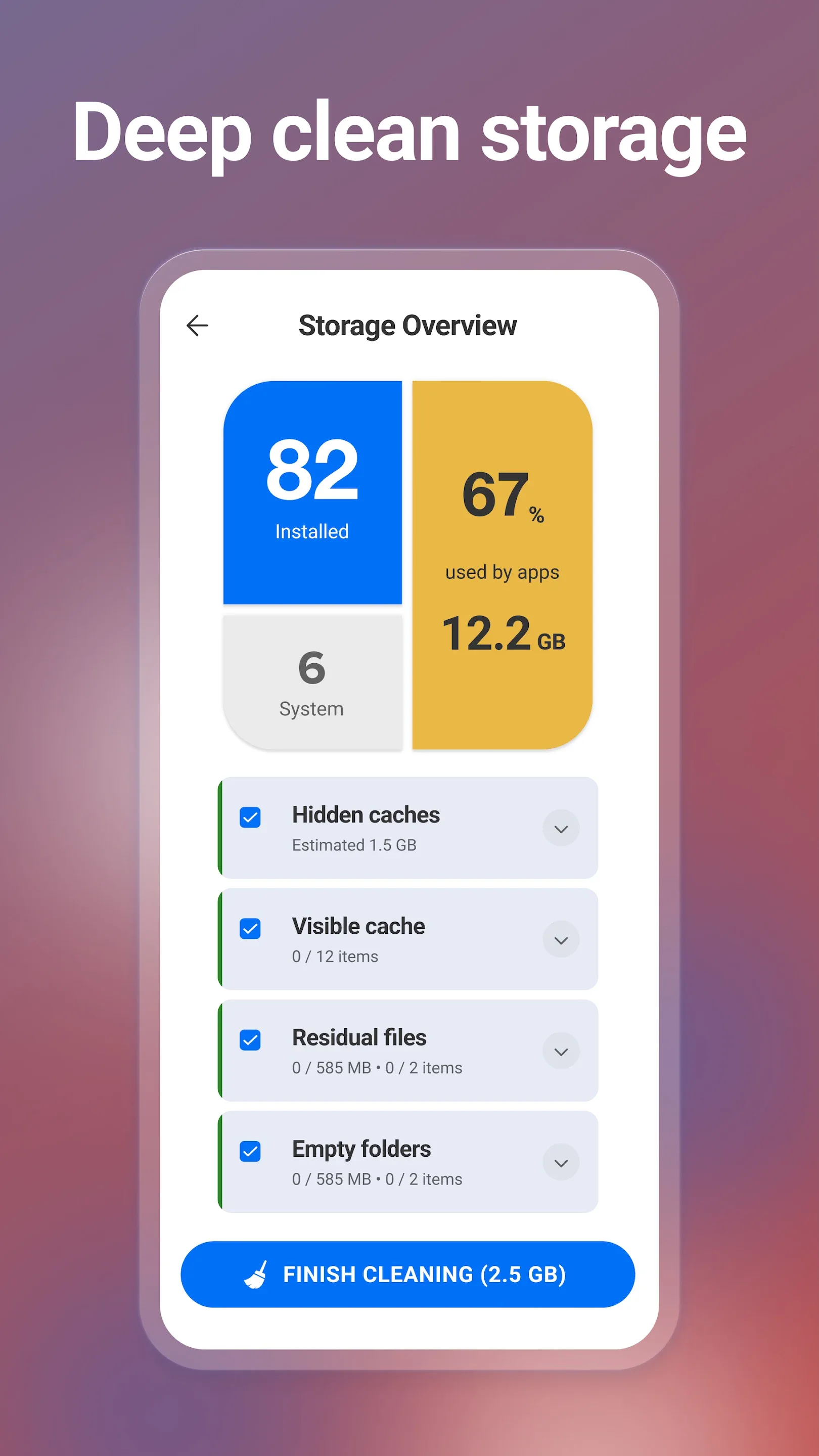
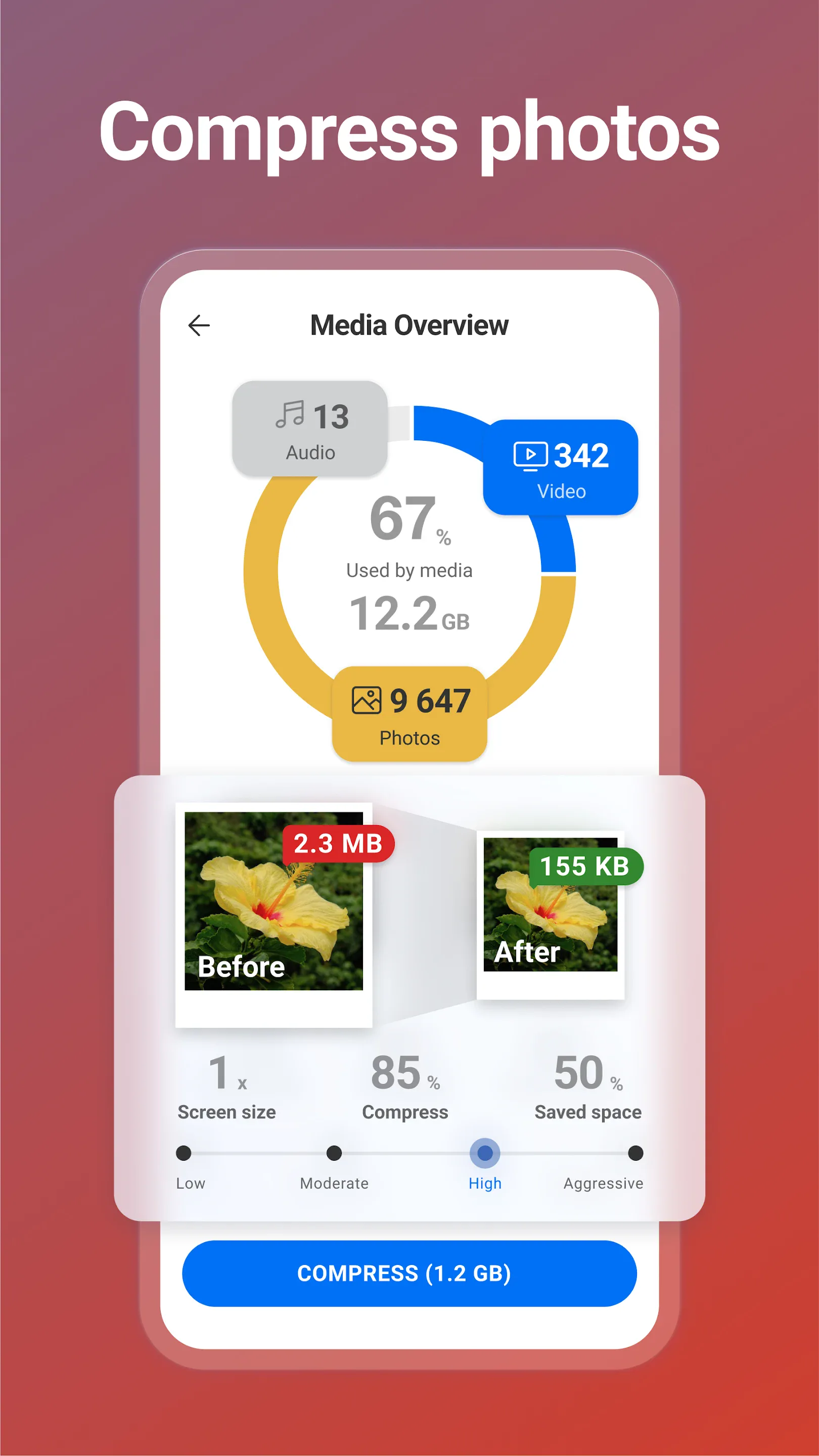
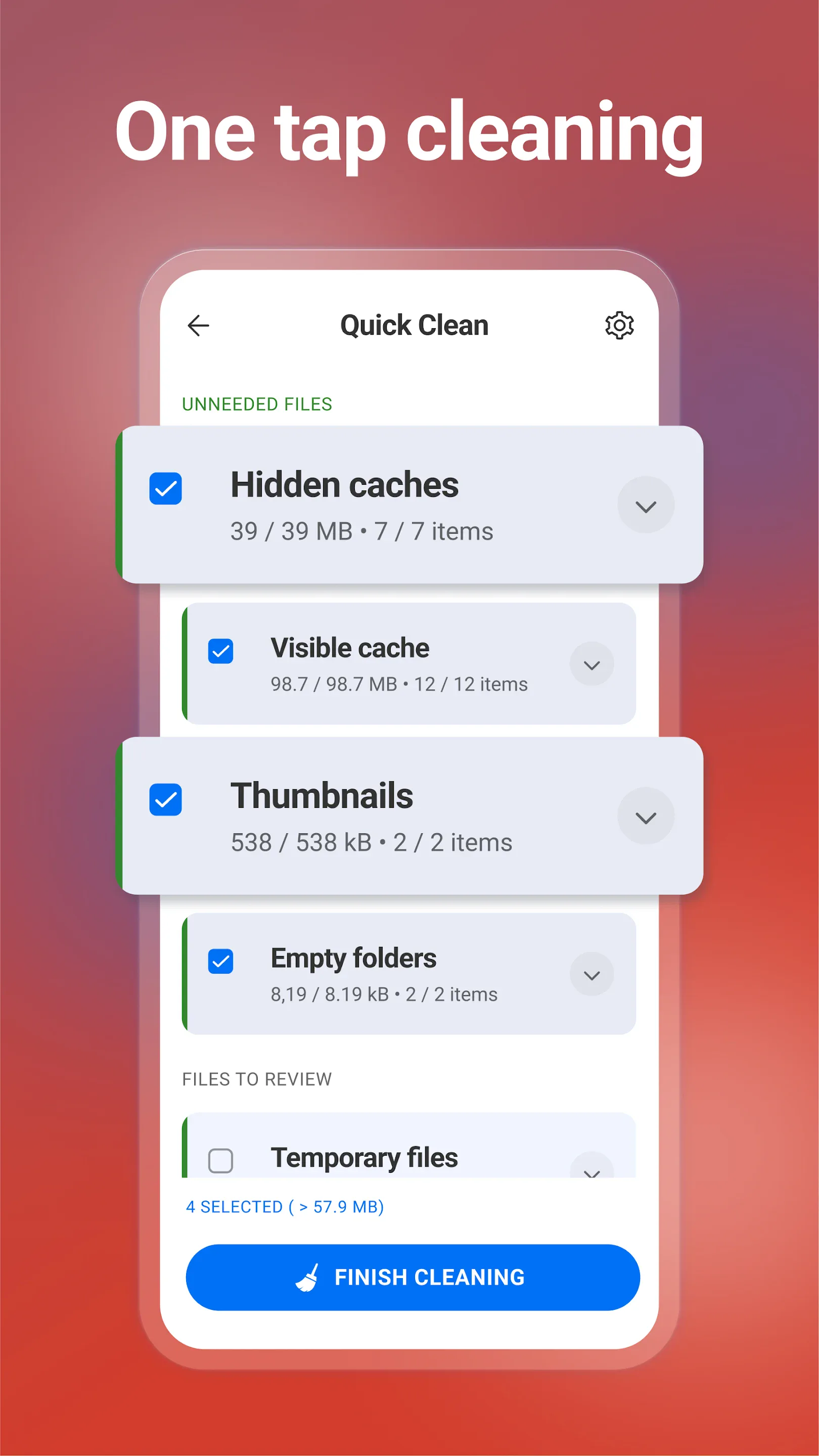
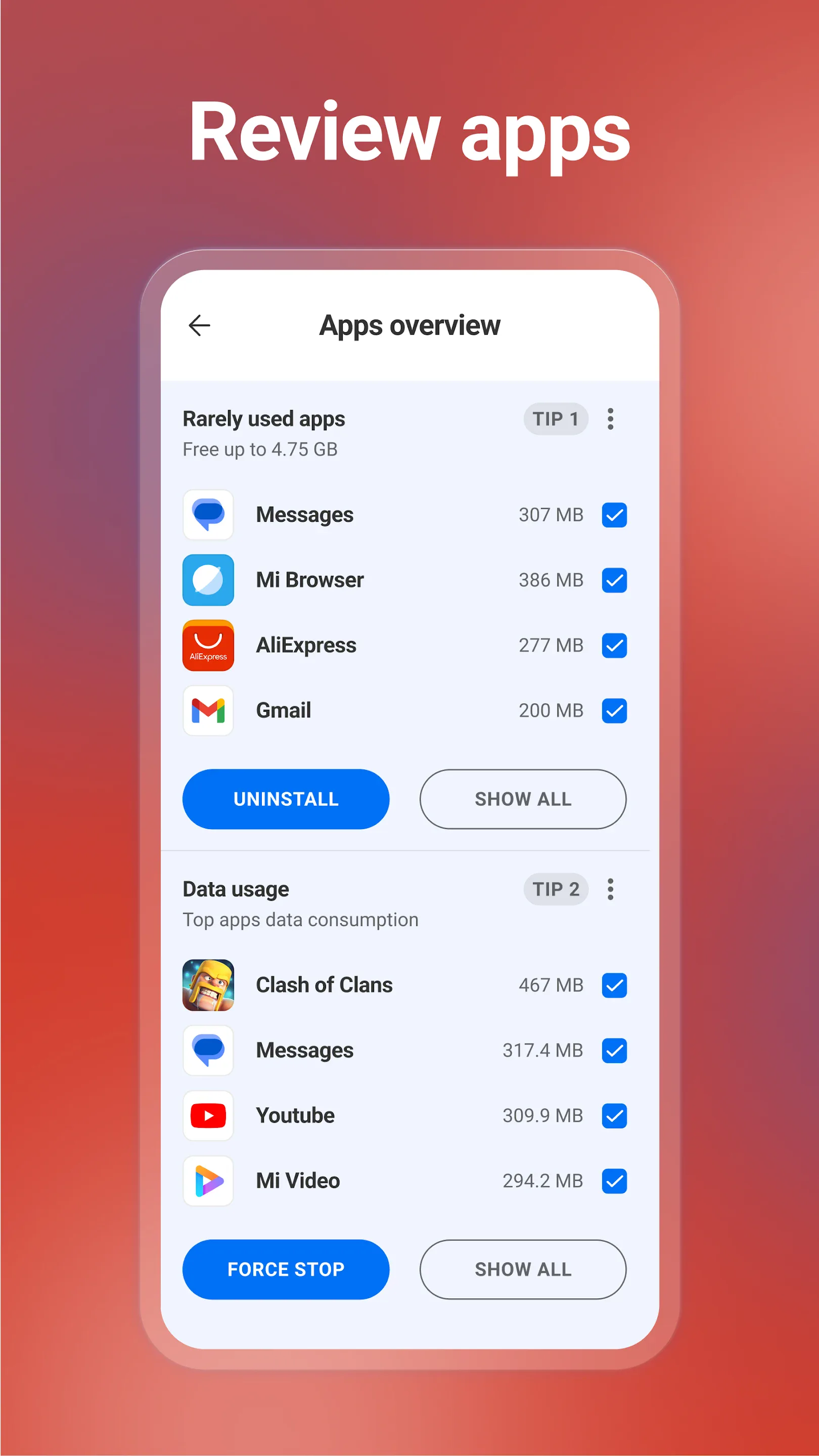
CCleaner (package com.piriform.ccleaner, by Gen Digital) focuses on cleaning — cache, temp files, and duplicates.
Strengths for RAM/storage
- Storage cleanup — clears caches and junk that actually eats space.
- Duplicate finder — reclaims storage from repeats.
- One-tap tools — quick clean actions.
Weaknesses for RAM/storage
- Modest RAM effect — Android reclaims memory automatically, so boosts are short-lived.
- Limited process view — it cleans more than it explains.
- Subscription — Pro needs a paid plan.
- Privacy history — past scrutiny over data practices.
Best for: users who mainly want to reclaim storage, not just see memory stats.
How the others compare
- DevCheck is a monitoring peer with deep specs and a process list, but no cleaning action.
Which should you pick?
- Want detailed, read-only RAM and hardware info → System Monitor.
- Want storage/cache cleanup → CCleaner.
Get System Monitor — available on Android.