
System Monitor Official User Guide
Table of Contents
- App Introduction
- First-time Use
- View Hardware Info
- Battery Health
- Overheat Alarm
- Floating Window
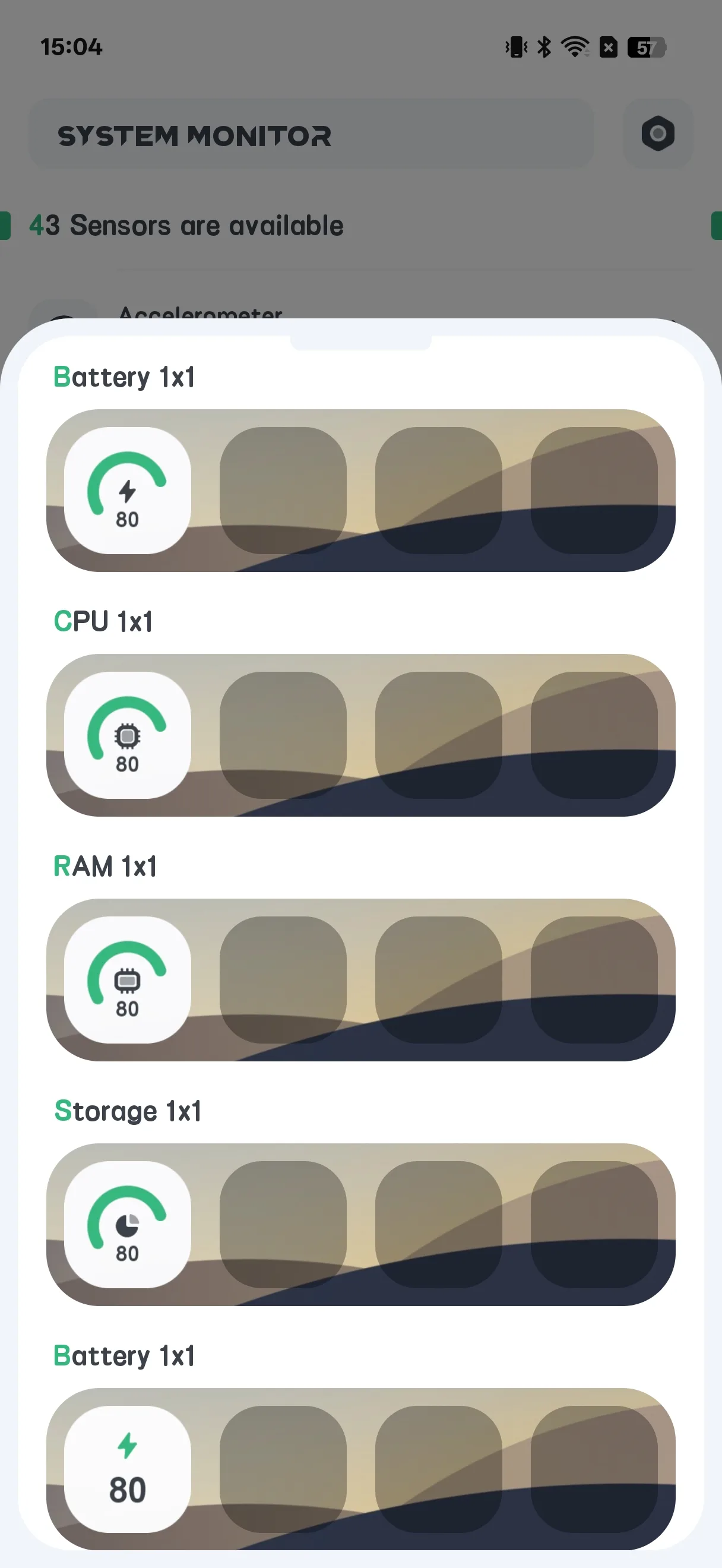
- Home-screen Widgets
- Settings
- FAQ
App Introduction
System Monitor is a paid, one-time Android tool for read-only hardware info detection. It reports what is happening inside your phone — it does not clean junk or boost RAM.
🔍 What It Reads (read-only)
- CPU temperature and frequency, per-core usage
- Storage usage
- Memory (RAM) usage
- Battery health: temperature, health status, voltage and level
- Camera capabilities
🌡 Overheat Protection
- An alarm that warns when CPU or battery runs hot
🪟 Floating Window & Widgets
- A floating overlay showing live stats
- Home-screen widgets: CPU / Battery / RAM / ROM / Combine
Important: System Monitor has no app lock / fingerprint lock and performs no cleaning or boosting. The “Fingerprint: supported?” line you may see is only a device-capability readout, not a lock feature.
First-time Use
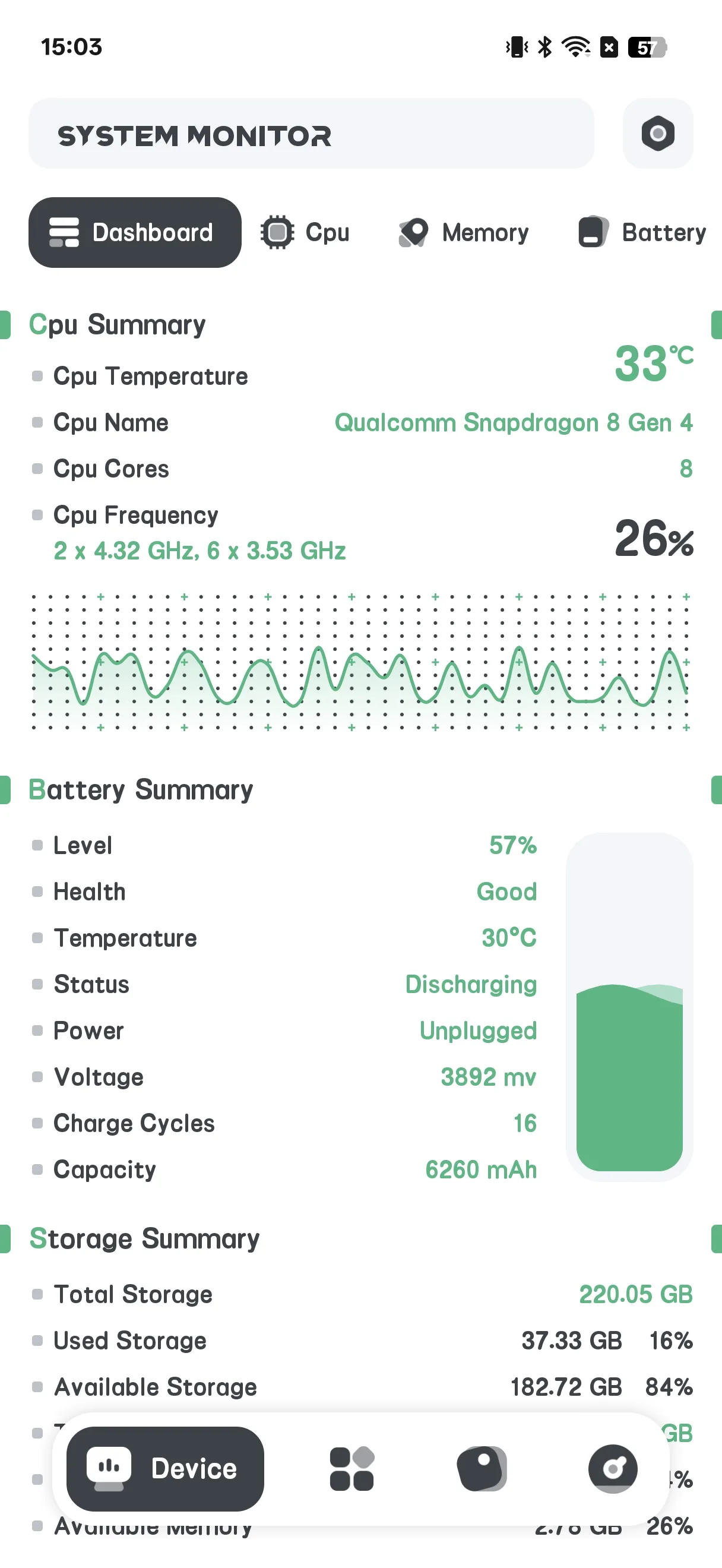
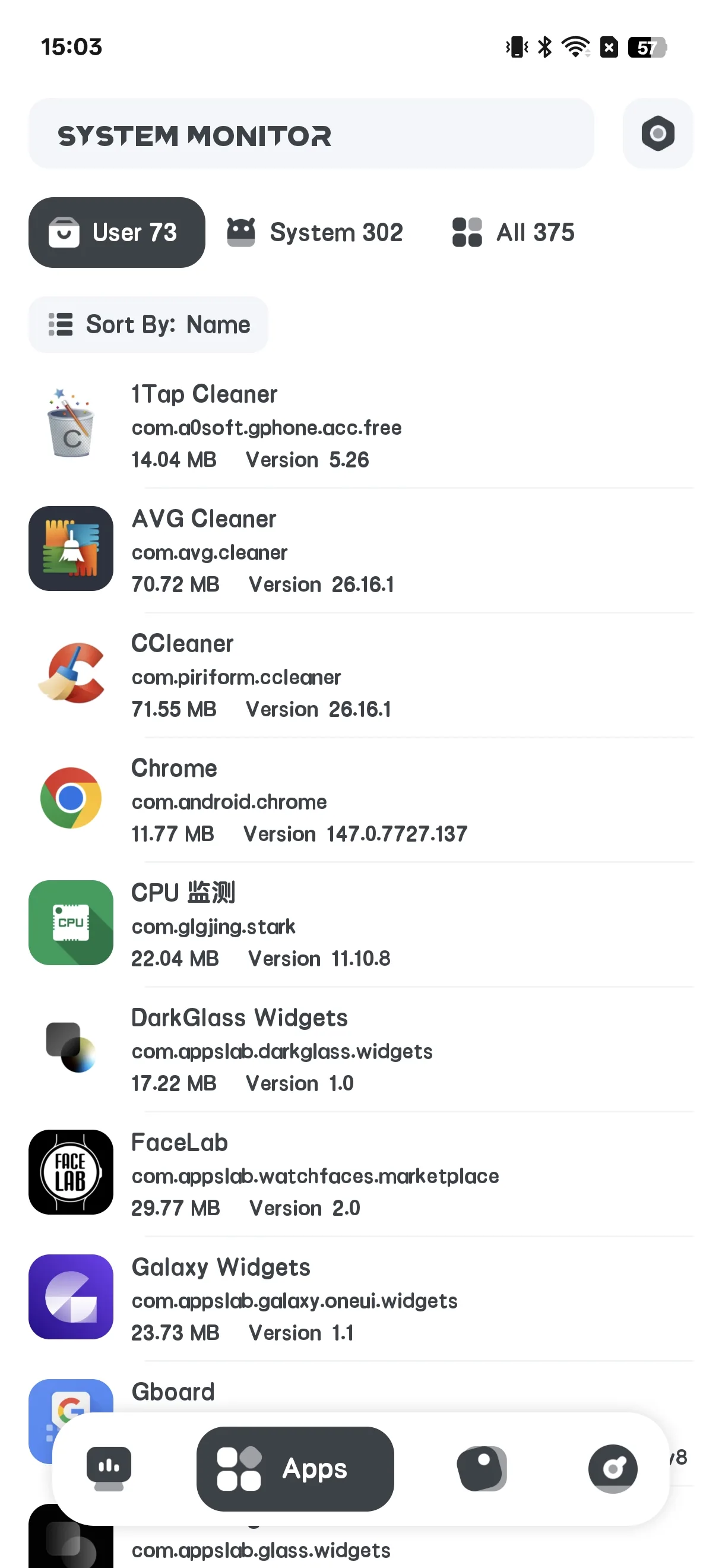
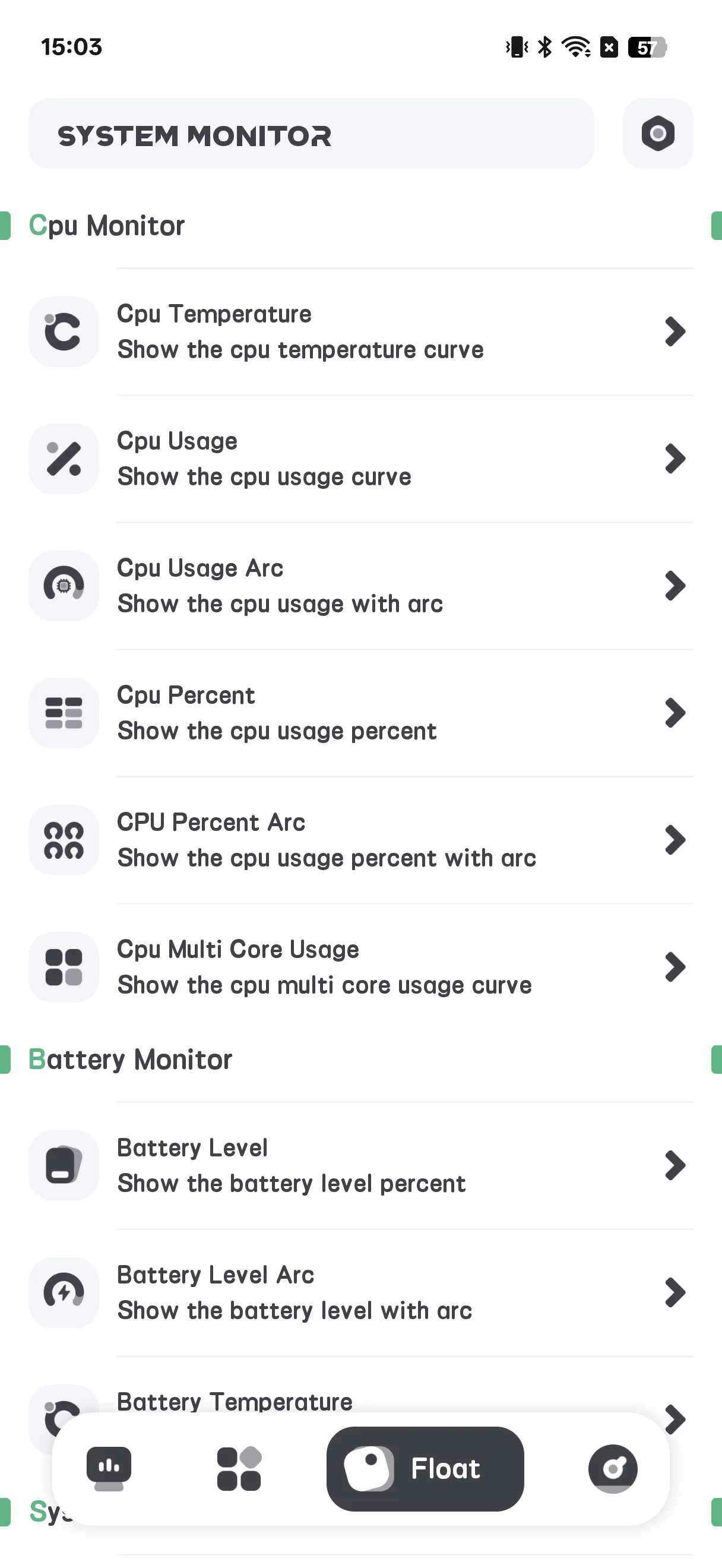
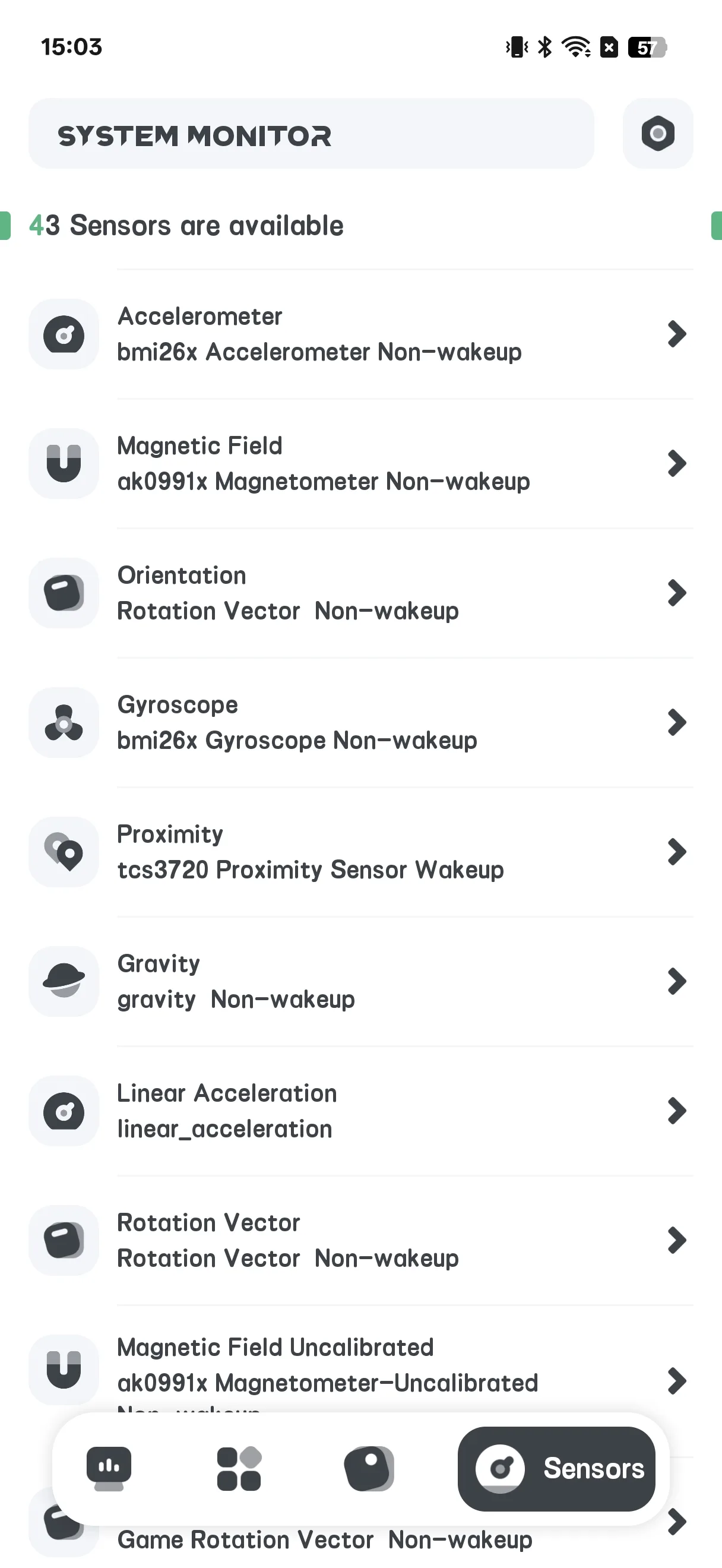
The home screen has four tabs: Hardware, App, Floating, Sensor.
- Hardware is the main info screen
- Floating configures the overlay
- Sensor lists device sensors
View Hardware Info
- Open the Hardware tab
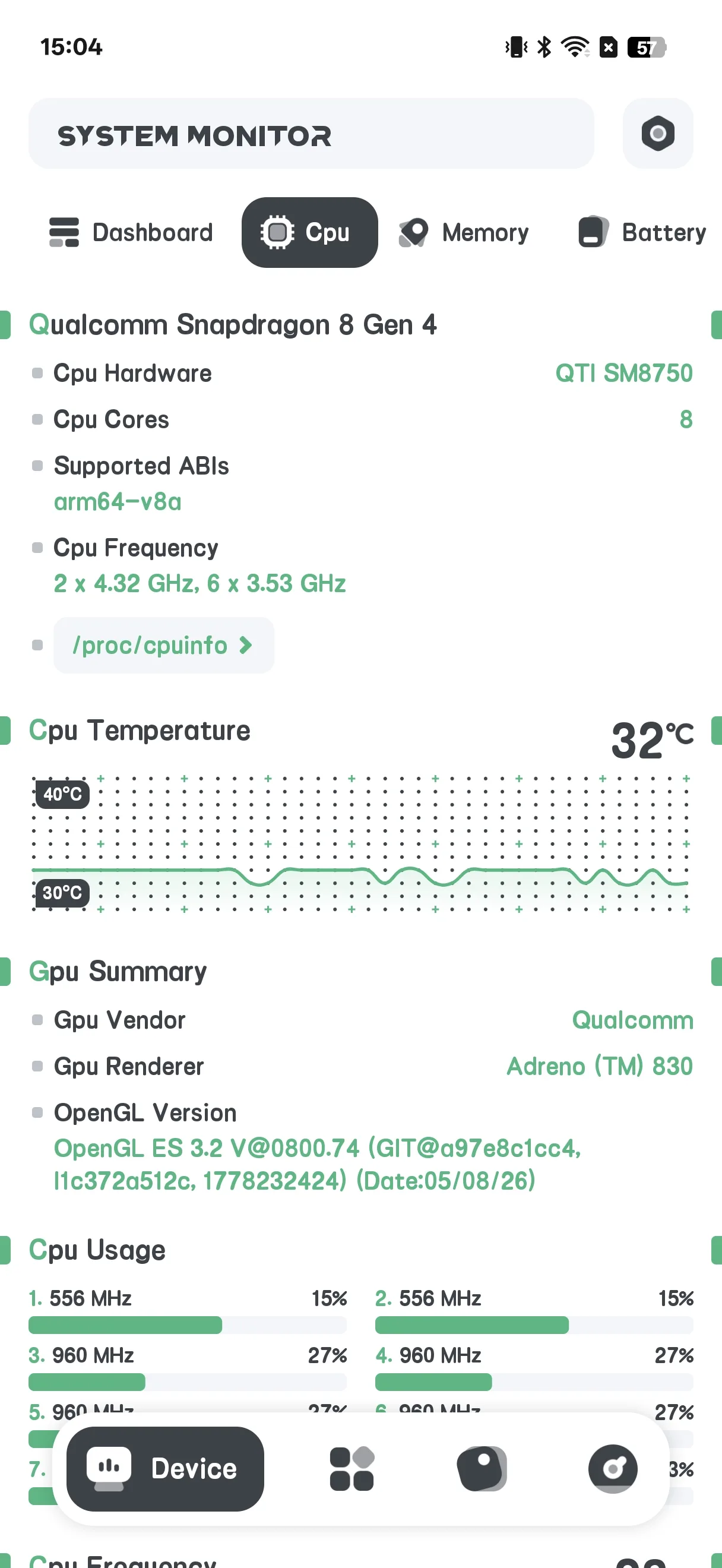
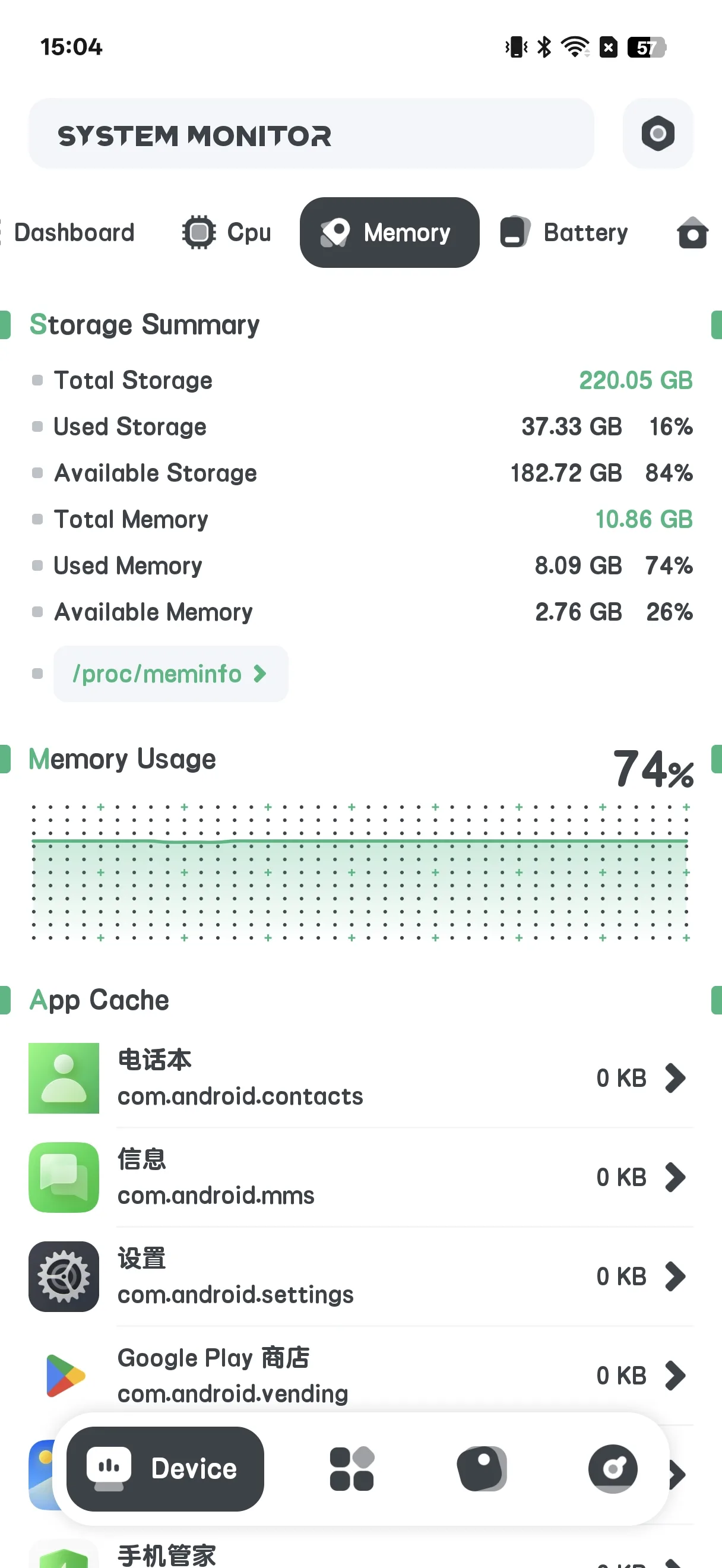
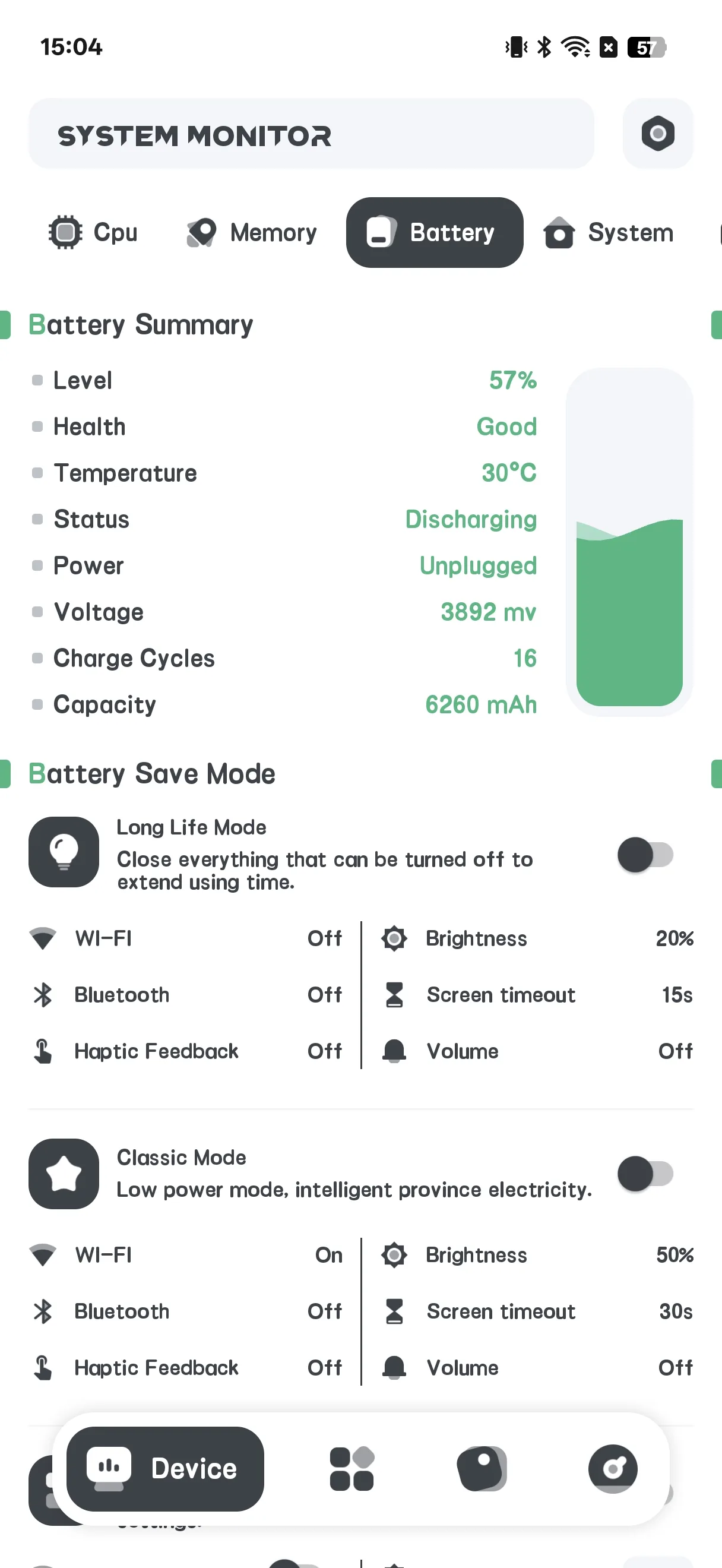
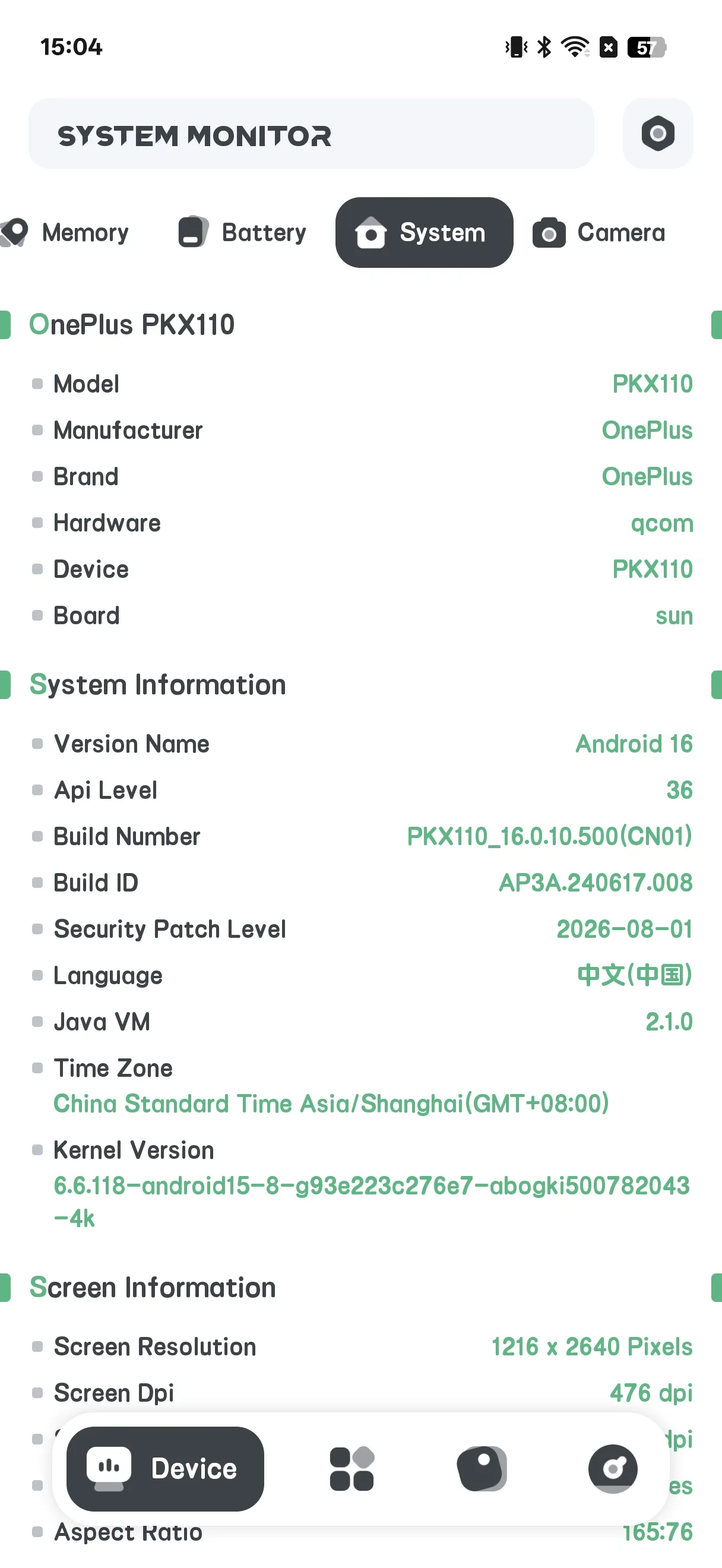
- Switch sub-tabs: Dashboard / CPU / RAM / BAT / SYSTEM / CAMERA
- Read live values:
- CPU: temperature, frequency, per-core load
- RAM: used / total memory
- BAT: battery temperature, health, voltage, level
- SYSTEM: storage and device info
Battery Health
On the BAT sub-tab you can see battery temperature, health status, voltage and level with curves — useful to watch wear over time.
Overheat Alarm
- Open Settings → Overheat alarm (or Temperature Alert)
- Toggle the CPU and/or Battery alarm on
- Set a threshold temperature
- The app warns you when the value is exceeded so you can cool the phone down
Floating Window
- Open the Floating tab
- Toggle the monitors you want (CPU temp/usage/curve, battery, RAM, System Monitor, FPS)
- Grant the “Draw over other apps” permission when prompted
- The floating stats appear above any app
Home-screen Widgets
- Open Settings → Widget gallery
- Choose a widget: CPU / Battery / RAM / ROM / Combine
- Place it from the widget picker
Settings
Settings include theme, overheat alarm, temperature unit, refresh rate, widget gallery, and floating auto-restore.
FAQ
Does it clean memory or storage?
No. System Monitor is strictly read-only — it reports facts and never deletes files or “boosts” RAM.
Does it have an app lock?
No. There is no fingerprint or password lock in this app.
Where does the data come from?
From standard Android APIs (e.g. BatteryManager and system files). Nothing is changed.
Summary
System Monitor is the honest choice when you just want to see your phone’s internals — CPU temp, battery health and live stats — without cleaners or boosters. A one-time paid download.