
Best System Monitor & Device Info Apps for Android (2026)
The best system monitor and device info apps for Android in 2026: what to look for (read-only hardware detection, temp, battery health) and how System Monitor compares to CCleaner and Device Info HW.
Some Android tools try to ‘clean’ and ‘boost’; others just show you what’s happening inside your phone. If you want honest, read-only device info, this 2026 guide is for you — and it covers how System Monitor compares to the cleaners.
Why system monitor app matters on Android
On Android, a floating window and home-screen widgets show live CPU, memory and battery stats at a glance, and an overheat alarm helps you act before things get damaging. The key word is read-only: the app reports, it doesn’t change anything.
What to look for in a system monitor app
- Read-only detection — see CPU, storage, memory and battery facts without the app changing anything.
- Temperature & health — CPU and battery temperature, plus battery health and voltage.
- No false ‘boost’ — monitoring, not memory acceleration or junk cleaning.
- Floating window & widgets — live stats at a glance, above any app.
- Overheat protection — an alarm when things run hot, so you can cool down.
- One-time paid — no subscription, no ‘free + nag’ upgrade wall.
The field at a glance
| App | Price (2026) | Platform | Best for / notes |
|---|---|---|---|
| System Monitor | Paid app (one-time download) | Android only | Read-only CPU/storage/RAM/battery info, temp, overheat alarm |
| CCleaner | Free + Pro subscription | Android | Junk cleaning and RAM boosting — different job from monitoring |
| Device Info HW | Free | Android | Detailed hardware detection, lighter on live alerts |
Note: Monitoring is not the same as cleaning. If you only need to know your CPU temp and battery health, a read-only tool like System Monitor is safer than an app that ‘boosts’ memory it can’t really control.
System Monitor, in depth
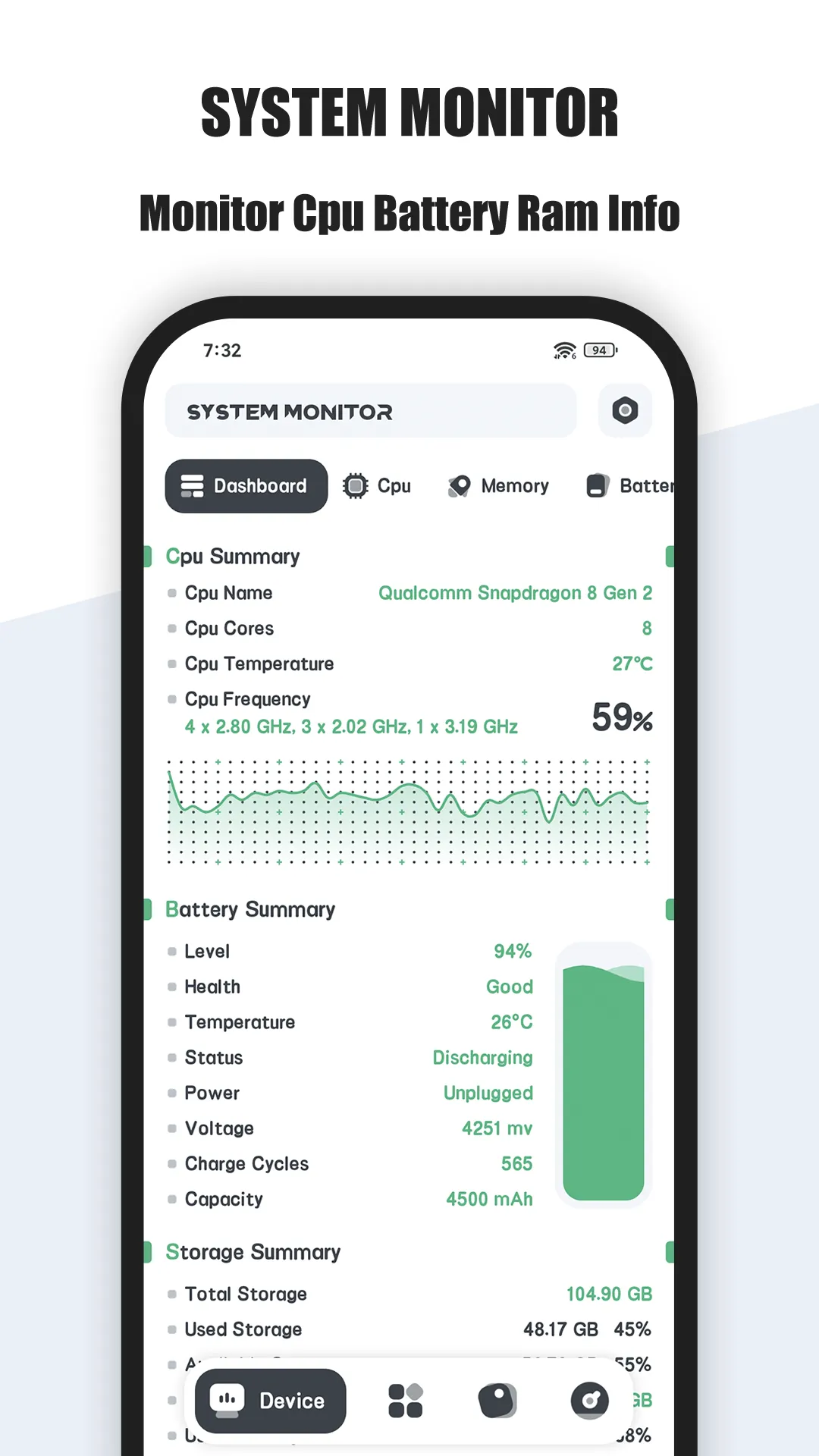
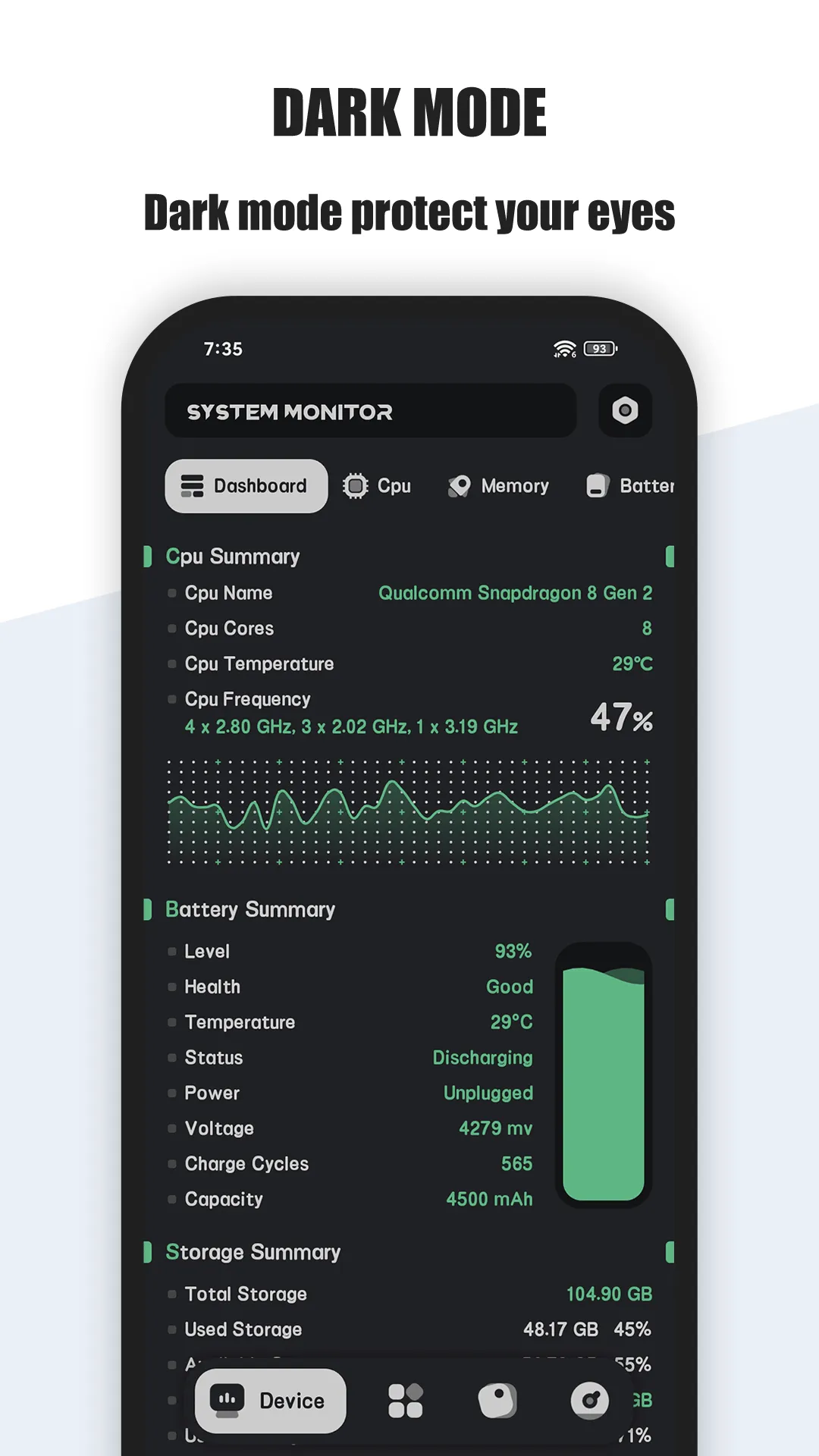

System Monitor is a paid Android tool for hardware info detection: real-time CPU temperature and frequency, storage and memory usage, and battery health monitoring — read-only, with no cleaning or boosting.
- Hardware info detection — CPU temperature/frequency, storage usage and memory usage, all read-only.
- Battery health — temperature, health, voltage and level with curves, so you can see wear.
- Overheat alarm & protection — warns when CPU or battery runs hot so you can act early.
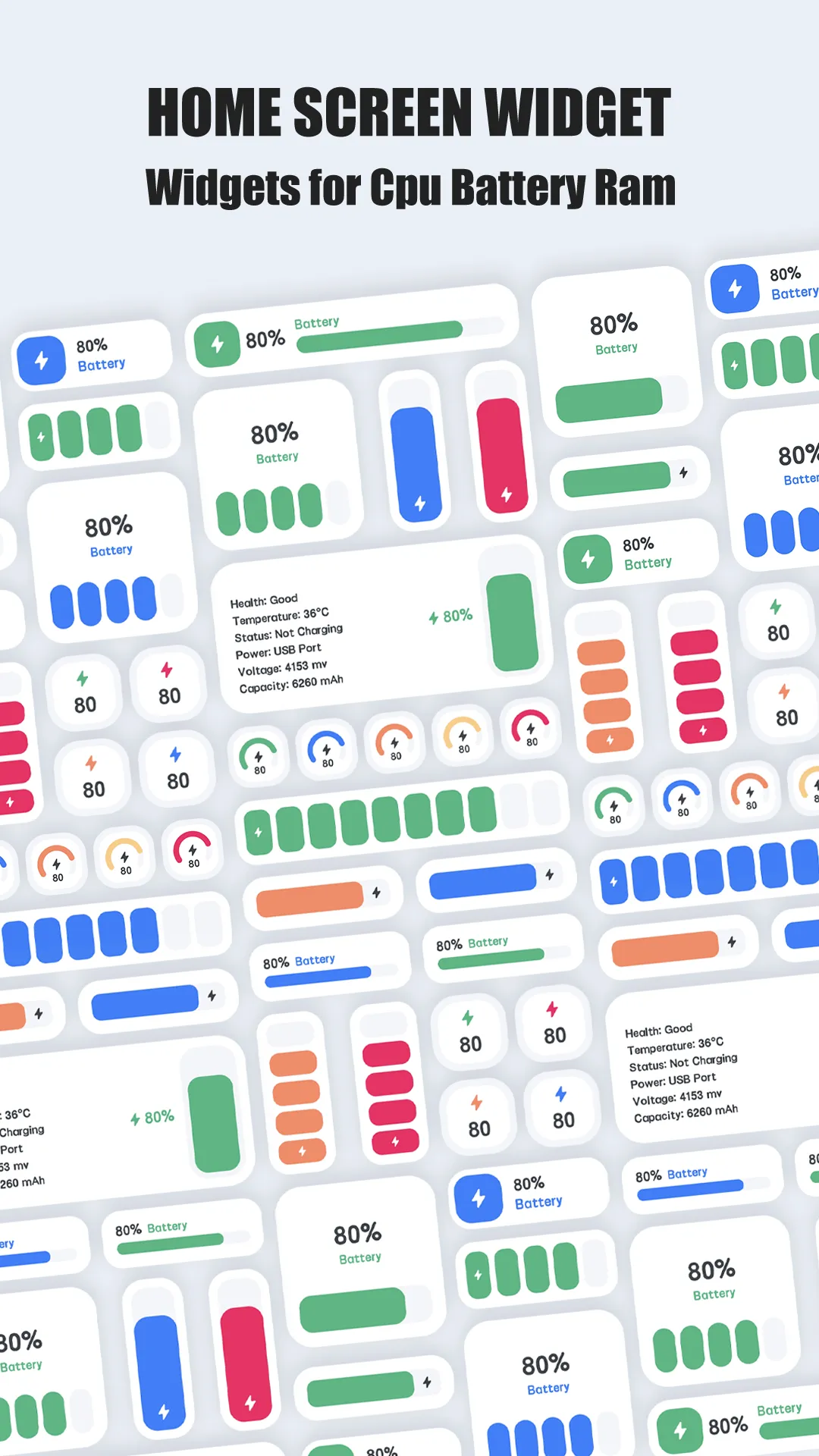
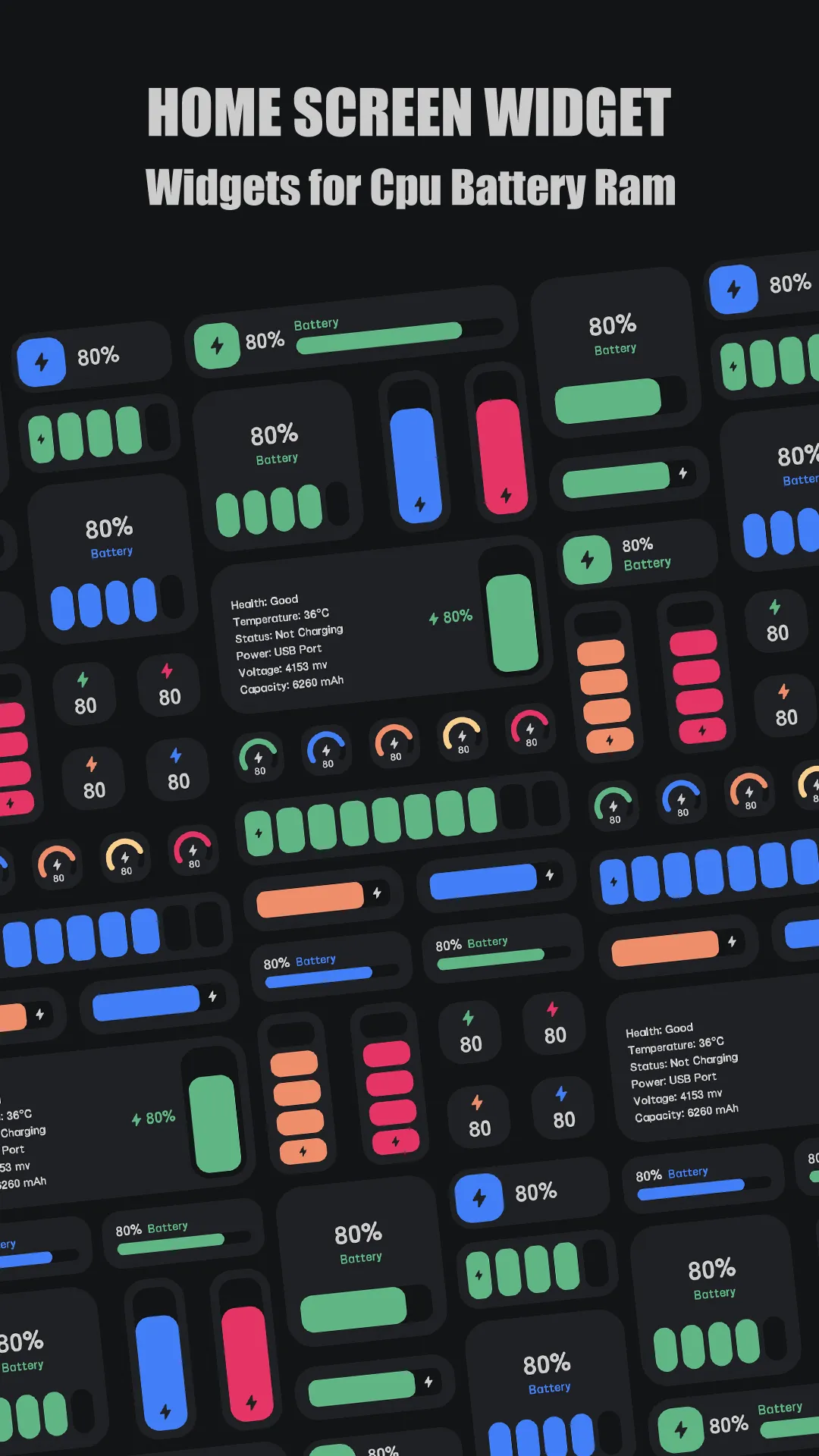
- Floating window & widgets — CPU, battery and RAM widgets live on screen above any app.
- Multicore monitoring — per-core usage and frequency in real time.
- Paid, one-time — download once; no subscription and no RAM-boost gimmicks.
Best for: Android users who want honest, read-only device monitoring (not cleaners or boosters).
Go deeper:
- Best system monitor app
- See exactly what your RAM is doing
- System Monitor app page
- System Monitor Official User Guide
How System Monitor compares to the competition
- vs CCleaner — CCleaner is a cleaner and RAM booster — it changes your phone (clears caches, frees memory). System Monitor is the opposite: it only reports hardware facts and never touches your files or memory. Pick by intent — monitor vs clean. Full breakdown in System Monitor vs CCleaner.
- vs Device Info HW — Device Info HW is a solid free hardware detector, but it’s lighter on live overheat alarms and the floating-window experience that System Monitor centers on.
- More options — see Best CCleaner Alternatives in 2026 for the full field.
Which should you pick?
Quick pick by situation:
- Want to see what’s happening inside, not change it → System Monitor.
- Want to clear caches and free memory → CCleaner (different job).
- Want a free spec sheet → Device Info HW.
- Want overheat alarms + widgets → System Monitor.
Conclusion
For Android users who want honest, read-only device monitoring rather than cleaners or boosters, System Monitor is the right pick — a one-time paid download.
Or read the Best system monitor app for the full breakdown.