
One Widget vs KWGT: Curated Widgets or Total Control?
One Widget vs KWGT compared in depth for 2026: 500+ ready-made One UI, Nothing, Glass and Material You widgets versus a fully custom widget builder with a learning curve. Prices and a verdict per user.
Both customize your home screen, but differently. One Widget ships 500+ finished, on-trend widgets you just resize and place. KWGT (Kustom Widget Maker) is a from-scratch editor where you build any widget you can imagine. This One Widget vs KWGT comparison helps you pick the right Android widgets app in 2026.
At a glance
| One Widget | KWGT (Kustom) | |
|---|---|---|
| Approach | 500+ ready widgets | Build-from-scratch editor |
| Styles | One UI, Nothing, Glass, Material You | Any (you design) |
| Learning curve | Low | High |
| Live data binding | Preset widgets | Full (weather, music, formulas) |
| Customization | Size, color, corner radius | Total (every element) |
| Export / share | Limited | Full (with Pro) |
| Quick toggles / shortcuts | Yes (Wi-Fi, BT, torch, apps) | Possible (with setup) |
| Price | Free One UI + one-time unlock | Free + Pro key (~$4.99) |
| Platforms | Android | Android |
| Best for | Fast, cohesive theming | Unique custom designs |
One Widget, in detail
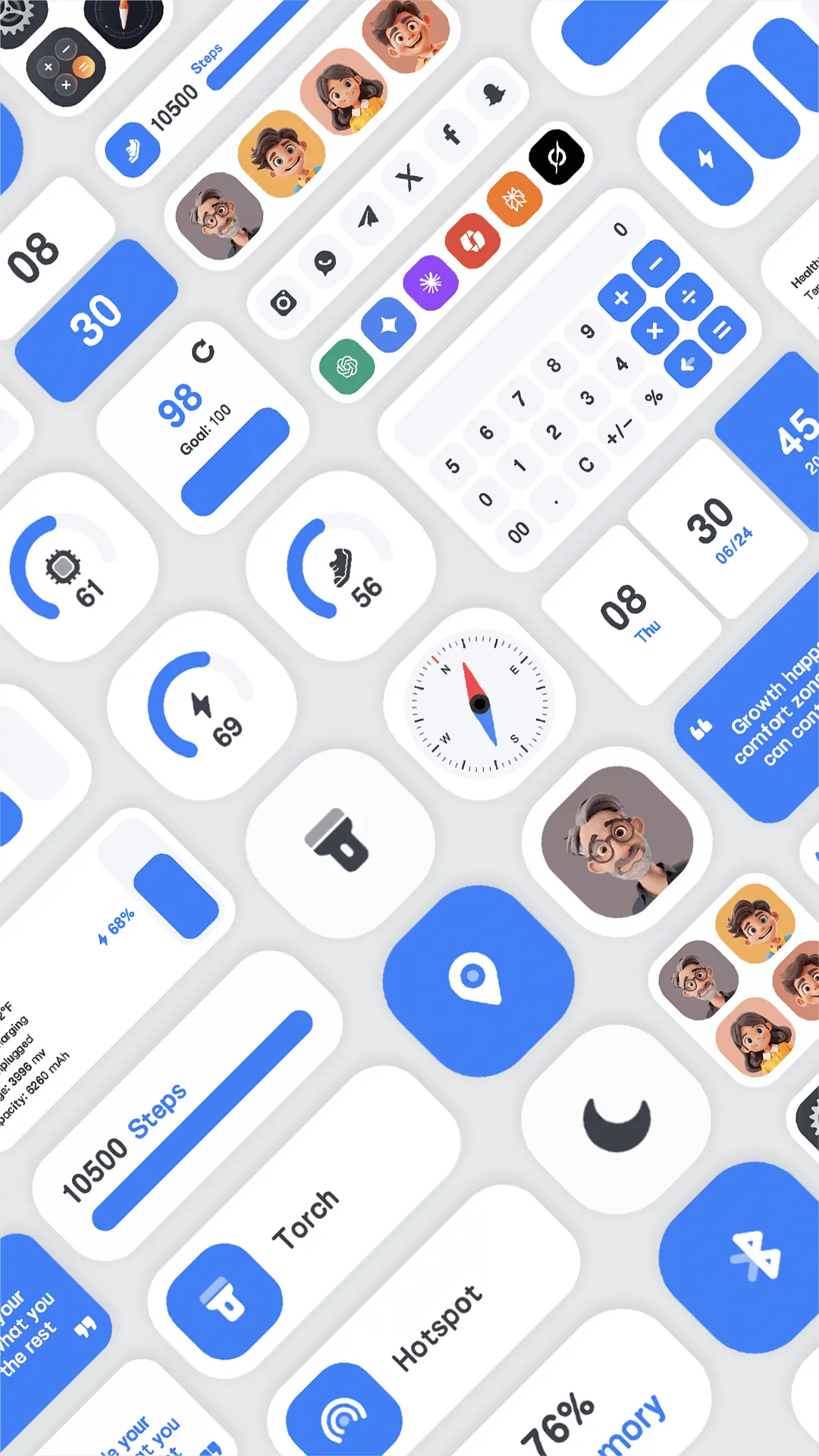
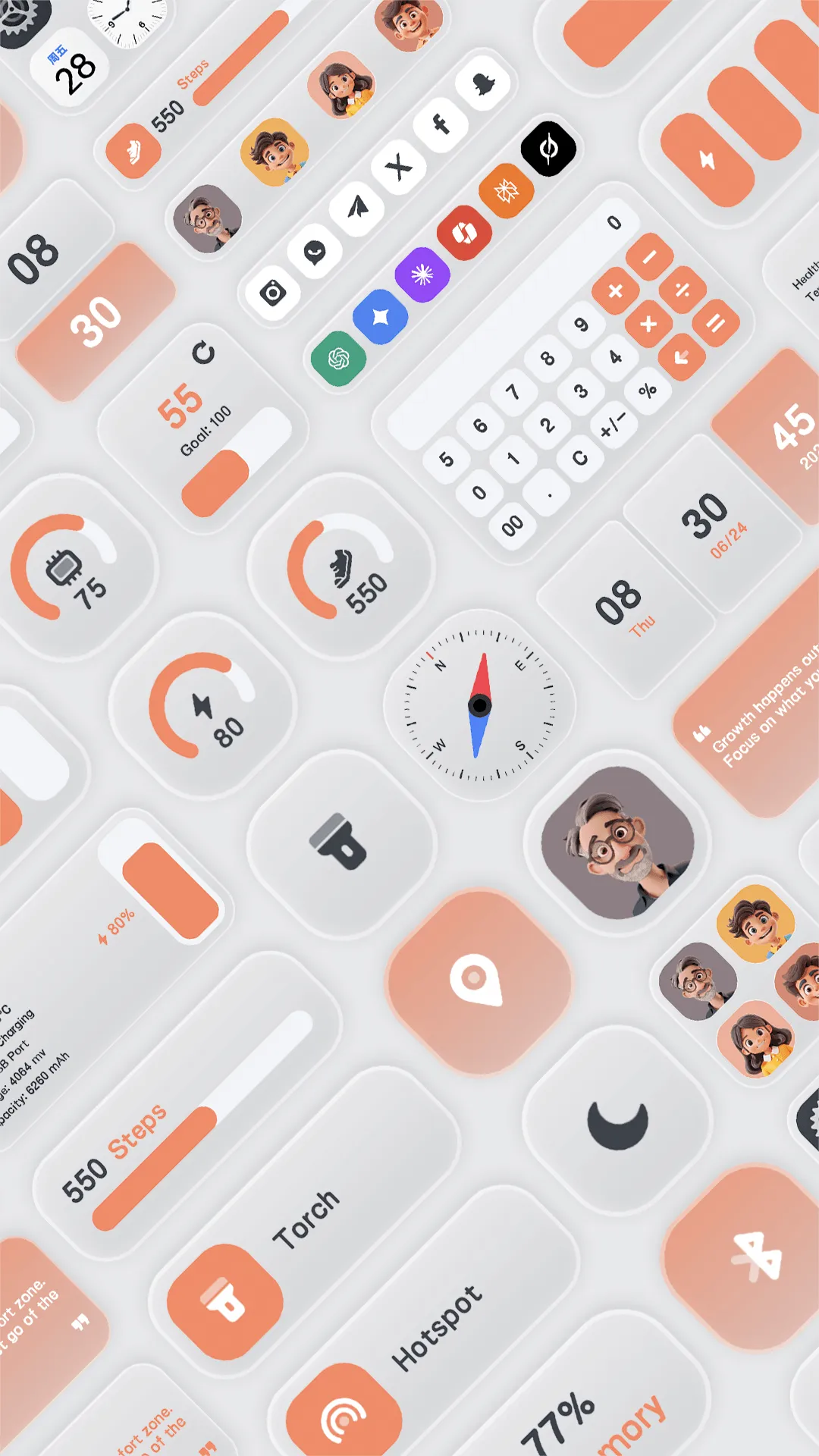
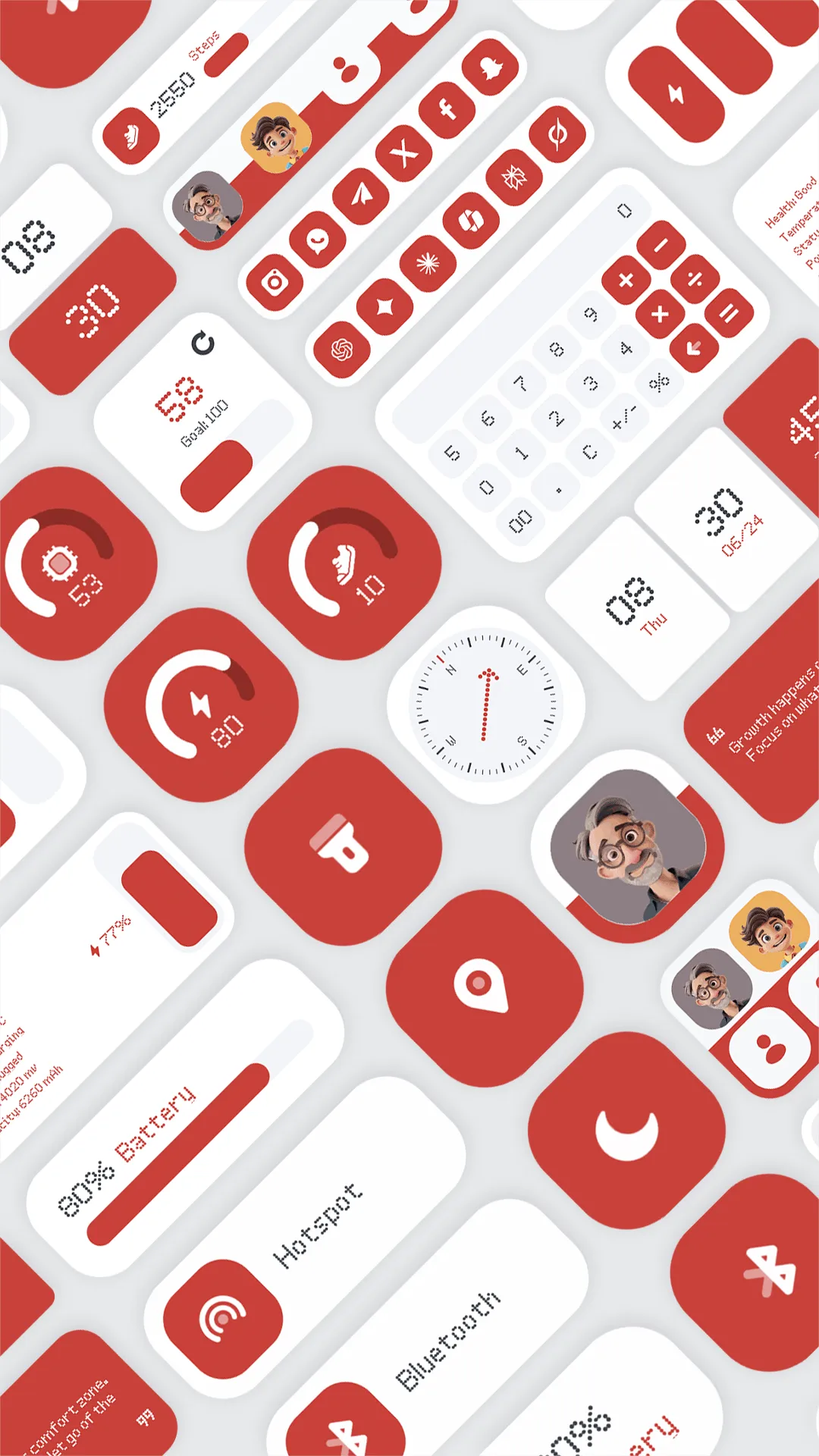
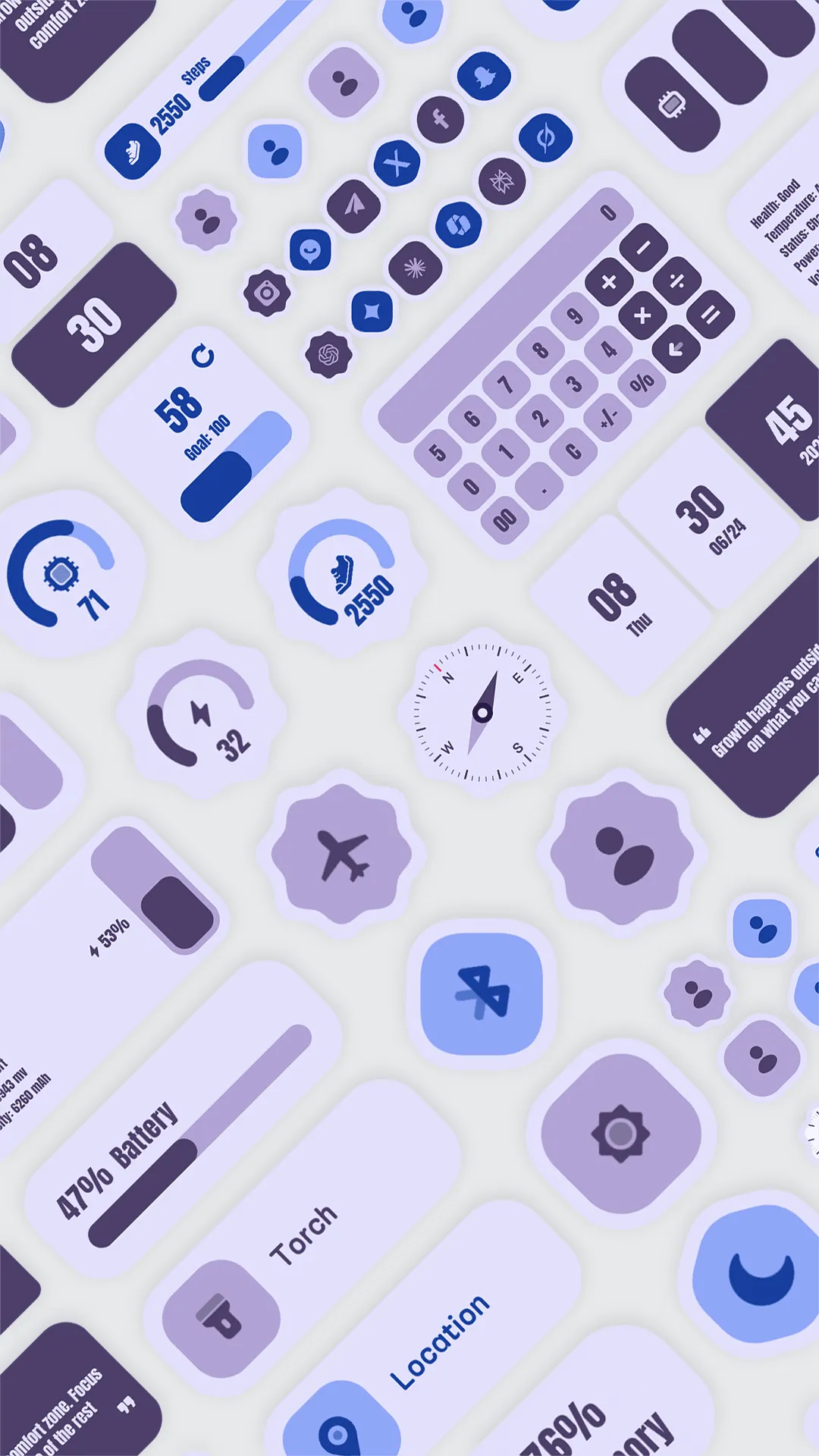
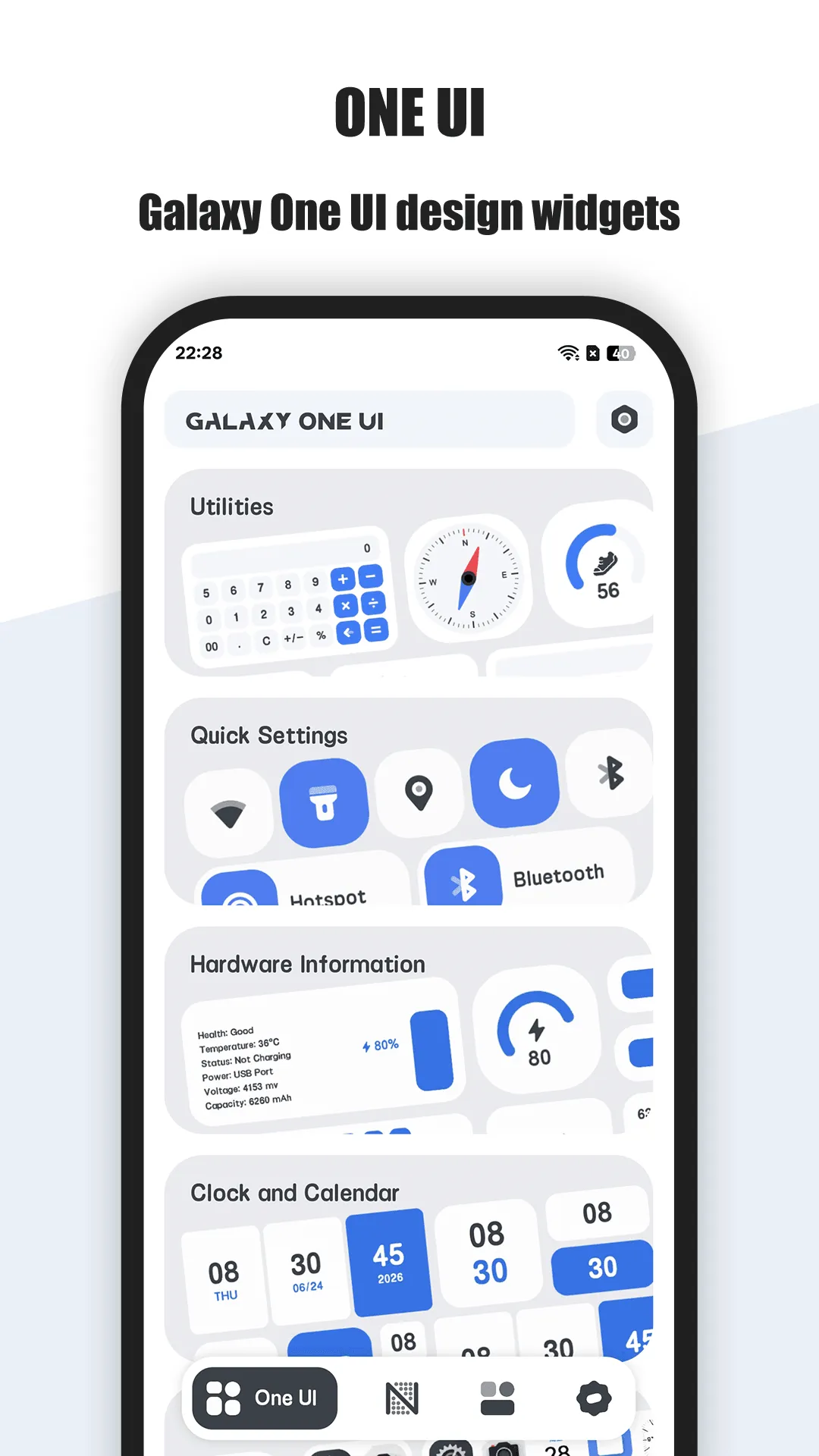
One Widget is an all-in-one Android home-screen toolkit packing 500+ premium widgets across four trending styles: Glass iOS, Material You, Galaxy One UI, and Nothing minimalist. You pick a finished widget, resize it, and you’re done.
Strengths
- 500+ ready-made widgets — no editor, no design skills; tap and place.
- Four popular styles — Glass, Material You, Galaxy One UI, Nothing — covering most aesthetic tastes.
- 8 functional categories: app shortcuts, system quick toggles (Wi-Fi, Bluetooth, torch…), device hardware info (battery, RAM, storage), clock/calendar, notes/quotes, contacts, aggregated app launchers (Google/AI/social), and mini tools (compass, pedometer, calculator).
- Full customization of size (1x1 to 2x6), icon background color and corner radius to match your theme.
- Quick toggles and app shortcuts as home-screen widgets — genuinely useful, not just decorative.
- Low learning curve — ideal for non-designers wanting a polished desktop fast.
- Free One UI set; other styles unlock with a one-time purchase.
Weaknesses
- Android only — no iOS version.
- Preset-bound — you customize within finished designs, not a blank canvas.
- Limited live-data depth — widgets are curated; you can’t bind arbitrary formulas or exotic data sources.
- Export/sharing is limited compared with a true builder.
- Other style families require a purchase (One UI is free).
Best for
Users who want a cohesive, good-looking home screen quickly without learning a design tool.
Download One Widget
KWGT, in detail
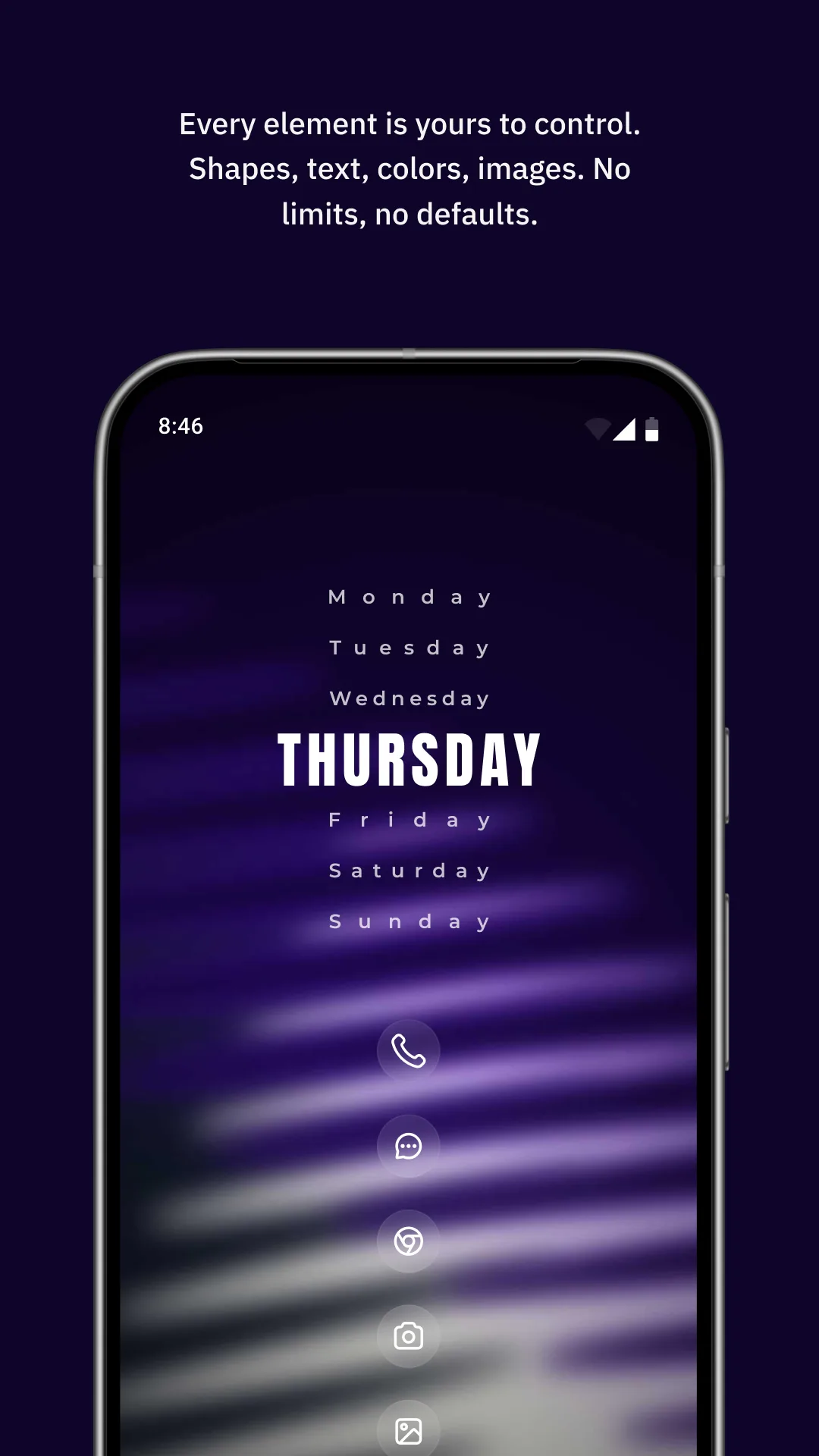
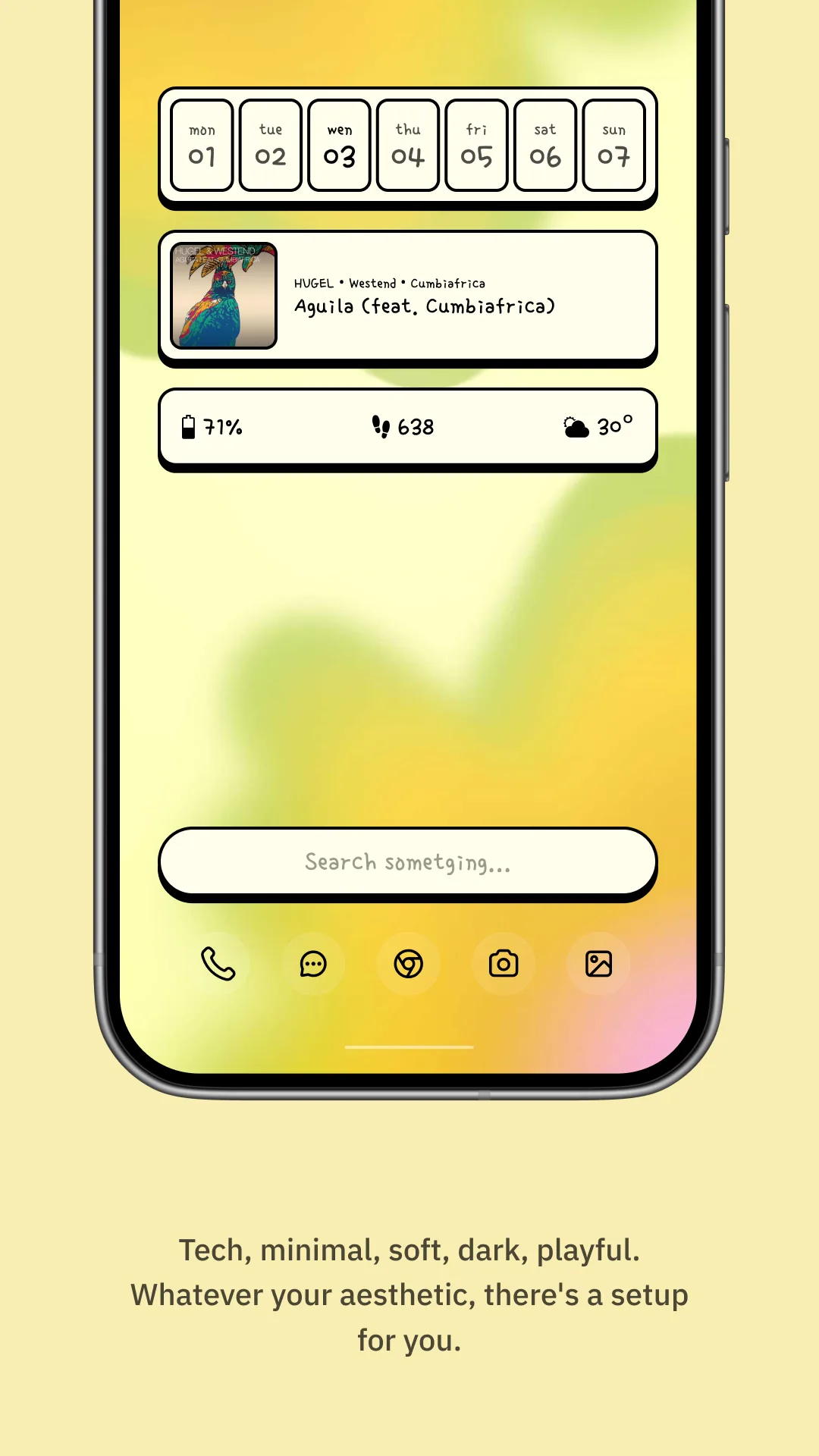
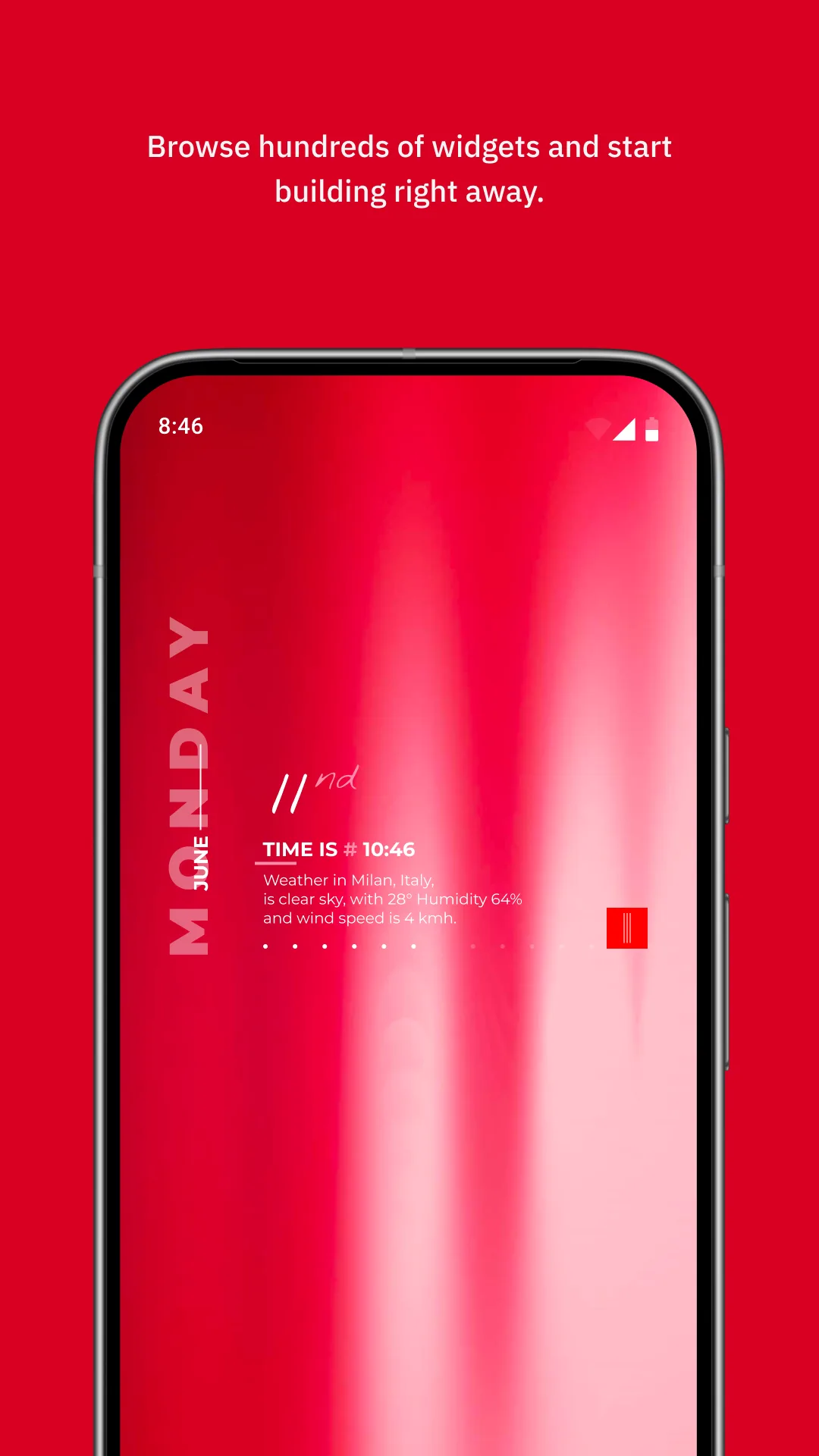
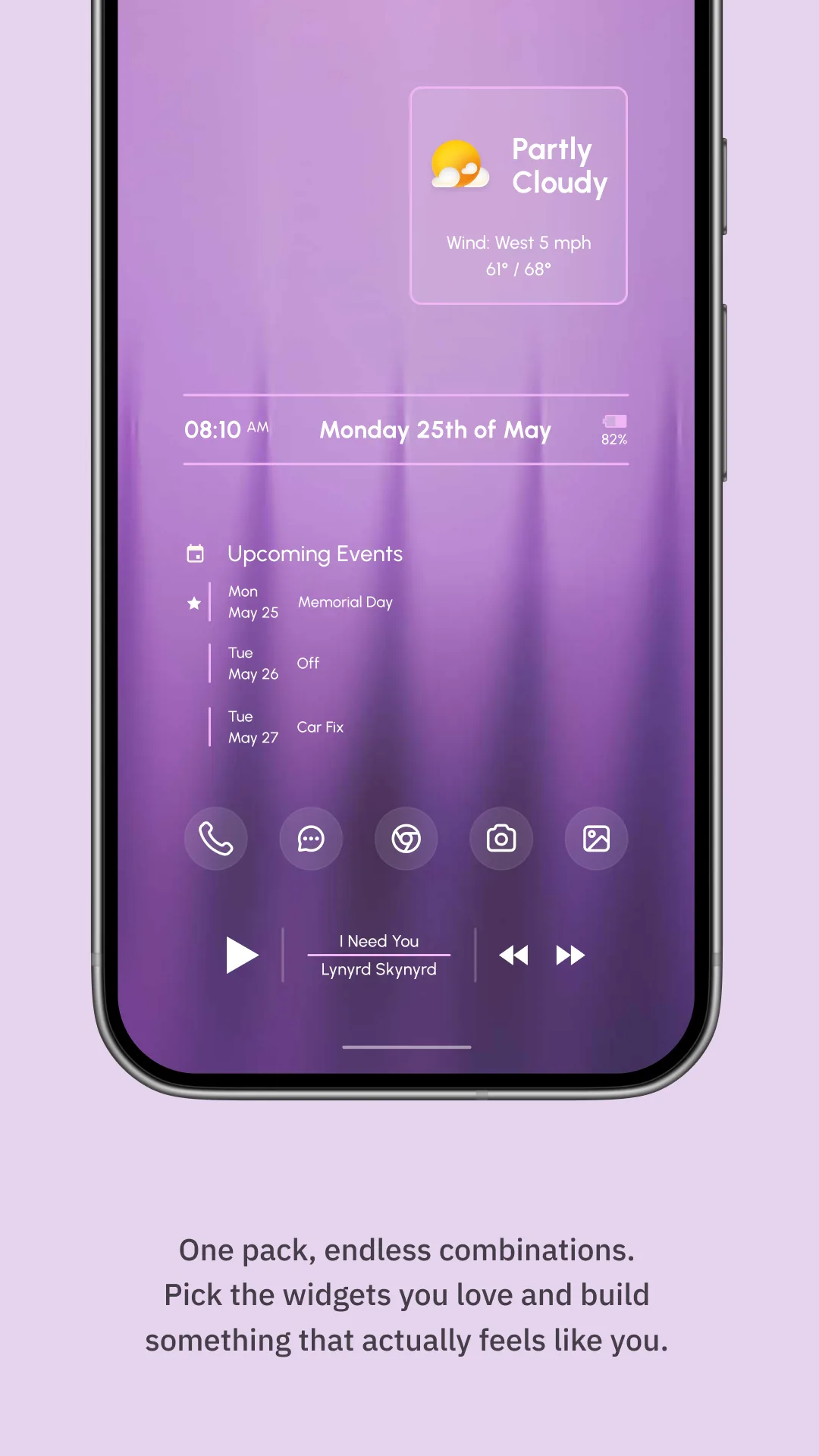
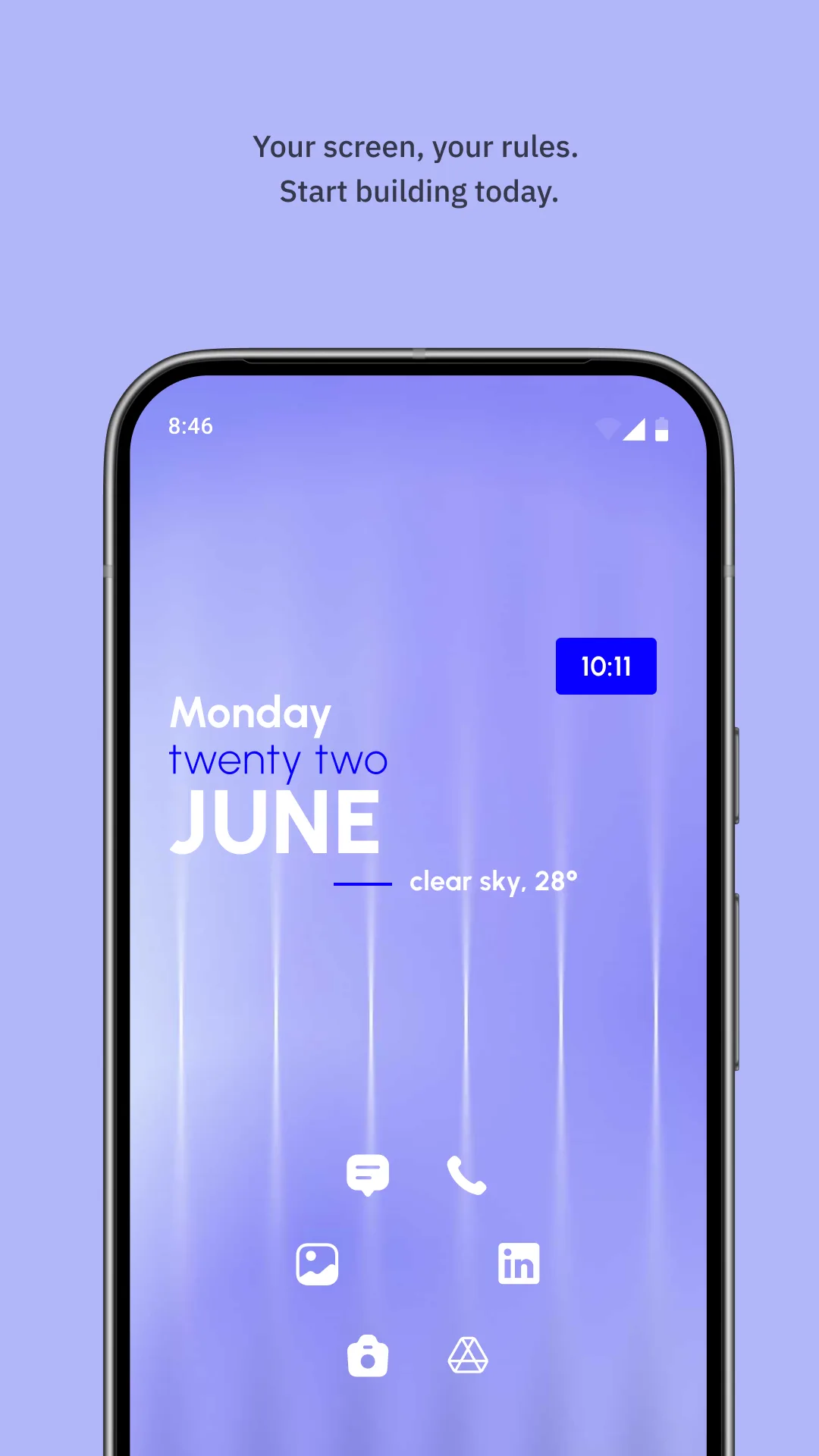
KWGT (Kustom Widget Maker) is the most powerful widget builder on Android. You place text, shapes, images and data points, then bind them to live sources — weather, music, battery, or your own formulas — to create entirely original widgets.
Strengths
- Unlimited customization — every element (position, size, font, color, layer) is yours to define.
- Full live-data binding — weather, music, system stats, and custom formulas via Kustom’s expression language.
- Bespoke layouts — recreate any look (or invent your own) down to the pixel.
- Large community with shared presets and tutorials.
- Pro key (~$4.99) removes the watermark and unlocks full export/sharing.
- Free to use at the core for building and testing.
Weaknesses
- High learning curve — placing and binding elements takes real effort; not for casual users.
- Time investment — a great widget can take hours versus One Widget’s seconds.
- Android only, no iOS.
- Watermark and limited export until you buy the Pro key.
- Can feel overwhelming if you “just want a nice clock widget.”
Best for
Designers and tweakers who want a one-of-a-kind home screen and enjoy building it themselves.
Download KWGT
How they compare where it matters
Speed vs control
One Widget wins on time-to-beautiful: pick a preset, resize, done. KWGT wins on control: a blank canvas where you dictate every pixel and data source. If you value your time, One Widget; if you value uniqueness, KWGT.
Live data
Both can show live info, but the depth differs. One Widget’s widgets are curated (clock, battery, RAM, toggles). KWGT lets you bind any data — weather formulas, now-playing music metadata, custom calculations — into custom layouts. For exotic data, KWGT is unmatched.
Aesthetics
One Widget guarantees a cohesive, trendy look (Glass/One UI/Nothing/Material You) because professionals designed the presets. KWGT’s output depends entirely on your skill — amazing or amateur.
Price
One Widget is free for One UI with a one-time unlock for other families. KWGT is free to build, with a ~$4.99 Pro key for watermark removal and export. Both are reasonable; neither is subscription-heavy.
Which should you choose
- Choose One Widget if you want a polished, cohesive home screen in minutes and prefer curated styles over a design tool.
- Choose KWGT if you want total creative control, live-data formulas, and don’t mind learning (and spending time) to build unique widgets.
- Many Android users keep both: One Widget for fast, everyday widgets, and KWGT when they want something truly custom.