
One Widget and Material You: Widgets That Match Your Wallpaper
A practical look at One Widget versus KWGT for Material You styling in 2026 — dynamic color, theme matching, setup, and price on Android 12+.
Since Android 12, Material You lets the system pull a color palette from your wallpaper and spread it across the UI. A Material You widget should feel native — rounded, color-matched, and theme-aware. One Widget ships cute, theme-friendly widgets that follow your system look. Below we compare it with KWGT for Material You styling.
What Material You widgets need
- Dynamic color — hues drawn from the wallpaper.
- Light/dark follow — switches with the system theme.
- Rounded, shape-aware corners — matches the system grid.
- Quick placement — no editor required.
The contenders at a glance
| App | Price (2026) | Dynamic color | Setup | Theme-aware | Best for |
|---|---|---|---|---|---|
| One Widget | Free core + VIP | ✅ theme-matched | Tap & place | ✅ | Native look, fast |
| KWGT | Free + Pro Key | ⚠️ manual Kode | Design | ⚠️ manual | Total control |
| System widgets | Free | ✅ | Tap & place | ✅ | Basic, limited |
One Widget, in depth
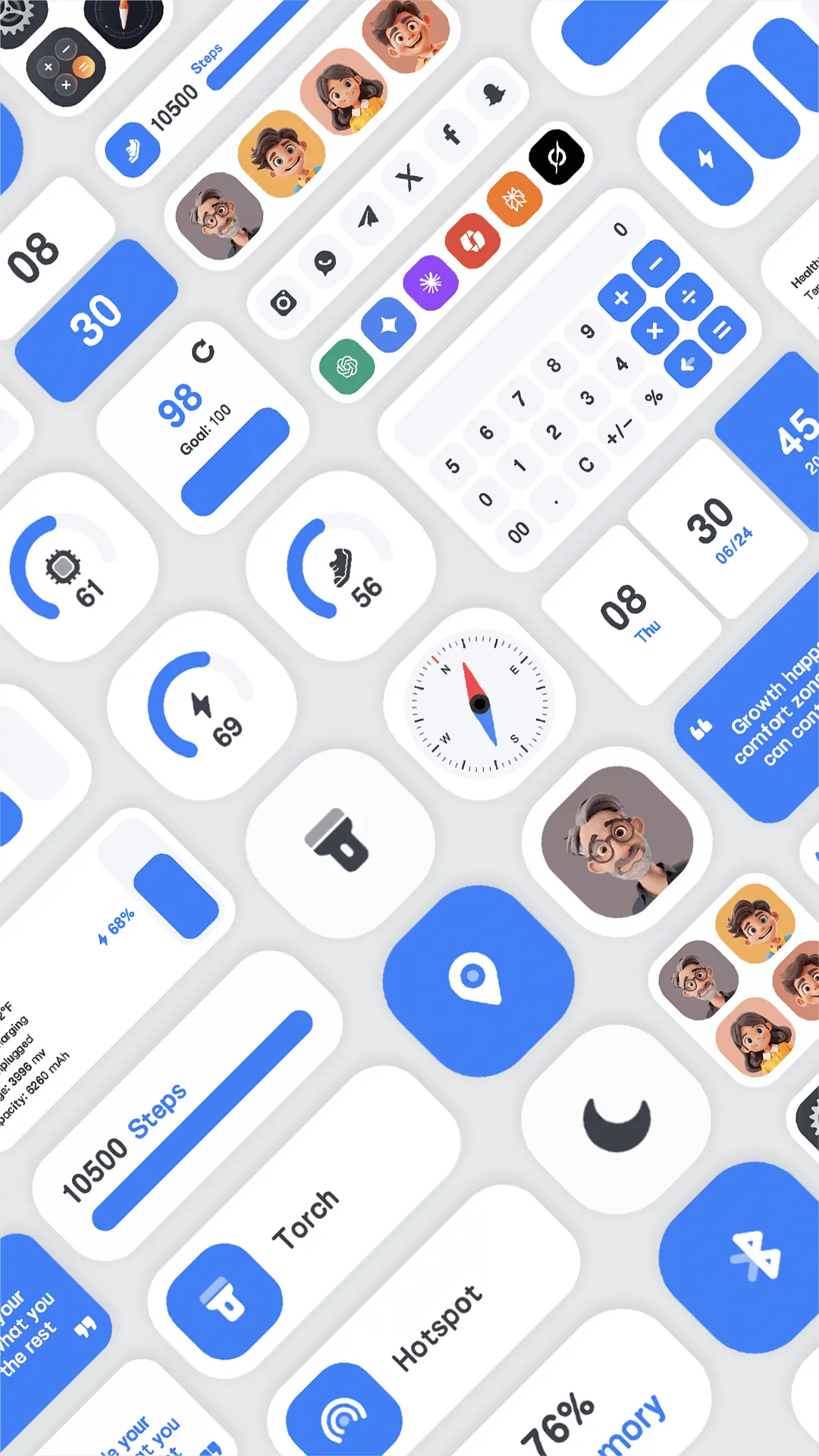
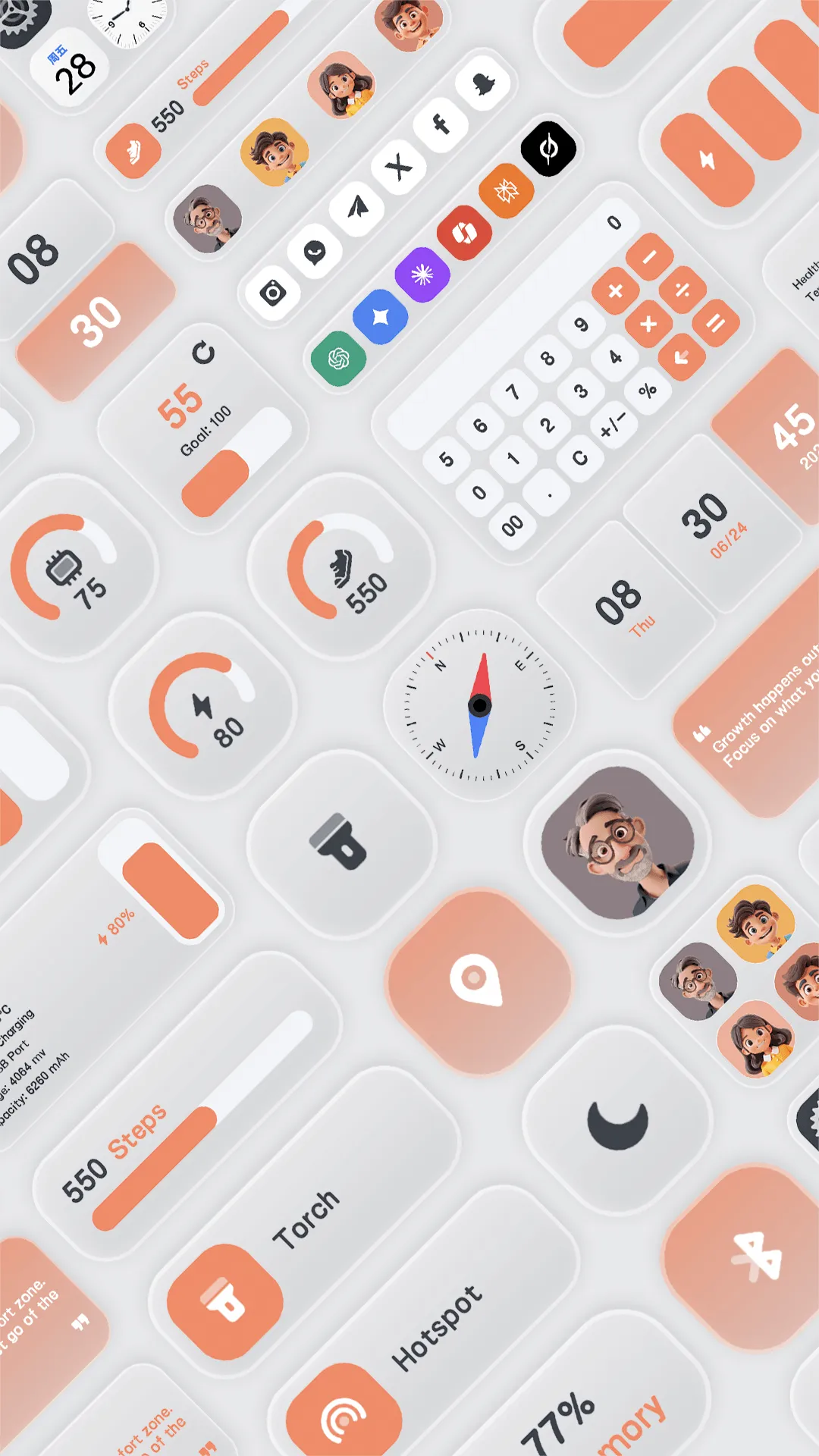
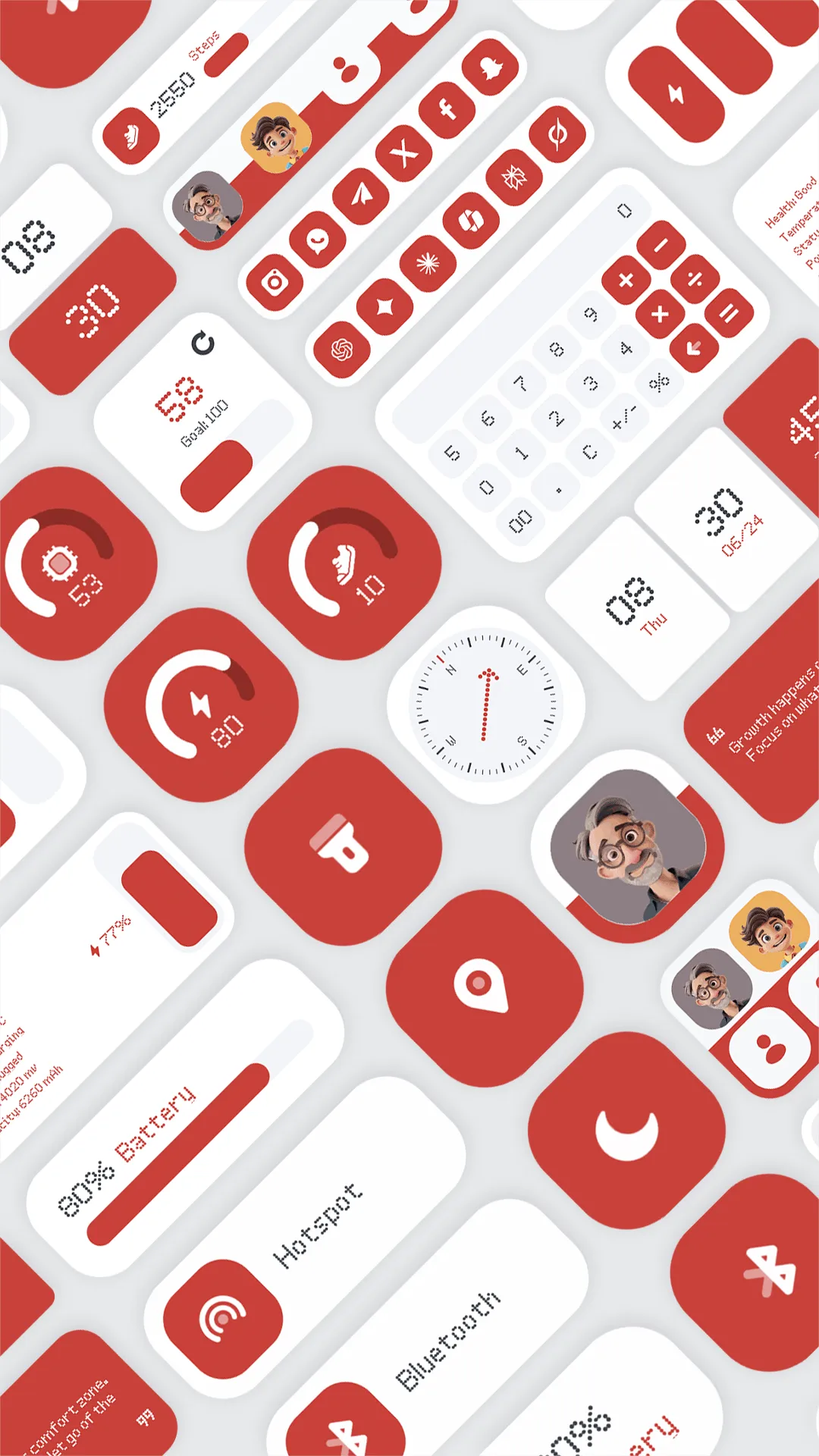
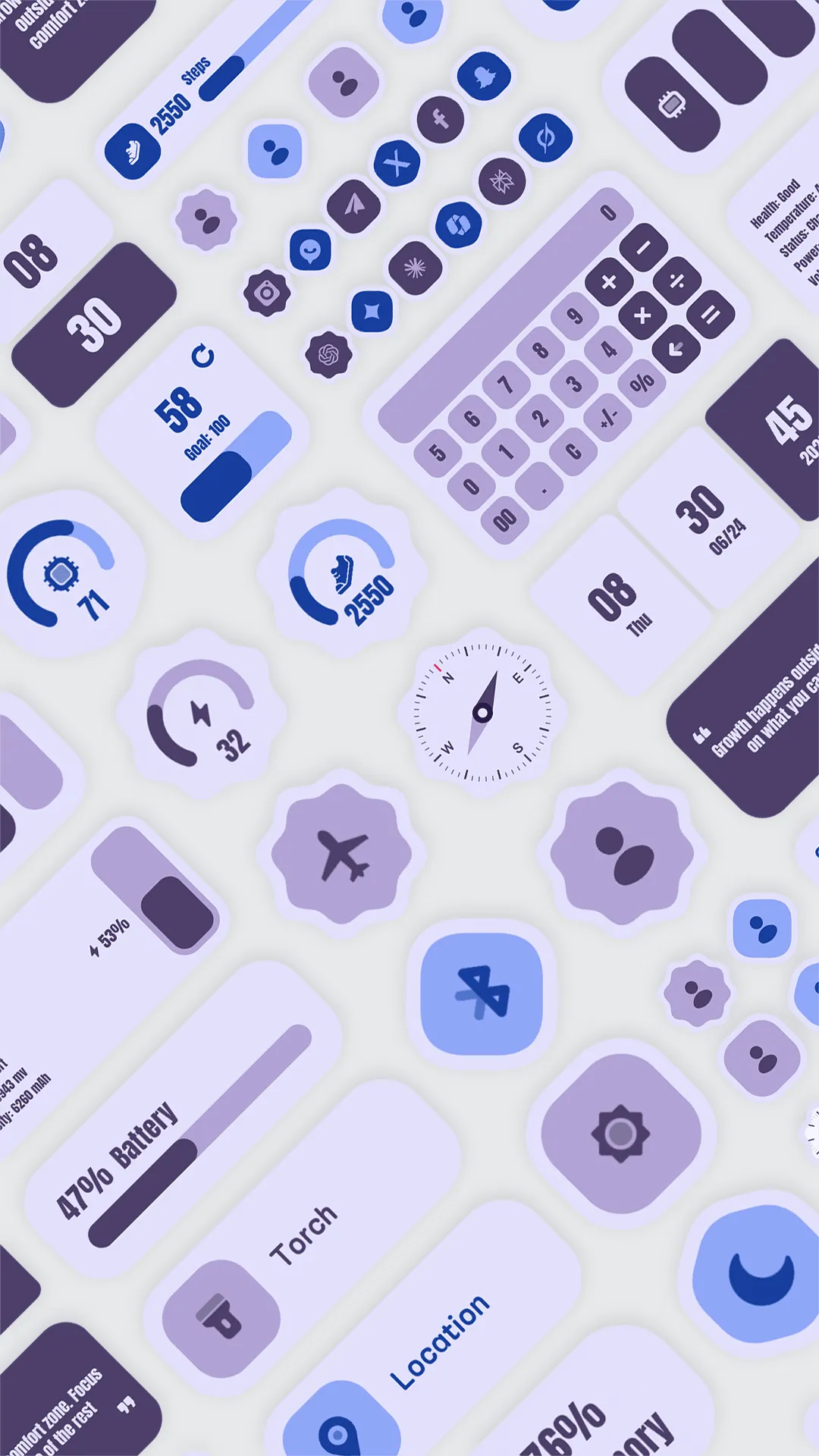
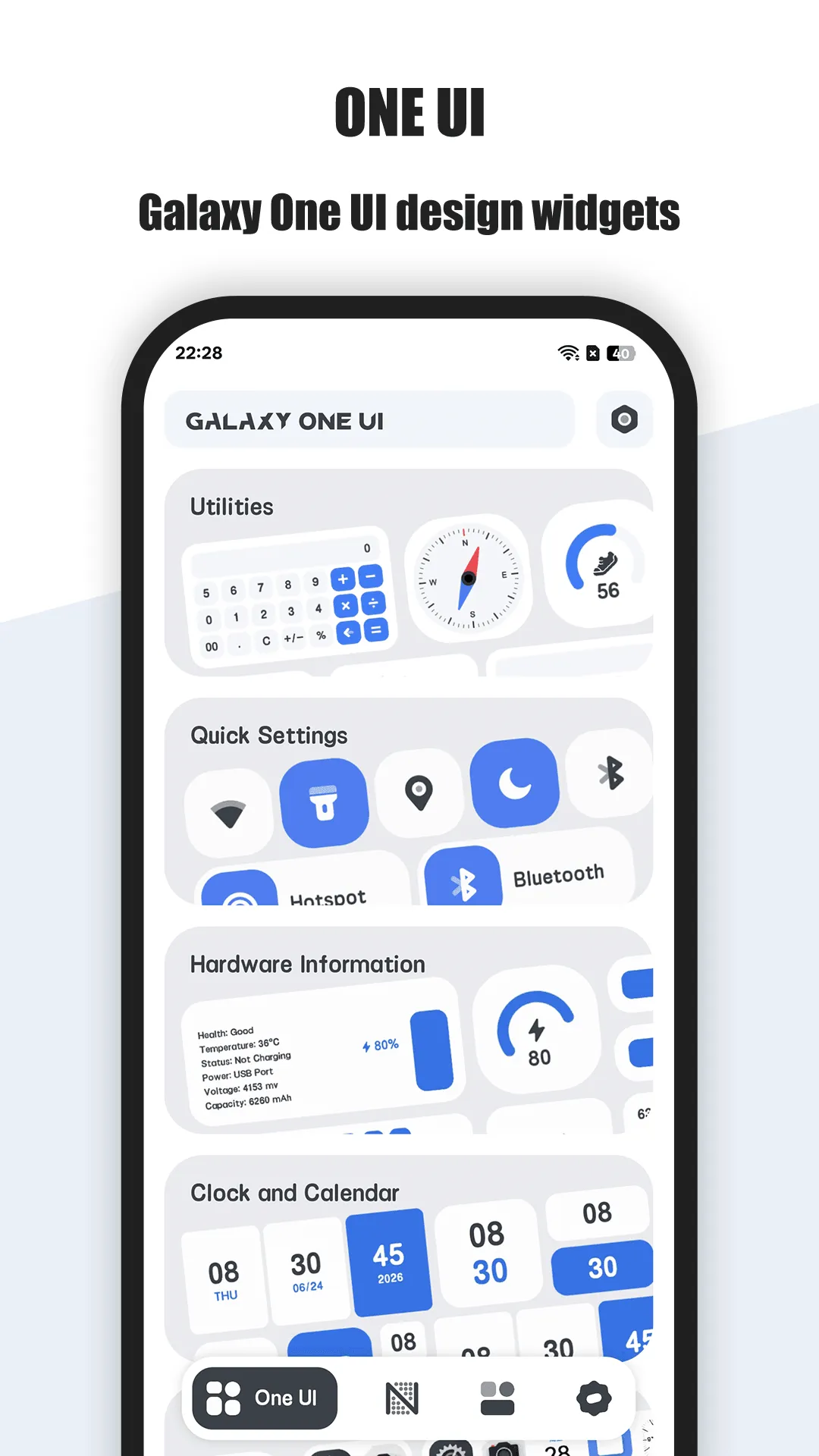
One Widget is a cat-themed widget pack for Android with styles that follow the system theme, including Material You color and corner shaping.
Strengths for Material You
- Theme-matched palettes — widgets pick up wallpaper-derived colors.
- Rounded, shape-aware — corners follow the system grid.
- Ready-made — place a clock or weather widget and it already fits.
- Cute cat styling — friendly without breaking the material look.
- Light and local — no account, no cloud.
Weaknesses for Material You
- Less granular than KWGT — you adopt the theme, you don’t author it.
- VIP for more — extra widgets and deeper styling behind the upgrade.
Best for: people who want a Material You widget that looks native in seconds.
KWGT, in depth
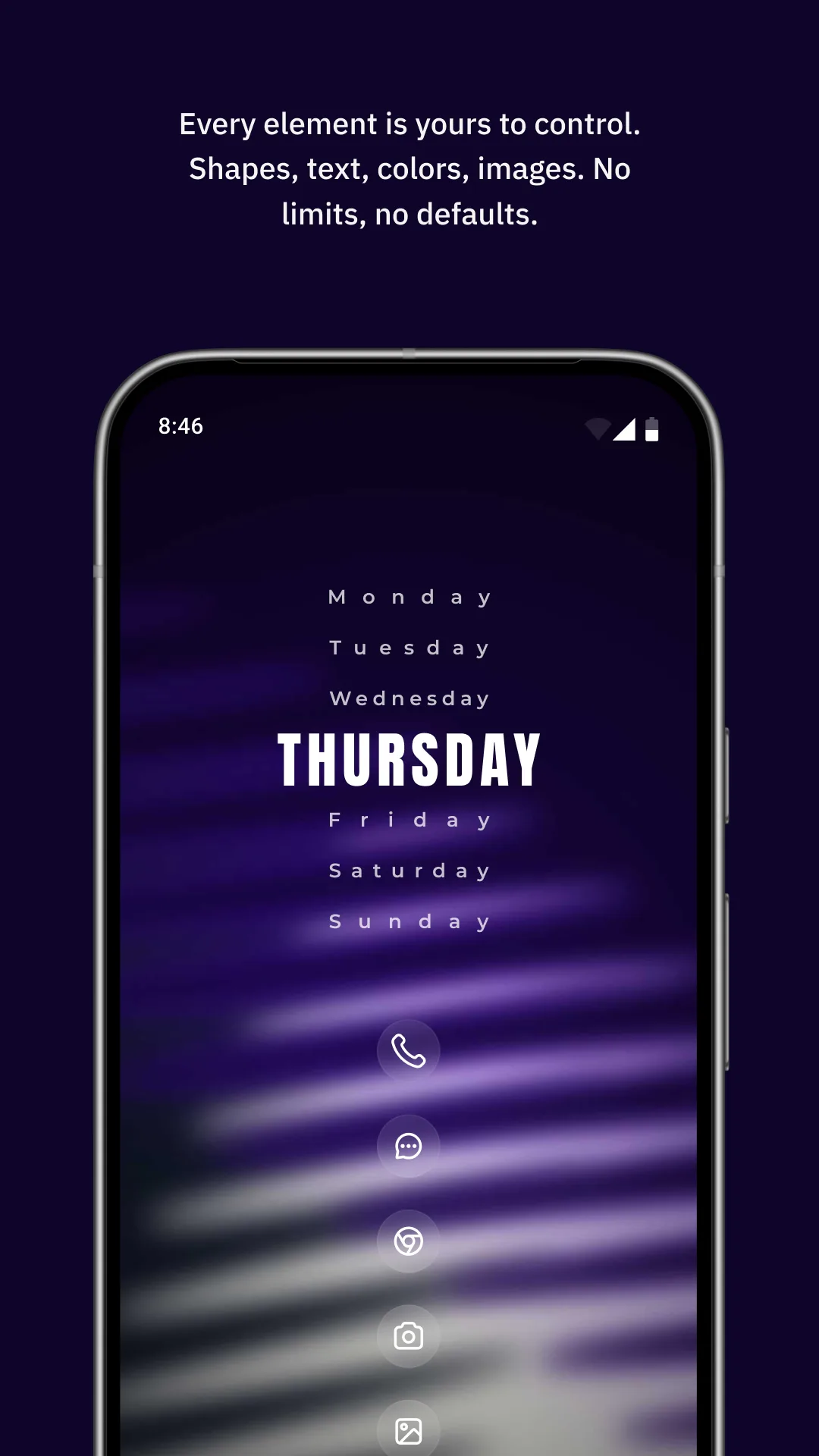
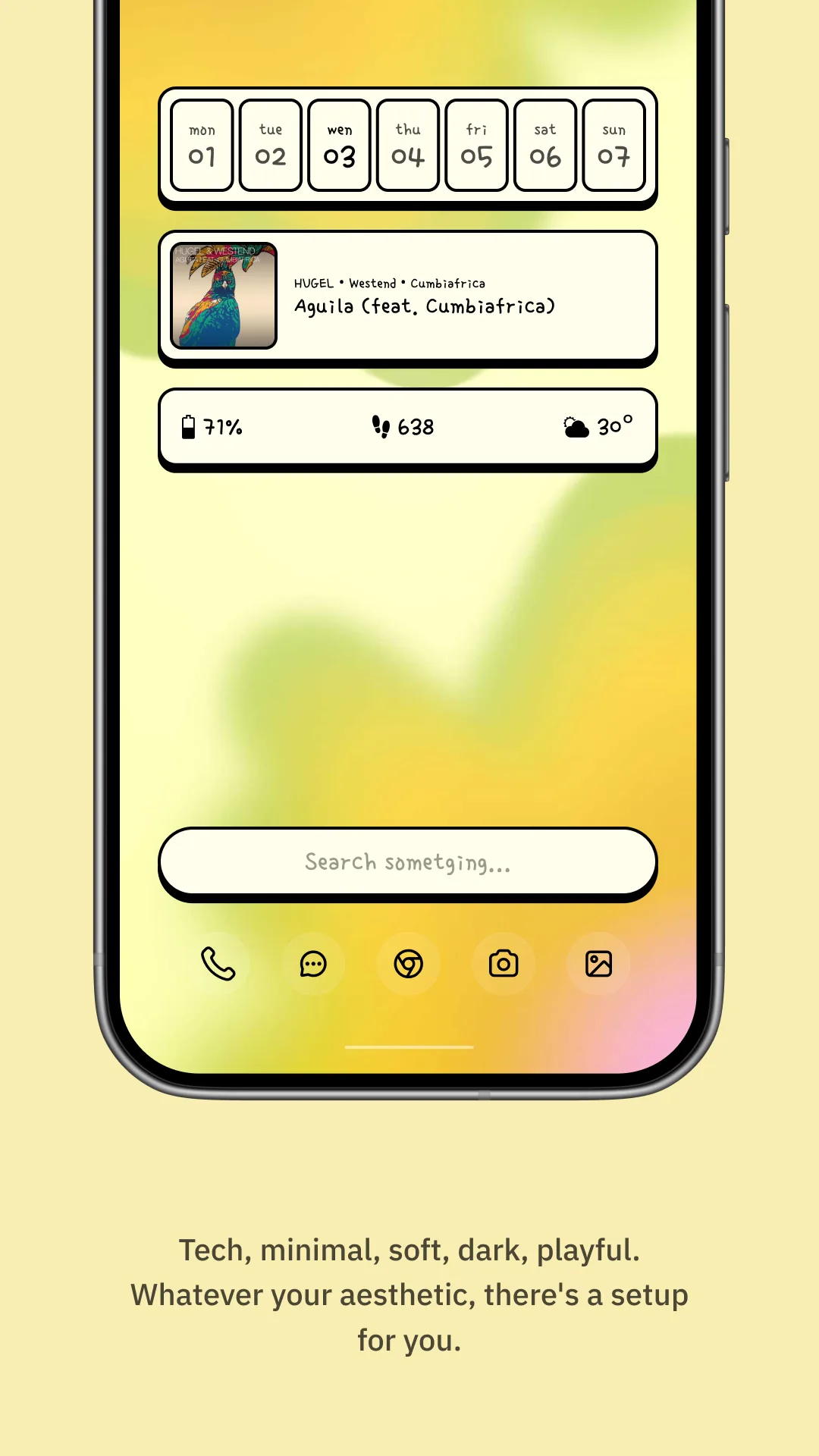
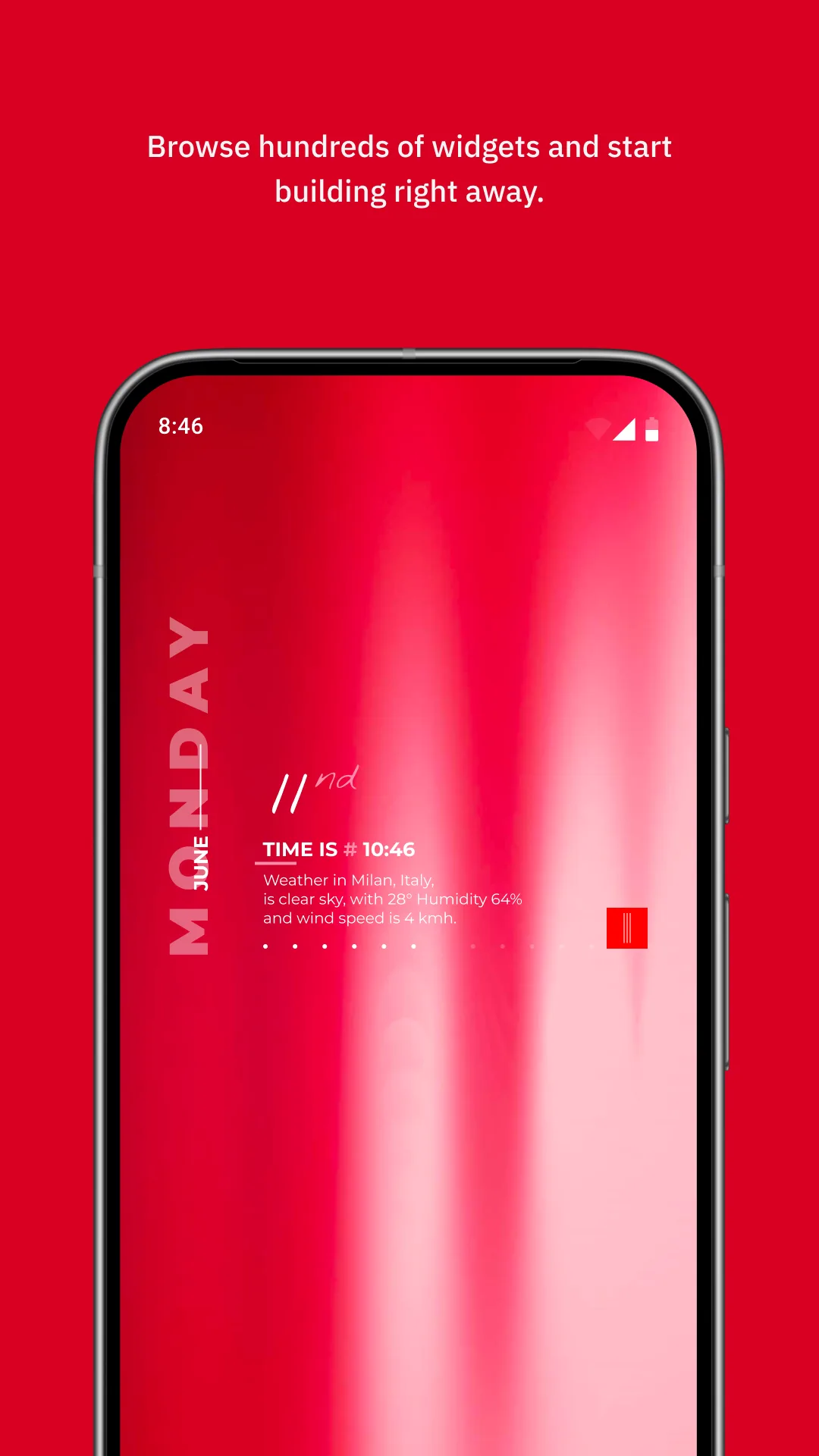
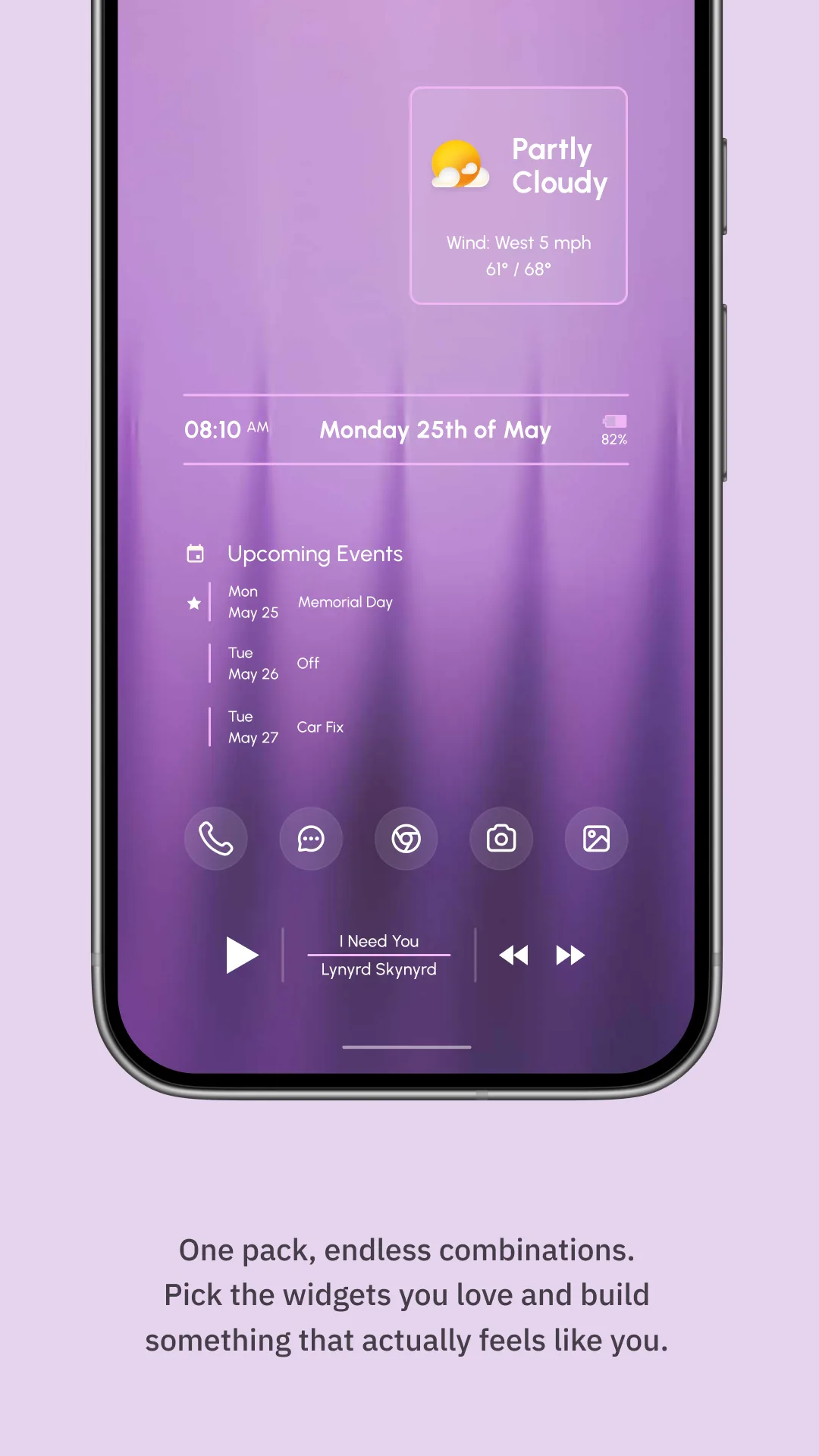
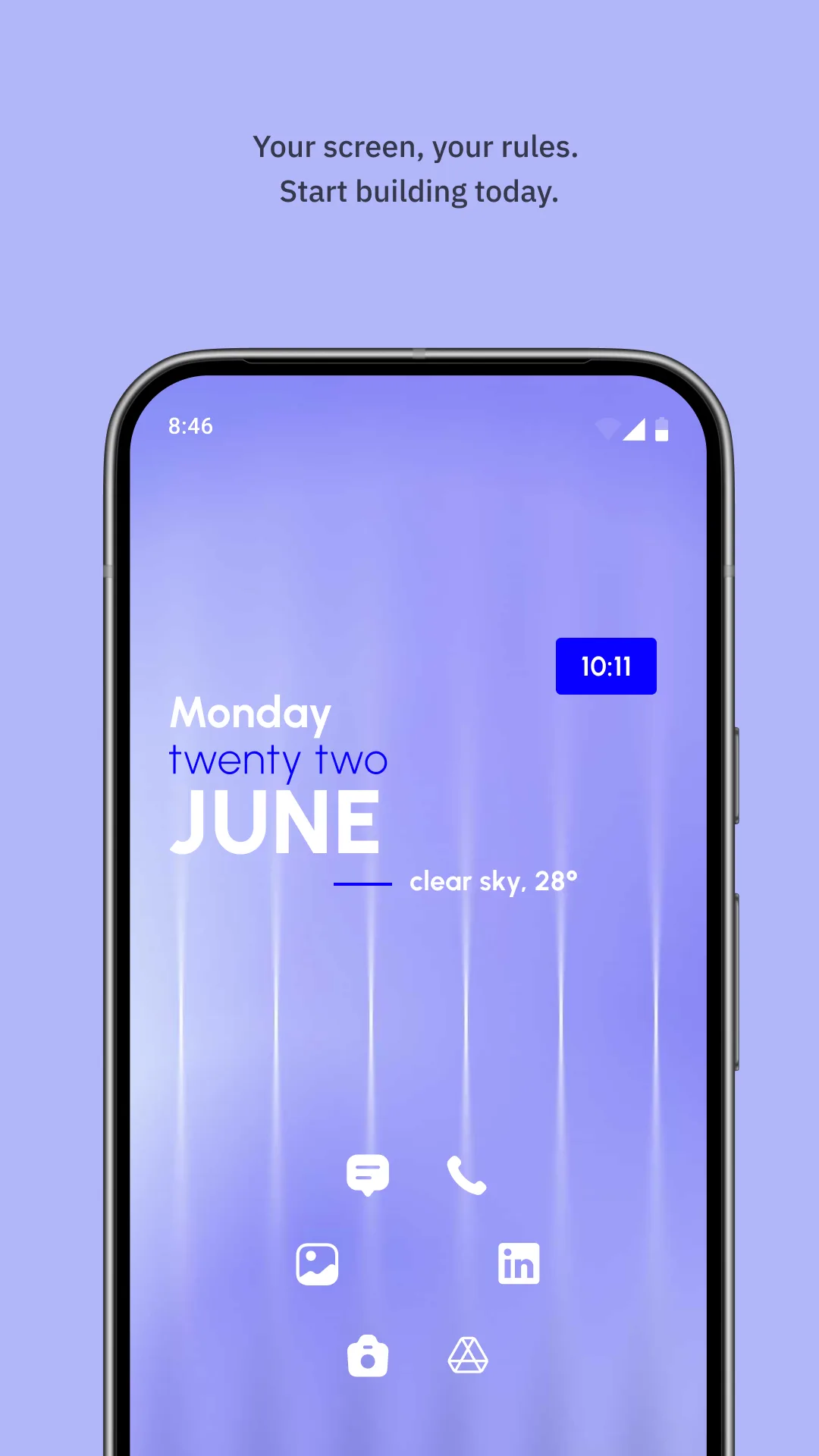
KWGT (Kustom Widget Maker, package org.kustom.widget) can reproduce Material You exactly — if you write the Kode to read system colors and shape them.
Strengths for Material You
- Pixel-level control — dynamic color via formulas, custom shapes, animations.
- One-time Pro Key — no subscription.
Weaknesses for Material You
- Manual work — you must build the dynamic-color logic yourself.
- Steep curve — not a “place and match” experience.
- Launcher-dependent — needs a compatible launcher.
Best for: Android themers who want exact control.
Which should you pick?
- Want Material You that just matches → One Widget.
- Want hand-authored dynamic color → KWGT.
Get One Widget — available on Android.