
One Widget: Cute, Ready-Made Widgets for Android
A practical look at One Widget versus KWGT in 2026 — ready-made cat-themed widgets, customization, offline use, and price for Android.
A good Android widget puts the info you check most — time, weather, battery, today’s calendar — on the home screen without opening an app. One Widget is a cat-themed widget pack for Android that ships ready-made widgets you place in seconds. Below we compare it with KWGT, the deep-customization toolkit, across setup, styling, and price.
What an Android widget app should do
- Ready-made types — clock, weather, calendar, battery, steps, countdown.
- No design degree — tap, place, done.
- Custom color, size, and transparency — match the wallpaper.
- Lightweight and local — no heavy cloud or account.
- Cute without trying — a friendly look that doesn’t feel corporate.
- Fair price — core widgets shouldn’t cost much.
The contenders at a glance
| App | Price (2026) | Ready-made | Learning curve | Platform | Best for |
|---|---|---|---|---|---|
| One Widget | Free core + optional VIP | ✅ yes | Low | Android | Quick, cute |
| KWGT | Free + Pro Key | ❌ design yourself | Steep | Android | Deep customization |
| Simple clock widgets | Free | ⚠️ clock only | Low | Android | Bare clock |
One Widget, in depth
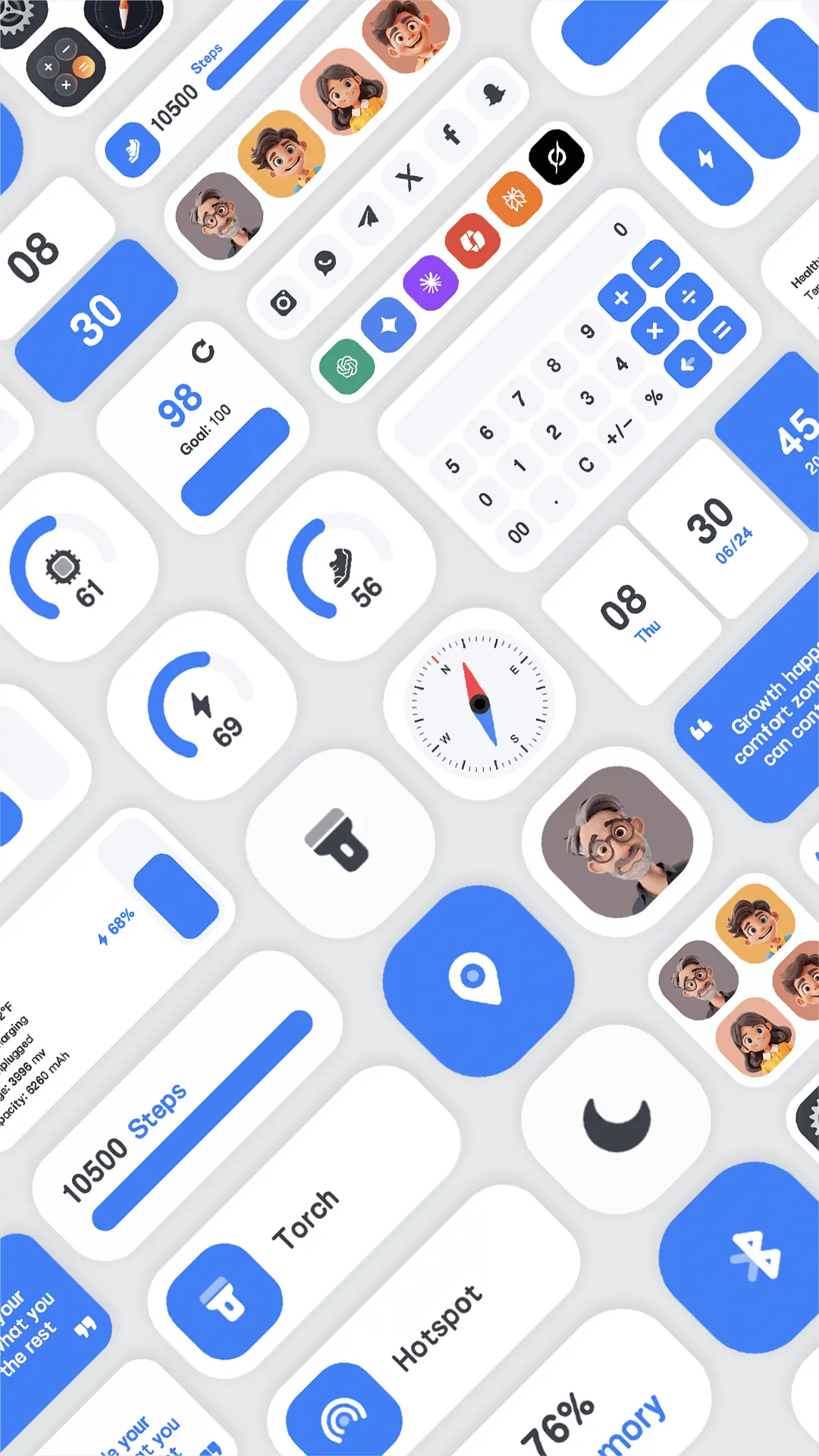
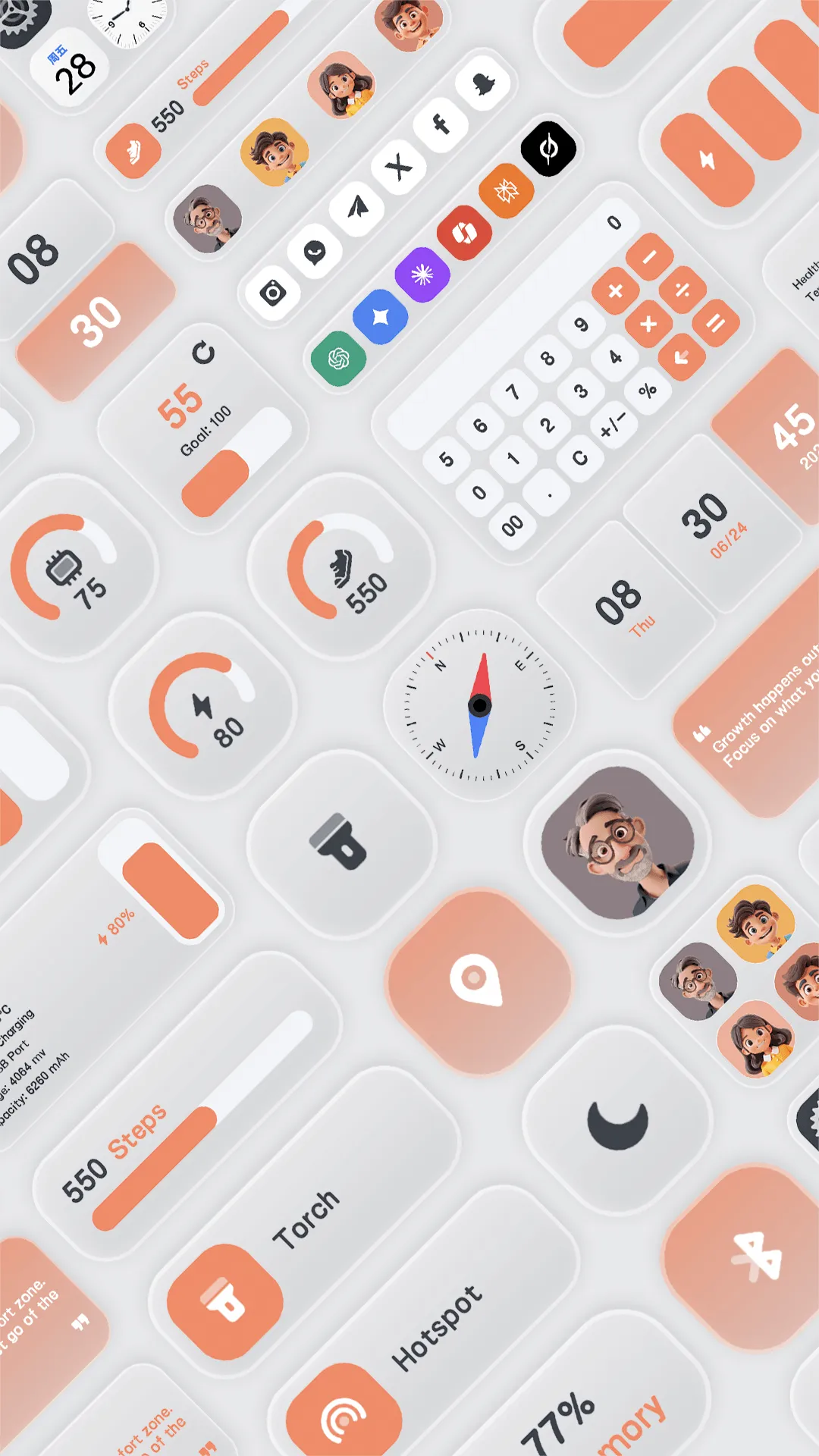
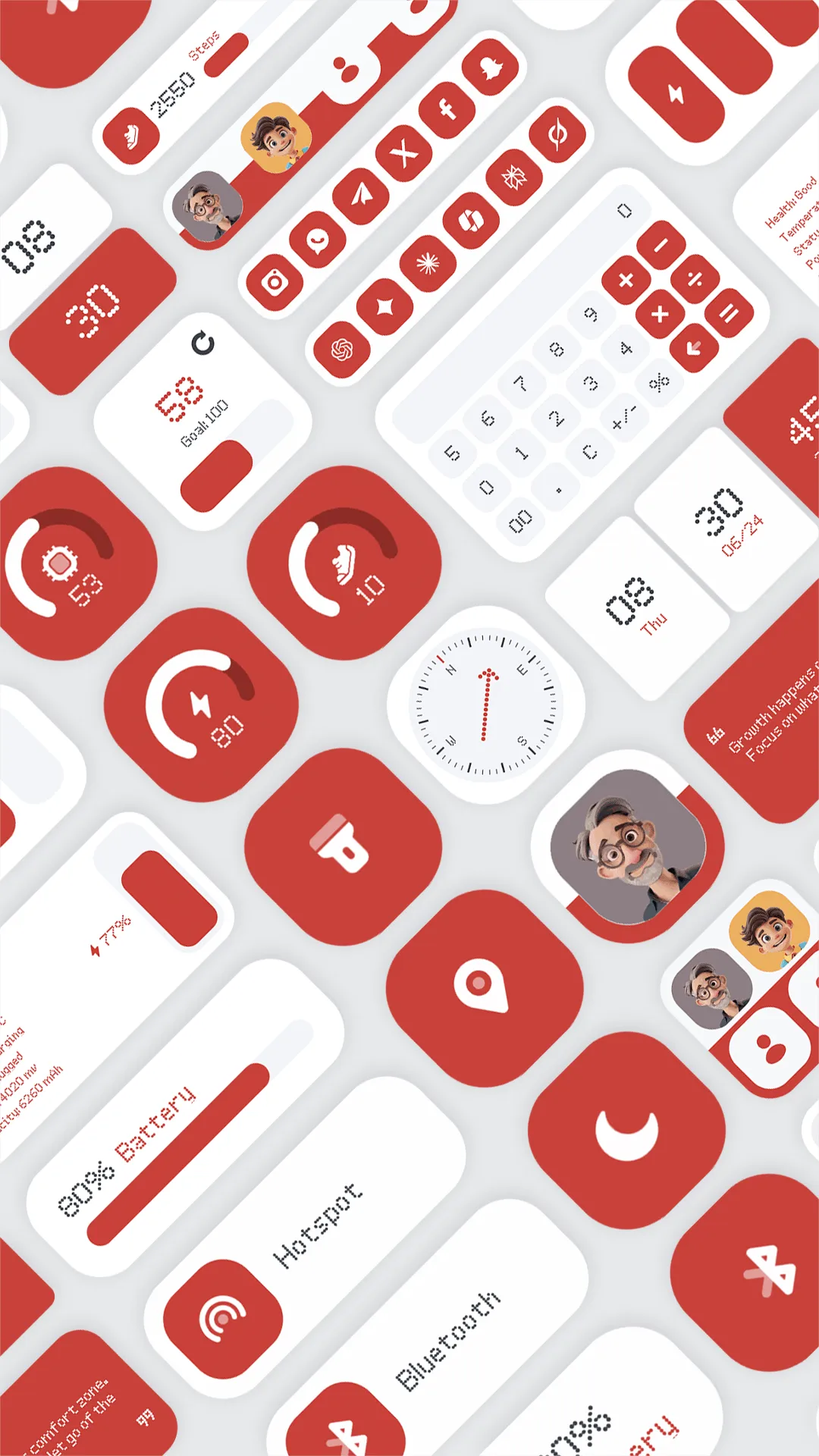
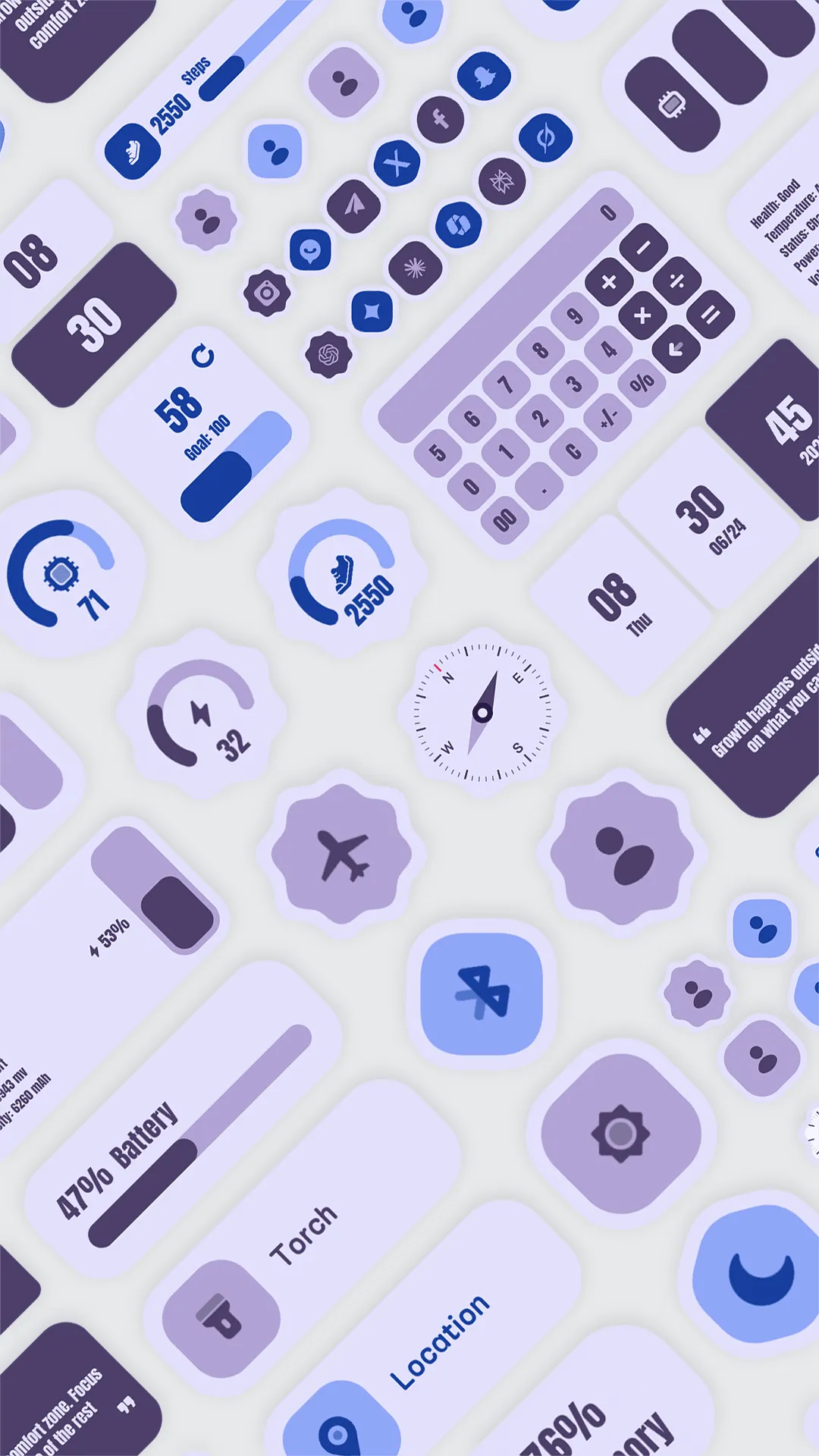
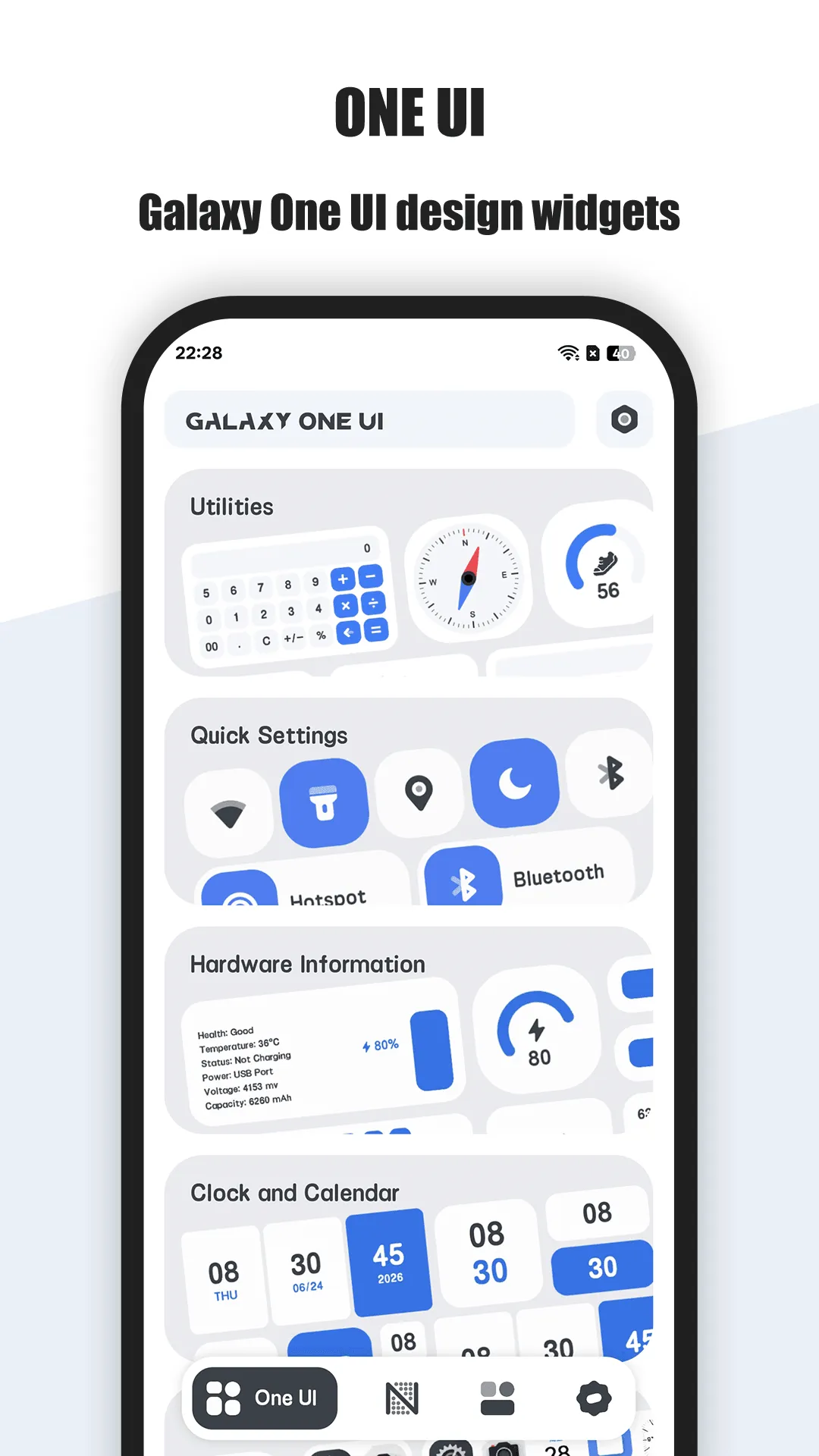
One Widget is a cat-themed widget pack for Android. It ships widgets for clock, weather, calendar, battery, steps, and countdown, ready to drop on the home screen.
Strengths for Android users
- Ready-made widgets — no editor, no code; place and resize.
- Cute cat styling — a friendly look across every widget.
- Custom color, size, transparency — tune to your wallpaper.
- Local and light — runs on-device, no account.
- Multiple types — clock, weather, calendar, battery, steps, countdown in one pack.
Weaknesses for Android users
- Less depth than KWGT — you style, but you don’t build from scratch.
- VIP for more — extra widgets and deeper styling sit behind the upgrade.
Best for: people who want Android widgets that look good immediately.
KWGT, in depth
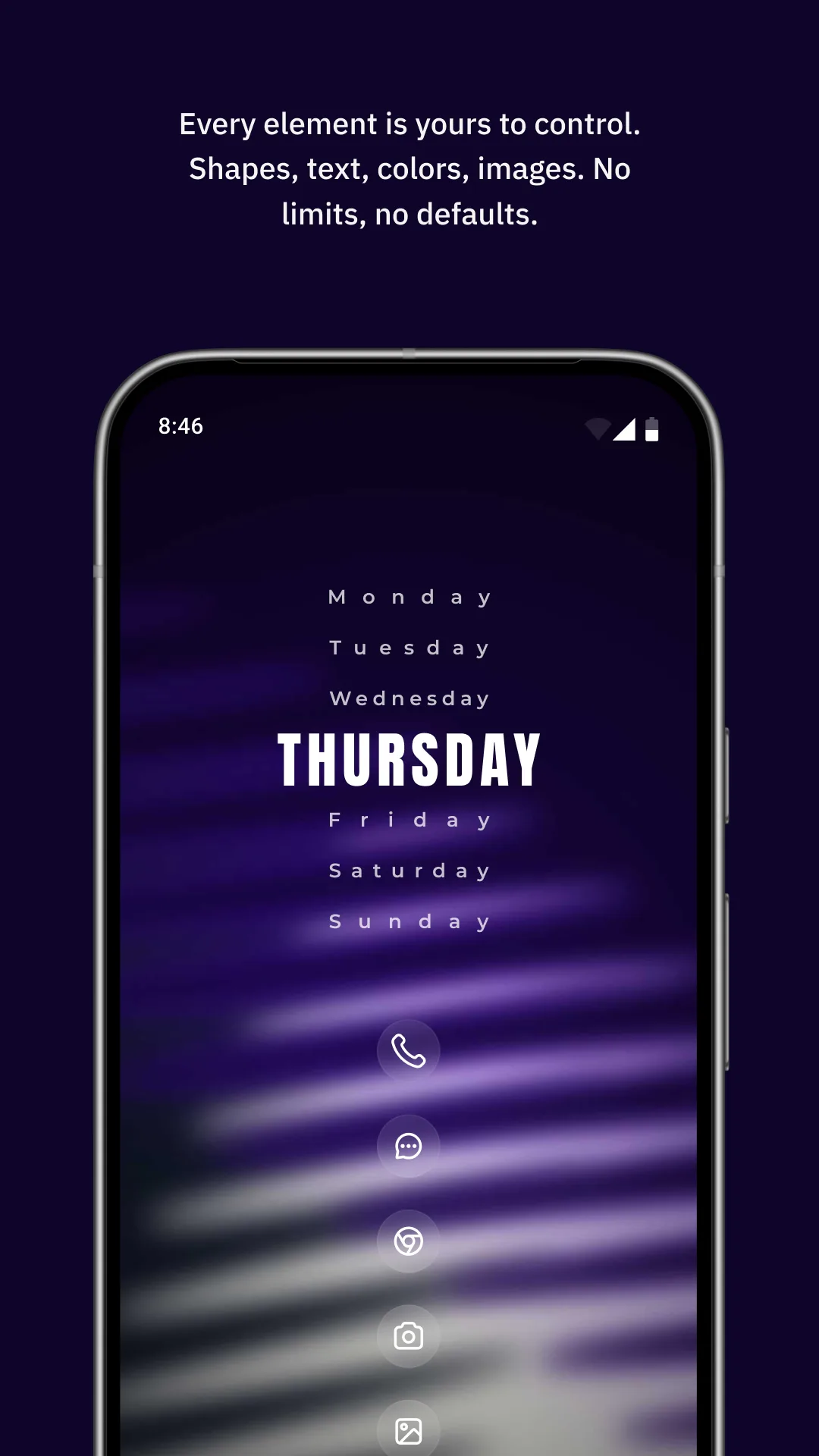
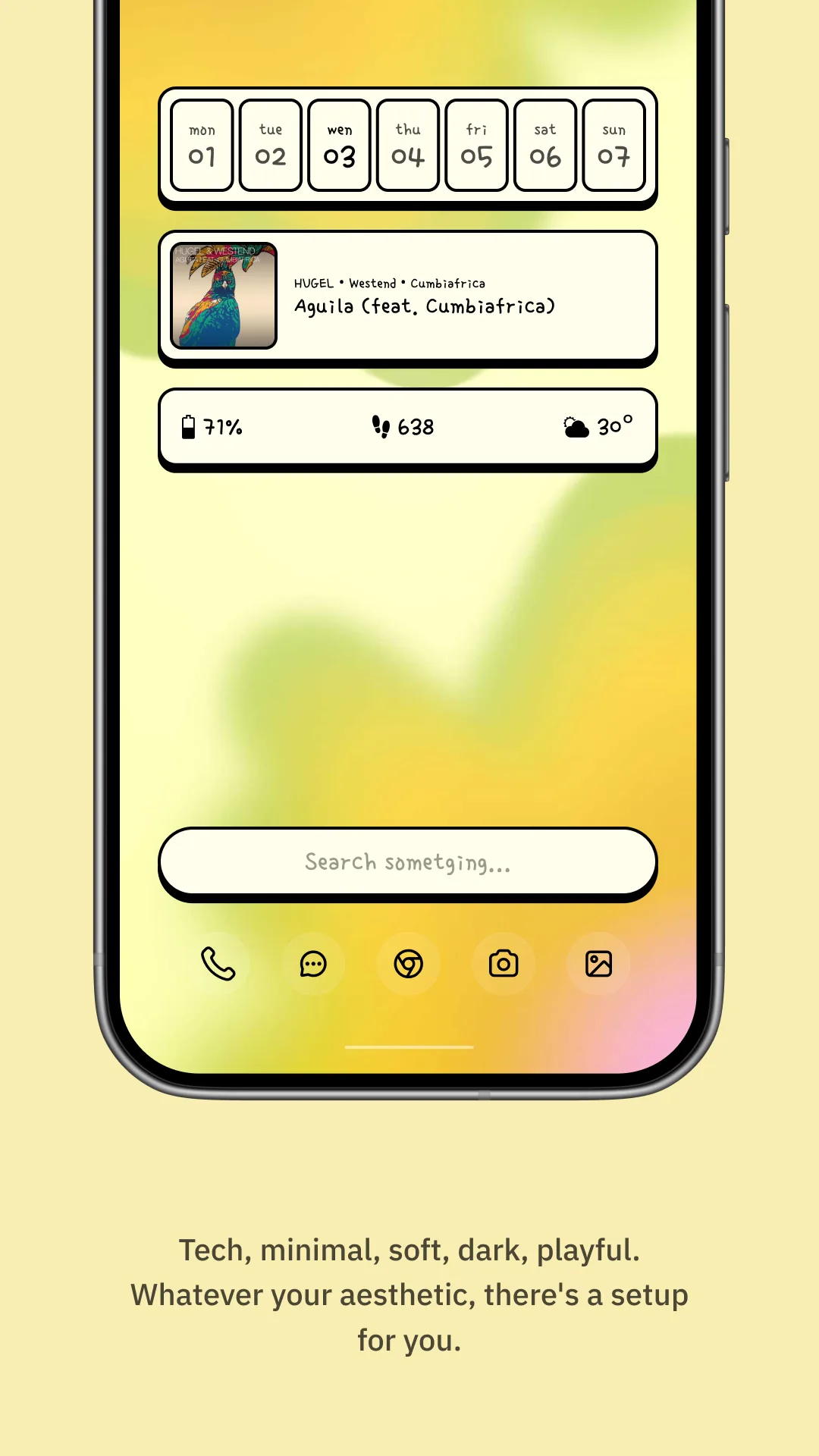
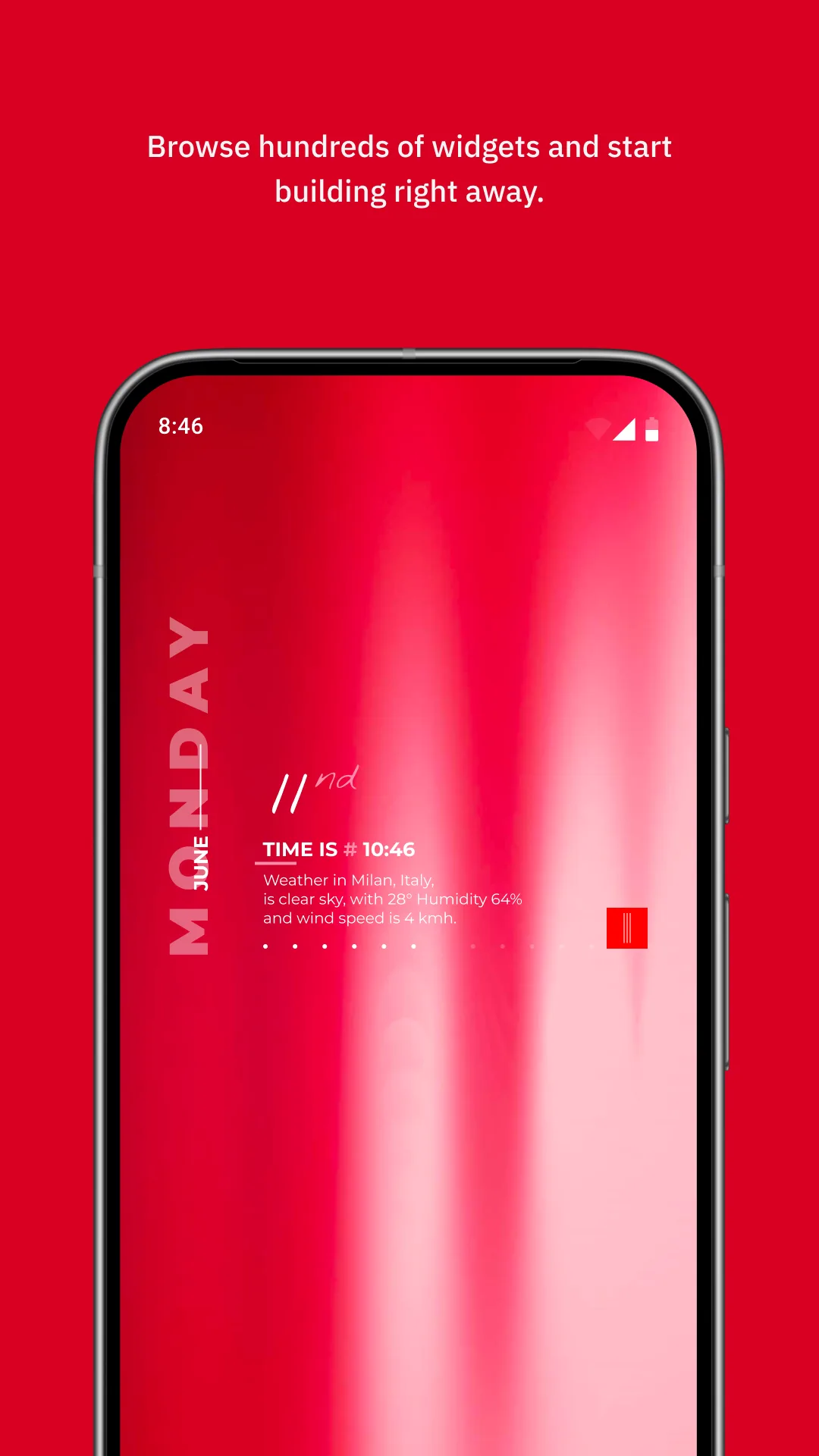
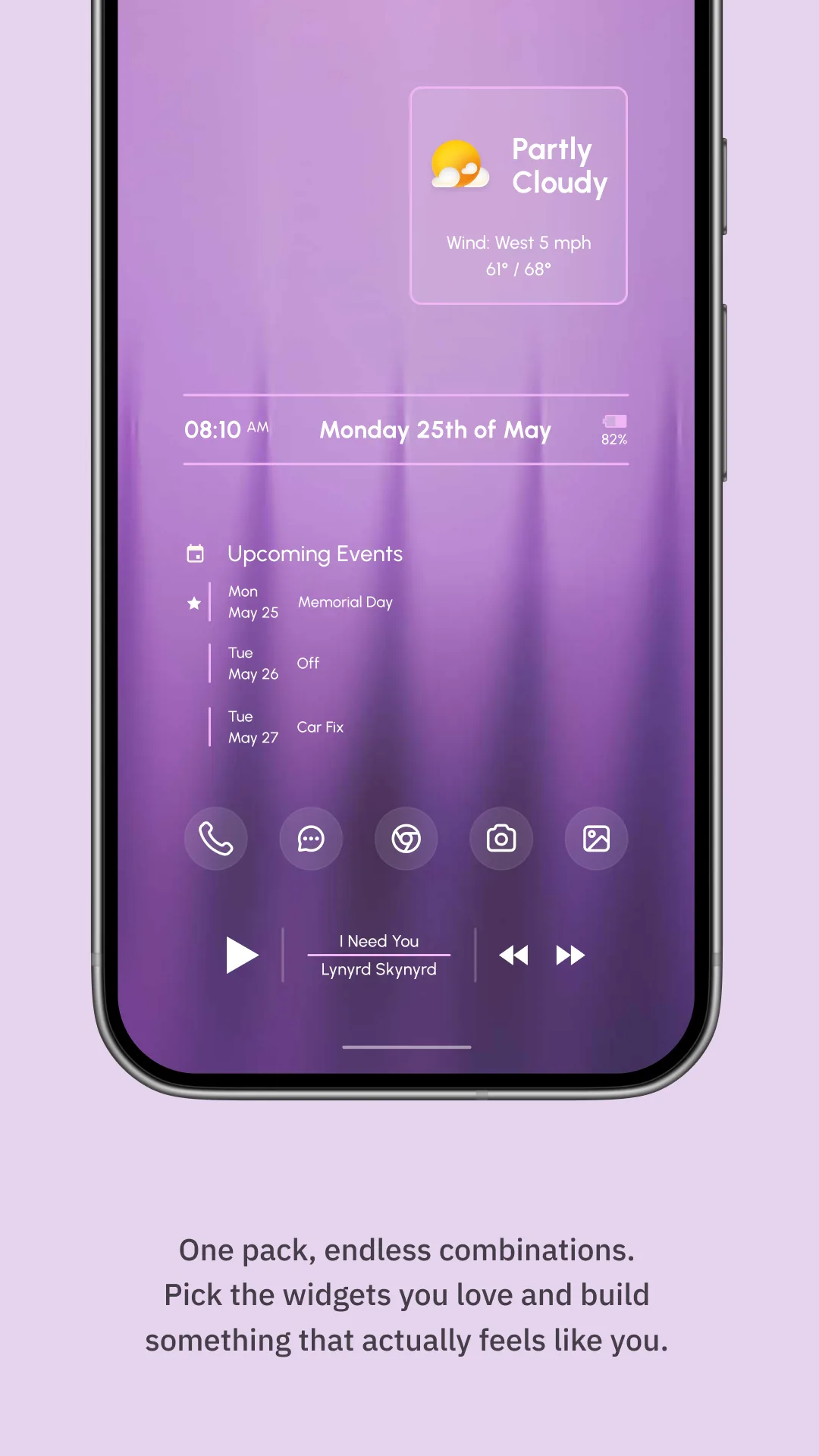
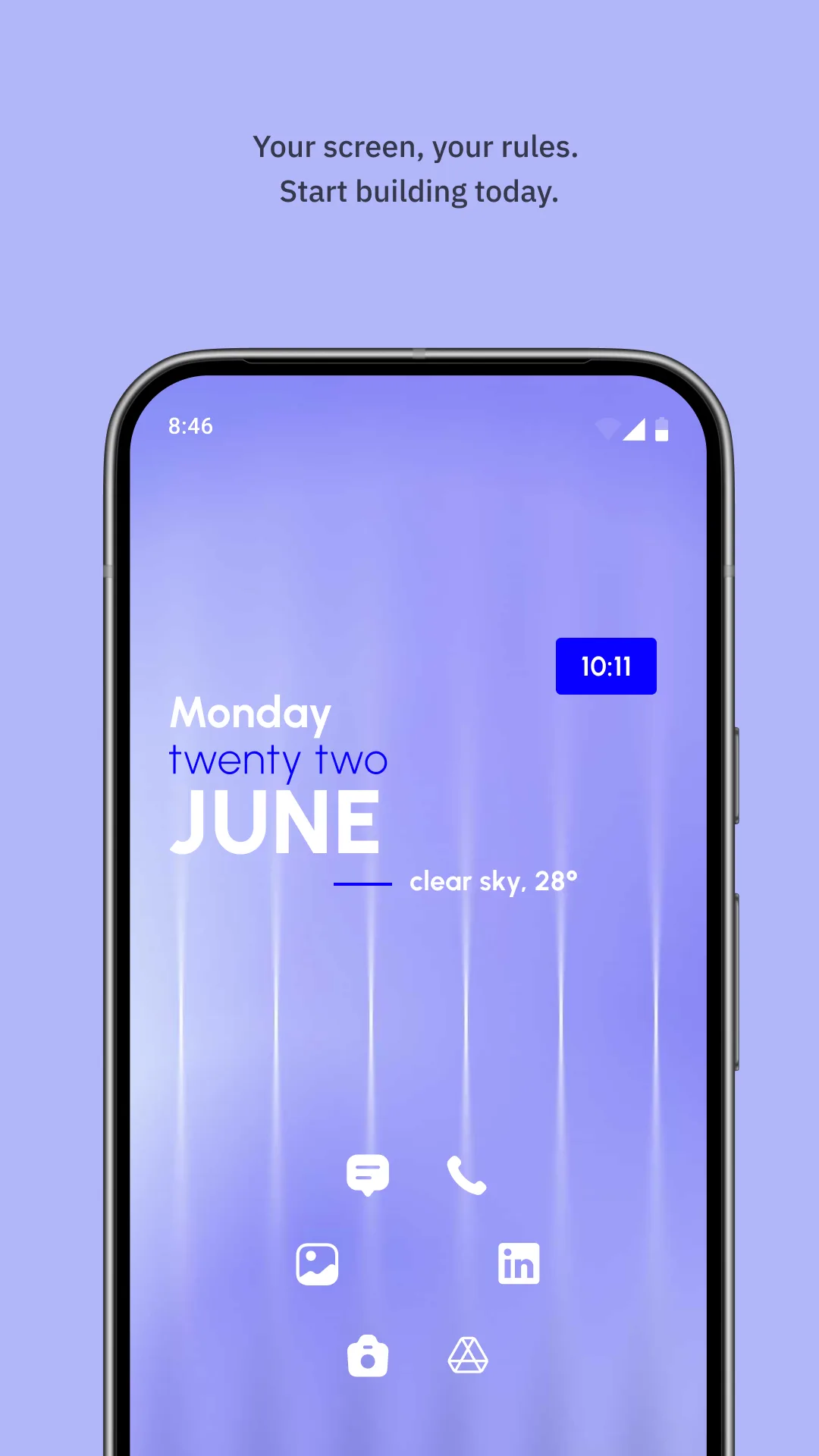
KWGT (Kustom Widget Maker, package org.kustom.widget) is the most powerful widget creator on Android — you design every pixel with its editor and a formula language (“Kode”).
Strengths for Android users
- Unlimited design — clocks, weather, music, system stats, animations.
- Kode + komponents — reusable parts and logic for true customization.
- One-time Pro Key — unlock is a purchase, not a subscription.
Weaknesses for Android users
- Steep learning curve — building a widget from zero takes real effort.
- Launcher-dependent — best with a third-party launcher that supports KWGT.
- Not ready-made — there is no “just place it” cat clock; you make it.
Best for: Android tinkerers who want total control.
Which should you pick?
- Want cute widgets now, no editor → One Widget.
- Want total control and don’t mind learning → KWGT.
Get One Widget — available on Android.