
Best To-Do List & Task Manager Apps for Android (2026)
The best to-do list and task manager apps for Android in 2026: what to look for (calendar, subtasks, reminders, sync) and how Meow Todo List compares to Todoist and TickTick.
A to-do list only works if you actually open it, and the right task manager makes that happen instead of becoming another tab you ignore. This 2026 guide looks at what makes a great Android task manager and how Meow Todo List compares to the category leaders.
Why to-do list app matters on Android
On Android, a clean home-screen widget plus offline access and a fingerprint lock keep your lists both visible and private, and Drive/WebDav sync means a lost phone doesn’t mean lost tasks. Widget-first design is also where Android beats iOS for at-a-glance planning.
What to look for in a to-do list app
- Calendar & planning views — daily, weekly, monthly at a glance so nothing hides.
- Subtasks & details — break work down and add context as you go.
- Reminders — gentle or firm, so you never miss a due time.
- Sync & backup — Google Drive / WebDav so tasks survive device changes.
- Offline + lock — private and usable anywhere, even in airplane mode.
- Clean, cute UI — something you’ll enjoy opening daily, not dread.
The field at a glance
| App | Price (2026) | Platform | Best for / notes |
|---|---|---|---|
| Meow Todo List | Free download, core free + optional unlock | Android + iOS | Calendar view, subtasks, reminders, Drive/WebDav sync, CSV |
| Todoist | Free + Pro ~$48/yr | Android + iOS | Natural-language input and collaboration, but a steeper learning curve |
| TickTick | Free + ~$35.99/yr | Android + iOS | Calendar + pomodoro, powerful but busier UI |
Meow Todo List, in depth
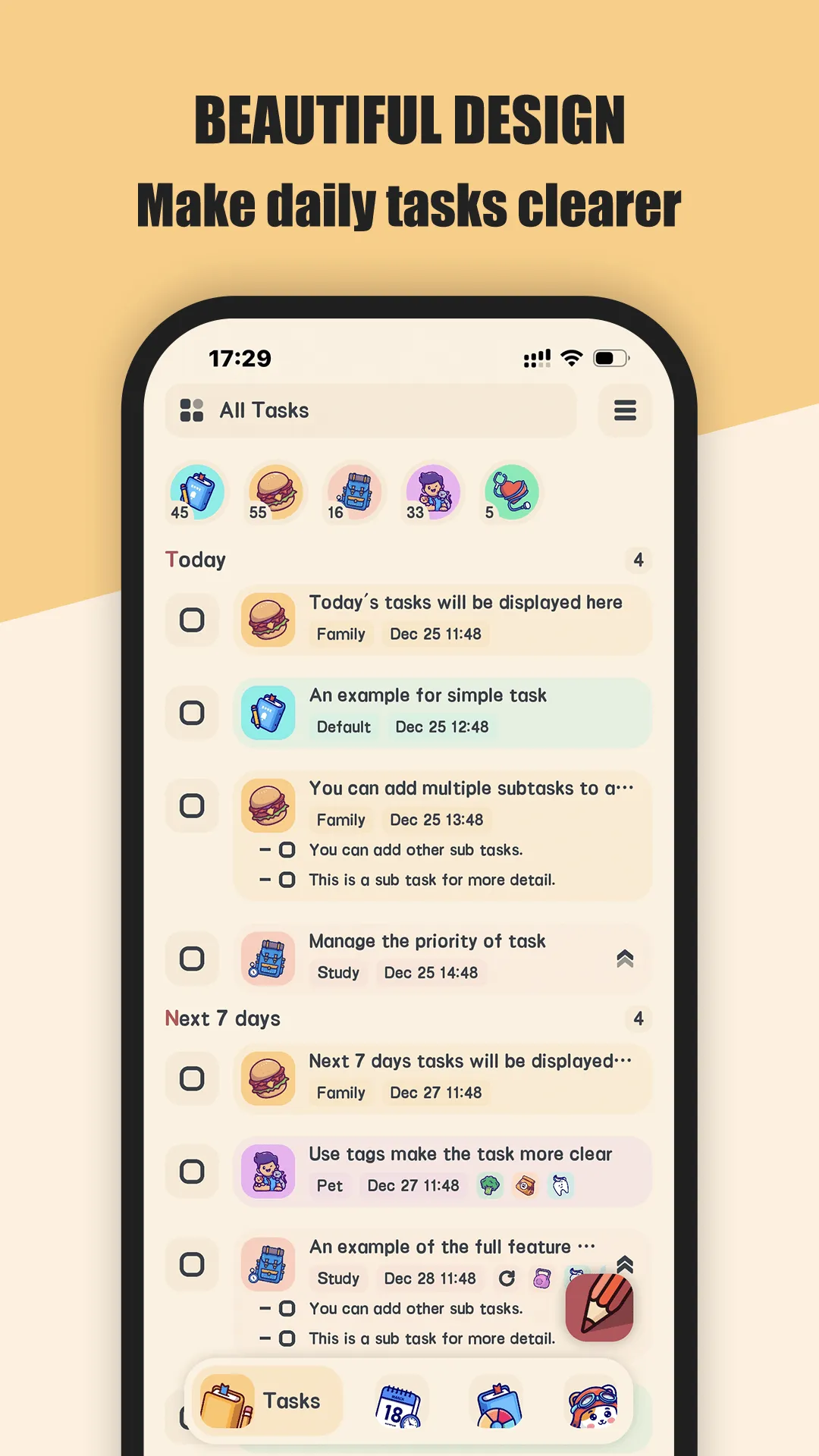
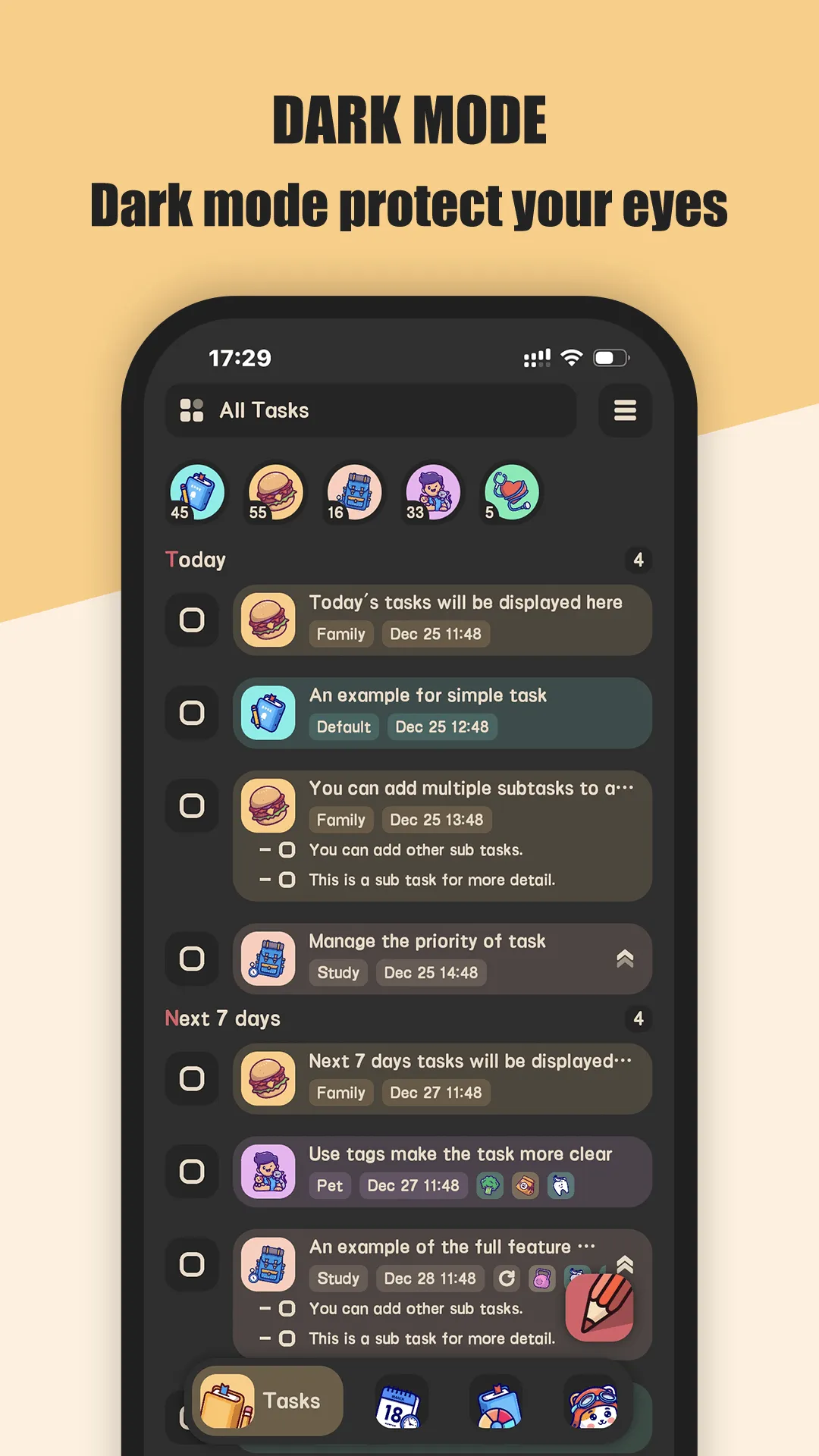
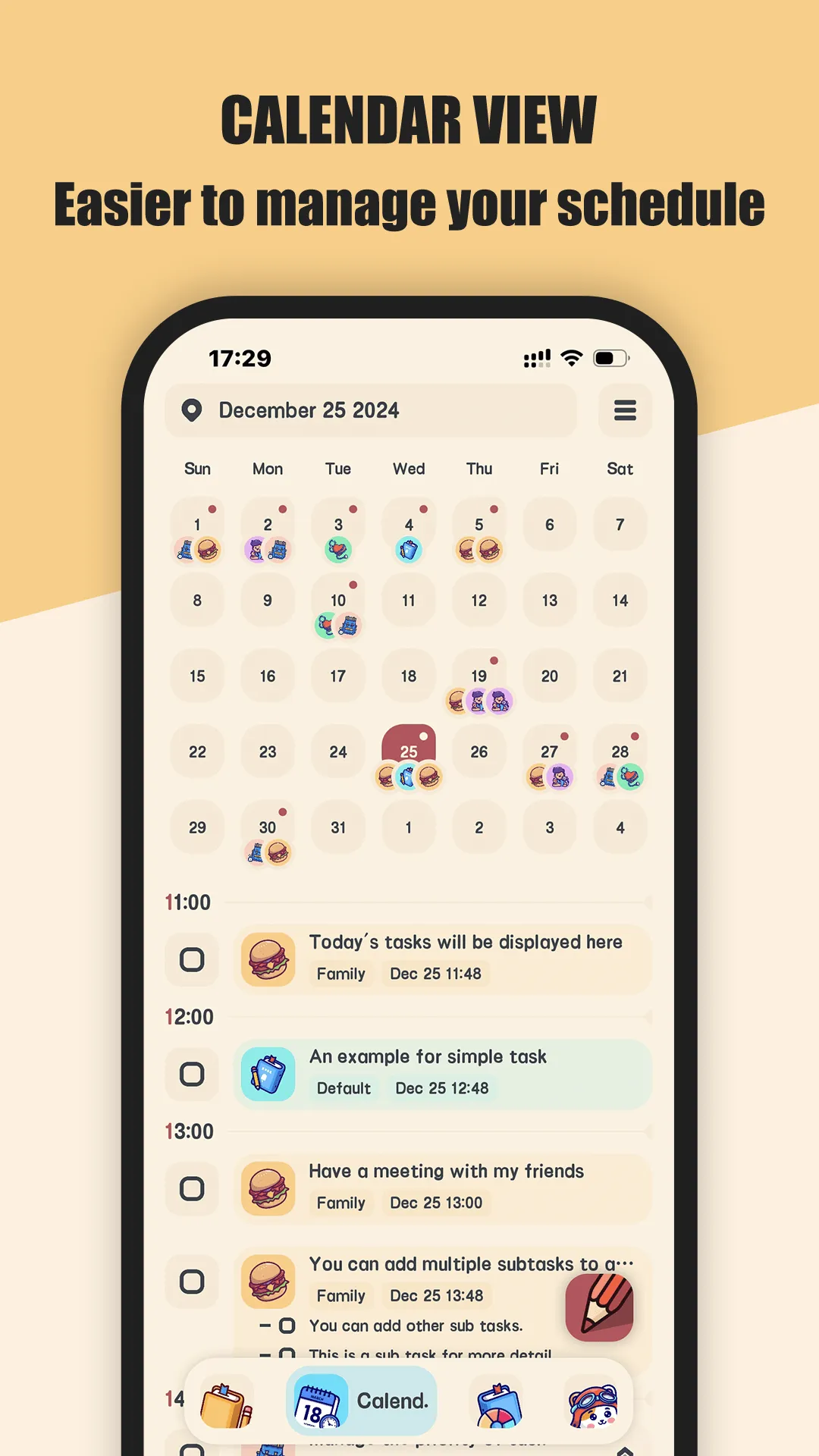
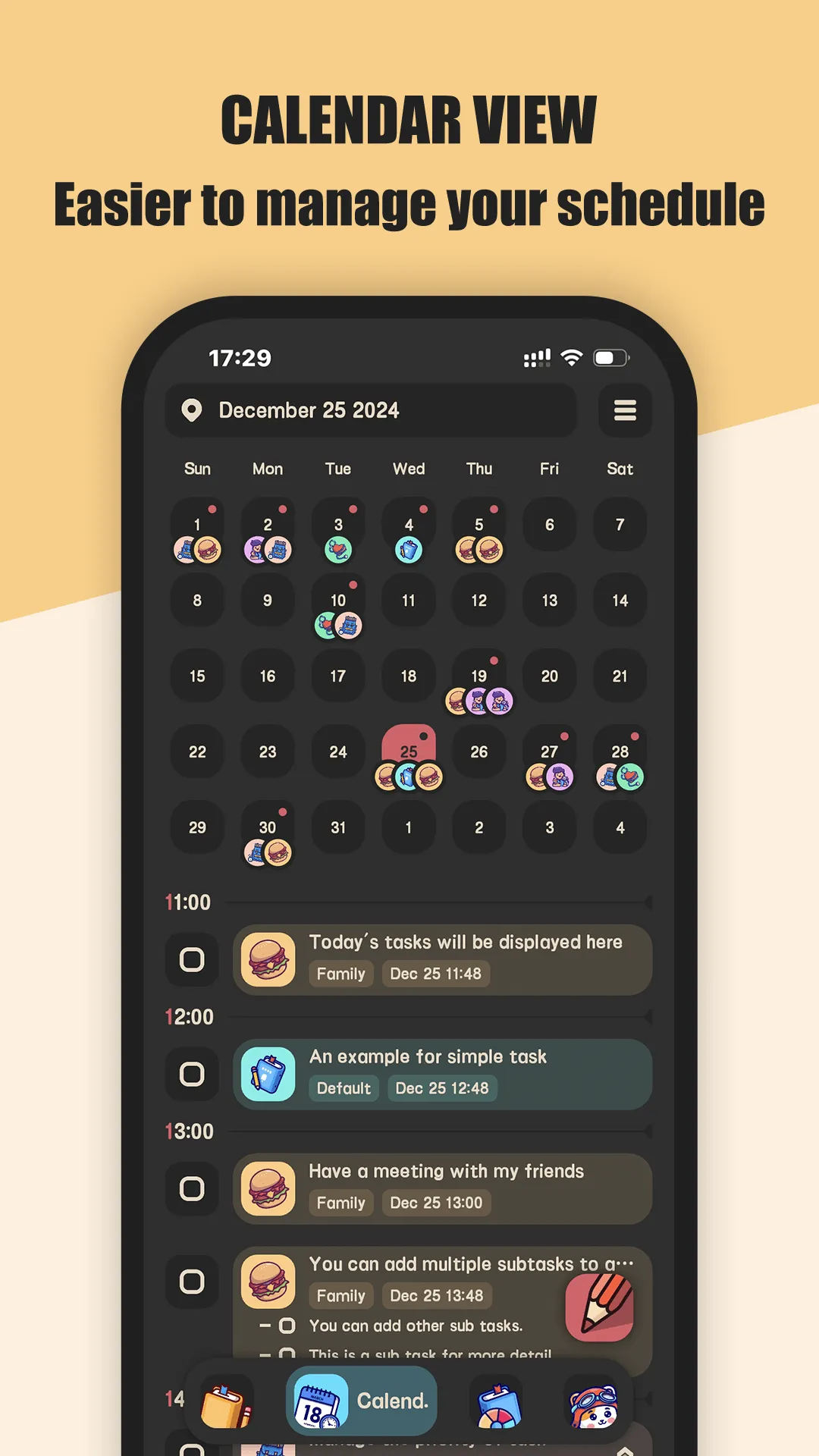
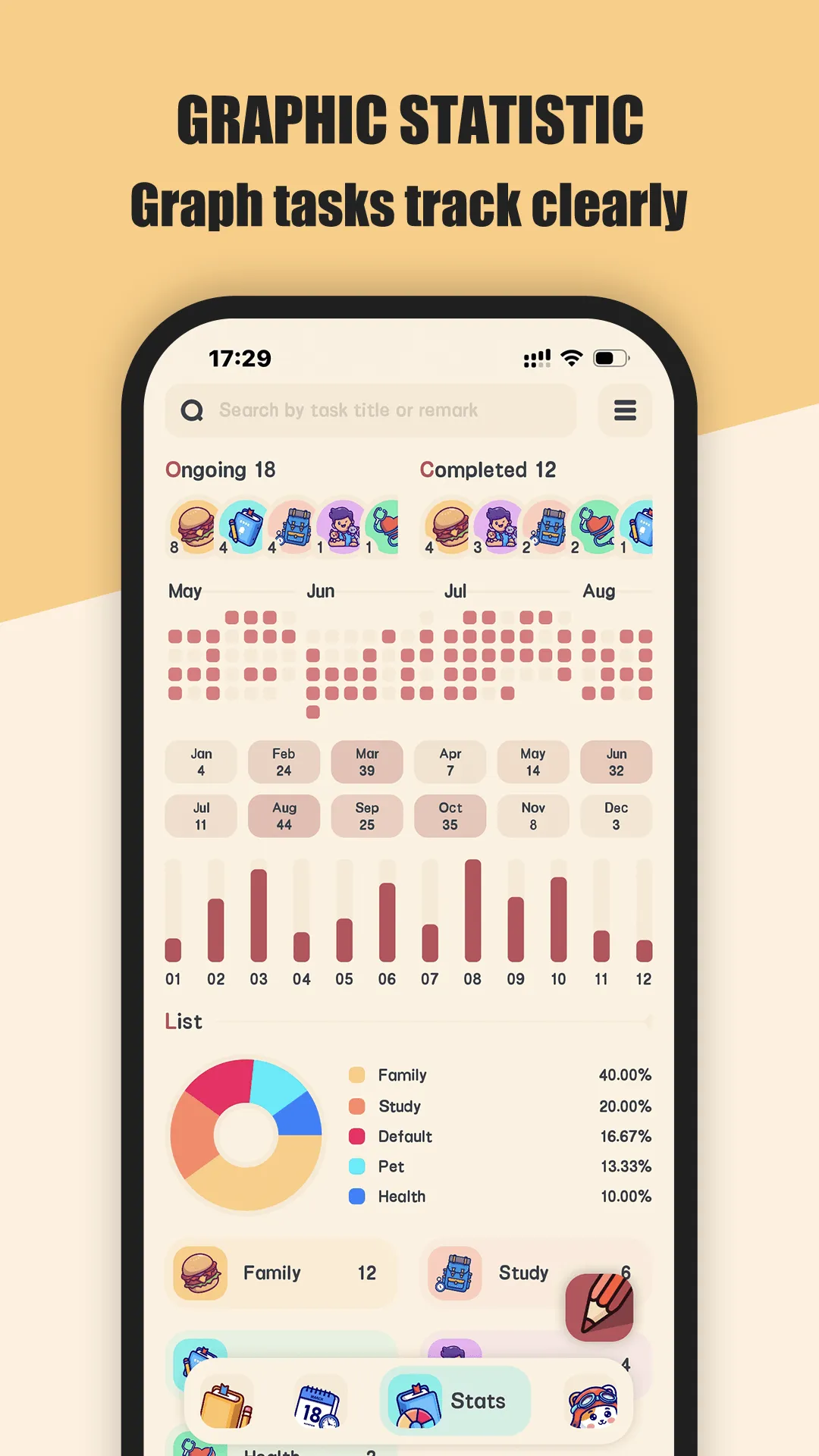
Meow Todo List is a simple schedule planner and to-do list task manager for Android and iOS, with calendar view, subtasks, reminders and cloud sync.
- Calendar perspective — daily, weekly and monthly planners at a glance, so recurring work is visible.
- Subtasks & details — break tasks down and attach context instead of a bare checkbox.
- Reminders — prompt you before things slip, with the timing you set.
- Sync & backup — Google Drive or WebDav, so you never lose a list to a broken phone.
- 400+ cute category icons — personalize lists so work and life don’t blur together.
- Fingerprint lock — keep tasks private on a shared device.
Best for: people who want a clean, cute, offline-friendly task manager.
Go deeper:
- Best to-do list for students
- Best task manager for Android
- Meow Todo List app page
- Meow Todo List Official User Guide
How Meow Todo List compares to the competition
- vs Todoist — Todoist is powerful with natural-language input and team features, but that power comes with a learning curve and a Pro subscription for the good parts. Meow Todo List stays simple and cute, free to start, with the calendar and subtasks most people actually use. Full breakdown in Meow Todo List vs Todoist.
- vs TickTick — TickTick bundles calendar and pomodoro and is genuinely strong, but the busier interface isn’t for everyone; Meow Todo List trades some depth for a calmer daily experience.
- More options — see Best Todoist Alternatives in 2026 for the full field.
Which should you pick?
Quick pick by situation:
- Student who wants a calm planner → Meow Todo List.
- Power user who lives in keyboard shortcuts → Todoist (Pro).
- Want built-in pomodoro + calendar → TickTick.
- Want cute UI + offline + Drive backup → Meow Todo List.
Conclusion
For most Android users who want a clean, cute, offline-friendly task manager, Meow Todo List is the easiest pick — and it’s free to start.
- Google Play — Meow Todo List
- App Store — Meow Todo List Or read the Best to-do list for students for the full breakdown.