
Meow Todo for Students: Never Miss a Syllabus Deadline
A student-friendly look at Meow Todo versus Todoist, Microsoft To Do and TickTick in 2026 — free core, subtasks, reminders, calendar view, and no account required.
Between lectures, assignments, and part-time shifts, students need a task manager that is fast and free. Syllabus deadlines hide across a dozen courses, group projects span weeks, and a forgotten reading can sink a grade. Meow Todo is a free to-do list app for students with subtasks, a calendar view, and reminders that survive a busy semester. Here’s how it compares with other student-friendly options.
What students actually need
- Free core — you shouldn’t pay to track homework.
- Subtasks — break an essay into research, draft, edit, submit.
- Deadline reminders — push alerts before the due time, not after.
- Calendar view — see every course deadline on one screen.
- No account required — one less password during week one.
- Export — CSV to hand a plan to a group mate or print it.
The contenders at a glance
| App | Price (2026) | Account | Subtasks | Calendar | Best for students |
|---|---|---|---|---|---|
| Meow Todo | Free core + optional VIP | No (local + lock) | ✅ (VIP for many) | ✅ | Free, private |
| Todoist | Free + Pro ~$48/yr | Yes (cloud) | ✅ | ✅ | Method + collaboration |
| Microsoft To Do | Free | Yes (Microsoft) | ✅ | ✅ | MS ecosystem |
| TickTick | Free + subscription | Yes (cloud) | ✅ | ✅ | All-in-one |
Meow Todo, in depth
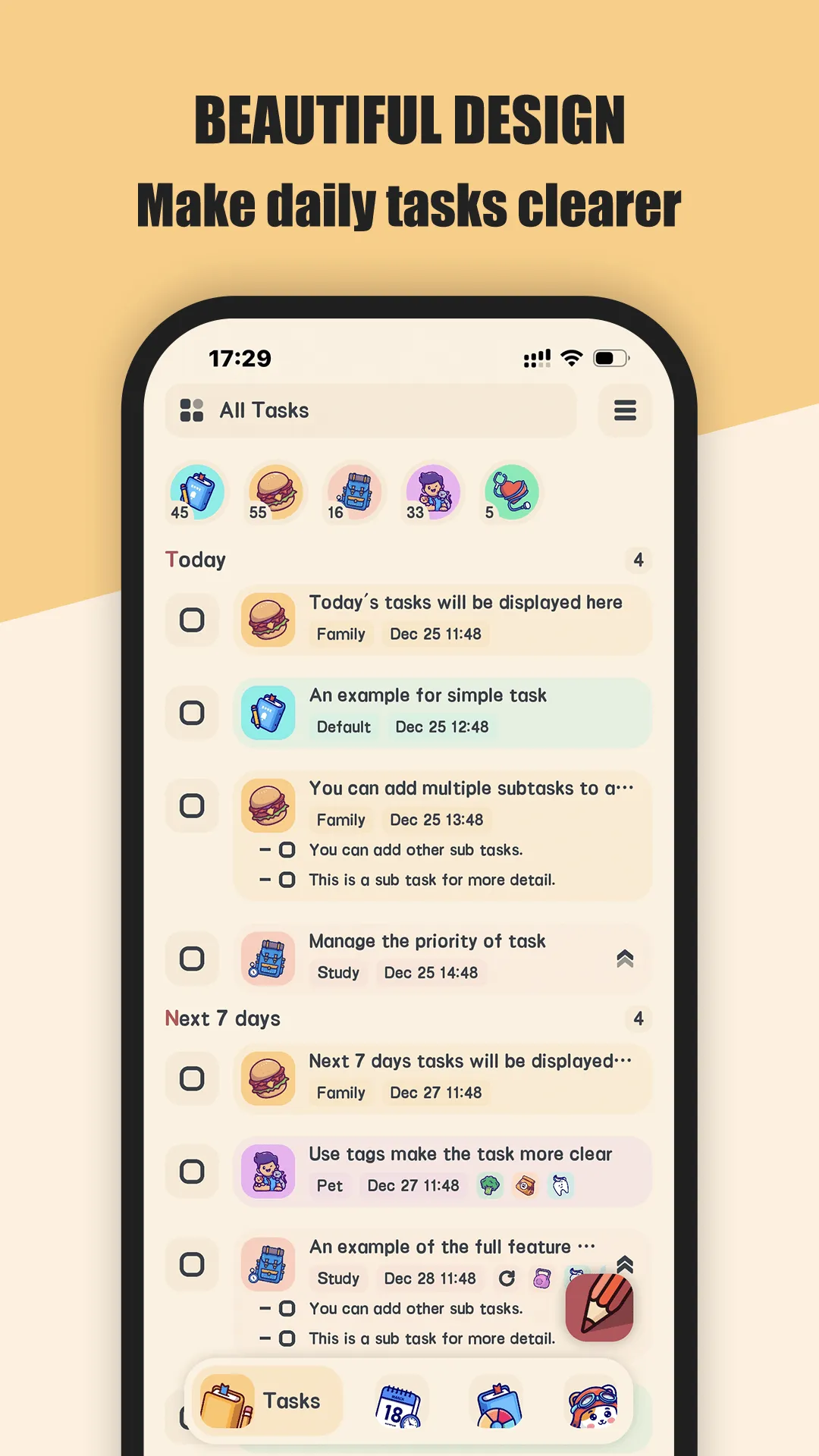
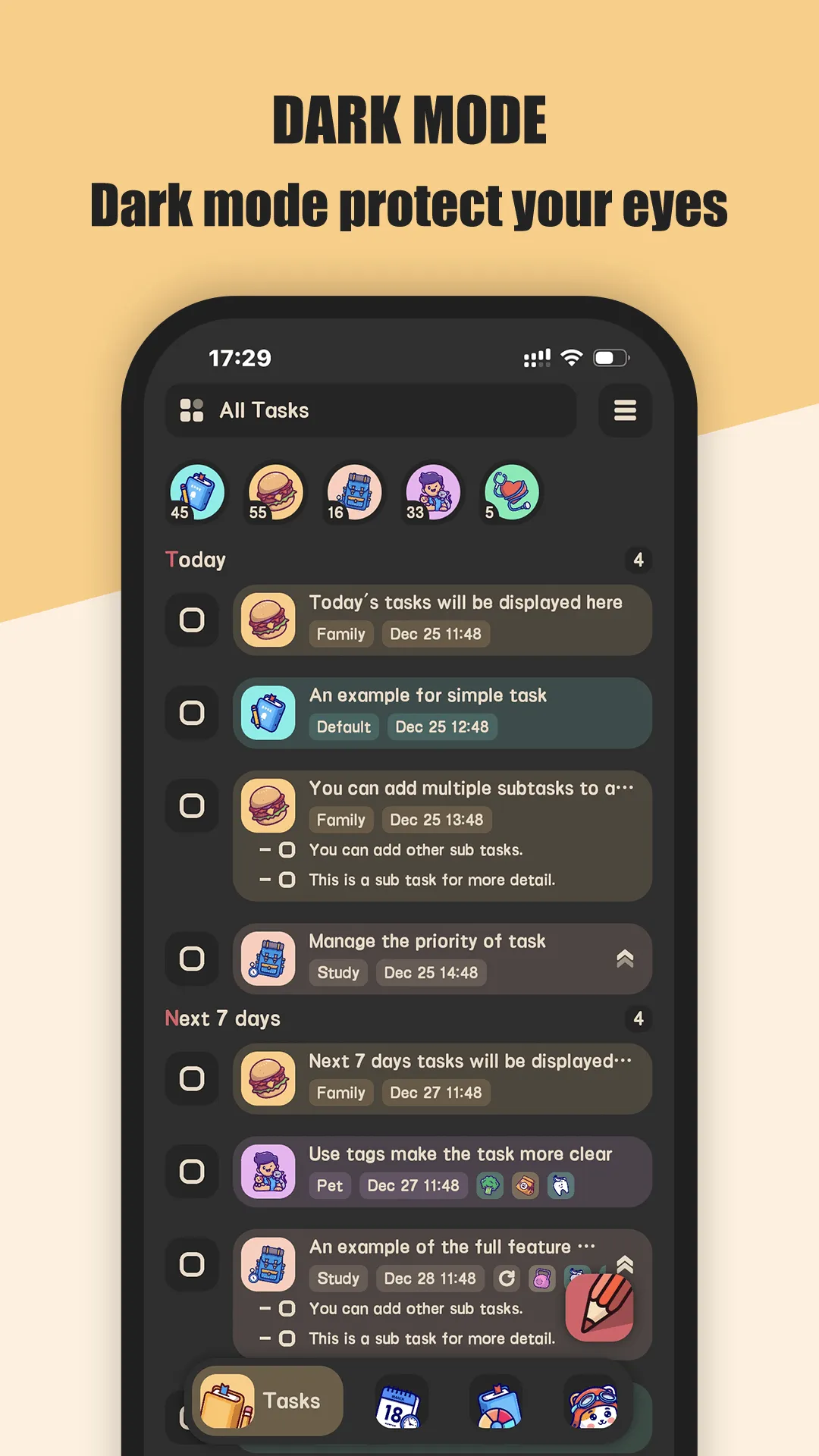
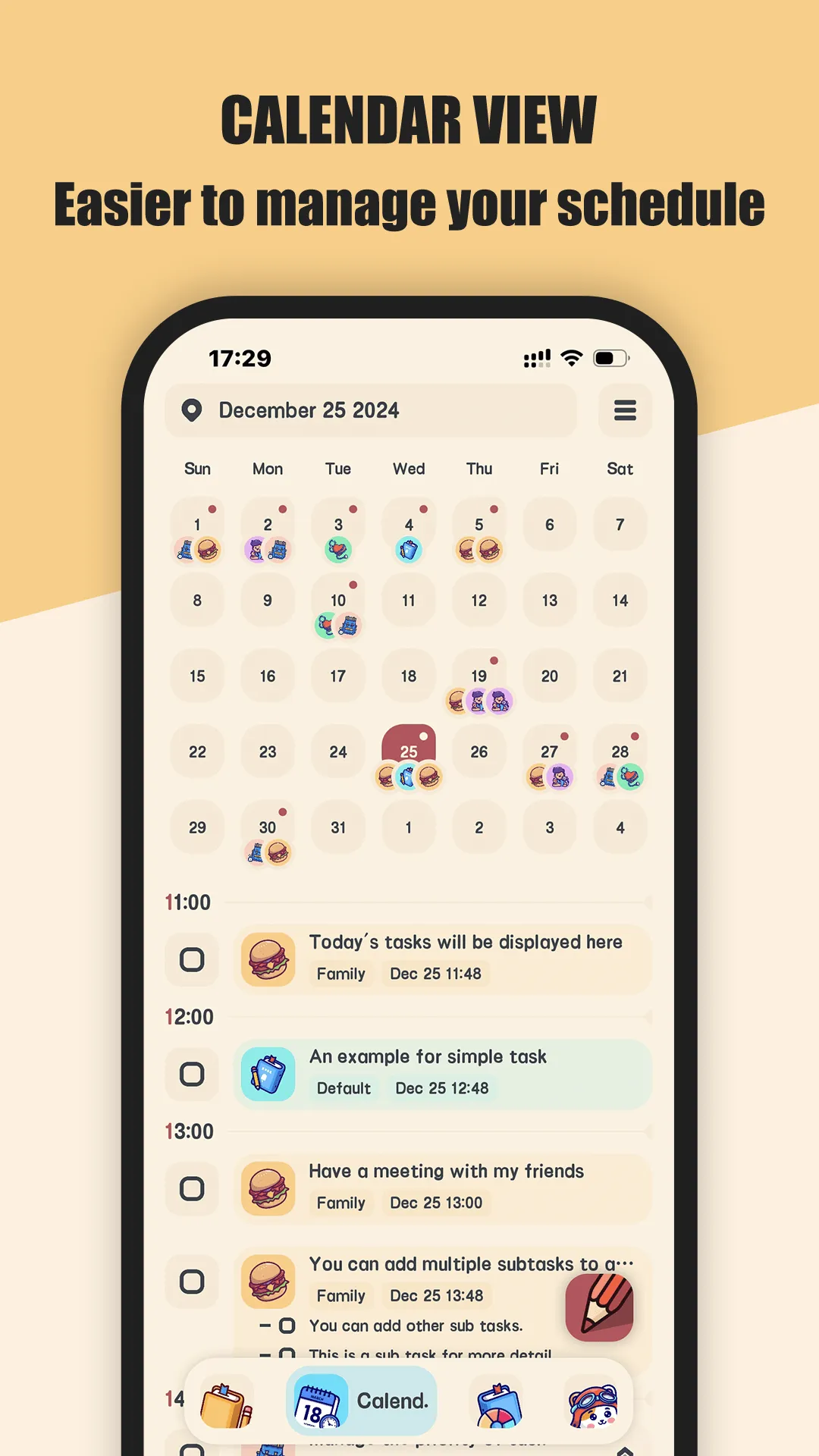
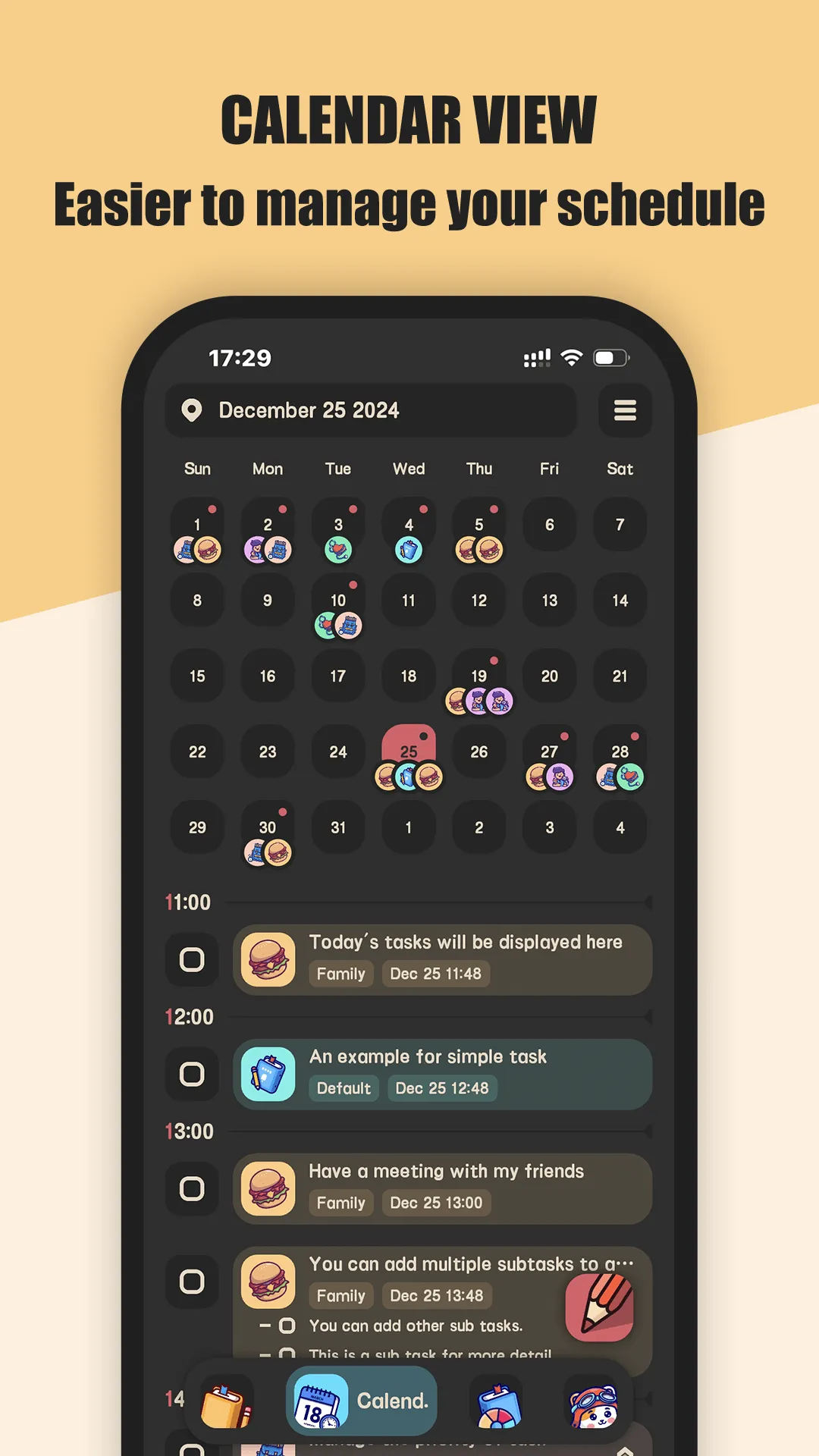
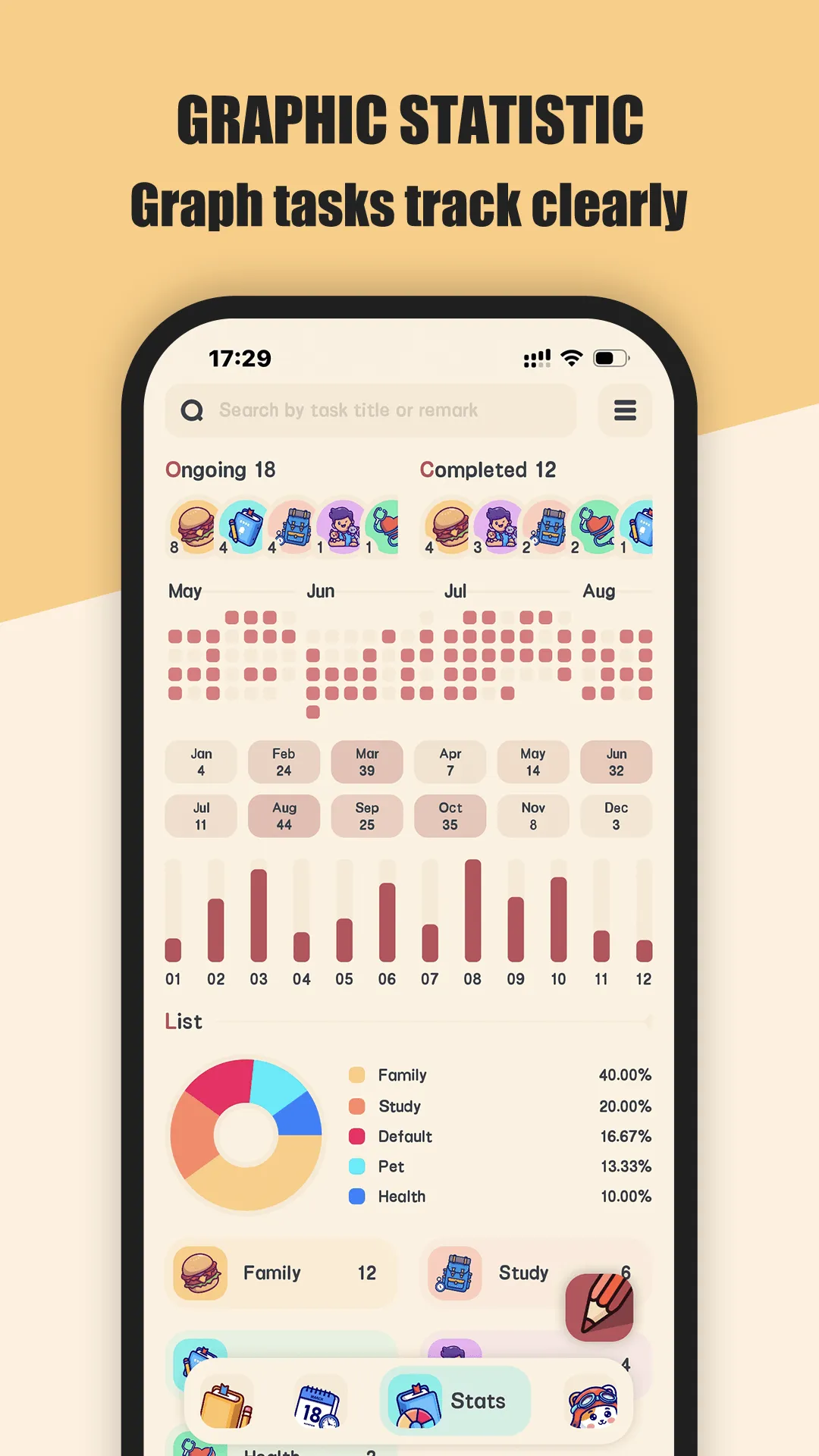
Meow Todo is a cat-themed to-do list for Android and iOS. The core — lists, tasks, reminders, and calendar view — is free; VIP unlocks unlimited lists, tags, subtasks, CSV export, and app lock.
Strengths for students
- Free core — lists, tasks, due dates, and a calendar view cost nothing.
- No account required — data sits on your device behind a fingerprint lock.
- Subtasks — split an assignment into milestones so nothing slips.
- Reminders — daily and due-task notifications keep the semester visible.
- Backup you control — Google Drive or WebDav, only when you enable it.
- CSV export — hand a plan to a group mate or keep a printable copy.
Weaknesses for students
- VIP for power features — unlimited lists, tags, and CSV export sit behind the upgrade.
- No auto cloud sync — cross-device happens through your own Drive/WebDav, not a live account.
Best for: budget-tight, privacy-minded students who want a free task manager with no sign-up.
Todoist, in depth
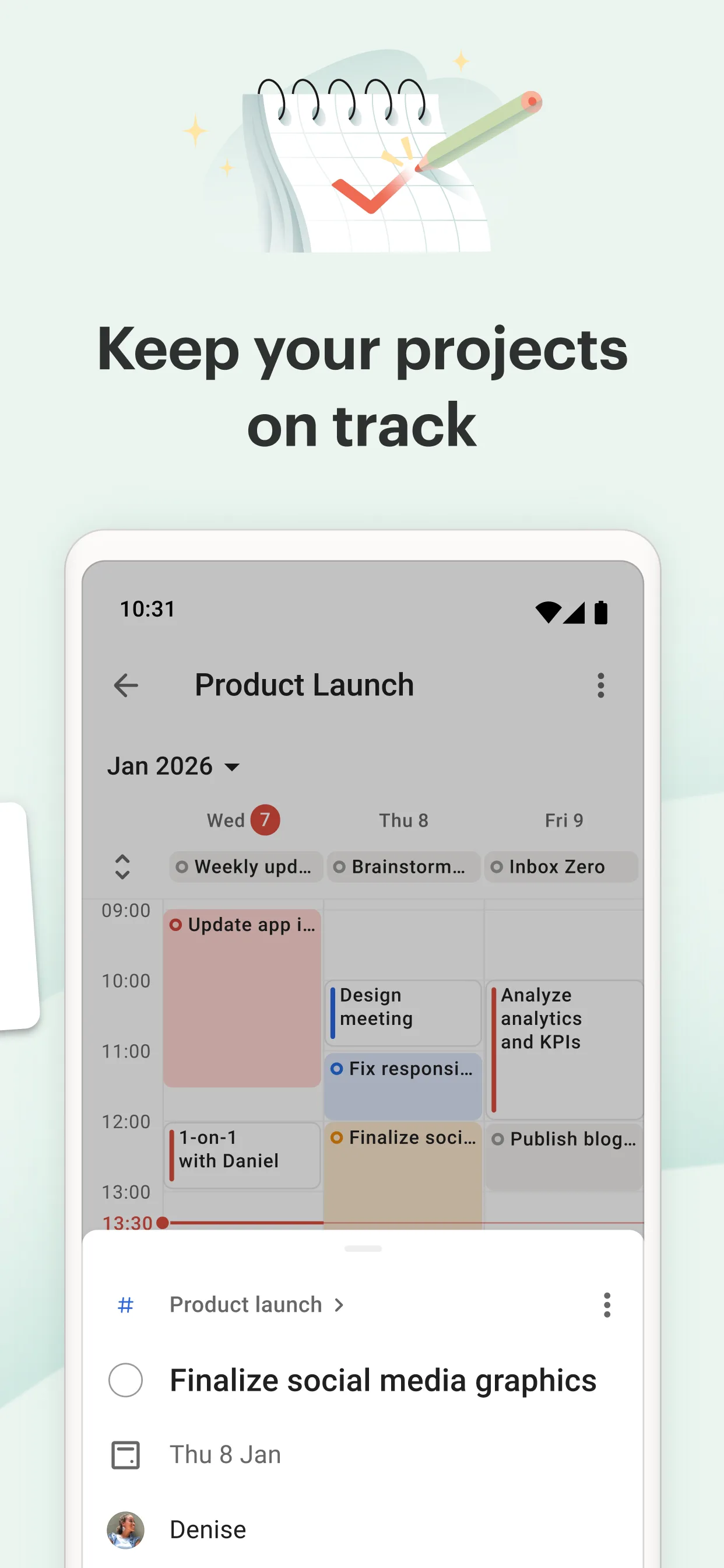
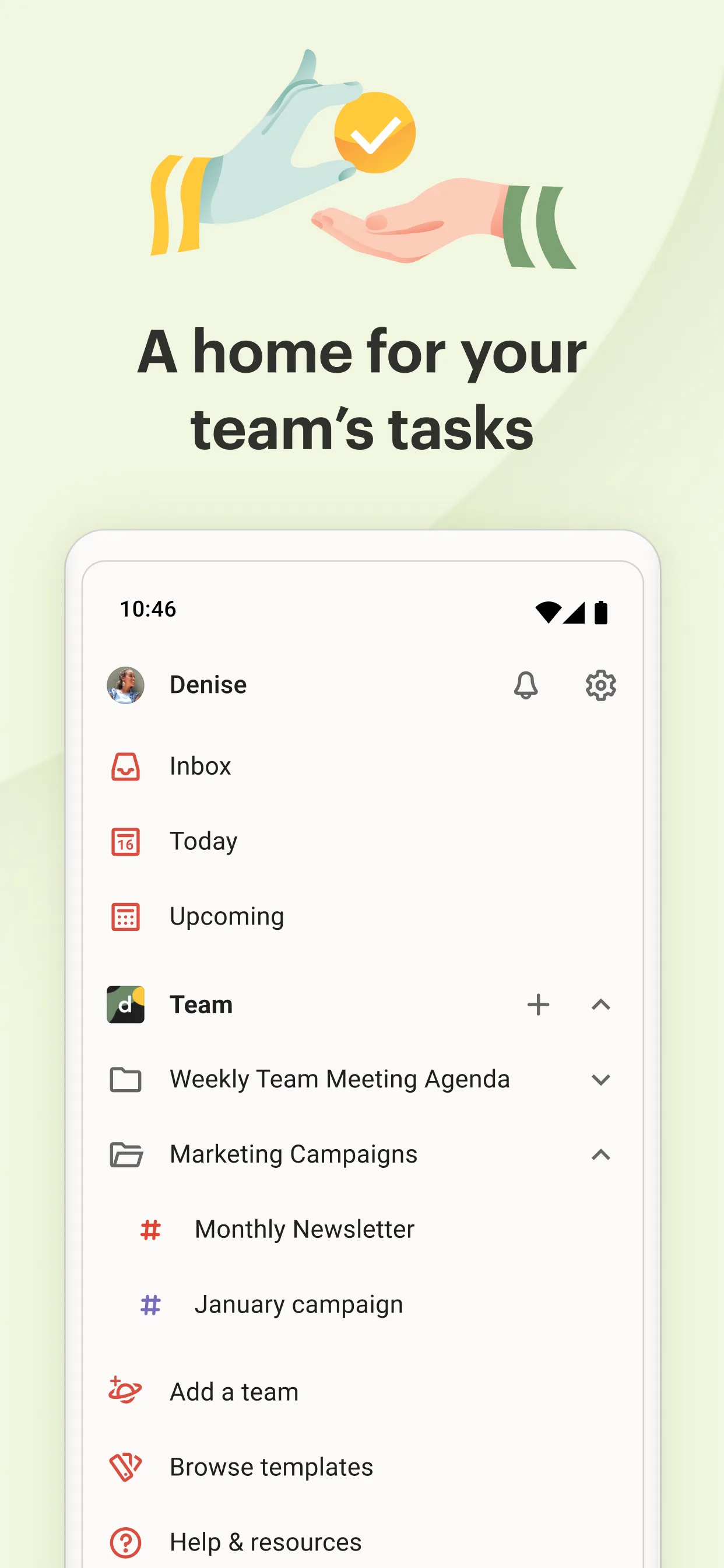
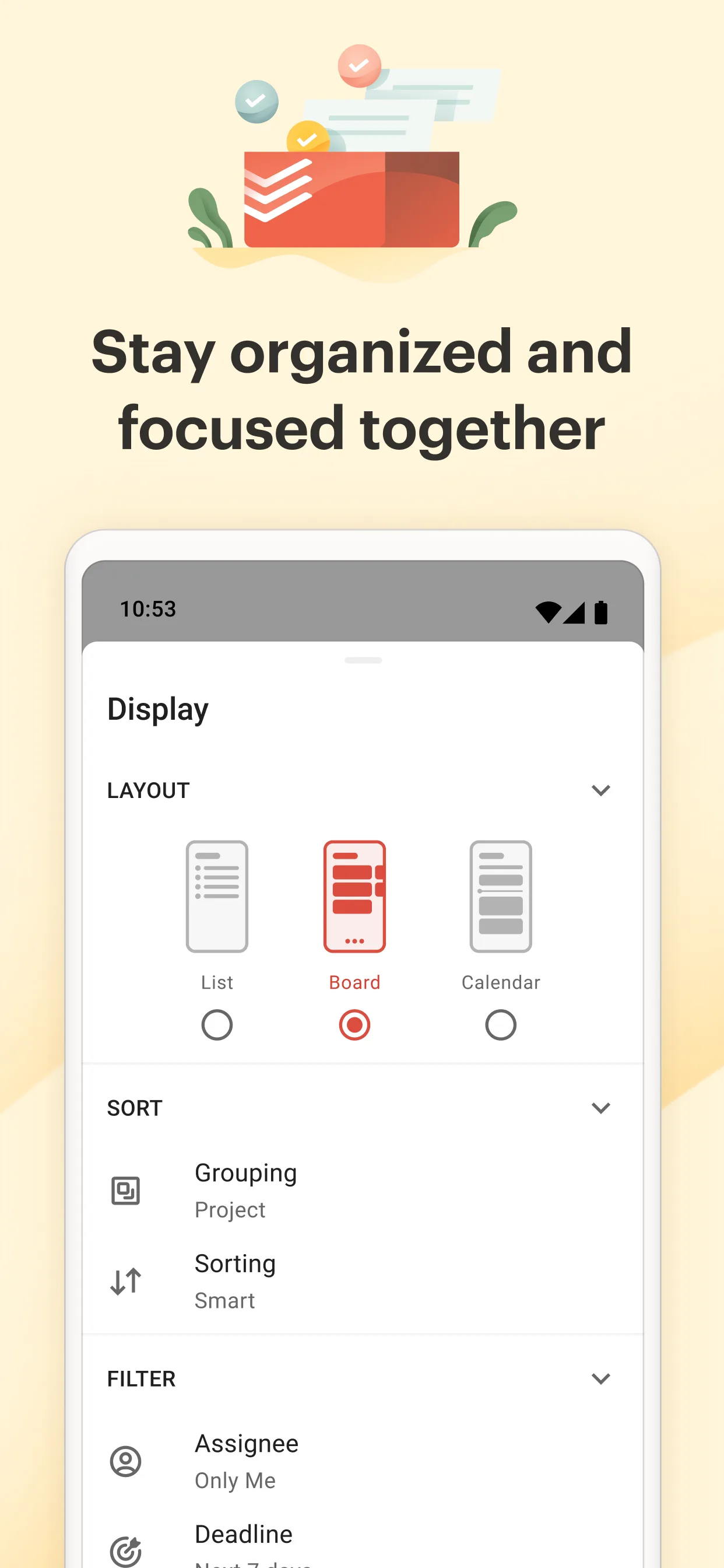
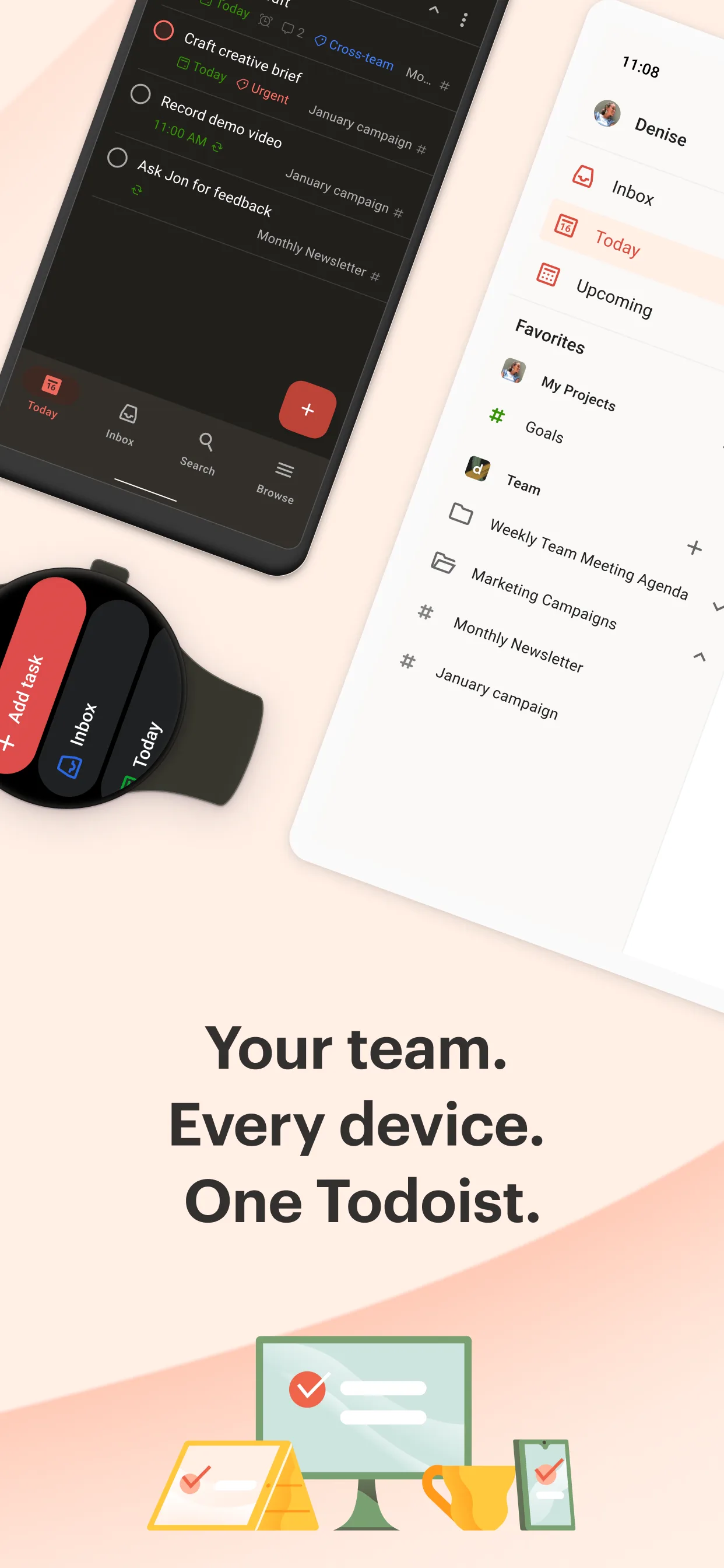
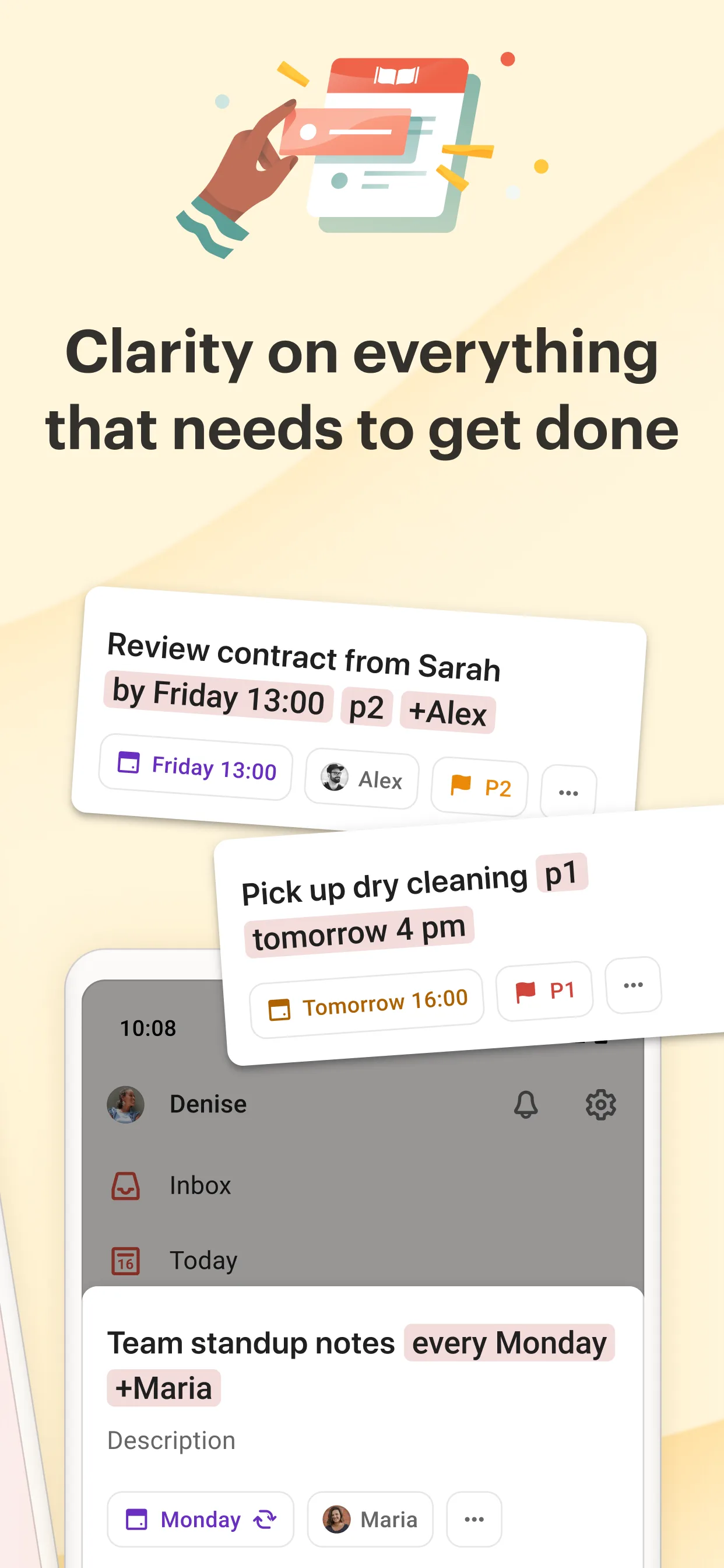
Todoist is the most-installed task manager around, trusted by 30 million users, with natural-language input (“submit essay tomorrow 5pm”) and strong collaboration.
Strengths for students
- Natural language — type a task and it parses the date and priority.
- Projects and subtasks — organize by course, with nested steps.
- Cross-platform + sharing — share a project list with group mates.
- Karma/limits — gentle streaks that reward consistency.
Weaknesses for students
- Free tier is capped — limited projects, comments, and labels; Pro (~$48/yr) unlocks the rest.
- Cloud account required — your tasks live on Todoist’s servers.
- Cost adds up — a paid tier every year on a student budget.
Best for: students who want a method, collaboration, and will pay for Pro.
How the others compare
- Microsoft To Do is completely free inside the Microsoft world, with shared lists and Outlook integration — ideal if your school uses Microsoft 365.
- TickTick bundles tasks, a calendar, a pomodoro timer, and habit tracking; free with a subscription for the full set.
Which should a student pick?
- Want free + private + no account → Meow Todo.
- Want natural-language + collaboration and accept Pro → Todoist.
- Live in Microsoft 365 → Microsoft To Do.
- Want one app for tasks, calendar, and focus → TickTick.
Get Meow Todo — available on Android and iOS.