
Meow Todo for Android: A To-Do List That Stays on Your Phone
A practical look at Meow Todo versus Todoist, Microsoft To Do and Google Tasks on Android in 2026 — local-first privacy, widgets, reminders, and price.
On Android, a to-do list app is something you open dozens of times a day, so where your tasks live matters. Some people want cloud sync across every device; others would rather keep tasks on the phone behind a fingerprint than in yet another account. Meow Todo is a free to-do list for Android and iOS that stores tasks locally with a lock. Below we compare the apps Android users actually install — Meow Todo, Todoist, Microsoft To Do, and Google Tasks — across privacy, widgets, sync, and price.
What an Android to-do app should do
- Local-first option — keep tasks on-device with a lock, not a mandatory cloud.
- Home-screen widgets — tick a task without opening the app.
- Reliable reminders — notifications that actually fire.
- Calendar view — the week at a glance.
- Subtasks — break work into steps.
- Fair price — core tracking shouldn’t hide behind a paywall.
The contenders at a glance
| App | Price (2026) | Local/private | Widget | Sync | Best for |
|---|---|---|---|---|---|
| Meow Todo | Free core + optional VIP | ✅ on-device + lock | ✅ | Manual (Drive/WebDav) | Private, local |
| Todoist | Free + Pro ~$48/yr | ❌ cloud | ✅ | ✅ live | Cross-platform power |
| Microsoft To Do | Free | ❌ cloud (MS) | ✅ | ✅ | MS ecosystem |
| Google Tasks | Free | ❌ cloud (Google) | ✅ | ✅ | Lightweight Gmail |
Meow Todo, in depth
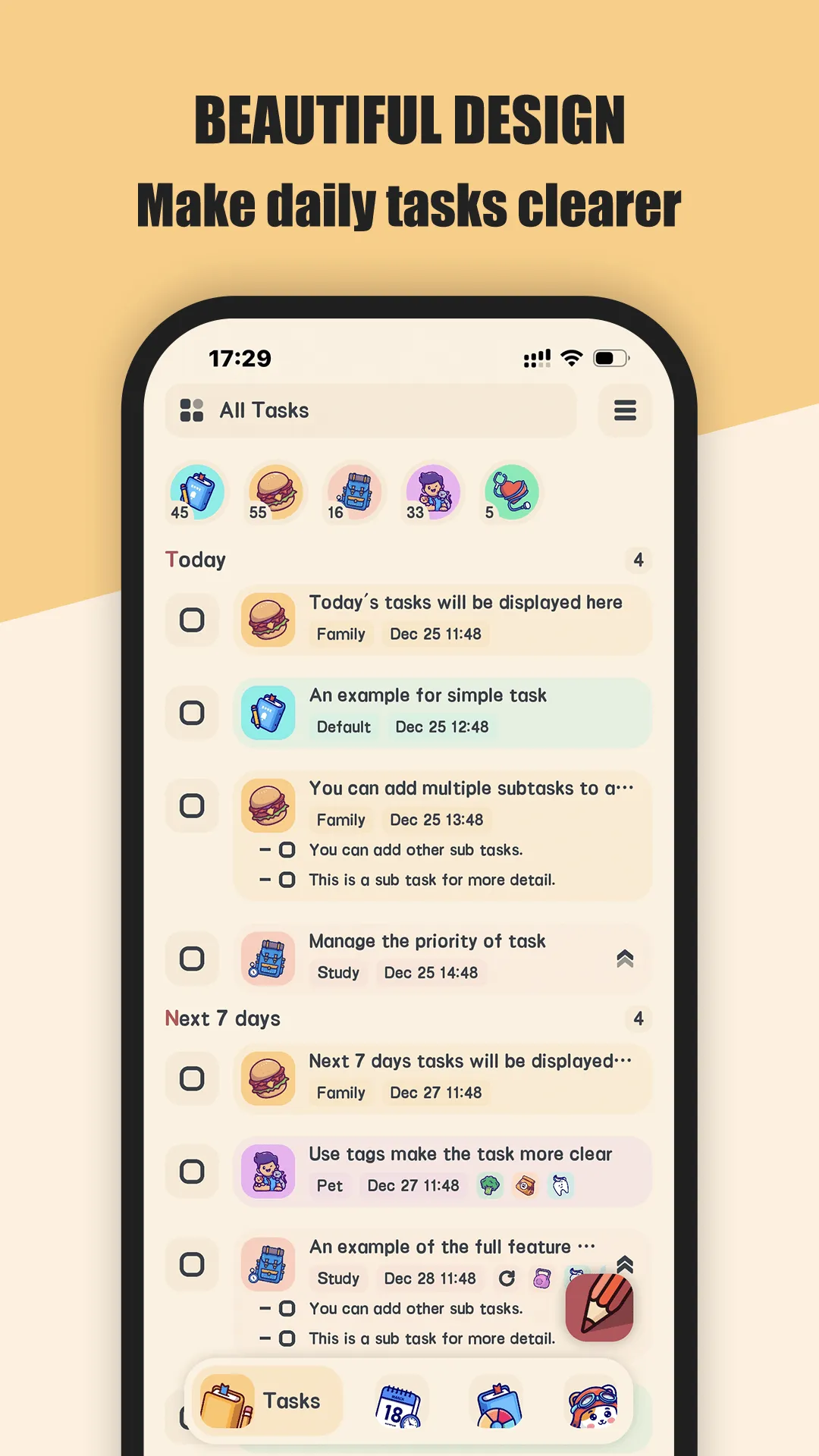
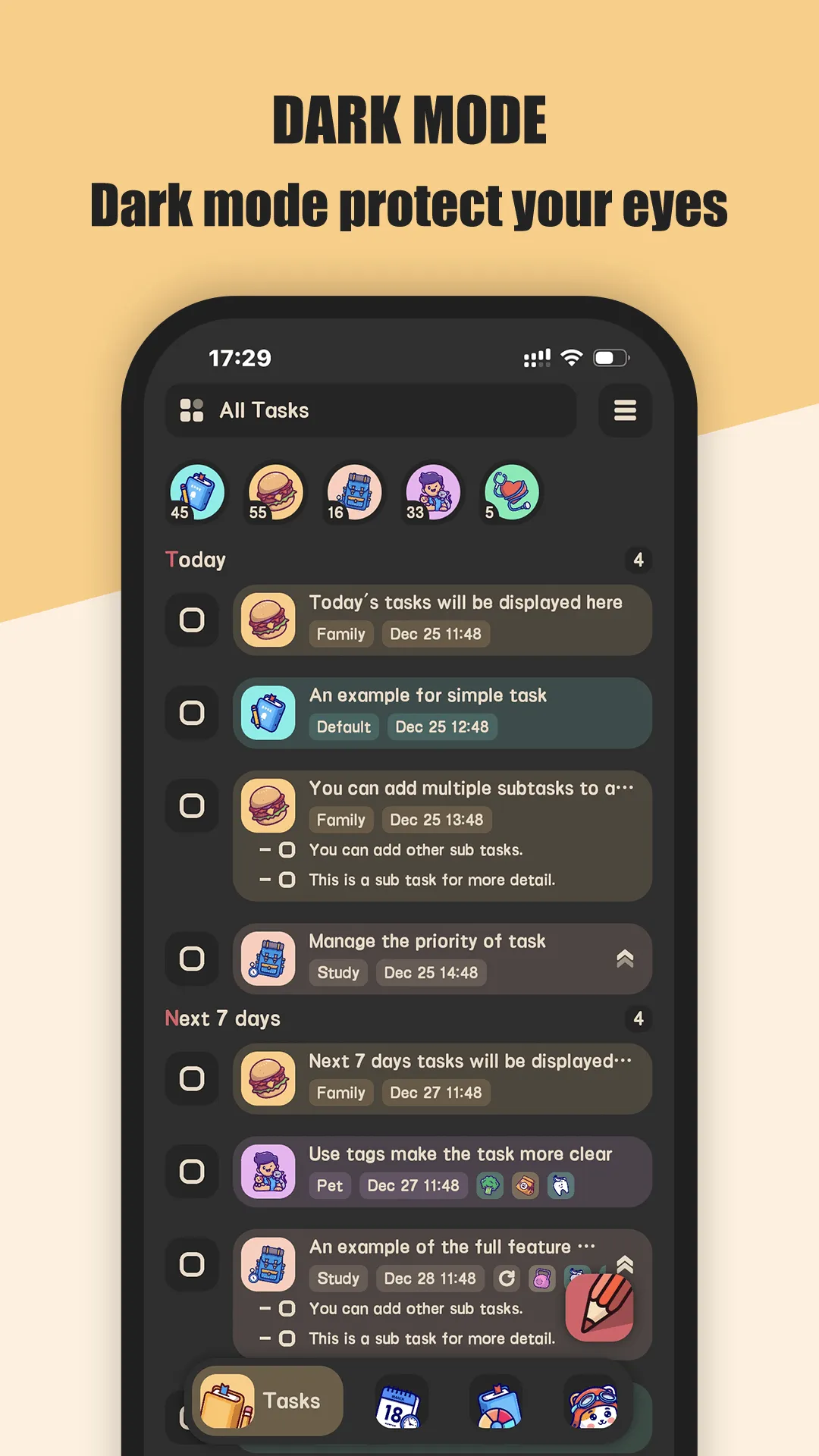
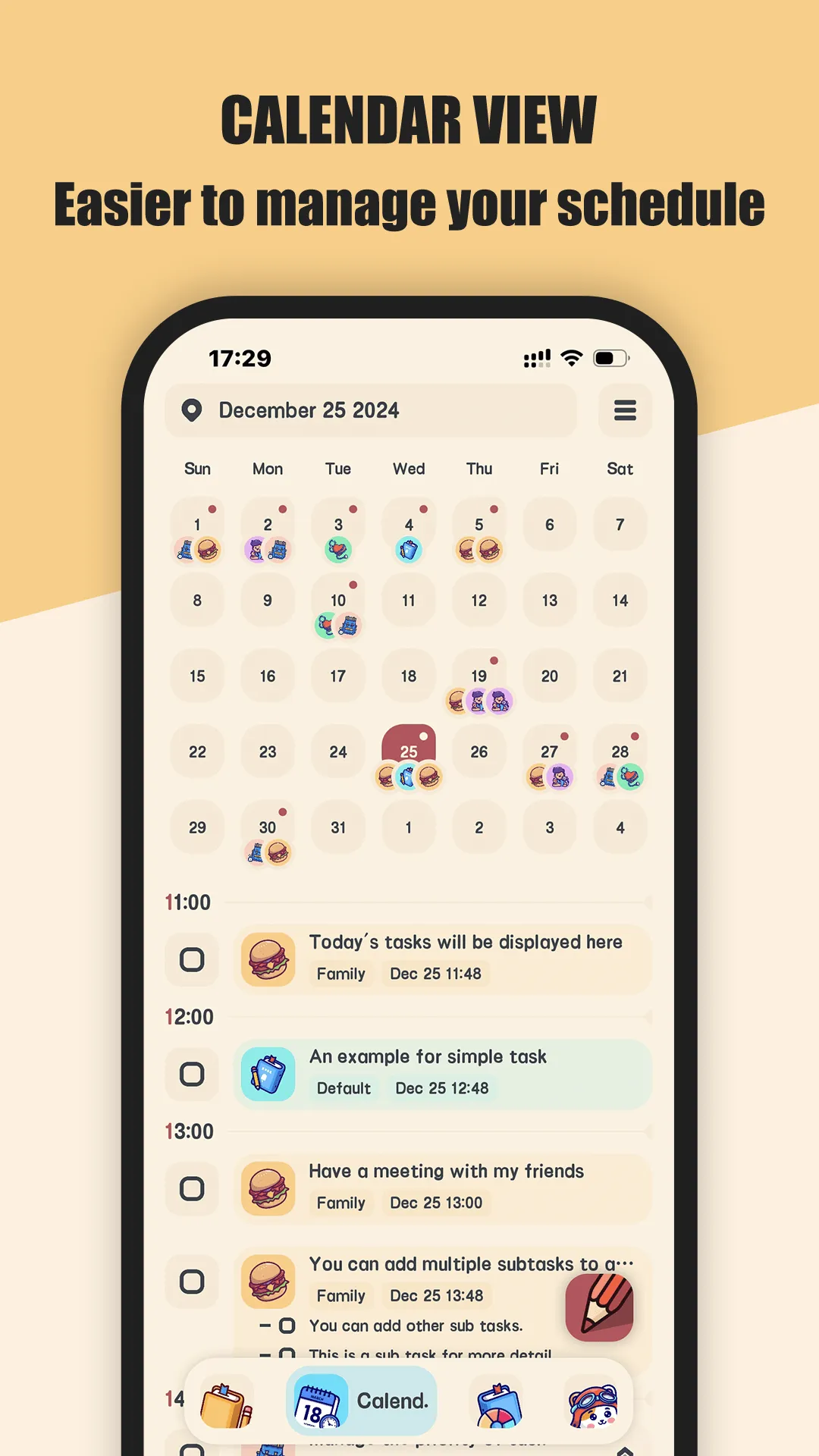
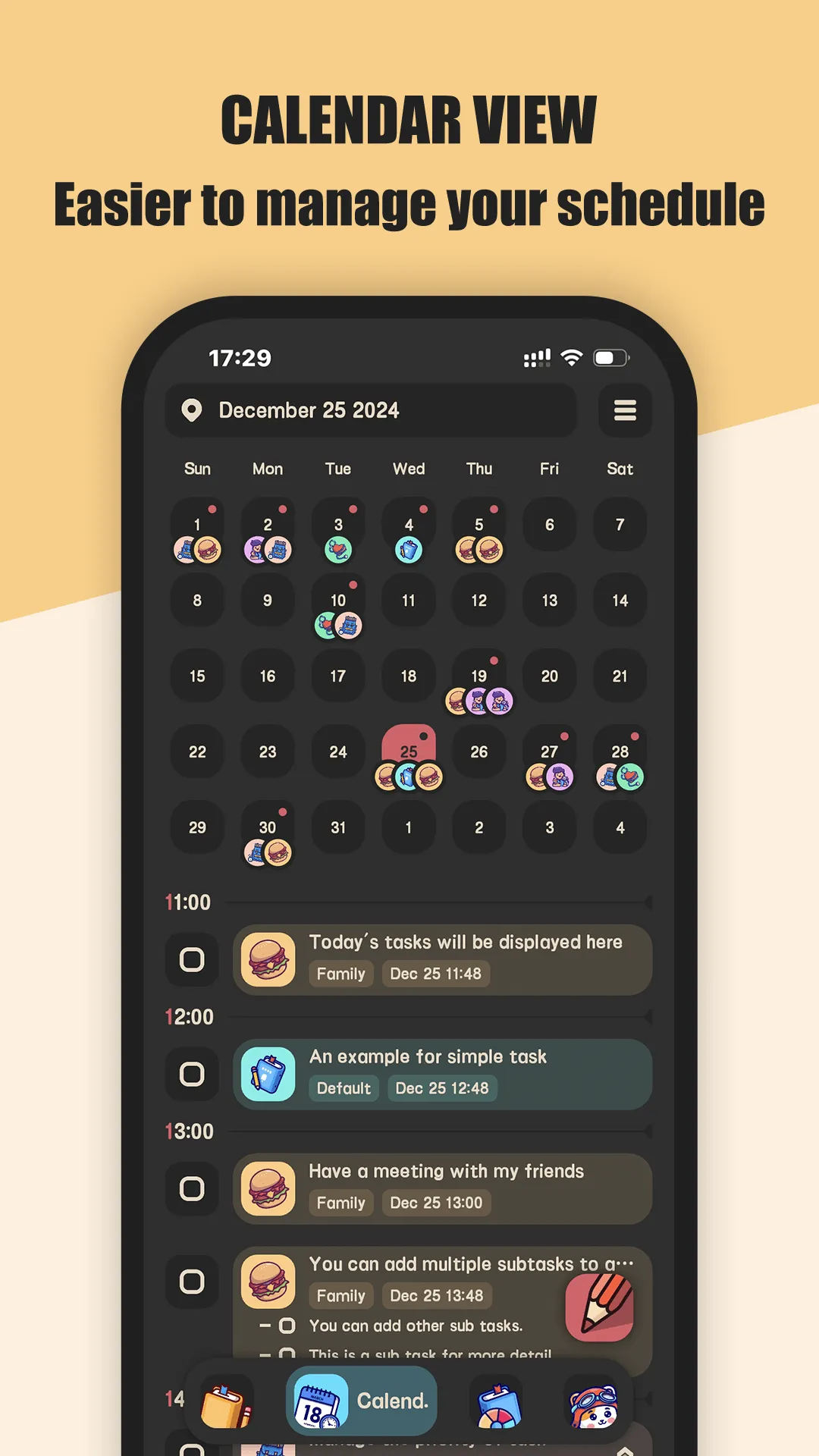
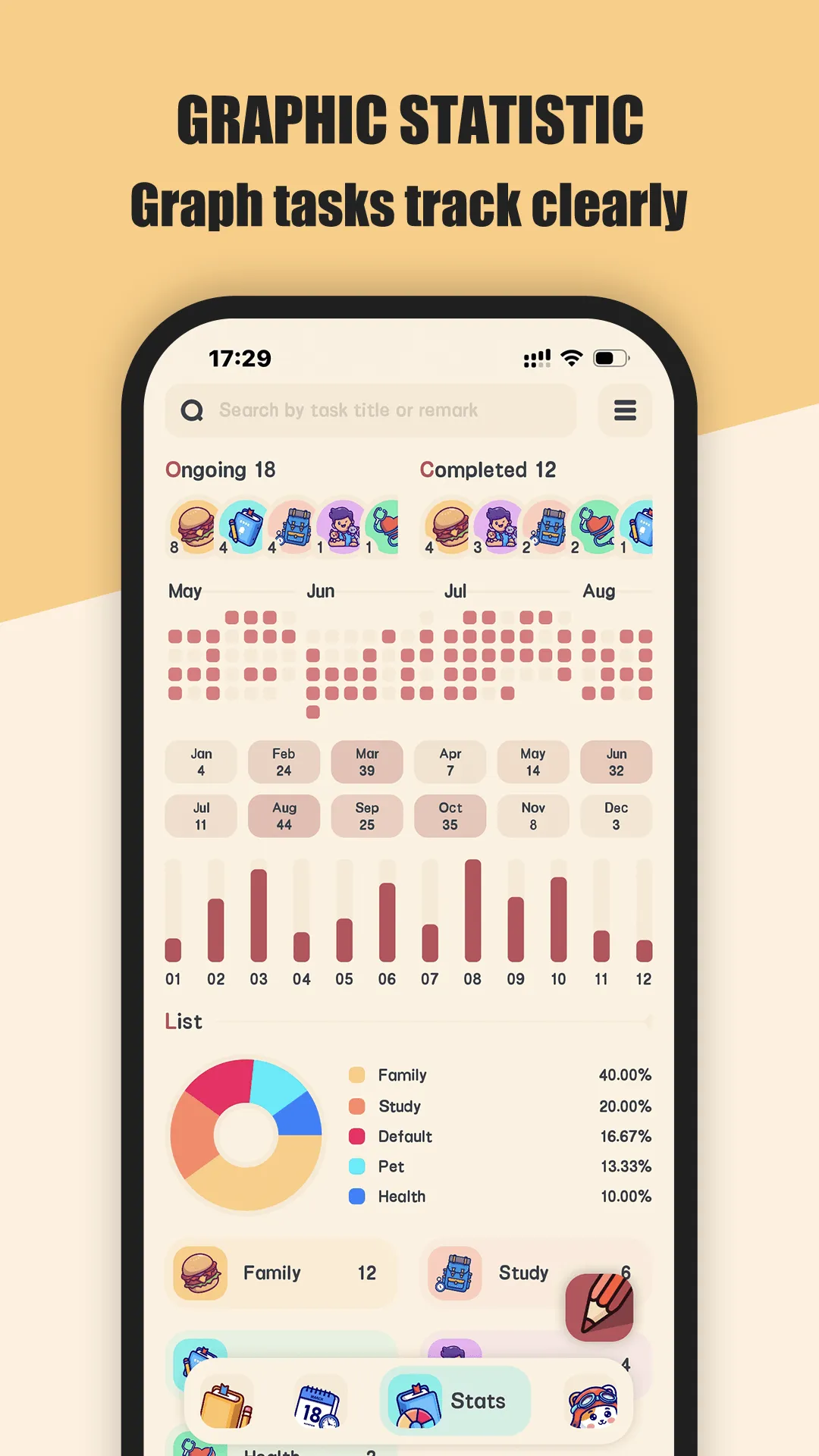
Meow Todo is a cat-themed to-do list for Android and iOS. The core — lists, tasks, reminders, and a calendar view — is free; VIP adds unlimited lists, tags, subtasks, CSV export, and app lock.
Strengths for Android users
- On-device storage — tasks stay on your phone behind a fingerprint lock.
- No account required — open and start; nothing uploads by default.
- Widgets — check tasks from the home screen in one tap.
- Subtasks and reminders — split and schedule work with daily notifications.
- Backup you control — Google Drive or WebDav, only when you enable it.
- CSV export — move your data out anytime.
Weaknesses for Android users
- VIP for power features — unlimited lists, tags, and CSV export sit behind the upgrade.
- No live multi-device sync — it’s manual backup, not a real-time account.
Best for: Android users who want a free to-do app that stays on the device.
Todoist, in depth
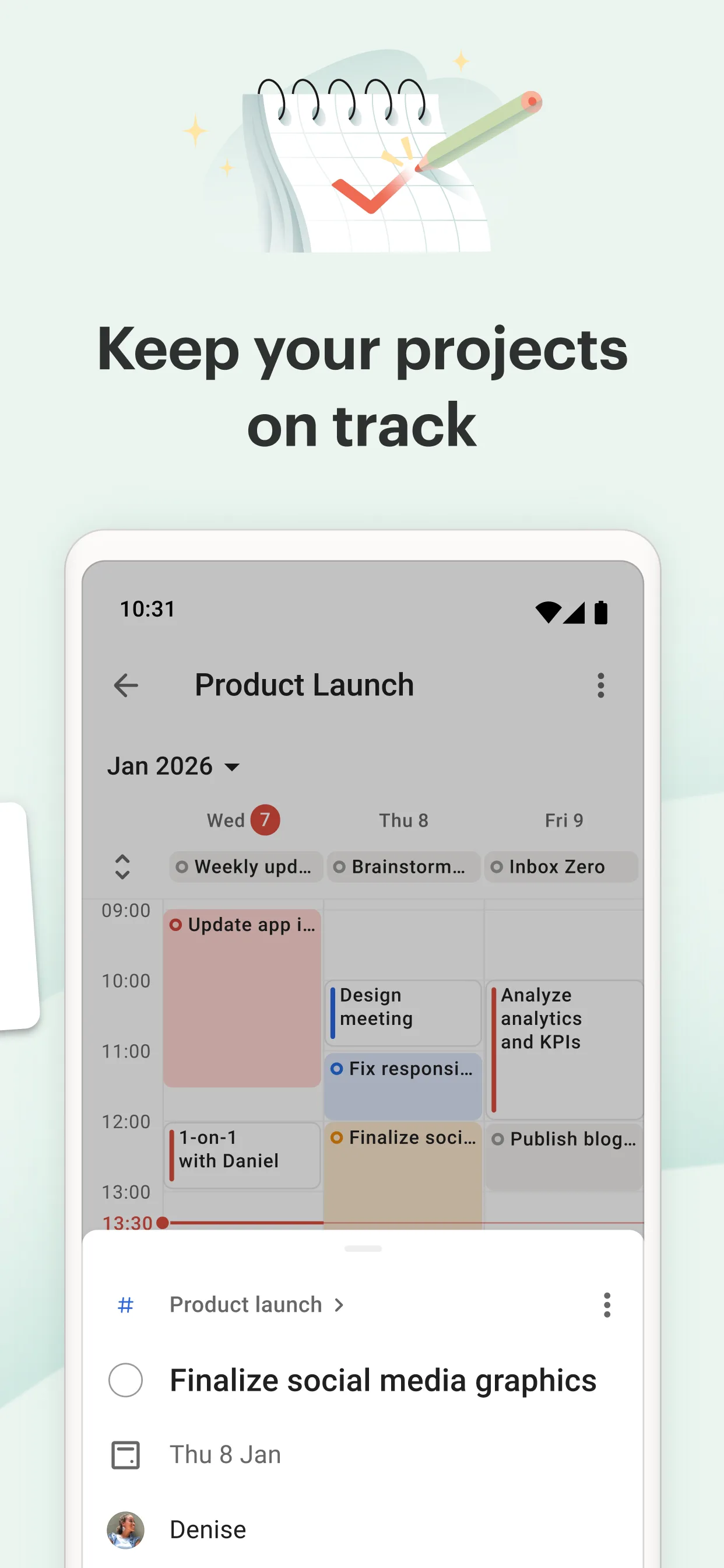
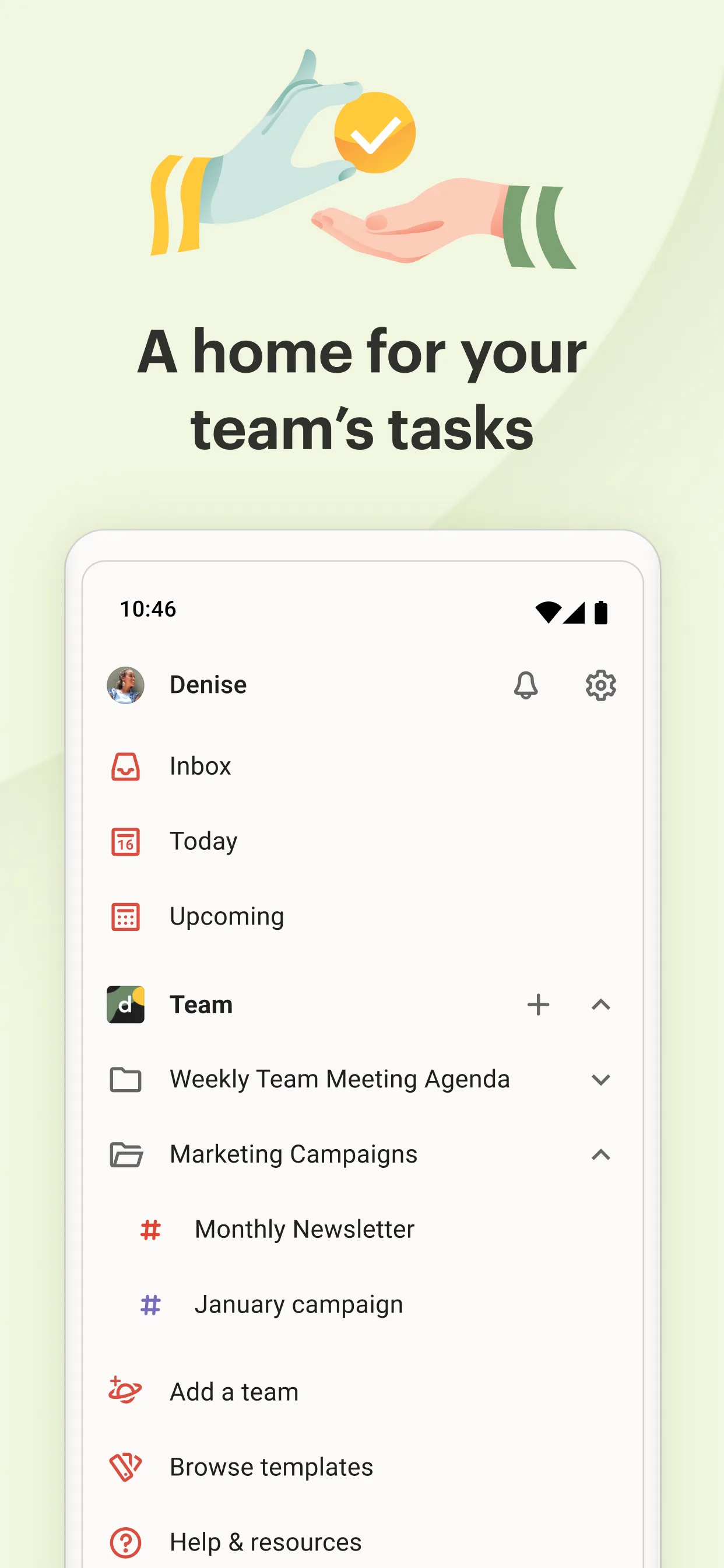
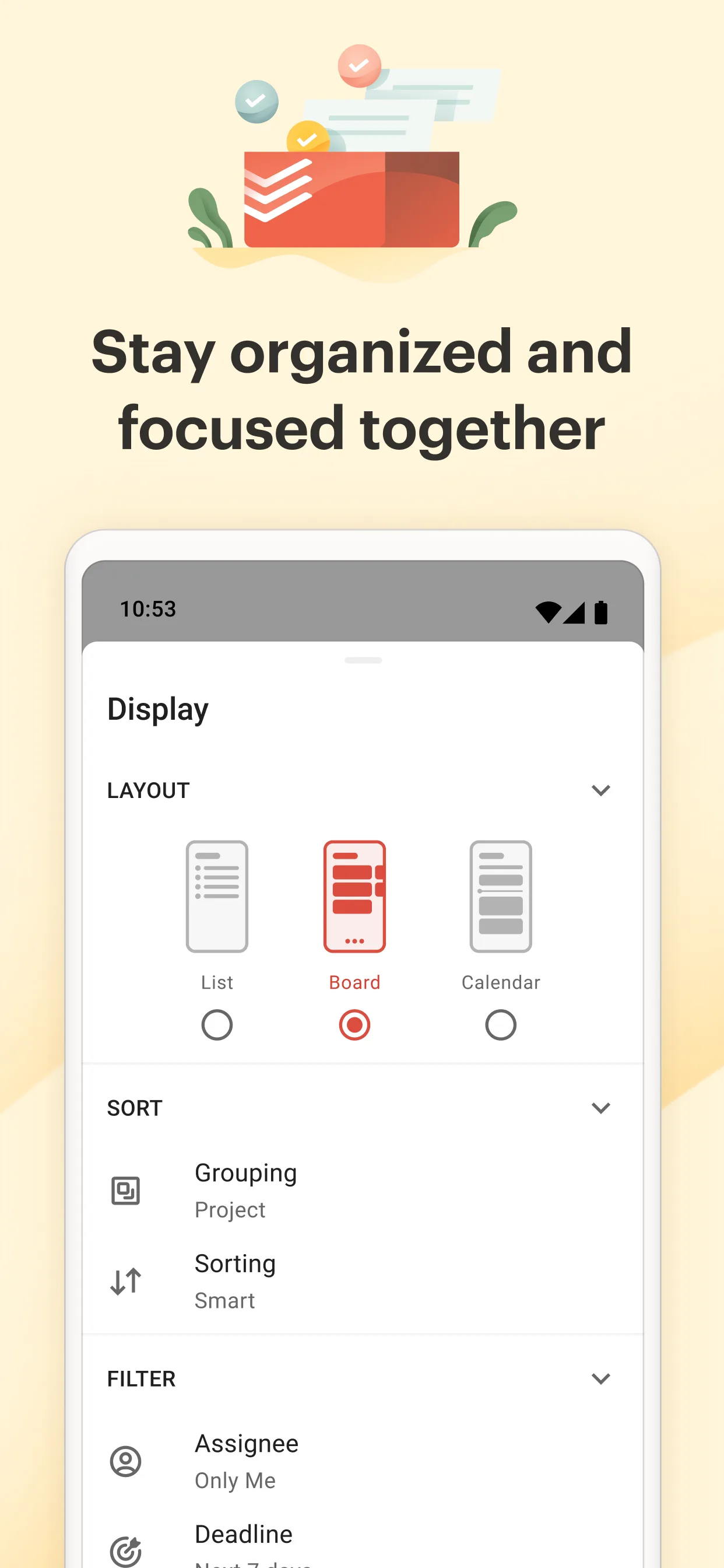
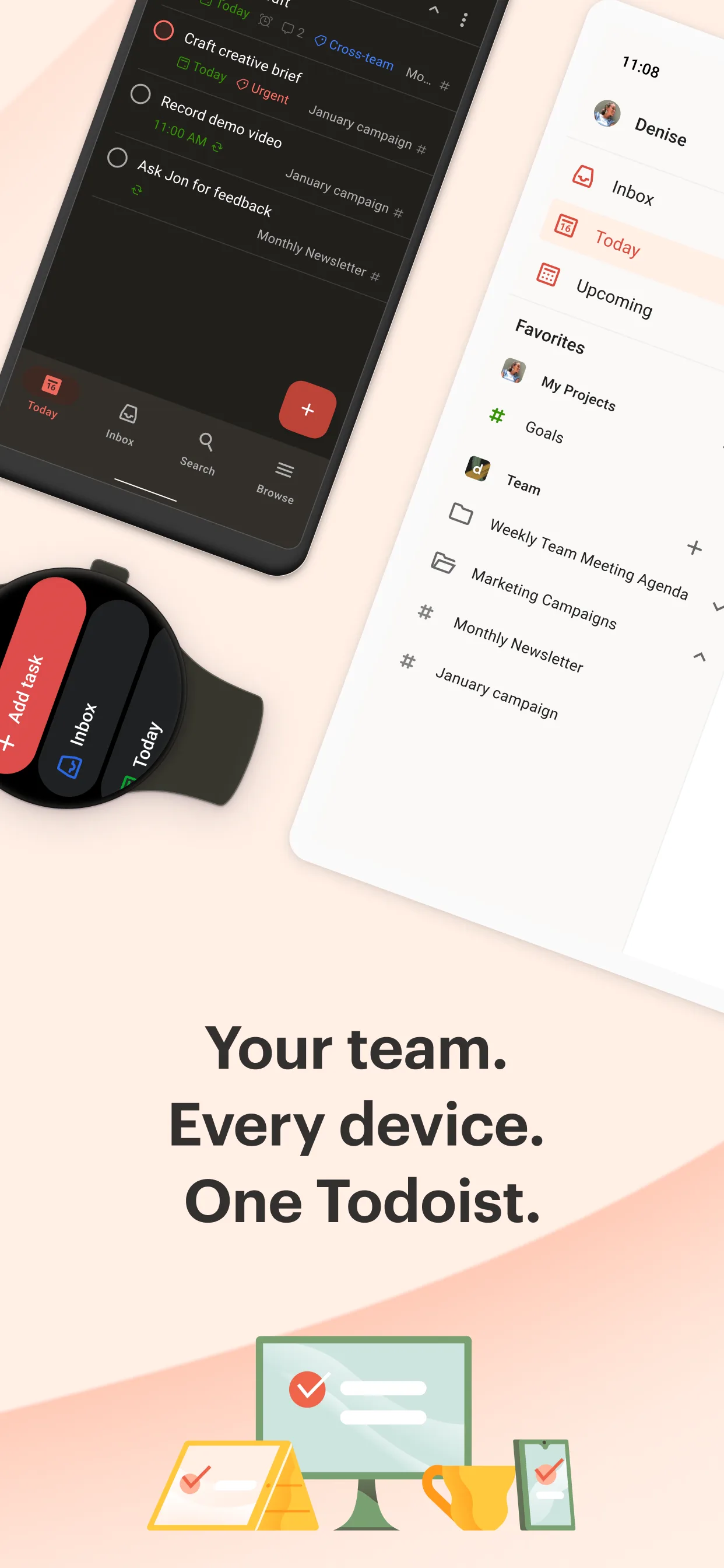
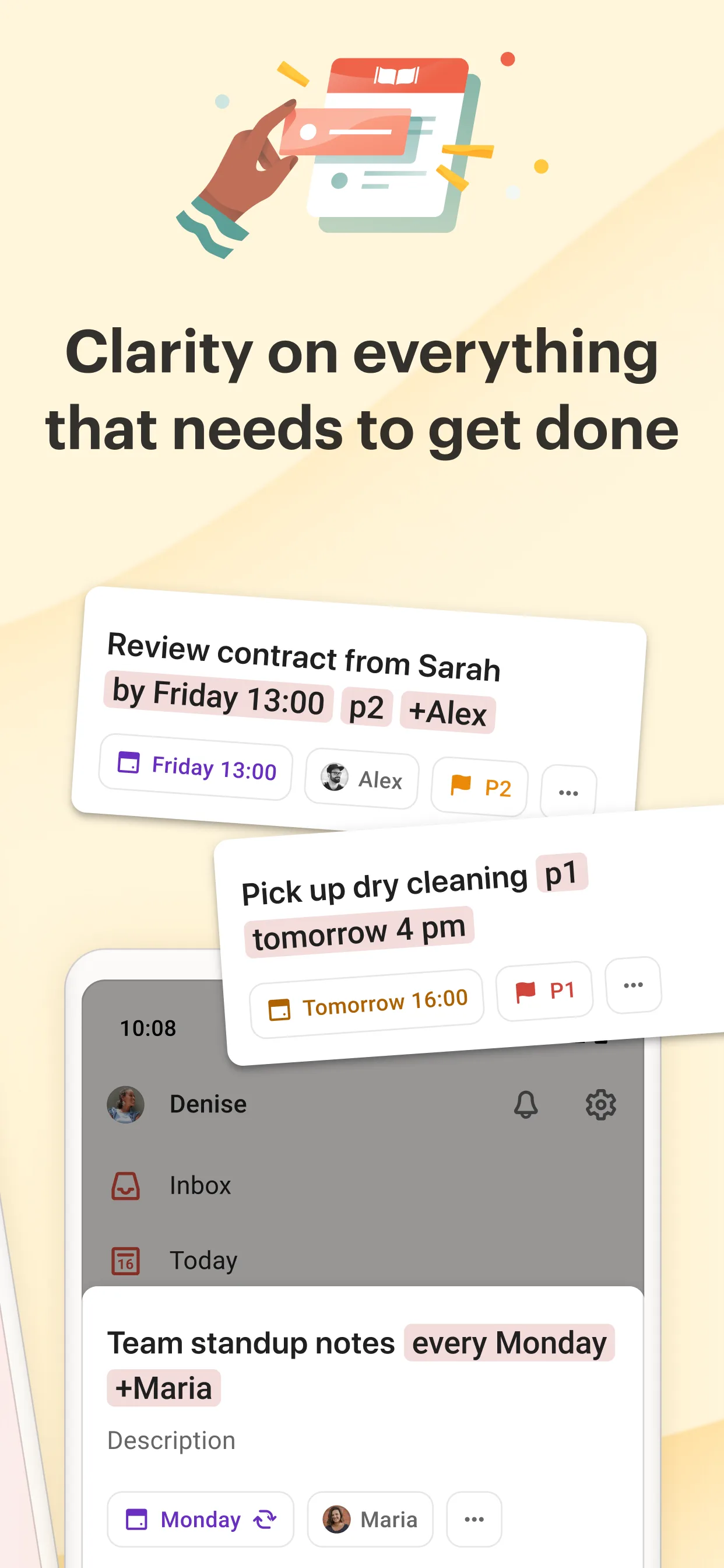
Todoist is the most-installed task manager, with natural-language input and deep cross-platform sync.
Strengths for Android users
- Natural language — “pay rent on the 1st” sets the date automatically.
- Live sync — tasks appear on every device instantly.
- Rich organization — projects, subtasks, labels, priorities, and sharing.
- Mature app — polished widgets and quick-add from the notification shade.
Weaknesses for Android users
- Cloud required — your tasks live on Todoist’s servers.
- Free tier capped — Pro (~$48/yr) for unlimited projects, comments, and labels.
- Subscription cost — recurring payment for full use.
Best for: people who want real-time sync across phone, tablet, and desktop.
How the others compare
- Microsoft To Do is free inside Microsoft 365, with shared lists and Outlook integration.
- Google Tasks is the lightest option, tied to your Google account and Gmail — fine for simple lists, thin on subtasks and export.
Which should an Android user pick?
- Want local, private, no account → Meow Todo.
- Want live cross-device sync + power features → Todoist.
- Live in Microsoft 365 → Microsoft To Do.
- Want the lightest Gmail-tied list → Google Tasks.
Get Meow Todo — available on Android and iOS.