
Meow Todo vs Todoist: Which Task Manager Should You Use?
Meow Todo vs Todoist compared in depth for 2026: a free-core, private, cute task manager with subtasks, calendar, and CSV export versus a popular powerhouse with natural-language input and collaboration. Prices, limits, and a verdict per user type.
Choosing a task manager often comes down to complexity vs simplicity. Meow Todo is a free-core, private, cute to-do app with subtasks, a calendar view and CSV export. Todoist is a popular powerhouse with natural-language input and collaboration. This Meow Todo vs Todoist comparison helps you pick the to-do list app that matches how you actually work, with 2026 pricing and real feature limits.
At a glance
| Meow Todo | Todoist | |
|---|---|---|
| Price | Free core; optional VIP | Free (Beginner) + Pro ~$60/yr ($7/mo) |
| Free tier limits | Generous core | ~5 active projects, limited reminders |
| Subtasks | Yes | Yes |
| Calendar | Day / week / month view | Calendar integration (Pro) |
| Natural-language dates | Manual picking | Yes (“every mon 9am”) |
| Recurring | Daily/weekly/monthly/end-of-month | Yes |
| Sync | Google Drive / WebDav (your account) | Proprietary cloud |
| Collaboration | Personal lists | Shared projects (Pro) |
| CSV export | Yes | No |
| Privacy | Offline + fingerprint lock | Cloud account |
| Platforms | Android, iOS | Android, iOS, web |
| Best for | Private, cute, simple lists | Powerful teams/collaboration |
Meow Todo, in detail
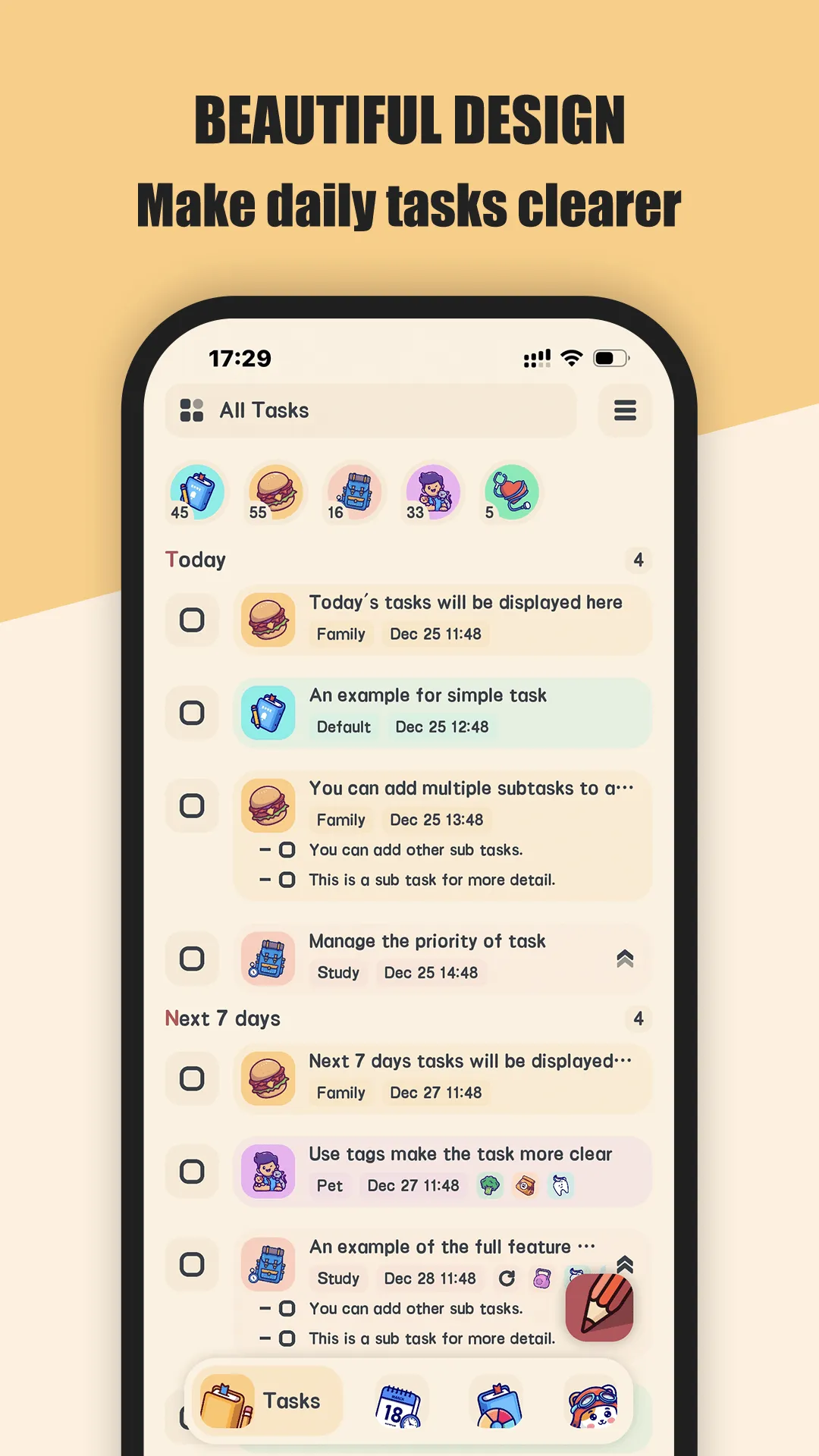
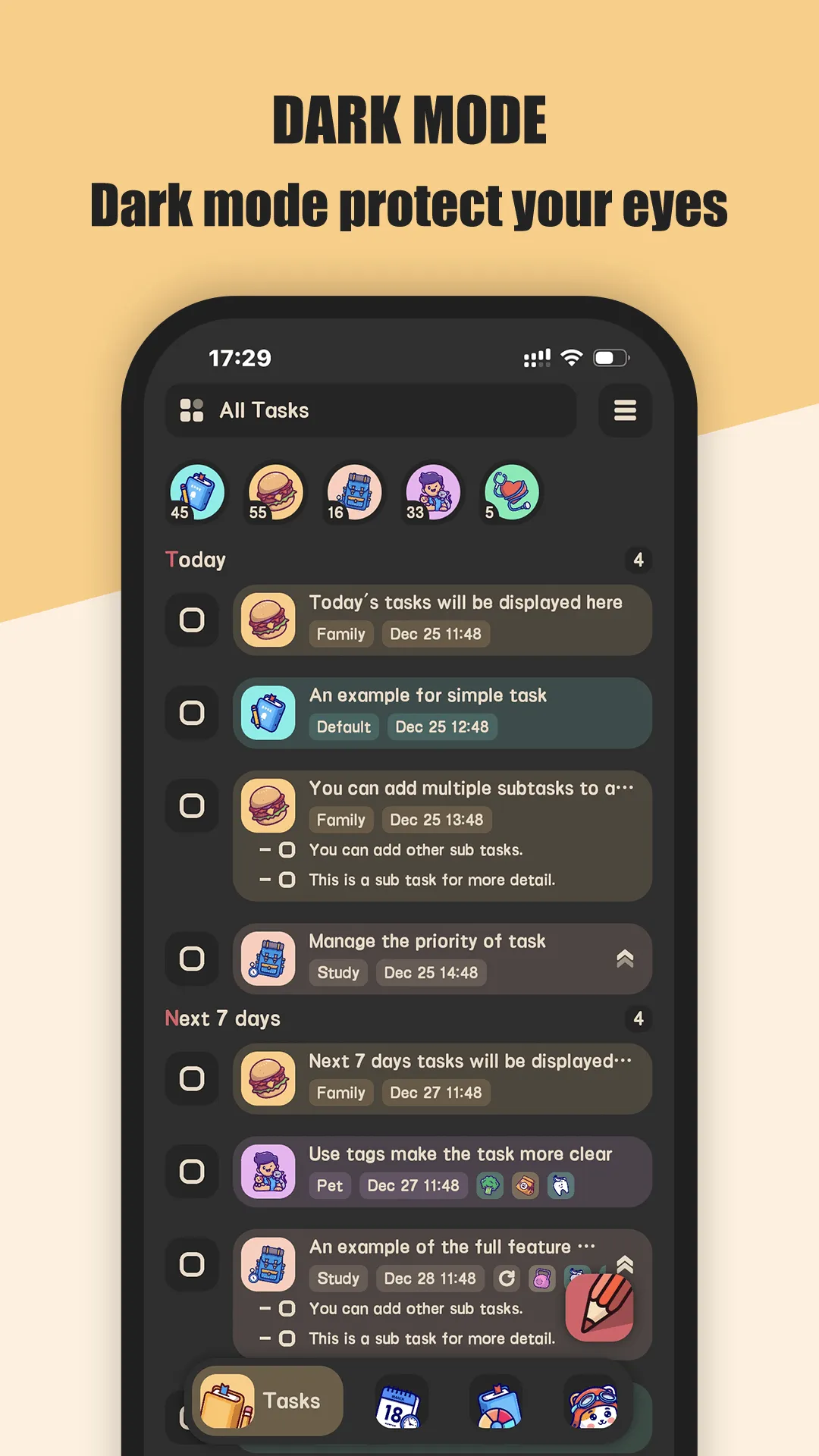
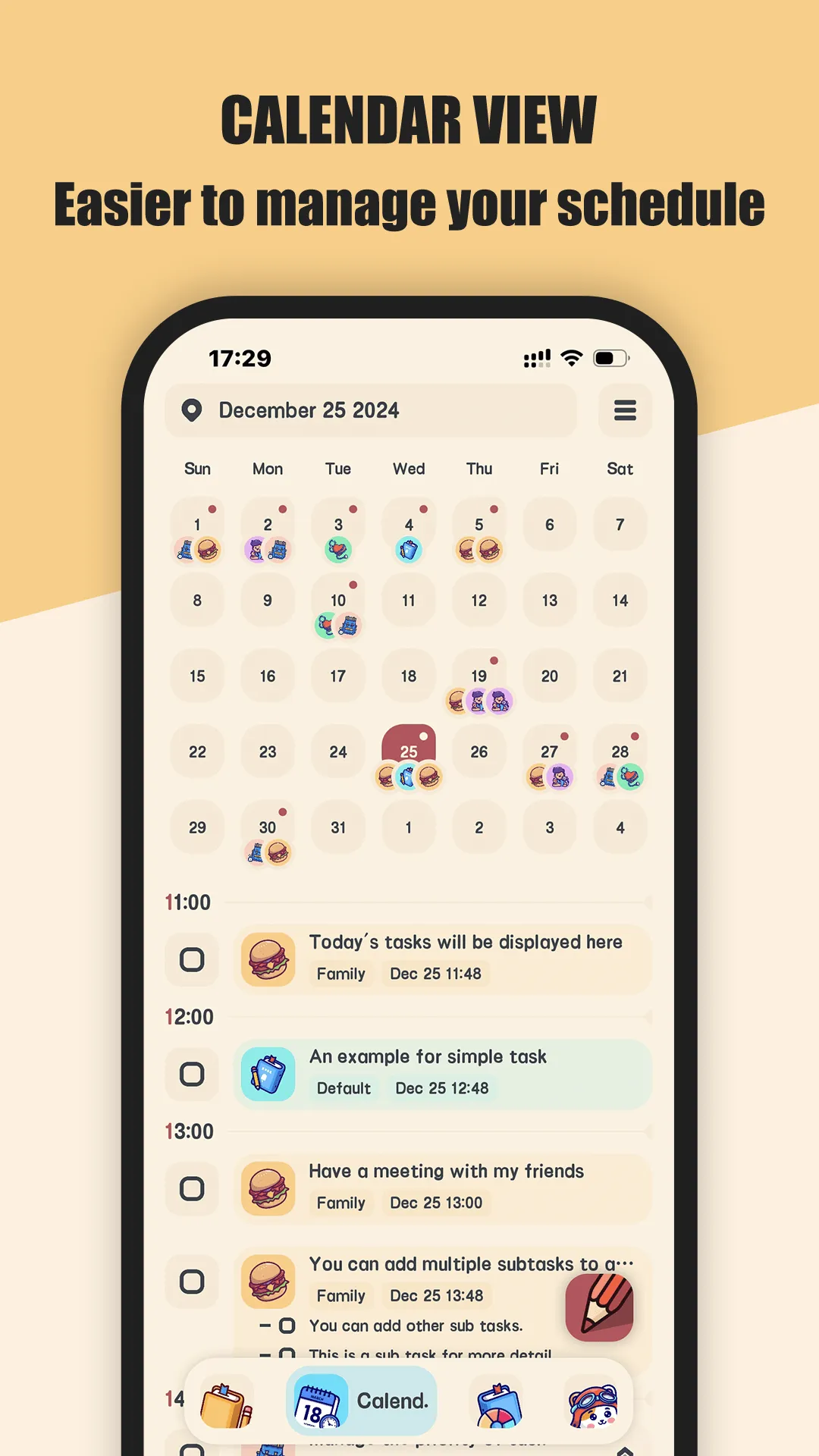
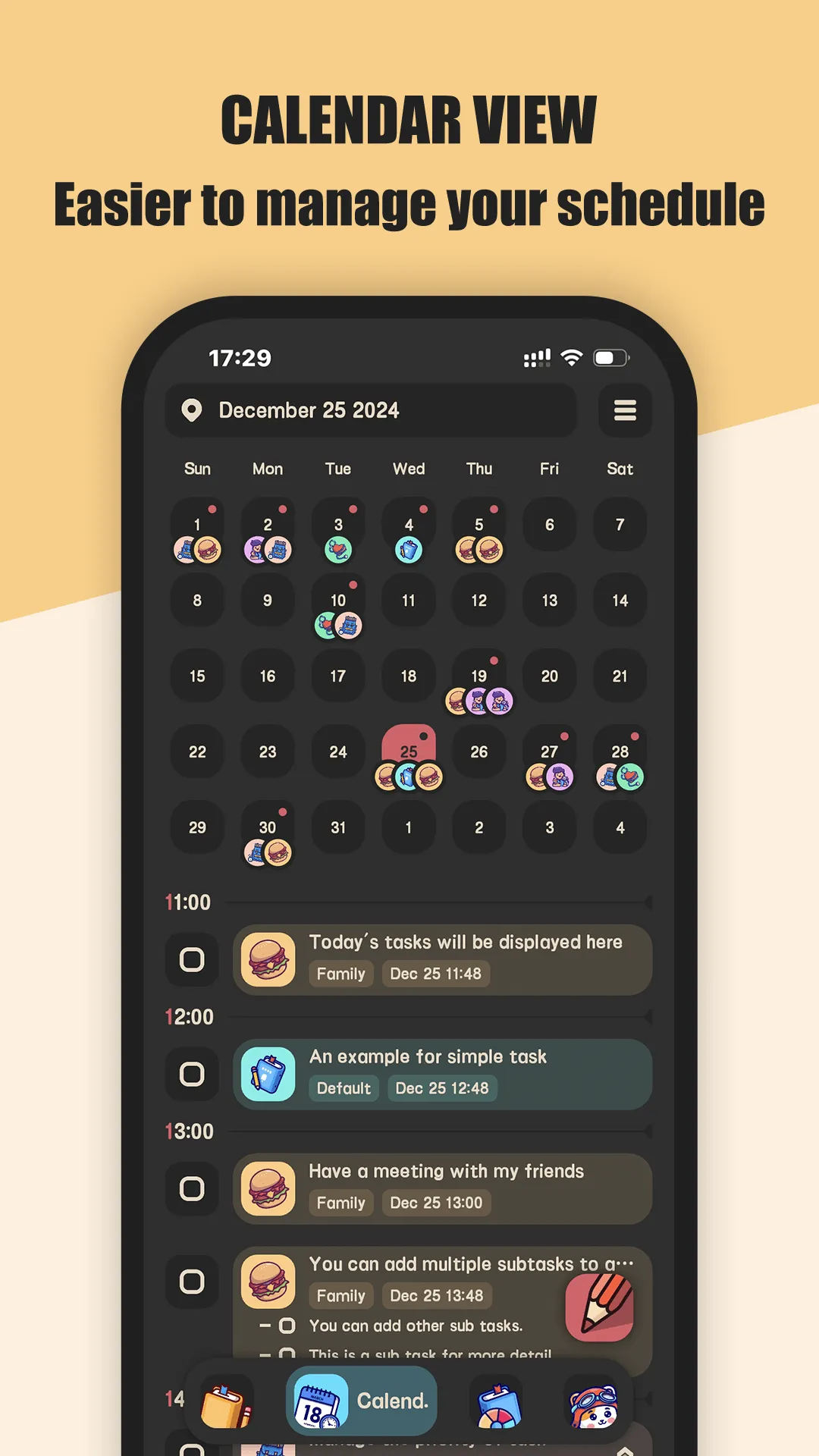
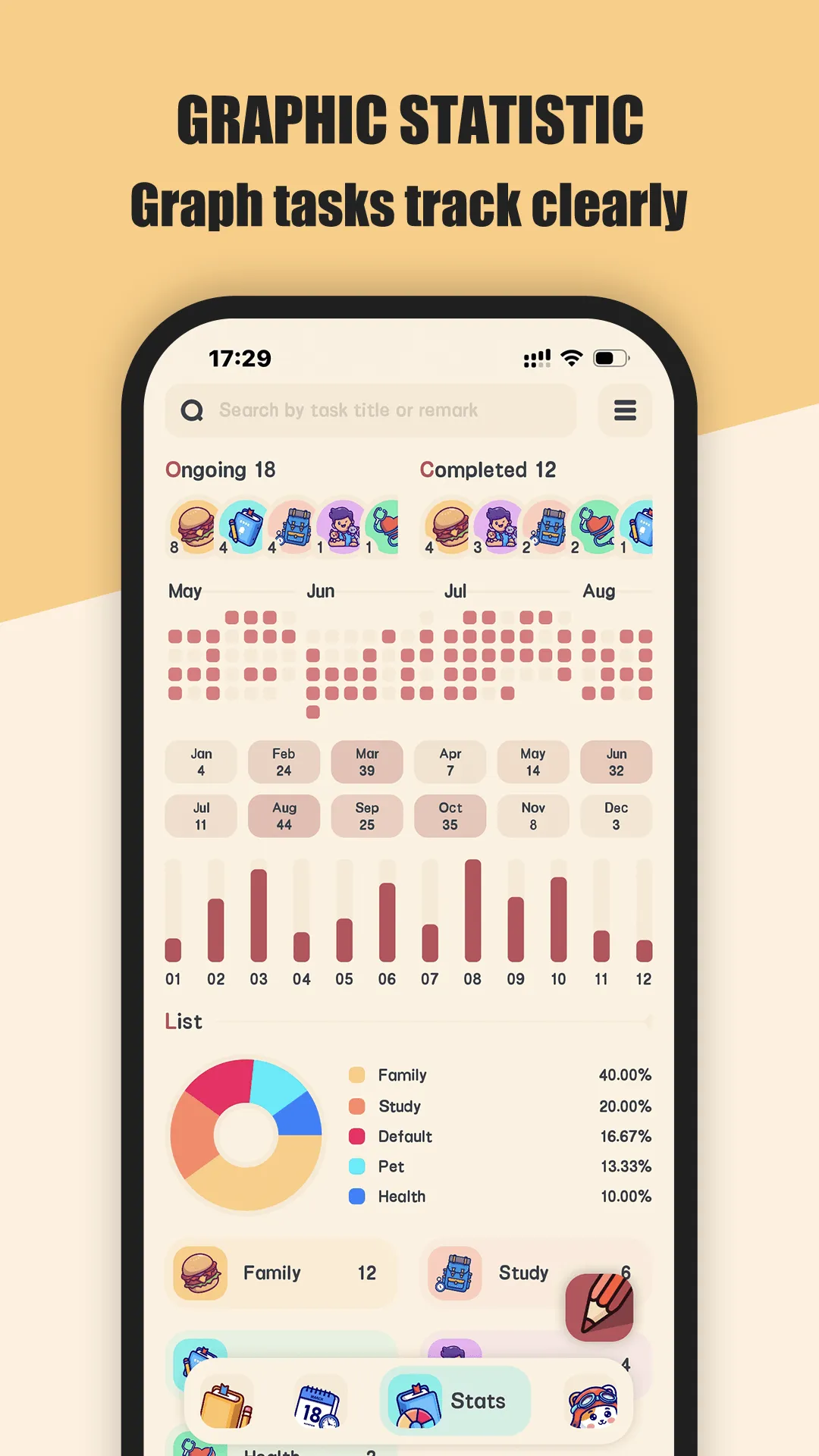
Meow Todo is a simple schedule planner and to-do list manager with a clean, cute interface. Its standout trait is the friendly design — 400+ cartoon icons and a calming look — plus practical essentials: subtasks, a calendar view, reminders, and CSV export, all in a free core.
Strengths
- Cute, clean design with 400+ cartoon icons for lists and tags — logging feels friendly, not clinical.
- Calendar view — daily, weekly and monthly planners for a clear schedule overview.
- Subtasks and details — break tasks down and add context as work progresses.
- Reminders to keep tasks from slipping.
- Privacy-first — tasks stay on your device with an optional fingerprint lock; sync to your own Google Drive or WebDav.
- CSV export of tasks for Excel review.
- Free core (lists, tasks, reminders, subtasks, calendar, export) with optional VIP for extras.
- Charts (pie, contribution graph) to track task activity.
Weaknesses
- No natural-language dates — you pick dates manually rather than typing “every mon 9am”.
- No collaboration — personal lists only; no shared projects.
- No web app — mobile-focused.
- VIP required for some advanced features.
- Less powerful filtering/labeling than Todoist’s power-user toolkit.
Best for
Individuals who want a private, cute, straightforward task list with a calendar view and export — no account, no team features needed.
Download Meow Todo
Todoist, in detail

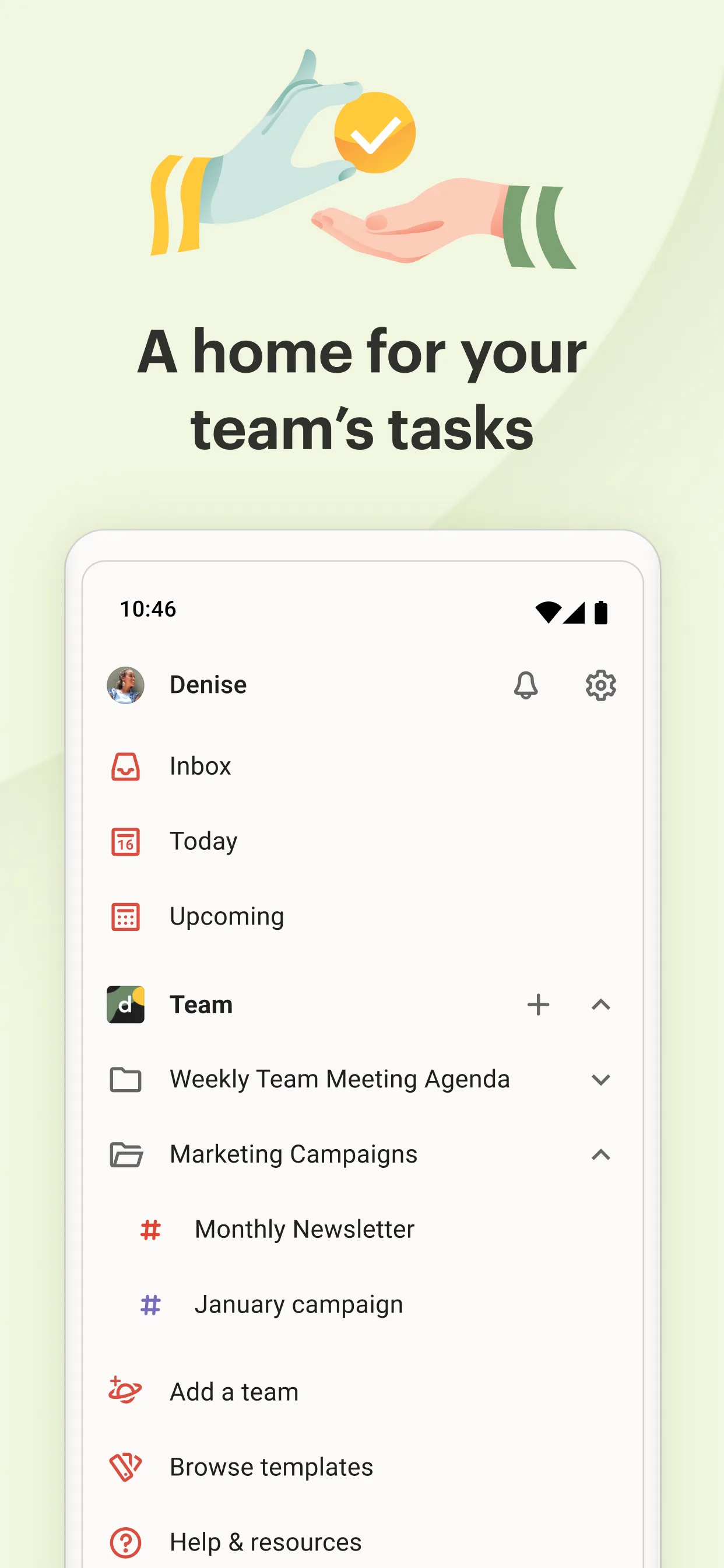
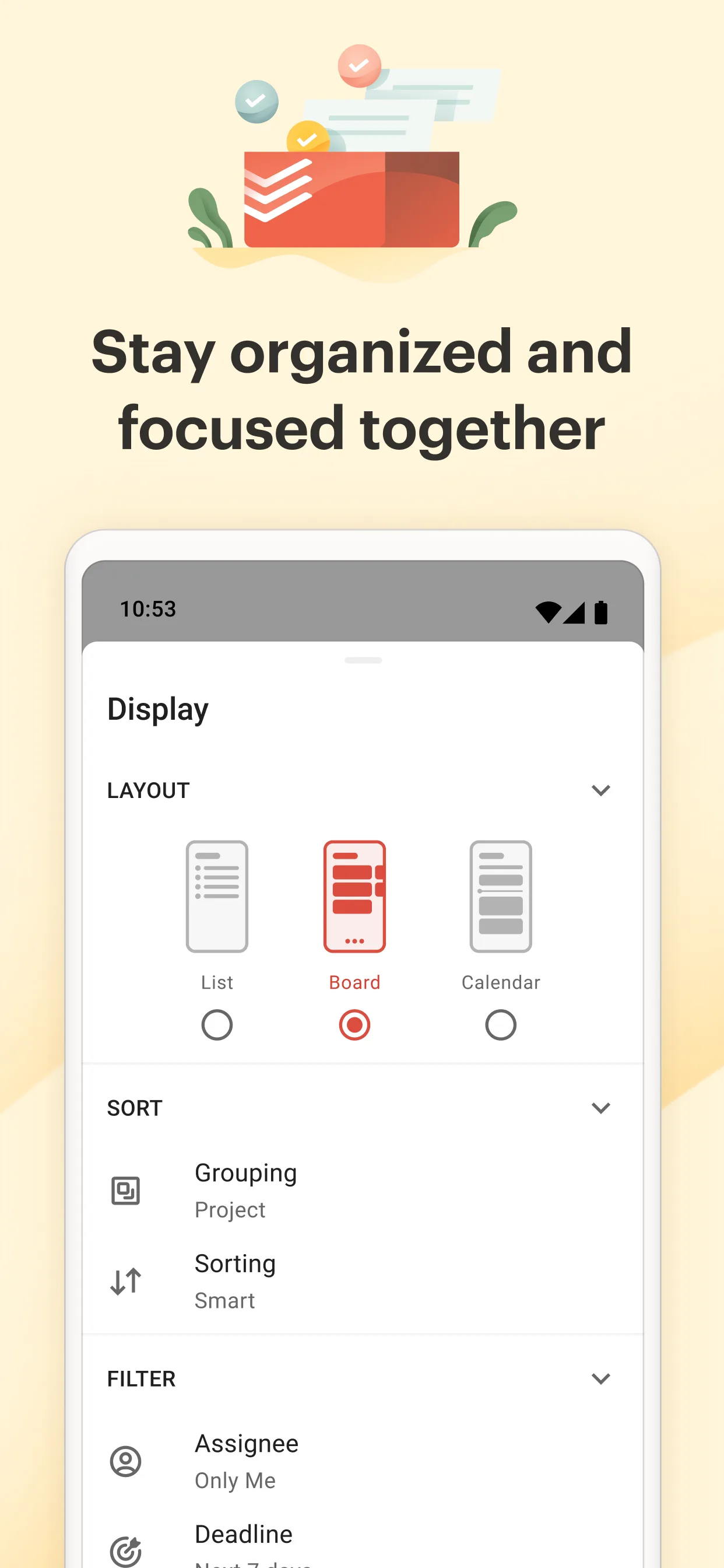
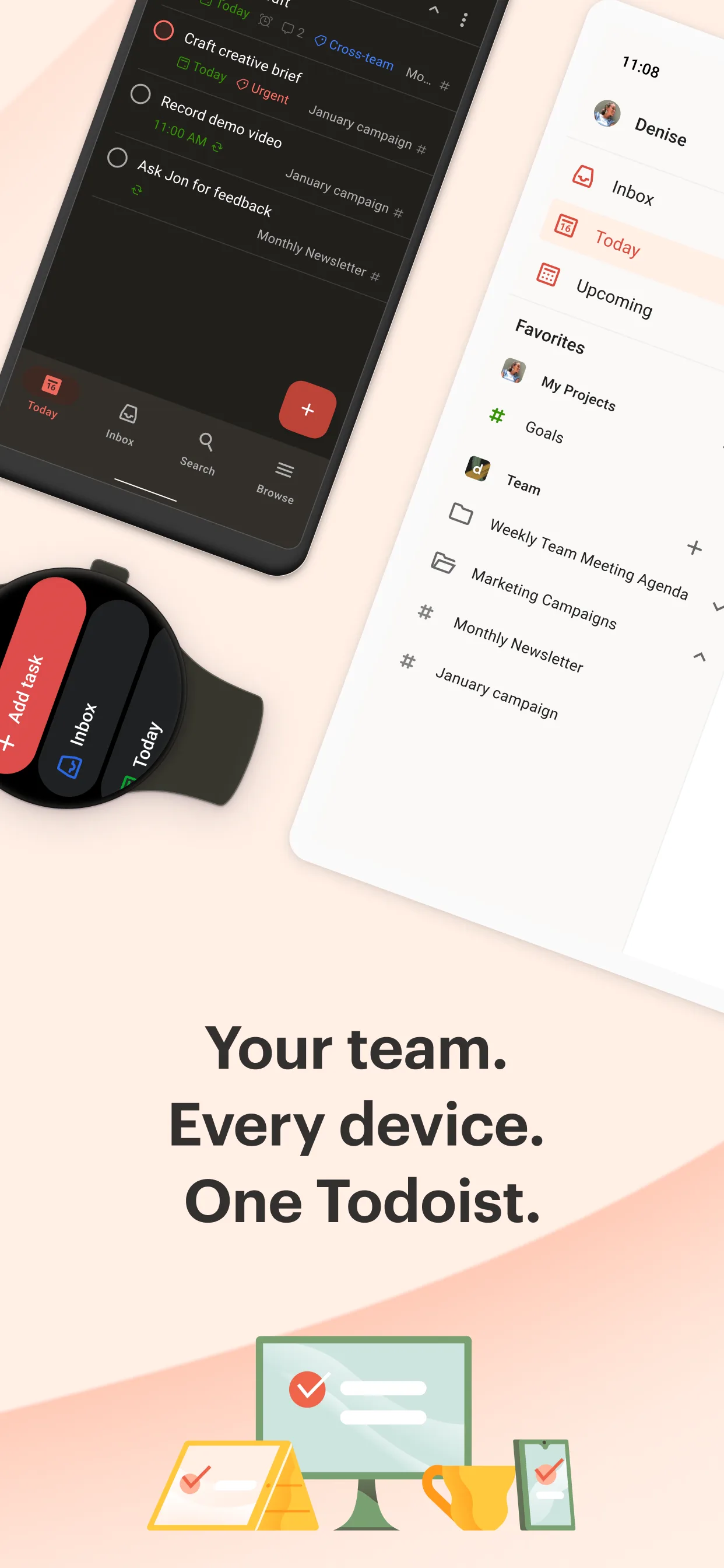

Todoist is one of the most popular task managers worldwide: natural-language input, powerful labels and filters, and collaboration via shared projects. It scales from a personal to-do to a team workflow.
Strengths
- Natural-language input — type “Submit report every Mon 9am” and dates/recurrence are parsed automatically.
- Powerful organization — projects, labels, priorities and filters for complex workflows.
- Collaboration — shared projects and comments (Pro) for teams and families.
- Cross-platform with a mature web app and deep integrations (calendar, Slack, etc.).
- Recurring and reminders with flexible scheduling.
- Large ecosystem and constant updates.
Weaknesses
- Free tier is limited — roughly 5 active projects, restricted reminders, no calendar integration; heavy users need Pro (~$60/yr).
- Cloud account required — data lives in Todoist’s servers, not local-only.
- Steeper setup for simple users who just want a list.
- No CSV export of tasks in the standard tiers.
- Less “cute” — utilitarian UI, no cartoon icons.
Best for
Power users and teams who want natural-language capture, rich filtering, and shared projects across web and mobile.
Download Todoist
How they compare where it matters
Simplicity vs power
Meow Todo is “open and list” — ideal for personal planning without a learning curve. Todoist is a power tool: labels, filters, and natural-language capture reward investment but add setup.
Natural-language capture
This is Todoist’s headline edge: “every mon 9am” just works. Meow Todo uses manual date picking, which is fine but slower for recurring, complex schedules.
Collaboration
Todoist supports shared projects and comments (Pro) — essential for teams. Meow Todo is personal-only. If you plan with others, Todoist is the clear pick.
Privacy and sync
Meow Todo is offline-first with fingerprint lock and your own Drive/WebDav backups. Todoist is cloud-first. For sensitive or local-only task data, Meow Todo gives more control.
Price and limits
Meow Todo’s core is free with no hard project cap. Todoist’s free Beginner tier caps at ~5 projects; Pro unlocks the rest at ~$60/year. Meow Todo is the lower-friction, lower-cost option for individuals.
Which should you choose
- Choose Meow Todo if you want a private, cute, simple to-do list with a calendar view, subtasks and CSV export — no team features or account required.
- Choose Todoist if you need natural-language capture, powerful filters, and shared projects for collaboration, and will pay for Pro.
- For personal, privacy-minded planning, Meow Todo covers the essentials for free; for team or power workflows, Todoist justifies its subscription.