
Best Todoist Alternatives in 2026
Looking for alternatives to Todoist in 2026? We compare seven top to-do apps — Microsoft To Do, Meow Todo, TickTick, Google Tasks, Things 3, Notion, and Any.do — on price, free-tier limits, core features, privacy and simplicity, with a core-capability table and a migration checklist.
If you are shopping for alternatives to Todoist, you probably want lower cost, more privacy, or a simpler interface. Here are the best to-do list app alternatives worth a look in 2026 — seven apps picked either for high market share or for a distinct strength — with detailed pros and cons, a core-capability comparison, and direct download links.
Why people look beyond Todoist
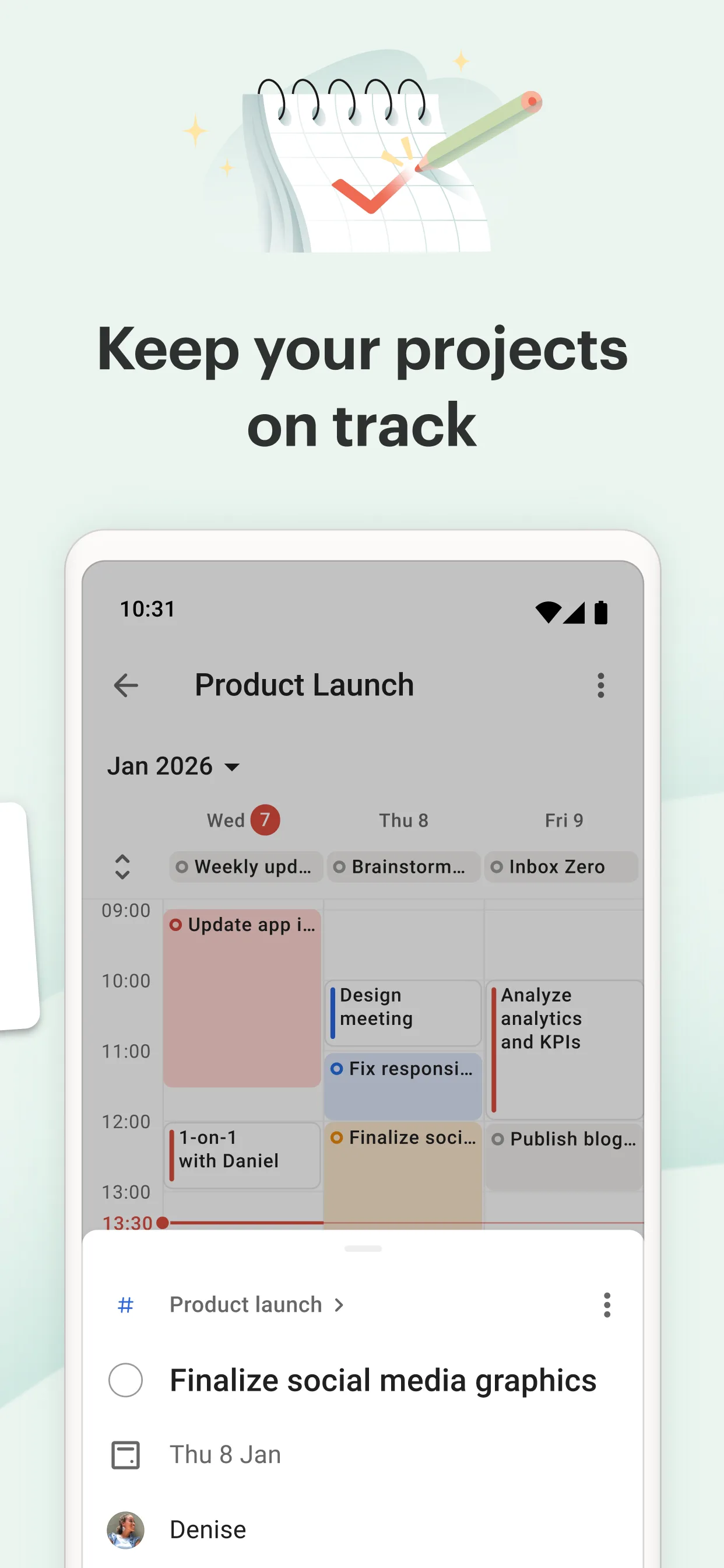
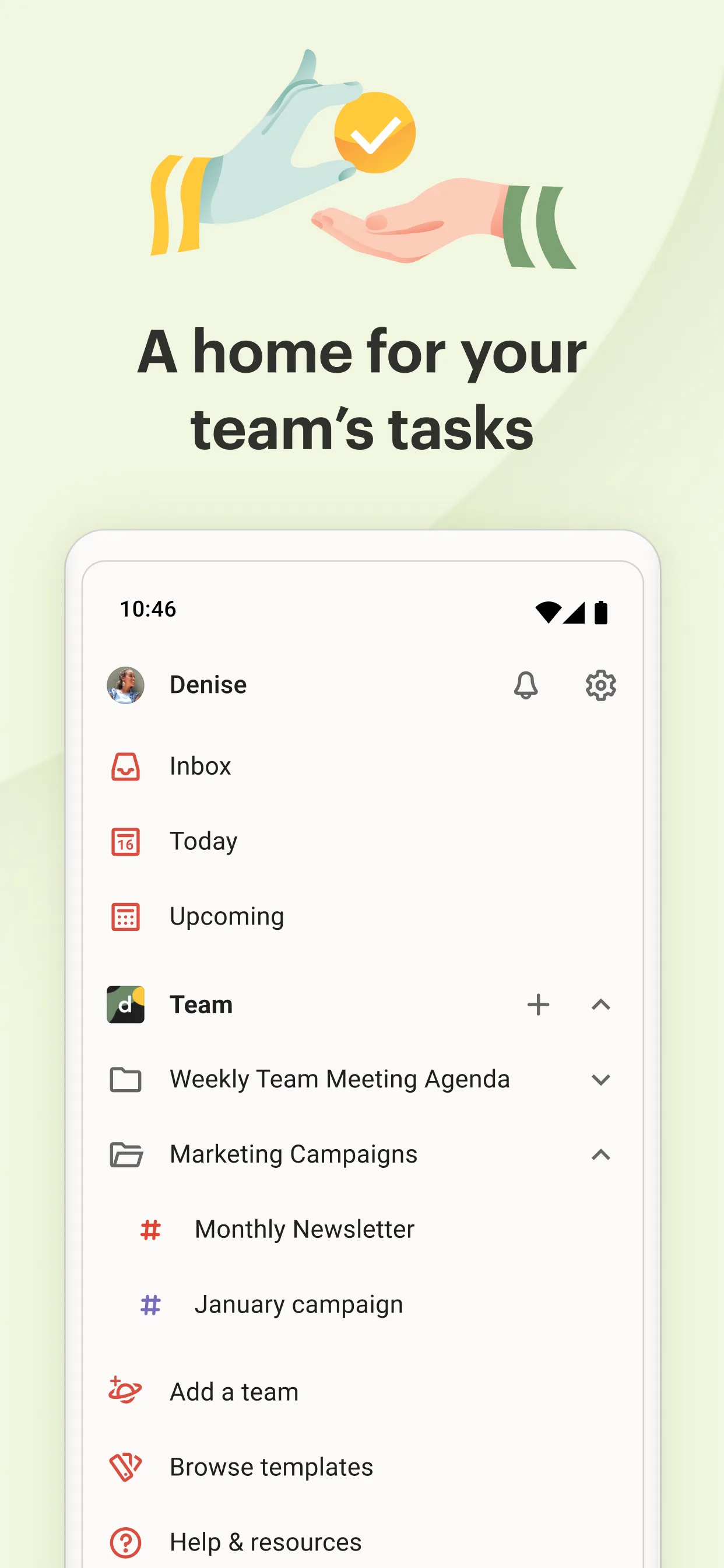
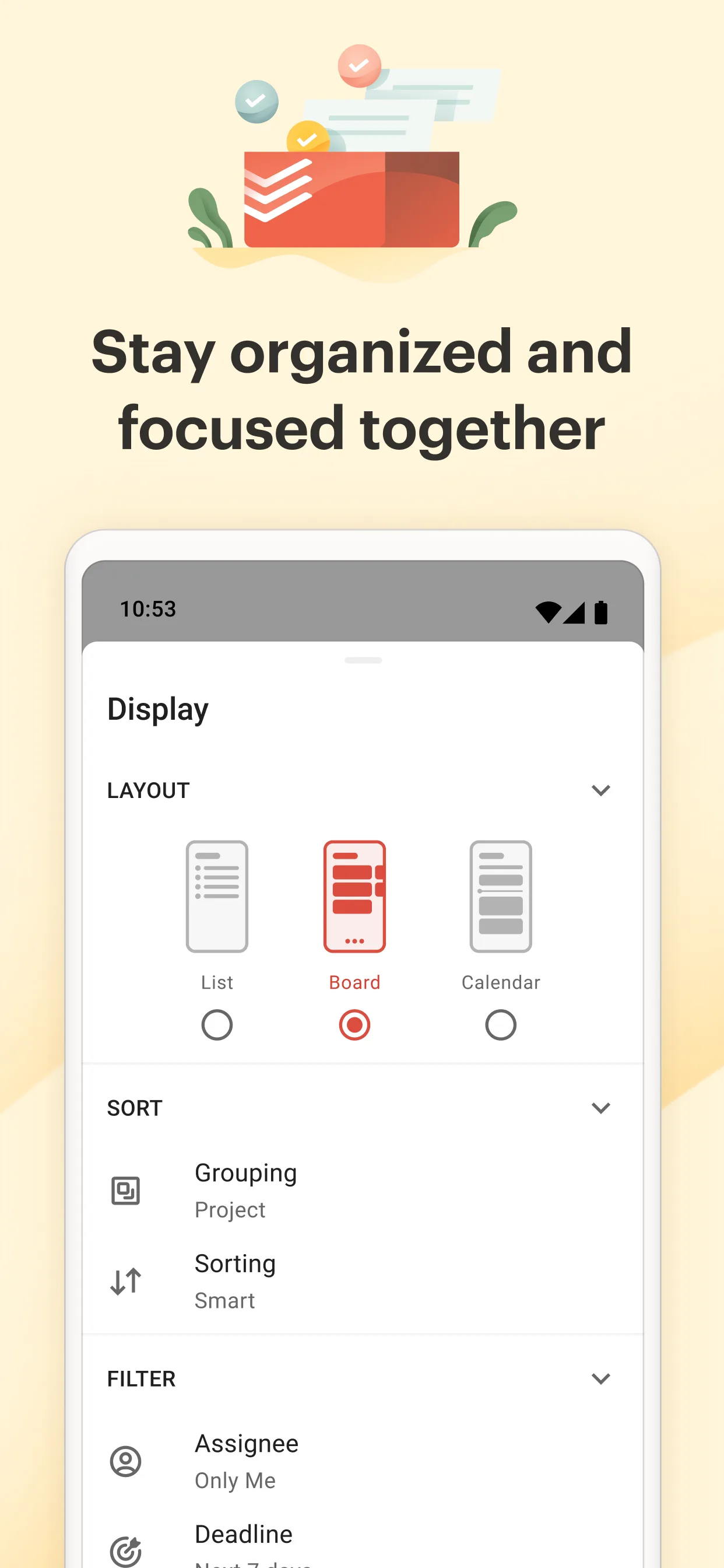
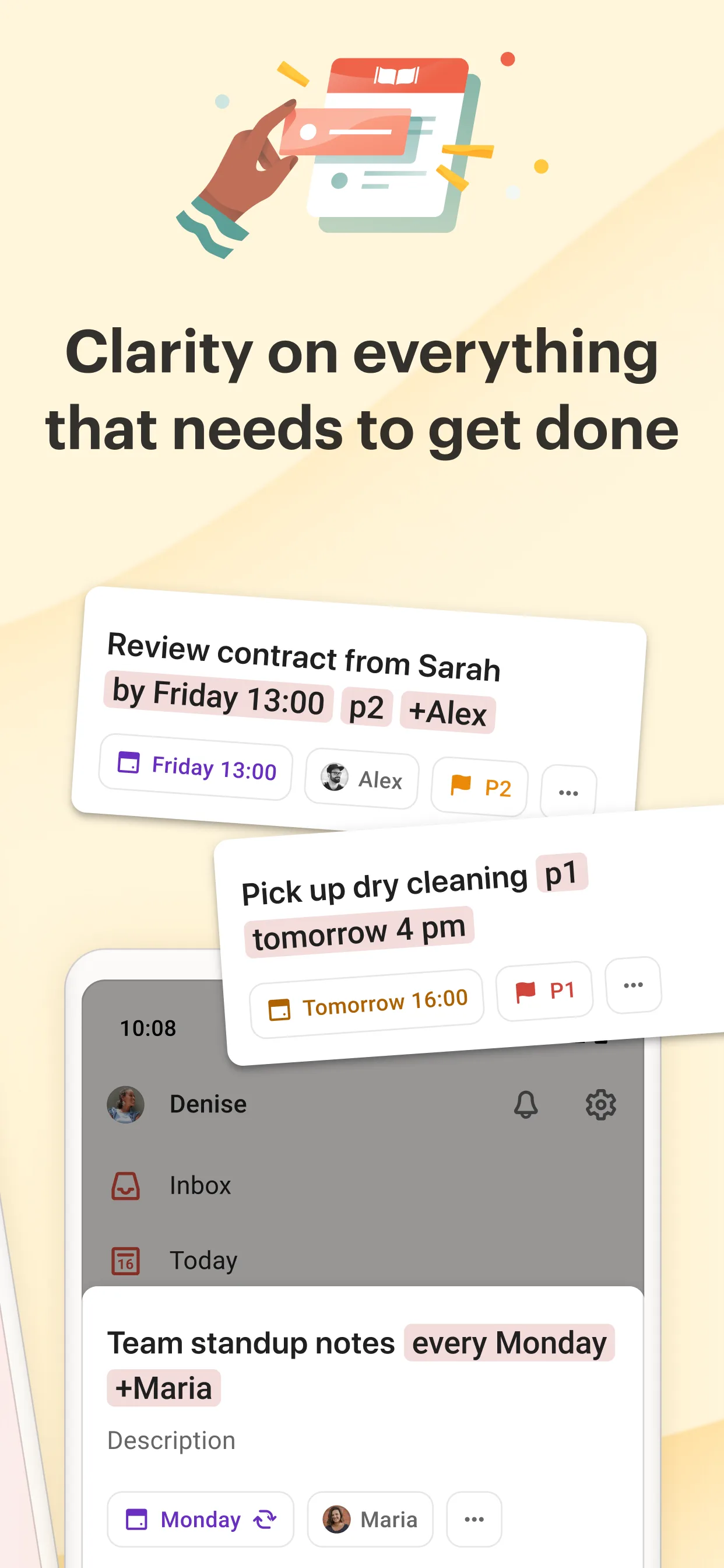
- The free Beginner tier caps you at ~5 active projects with limited reminders.
- Calendar integration and many automations sit behind the Pro plan (~$60/year).
- Some users simply prefer a calmer, less “gamified” interface, or want their data off a vendor cloud.
The best Todoist alternatives at a glance
| App | Price | Free tier | Best for |
|---|---|---|---|
| Microsoft To Do | Free | Full (MS account) | Microsoft 365 / Outlook users |
| Meow Todo | Free core + VIP (~$9.99/yr) | Generous core | Privacy, cute UI, CSV export |
| TickTick | Free + Premium $35.99/yr | Limited lists | All-rounder: calendar + pomodoro |
| Google Tasks | Free | Full (Google account) | Gmail / Calendar users |
| Things 3 | Paid, per platform | None | Best-designed Apple-only app |
| Notion | Free + paid tiers | Generous | Flexible all-in-one workspace |
| Any.do | Free + Premium ~$36/yr | Limited | Combined calendar + tasks |
1. Microsoft To Do — best for the Microsoft ecosystem
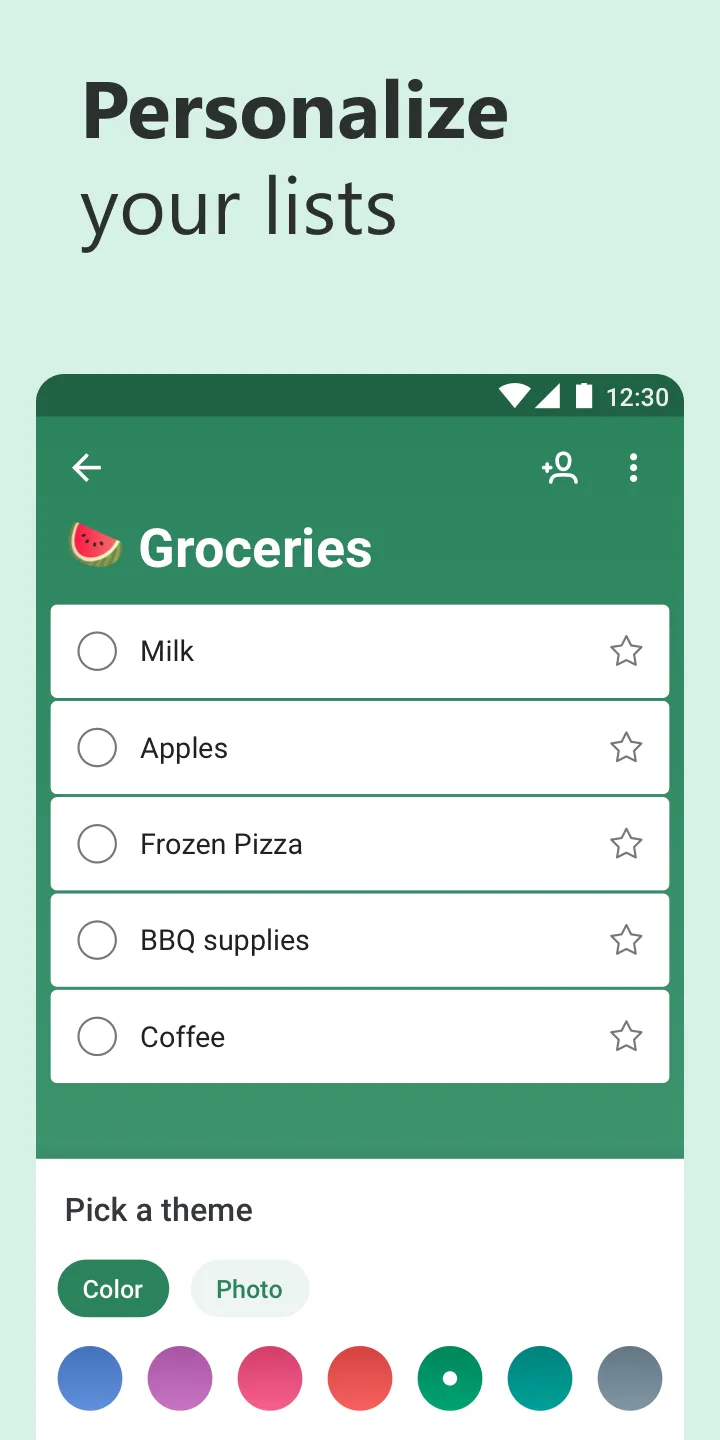
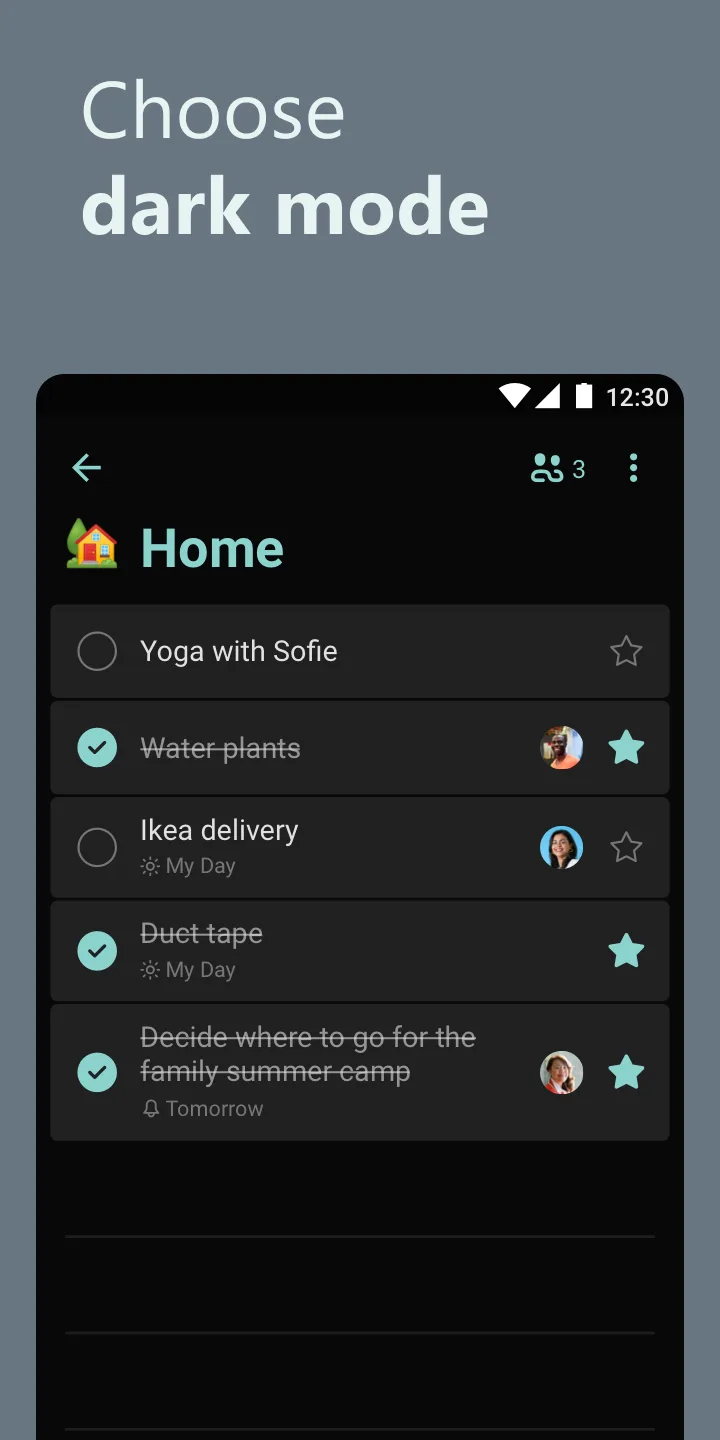
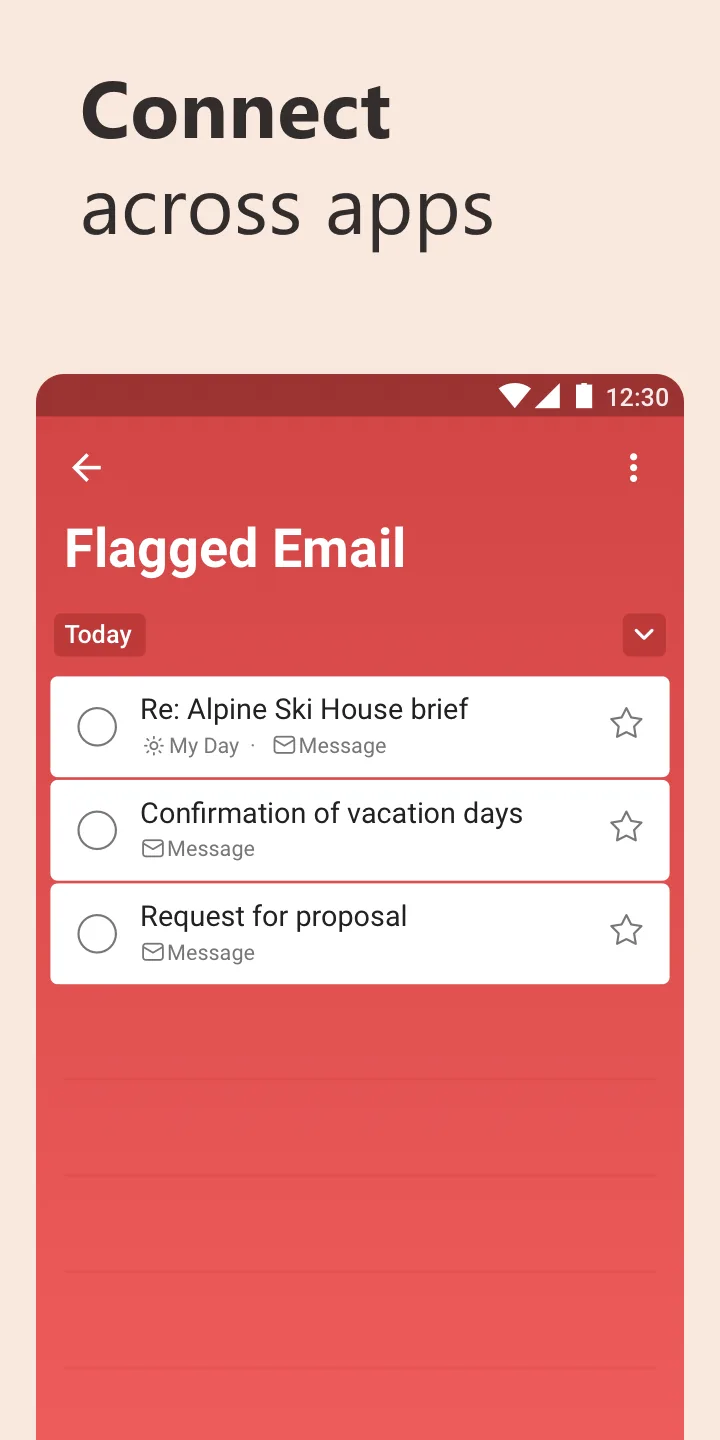
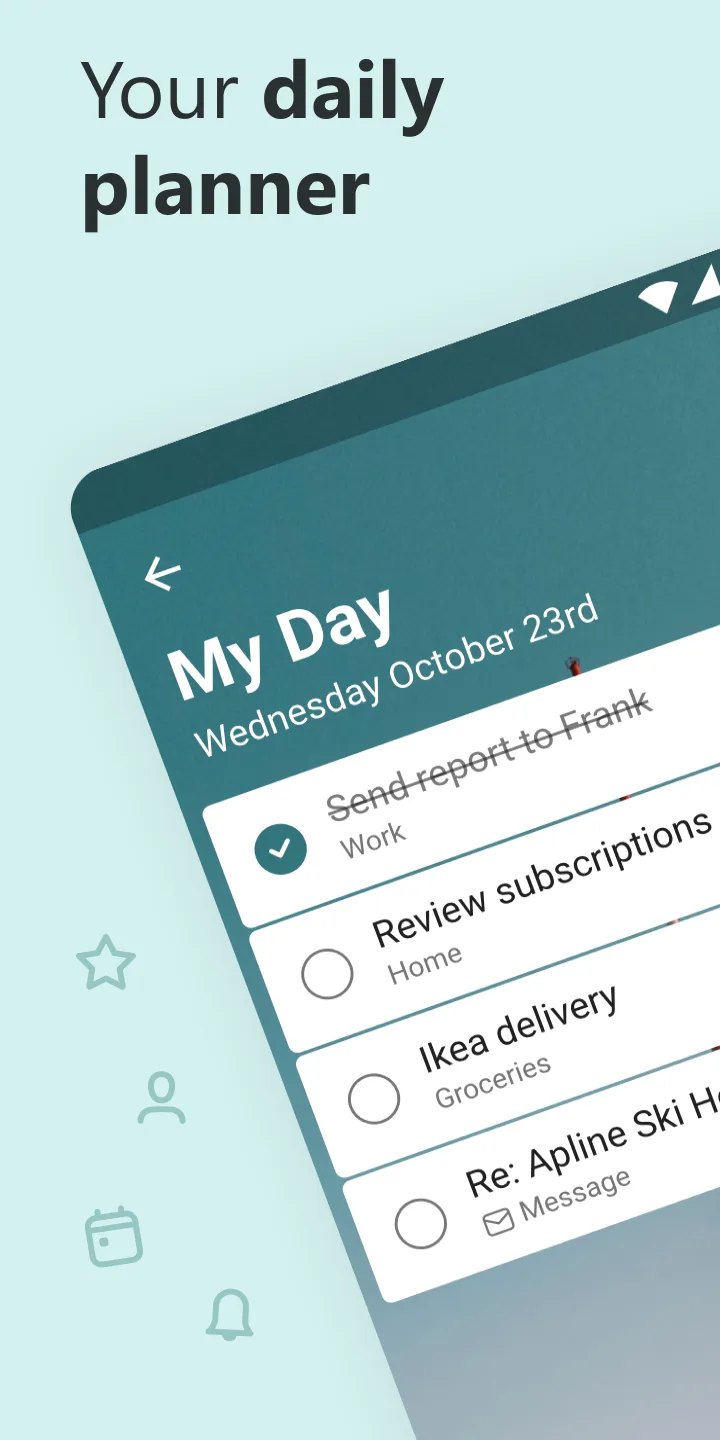

Microsoft To Do (built by the former Wunderlist team Microsoft acquired in 2015) is completely free and deeply tied to Outlook and Windows. It shines for anyone already in Microsoft 365.
Strengths
- Fully free across iOS, Android, Windows, macOS, and web, with 34-language support.
- Deep Outlook / Microsoft 365 integration — flagged emails become tasks, and it shares the same engine as Outlook tasks.
- Clean My Day planning, shared lists, subtasks, file attachments, and due-date reminders.
- Backed by Microsoft, so sync and reliability are solid.
Weaknesses
- Basic feature set — no built-in calendar view, no pomodoro or habit tracking, and natural-language date entry is limited versus TickTick or Things.
- Tightly coupled to a Microsoft account; less compelling if you’re outside that ecosystem.
- No collaboration beyond shared lists, and no advanced project or GTD structures.
Best for: Microsoft 365 / Outlook users who want a free, dependable daily task list without learning a new system.
Download Microsoft To Do
2. Meow Todo — best for privacy, a delightful interface, and a free core
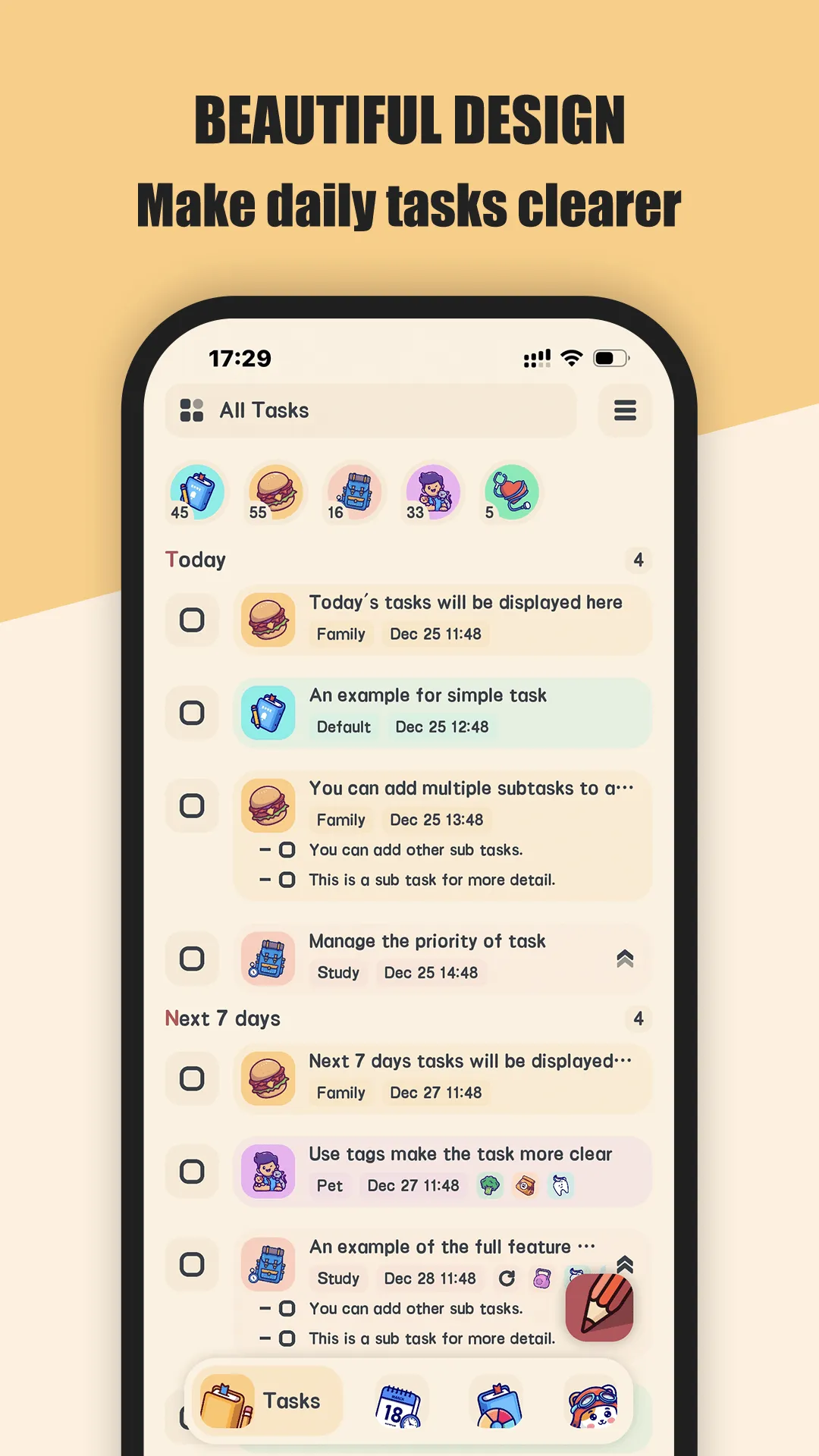
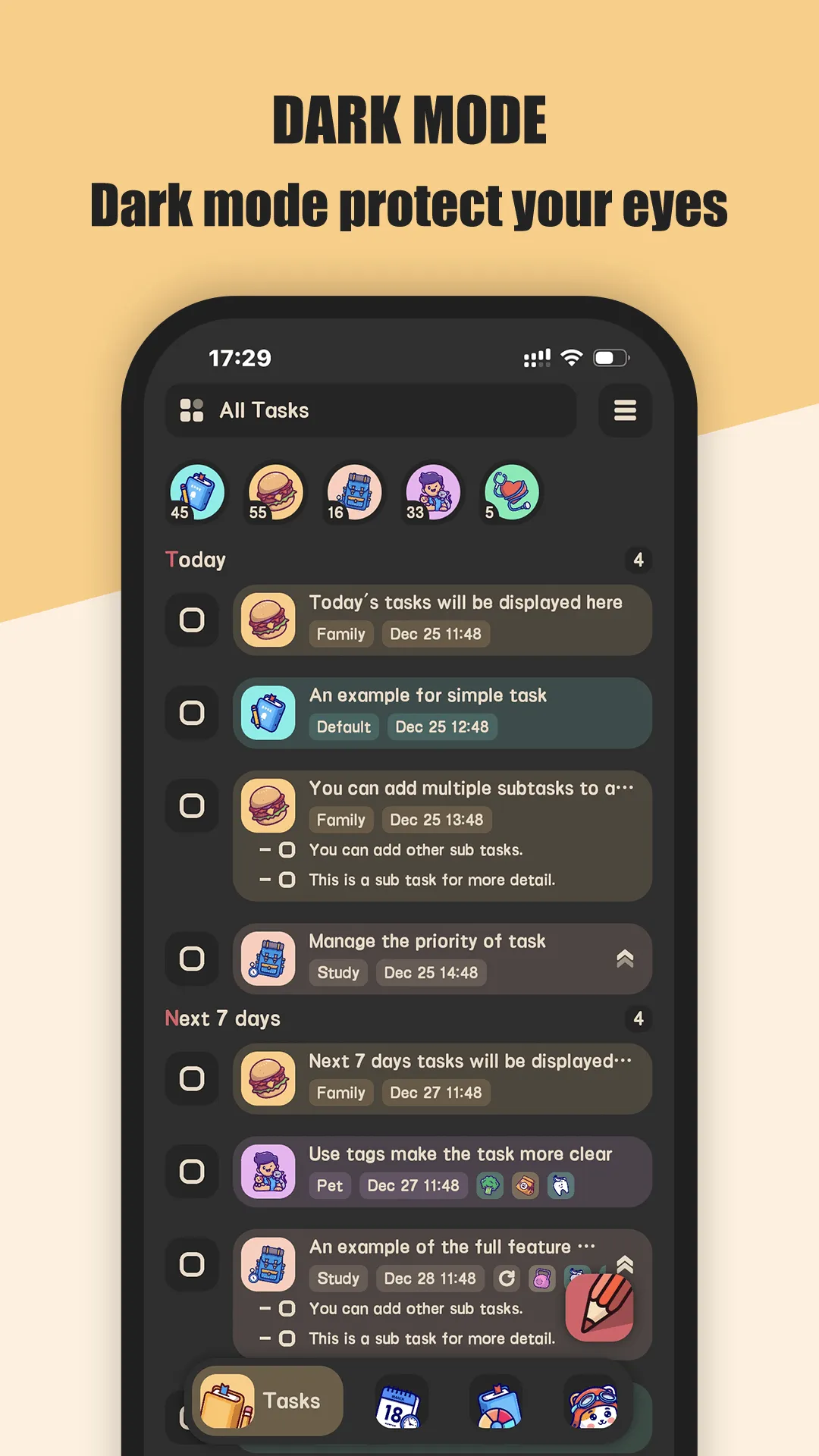
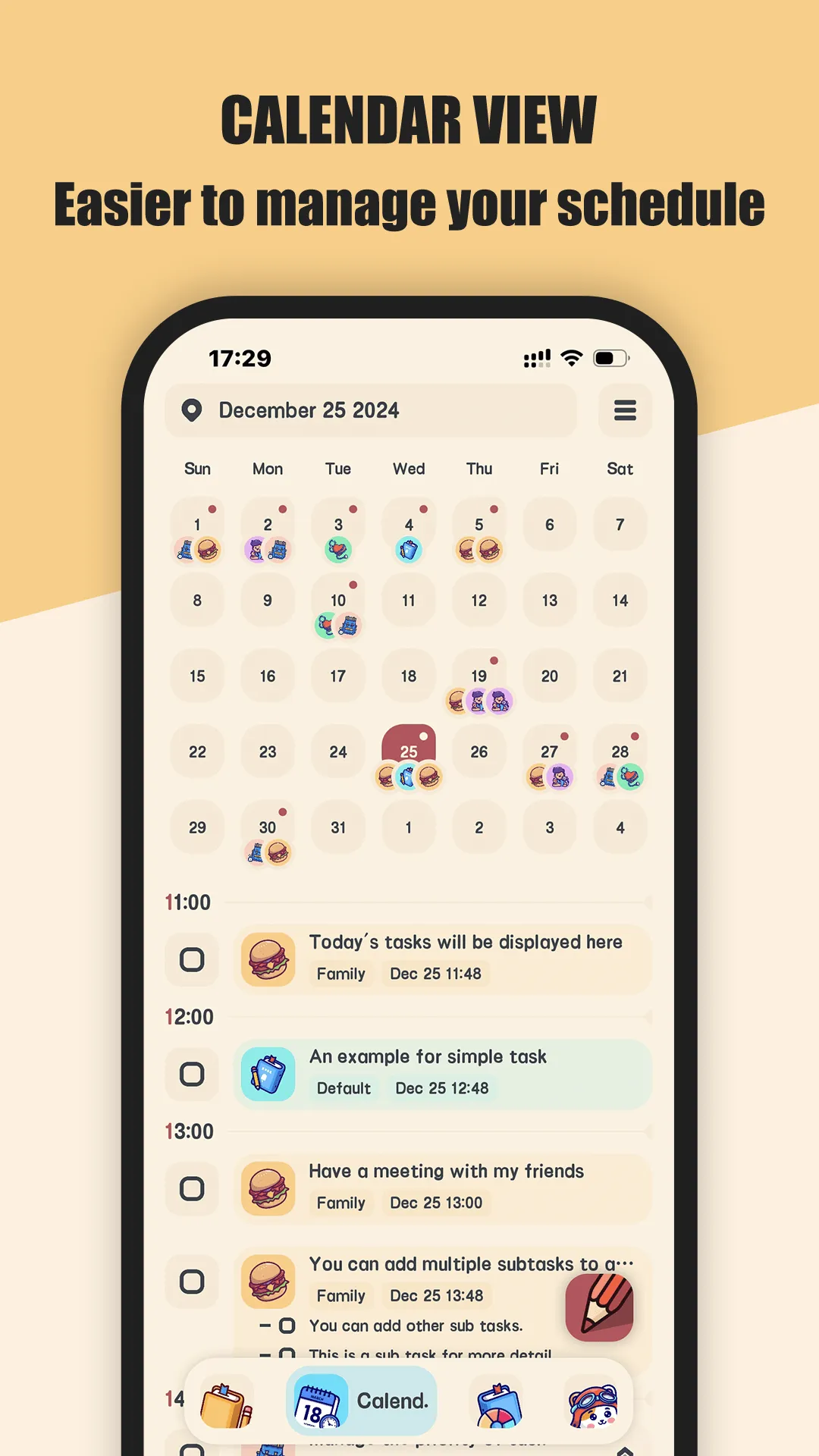
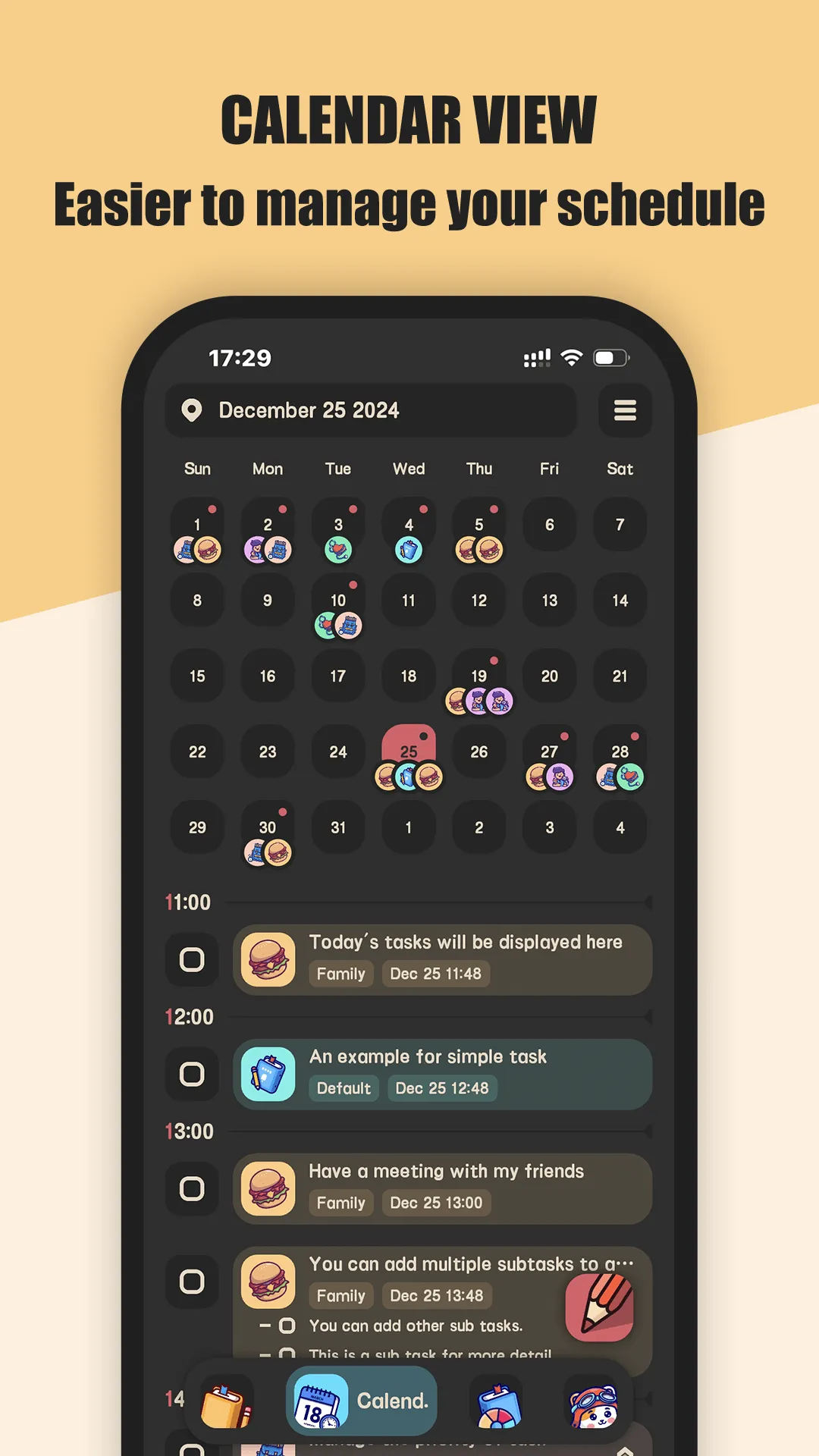
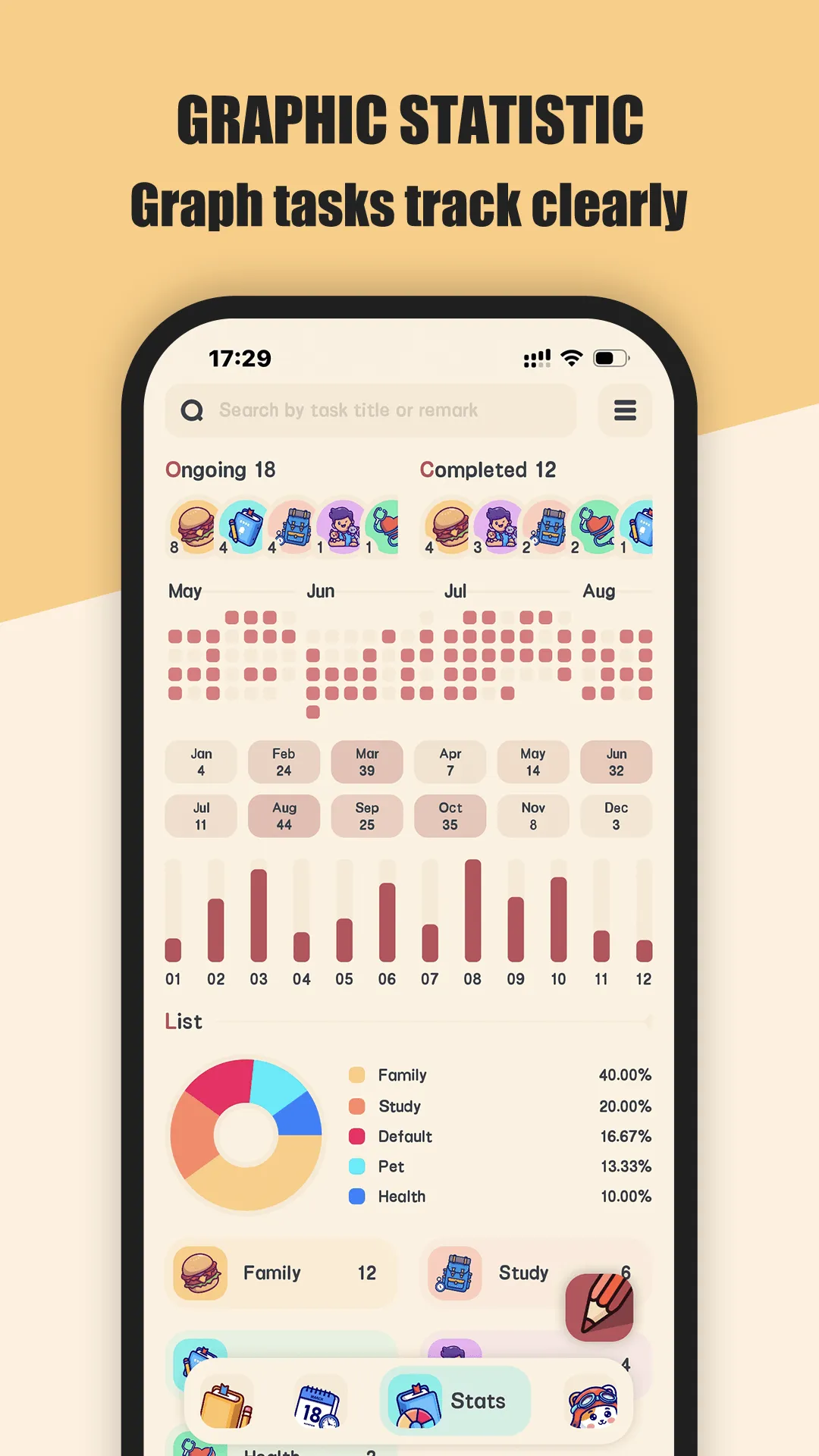
Meow Todo List is a cat-themed task manager for Android and iOS. Its standout trait is the interface: a cute, cartoon-style design with 400+ rich category icons that make daily planning feel light rather than like office work. Beyond looks, it covers the practical to-do basics.
Strengths
- Beautiful, cartoon UI with 400+ custom icons — the clearest differentiator; logging tasks is visually rewarding.
- Lists, subtasks, and a calendar view (daily / weekly / monthly) so you can see upcoming work at a glance.
- CSV export (all tasks or a date range) for Excel, plus iCloud / WebDav backup — your data leaves your control only when you choose.
- No account required — tasks stay on your device with an optional fingerprint lock, which is rare among mainstream to-do apps.
- Recurring tasks, due-date reminders, dark/light mode, and task charts (pie + contribution graph).
Weaknesses
- No automatic cross-platform cloud sync — sync is iCloud (Apple) or WebDav, not a dedicated account, so moving between an Android phone and iPhone is less seamless than account-based apps.
- Advanced features (e.g., unlimited lists / richer charts) sit behind a low-cost VIP (~$0.99/mo or $9.99/yr); the free core covers everyday tracking.
- No collaboration or shared-list support, and a smaller ecosystem than the big players.
Best for: people who want clear, private task tracking without a cloud account, who value a friendly interface, and who don’t mind light manual setup.
Download Meow Todo List
3. TickTick — best all-rounder
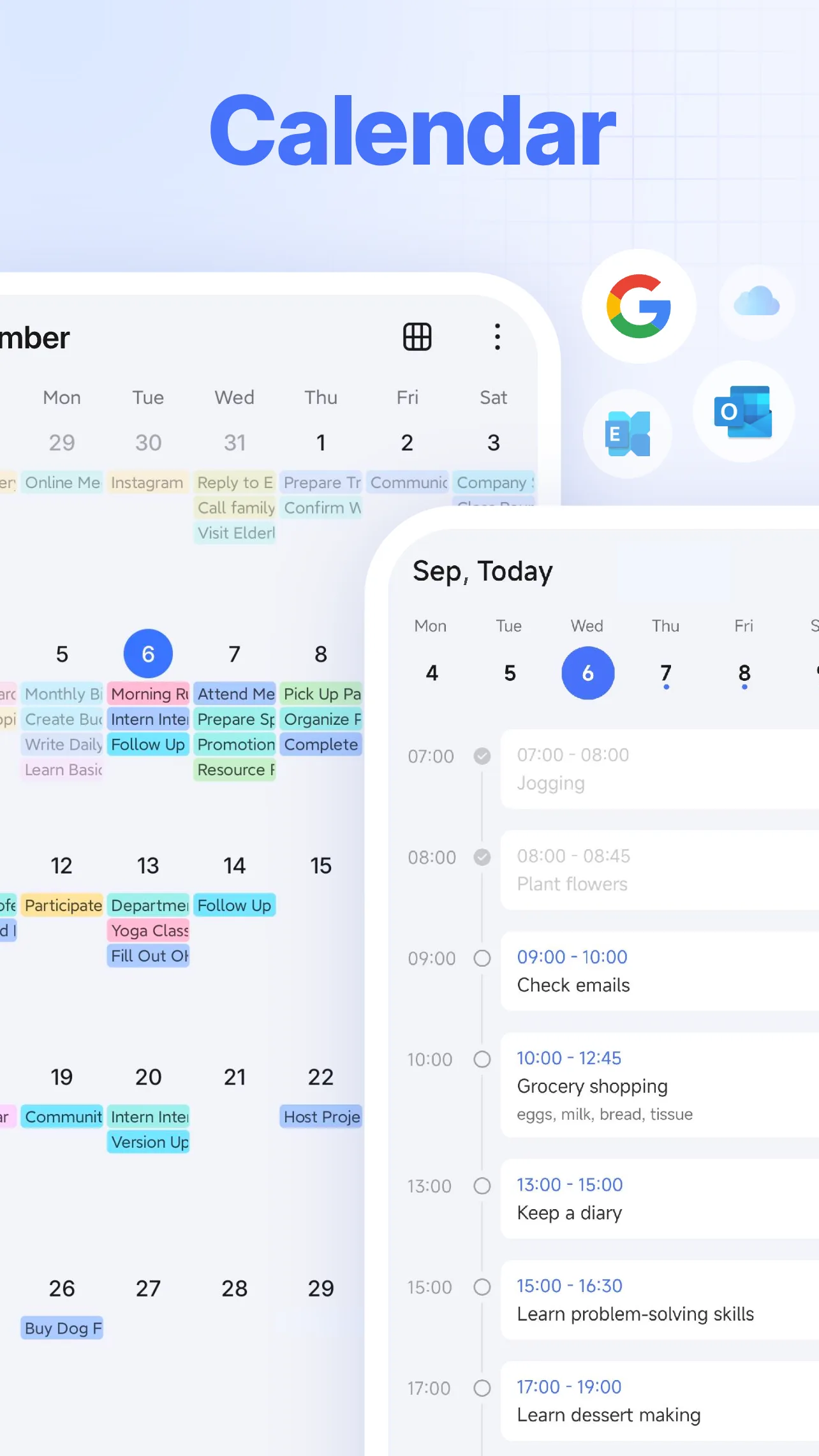
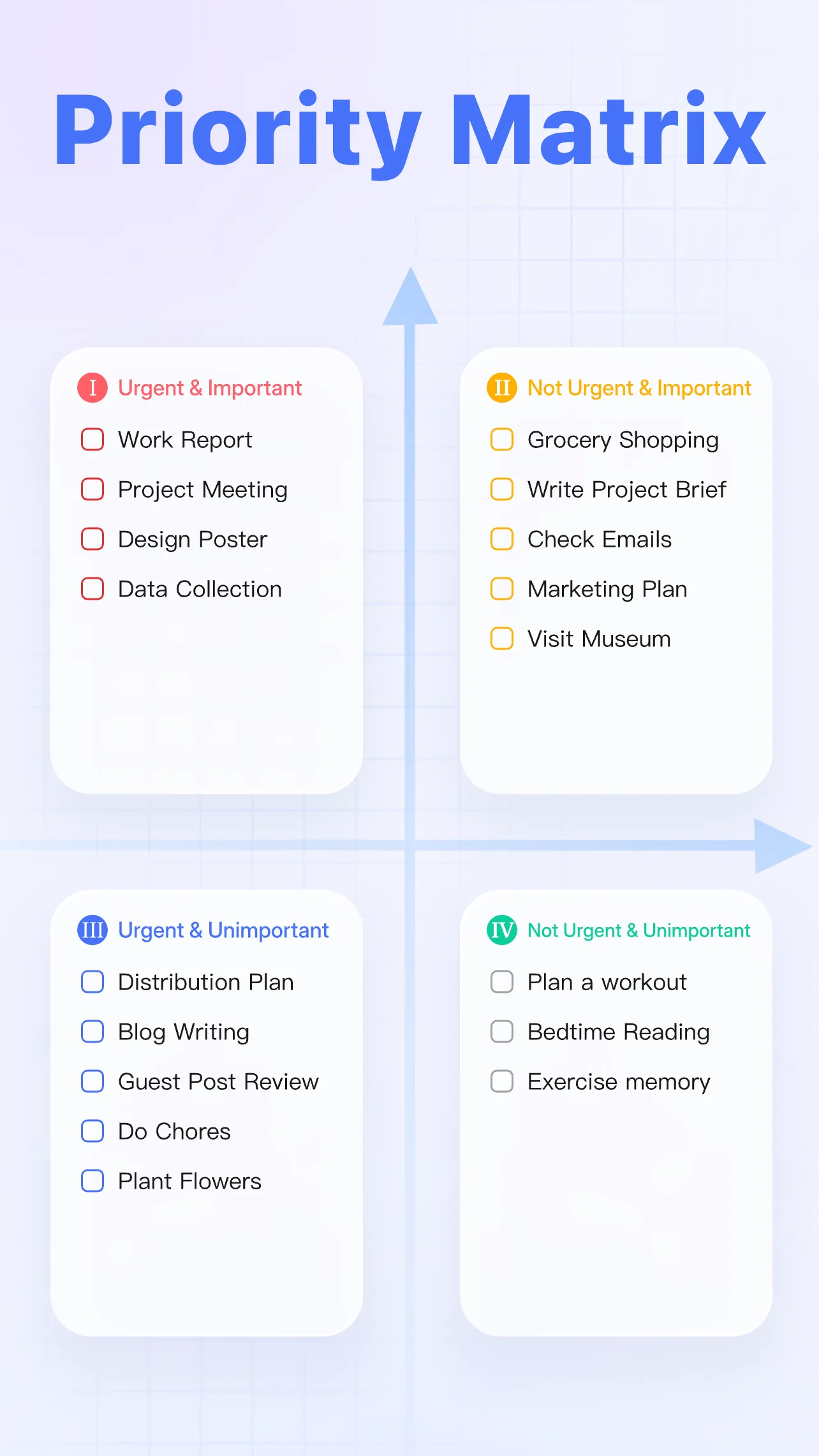
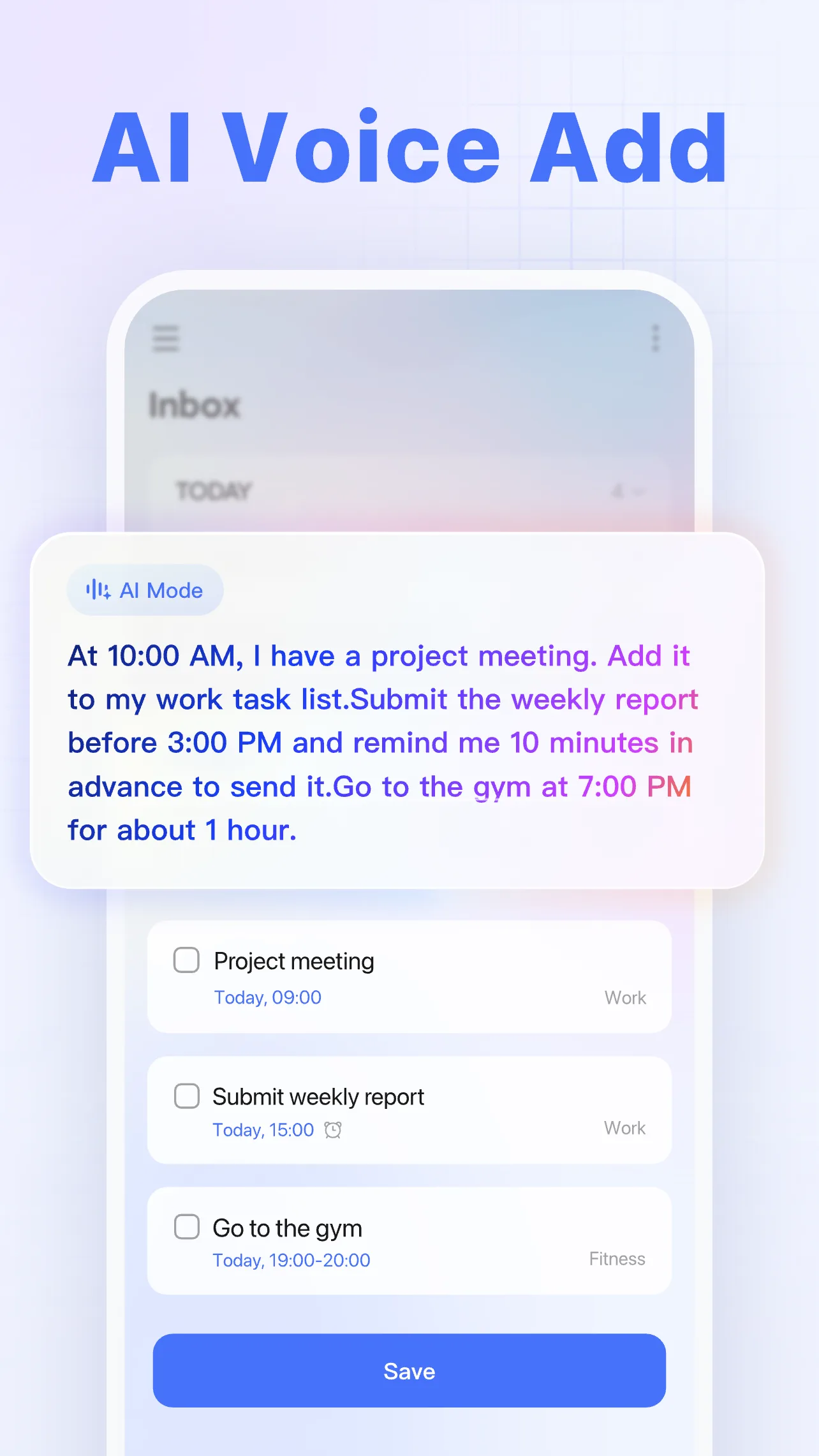
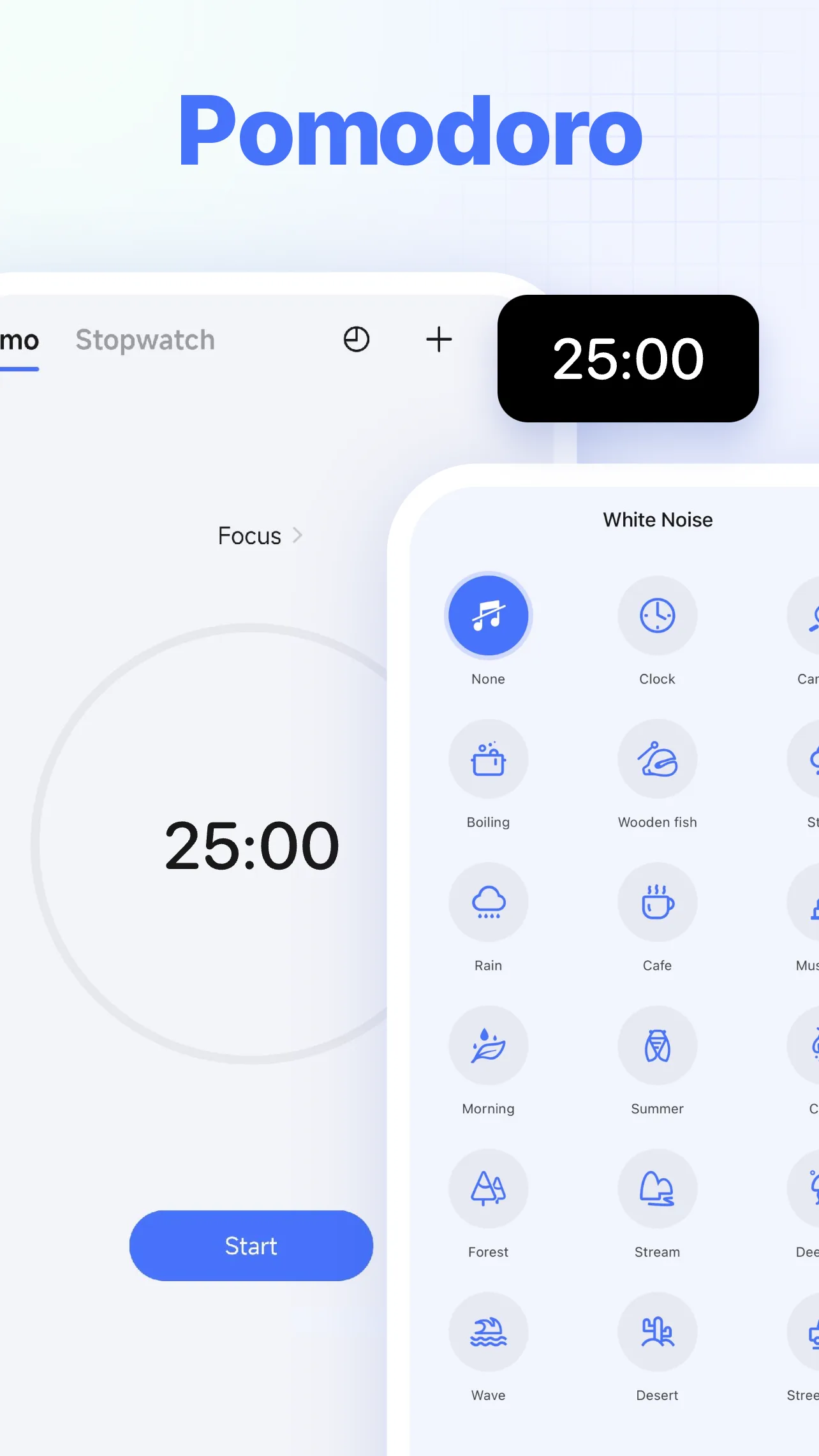
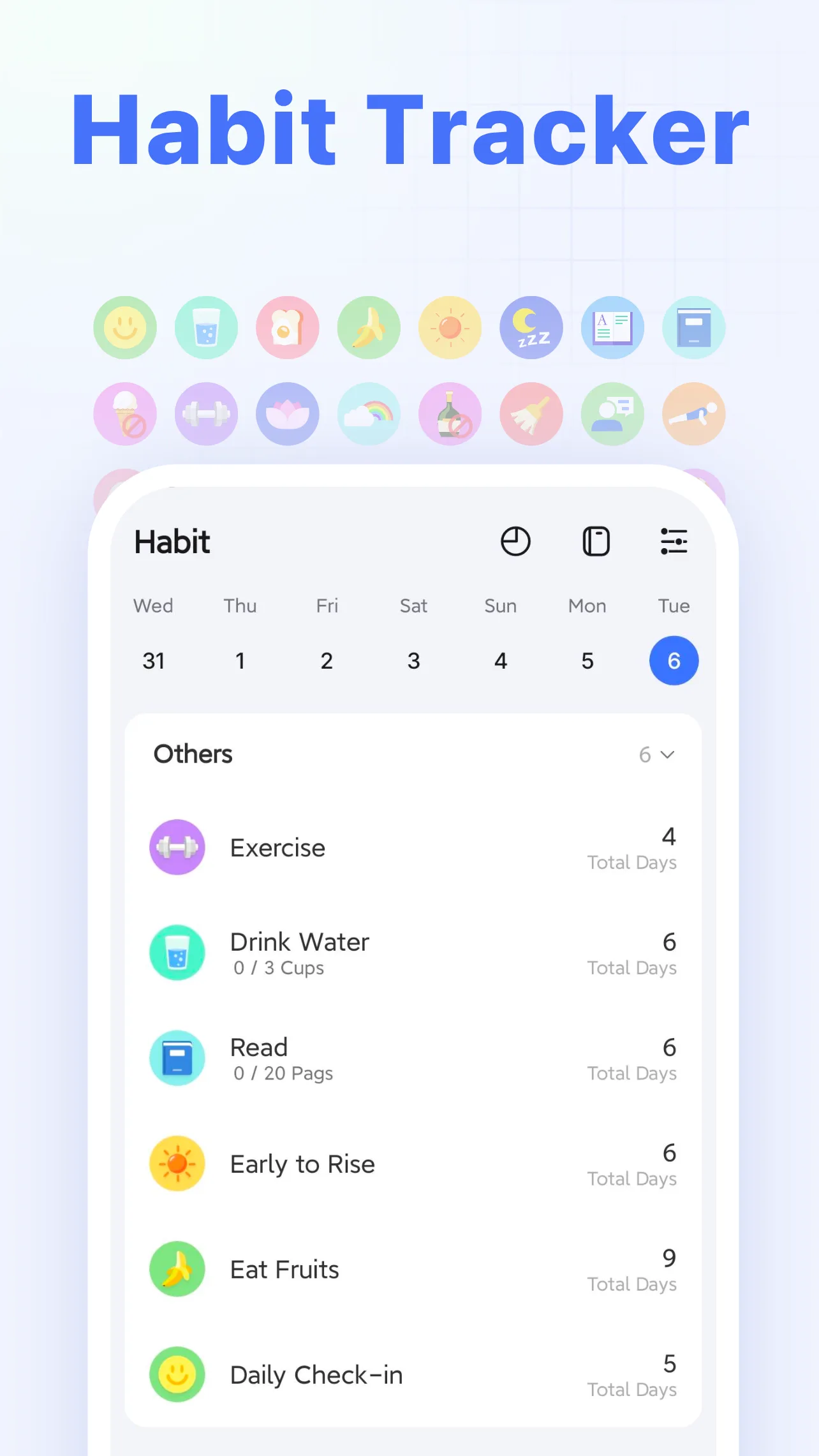
TickTick is a strong task manager with a built-in calendar, pomodoro timer, and habit tracker. It packs more features than most alternatives and undercuts Todoist Pro on price.
Strengths
- Built-in calendar + pomodoro + habit tracking in one app — less need to bolt on extras.
- Smart date recognition (natural-language “every mon 9am”) and voice input make capture fast.
- Rich views: list, calendar grid, timeline (premium), tags, priority, and location-based reminders.
- Cheaper Premium ($35.99/yr) than Todoist Pro, with sync across web, iOS, Android, Windows, and Mac.
Weaknesses
- Free tier is limited — a capped number of lists/tasks and only one calendar view; history and some reminders need Premium.
- The breadth of features can make the UI feel busy for users who want something minimal.
- Collaboration is lighter than Notion’s; shared lists exist but no deep team workflows.
Best for: users who want power features (calendar + pomodoro + habits) without paying Todoist-level prices.
Download TickTick
4. Google Tasks — best for Gmail and Calendar users
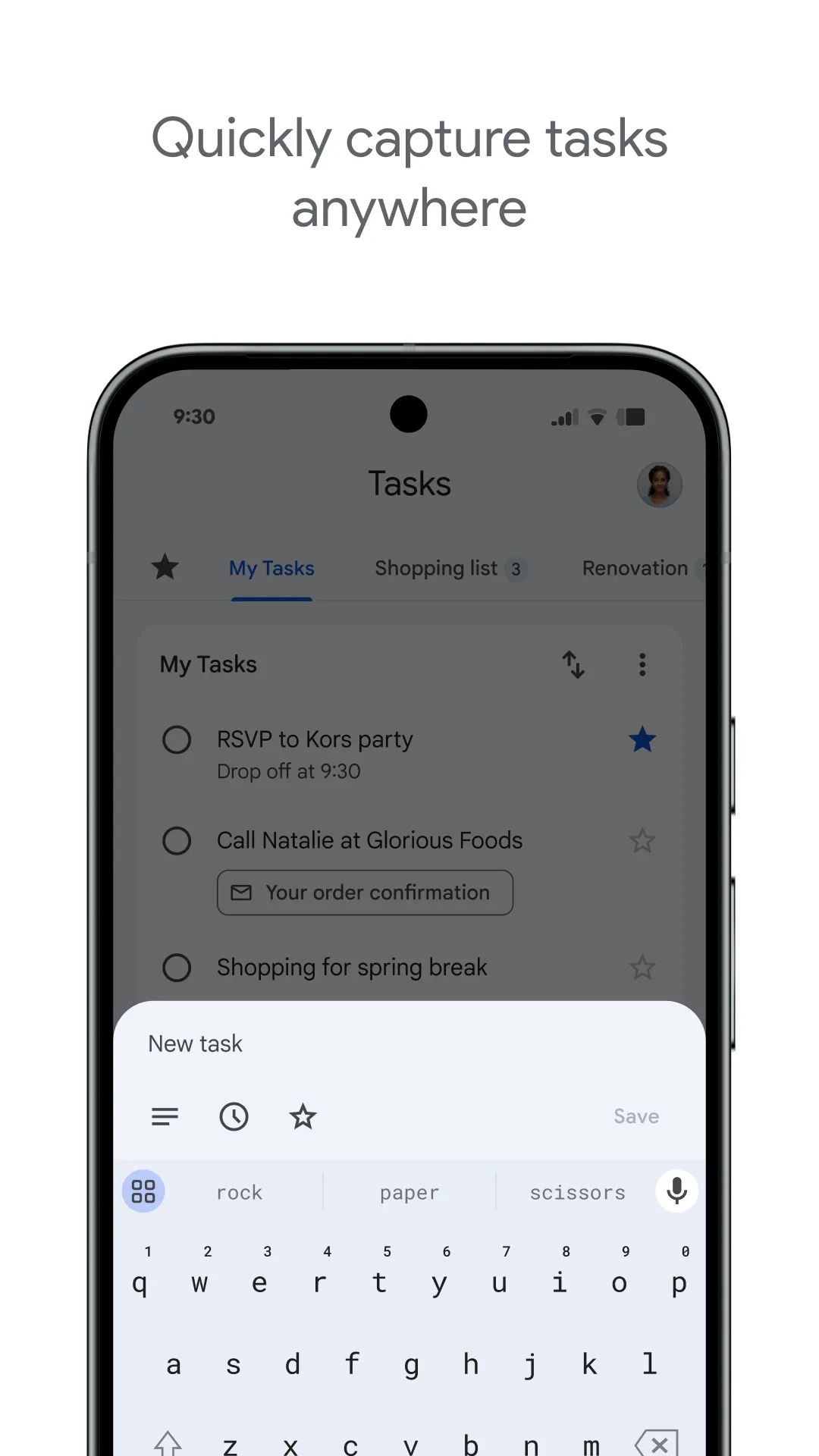
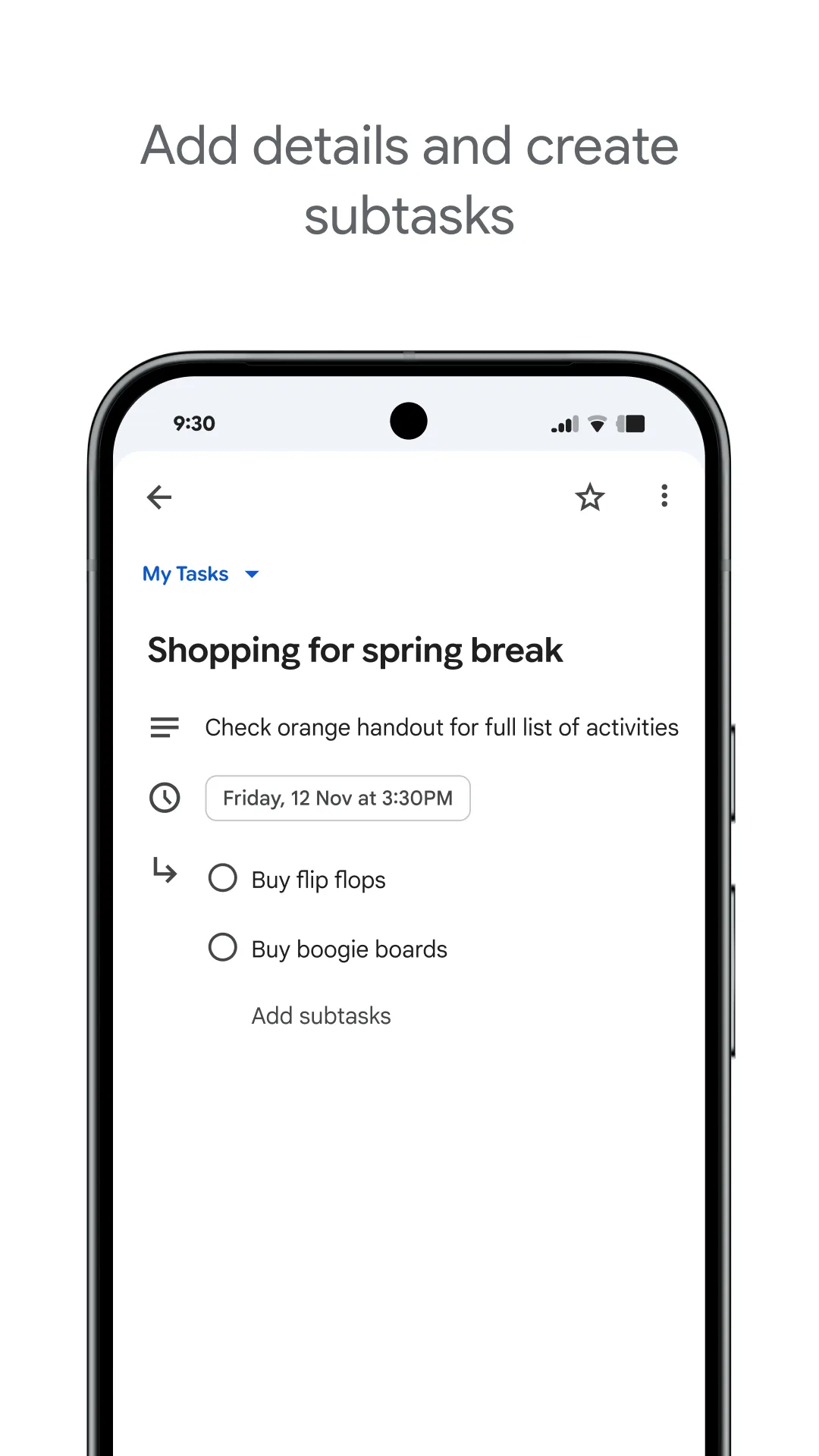
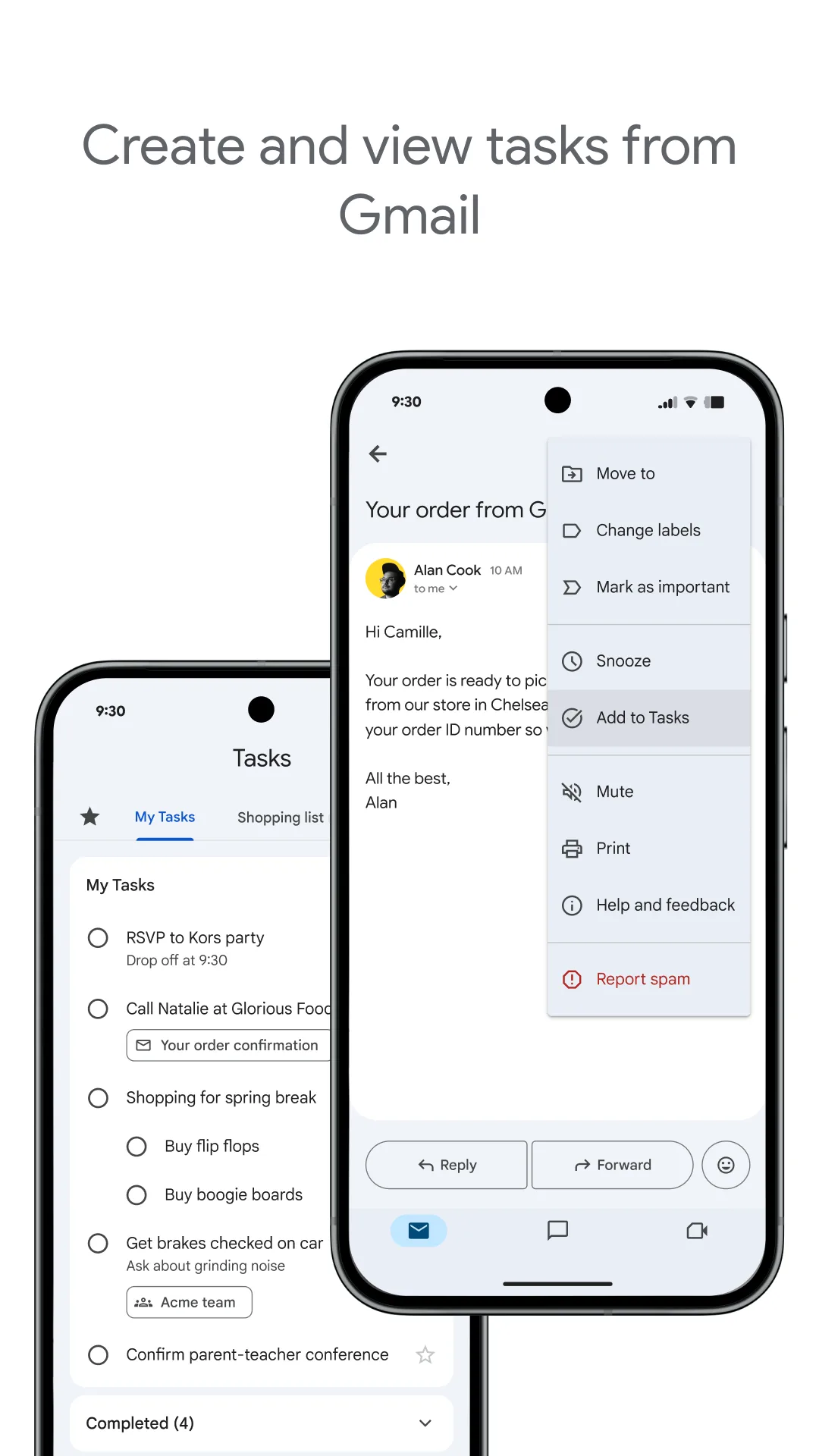
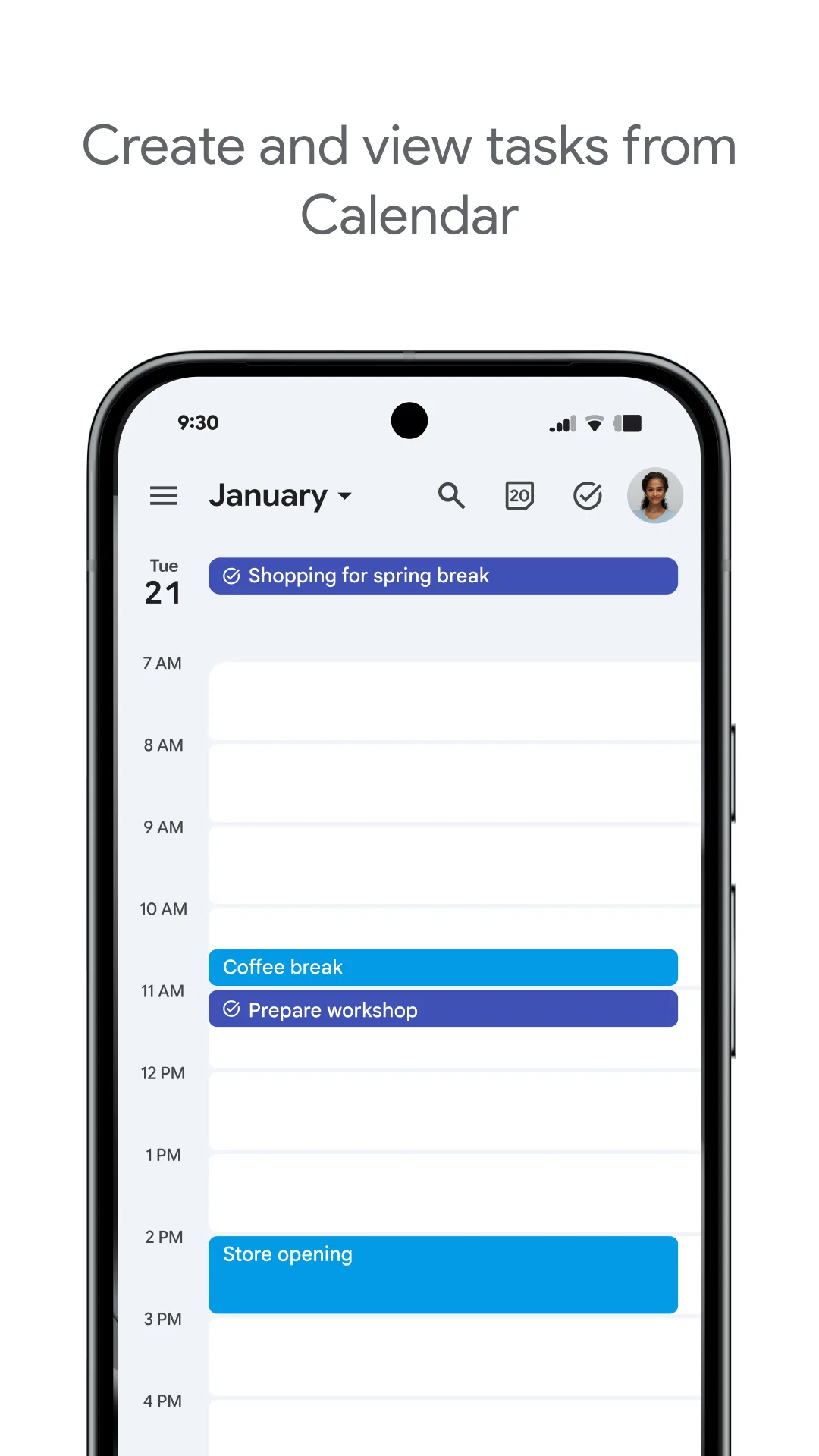
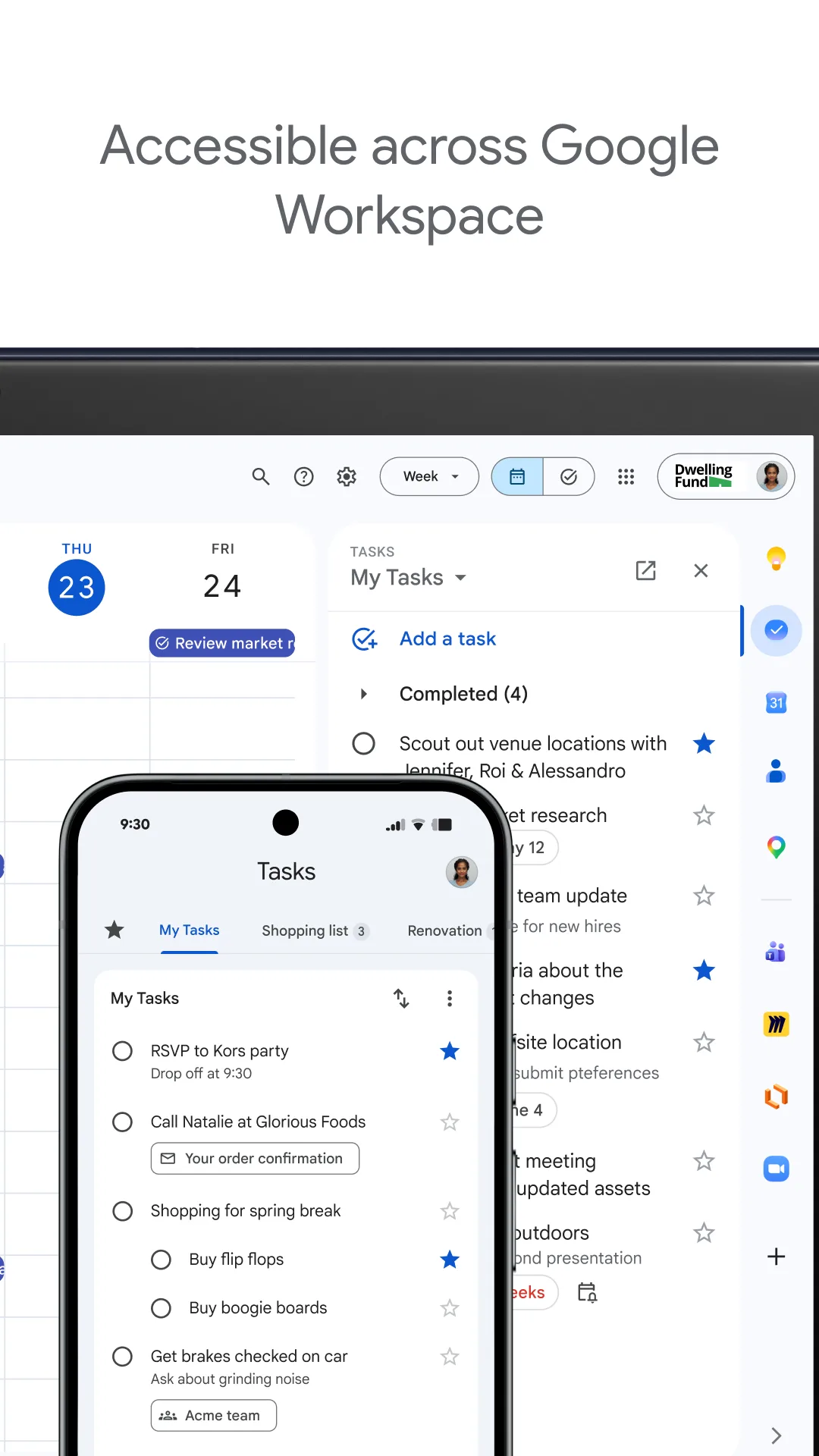
Google Tasks is the lightweight task tool baked into Gmail and Google Calendar. It’s minimal by design and free with any Google account.
Strengths
- Free and instantly available — already in Gmail, Calendar, Drive, and the dedicated apps (Android, iOS, web).
- Tight Google Calendar sync — tasks with due dates appear on your calendar automatically.
- Simple, fast capture; multiple lists; one level of subtasks; basic reminders.
Weaknesses
- Very minimal — only one level of subtasks, no rich views, no natural-language parsing, no pomodoro or habits.
- Reminders are basic (due-date based); no location-based or voice capture.
- No real offline-first mode and limited collaboration (only Google-shared lists); weak for complex projects.
Best for: Gmail / Google Calendar users who want a no-friction task list and nothing more.
Download Google Tasks
5. Things 3 — best-designed, Apple-only
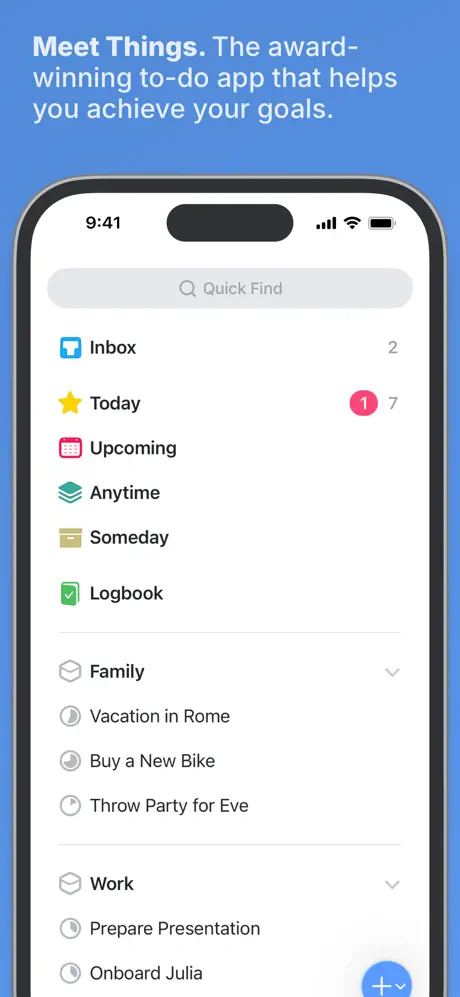
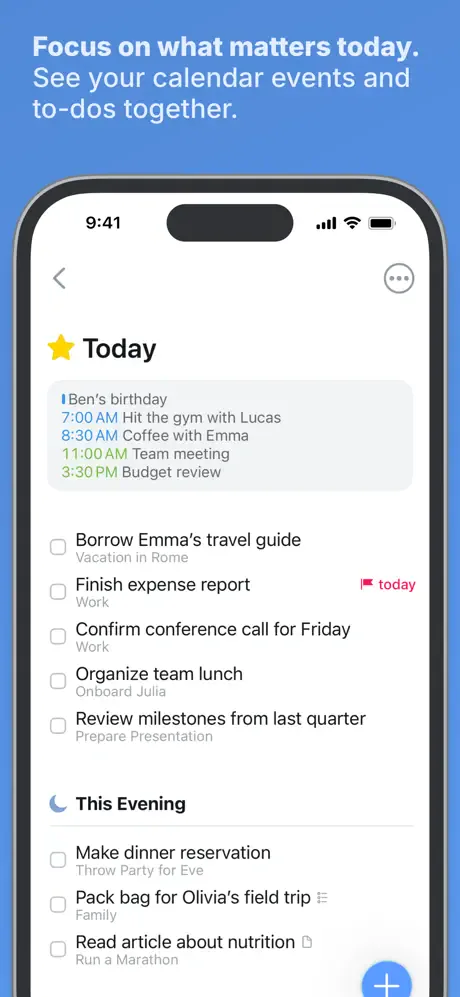
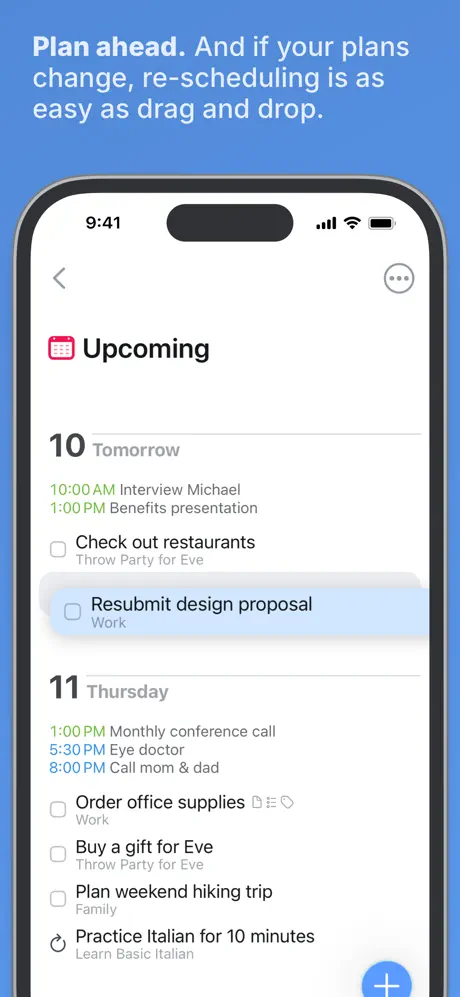
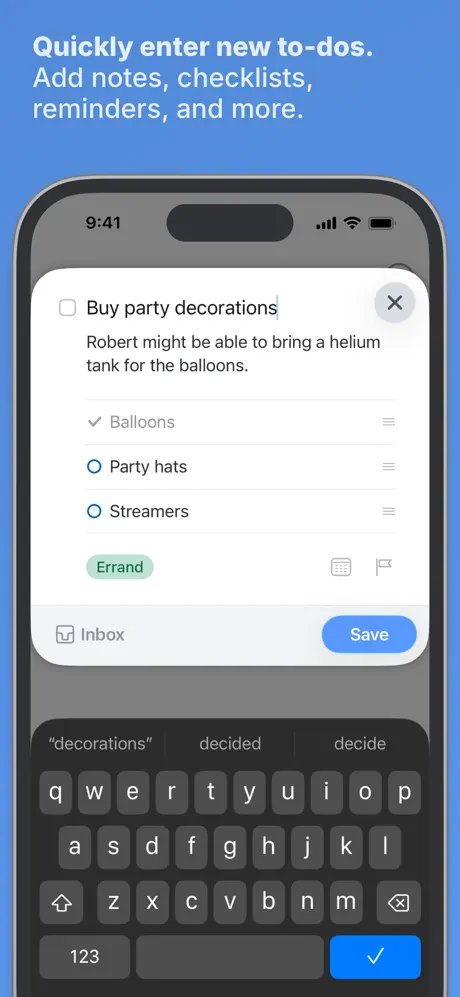
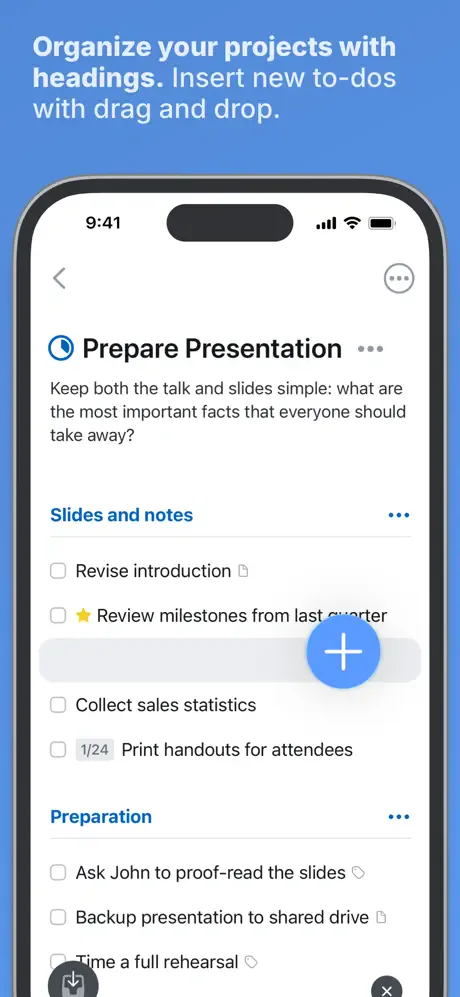
Things 3 (by Cultured Code) is widely praised as the best-looking to-do app, with a GTD-friendly model (Inbox, Today, Upcoming, Anytime, Someday, Projects, Areas, tags). It runs only on Apple devices.
Strengths
- Best-in-class design and UX — fast, calm, and intuitive; quick entry and natural-language scheduling.
- Powerful GTD structure — projects, areas, repeating tasks (with early-complete and reschedule), deadlines, and links to notes/URLs.
- One-time purchase, no subscription, with deep Apple integration (Siri, Reminders import, Handoff).
- Sync via iCloud across iPhone, iPad, and Mac.
Weaknesses
- Apple-only — no Android, no web/Windows client, which rules it out for mixed-device households.
- No collaboration or shared lists, and no built-in pomodoro or habit features.
- Paid upfront per platform (iPhone / iPad / Mac sold separately), and no free tier to try before buying.
Best for: Apple-only users who want the most polished, distraction-free task manager and prefer a one-time purchase.
Download Things 3
6. Notion — best flexible all-in-one workspace
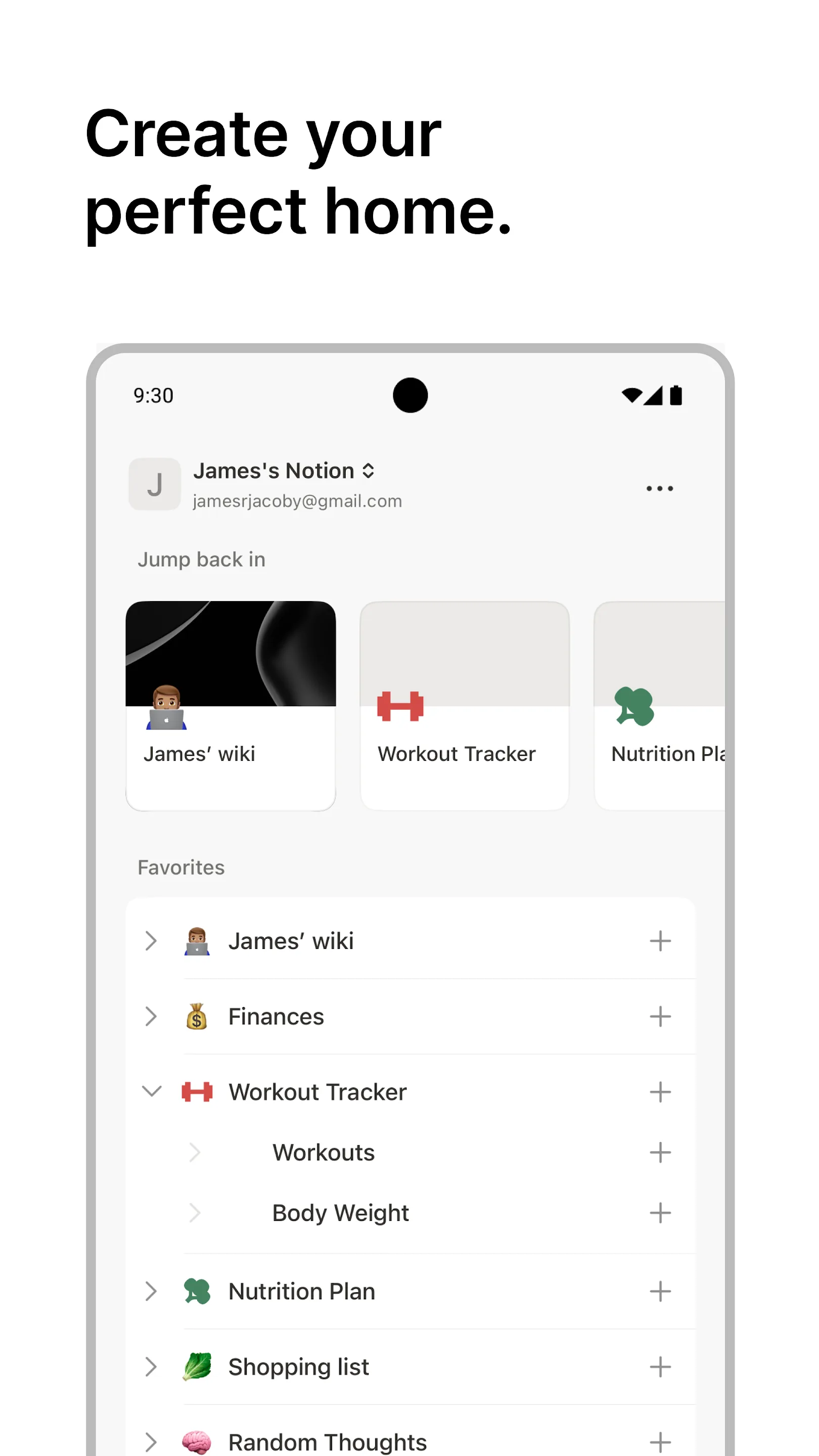
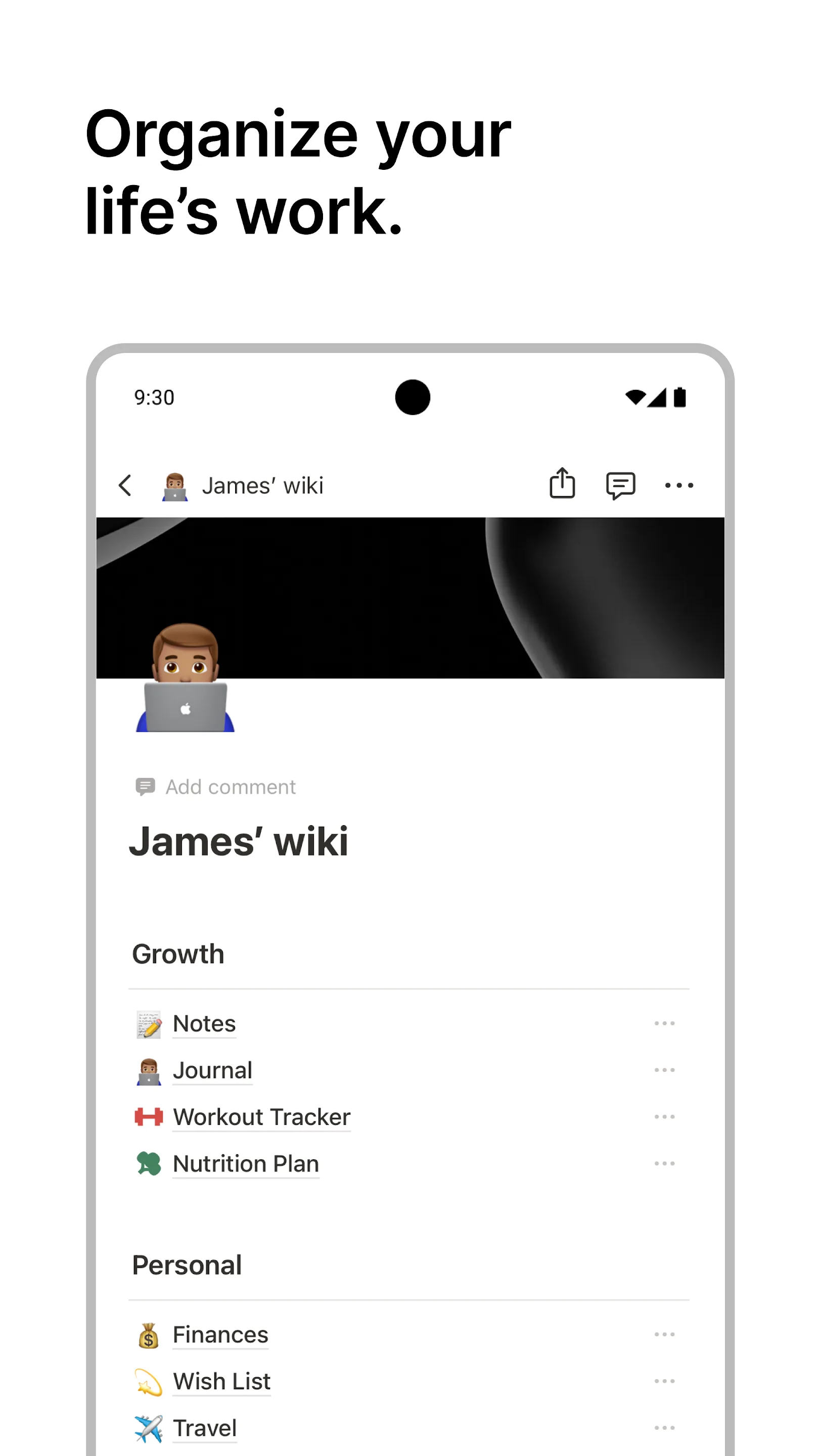
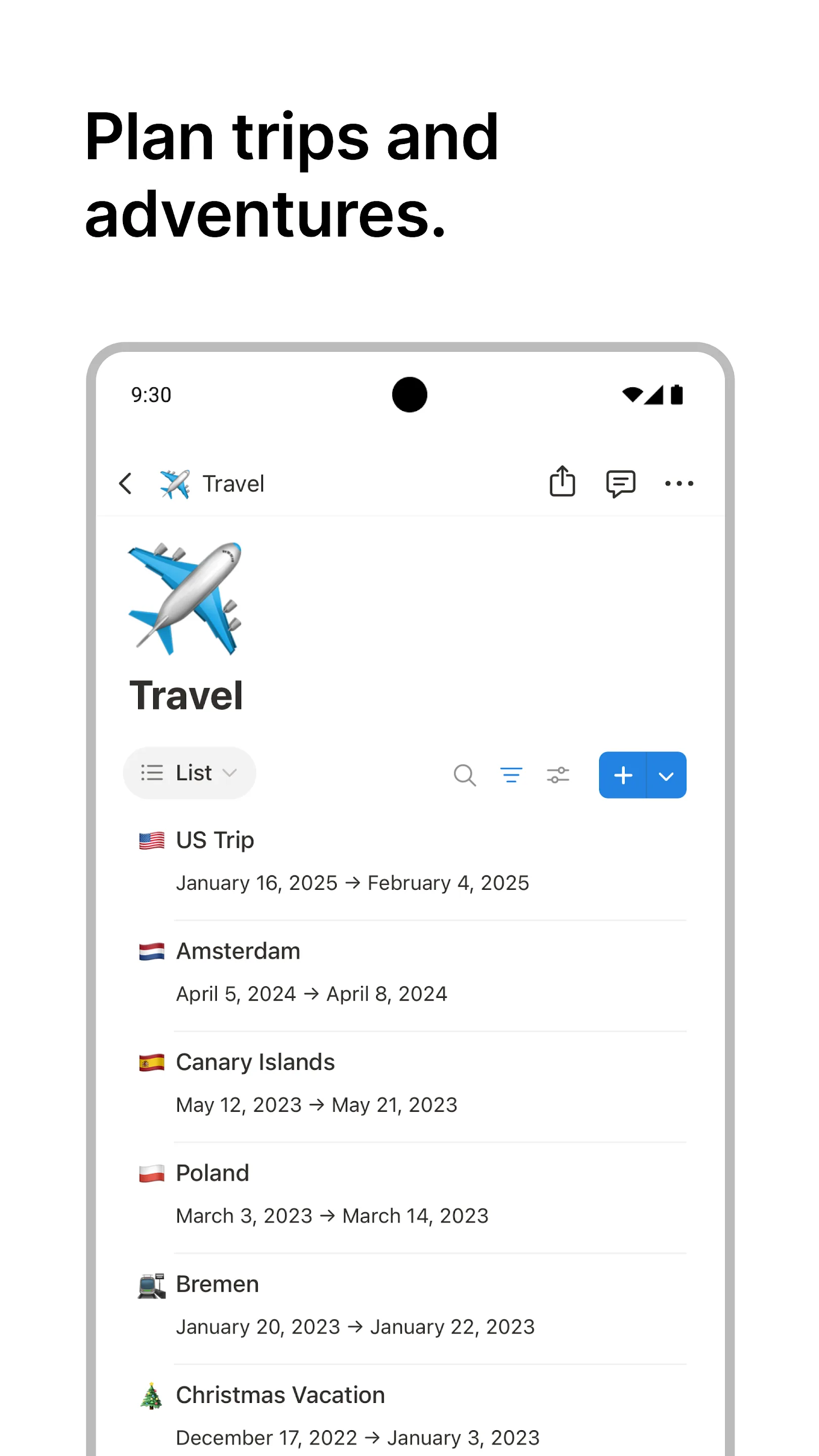
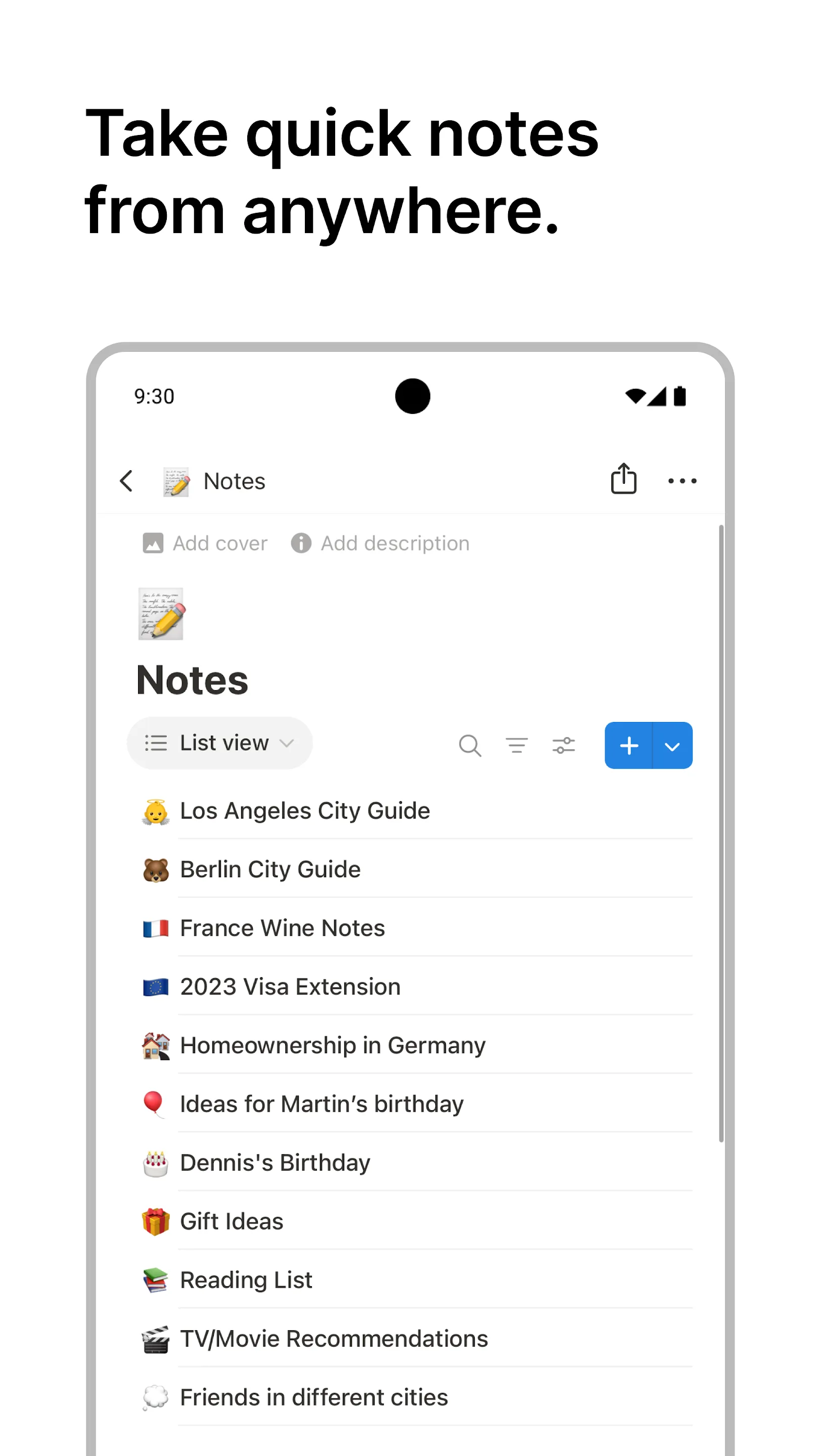
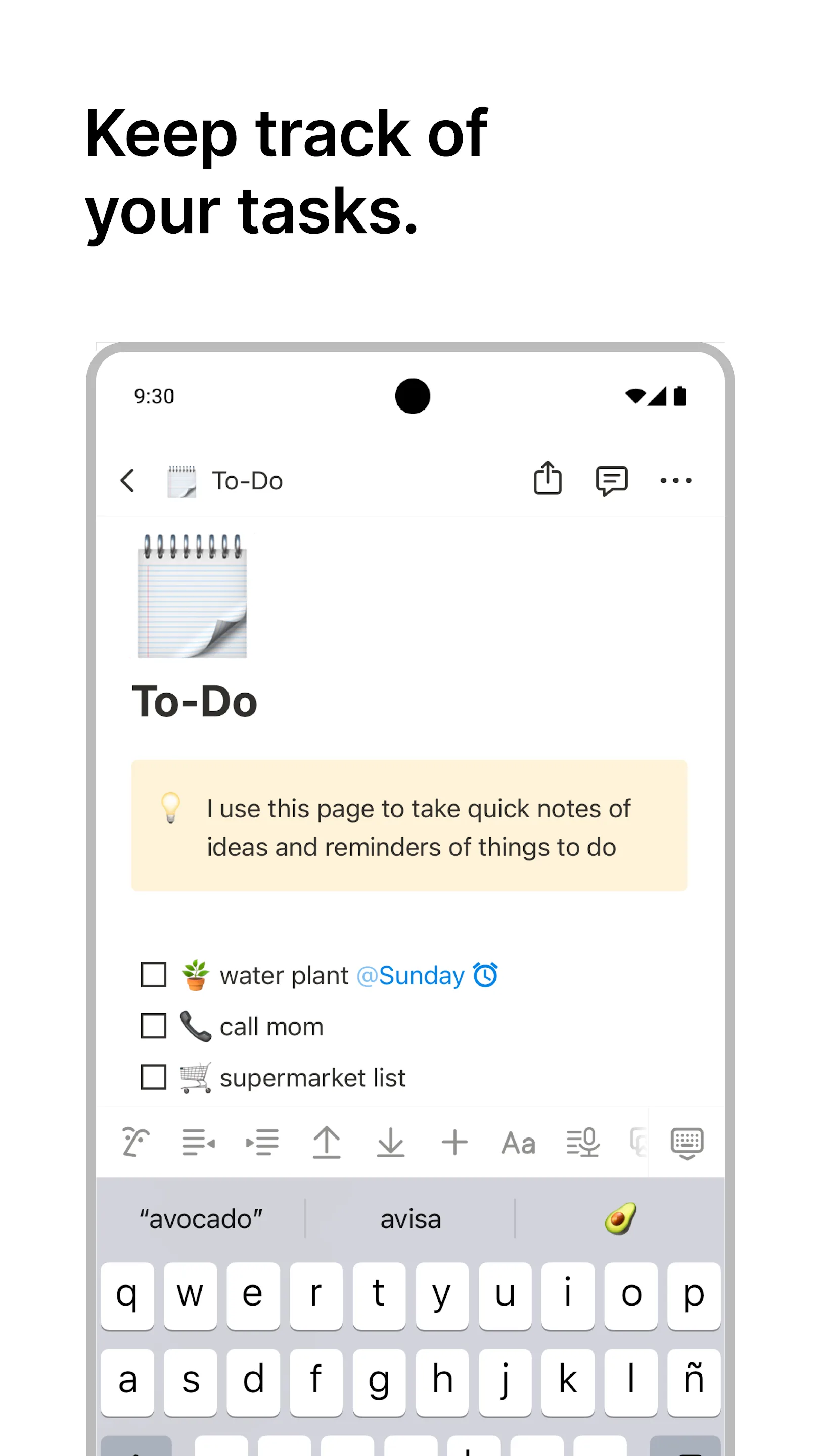
Notion is a notes/docs/database workspace that can also run your tasks via databases, board (Kanban) and calendar views, and reminders. It’s the most flexible option here — and the heaviest.
Strengths
- Extremely flexible — tasks are just database rows you can view as list, board, calendar, or timeline, with relations, templates, and rich docs.
- Strong collaboration — real-time sharing, comments, and team workflows far beyond any dedicated to-do app.
- Cross-platform (web, iOS, Android, Windows, Mac) with a generous free tier.
Weaknesses
- Heavy for simple to-dos — quick capture is slower than dedicated apps, and there’s a real learning curve.
- Reminders and recurring tasks are weaker — tied to dates on database items, lacking the reliable native push reminders, location, or voice capture of purpose-built apps.
- Cloud-dependent; offline use is limited to a cache, so it’s not ideal if you want data fully on-device.
Best for: users who already live in Notion (or want docs + tasks + project management in one place) and can tolerate a heavier tool.
Download Notion
7. Any.do — best combined calendar and tasks
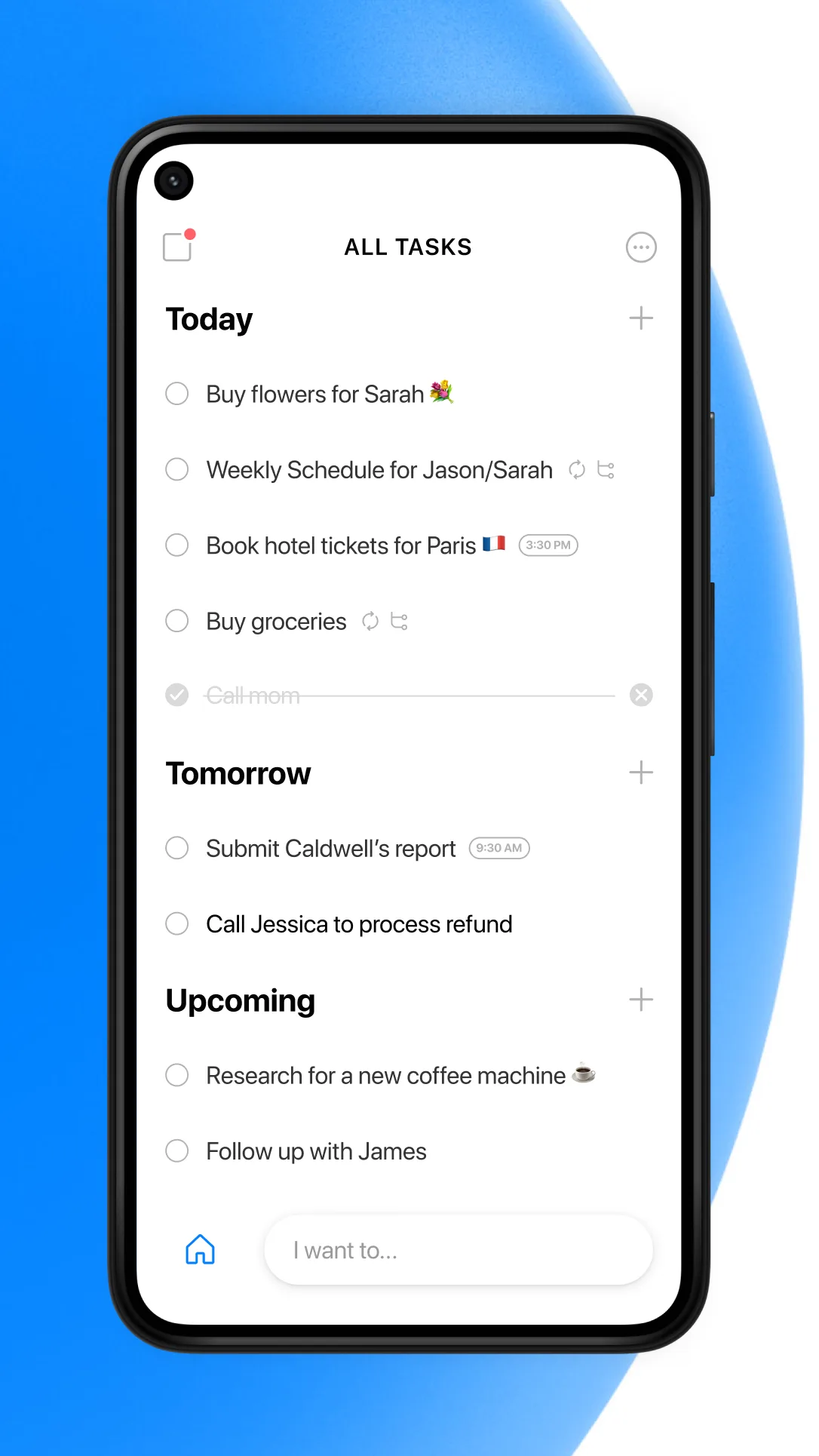
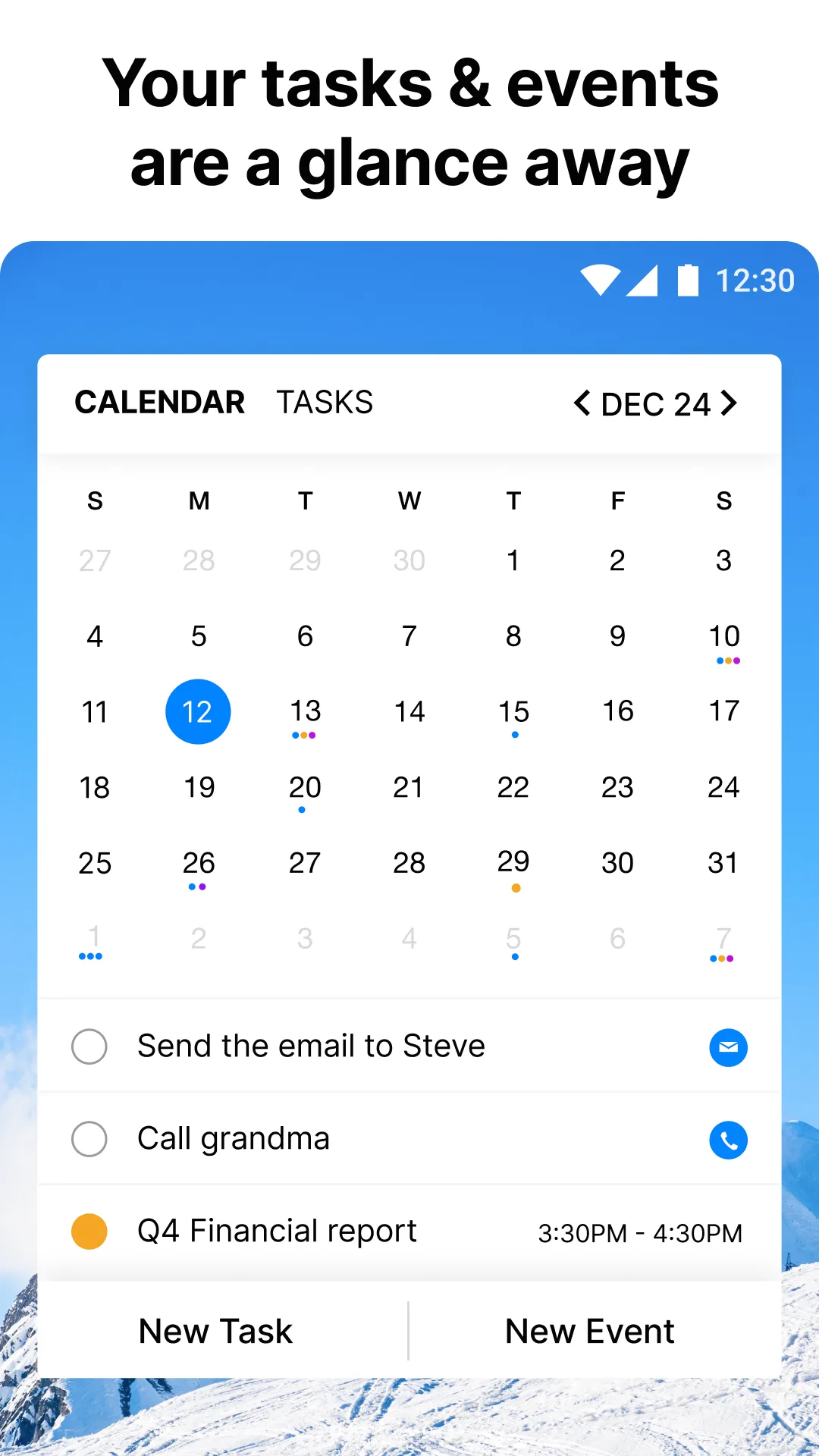
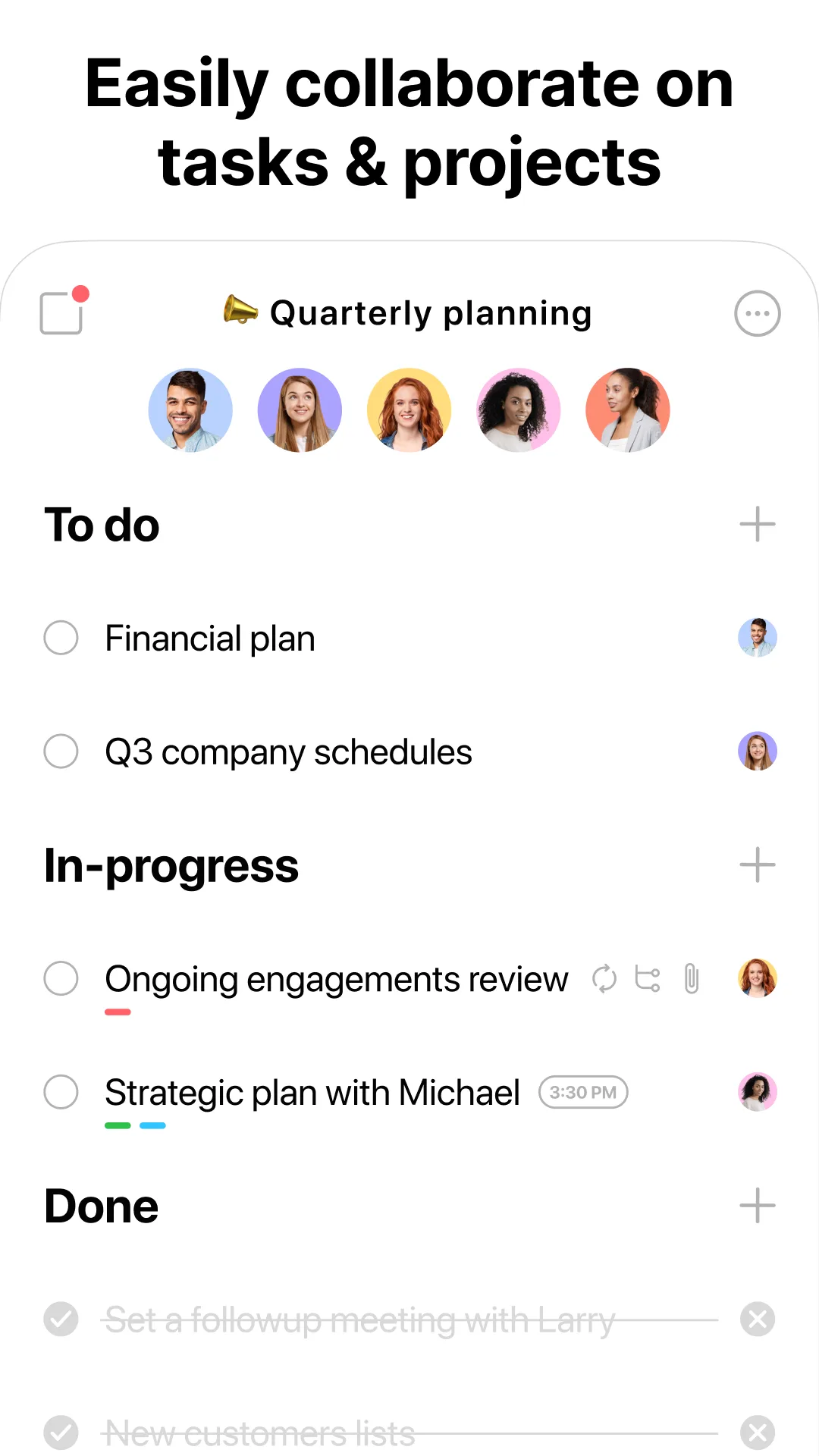
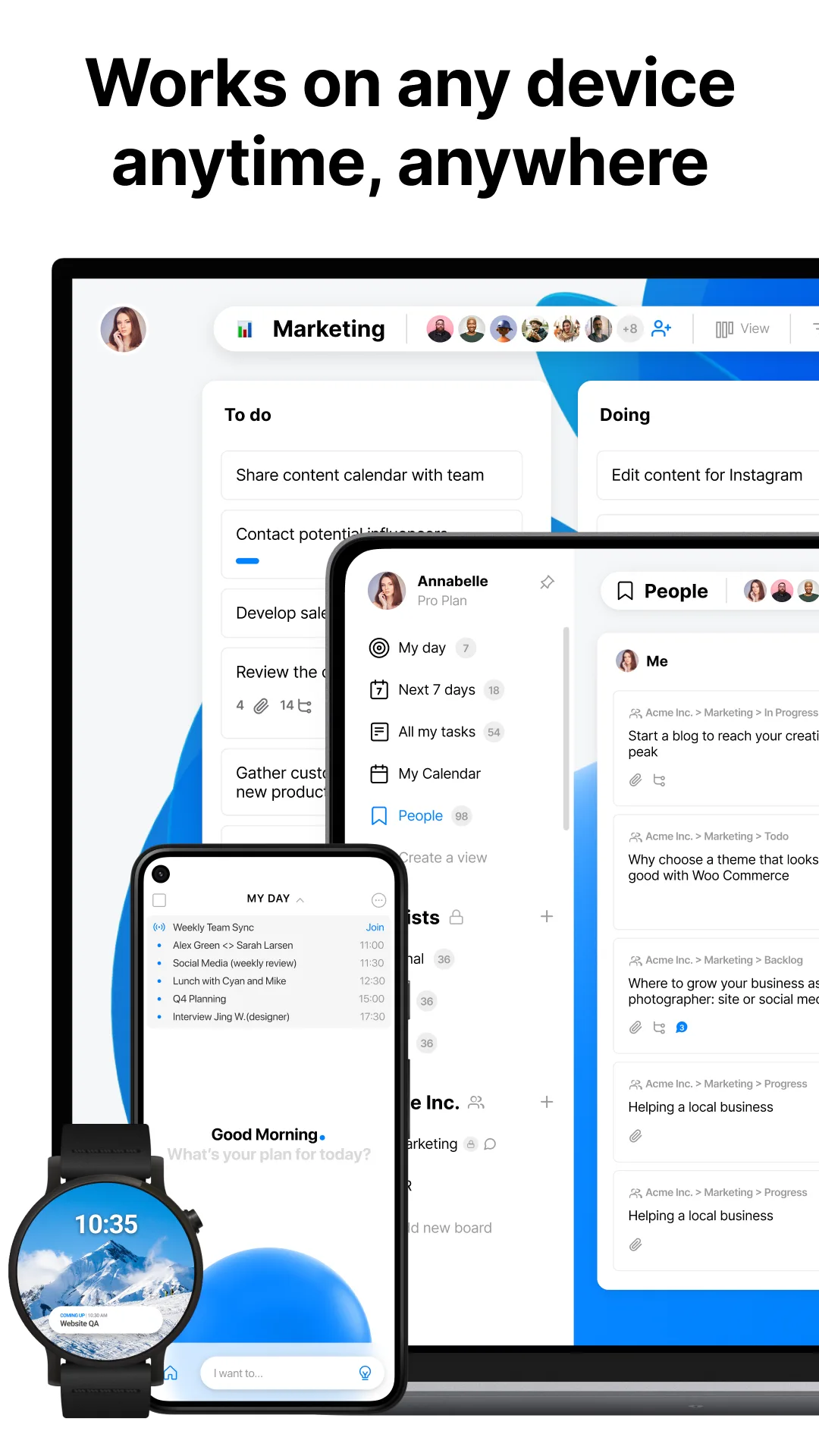
Any.do bundles a to-do list, calendar, and planner with reminders, used by tens of millions across mobile, desktop, and web.
Strengths
- Tasks + calendar in one view, with voice, WhatsApp, and location-based reminders — flexible capture.
- Cross-platform (mobile, desktop, web, tablet) and a usable free tier.
- Recurring tasks, shared lists, and calendar integration for a single planning surface.
Weaknesses
- Free tier is limited and several conveniences (advanced recurring, some reminders, premium themes) need the ~$36/yr Premium.
- The combined view and premium upsells can feel cluttered, and reminder reliability has been a common complaint.
- Not built for complex project management or deep team collaboration.
Best for: users who want tasks and their calendar unified with flexible (voice/location) reminders.
Download Any.do
Core-capability comparison
The table below shows, as objectively as possible, which capabilities each app supports. “Partial” means the feature exists but with limits.
| Capability | Microsoft To Do | Meow Todo | TickTick | Google Tasks | Things 3 | Notion | Any.do |
|---|---|---|---|---|---|---|---|
| Cloud sync / multi-device | Yes (MS account) | Partial (iCloud / WebDav) | Yes | Yes (Google) | Yes (iCloud) | Yes (account) | Yes |
| Reminders | Due-date + recurring | Due-date | Rich (incl. location) | Due-date | Due-date + Siri | Partial (date-based) | Voice / location / WhatsApp |
| Calendar view | Partial (Outlook) | Yes (day/week/month) | Yes (built-in) | Partial (Google Cal) | Partial (Today/Upcoming) | Partial (DB calendar) | Yes (combined) |
| Subtasks | Yes (1 level) | Yes (1 level) | Multi-level | 1 level only | Checklists | Nested blocks | Yes |
| Recurring tasks | Yes | Yes | Yes | Yes | Yes (smart repeat) | Partial | Yes |
| Natural-language input | Partial | Partial | Strong | No | Yes (quick entry) | Partial | Yes (voice) |
| Habits / Pomodoro | No | No | Yes (both) | No | No | No | No |
| Collaboration / sharing | Yes (shared lists) | No | Yes (shared) | Partial (Google) | No | Strong (real-time) | Yes (shared) |
| Offline / privacy | Account-based | Strong (on-device, no account) | Account-based | Account-based | iCloud | Cloud-dependent | Account-based |
| Platforms | All | Android + iOS | All | Android + iOS + web | Apple only | All | All |
| Free tier | Full | Generous core | Limited | Full | None (paid) | Generous | Limited |
| Pricing | Free | Free + VIP ~$9.99/yr | Free + $35.99/yr | Free | Paid per platform | Free + paid tiers | Free + ~$36/yr |
Which Todoist alternative fits you?
- Already on Microsoft 365 / Outlook → Microsoft To Do
- Want free, private, no account, with CSV export and a cute UI → Meow Todo
- Want power features (calendar + pomodoro + habits) cheaply → TickTick
- Live in Gmail / Google Calendar → Google Tasks
- Use only Apple devices and want the most polished app → Things 3
- Want docs + tasks + projects in one flexible workspace → Notion
- Want tasks and calendar unified with voice/location reminders → Any.do
How to migrate away from Todoist
- Export your projects from Todoist (Settings → Backups, or copy tasks out while you still have access).
- Pick a replacement using the tables above based on ecosystem, privacy, and feature depth.
- Recreate your structure — lists (To Do, Meow) or projects (Todoist) map cleanly to each other; in Notion, build a task database.
- Re-add recurring tasks and due dates; set daily reminders and, where supported, location or voice reminders.
- Keep a CSV backup (Meow Todo and most apps export one) so you’re never locked in again.