
Best Flip Clock Apps for Android (2026)
The best flip clock apps for Android in 2026: what to look for (flip animation, widgets, nightstand mode, focus timer) and how Only Clock compares to Retroflip and Flip Clock.
A full-screen flip clock turns any phone into a desk or nightstand clock — and a focus timer for study. This 2026 guide covers what to look for in a flip clock app and how Only Clock compares to Retroflip and the flip-clock crowd.
Why flip clock app matters on Android
On Android you can repurpose a spare phone or tablet as an always-on clock display, and lock-screen widgets keep the time one glance away — both things that feel clumsy on iOS. Background playback also lets the clock double as a white-noise sleep aid.
What to look for in a flip clock app
- Flip animation — a smooth, satisfying page-flip transition, not a static digital readout.
- Widgets — lock-screen and home-screen clock widgets, not just the full-screen mode.
- Nightstand / desk mode — dim, always-on display for bedside use without burning the screen.
- Focus timer — pair the clock with white noise for study and work sessions.
- 12/24h & date — configurable time format and an optional date line.
- Cross-device — reuse an old phone or an iPad as a dedicated clock.
The field at a glance
| App | Price (2026) | Platform | Best for / notes |
|---|---|---|---|
| Only Clock | Free download, core free + optional unlock | Android + iOS | Flip animation, clock widgets, white noise, focus timer |
| Retroflip | Paid ~$1.99 | iOS | Retro flip-clock aesthetic, but iPhone-only with no Android build |
| Flip Clock (simpleclock) | Free / low-cost | Android + iOS | Fullscreen flip & digital clocks, plainer design |
Only Clock, in depth
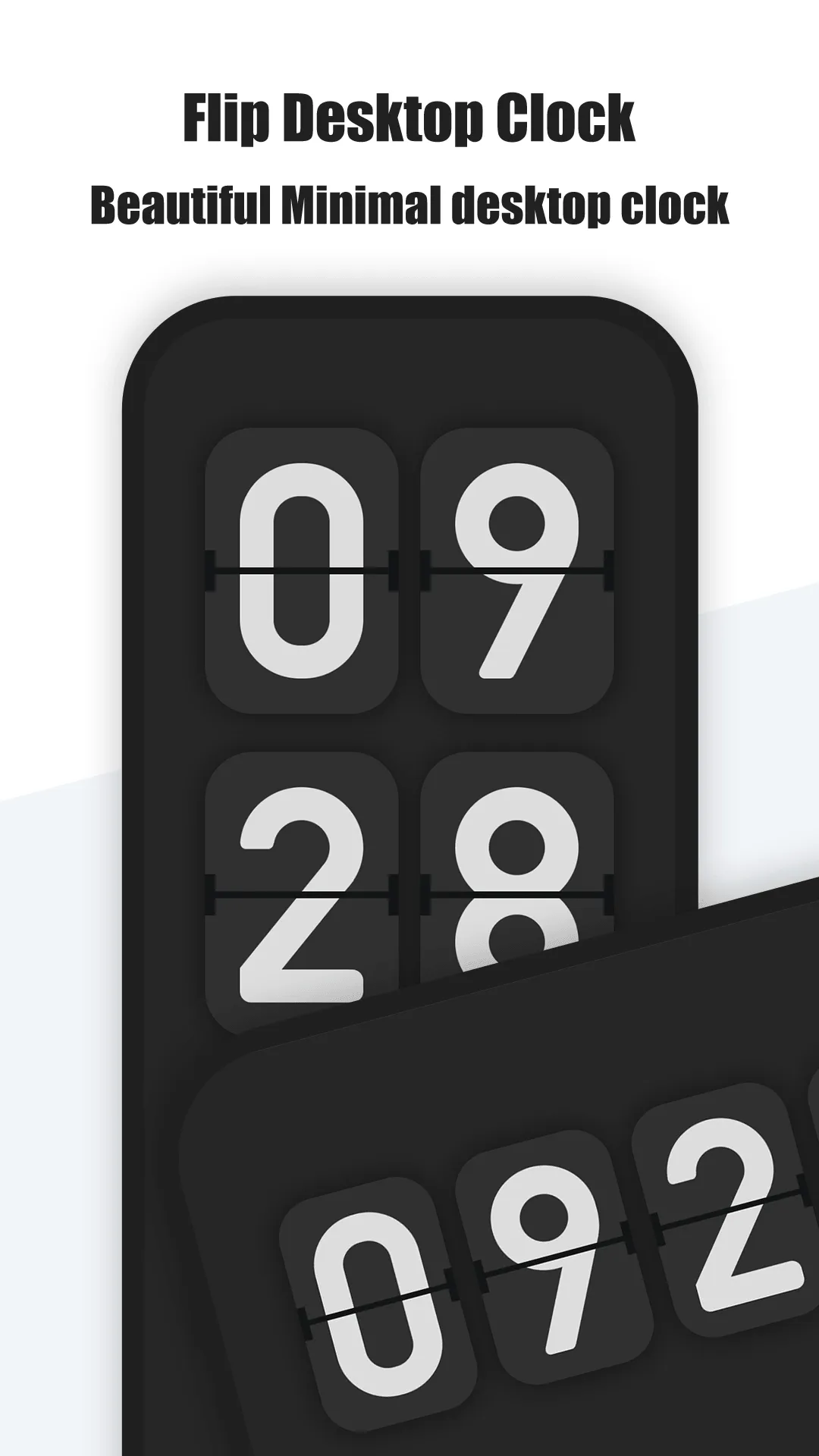
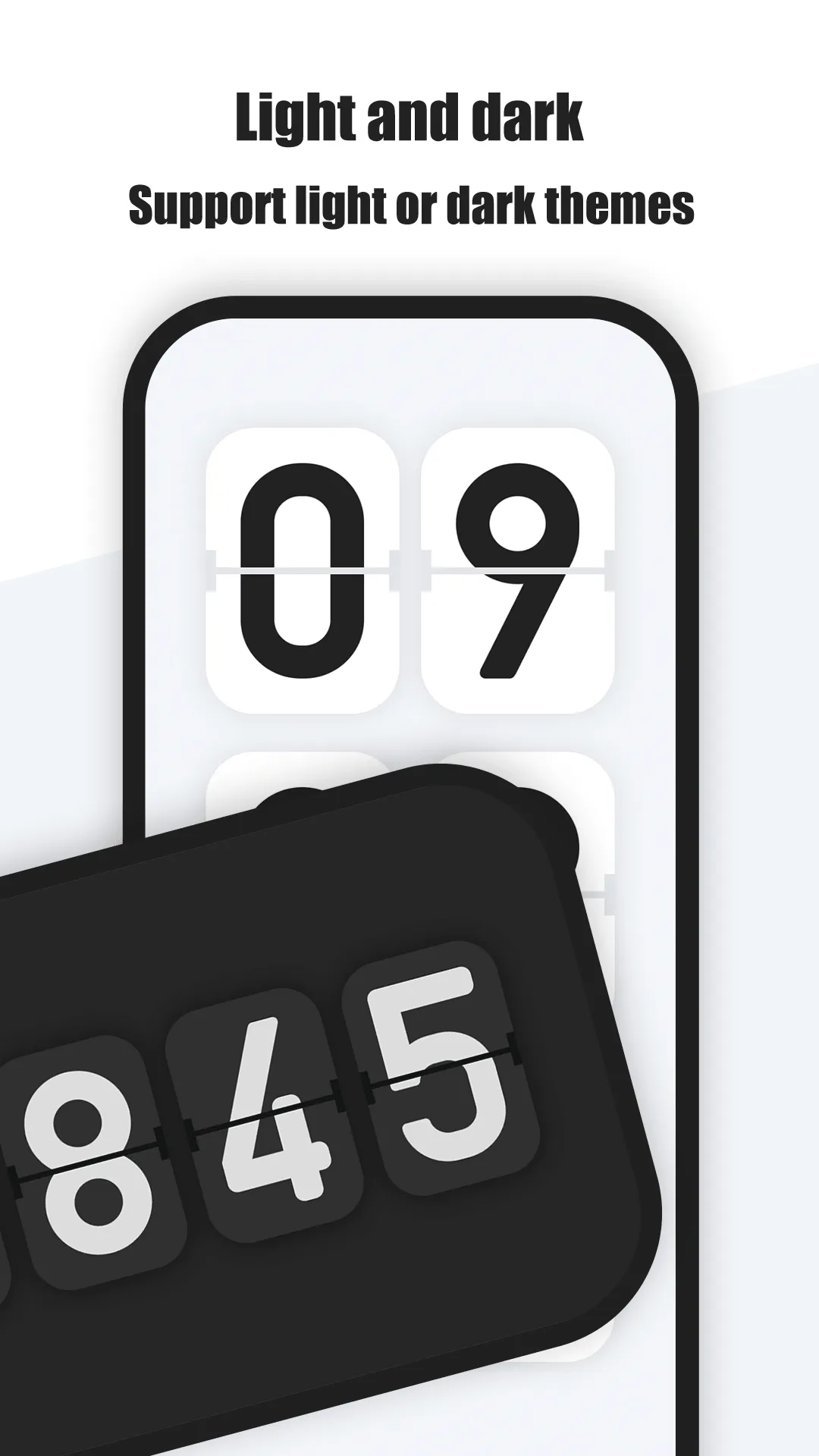
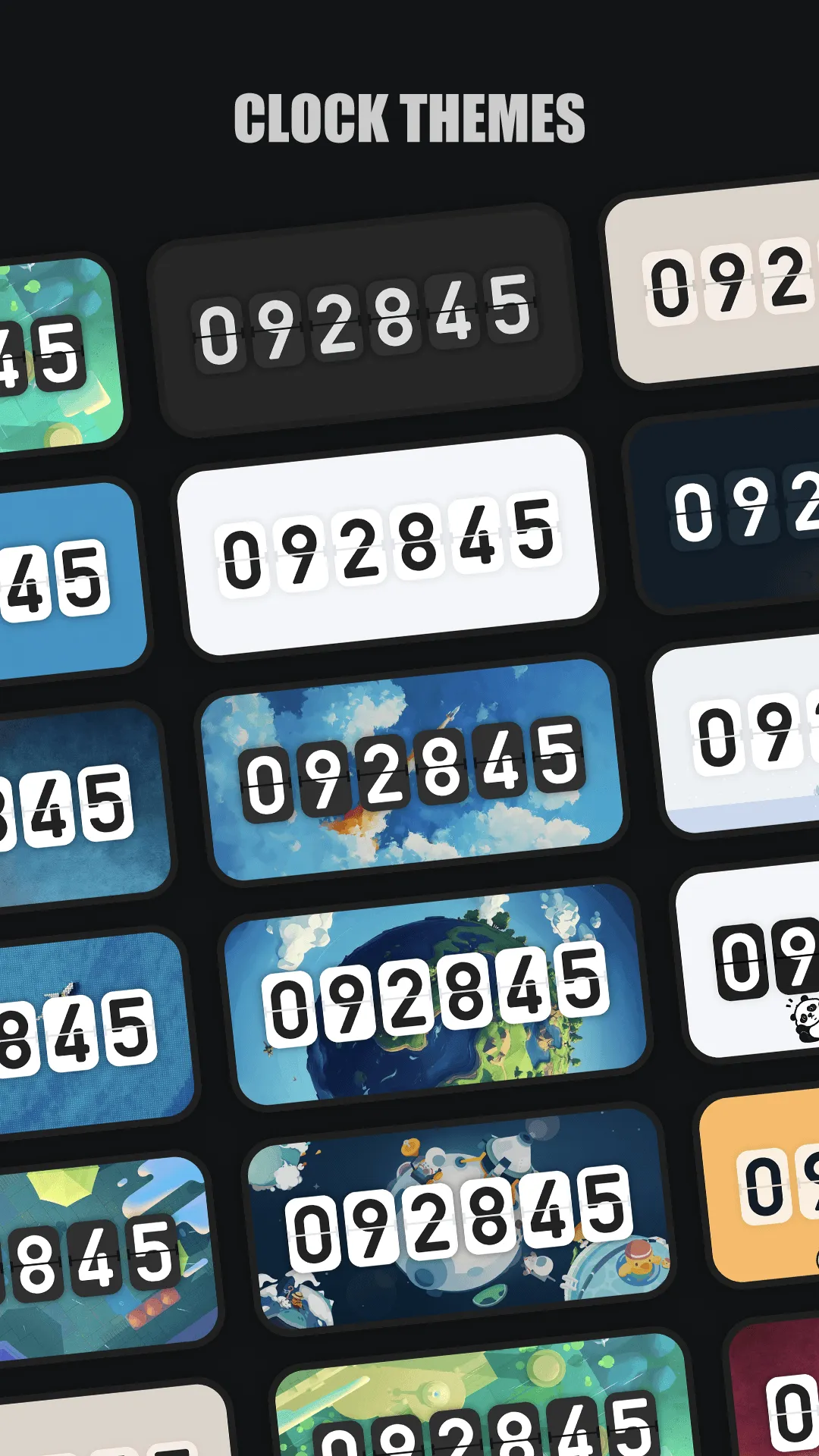
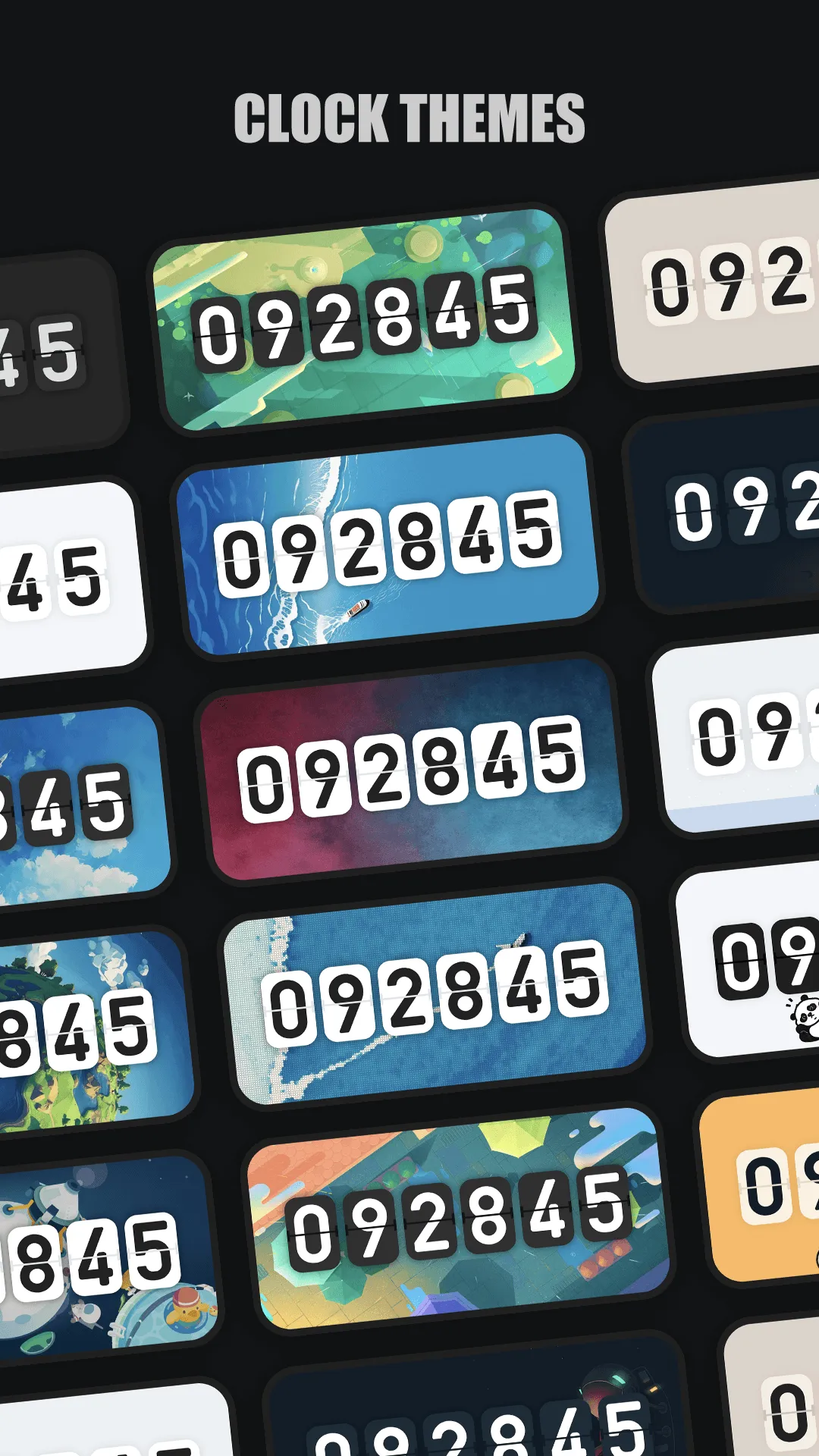
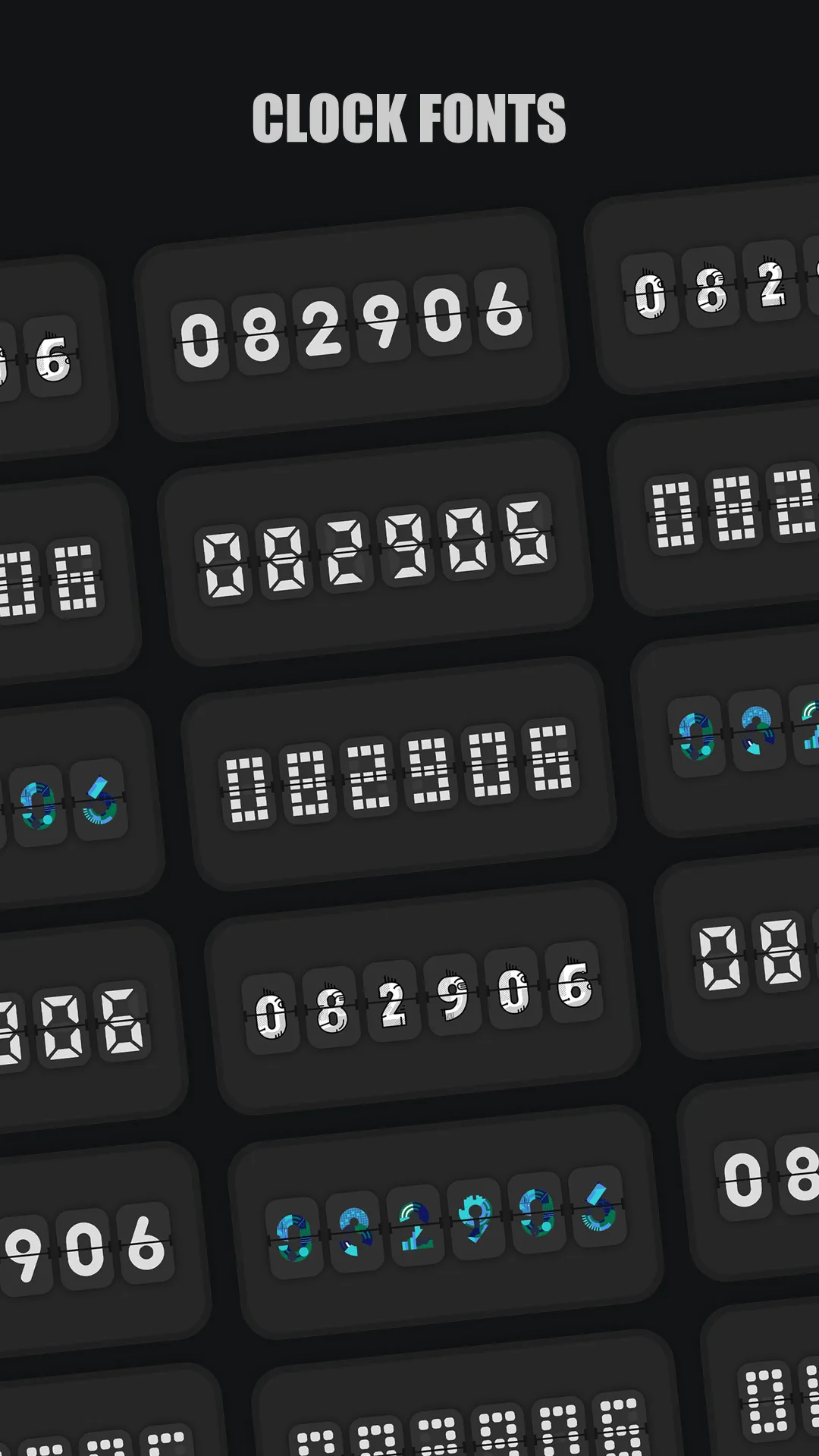
Only Clock is an exquisite full-screen flip clock for Android and iOS with a beautiful flip animation, clock widgets, white noise and a focus timer.
- Full-screen flip animation — a minimalist, eye-catching page-flip that feels like a real flip clock.
- Clock widgets — several beautiful widgets for the home and lock screen, not just the open app.
- White noise — block distractions and stay focused during study or sleep.
- Focus timer — run a Pomodoro-style session with the clock front and center.
- 12/24h & date — switch the format and show or hide the date line.
- Spare-device friendly — turn an old phone or an iPad into a dedicated clock display.
Best for: a beautiful desk or nightstand clock and a focus timer.
Go deeper:
How Only Clock compares to the competition
- vs Retroflip — Retroflip nails the retro flip-clock look but is iOS-only and won’t help Android users. Only Clock ships the same flip animation on both platforms, plus widgets and white noise. Full breakdown in Only Clock vs Retroflip.
- vs Flip Clock (simpleclock) — Flip Clock (simpleclock) covers fullscreen flip and digital clocks across platforms, but the design is plainer and it lacks Only Clock’s focus timer and white-noise pairing.
- More options — see Best Retroflip Alternatives in 2026 for the full field.
Which should you pick?
Quick pick by situation:
- Want the prettiest flip animation on Android → Only Clock.
- iPhone-only and love retro chrome → Retroflip.
- Just need a free fullscreen clock → Flip Clock (simpleclock).
- Study with a focus timer + white noise → Only Clock.
Conclusion
For most Android users who want a beautiful desk or nightstand clock with a focus timer, Only Clock is the most polished pick — and it’s free to start.
- Google Play — Only Clock
- App Store — Only Clock Or read the Best flip clock app for the full breakdown.