
Best Retroflip Alternatives in 2026
Looking for alternatives to Retroflip in 2026? We compare six fullscreen and flip-clock apps — Only Clock, FliTik, Flip Clock: World Clock, Fullscreen Clock, Flip Clock: Digital Desk Widget and Flip Clock — Digital Clock — across themes, white noise, floating clocks, widgets and platforms, with a core-capability table and a migration checklist.
Retroflip is a free, good-looking retro flip clock for Android — but it mostly stops at the clock face. There is no white noise for focus or sleep, no floating clock overlay, no widgets, and no iPhone version. If you want a flip clock that also plays ambient sound, sits on top of other apps, or runs on iOS, the category has matured fast.
Below we compare six strong alternatives to Retroflip — from a cute, feature-rich fullscreen clock to playful, Pomodoro-friendly flip clocks — across price, platforms and the everyday capabilities that actually matter.
Why look beyond Retroflip
- No ambient sound — there is no white noise, so it can’t help you focus or fall asleep.
- No floating clock — the time only lives inside the app, not over your other apps.
- No home-screen widgets — you can’t glance at the time from your launcher.
- Android-only — iPhone and iPad users are left out.
- Limited themes — customization is lighter than dedicated flip-clock apps.
The best Retroflip alternatives at a glance
| App | Price (2026) | Platforms | Best for |
|---|---|---|---|
| Only Clock | Free core + unlock | Android, iOS | Themes, white noise, floating clock, widgets |
| FliTik | Free + IAP | iOS (and desktop/Android) | Pomodoro, countdown and ambient flip clock |
| Flip Clock: World Clock | Free + IAP | Android | Weather, widget and world-clock flip face |
| Fullscreen Clock | Free + IAP | iOS | Minimal fullscreen flip & focus |
| Flip Clock: Digital Desk Widget | Free + IAP | iOS | Desk widget + screensaver flip clock |
| Flip Clock — Digital Clock | Free + IAP | iOS | Lightweight themed flip clock |
1. Only Clock — best full-featured flip clock
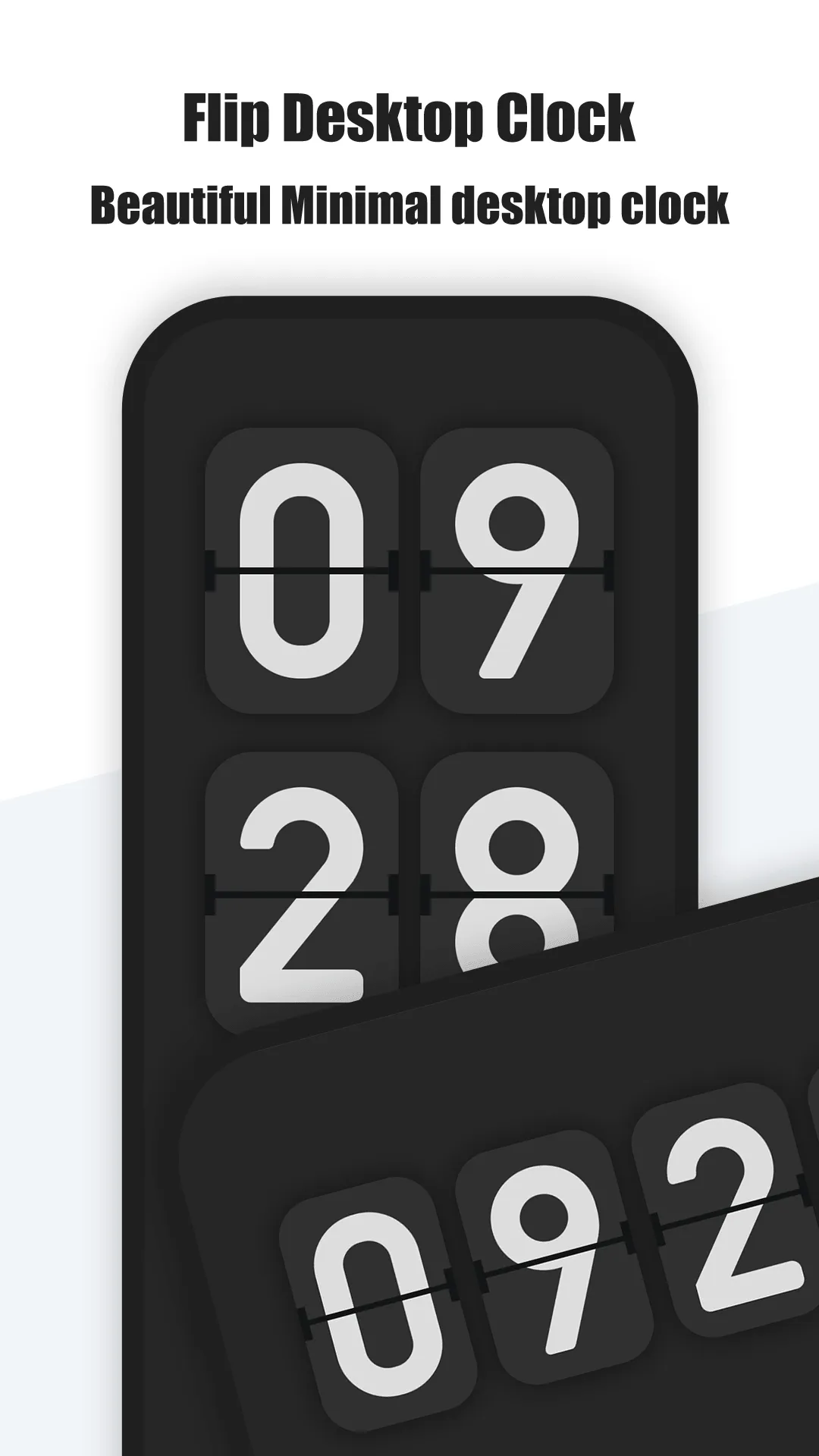
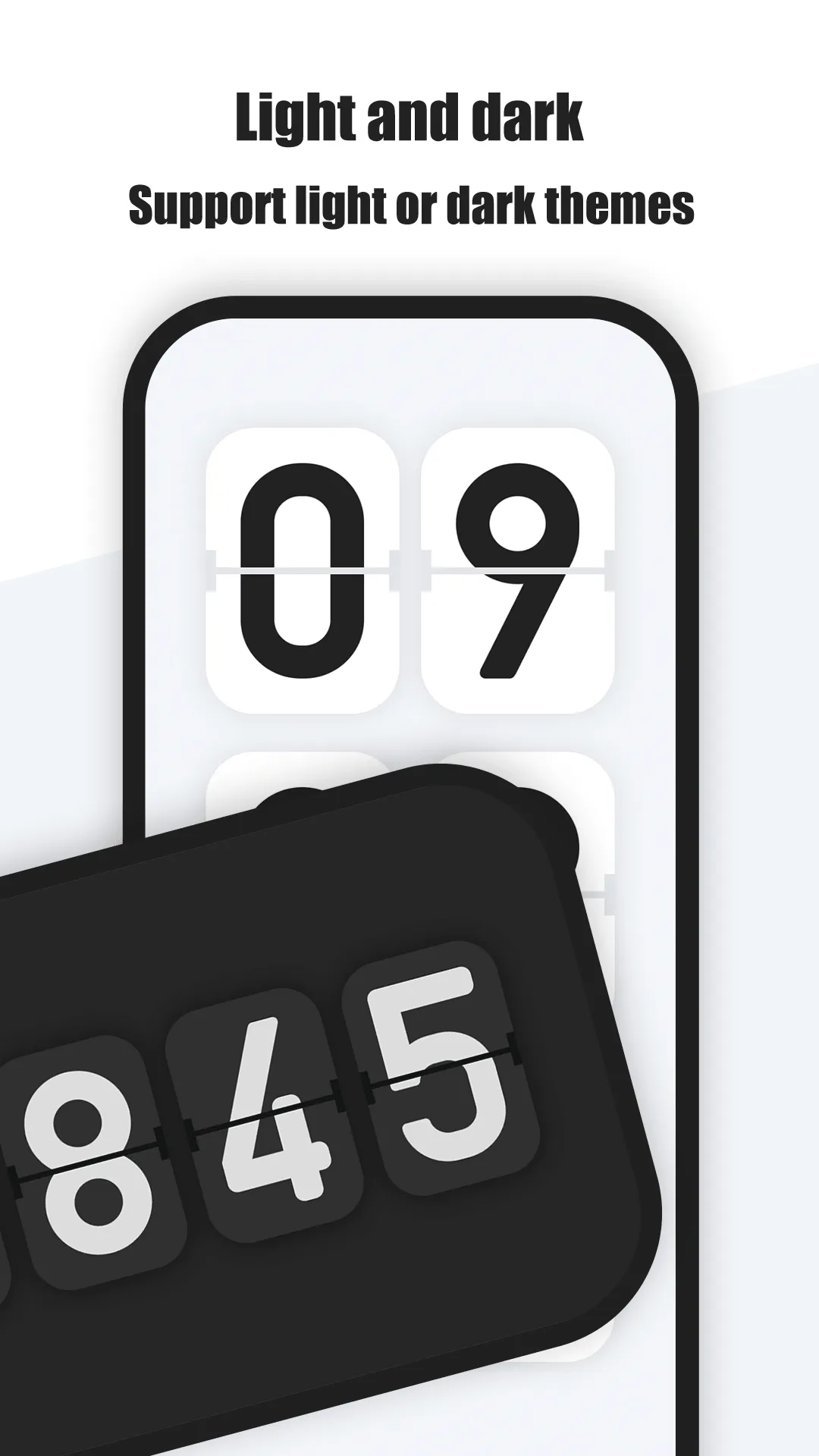
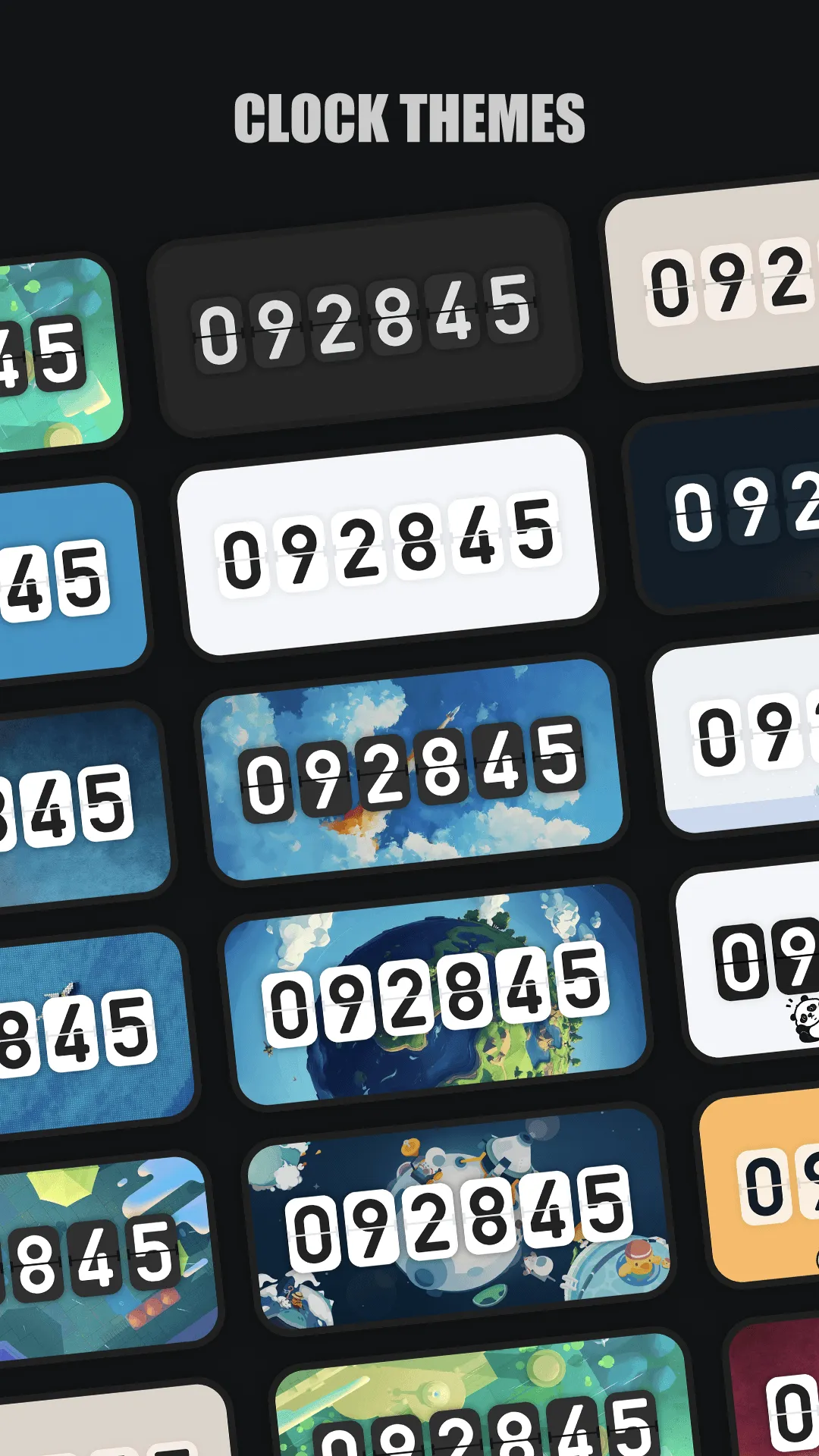
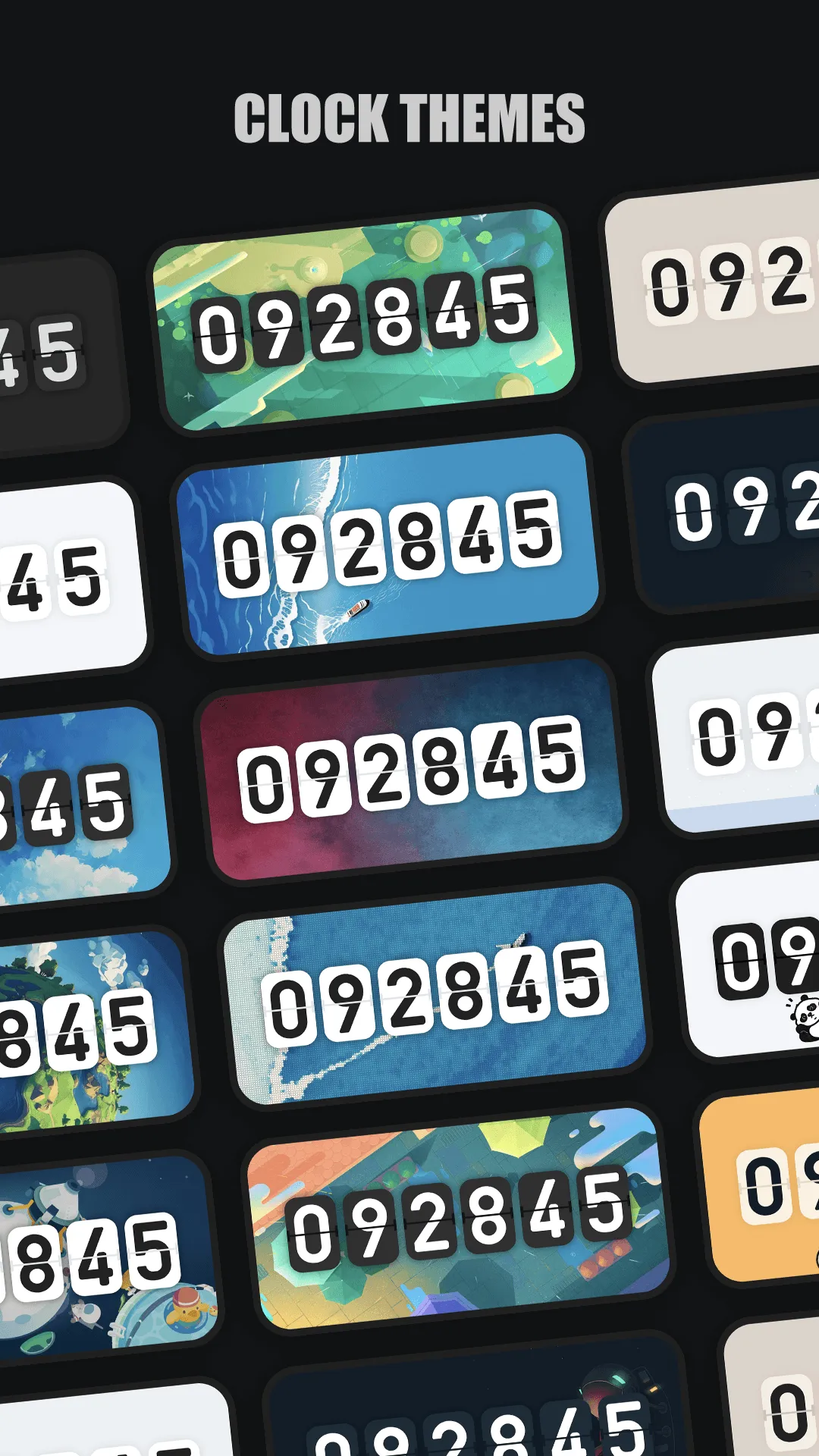
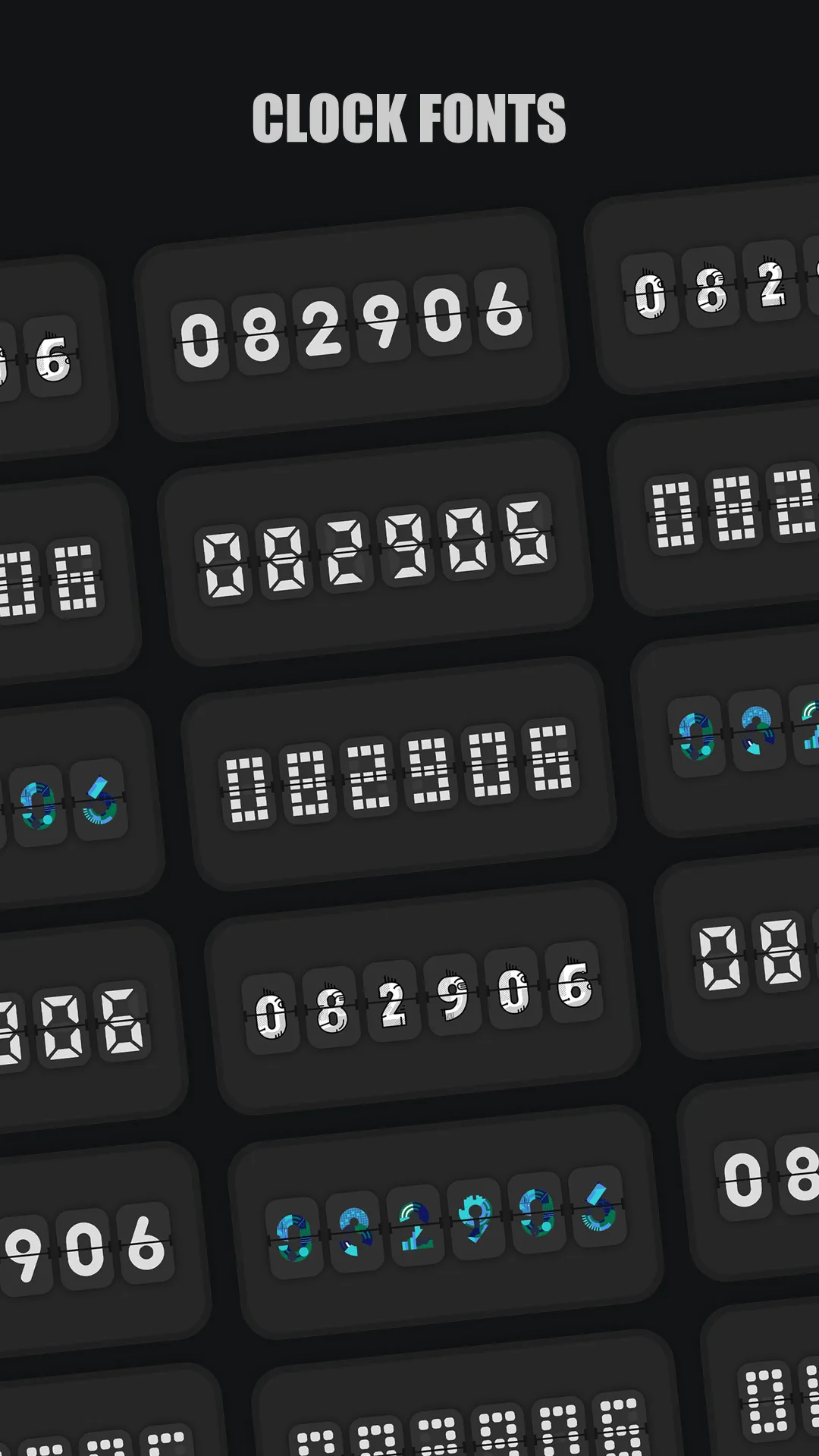
Only Clock is a fullscreen flip clock for Android and iOS with a beautiful flip animation, many themes, white noise for focus, a floating clock, and widgets. It is the closest all-round upgrade to Retroflip and fixes almost every gap above.
Strengths
- Fullscreen flip animation with many beautiful themes you can switch freely.
- White noise built in — rain, forest, fireplace and more to help you focus or sleep.
- Floating clock overlay so you can see the time above other apps.
- Clock widgets for the home screen, plus 12/24-hour and date display.
- Runs on Android and iOS, and works great on a spare phone or iPad as a desk clock.
- No account required — open it and the clock just works.
Weaknesses
- The richest themes and sounds sit behind a small one-time or subscription unlock.
- Widget styling is more limited on iOS than on Android.
- No world-clock / multiple-timezone view.
Best for: people who want one flip clock that also plays sound, floats over apps, and works on both Android and iPhone.
Download Only Clock
2. FliTik — best for Pomodoro and countdown
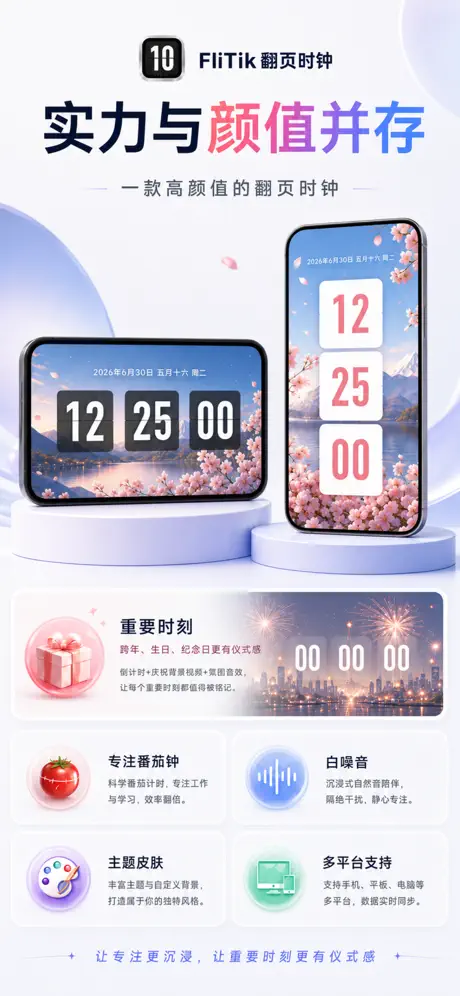
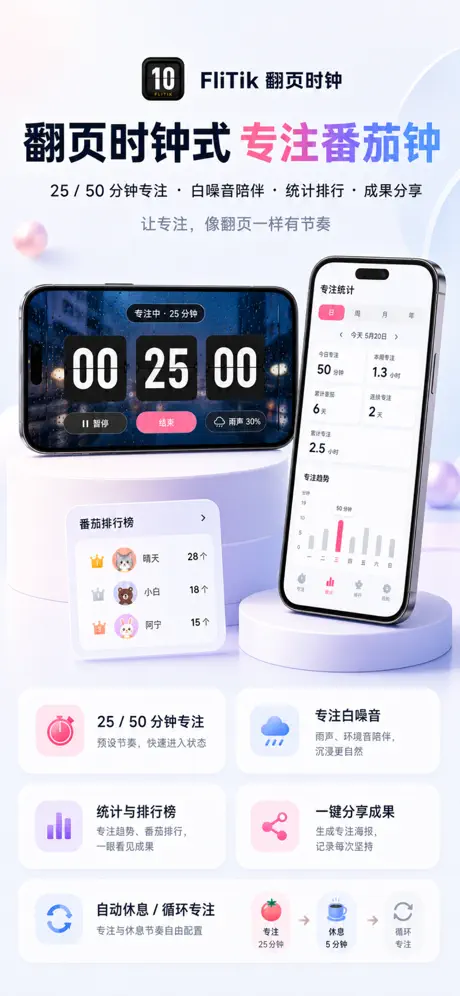

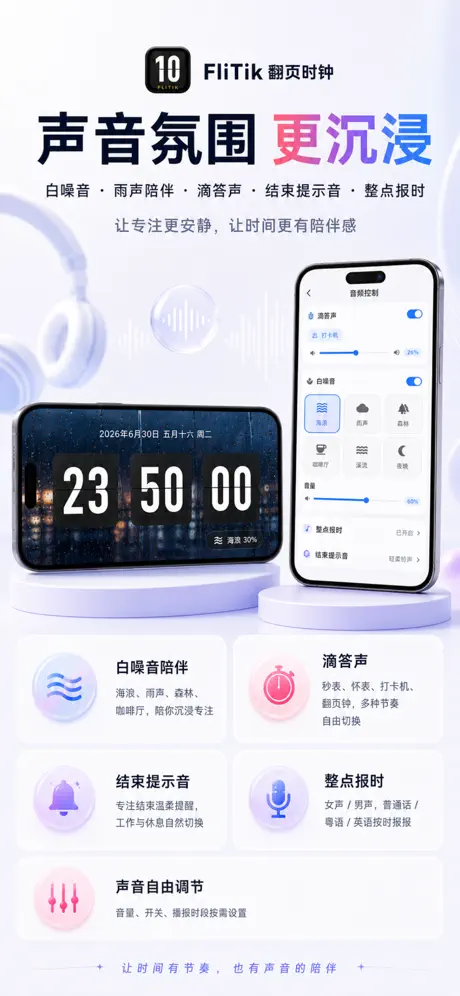
FliTik is a cross-platform flip clock that leans into ritual: stunning flip animations, a Pomodoro timer, count-up/count-down modes, and ambient sound so every second feels intentional. It’s popular as a study and work-focus companion.
Strengths
- Pomodoro timer plus count-up and count-down modes for study and work sprints.
- Beautiful, atmospheric flip displays that look great as a desk or nightstand clock.
- Ambient sound mixed with the clock for focus and relaxation.
- Cross-platform (iOS, desktop and Android), so your setup follows you.
- Clear, large digits that stay readable from across the room.
Weaknesses
- Some themes and timer features are behind in-app purchases.
- Lighter on raw customization (colors/positions) than a pure clock widget app.
- Android availability is via sideload/store mirrors rather than a single flagship listing.
Best for: students and focus workers who want a flip clock that also runs Pomodoro sessions and countdowns.
Download FliTik
3. Flip Clock: World Clock — best Android flip clock with weather
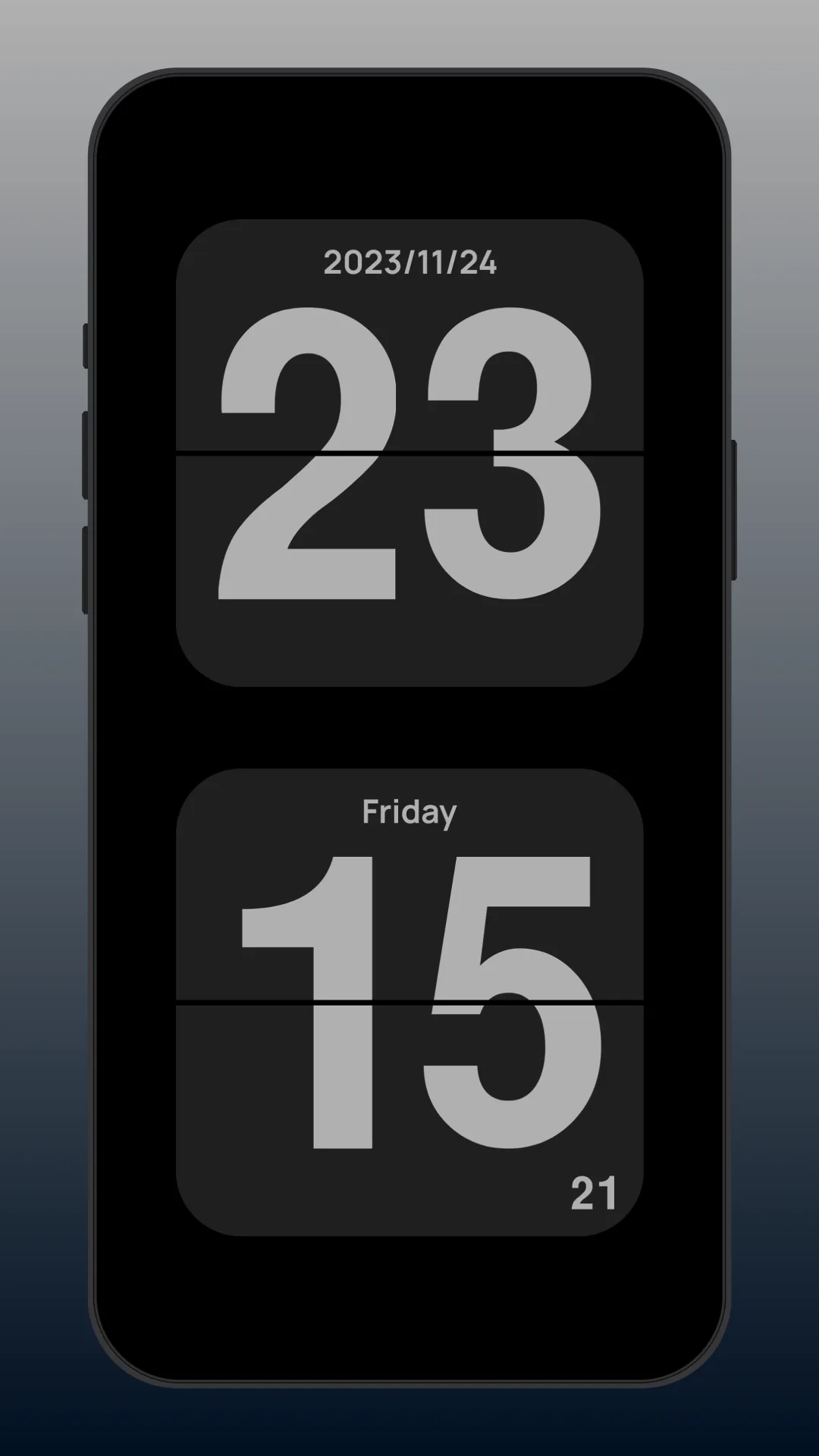
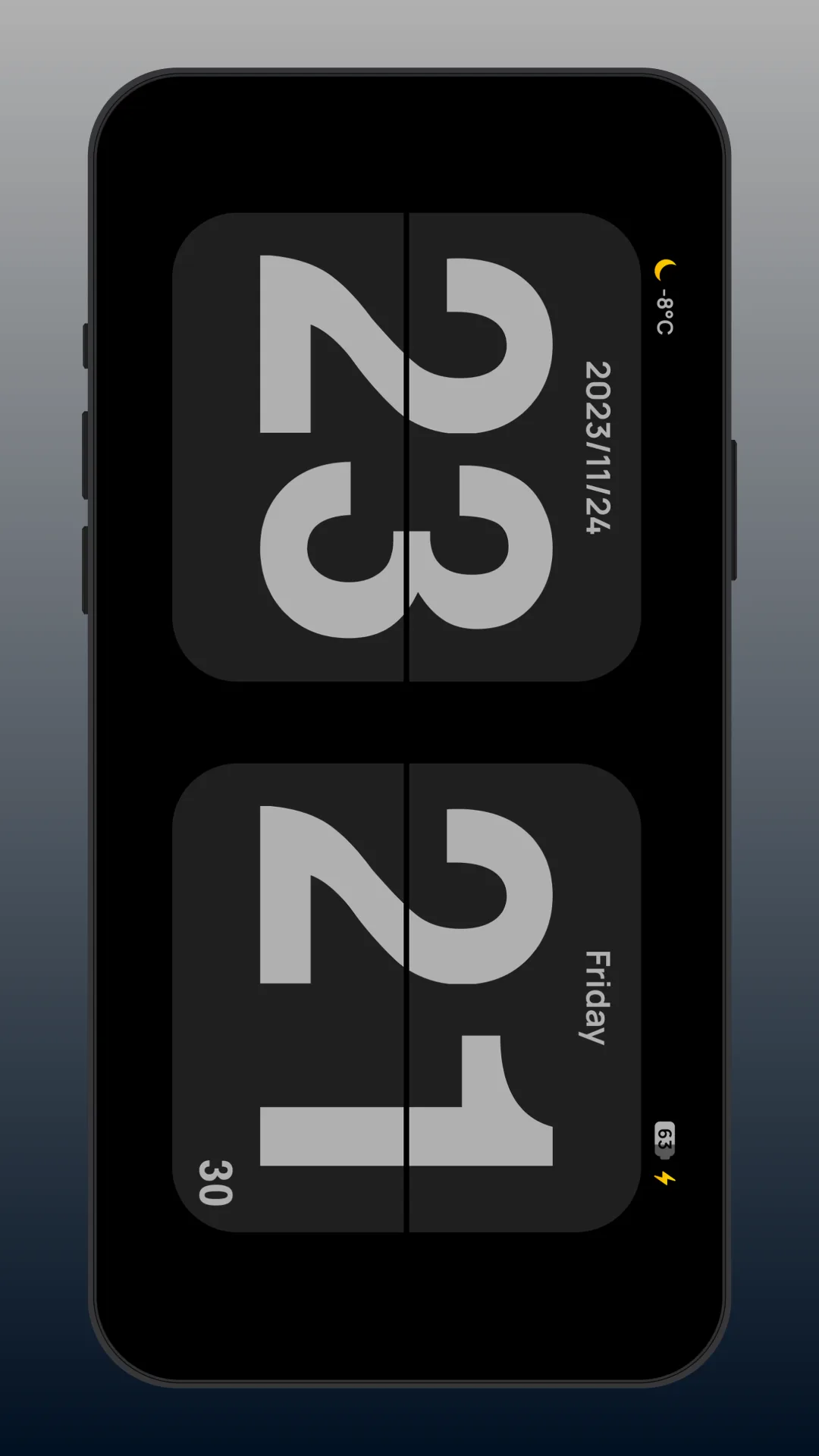
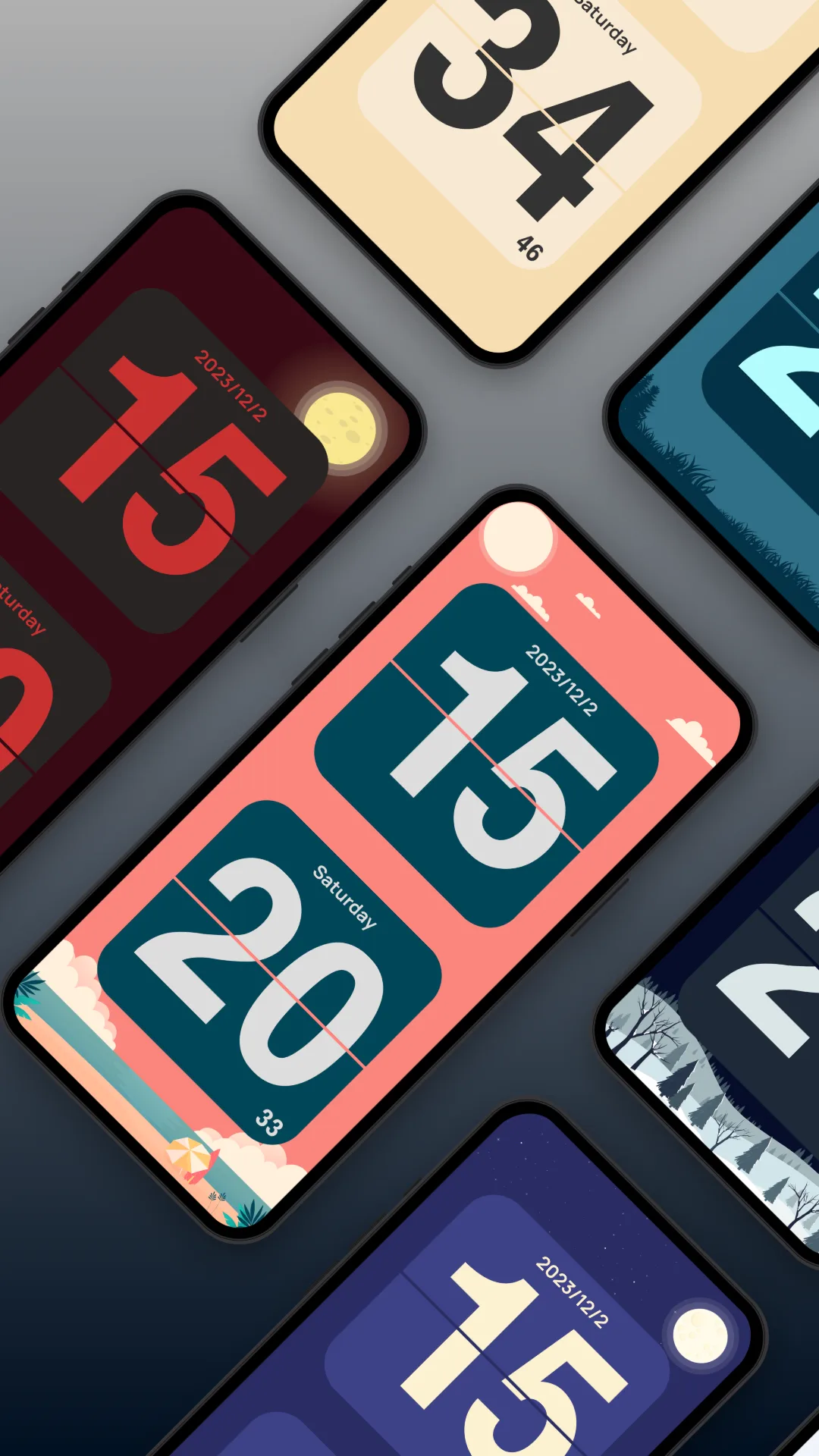
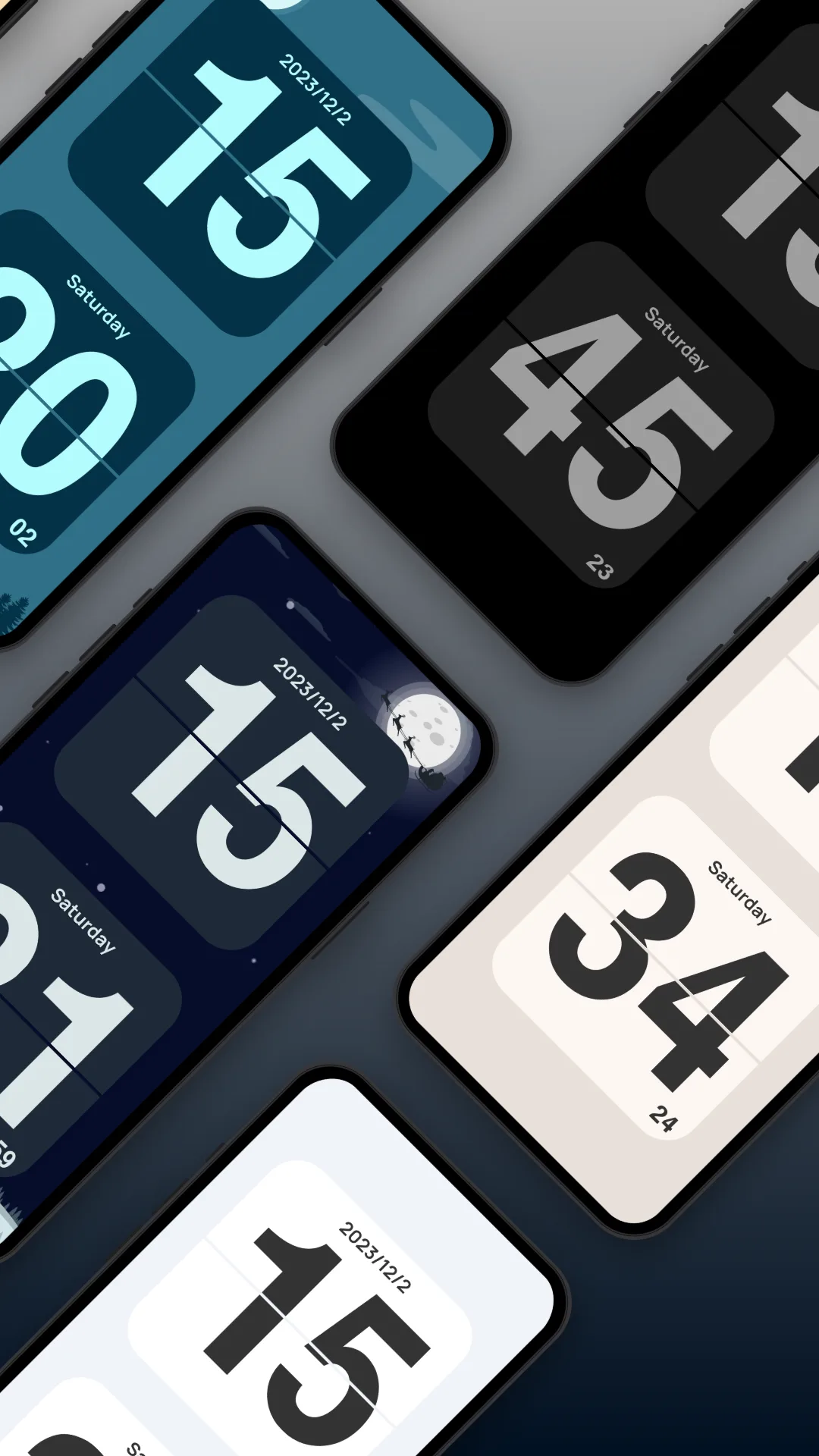
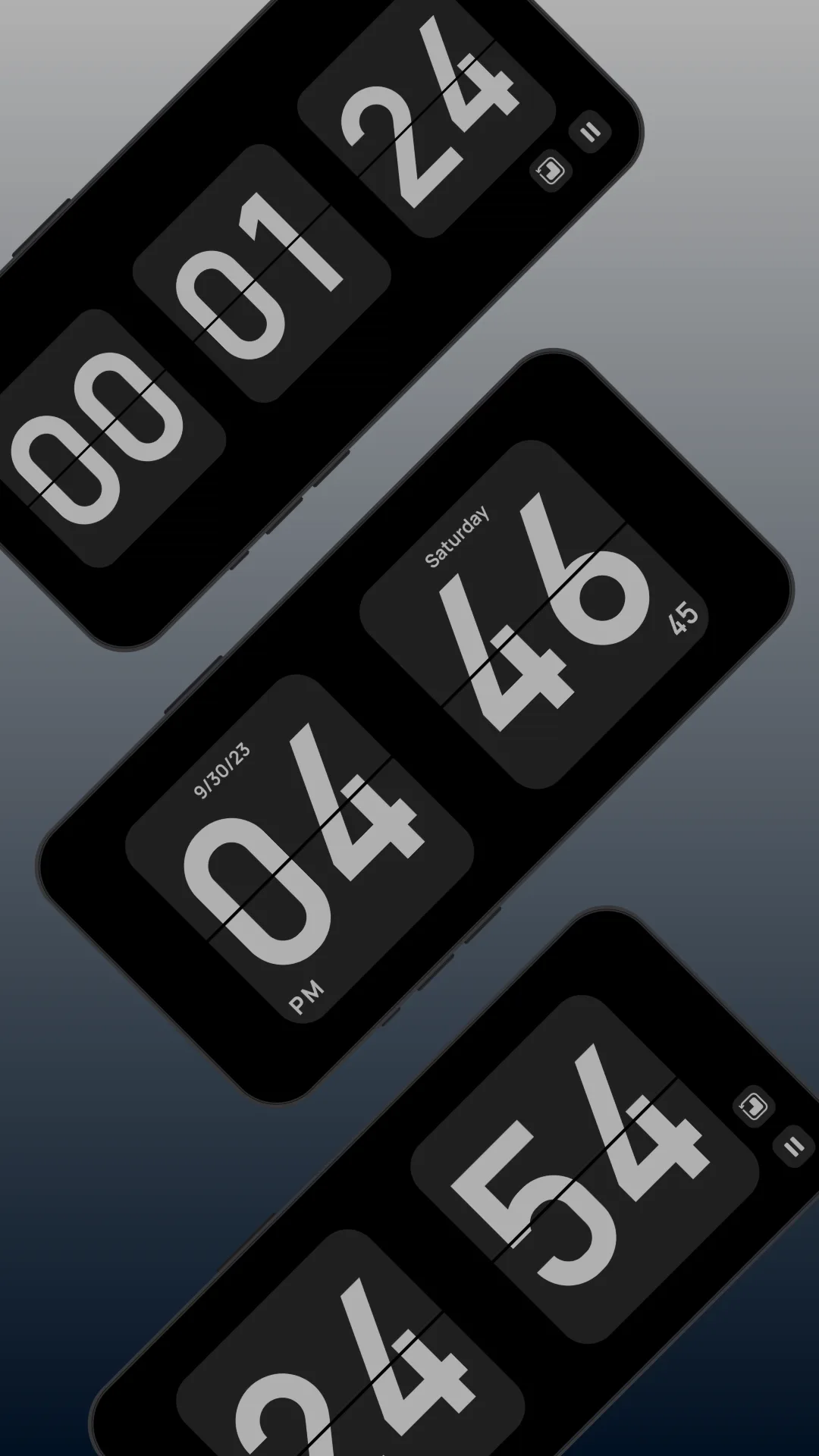
Flip Clock: World Clock is a free Android flip clock that adds weather, a home-screen widget, a Pomodoro timer and a floating clock on top of the classic flip face.
Strengths
- Flip clock with weather for your current location, handy as a desk clock.
- Home-screen widget so the time shows on your launcher.
- Pomodoro timer and floating clock for focus sessions.
- Free to start, with optional in-app upgrades.
- Lightweight and easy to set up.
Weaknesses
- Ad-supported in the free tier, which can interrupt the calm look.
- Weather and some widgets sit behind IAP.
- No iOS version.
Best for: Android users who want a flip clock with weather and a widget without paying upfront.
Download Flip Clock: World Clock
4. Fullscreen Clock — best minimal fullscreen focus
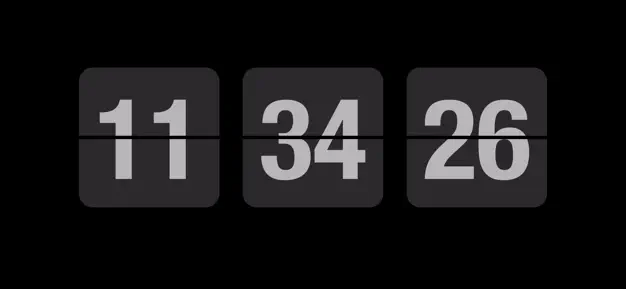
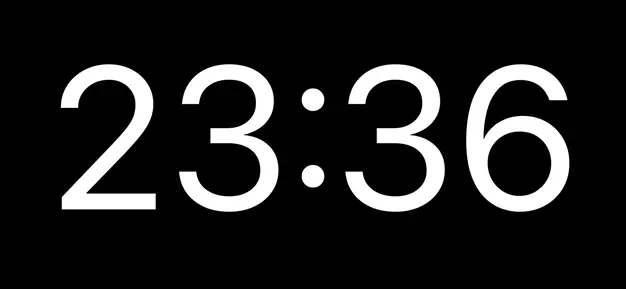
Fullscreen Clock: Flip & Focus turns your iPhone or iPad into a clean, always-on flip clock with thirteen faces, night dimming, landscape support, and a built-in Pomodoro.
Strengths
- Thirteen clock faces including flip and focus styles.
- Screen stays awake and supports night dimming for bedside use.
- Built-in Pomodoro for focused work sessions.
- Landscape and portrait support; very clean, minimal UI.
- No account required.
Weaknesses
- iOS-only — no Android app.
- Most face packs and features are behind IAP.
- No ambient sound of its own.
Best for: iPhone/iPad owners who want a beautiful, minimal fullscreen clock with a Pomodoro.
Download Fullscreen Clock
5. Flip Clock: Digital Desk Widget — best desk widget + screensaver
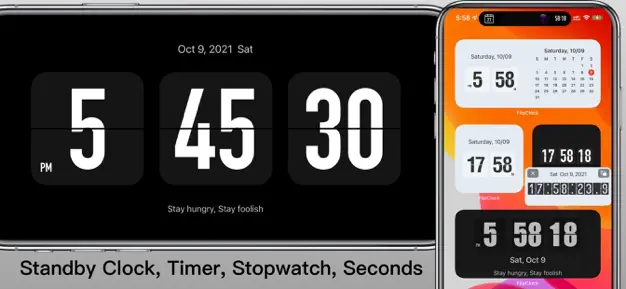
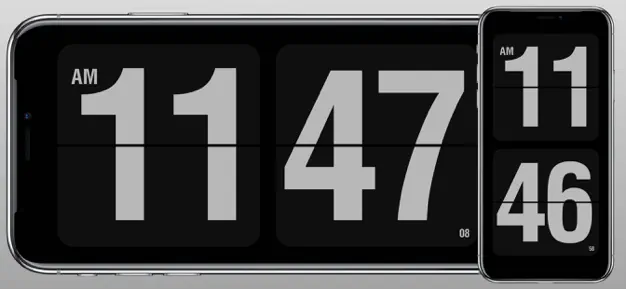
Flip Clock: Digital Desk Widget is an iOS app focused on desktop-style flip clocks, interactive standby widgets, and a screensaver-like mode for desk and nightstand use.
Strengths
- StandBy and interactive widgets that show a live flip clock.
- Screensaver mode for charging/desk setups.
- Shows seconds, date and calendar, with 12/24-hour formats.
- Black-and-white and themed styles.
- Clean, Apple-friendly design.
Weaknesses
- iOS-only.
- Best features require the paid version.
- No white noise or floating overlay.
Best for: iPhone users who want a flip clock they can pin as a widget or screensaver.
Download Flip Clock: Digital Desk Widget
6. Flip Clock — Digital Clock — best lightweight themed clock
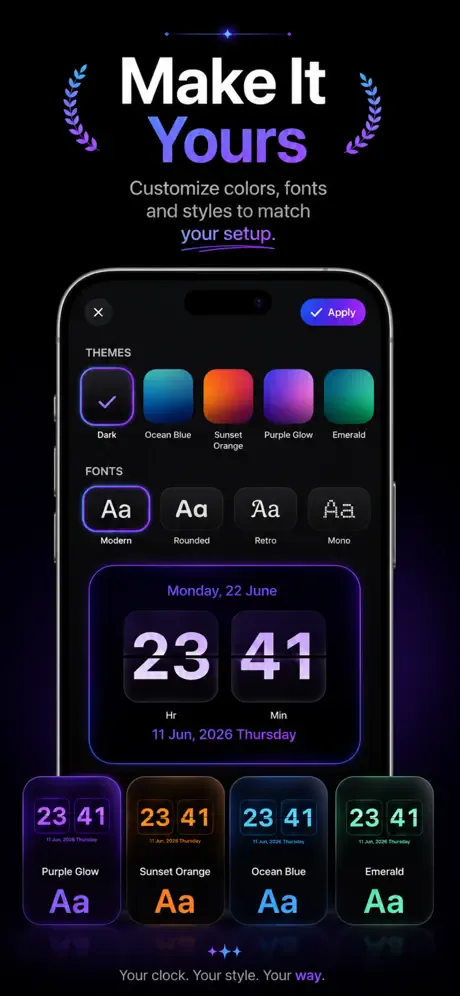
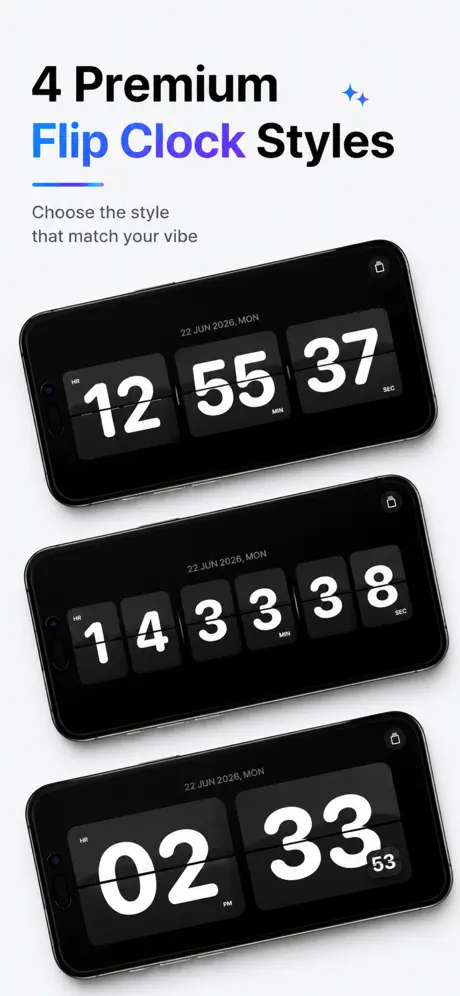
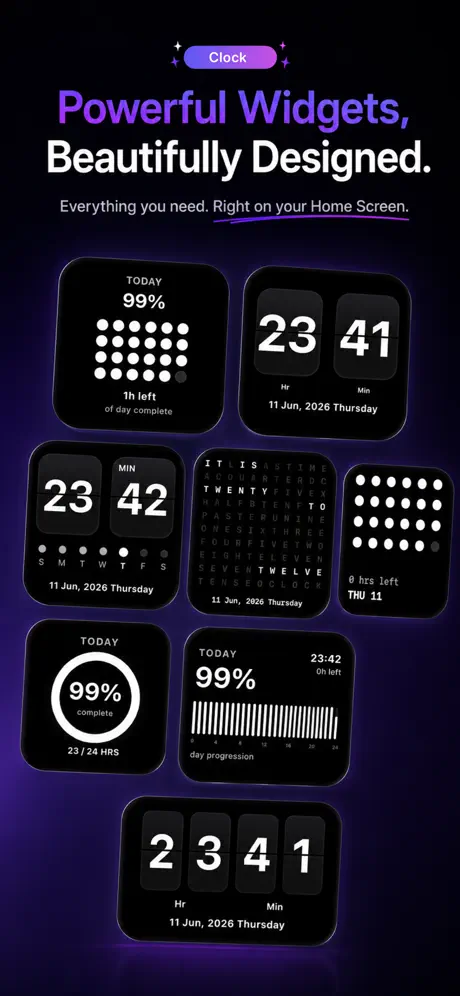
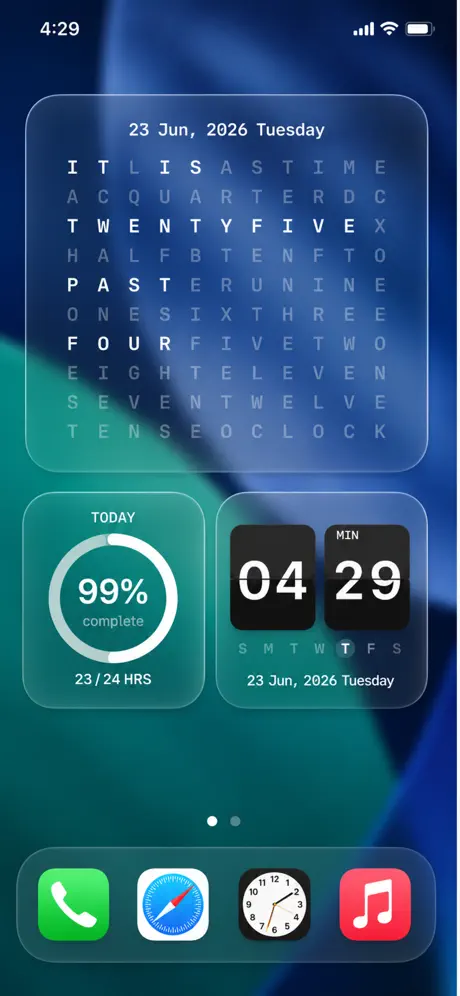
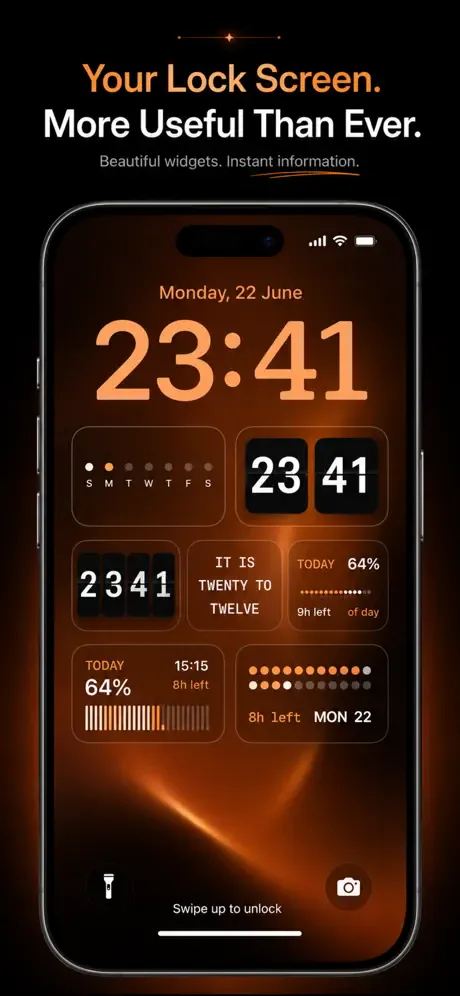
Flip Clock — Digital Clock is a simple, elegant iOS flip clock with themes, a standby widget, seconds/date display, and 12/24-hour support — a no-frills alternative to Retroflip.
Strengths
- Elegant flip animation with multiple themes beyond black-and-white.
- Standby and interactive widget support.
- Shows seconds, date and calendar.
- Lightweight and fast to launch.
- Free to try with optional upgrades.
Weaknesses
- iOS-only.
- No sound, floating clock or Pomodoro.
- Themes are the main paid extra.
Best for: iPhone users who want a clean, themed flip clock without extra features.
Download Flip Clock — Digital Clock
Core-capability comparison
| Capability | Only Clock | FliTik | Flip Clock: World Clock | Fullscreen Clock | Flip Clock: Digital Desk Widget | Flip Clock — Digital Clock |
|---|---|---|---|---|---|---|
| Platforms | Android, iOS | iOS (+desktop/Android) | Android | iOS | iOS | iOS |
| Fullscreen flip animation | Yes | Yes | Yes | Yes (flip & more) | Yes | Yes |
| Themes / customization | Many | Atmospheric | Basic | 13 faces | Themed | Themed |
| White noise / focus sound | Yes | Yes | No | No | No | No |
| Floating clock overlay | Yes | No | Yes | No | No | No |
| Widgets | Yes | No | Yes | No | StandBy + interactive | StandBy + interactive |
| Weather | No | No | Yes | No | No | No |
| Pomodoro / timer | No | Yes | Yes | Yes | No | No |
| Countdown / count-up | No | Yes | No | No | No | No |
| 12/24h + date | Yes | Yes | Yes | Yes | Yes | Yes |
| Free tier | Generous | Free + IAP | Free + IAP | Free + IAP | Free + IAP | Free + IAP |
| Ads | No | No | Yes (free) | No | No | No |
How to choose
- Want themes + white noise + floating clock + widgets on both platforms → Only Clock
- Want Pomodoro, countdown and ambient flip clock → FliTik
- Want a free Android flip clock with weather and a widget → Flip Clock: World Clock
- Want a minimal iOS fullscreen clock with Pomodoro → Fullscreen Clock
- Want a desk widget / screensaver flip clock on iPhone → Flip Clock: Digital Desk Widget
- Want a lightweight themed iOS clock → Flip Clock — Digital Clock
How to migrate away from Retroflip
- Pick a replacement using the table above based on your platform and whether you want sound, widgets, or a floating clock.
- Install it and grant the needed permissions (display over other apps for floating clocks, battery optimization off for always-on).
- Set 12/24-hour and date display to match what you used in Retroflip.
- Add a widget (Only Clock, Flip Clock: World Clock, or the iOS widget apps) to your home or lock screen for at-a-glance time.
- If you want focus or sleep help, turn on white noise (Only Clock, FliTik) or a Pomodoro timer (FliTik, Fullscreen Clock, Flip Clock: World Clock) so the clock does more than tell time.