
Only Clock vs Flip Clock: Which Flip Clock App?
Only Clock vs Flip Clock compared in depth for 2026: a themed fullscreen flip clock with white noise and floating mode versus a popular free flip-clock app. Features, platforms and a verdict per use.
Both deliver the classic flip look, but with different extras. Only Clock is a themed fullscreen flip clock with white noise and a floating mode. Flip Clock is a popular free flip-clock app — simple, fullscreen, ad-supported. This Only Clock vs Flip Clock comparison helps you choose a flip clock app in 2026.
At a glance
| Only Clock | Flip Clock | |
|---|---|---|
| View | Fullscreen flip clock | Fullscreen retro flip clock |
| Themes | Many (cat, sky, space, panda, and more) | Retro styles |
| White noise | Yes | No |
| Floating clock | Yes | No (app-focused) |
| Brightness / AOD | Theme-based dim | Brightness + always-on |
| Date / 12-24h | Yes | Yes |
| Platforms | Android and iOS | Mostly Android |
| Price | Free core + unlock | Free (ads/IAP) |
| Best for | Themed clock + sound + overlay | Simple retro look, free |
Only Clock, in detail
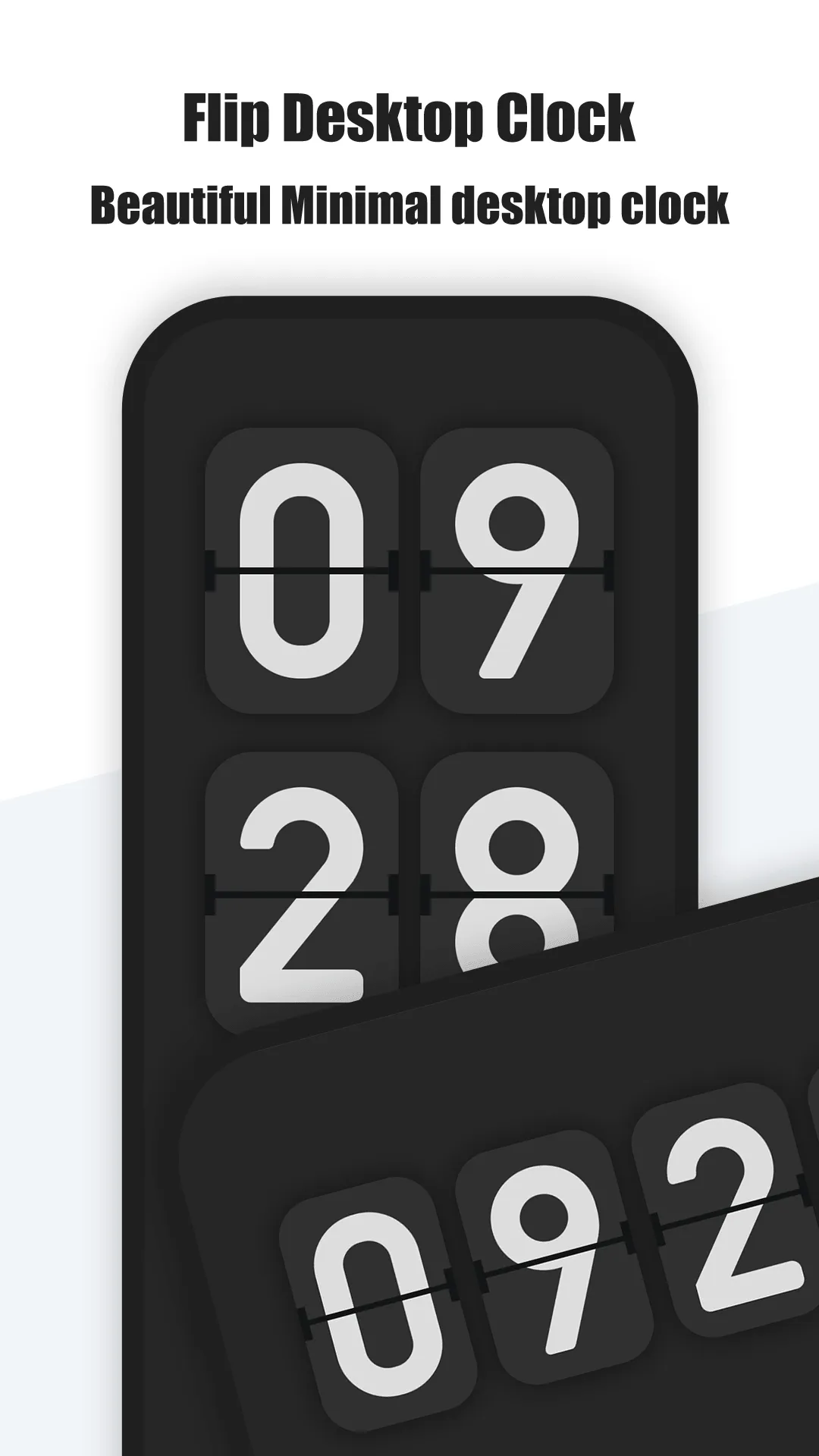
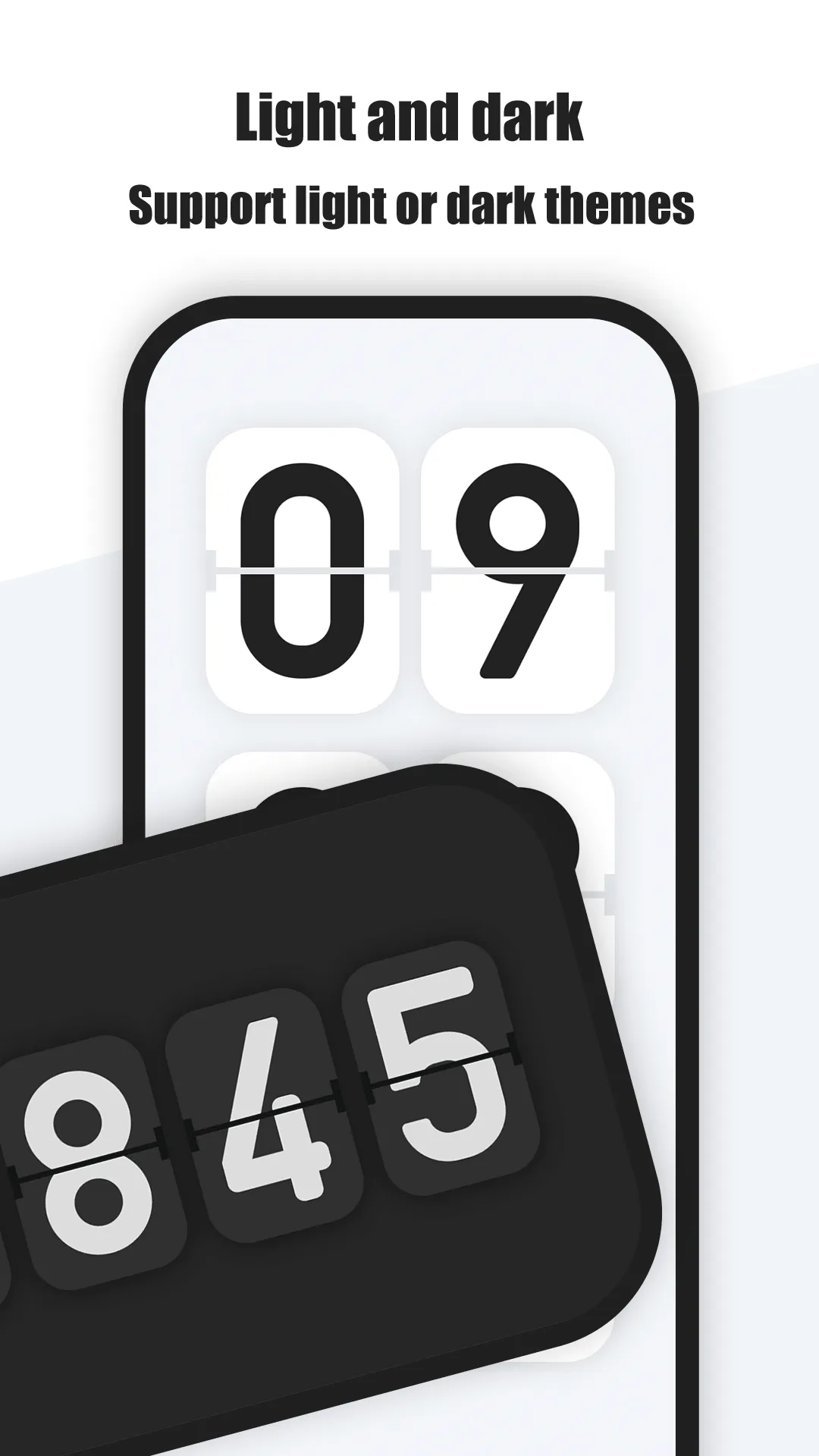
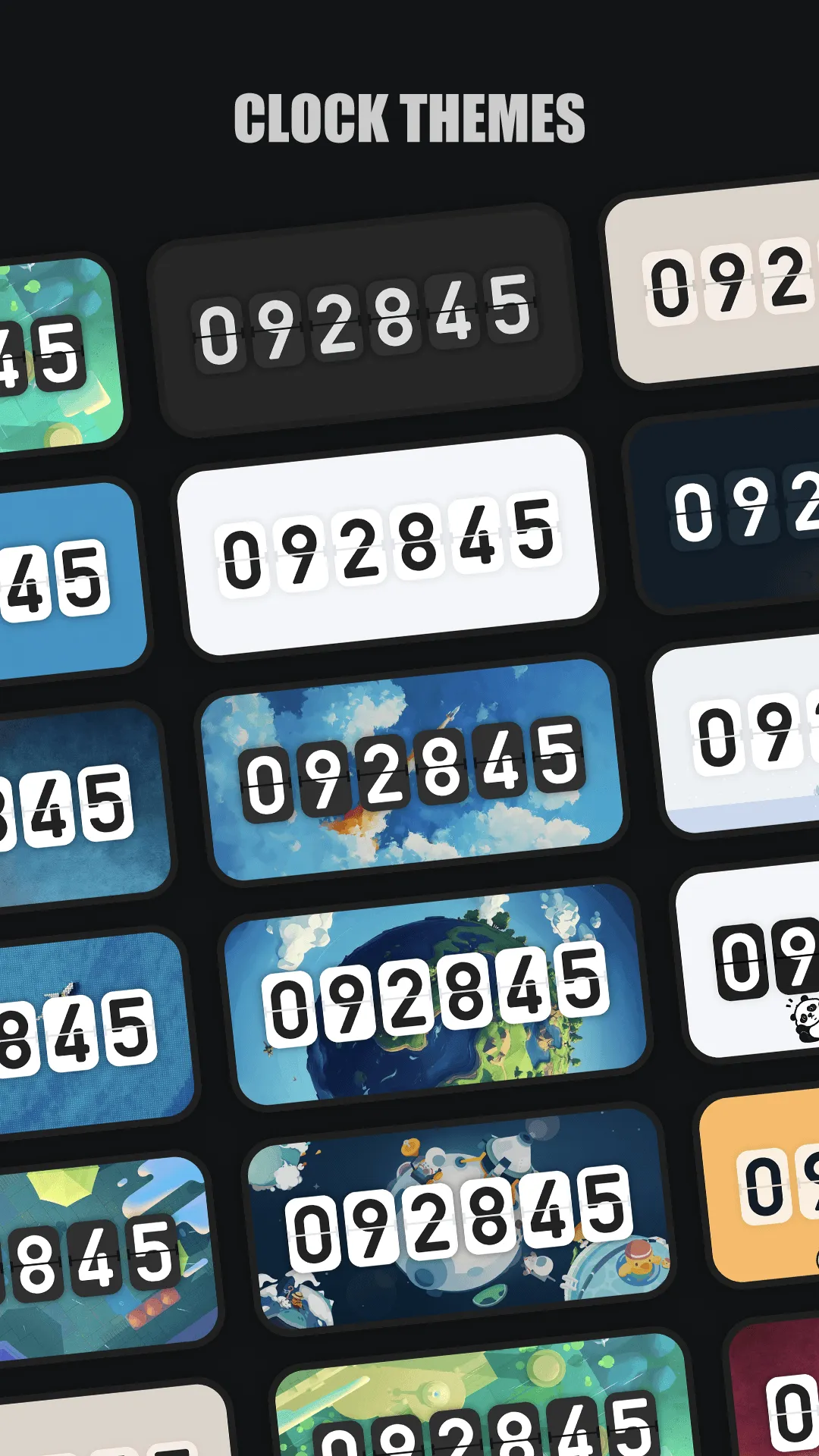
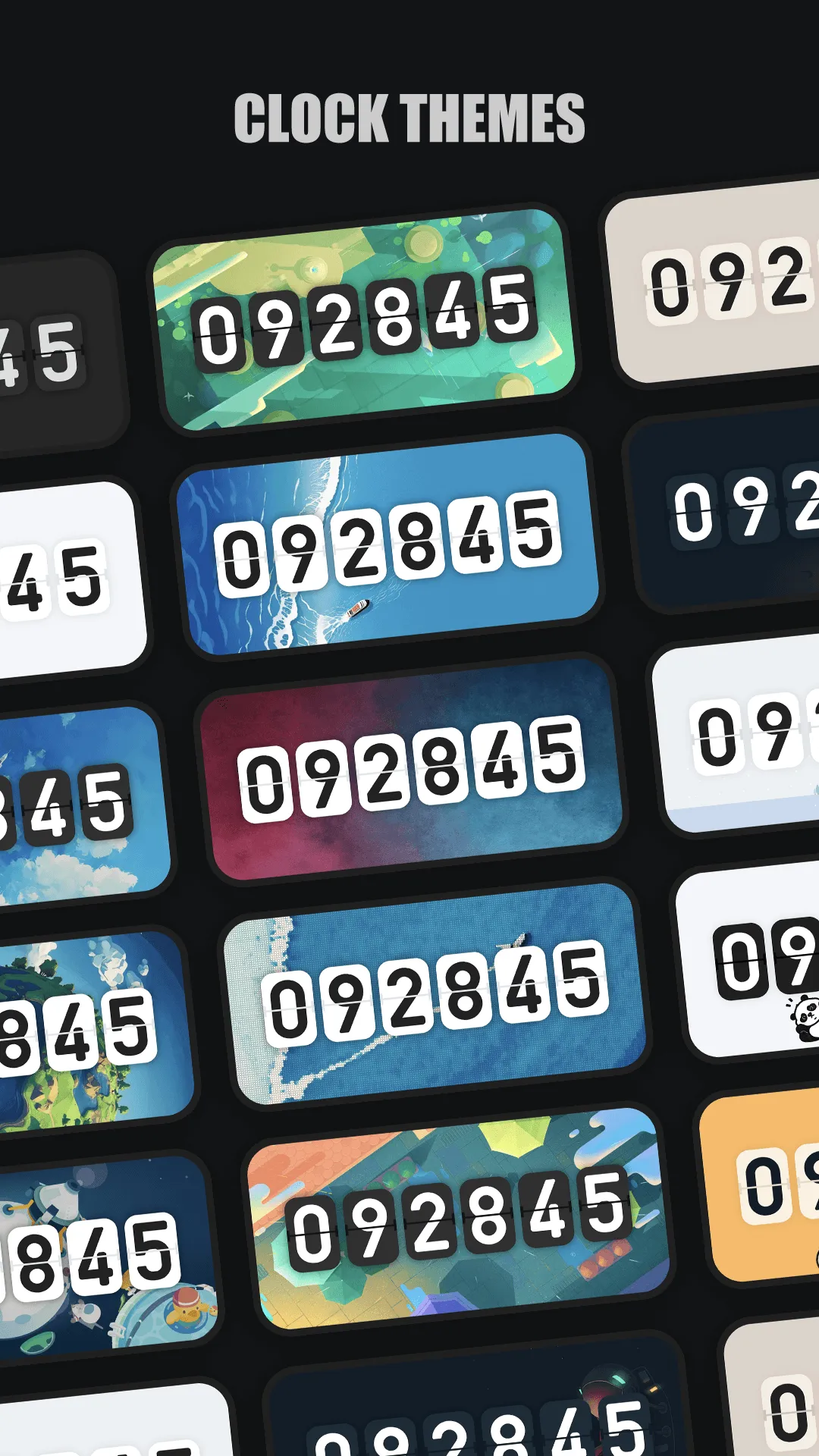
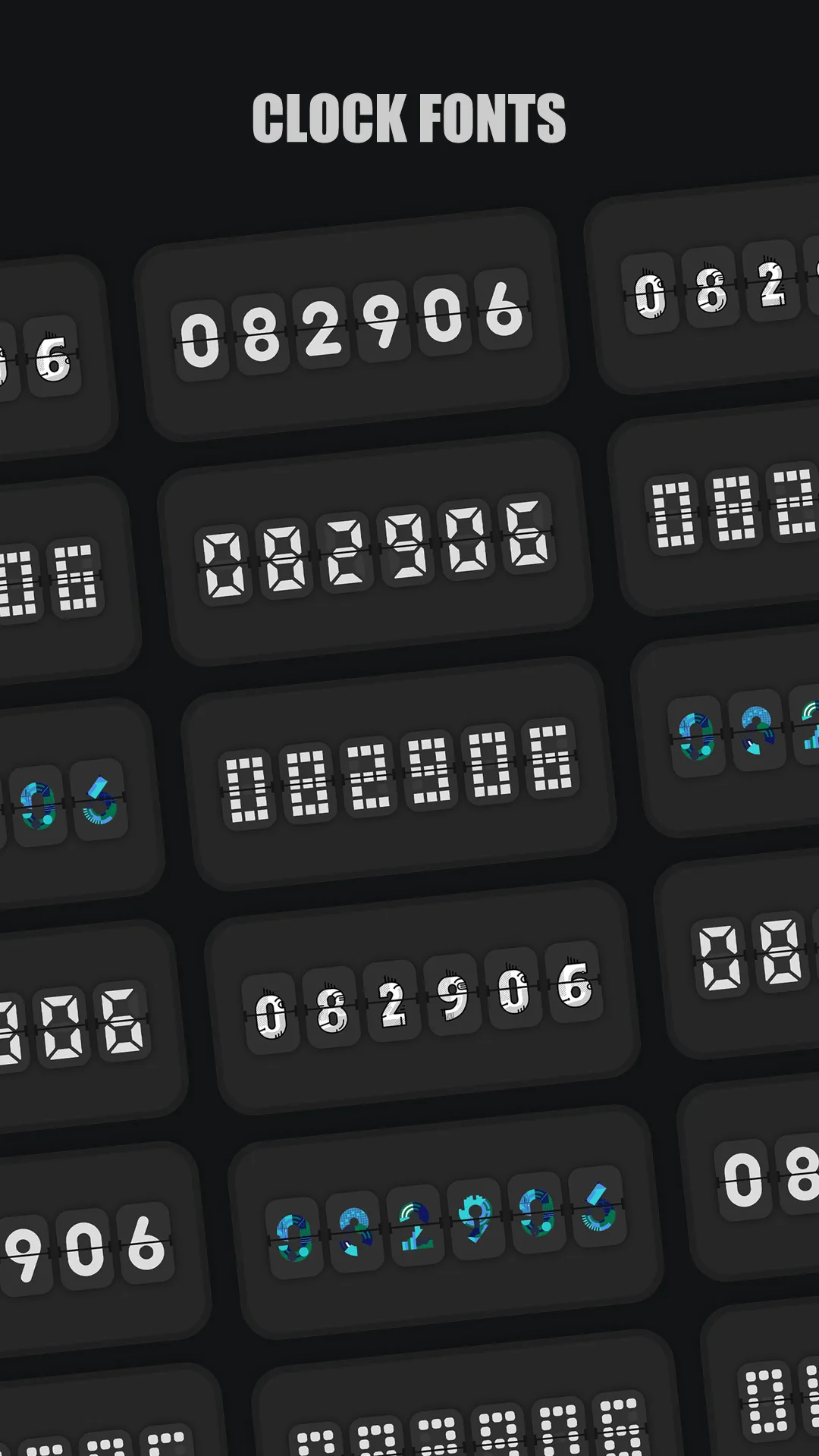
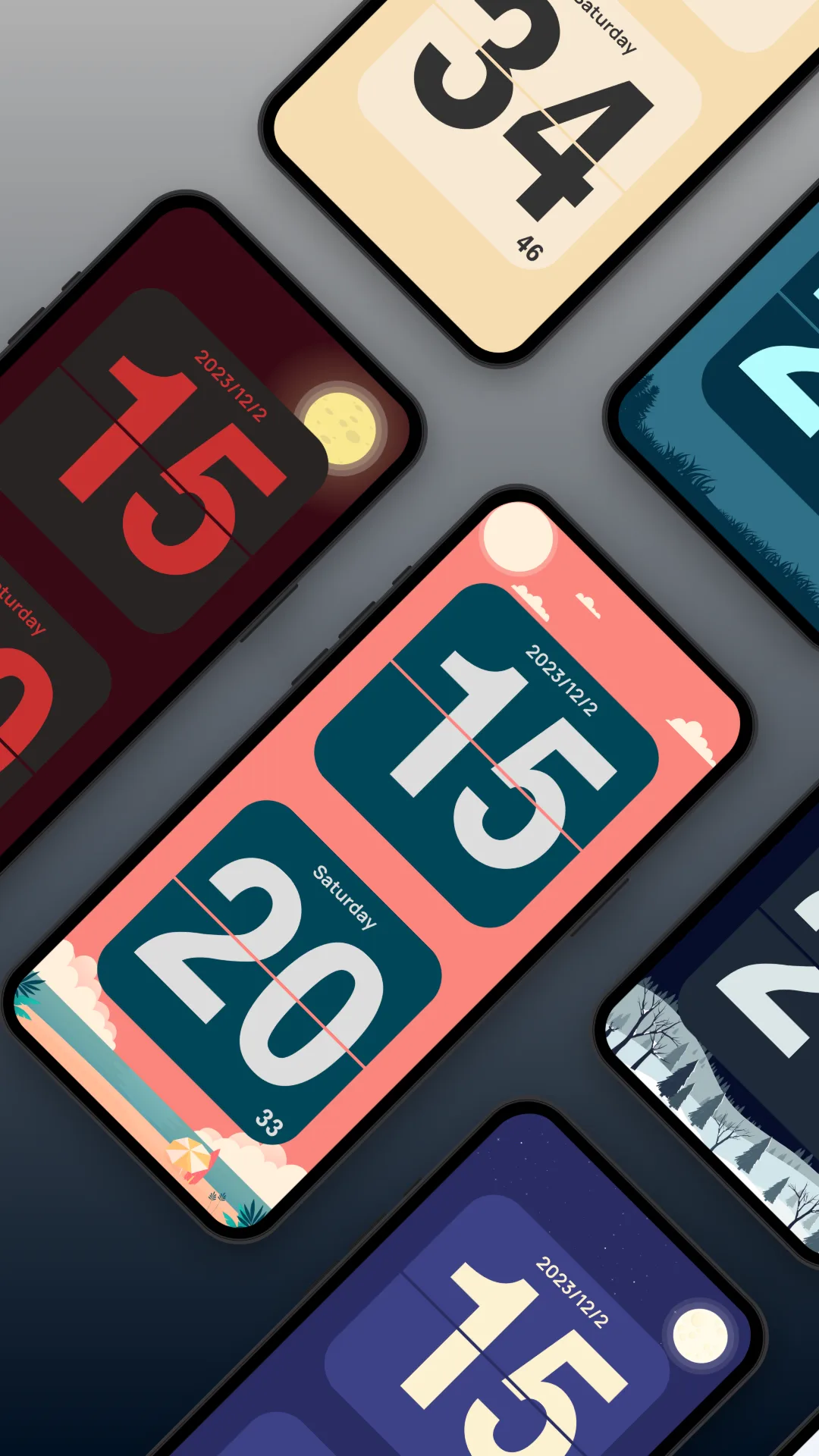
Only Clock is a fullscreen flip clock with a beautiful flip animation and a wide set of themes — from cute cats to space and panda scenes. Beyond the look, it adds white noise for focus and sleep and a floating clock overlay.
Strengths
- Many beautiful themes (cat, sky, space, panda and more) you can switch freely.
- White noise built in — rain, forest, fireplace and more to help you focus or sleep.
- Floating clock overlay so you can see the time above other apps.
- Clock widgets for the home screen, plus 12/24-hour and date display.
- Runs on Android and iOS, and works great as a desk or bedside clock on a spare phone or iPad.
- No account required — open it and the clock just works.
Weaknesses
- Richest themes and sounds sit behind a small one-time or subscription unlock.
- Widget styling is more limited on iOS than on Android.
- No world-clock / multiple-timezone view.
- Can feel feature-rich if you only wanted a bare retro clock.
Best for
People who want one flip clock that also plays sound, floats over apps, and works on both Android and iPhone.
Download Only Clock
Flip Clock, in detail
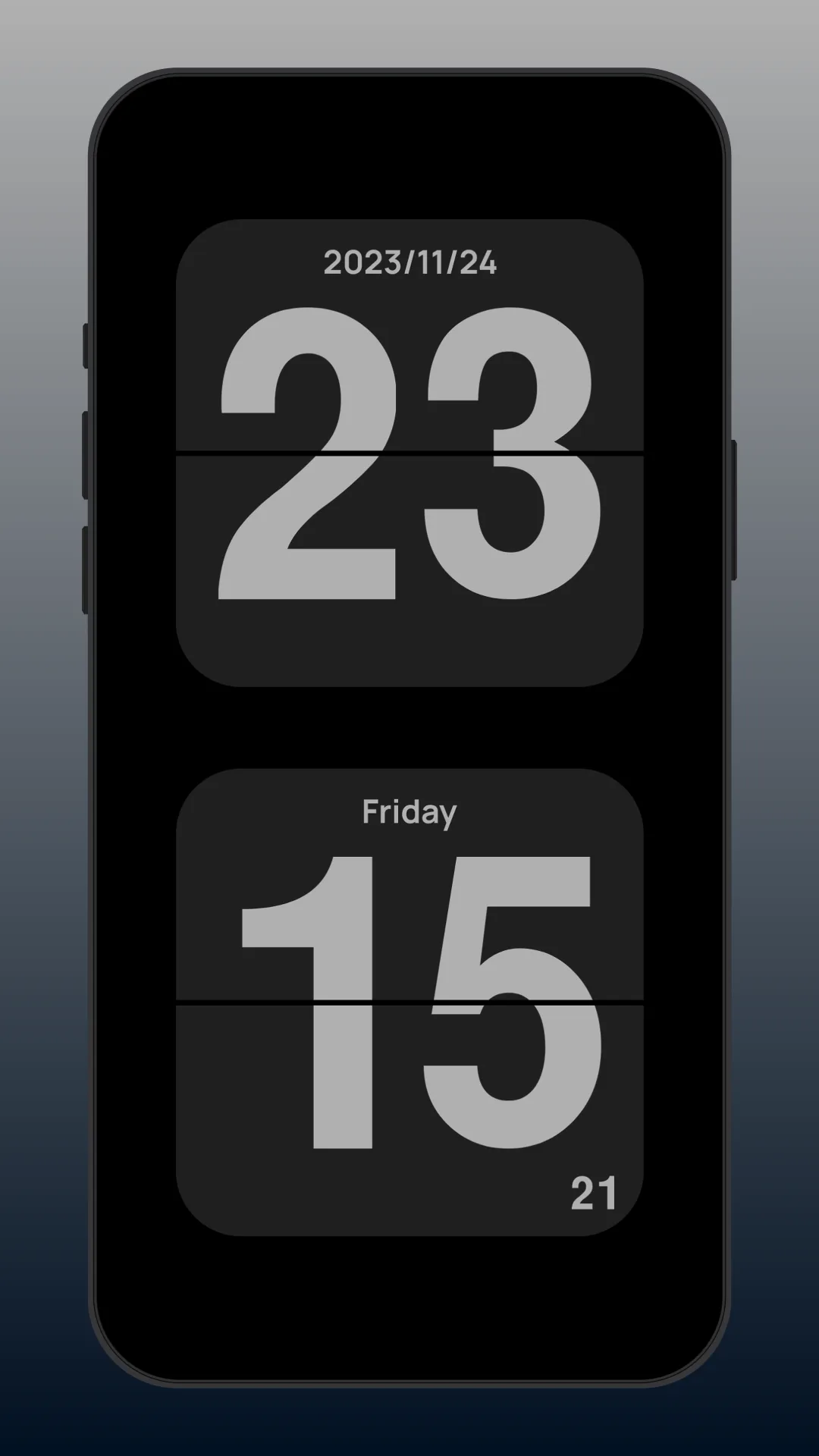
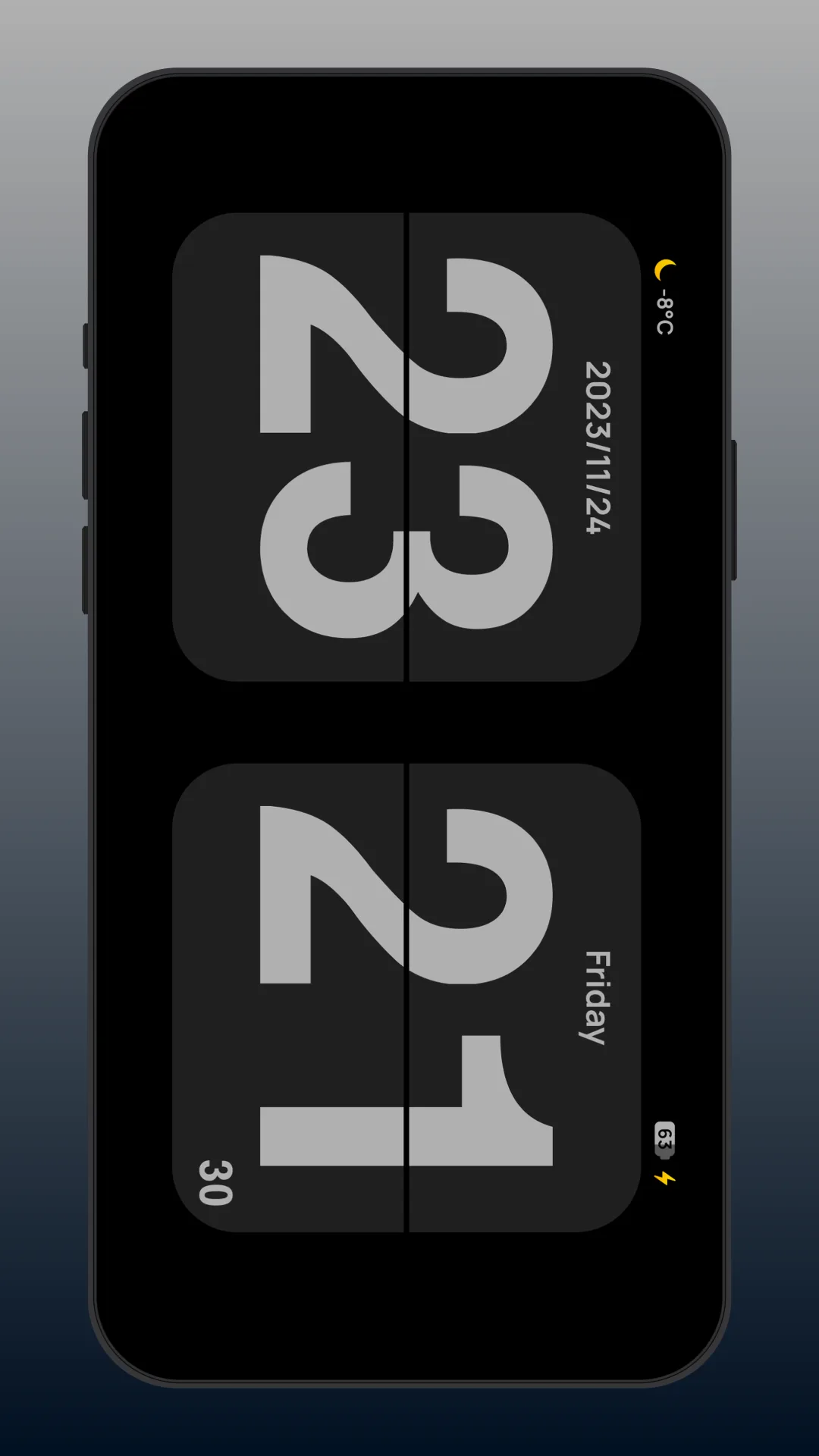
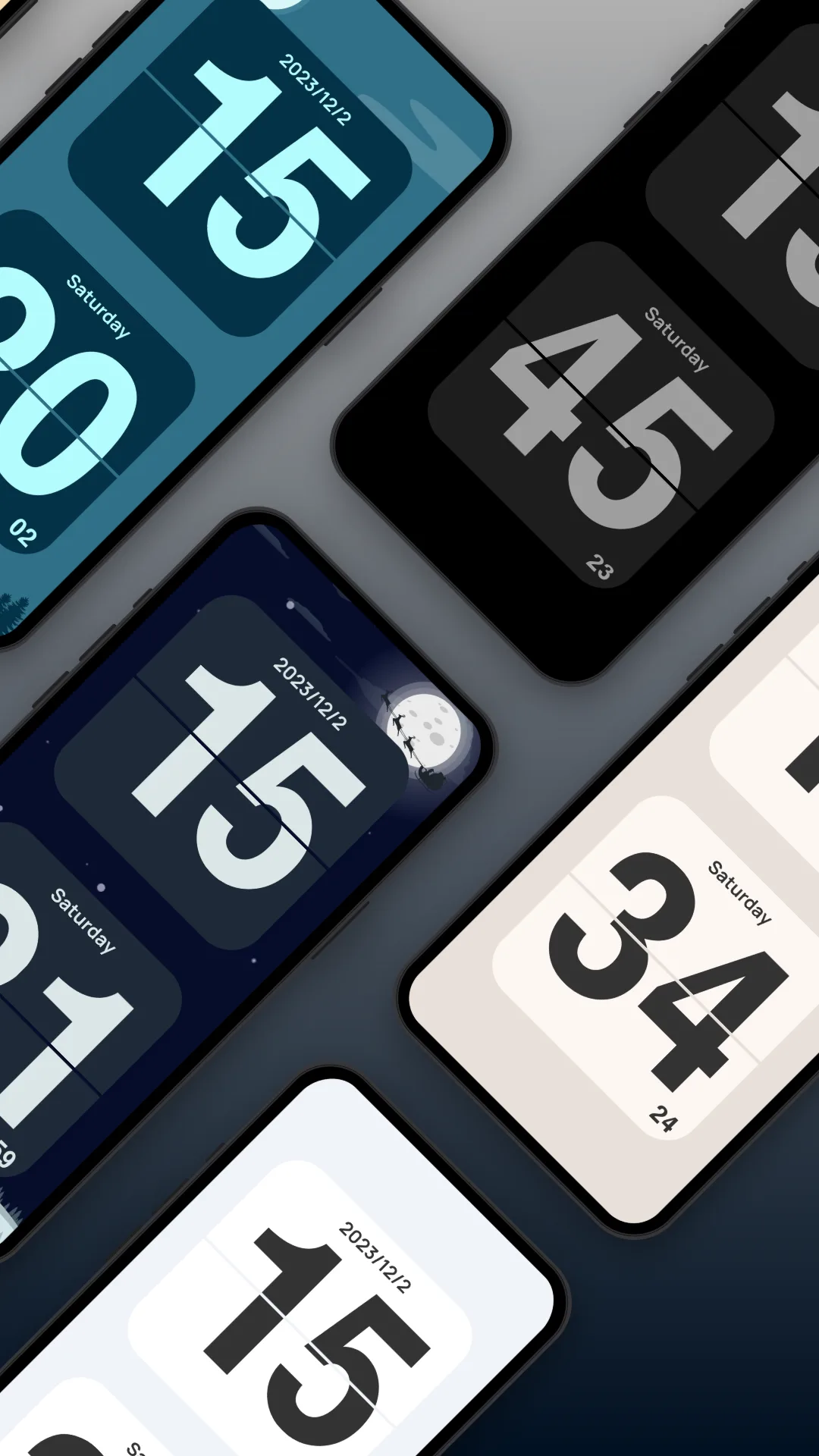
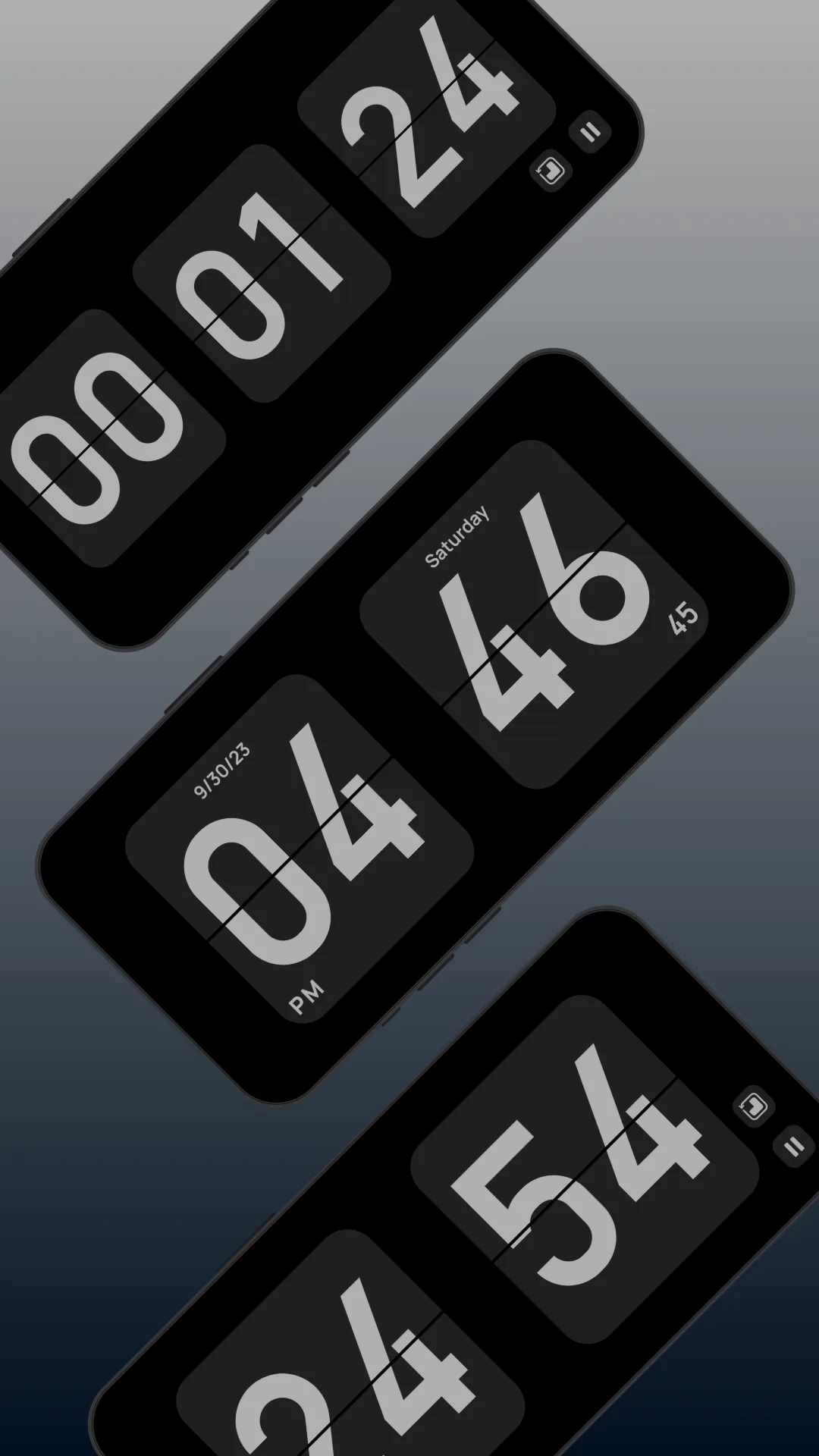
Flip Clock is a popular free flip-clock app: a clean fullscreen flip animation, brightness and always-on controls, and the date — exactly the classic bedside look, usually free with ads or small in-app purchases.
Strengths
- Classic retro flip look — the satisfying mechanical card-flip aesthetic, nothing more.
- Simple and lightweight — opens straight to the clock, no setup.
- Brightness and always-on controls for nightstand or desk use.
- Free to use, with optional small purchases to remove ads.
- Date and 12/24-hour display included.
Weaknesses
- No white noise — purely a clock, no ambient sound for sleep or focus.
- No floating overlay — the time lives inside the app, not above other apps.
- Mostly Android — iPhone users must hunt for equivalents on the App Store.
- Ad-supported in the free tier, which can interrupt the calm look.
- Limited themes and no widgets in most of these apps.
Best for
Users who want a simple, free retro flip clock and don’t need sound, widgets, or a floating clock.
Download Flip Clock
How they compare where it matters
Themes and personality
Only Clock offers a broad, polished theme library (including cute cat scenes), so the clock matches your mood or room. Flip Clock stays in the classic lane with limited variation.
Sound and focus
This is the clearest gap. Only Clock includes white noise for sleep and focus; Flip Clock is a silent clock. If you want the clock to also help you relax, Only Clock is the only one of the two that does.
Floating clock and widgets
Only Clock adds a floating overlay and home-screen widgets. Flip Clock keeps the time inside the app only. For glanceability, Only Clock covers more.
Platforms
Only Clock runs on Android and iOS; Flip Clock is predominantly Android. iPhone users get the fuller experience from Only Clock.
Price
Both are free to start. Only Clock’s best themes/sounds are behind an unlock; Flip Clock is free with ads. Neither is a heavy subscription.
Which should you choose
- Choose Only Clock if you want themed visuals, white noise, a floating clock or widgets, and iPhone support.
- Choose Flip Clock if you just want a free, simple retro flip clock and don’t need sound or extras.
- For an all-in-one bedside companion, Only Clock does more; for a bare, nostalgic clock, Flip Clock fits.