
Only Clock: A Flip Clock That Makes Any Screen Calm
A practical look at Only Clock versus Flip Clock in 2026 — flip animation, themes, white noise, widgets, floating mode, and price for a flip-clock app.
A flip clock app turns any phone or tablet into a calming, retro timepiece. Only Clock is a fullscreen flip clock with smooth flip animation, themes, a floating mode, white noise, and a focus timer. Below we compare it with the popular free Flip Clock and what each is actually good at.
What a flip clock app should do
- Smooth flip animation — the card flip should feel physical, not janky.
- Fullscreen, readable — big digits you can glance at across a room.
- Themes — retro, cat, minimal, or photo-based to match a room.
- Widgets — a clock on the home screen, not just inside the app.
- White noise — a bedside or focus sound without a second app.
- Floating mode — a clock over a video or while you work.
The contenders at a glance
| App | Price (2026) | Themes | White noise | Floating | Widget | Best for |
|---|---|---|---|---|---|---|
| Only Clock | Free core + optional VIP | ✅ rich (cat, retro, photo) | ✅ | ✅ | ✅ | Themed, all-in-one |
| Flip Clock | Free (no ads) | ⚠️ minimal | ❌ | ❌ | ⚠️ basic | Simple, free |
| Minimal clock widgets | Free | ❌ | ❌ | ❌ | ✅ | Home-screen only |
Only Clock, in depth
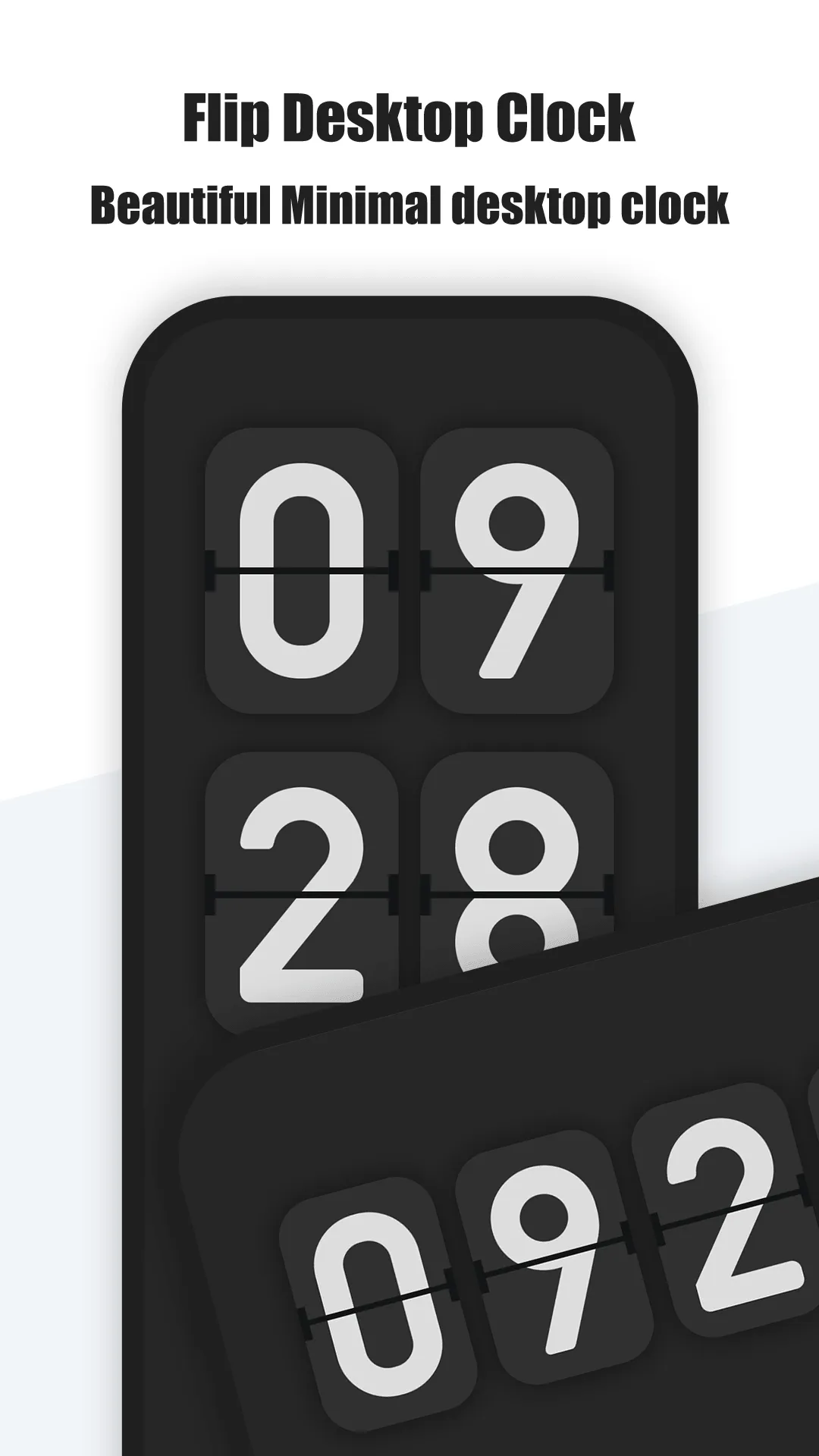
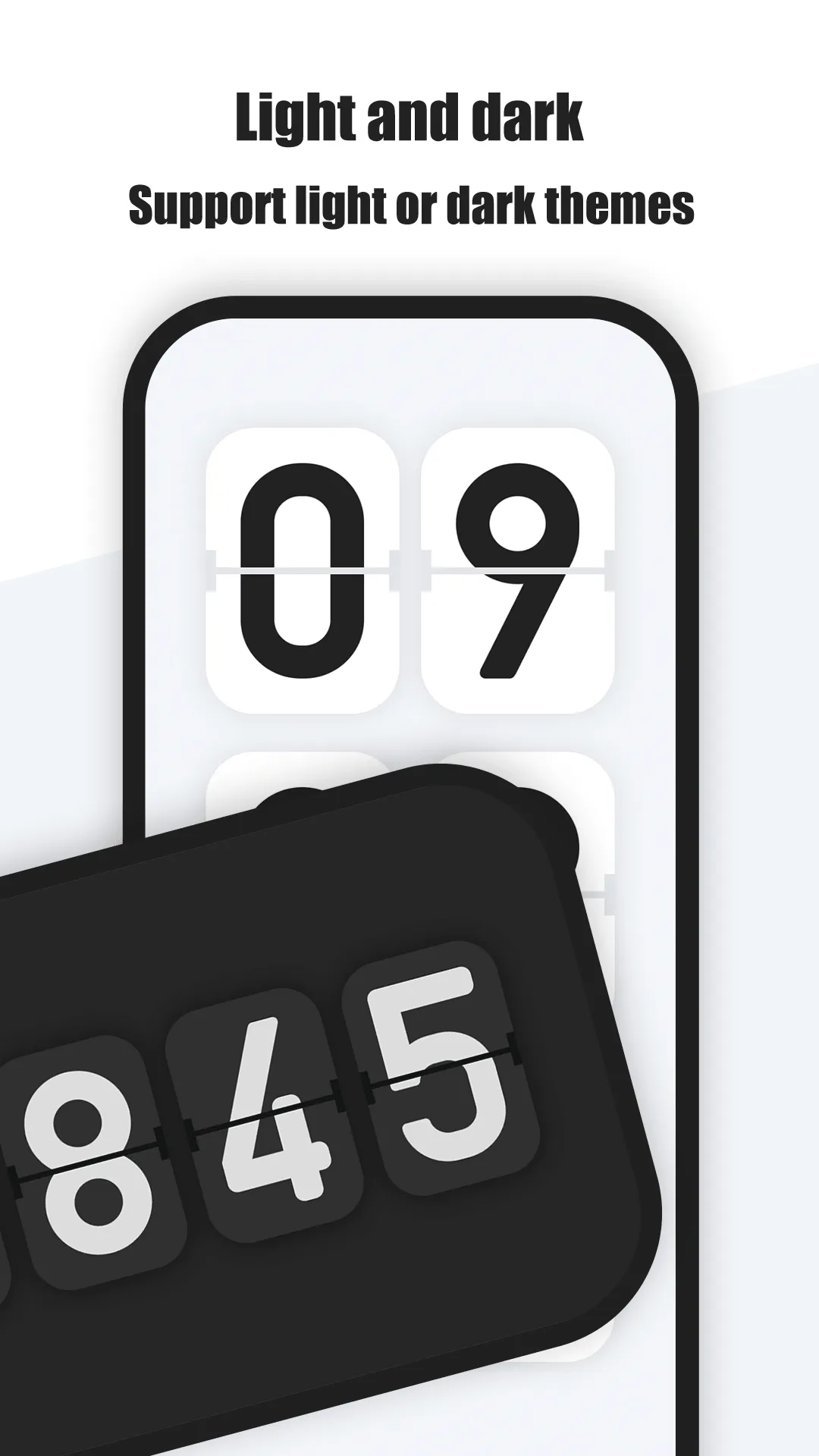
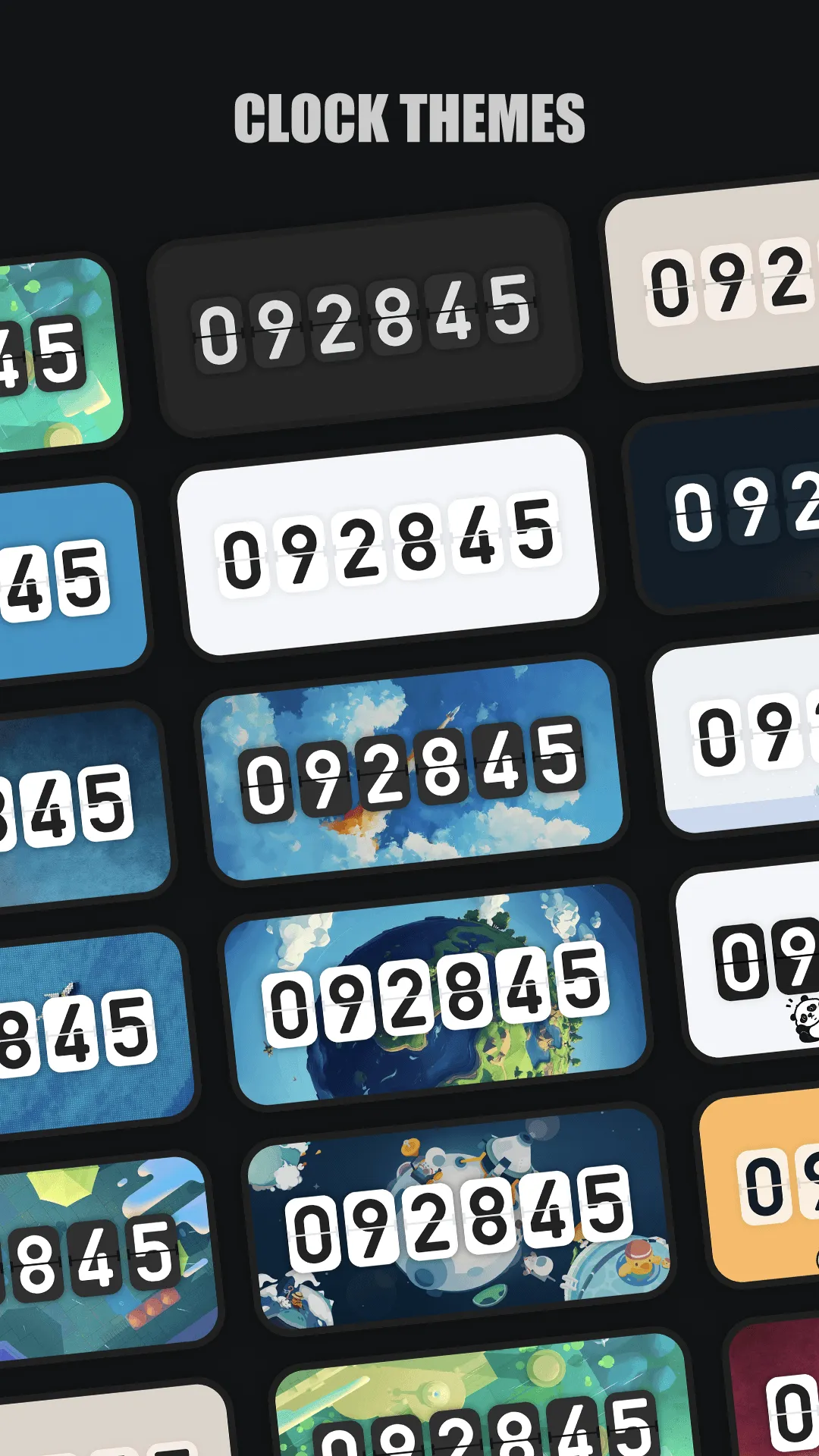
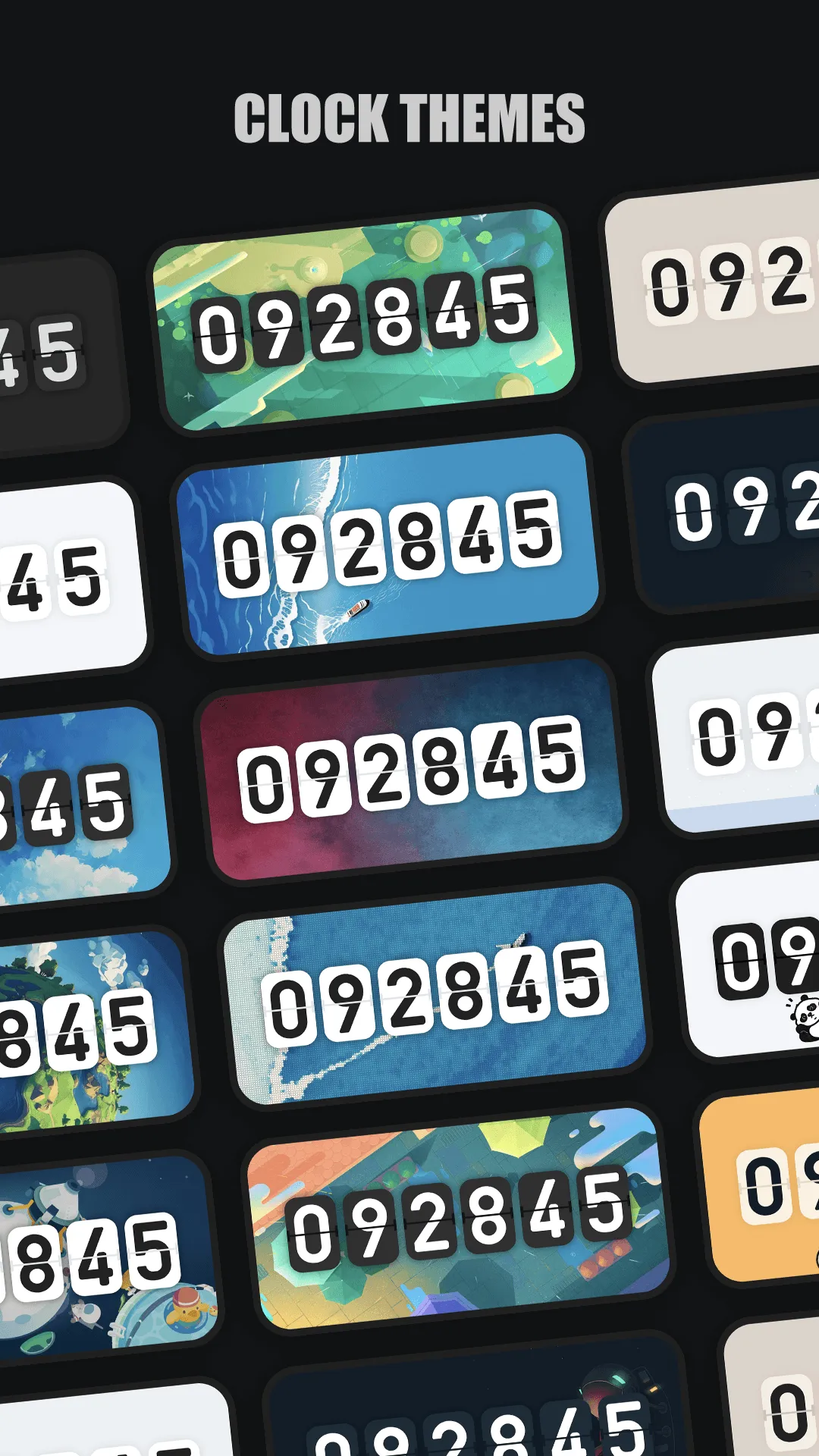
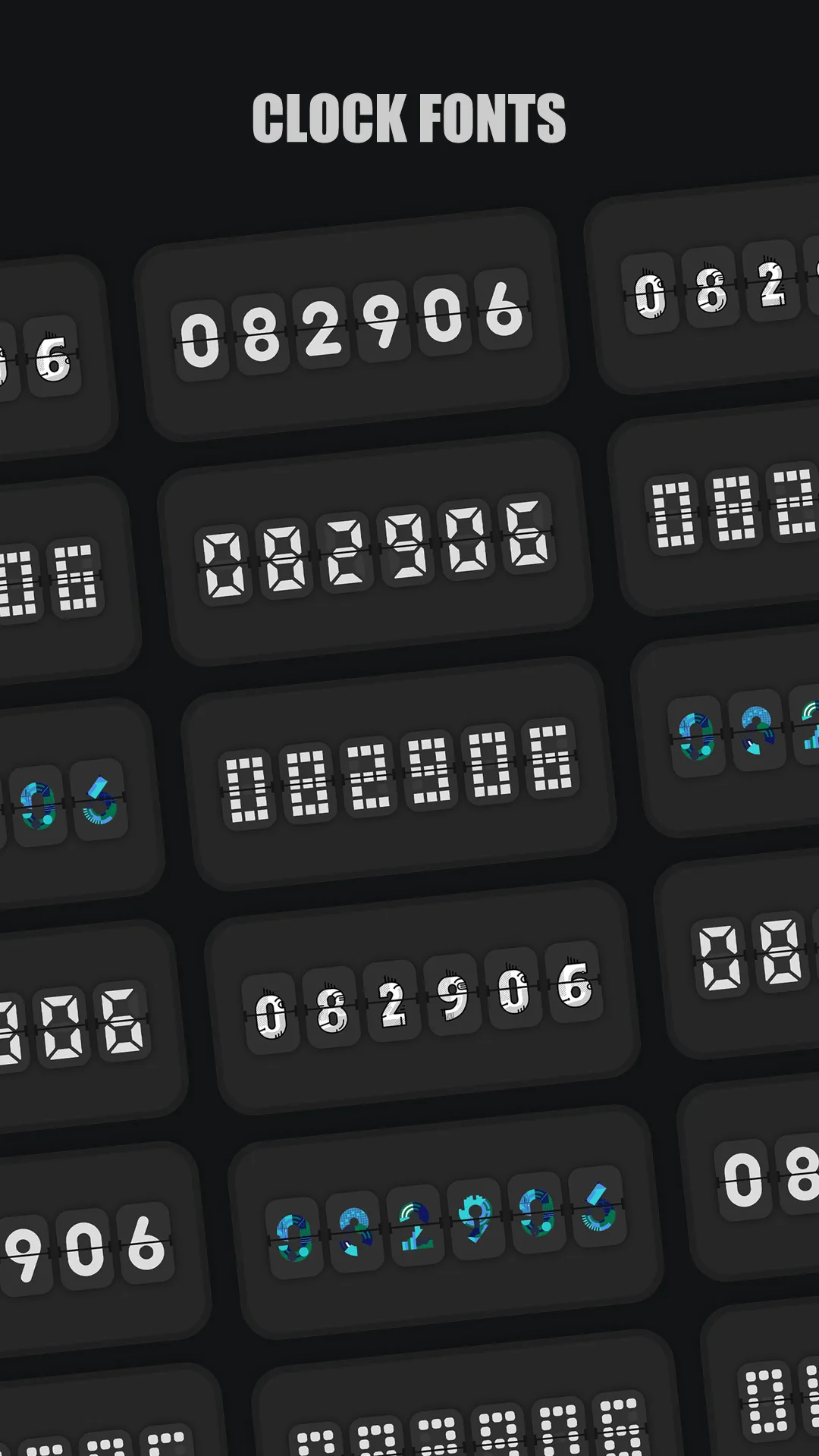
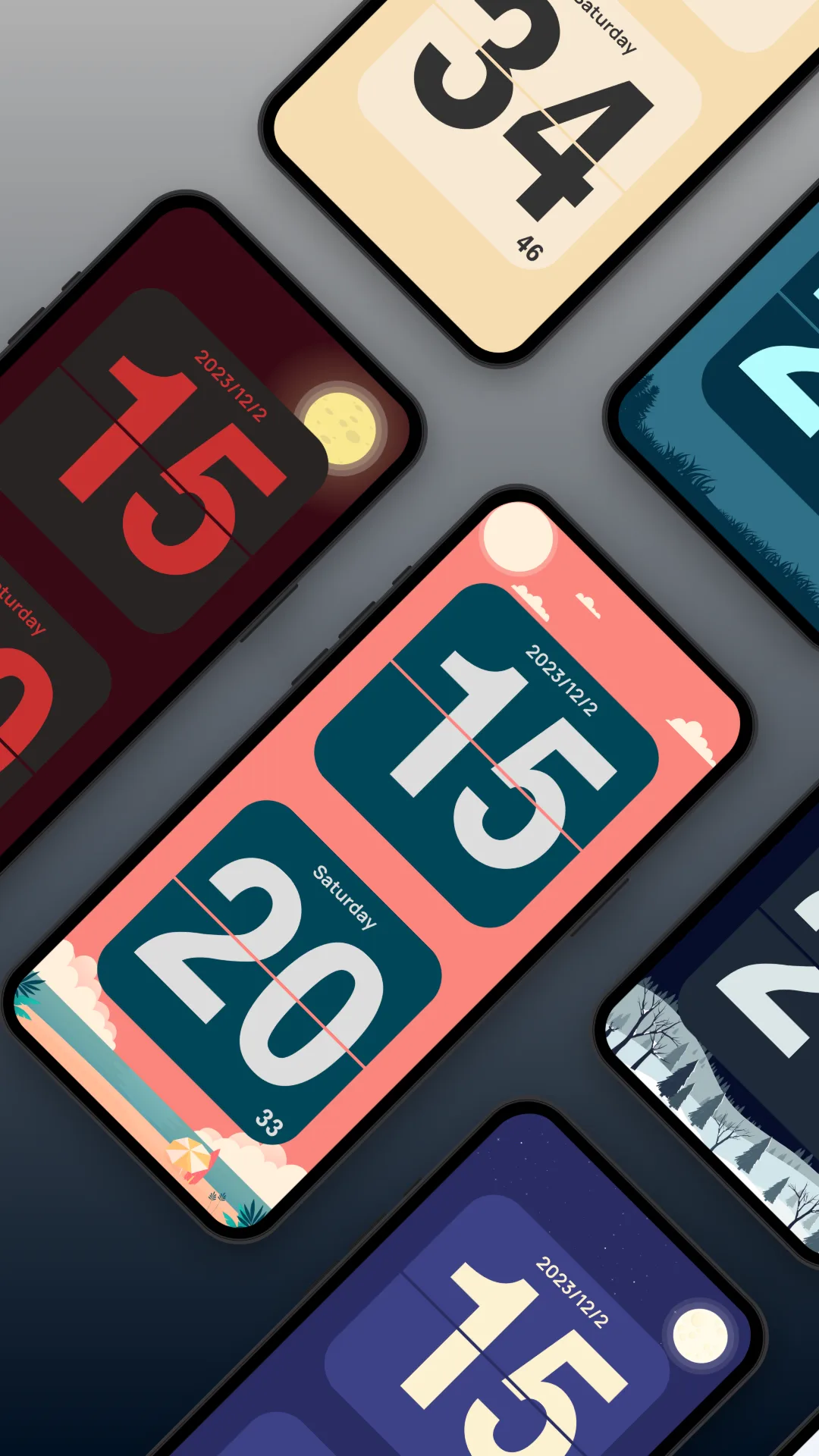
Only Clock is a fullscreen flip-clock for Android and iOS with a 3D flip animation and a broad theme library.
Strengths
- Rich themes — retro, cute cat scenes, minimal, and photo backgrounds; the clock matches your mood or room.
- Smooth animation — the flip transition is fluid on modern devices.
- White noise — built-in ambient sound for sleep and focus.
- Floating overlay — keep a clock above video or other apps.
- Widgets — flat and split styles with optional date.
- Cross-platform — Android and iOS, including a spare phone as a clock display.
Weaknesses
- VIP for the best themes/sounds — the top themes and noise are behind an unlock.
- Heavier than minimal apps — the animation and themes cost a little battery vs a static clock.
Best for: people who want a flip clock with personality, sound, and a floating mode.
Flip Clock, in depth
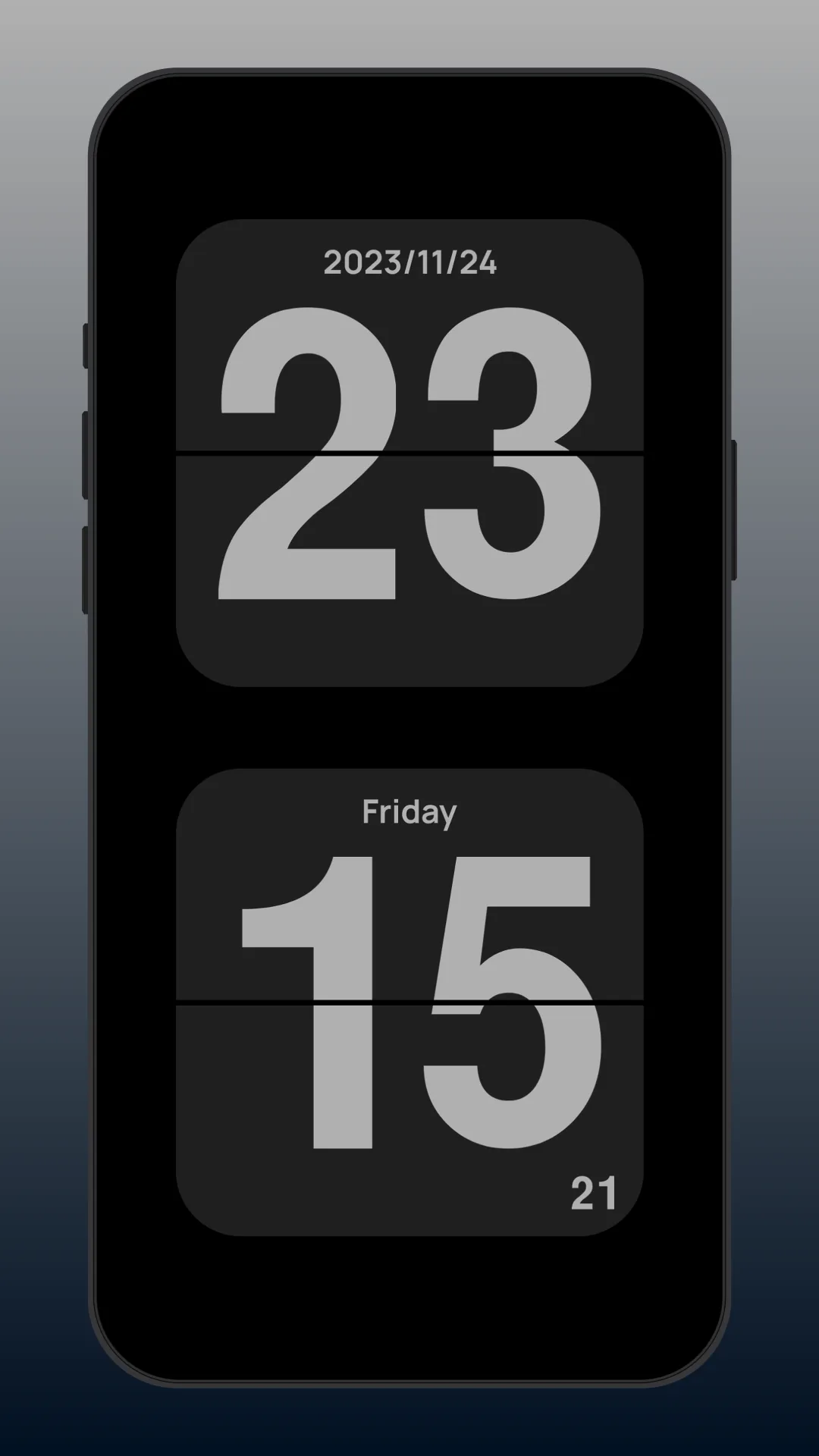
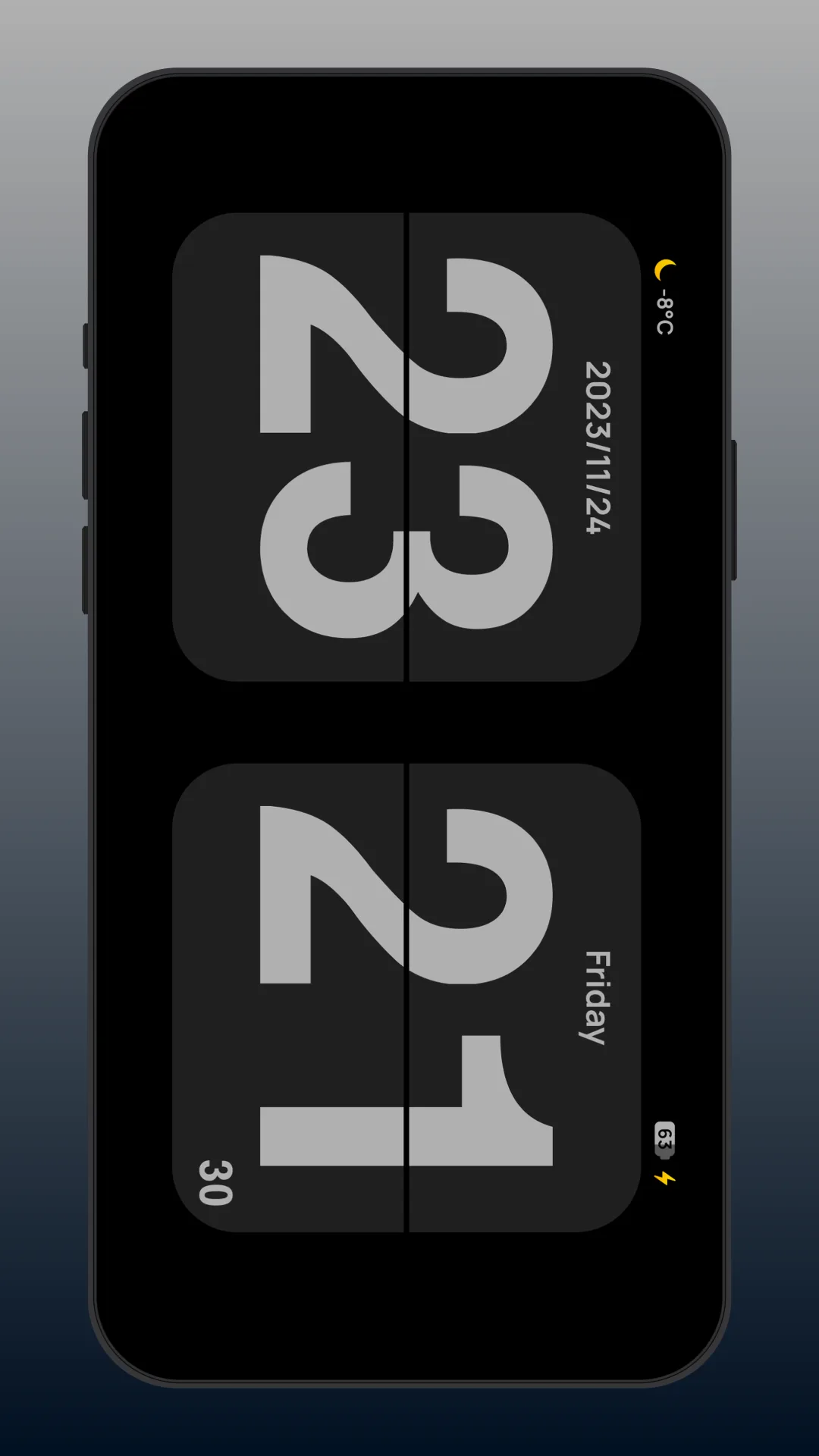
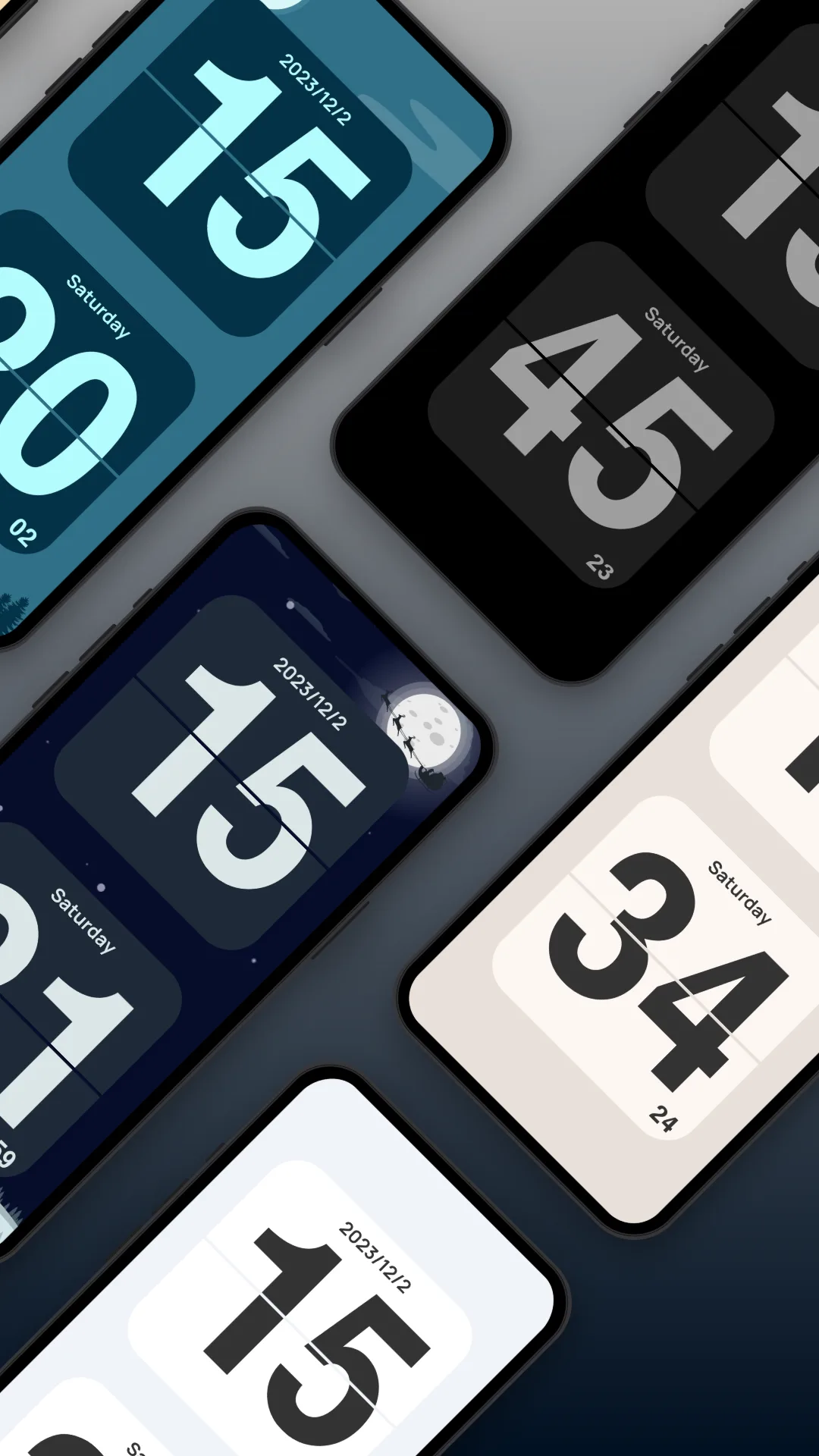
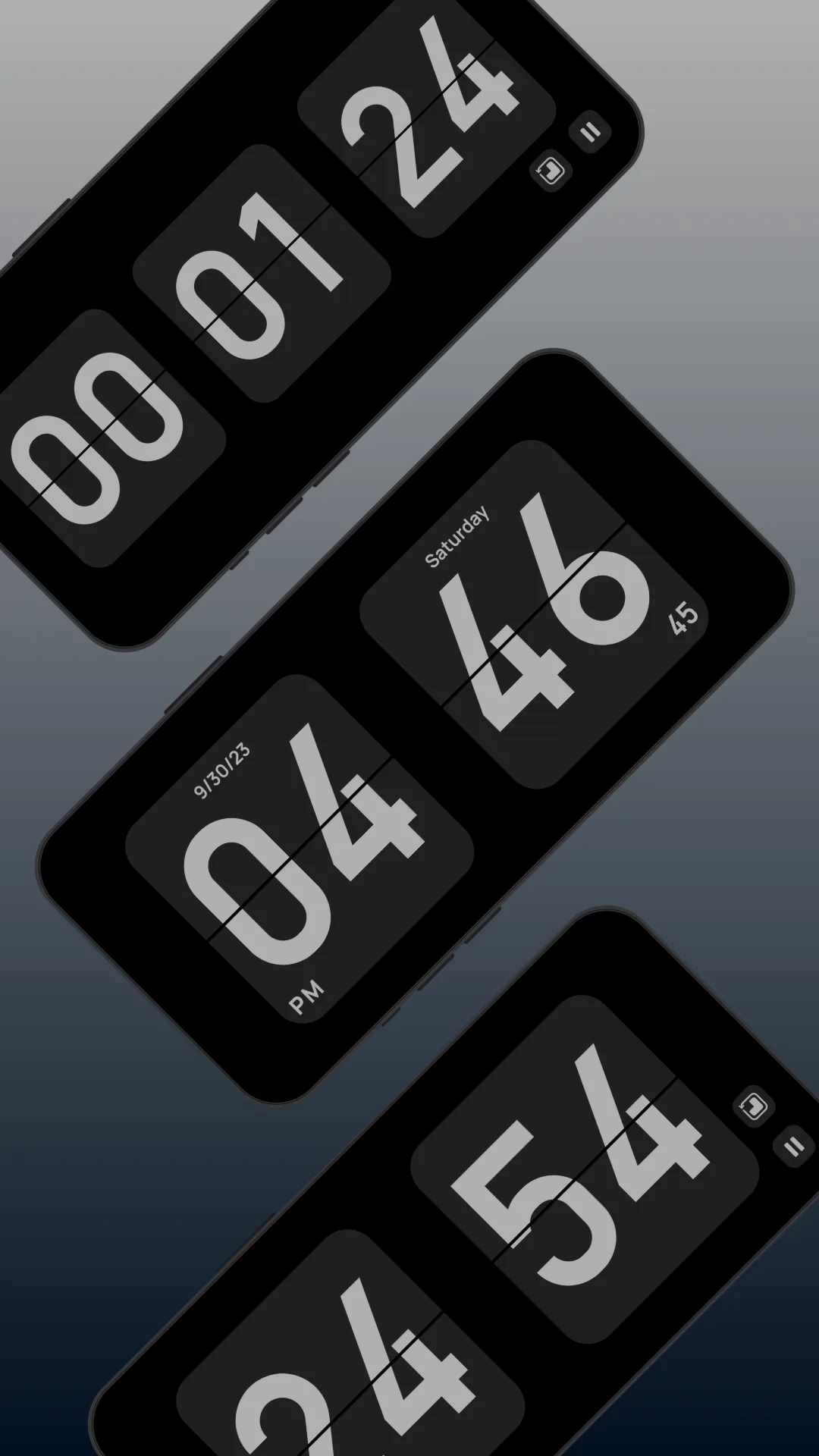
Flip Clock (package com.wssc.simpleclock) is a popular free flip-clock app — a clean fullscreen flip animation, brightness and always-on controls, and the date, with no ads.
Strengths
- Free and clean — a no-nonsense retro flip look, no price, no ads.
- Simple controls — brightness and always-on are easy to reach.
- Lightweight — minimal battery and storage.
Weaknesses
- Limited themes — stays in the classic lane with little variation.
- No white noise — it’s a silent clock.
- No floating mode or rich widgets — the time lives inside the app only.
Best for: anyone who wants a free, simple retro flip clock and nothing more.
Which should you pick?
- Want themes + white noise + floating + widgets → Only Clock.
- Want a free, bare retro flip clock → Flip Clock.
Get Only Clock — available on Android and iOS.