
Only Clock for the Nightstand: A Spare Phone as a Bedside Clock
A practical look at Only Clock versus Flip Clock as a nightstand clock in 2026 — dim themes, always-on, white noise, and OLED burn-in safety.
A spare phone or tablet makes a perfect nightstand clock. The best nightstand clock app should be dim, readable, and calm — and ideally play sound that masks a partner’s snore. Only Clock is a fullscreen flip clock that fits the bedside. Here’s how it compares with the free Flip Clock for nightstand use, plus setup and burn-in tips.
What a nightstand clock needs
- Dim, dark themes — easy on sleepy eyes.
- Always-on friendly — stays lit while plugged in.
- White noise — masks sudden environmental sound.
- Burn-in guard — OLED screens need a shift or dim to avoid ghosting.
- Plug-and-forget — a spare device doing one job.
The contenders at a glance
| App | Price (2026) | Dim themes | White noise | Burn-in guard | Best for bedside |
|---|---|---|---|---|---|
| Only Clock | Free core + VIP | ✅ | ✅ | ✅ (shift/dim) | All-in-one bedside |
| Flip Clock | Free (no ads) | ⚠️ basic | ❌ | ❌ | Bare clock |
| Minimal clock widgets | Free | ❌ | ❌ | ❌ | Home-screen glance |
Only Clock, in depth
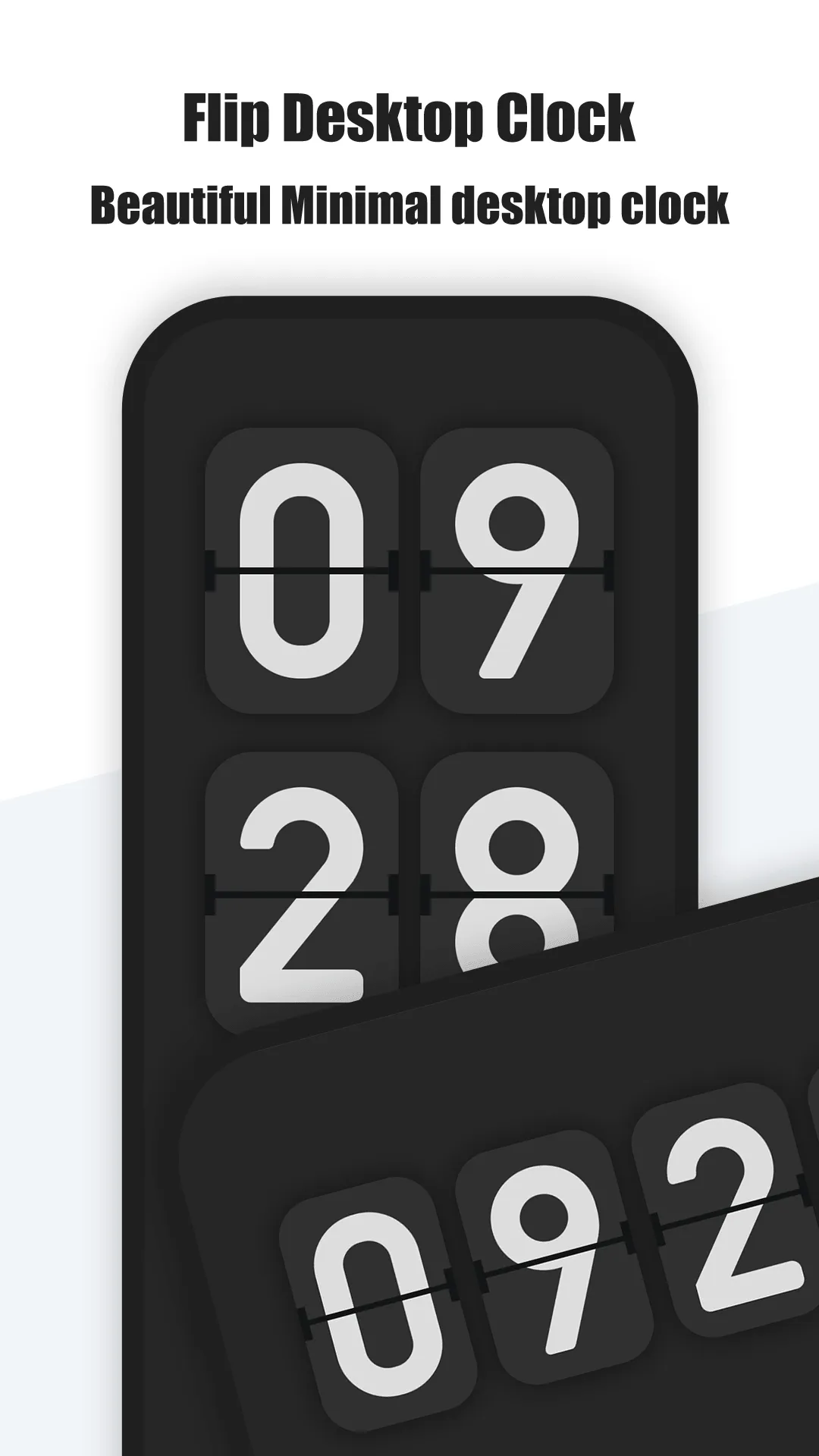
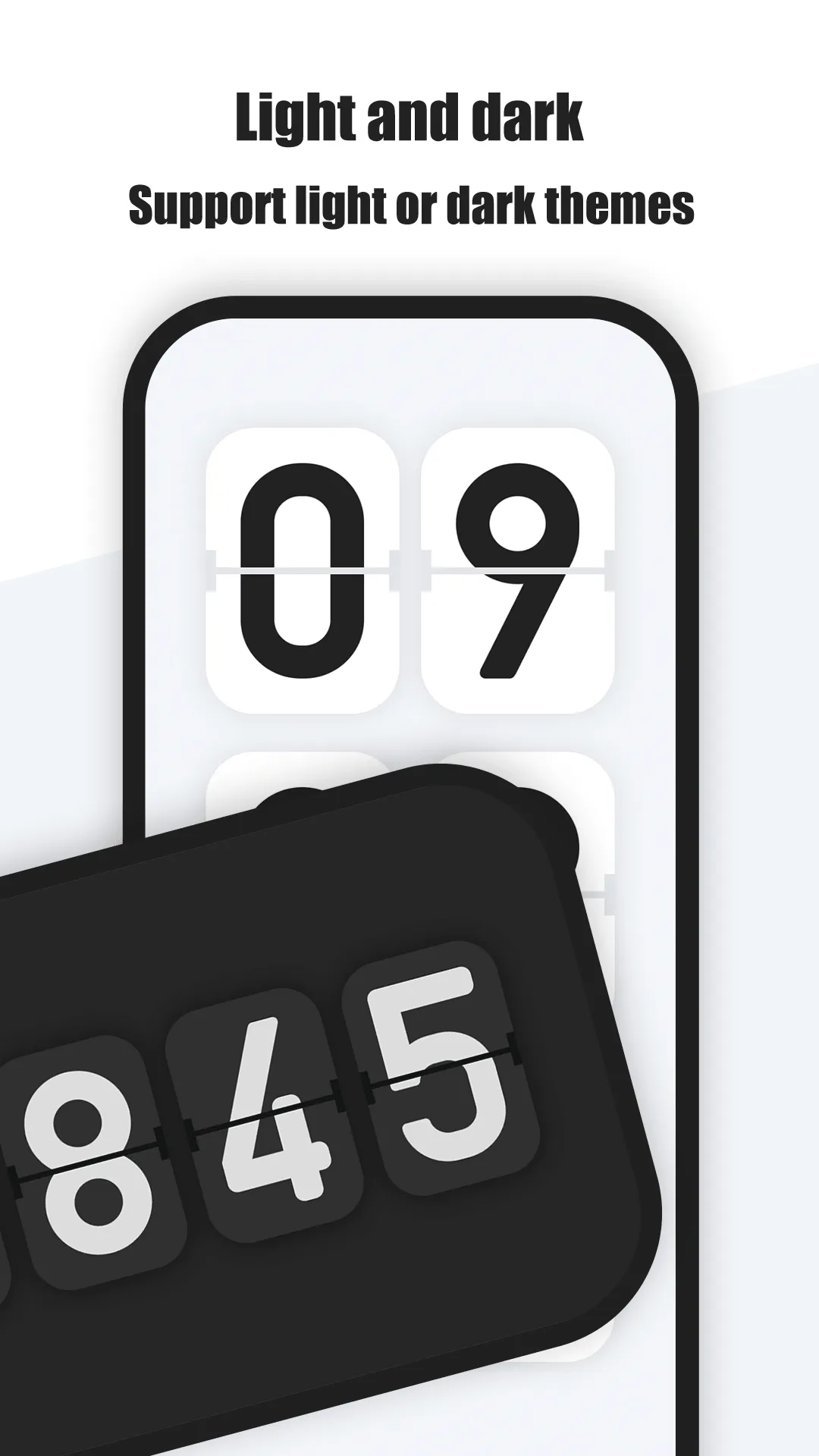
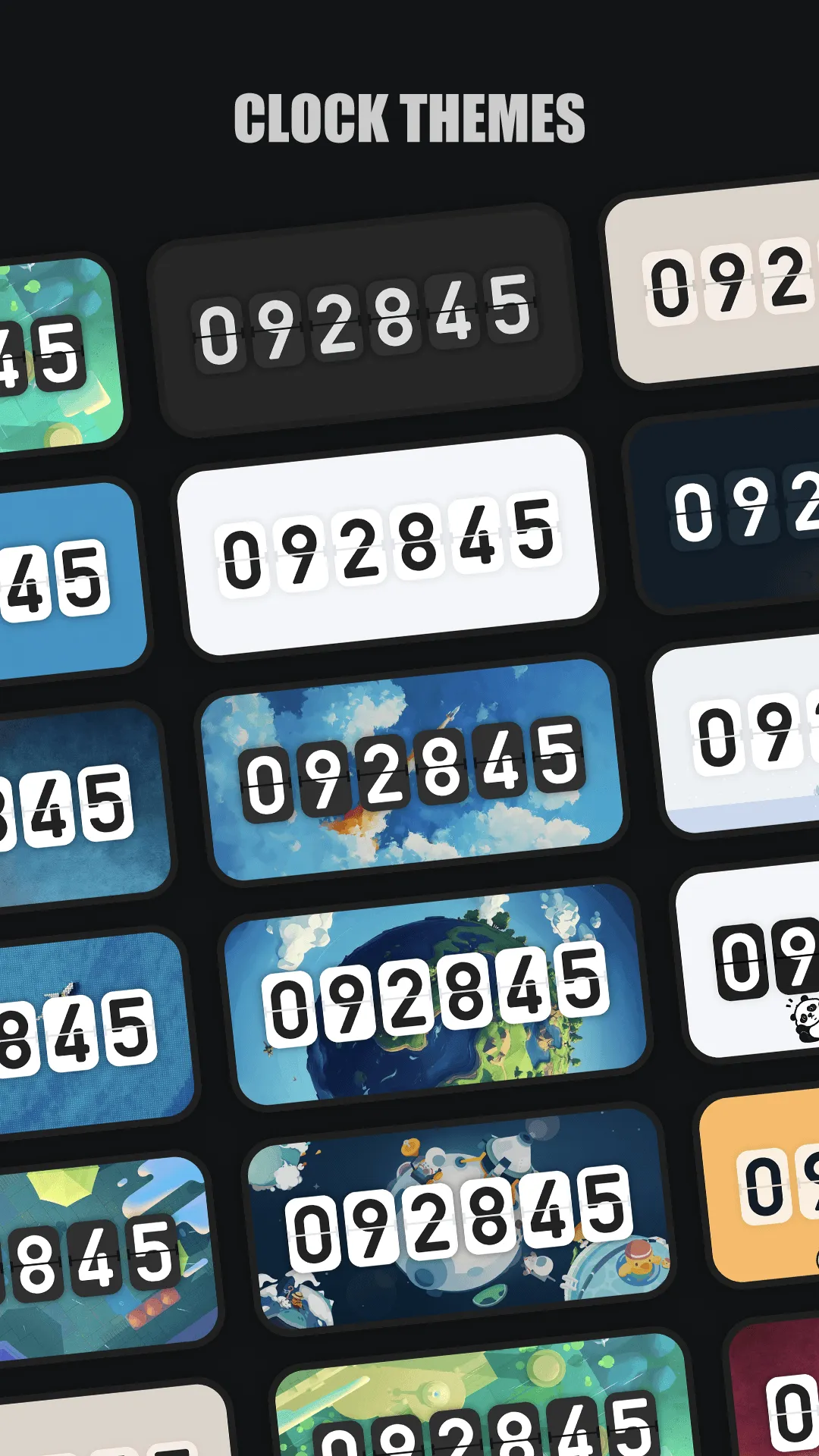
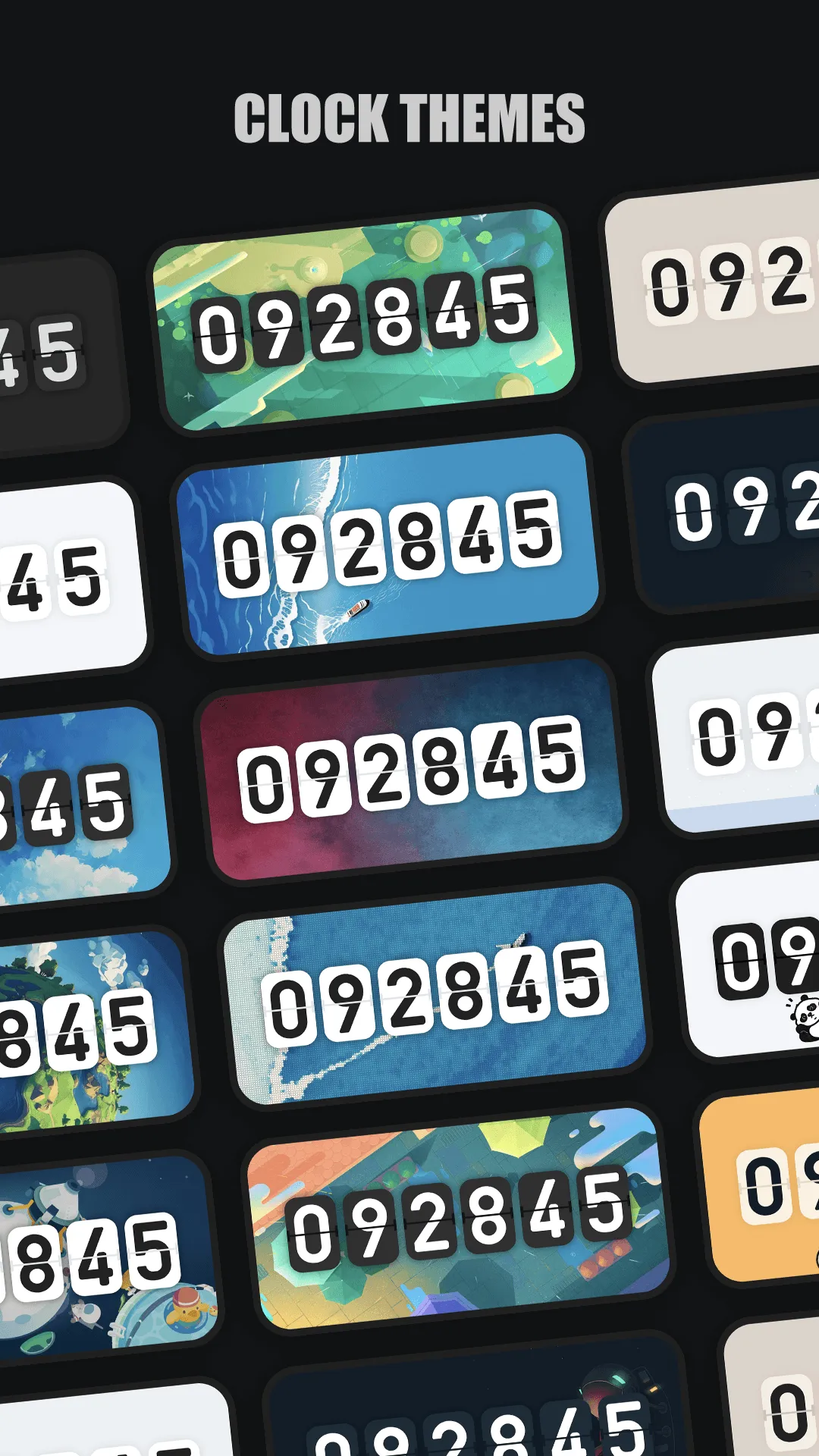
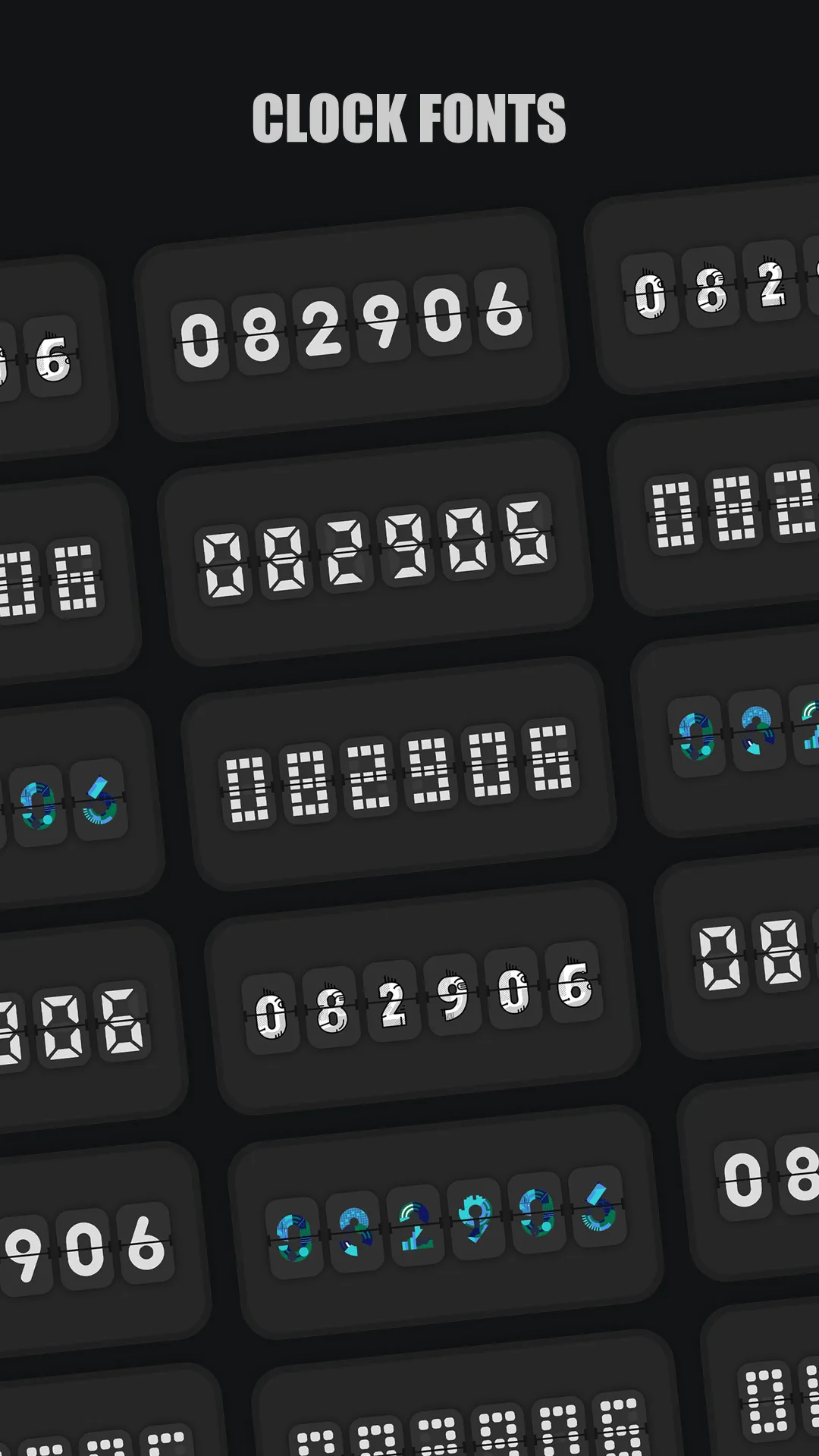
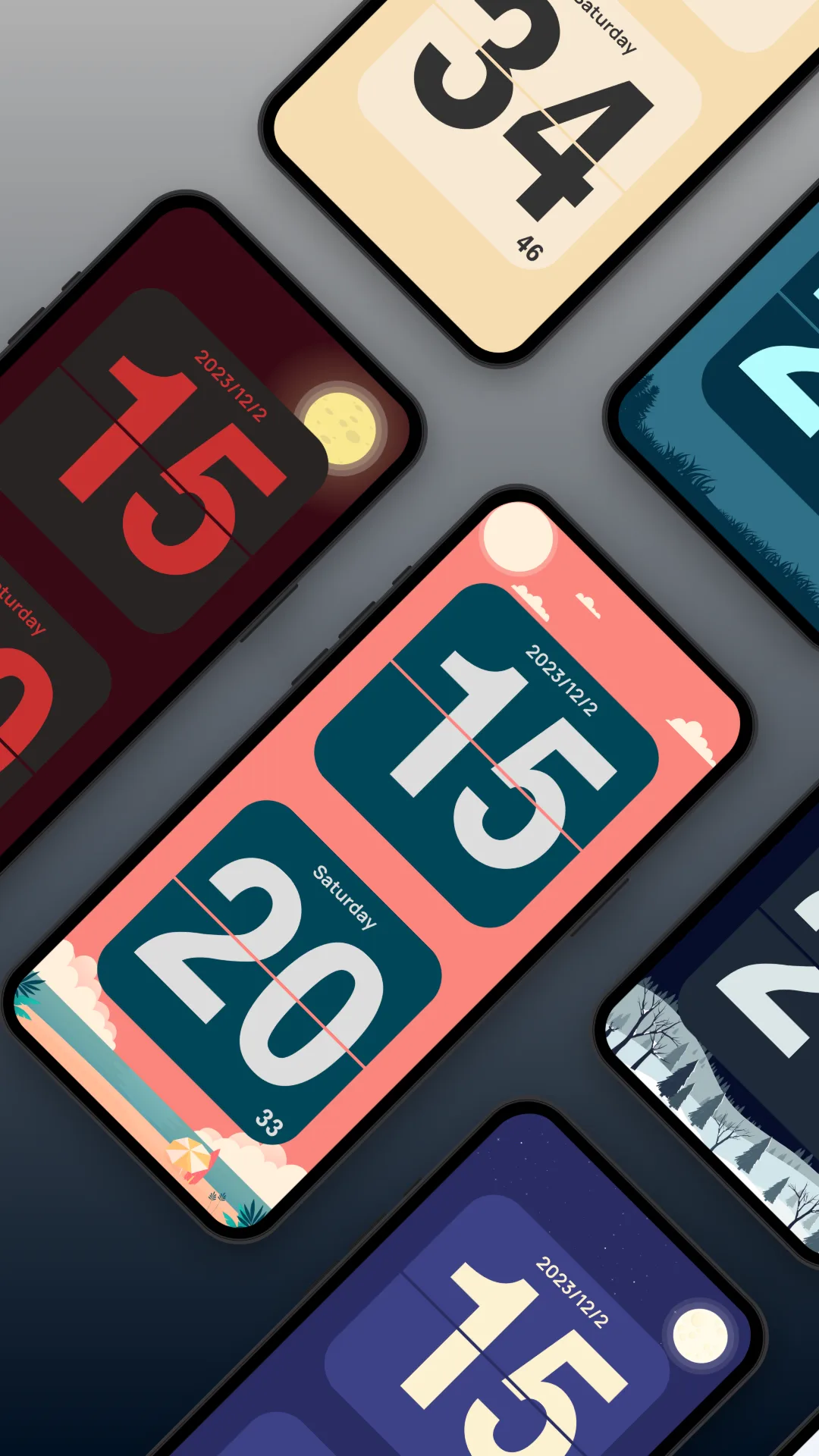
Only Clock is a fullscreen flip-clock for Android and iOS with dark themes, white noise, and anti-burn-in options.
Strengths for the bedside
- Dark, dimmable themes — cat and retro looks that stay soft at night.
- White noise — rain, fireplace, and more for sleep.
- Burn-in safety — clock-shift / dim options protect OLED panels.
- Always-on while charging — a spare phone becomes a permanent clock.
- Widgets — a clock on the lock or home screen too.
Weaknesses for the bedside
- VIP for best sounds/themes — premium noise and themes are behind an unlock.
- Animation uses more power than a static clock (fine while plugged in).
Best for: a spare device that should do more than tell time.
Flip Clock, in depth
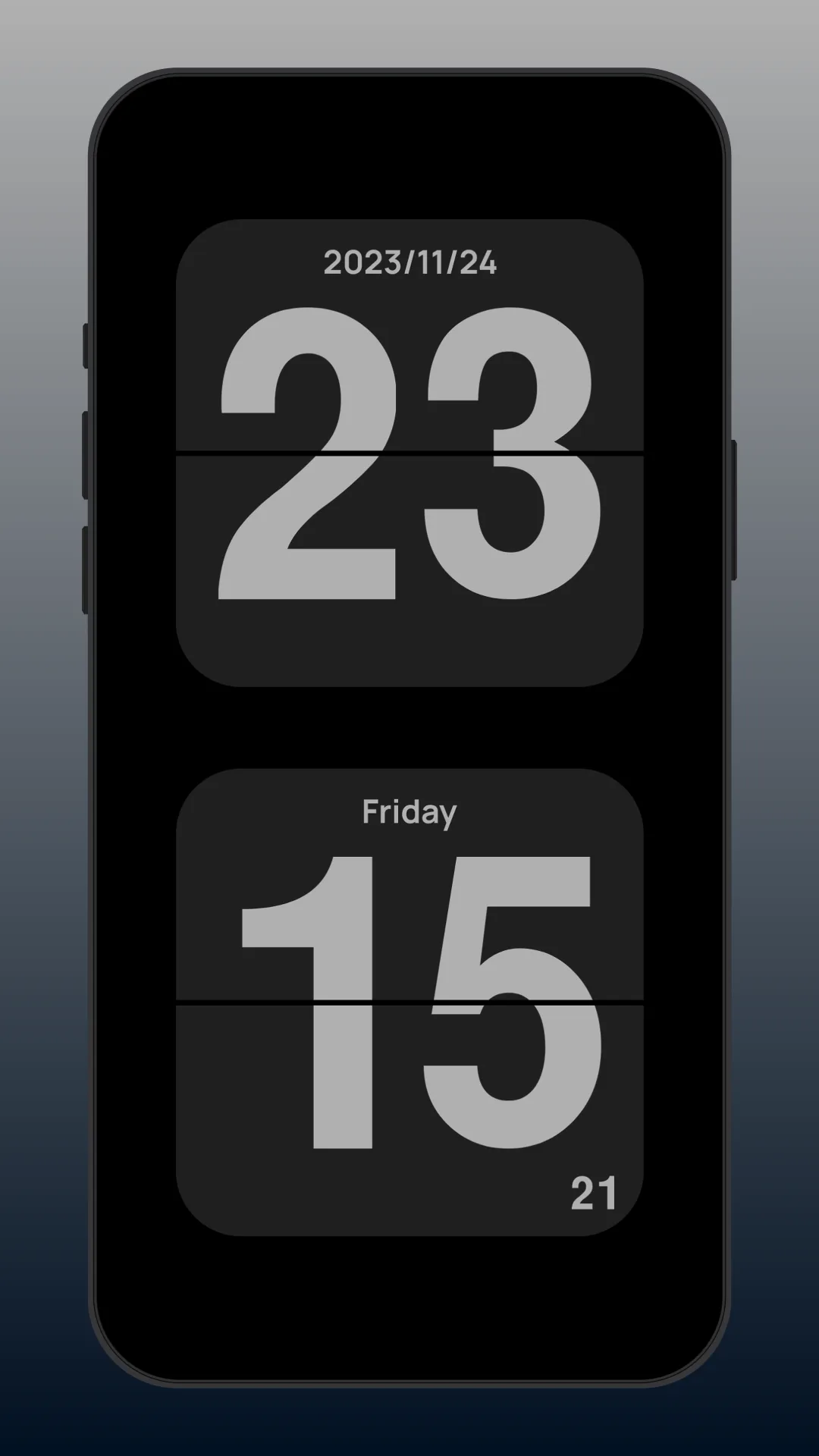
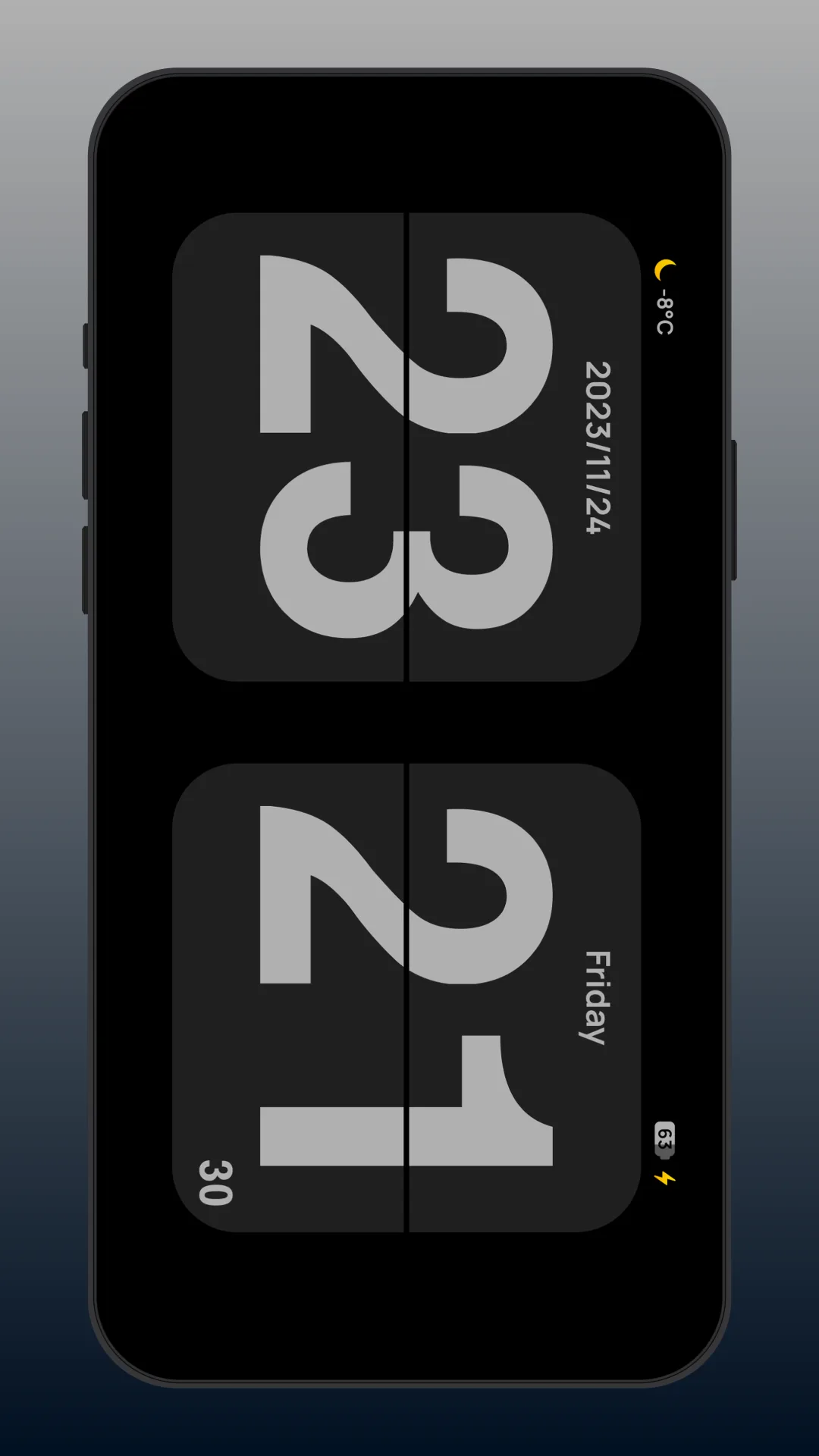
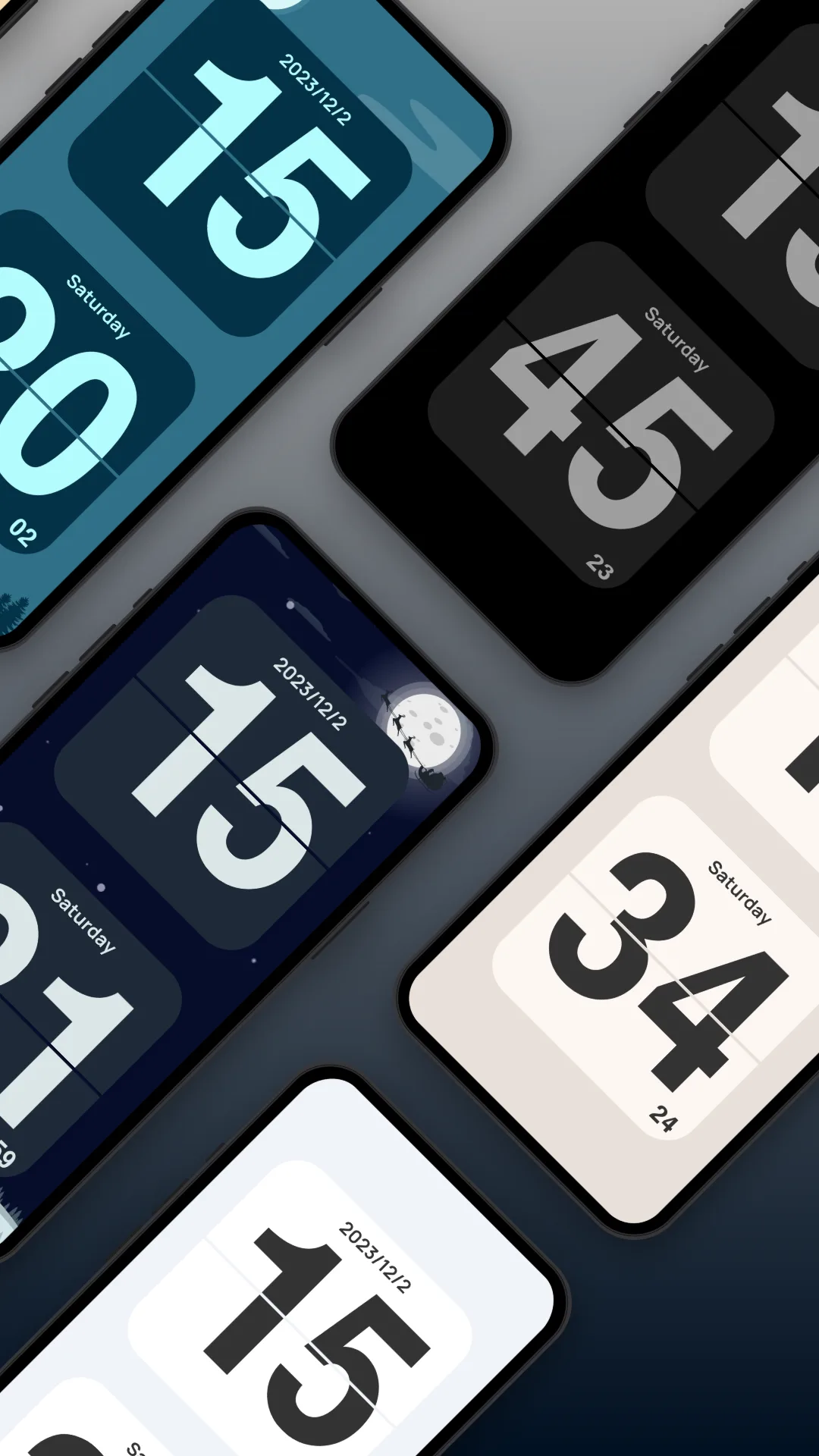
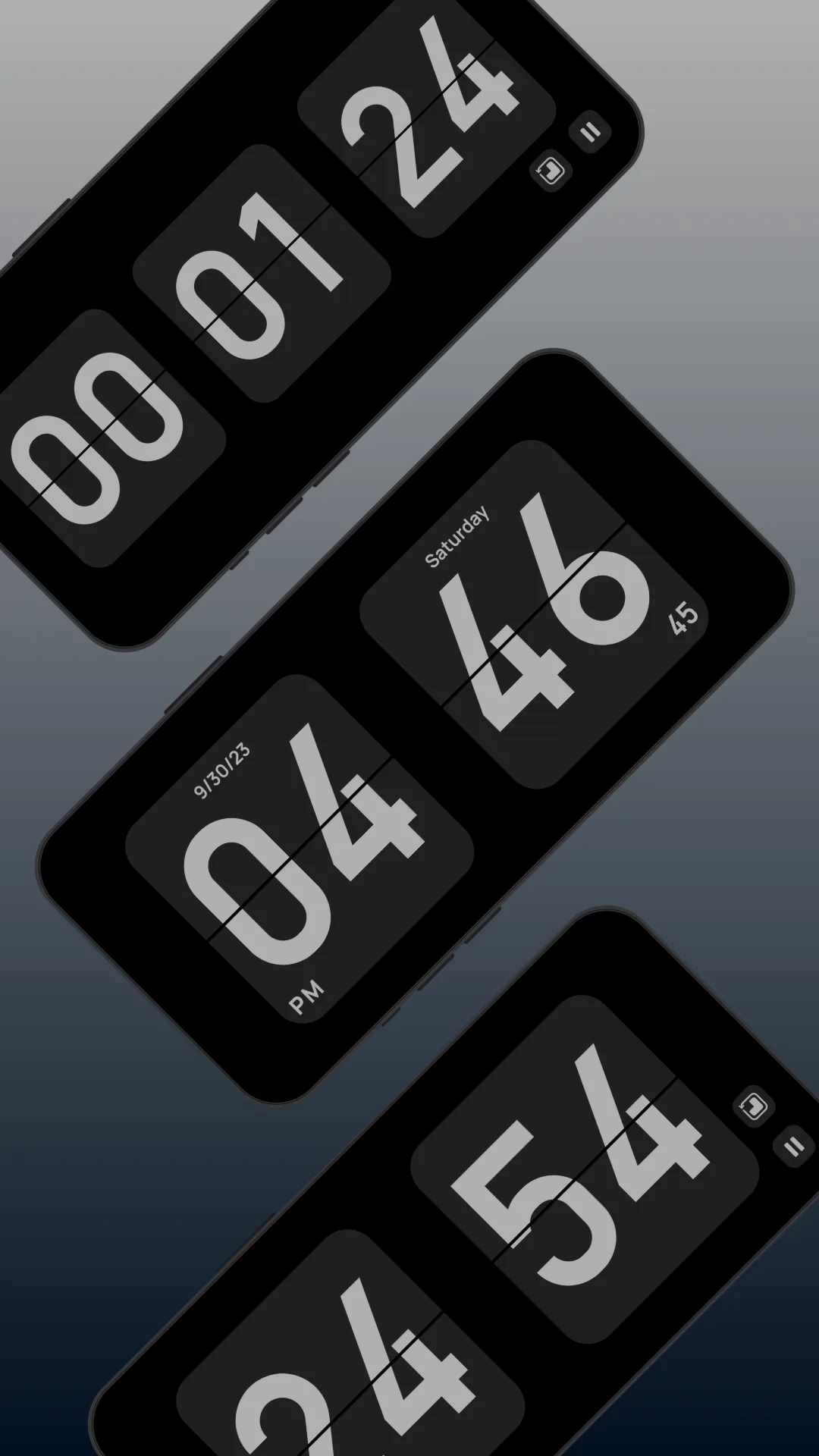
Flip Clock (package com.wssc.simpleclock) is a free, ad-free flip-clock app with brightness and always-on controls.
Strengths for the bedside
- Free and clean — a simple retro flip face, no cost, no ads.
- Brightness + always-on — easy to dim and keep lit.
Weaknesses for the bedside
- No white noise — you’ll need a separate sleep-sound app.
- No burn-in shift — a static OLED face risks ghosting over nights.
- No themes — just the classic look.
Best for: a bare, free bedside clock on a non-OLED or carefully managed setup.
Setup and burn-in tips
- Keep the phone plugged in and brightness low.
- Enable any anti-burn-in / clock-shift option the app offers.
- Use white noise to mask environmental sound.
Which should you pick?
- Want a calm, sound-equipped bedside companion → Only Clock.
- Want a free bare clock and will manage brightness yourself → Flip Clock.
Get Only Clock — available on Android and iOS.