
Best Crosshair Apps for FPS Games on Android (2026)
The best crosshair overlay apps for FPS games on Android in 2026: what to look for (styles, customization, game support) and how Crosshair Aim compares to Crosshair Master.
Mobile FPS games don’t always give you a crosshair you like — or any at all. A crosshair overlay fixes that, and this 2026 guide covers what to look for and how Crosshair Aim compares to the alternatives.
Why crosshair overlay app matters on Android
On Android an overlay sits above the game without root, so you get a precise aim point in any shooter — handy on touchscreens where there’s no mouse to aim with. Performance matters most: the overlay must stay on top without tanking your frame rate.
What to look for in a crosshair overlay app
- Crosshair styles — dots, circles, ticks and dynamic shapes, not just one static reticle.
- Customization — size, color, thickness and position to fit your controls and weapon.
- Game support — works across popular shooters, not just one title.
- Overlay performance — stays on top without lag or triggering anti-cheat issues.
- Per-weapon presets — save crosshairs per game so you’re not re-tuning each session.
- Free vs pro — how many styles are free and what the pro unlock adds.
The field at a glance
| App | Price (2026) | Platform | Best for / notes |
|---|---|---|---|
| Crosshair Aim | Free download, core free + Pro unlock | Android only | 80+ styles, customizable overlay, all shooters |
| Crosshair Master | Free + Pro | Android only | Large crosshair library and editor, the closest direct competitor |
| Crosshair X | Free + Pro | iOS | iOS crosshair overlay; no Android version |
Crosshair Aim, in depth
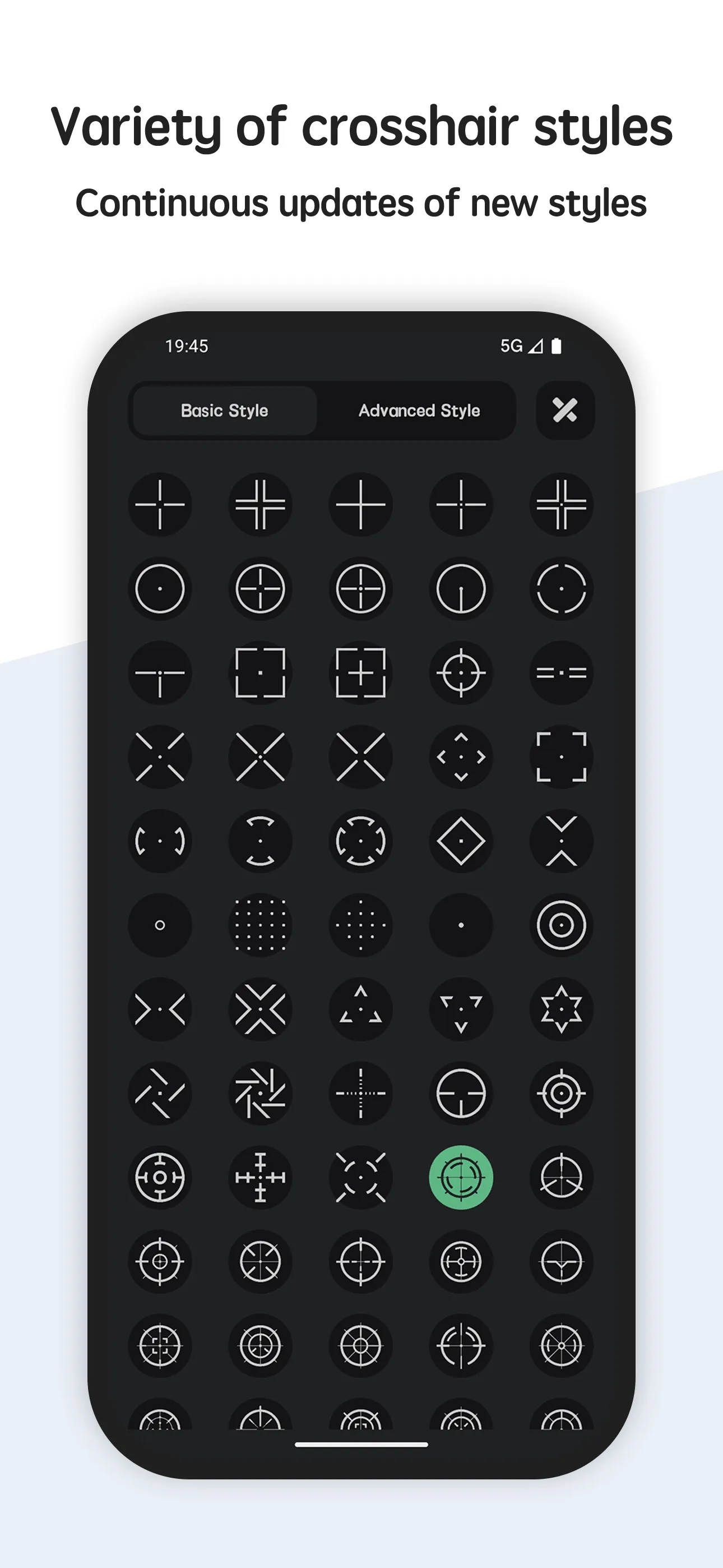
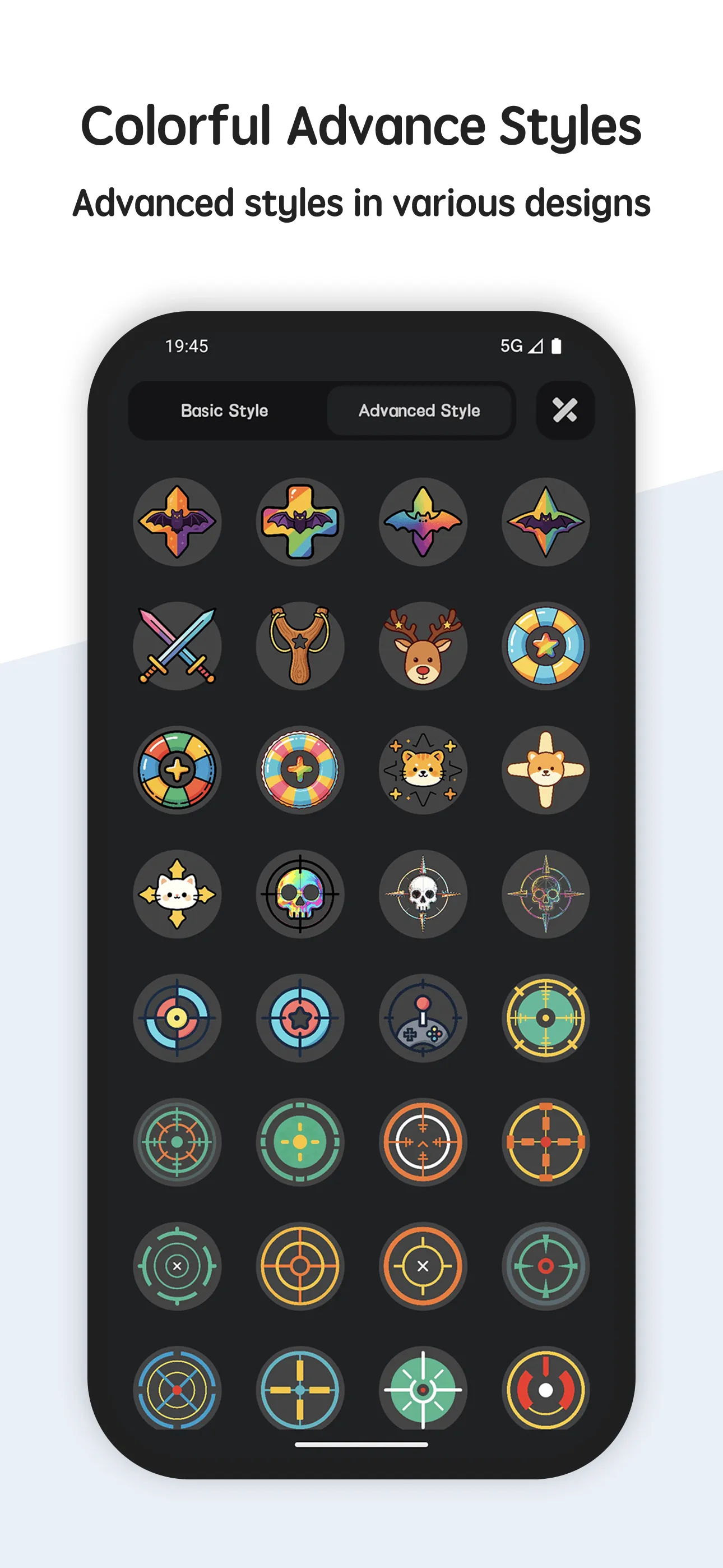
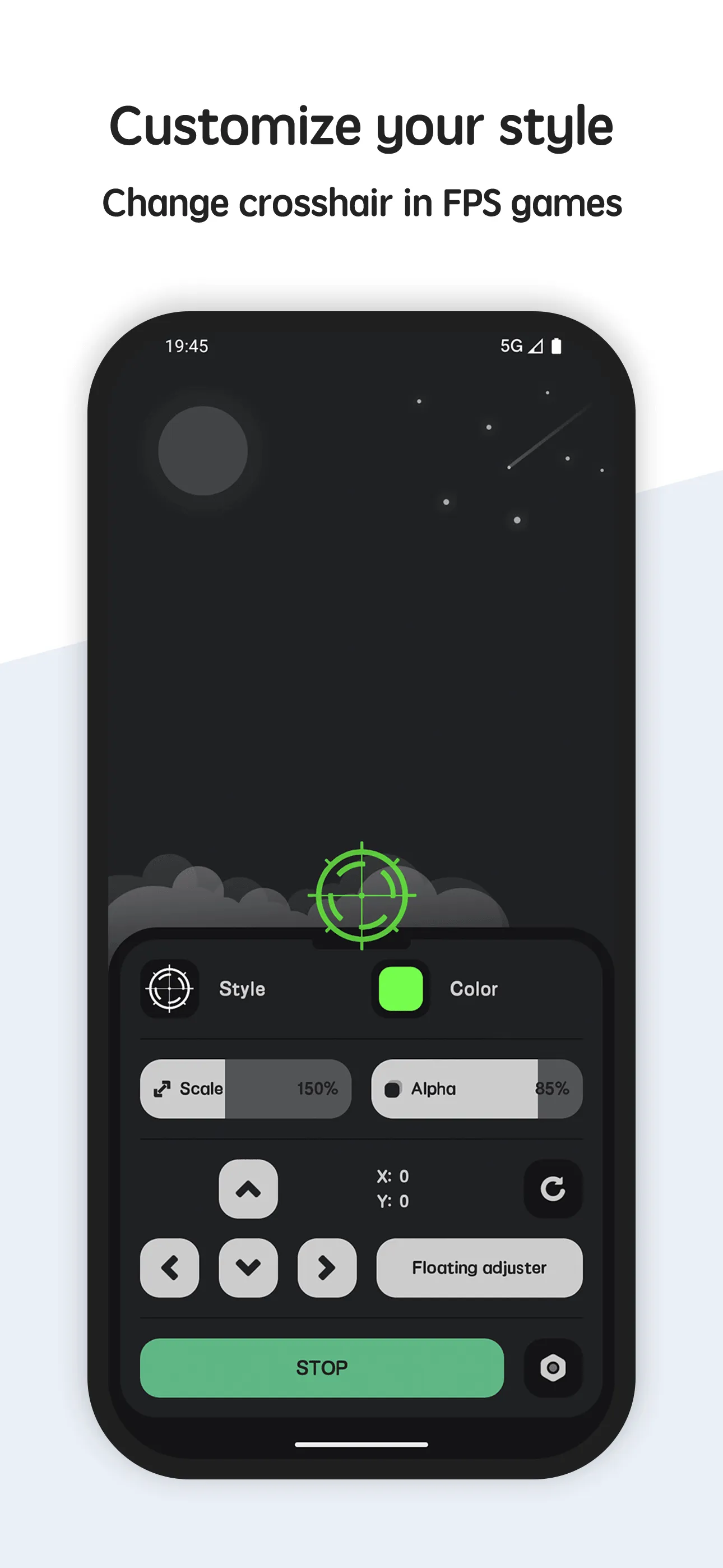
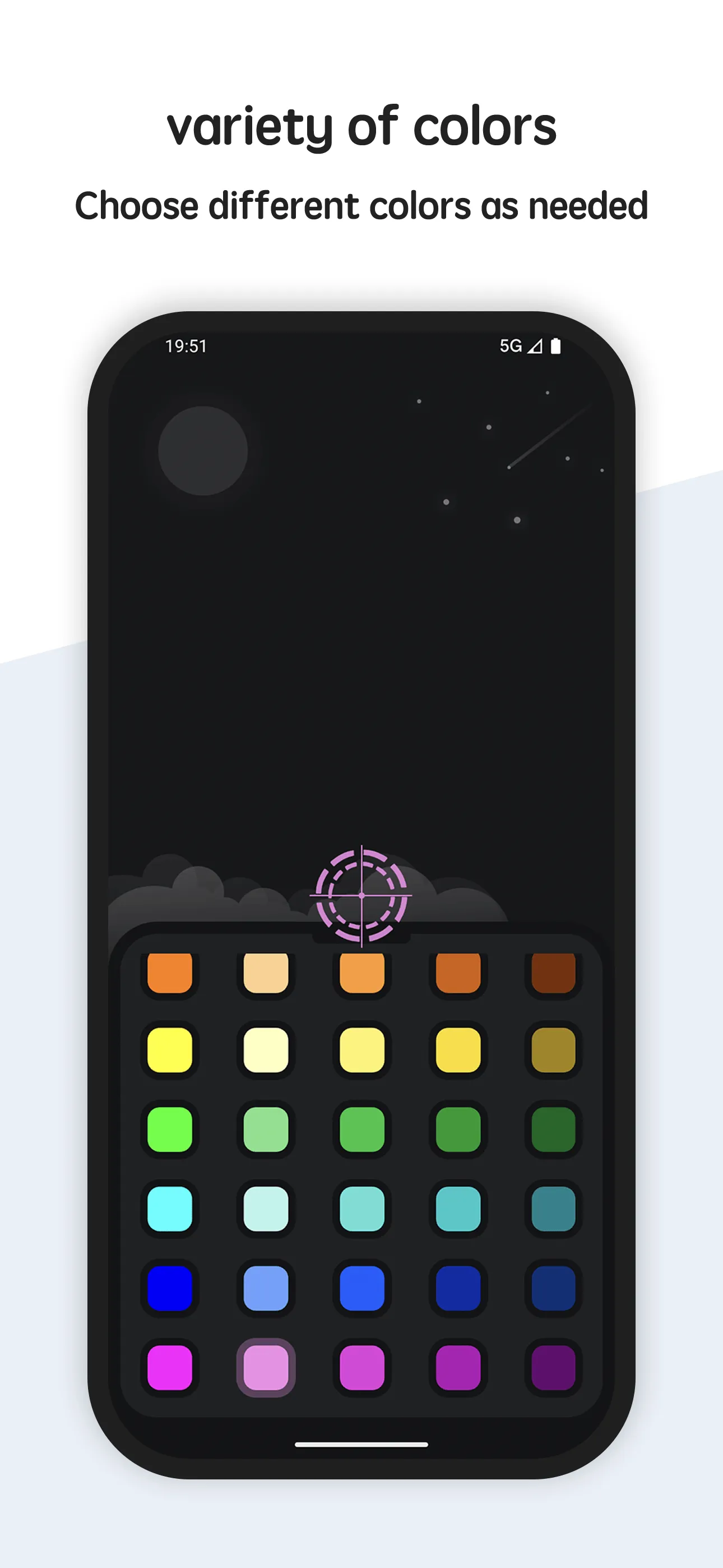
Crosshair Aim Pro adds a custom crosshair overlay to FPS shooter games on Android, with 80+ styles to improve your aim in any shooting game.
- 80+ crosshair designs — dots, circles, ticks and more, applied as a live overlay.
- Fully customizable — size, color and position to fit your controls and playstyle.
- All shooters supported — generate a crosshair even for weapons that ship without one.
- Per-game presets — save a crosshair for each title and switch instantly.
- Lightweight overlay — stays on top without hurting performance.
- Free to start — basic styles included; Pro unlocks the full library.
Best for: mobile FPS players who want a precise, customizable crosshair.
Go deeper:
- Best crosshair for FPS games
- Best crosshair overlay app
- Crosshair Aim app page
- Crosshair Aim Official User Guide
How Crosshair Aim compares to the competition
- vs Crosshair Master — Crosshair Master is the closest direct rival with a big library and its own editor; Crosshair Aim matches it on styles and leans on a simpler, faster setup with 80+ ready designs. Full breakdown in Crosshair Aim vs Crosshair Master.
- vs Crosshair X — Crosshair X is the iOS option and has no Android build, so it’s off the table for this audience; Crosshair Aim is the Android-native pick.
- More options — see Best Crosshair Master Alternatives in 2026 for the full field.
Which should you pick?
Quick pick by situation:
- Want a precise overlay in any Android shooter → Crosshair Aim.
- Want a deep editor and don’t mind tinkering → Crosshair Master (Pro).
- On iOS → Crosshair X.
- Just need a basic center dot fast → Crosshair Aim’s free styles.
Conclusion
For mobile FPS players who want a precise, customizable crosshair, Crosshair Aim is the most flexible pick — and the basic set is free.
Or read the Best crosshair for FPS games for the full breakdown.