
Crosshair Aim for FPS Games: A Reticle Overlay That Stays Put
A practical look at Crosshair Aim versus Crosshair Hero for FPS mobile games in 2026 — overlay reticles, in-game adjuster, styles, and price on Android.
Mobile FPS games like PUBG Mobile and COD Mobile draw their own crosshair, and it isn’t always where you want it. A crosshair overlay puts a reticle you control on top of the game — no root, just an overlay permission. Crosshair Aim is a custom crosshair app for Android with 80+ styles and an in-game floating adjuster. Below we compare it with Crosshair Hero for shooter use.
What an FPS crosshair overlay needs
- Overlay on top of the game — no root, just a permission.
- Many styles — dot, cross, T, circle, and hybrids.
- Color, size, transparency — tune for your sight picture.
- In-game adjuster — move and resize without leaving the match.
- Lightweight — it must not cost frames.
The contenders at a glance
| App | Price (2026) | Styles | In-game adjuster | Platform | Best for |
|---|---|---|---|---|---|
| Crosshair Aim | Free core + VIP | 80+ (basic + advanced) | ✅ floating | Android | Deep customization |
| Crosshair Hero | Free + IAP | 30+ preset styles | ⚠️ app-side | Android | Quick presets |
| Crosshair X | Free + subscription | Many | App-side | iOS only | iPhone shooters |
Crosshair Aim, in depth
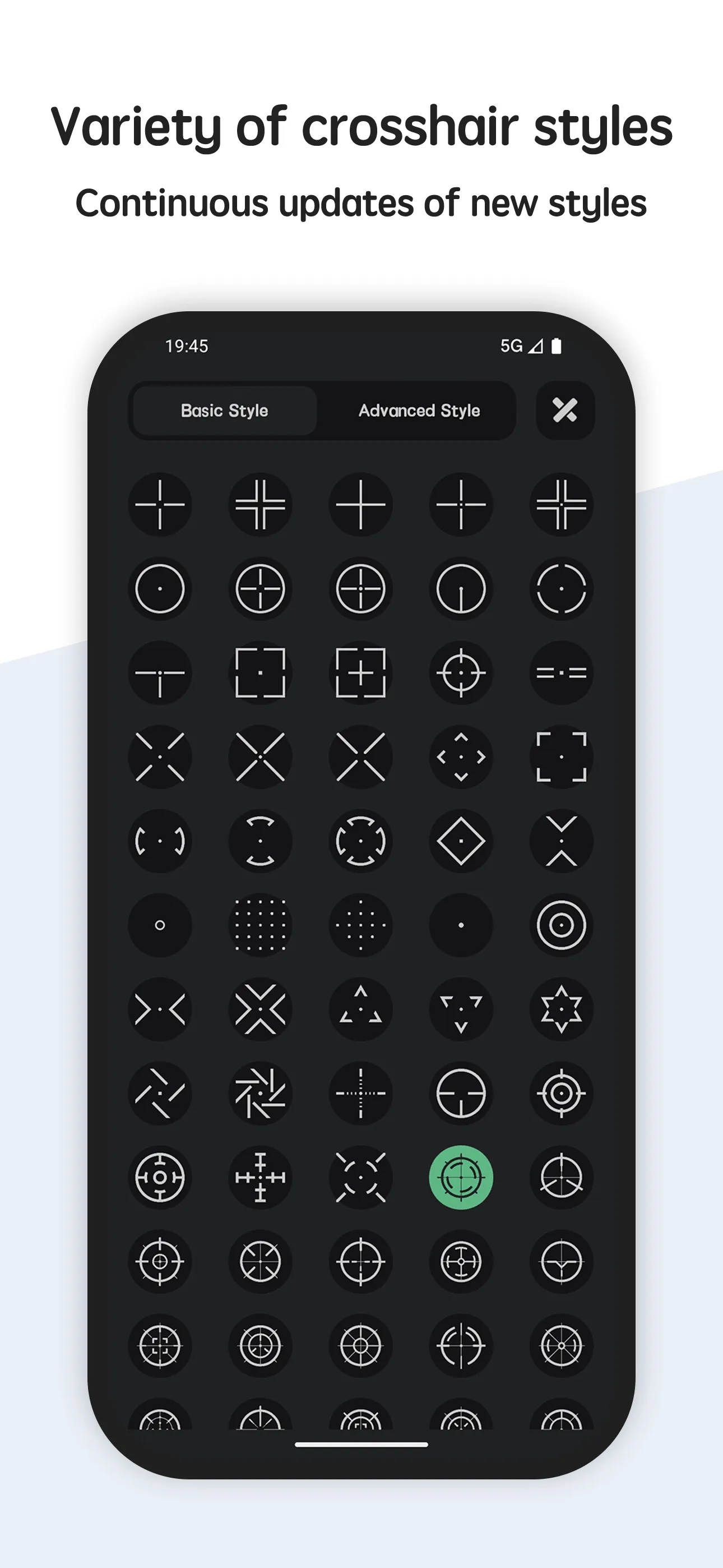
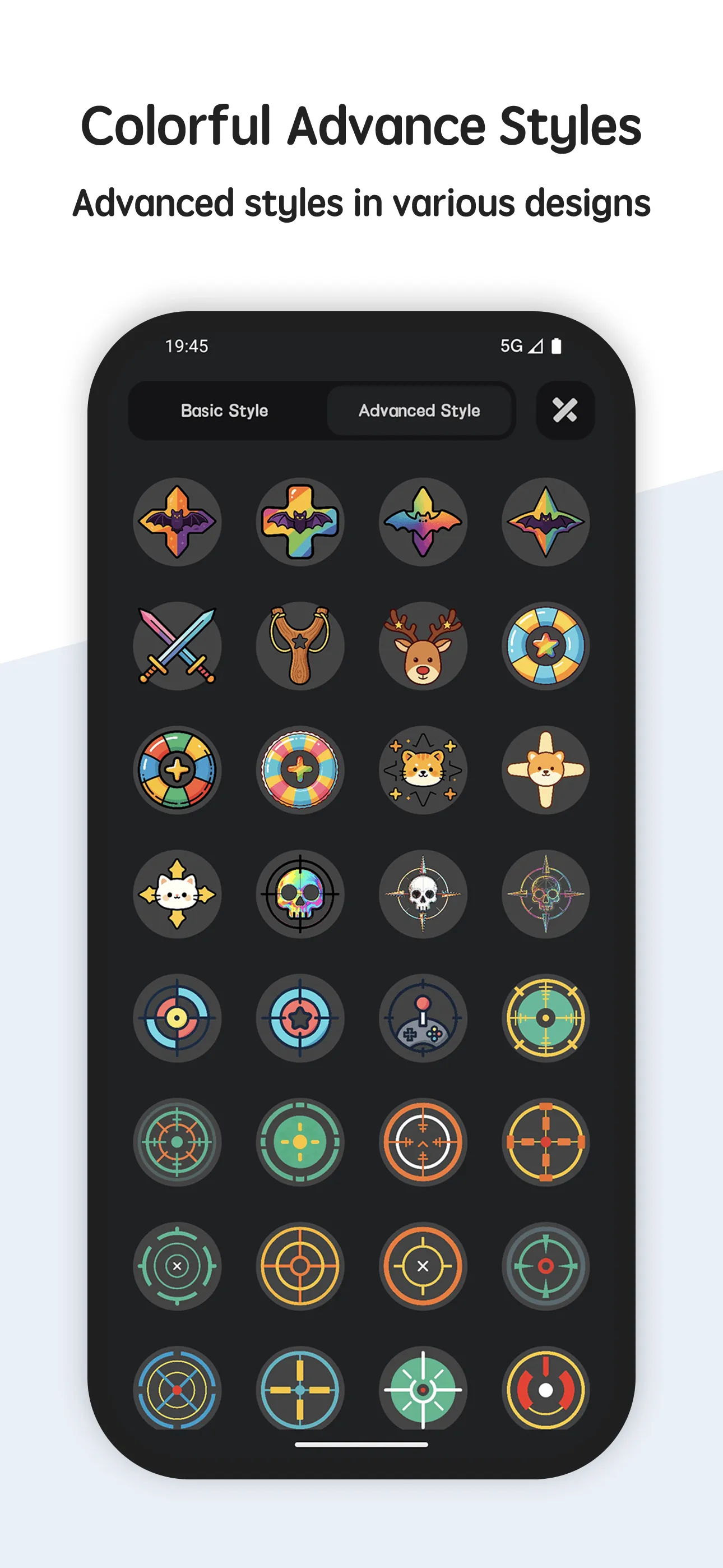
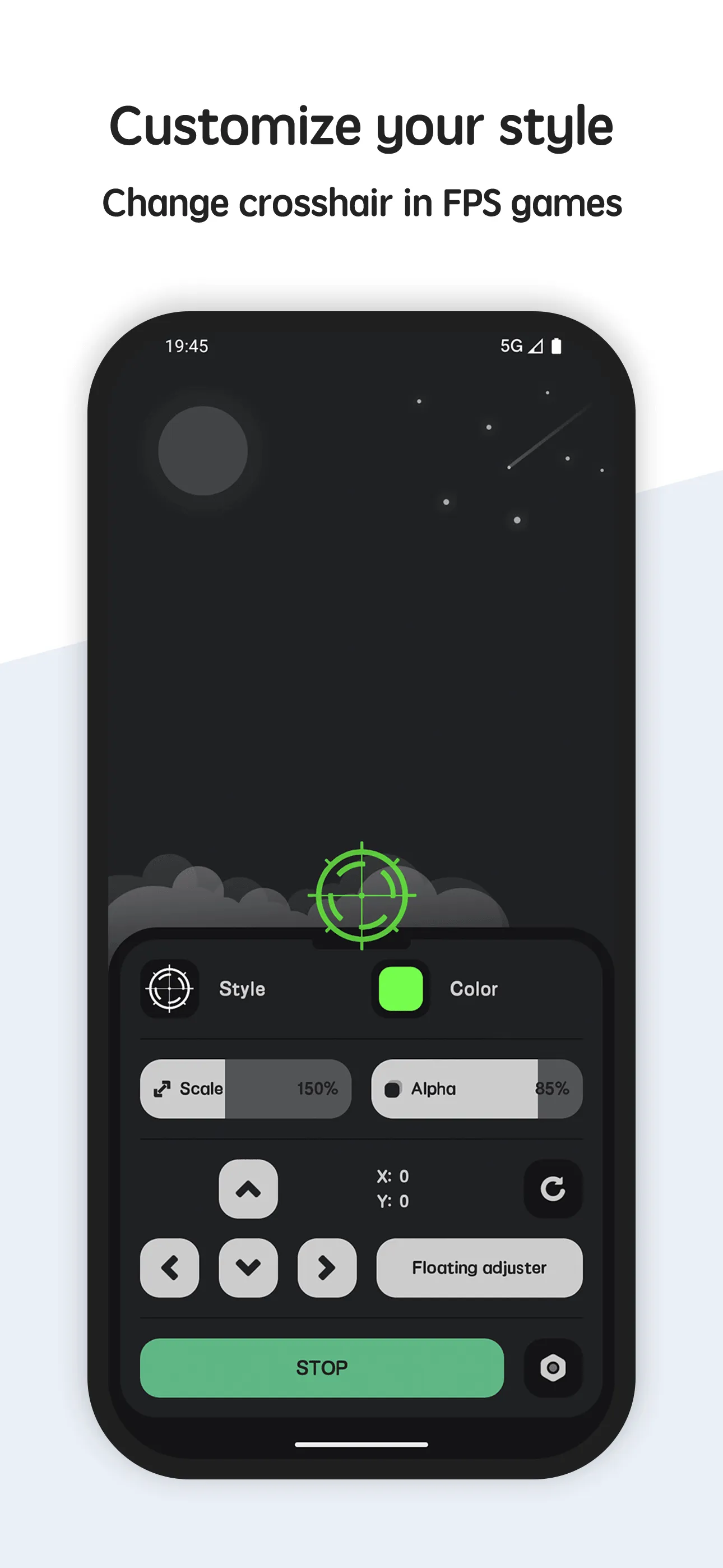
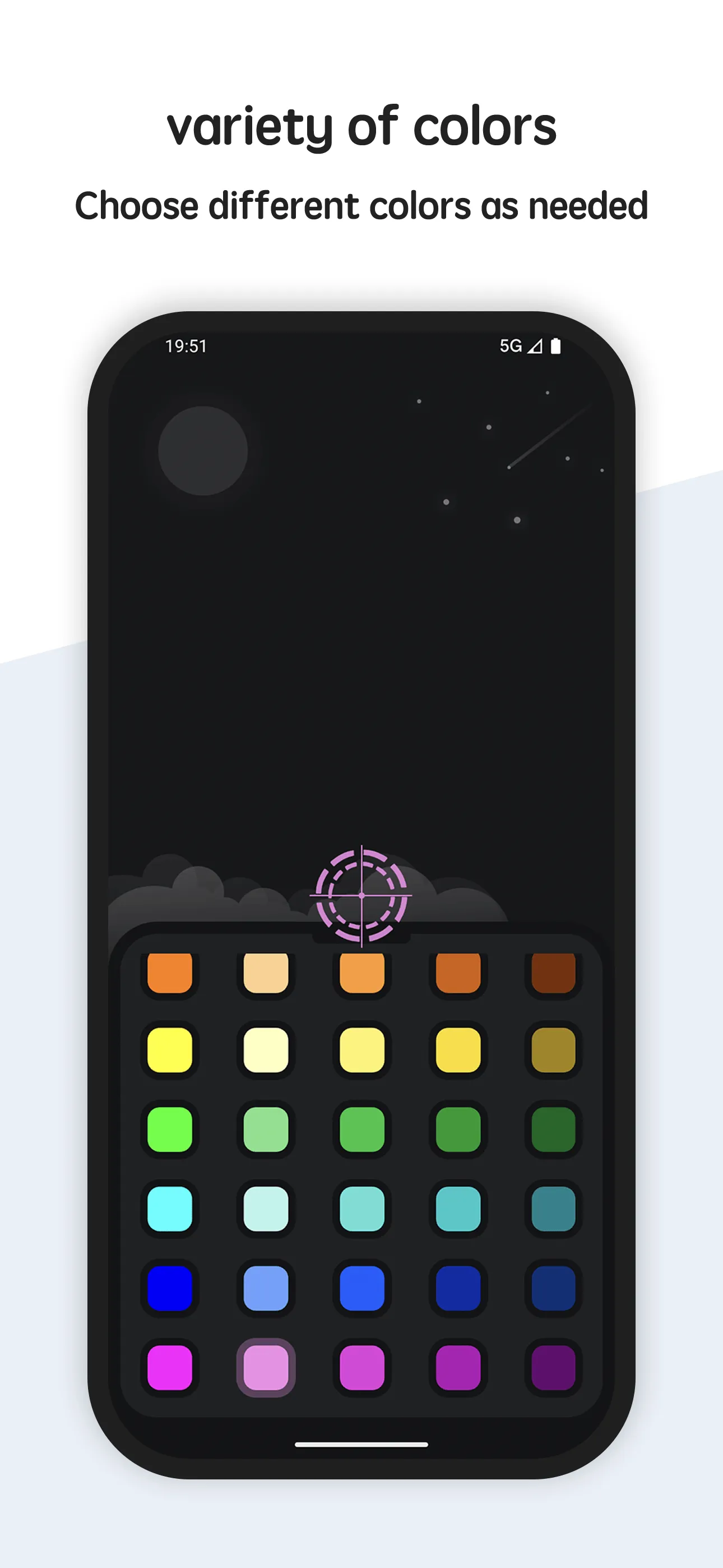
Crosshair Aim is a custom crosshair overlay for Android with a large style library and a floating adjuster you drag over the game.
Strengths for FPS players
- 80+ styles — basic and advanced reticles for any taste.
- In-game floating adjuster — resize and reposition live, without closing the game.
- Color, size, transparency — dial in contrast against any map.
- No root — works with the standard overlay permission.
- Lightweight — minimal impact on gameplay.
Weaknesses for FPS players
- VIP for advanced styles — the deepest library is behind the upgrade.
- Overlay permission required — you grant access once; some launchers need a toggle.
Best for: mobile shooter players who want a reticle tuned to them.
Crosshair Hero, in depth
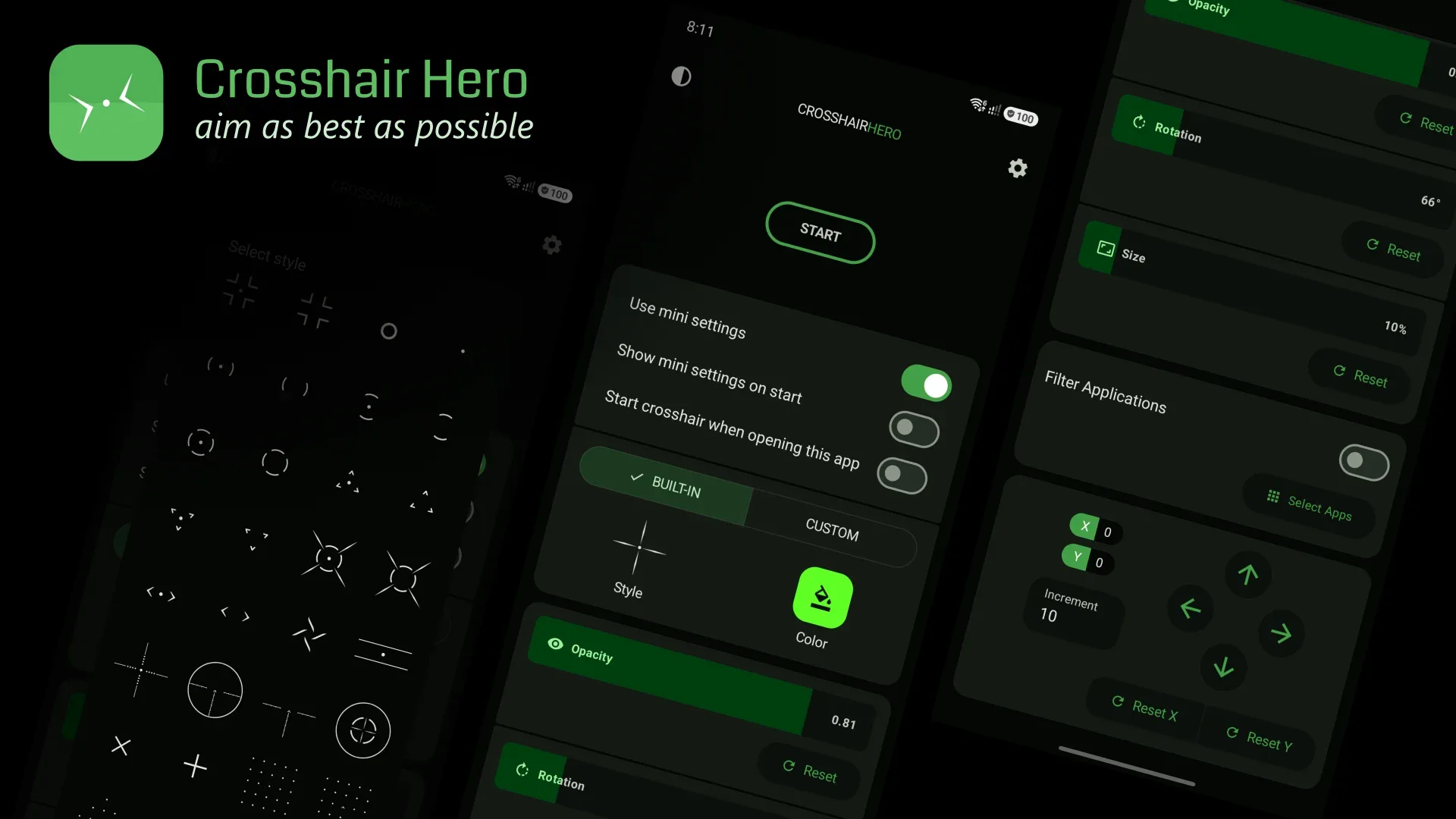
Crosshair Hero (package me.okitastudio.crosshairherofps) is a popular crosshair overlay app with 30+ preset styles, custom PNG support, and color/size/position tweaks.
Strengths for FPS players
- 30+ presets — recognizable crosshair styles you tap and go.
- Custom PNG — import your own image as the reticle.
- Color, size, position — quick adjustments in the app.
- Free to start — basic use with IAP for style packs.
Weaknesses for FPS players
- Fewer styles than Crosshair Aim — 30+ vs 80+.
- App-side adjuster — you tune before launching, not always live mid-match.
- IAP / ad-supported — style packs and ads vary.
Best for: players who want a recognizable preset crosshair in seconds.
Which should you pick?
- Want 80+ styles + a live in-game adjuster → Crosshair Aim.
- Want a quick preset crosshair → Crosshair Hero.
Get Crosshair Aim — available on Android.