
Crosshair Aim as a Custom Overlay: Your Own Reticle on Any Screen
A practical look at Crosshair Aim versus Crosshair Hero as a custom crosshair overlay in 2026 — PNG import, transparency, per-app positioning, and price on Android.
Beyond shooters, a custom crosshair overlay is handy for aim trainers, emulators, and any app where a fixed reference point helps. The best crosshair overlay lets you import your own image, set transparency, and remember positions per app. Crosshair Aim is a custom crosshair app for Android with PNG import and a floating adjuster. Below we compare it with Crosshair Hero for general overlay use.
What a custom overlay needs
- Any-app overlay — not just games.
- Custom PNG / image — your own reticle art.
- Transparency and blend — sit cleanly over any background.
- Per-position memory — where you left it, it stays.
- No root — standard overlay permission.
The contenders at a glance
| App | Price (2026) | Custom PNG | Any app | Transparency | Best for |
|---|---|---|---|---|---|
| Crosshair Aim | Free core + VIP | ✅ (VIP) | ✅ | ✅ | Full custom control |
| Crosshair Hero | Free + IAP | ✅ | ✅ | ✅ | Preset + custom |
| Crosshair X | Free + sub | ✅ | ✅ | ✅ | iOS only |
Crosshair Aim, in depth
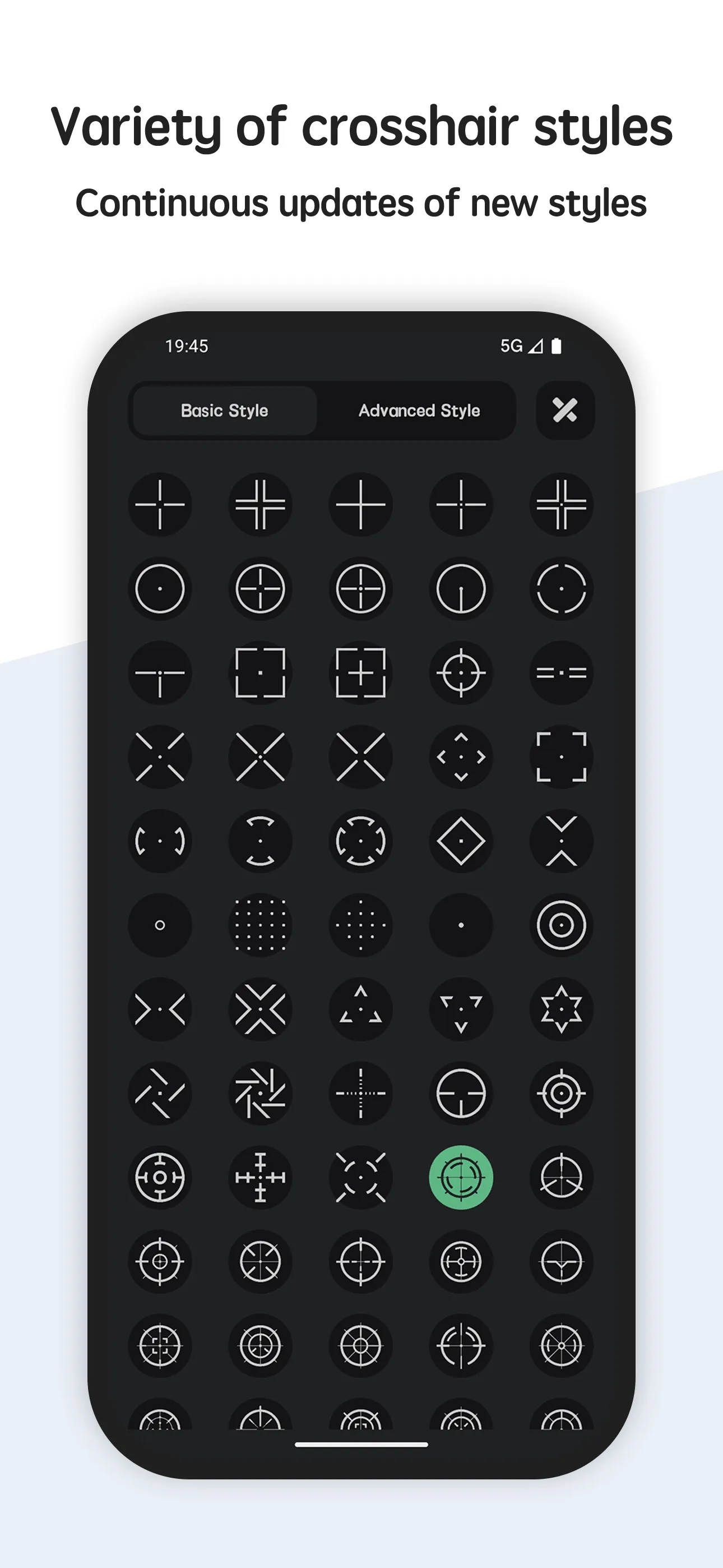
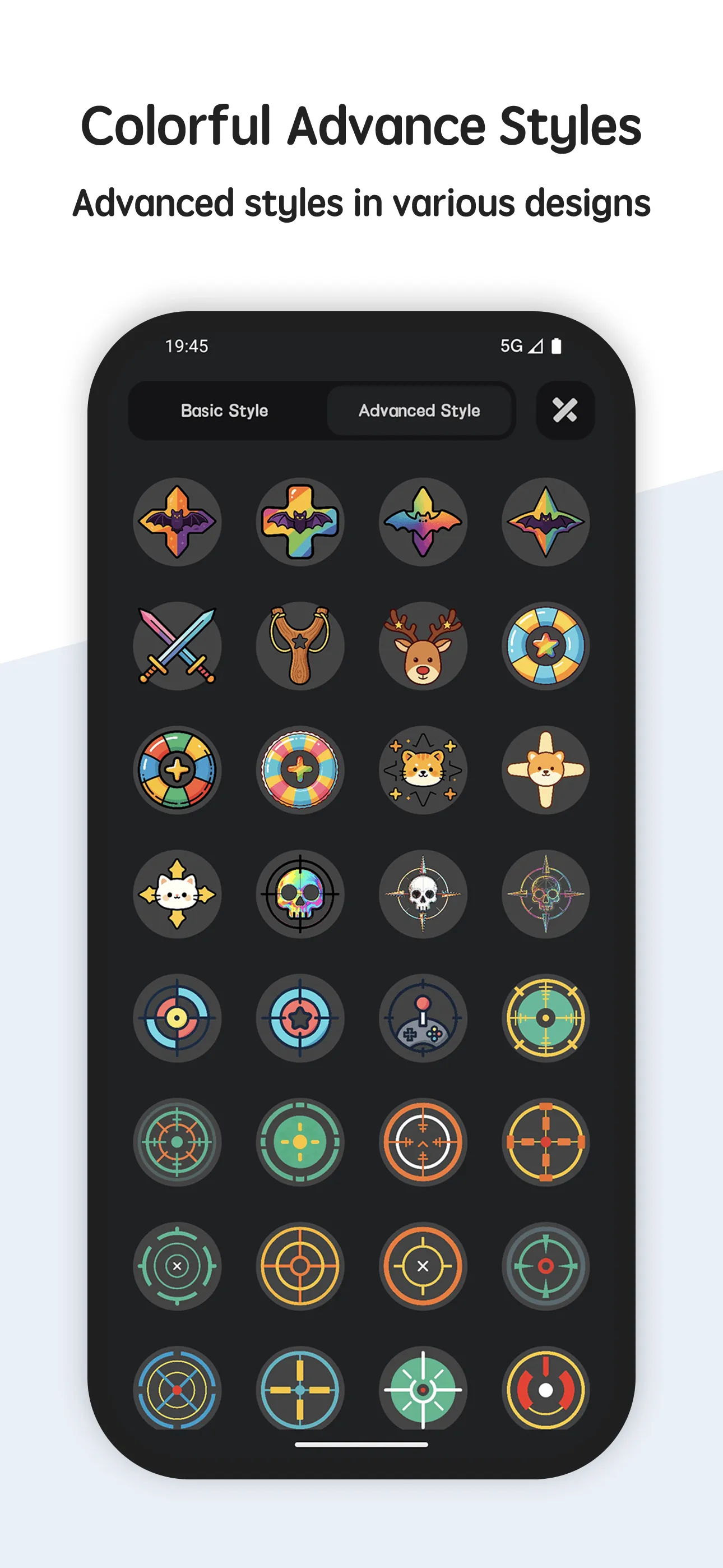
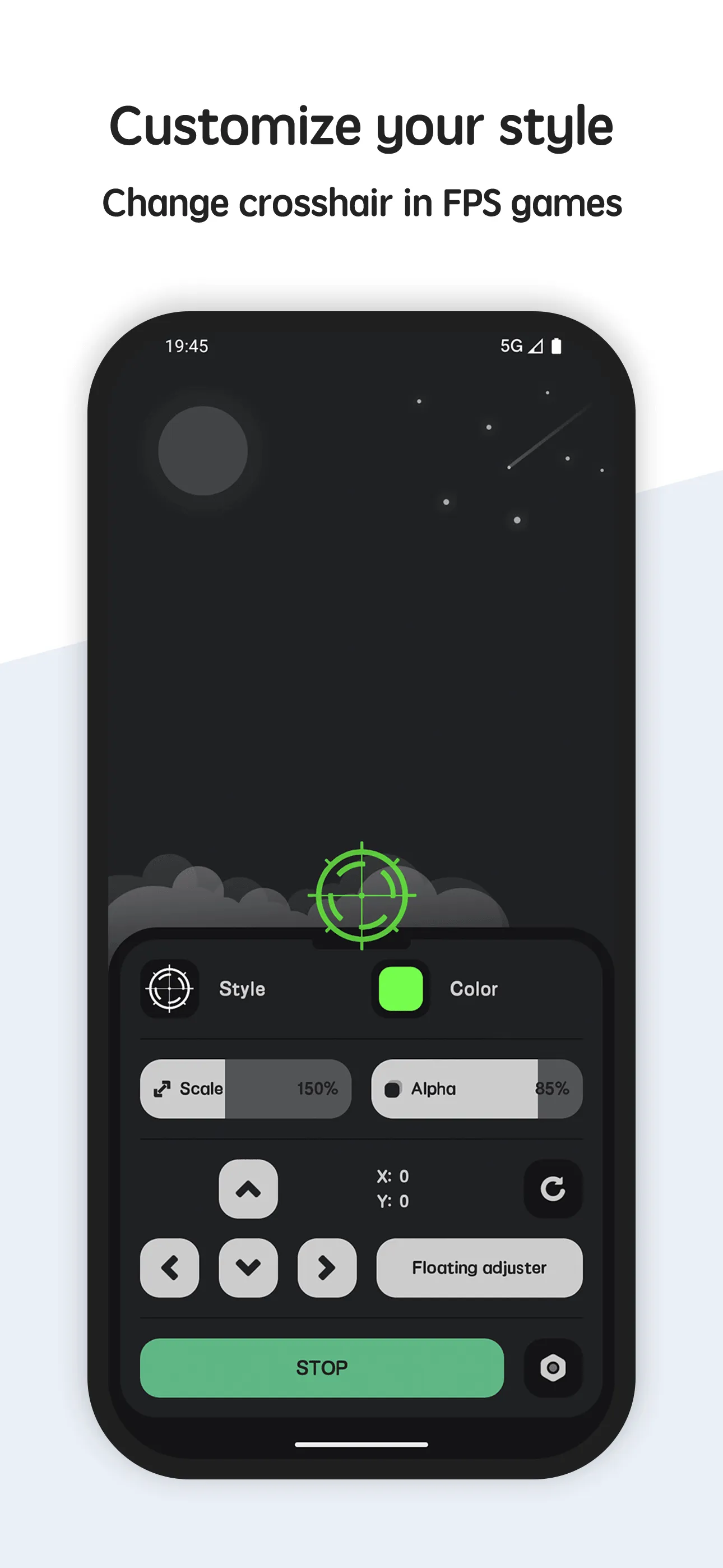
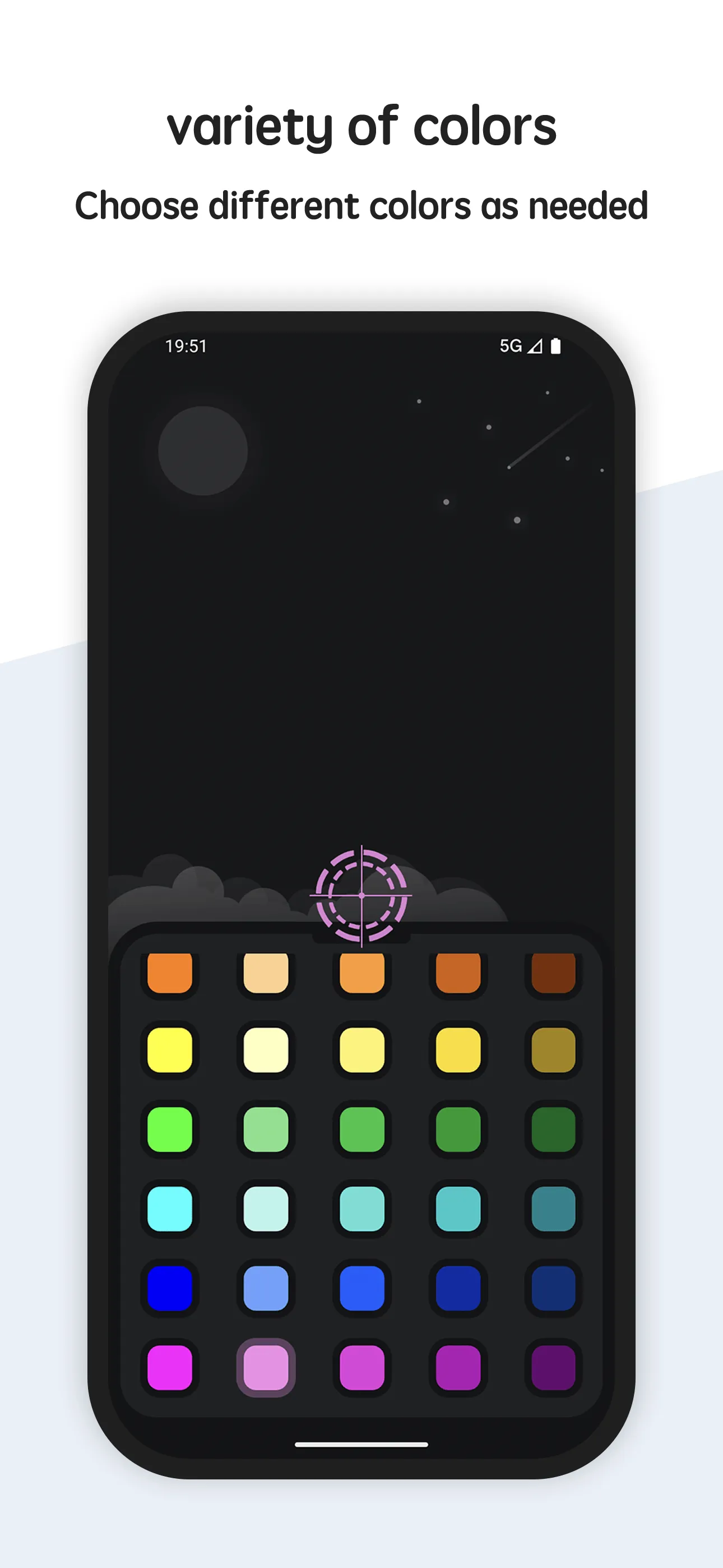
Crosshair Aim is a custom crosshair overlay for Android with a large style set and a live floating adjuster.
Strengths as an overlay
- Works over any app — games, trainers, emulators.
- Custom PNG import (VIP) — drop in your own reticle design.
- Transparency and size — blend it over any screen.
- Live adjuster — drag and resize on top of whatever is open.
- No root — overlay permission only.
Weaknesses as an overlay
- PNG import is VIP — free users use built-in styles.
- Permission prompt — one-time overlay grant.
Best for: users who want a reticle they fully control across apps.
Crosshair Hero, in depth
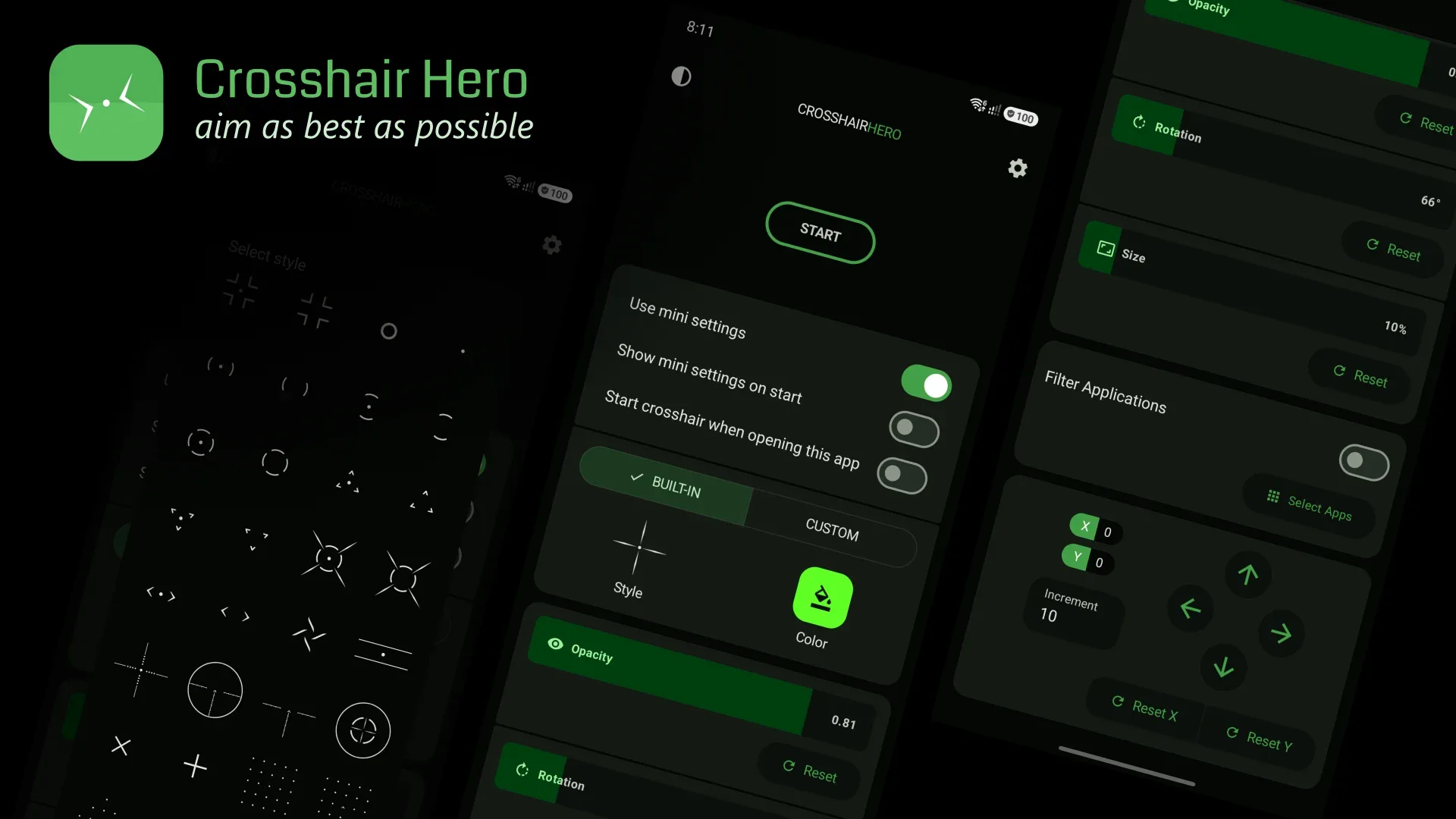
Crosshair Hero (package me.okitastudio.crosshairherofps) offers preset styles plus custom PNG, with color/size/position tweaks.
Strengths as an overlay
- Custom PNG — import your own image as the reticle.
- 30+ presets — quick starting points.
- Color, size, position — basic tuning in the app.
- Free to start — IAP for style packs.
Weaknesses as an overlay
- Smaller library — 30+ vs 80+ styles.
- App-side tuning — less live control than a floating adjuster.
- IAP / ads — style packs and ads vary.
Best for: users who want presets plus the option to import art.
Which should you pick?
- Want 80+ styles + live adjuster + PNG import → Crosshair Aim.
- Want presets + custom PNG, quick → Crosshair Hero.
Get Crosshair Aim — available on Android.