
Crosshair Official User Guide
Table of Contents
- App Introduction
- First-time Use
- Grant Overlay Permission
- Choose a Crosshair Style
- Customize Size, Color, Position
- Use It in a Game
- Unlock More Styles
- FAQ
App Introduction
Crosshair (Crosshair Aim) adds a custom crosshair overlay to FPS games on Android, with 80+ designs to improve your aim.
🎯 80+ Styles
- 84 Basic (flat) styles built in
- 63 Pro (advanced) styles
- Free users keep ~30 styles permanently; the rest unlock via a 24-hour reward ad or the Pro app
🛠 Customize
- Scale 50%–300%
- Alpha 30%–100%
- Color: 60 colors + a picker
- Position: drag with arrow keys (no thickness slider — thickness is baked into each style)
🔓 No Root, No Accessibility
- Only the “Draw over other apps” (overlay) permission is required
Note: there are no per-game presets — the app keeps a single global crosshair configuration.
First-time Use
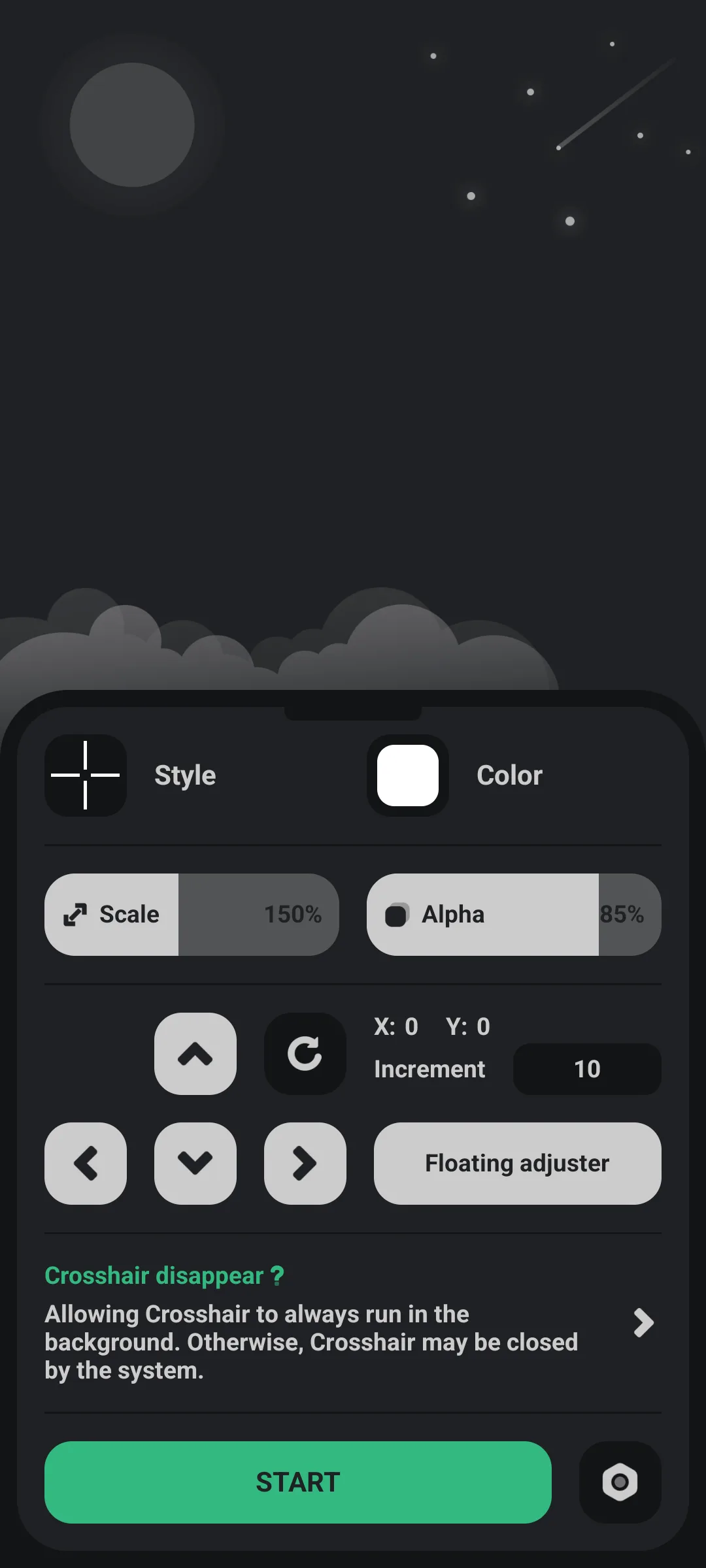
Open the app to the main console.
- A START/STOP button shows/hides the crosshair
- Tap the style area to pick a design, color for color, and use the scale/alpha sliders
- The settings gear opens language, rate, share and upgrade
Grant Overlay Permission
- Tap the crosshair switch / START
- If prompted, grant “display pop-up window” (Draw over other apps)
- The app opens system Settings → “Draw over other apps”; enable it for Crosshair
- Return to the app
This permission (not Accessibility, not root) is what lets the crosshair sit above the game.
Choose a Crosshair Style
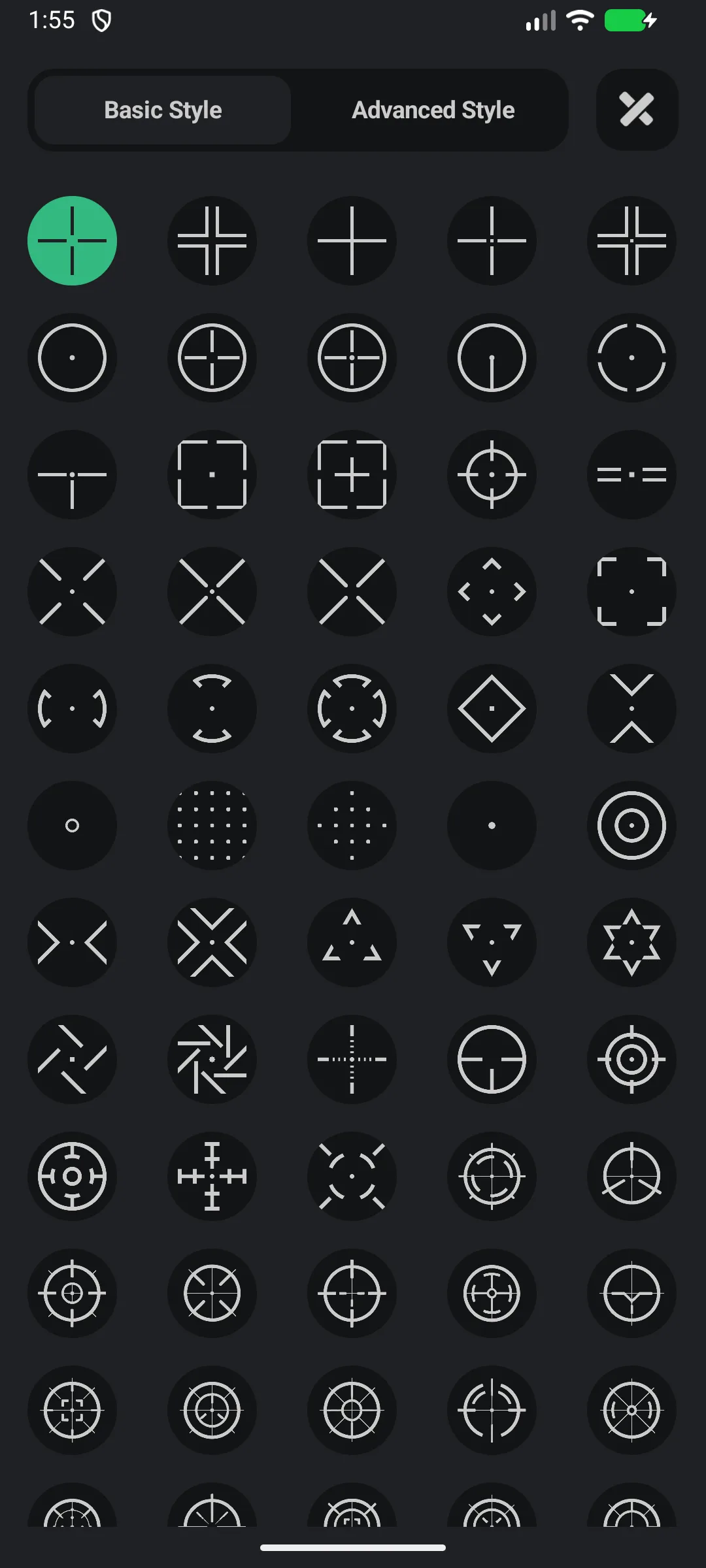
- Tap the style area → Style screen
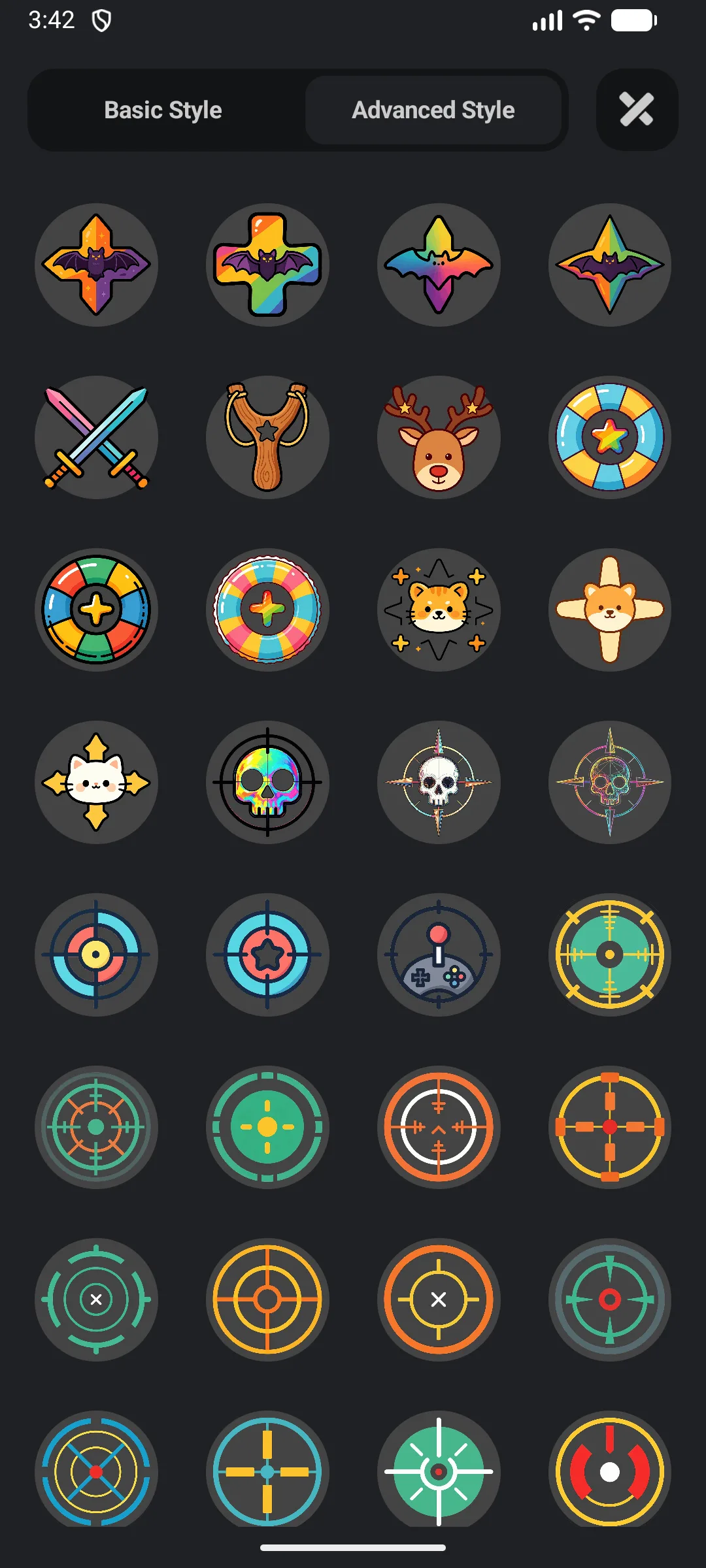
- Switch Basic (5-column grid) / Advanced (4-column grid) tabs
- Tap a thumbnail to apply it
- Locked Pro styles prompt a reward ad or upgrade
Customize Size, Color, Position
- Scale: drag the scale slider (50%–300%)
- Alpha: drag the alpha slider (30%–100%)
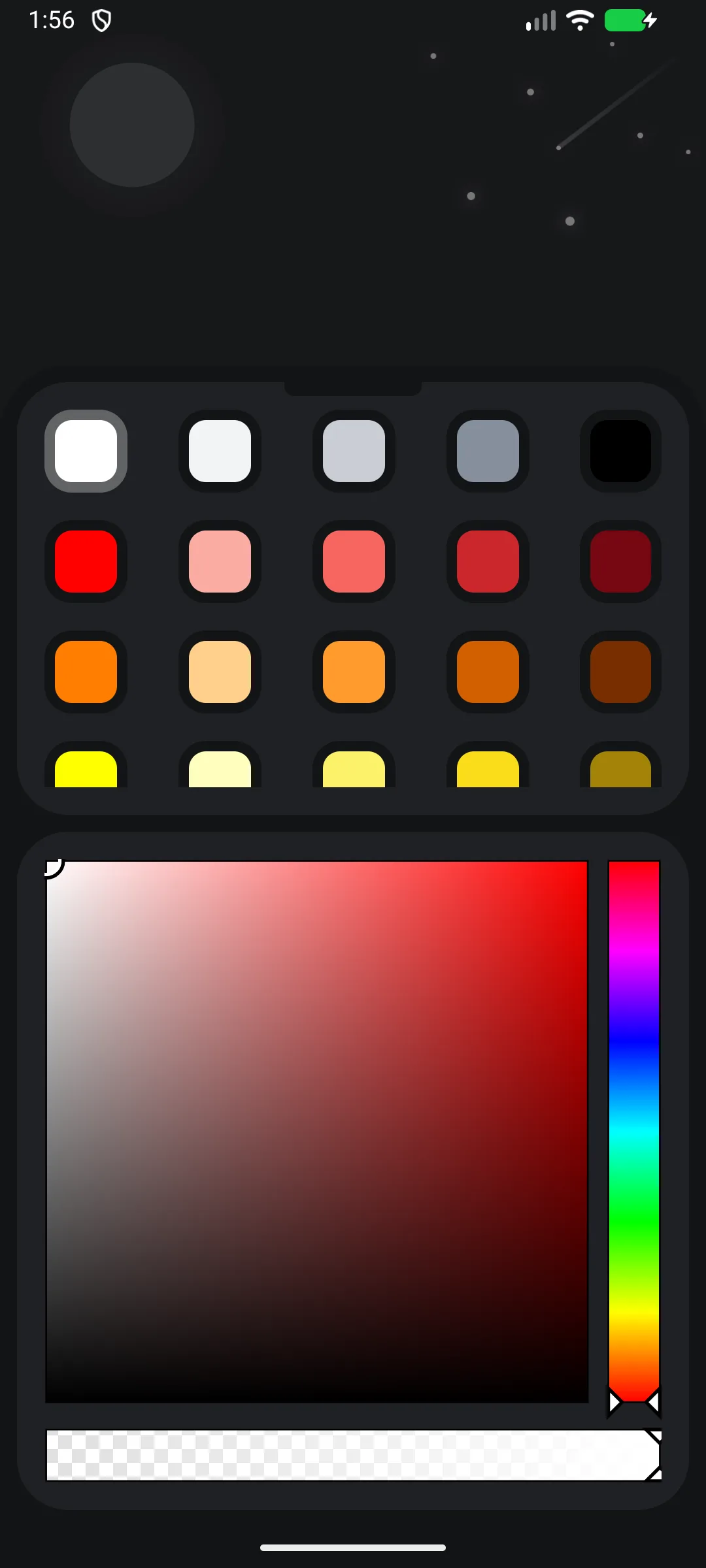
- Color: open Color → pick from 60 colors or use the picker
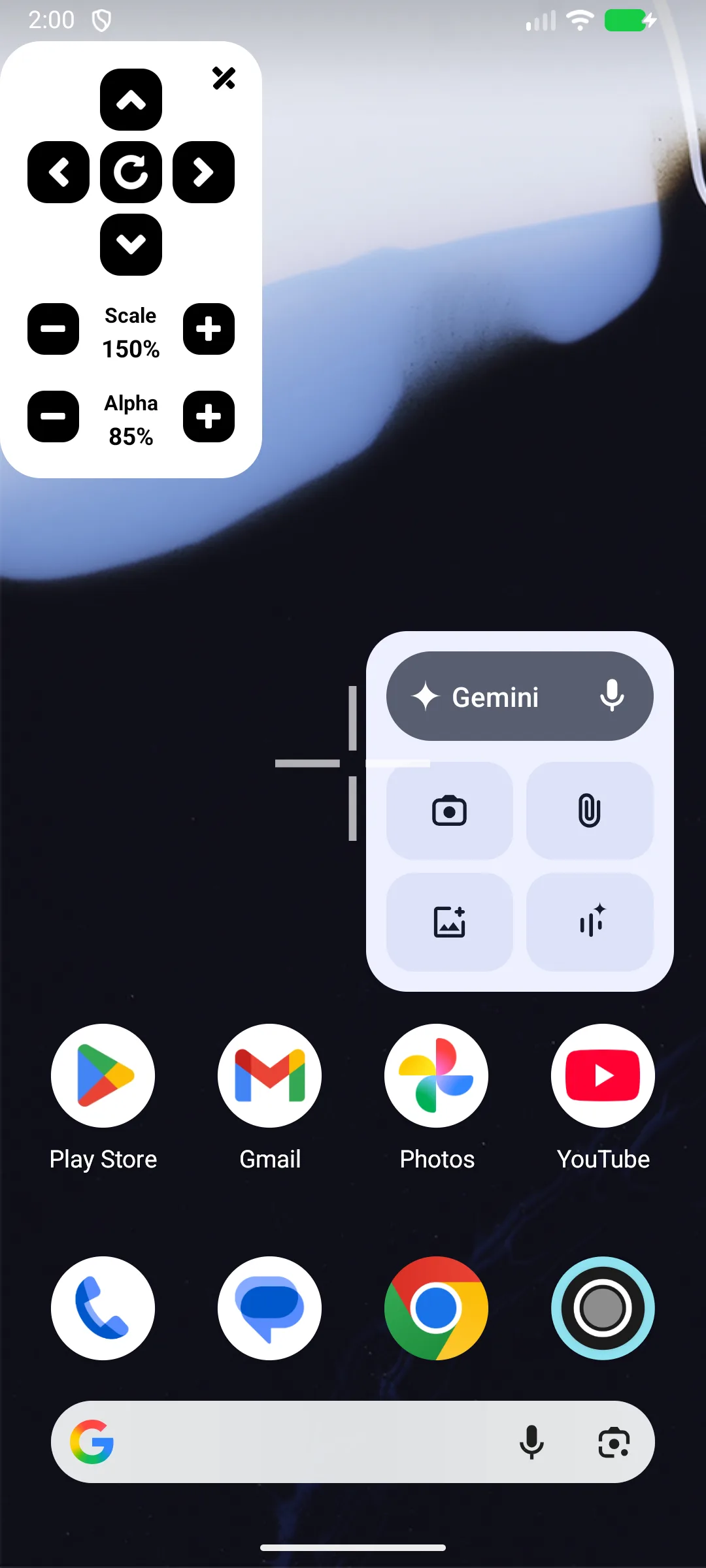
- Position: use the arrow buttons to nudge; set the step (1–50, default 10) via the step input; or drag the on-screen control panel in-game
There is no independent thickness slider — each pre-rendered style already has its own thickness.
Use It in a Game
- Enable the crosshair (START)
- Launch your FPS game
- The crosshair floats above the game and does not intercept touches (so your taps still hit the game)
- Tap the crosshair to open the floating control panel: size +/−, alpha +/−, arrows, reset, close
Unlock More Styles
- Free: ~30 styles permanent + watch a reward ad to unlock a locked style for 24 hours
- Pro (separate app): no ads and all 147 styles permanent
FAQ
Do I need root or Accessibility?
No. Only the overlay (Draw over other apps) permission.
Can I save a different crosshair per game?
No — the app stores one global configuration. You change it manually when switching games.
Can I change thickness?
Not separately. Thickness is part of each style’s design.
Summary
Crosshair is the lightest way to add a precise, customizable reticle to any Android shooter — no root, no Accessibility, with 80+ styles and a free tier to start.