
Best Crosshair Master Alternatives in 2026
Looking for alternatives to Crosshair Master in 2026? We compare six no-root crosshair overlay apps for FPS and shooting games — Crosshair Aim, Custom Crosshair, Custom Aim, Crosshair Pro, CrossAim and Crosshair PRO — across styles, customization, in-game adjusters and price, with a core-capability table and a pick-by-need guide.
Crosshair Master adds a custom reticle over your shooter, but its style range, real-time controls, and free limits leave some players wanting more. If you want finer control, more presets, or a lighter overlay, the category has mature options.
Below we compare six alternatives to Crosshair Master — all safe, no-root overlays that draw a crosshair above any FPS game — across price, customization and the capabilities that actually matter.
Why look beyond Crosshair Master
- Limited style and color range compared with dedicated crosshair apps.
- Few real-time controls — adjusting mid-game can be clunky.
- Ads or paywalls on the styles you actually want.
- Heavier overlay can feel intrusive during fast matches.
- You may want per-game profiles or image imports it doesn’t offer.
The best Crosshair Master alternatives at a glance
| App | Price (2026) | Styles | Customization | In-game adjuster |
|---|---|---|---|---|
| Crosshair Aim | Free + unlock | 15+ | Size/color/scale/position | Yes |
| Custom Crosshair | Free + Pro | Many + animations | Size/color/design | Yes |
| Custom Aim | Free + Pro | Generator presets | Full (shape/color/size) | Yes |
| Crosshair Pro | Free + IAP | Basic/Pro/Precision | Color, size, position | Yes (real-time) |
| CrossAim | Free + IAP | 24 styles | Colors, sizes | Yes |
| Crosshair PRO | Free + IAP | Pro sets | Customizable overlay | Yes |
1. Crosshair Aim — best customizable overlay
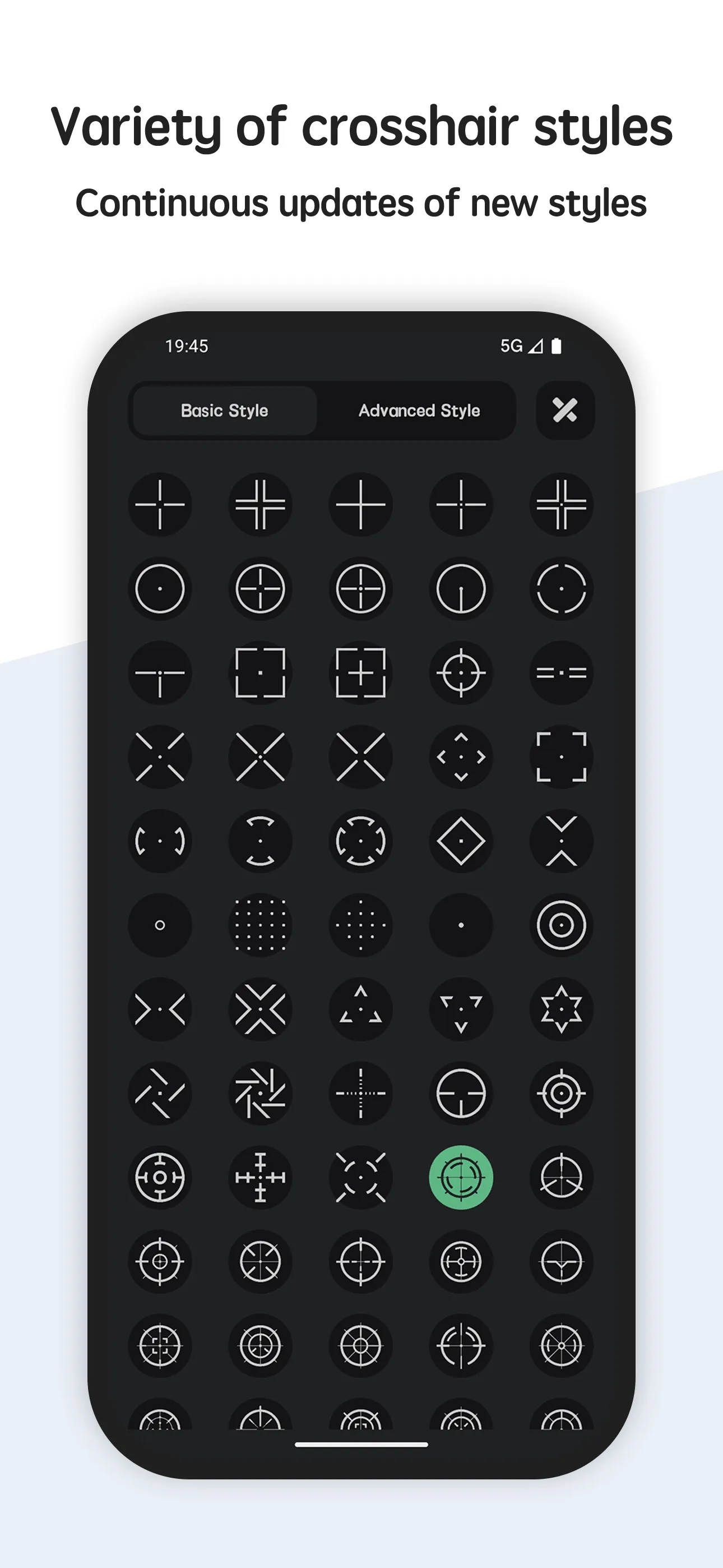
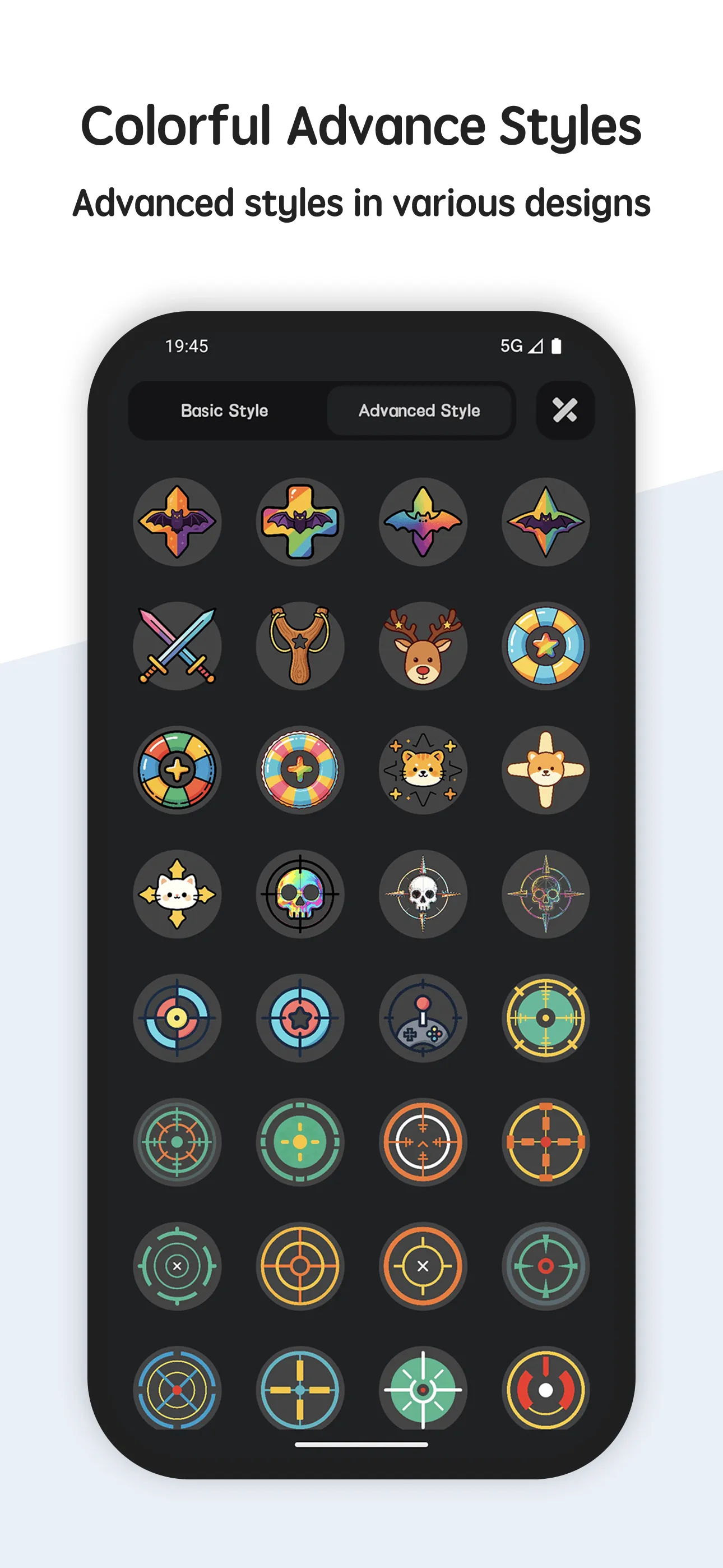
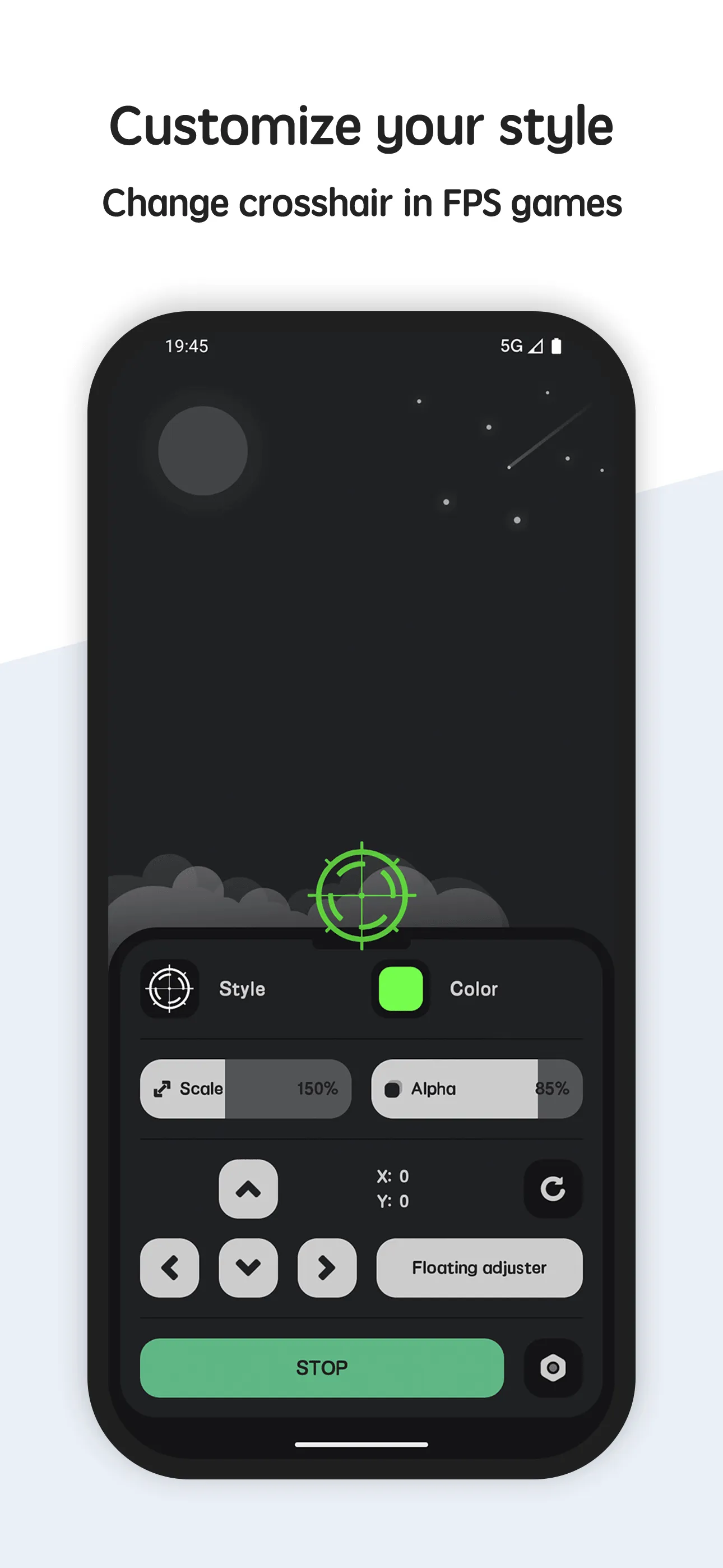
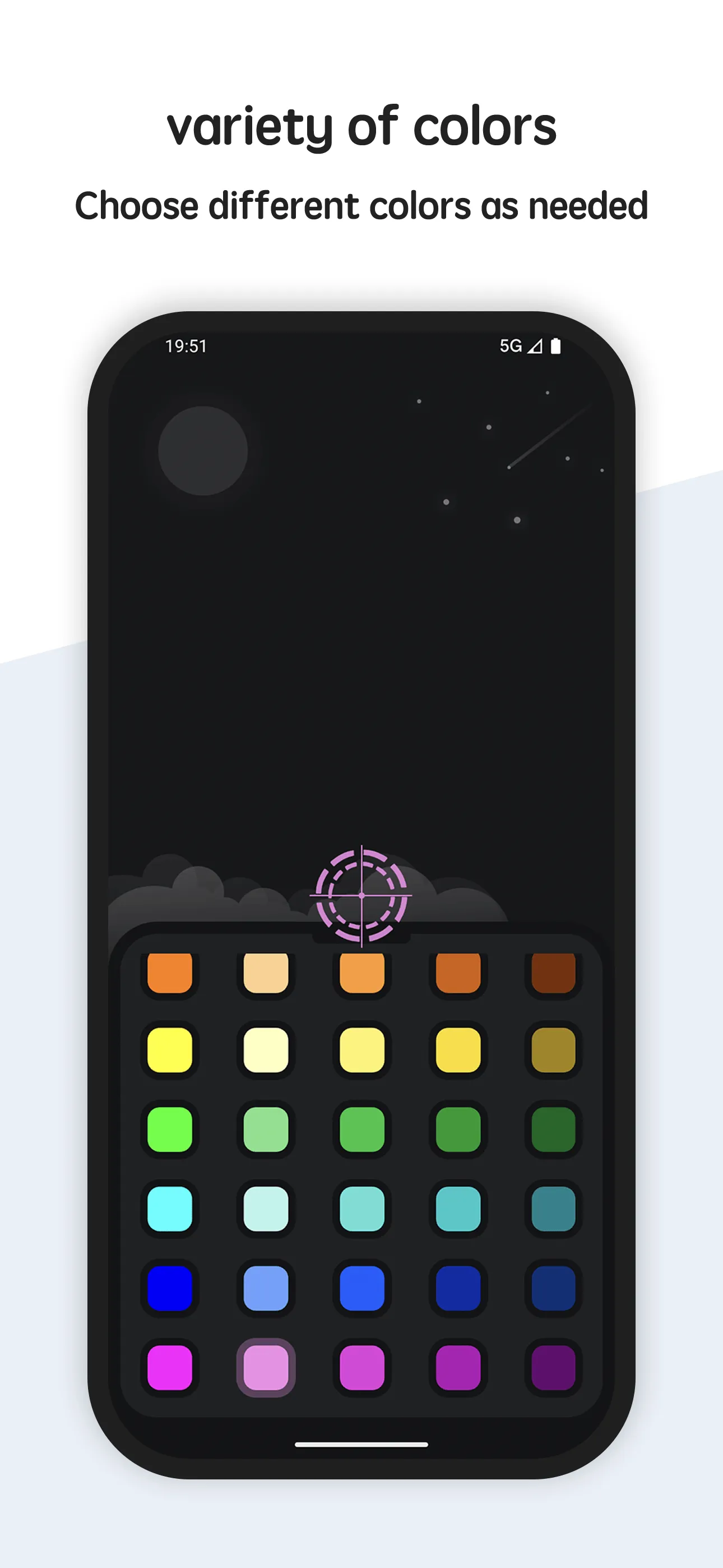
Crosshair Aim is a crosshair app for FPS games with 80+ styles, full size/color/scale/position control, a transparent overlay (85% default), and an in-game floating adjuster.
Strengths
- 80+ crosshair styles covering dots, crosses, circles and more.
- Full customization — size, color, scale and on-screen position.
- In-game floating adjuster so you can tune the reticle without leaving the match.
- Transparent, no-root overlay that works over almost any shooting game.
- Can generate a crosshair even for weapons that don’t have one.
- Free to use with a set of basic styles; advanced styles via Pro.
Weaknesses
- Android only — no iOS version.
- Best value needs the Pro unlock for premium styles.
- No image import for fully custom shapes.
Best for: players who want lots of styles and live, in-game tuning.
Download Crosshair Aim
2. Custom Crosshair — best animated styles
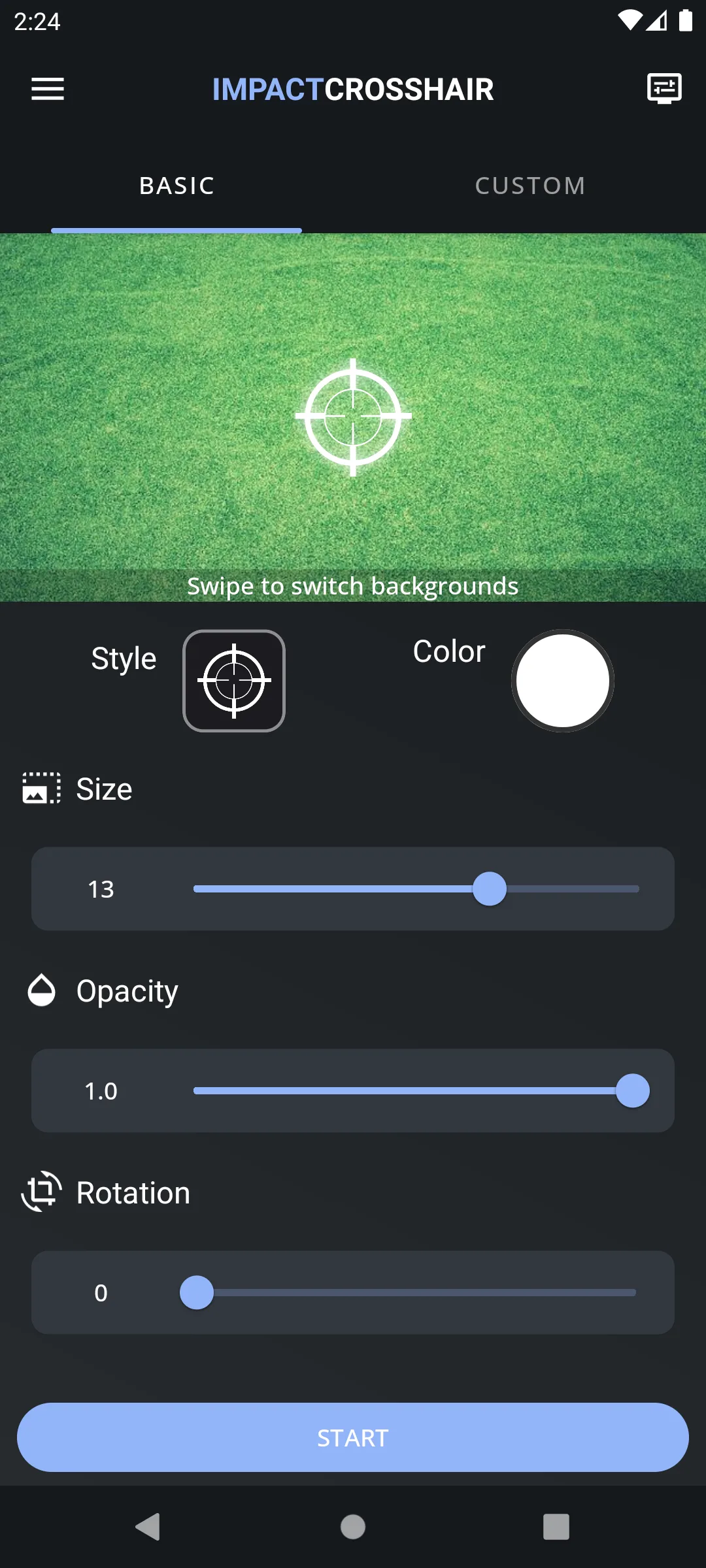
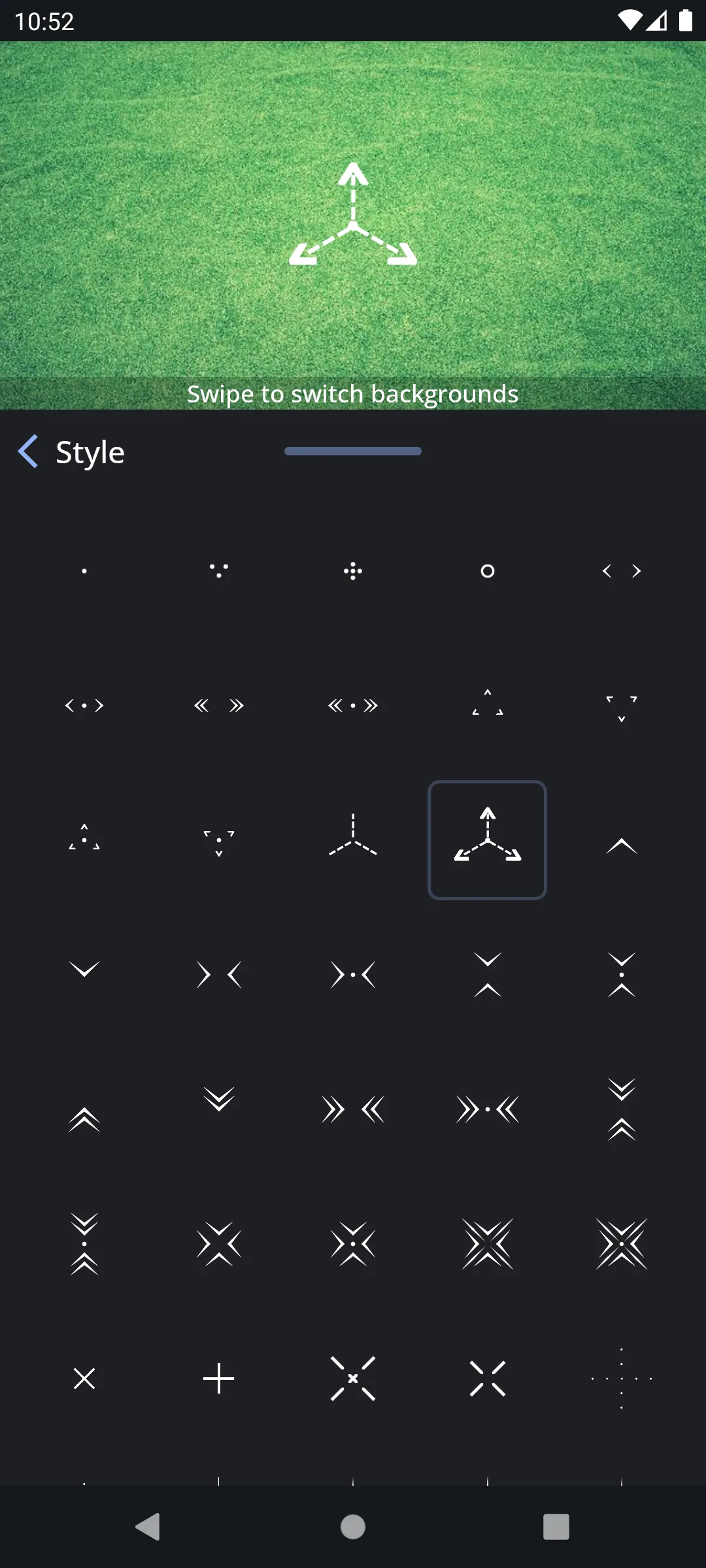
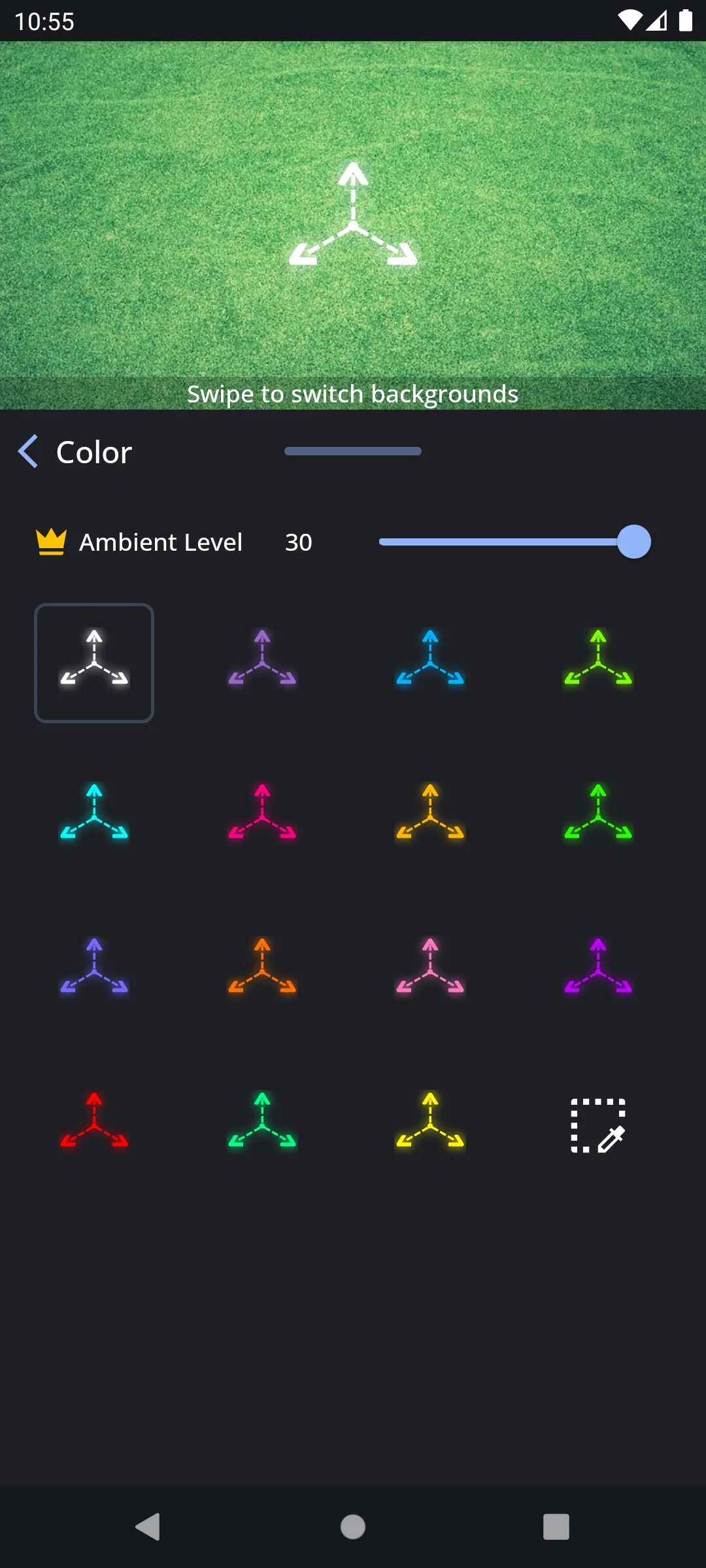
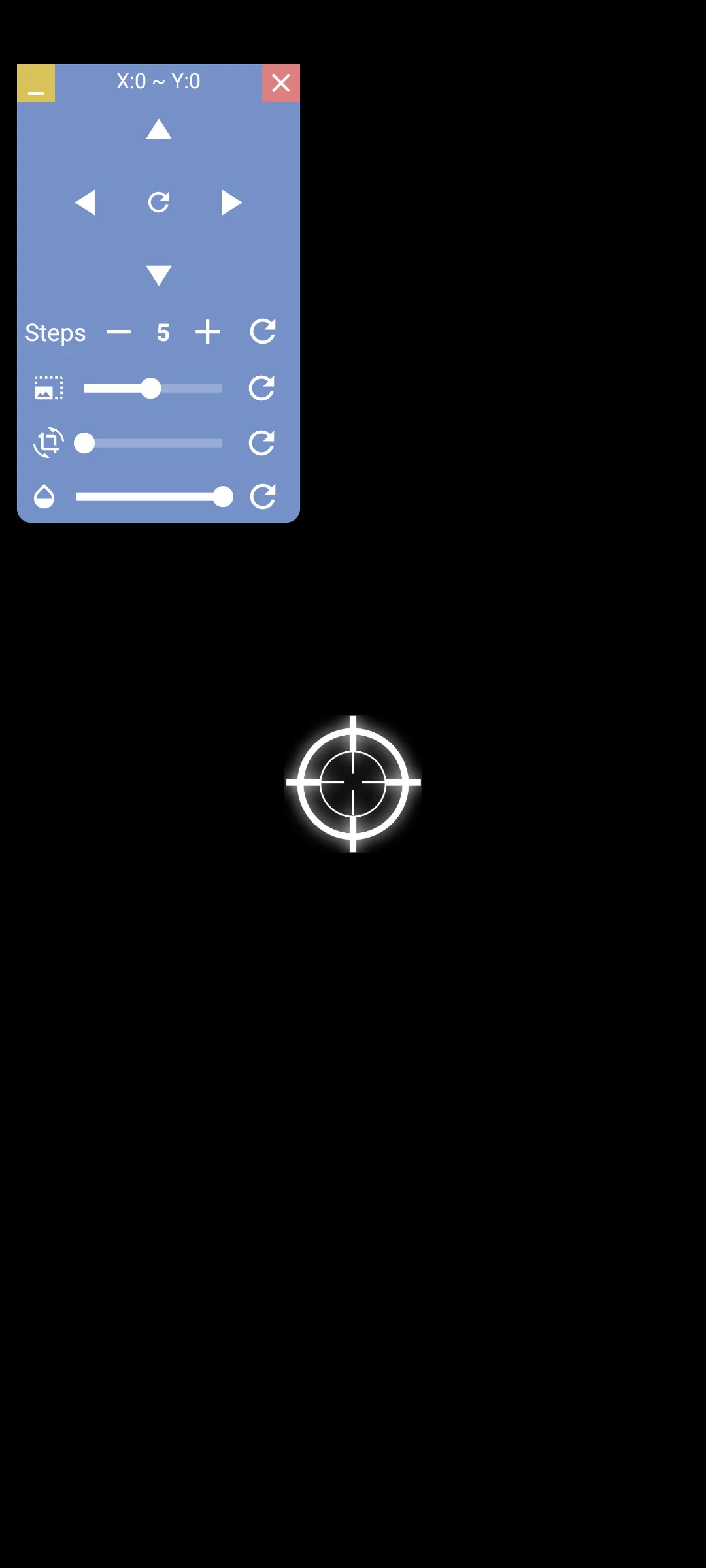
Custom Crosshair (Impact Crosshair) is a popular overlay tool with 500,000+ installs, a crosshair builder, real-time overlay, and animated reticles for FPS and TPS games.
Strengths
- Crosshair builder with adjustable size, color and design to match your preference.
- Real-time overlay displayed while playing supported shooters.
- Crosshair animations for a more dynamic look.
- Large, active user base and regular updates.
- Free to start, with a Pro tier for advanced options.
Weaknesses
- Android only.
- Some animations and advanced builders sit behind Pro.
- UI can feel busy next to minimalist apps.
Best for: players who want animated, expressive reticles and a big community.
Download Custom Crosshair
3. Custom Aim — best crosshair generator
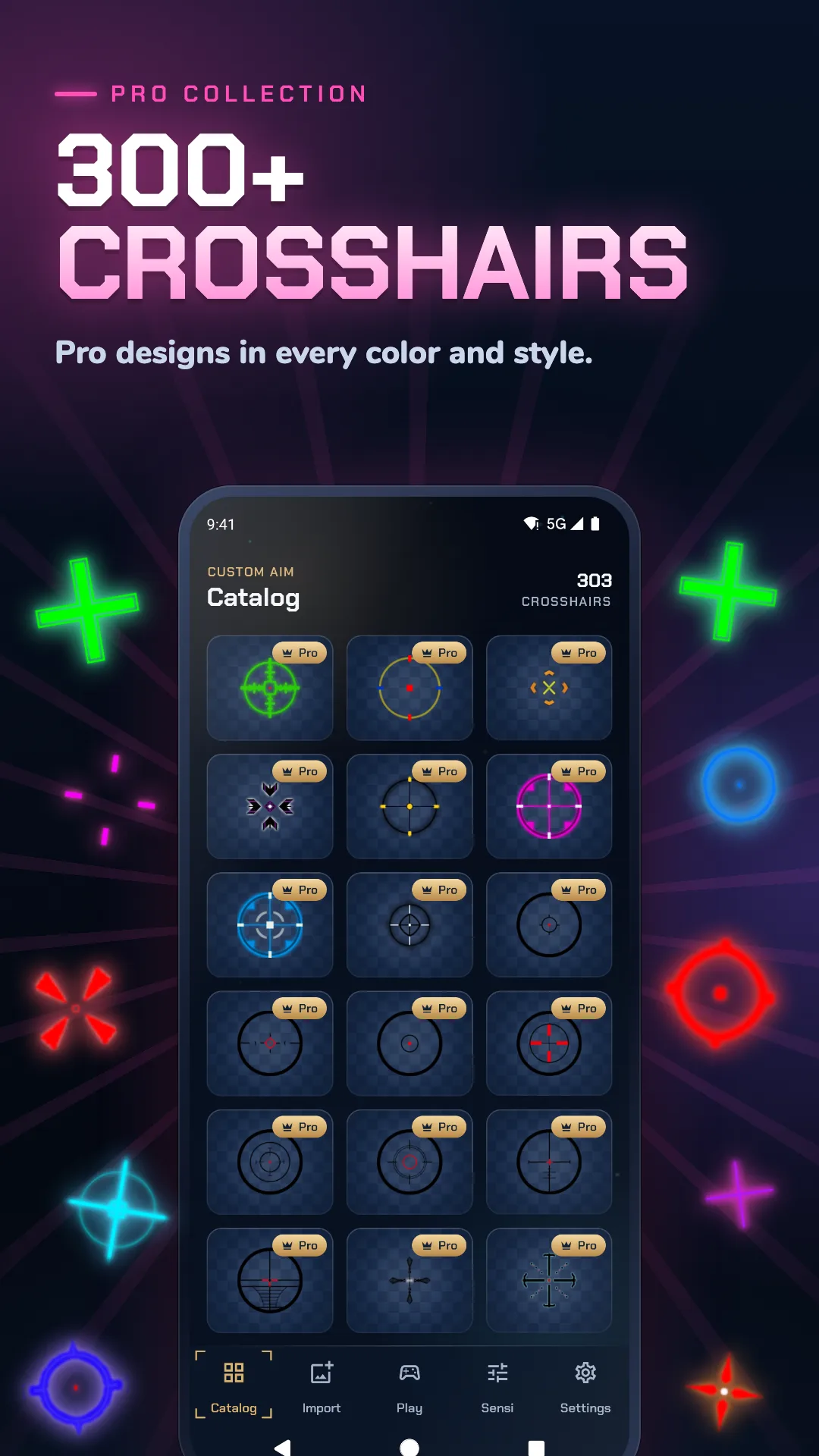
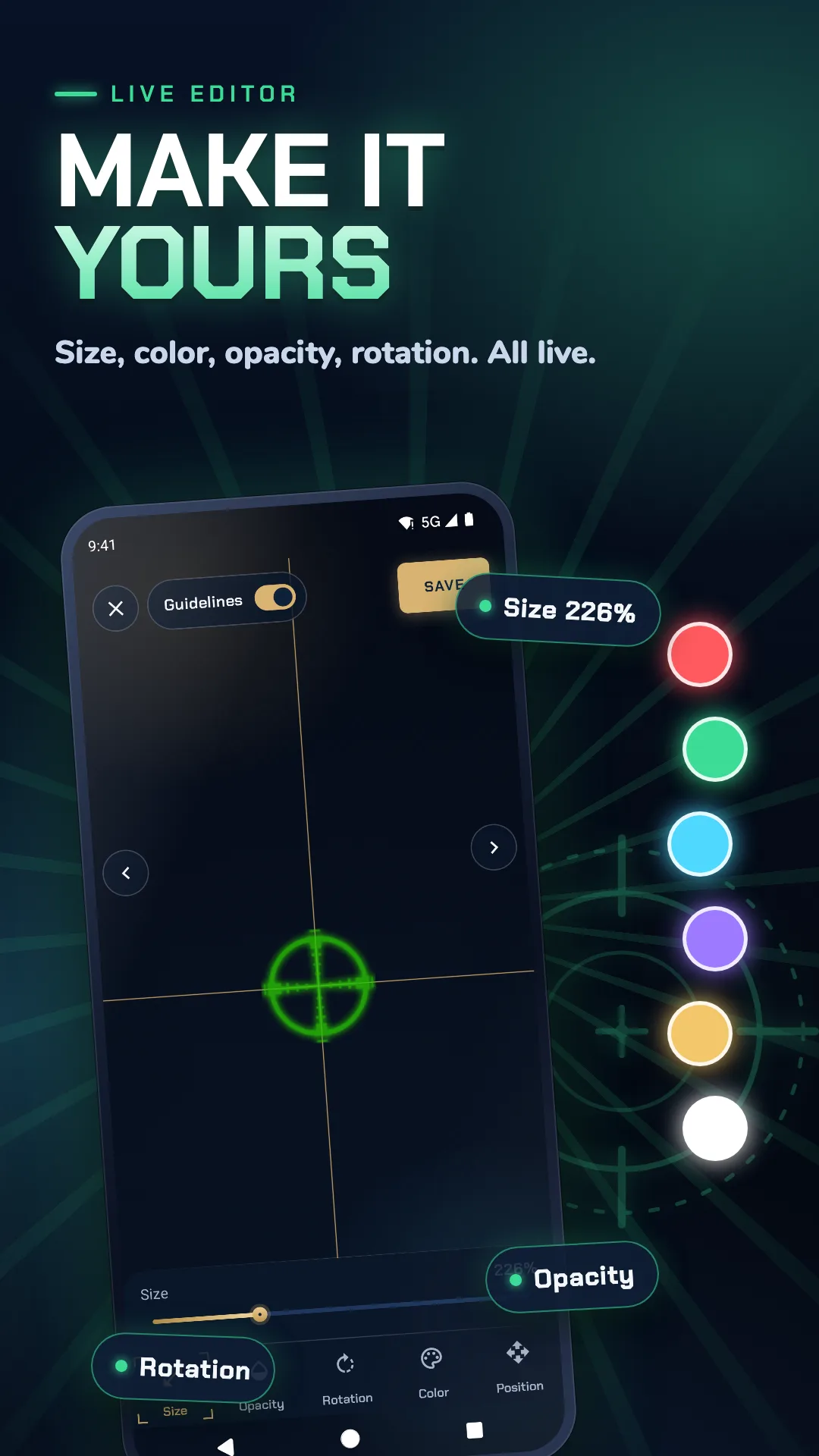
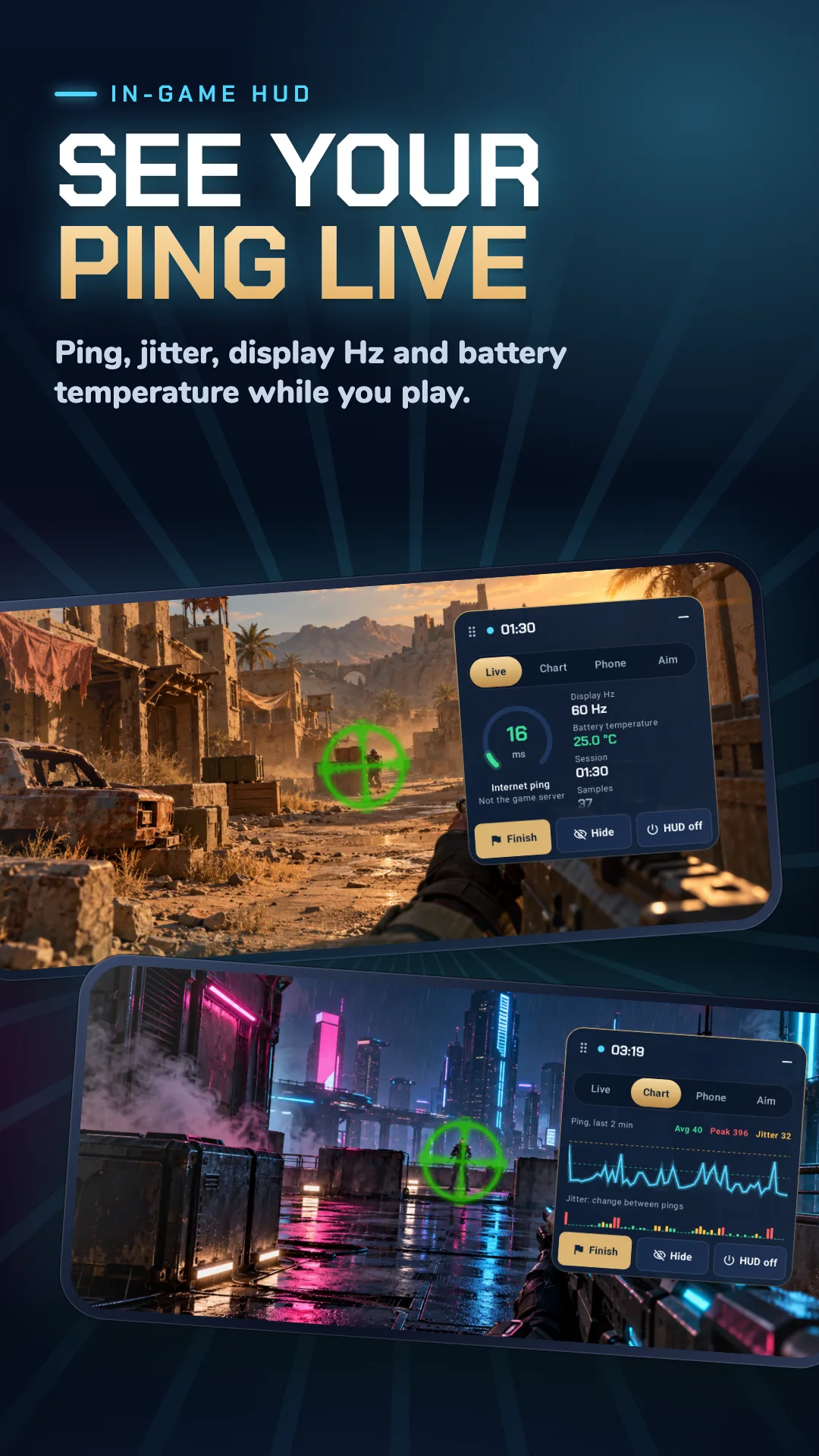
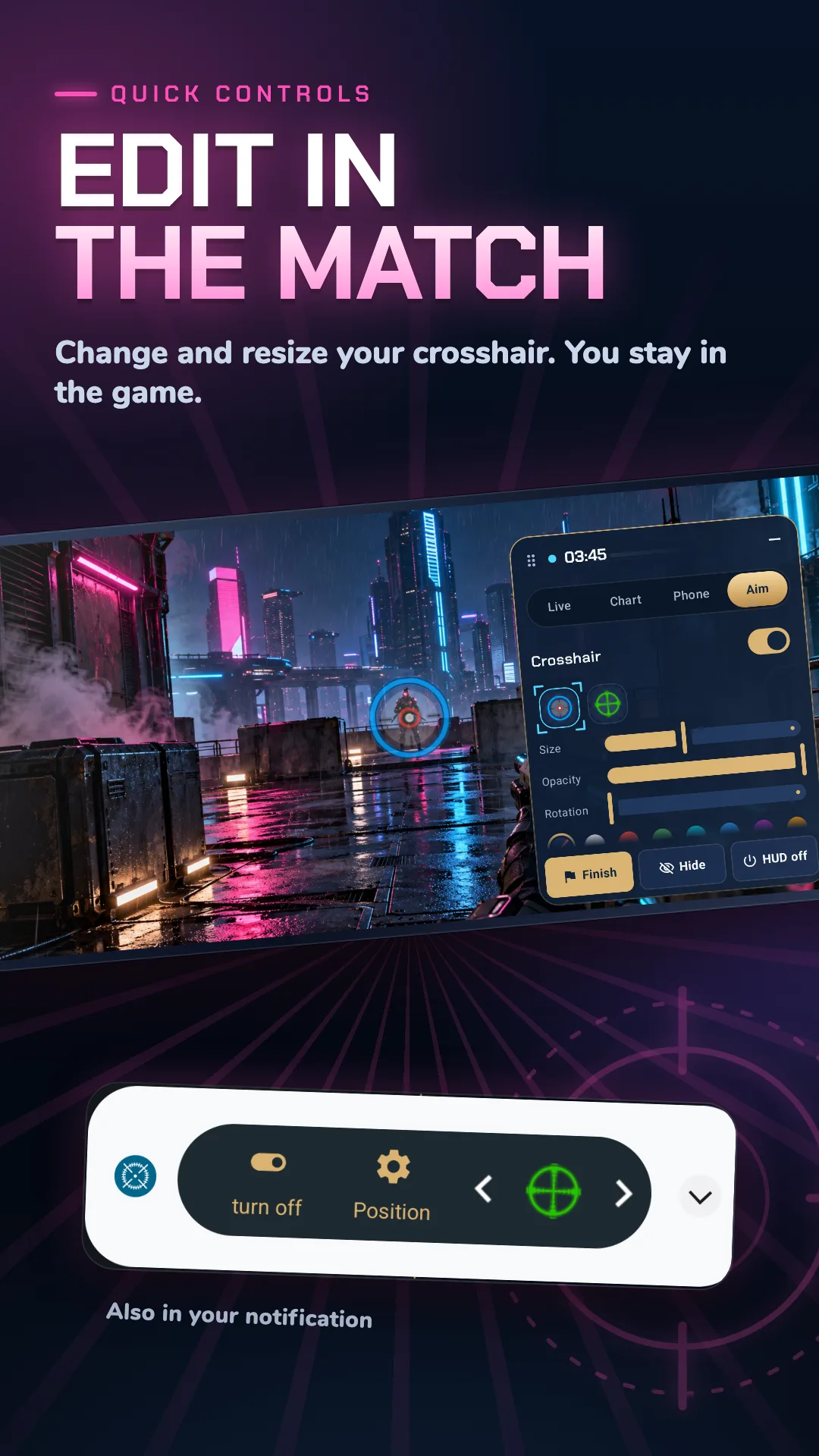
Custom Aim (Crosshair Generator Pro) lets you create a custom crosshair overlay in any shooting FPS game, with presets and deep shape/color/size control.
Strengths
- Generator-style presets plus full manual control of shape, color and size.
- Overlay works over any FPS/TPS without modifying the game.
- Lightweight and easy to toggle on/off.
- Free core with a Pro upgrade for extra styles.
- No root required.
Weaknesses
- Android only.
- Less hand-holding for first-time users.
- No per-game profile syncing across devices (no account).
Best for: tinkerers who want to design their own reticle from scratch.
Download Custom Aim
4. Crosshair Pro — best real-time positioning
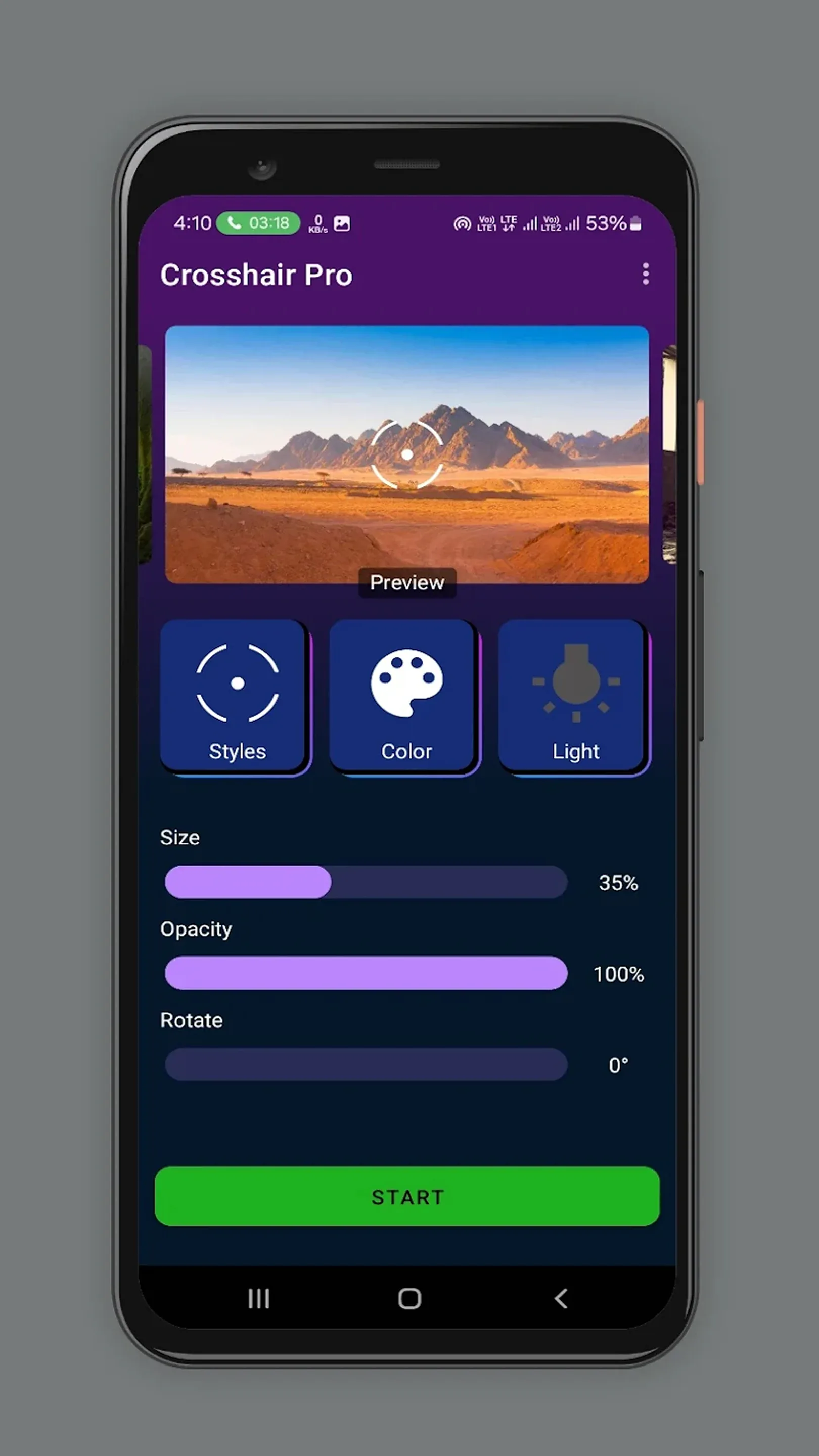
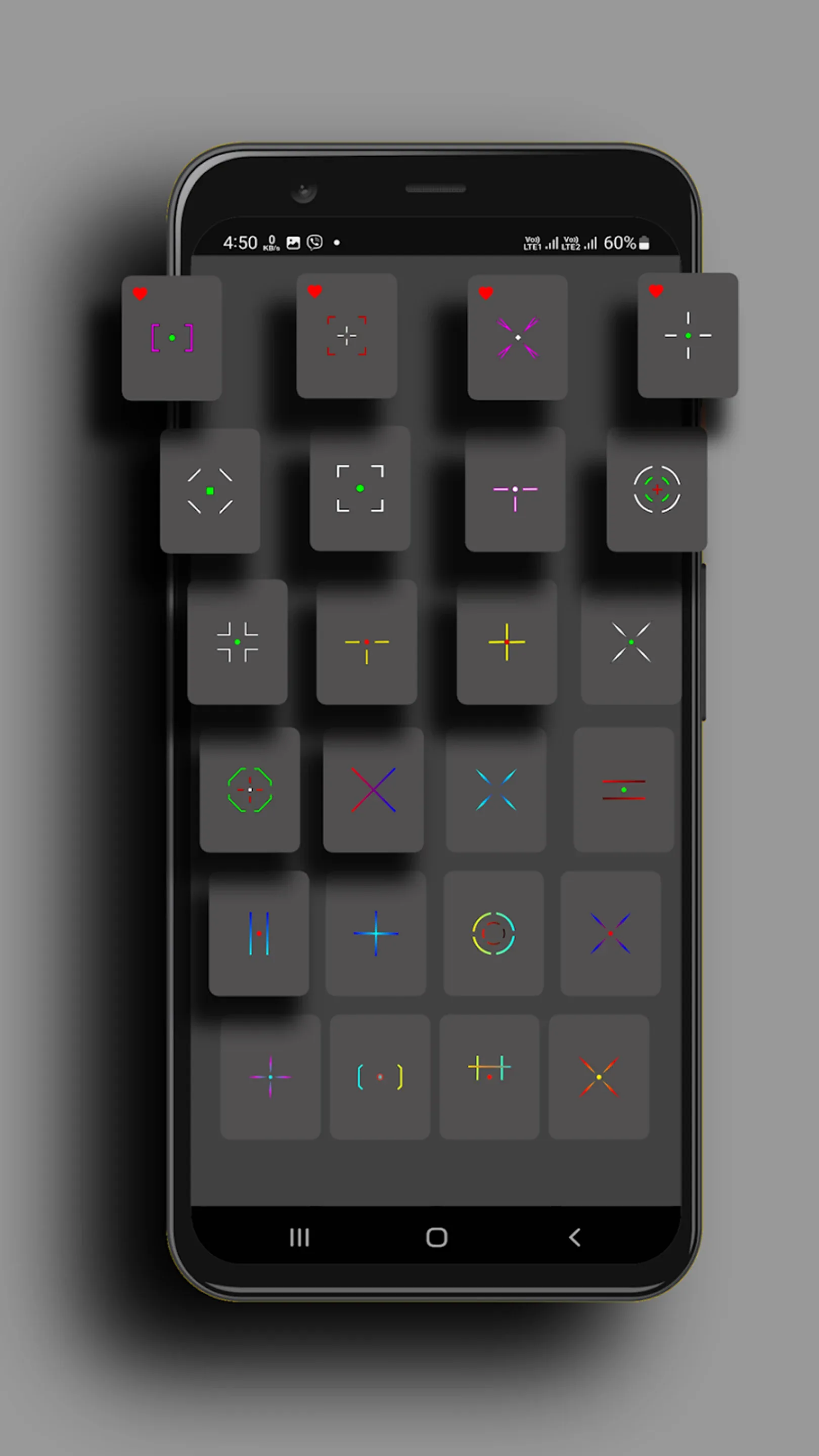
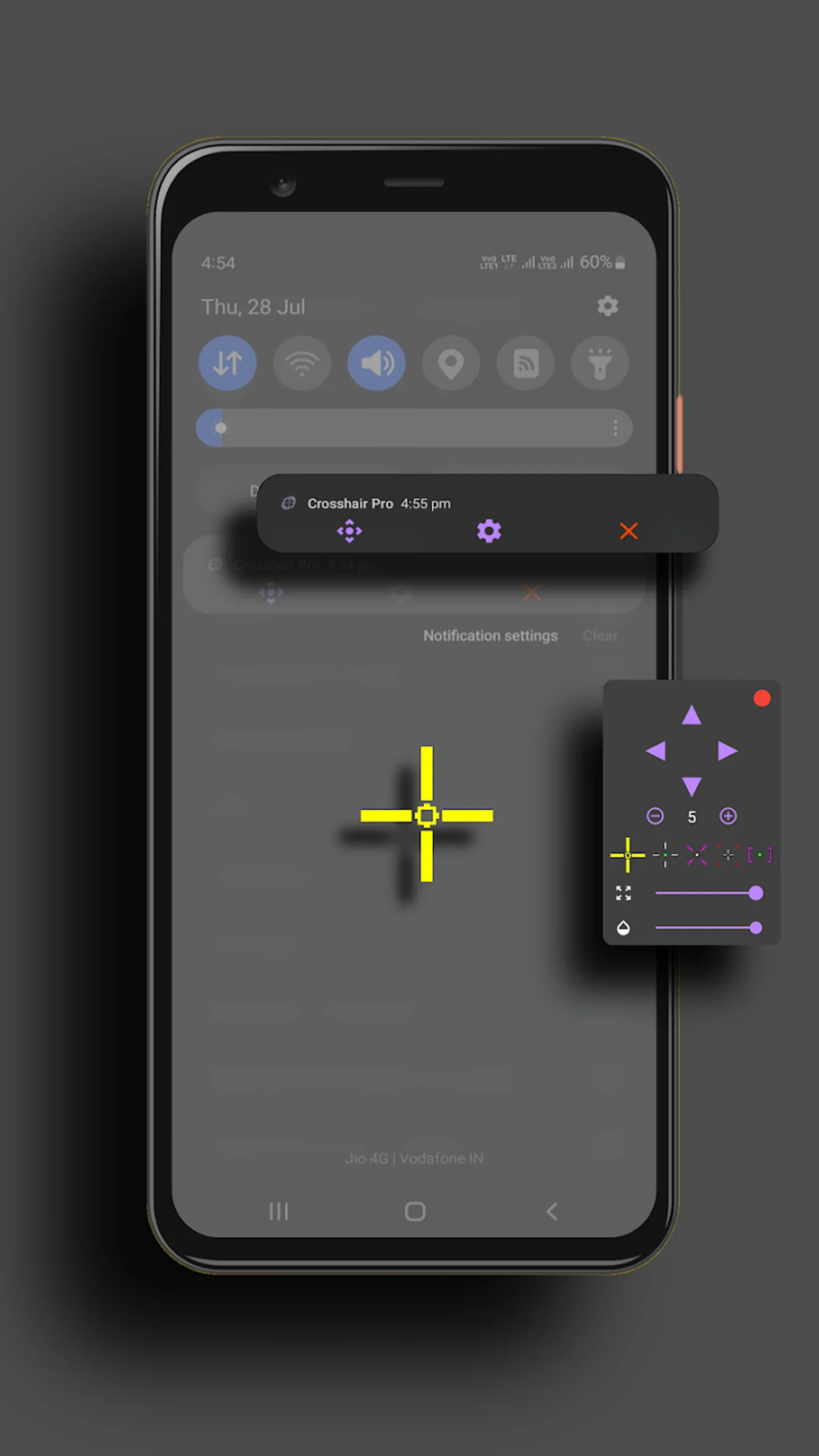
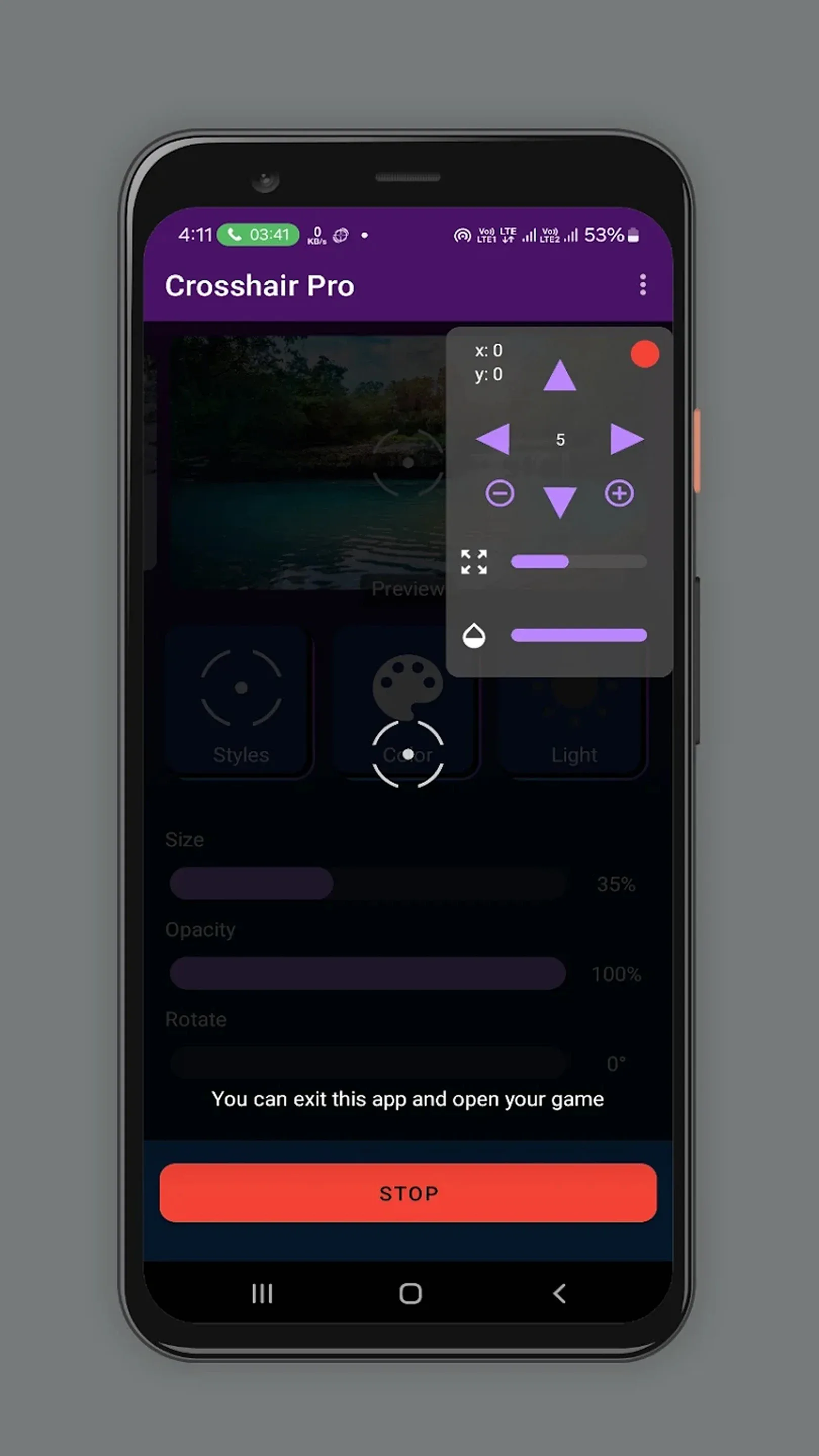
Crosshair Pro: Custom Scope is a mobile utility that puts a precise scope overlay anywhere on screen, adjustable in real time during gameplay, with broad FPS compatibility.
Strengths
- Position the crosshair anywhere and adjust during gameplay in real time.
- All major FPS games are supported with good compatibility.
- Classic and pro sets to match your shooting style.
- Simple, focused UI.
- Free with in-app purchases.
Weaknesses
- Android only.
- Style variety is narrower than generator apps.
- IAP-gated sets can add up.
Best for: players who care most about precise, real-time placement.
Download Crosshair Pro
5. CrossAim — best simple style pack
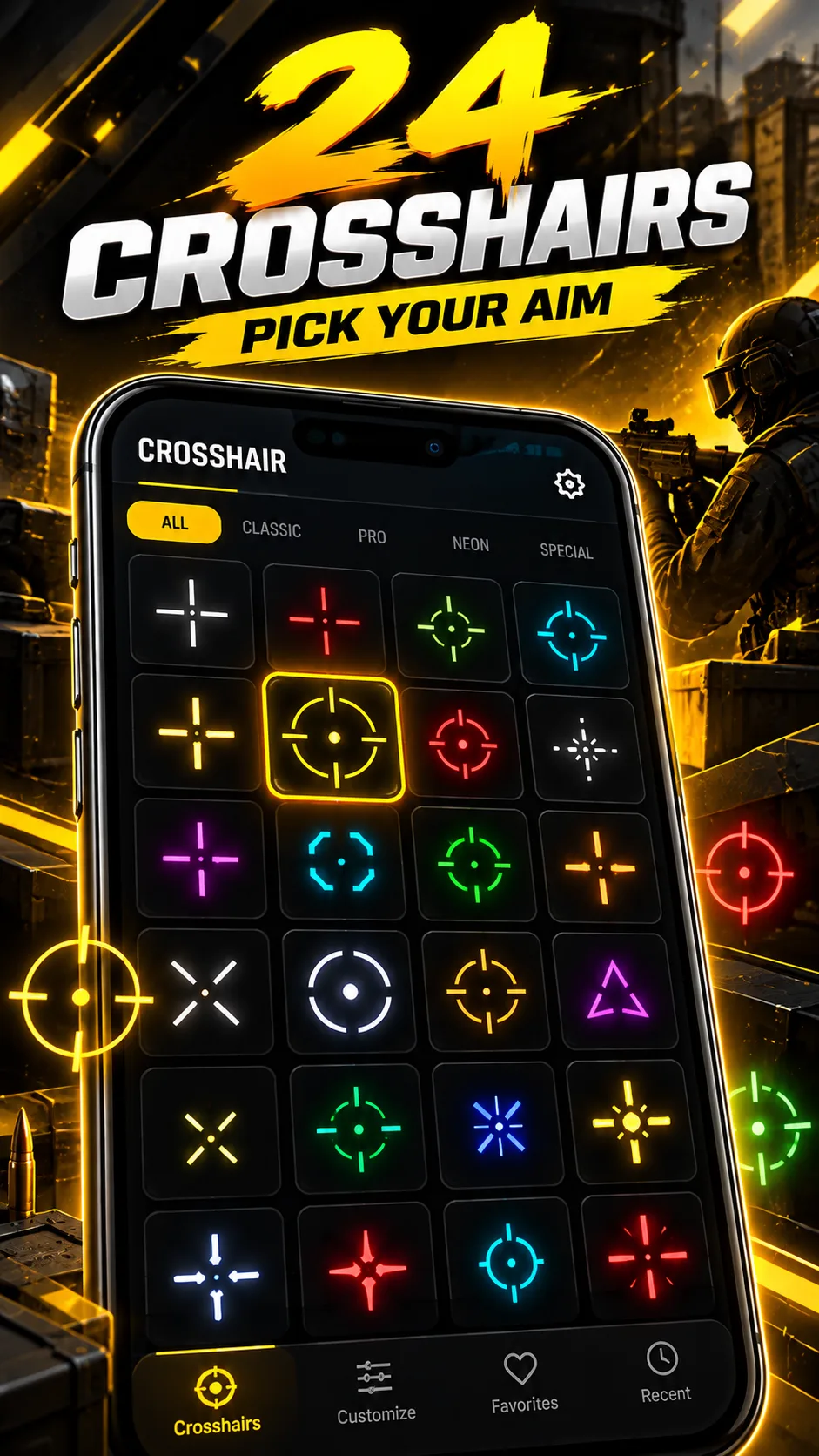
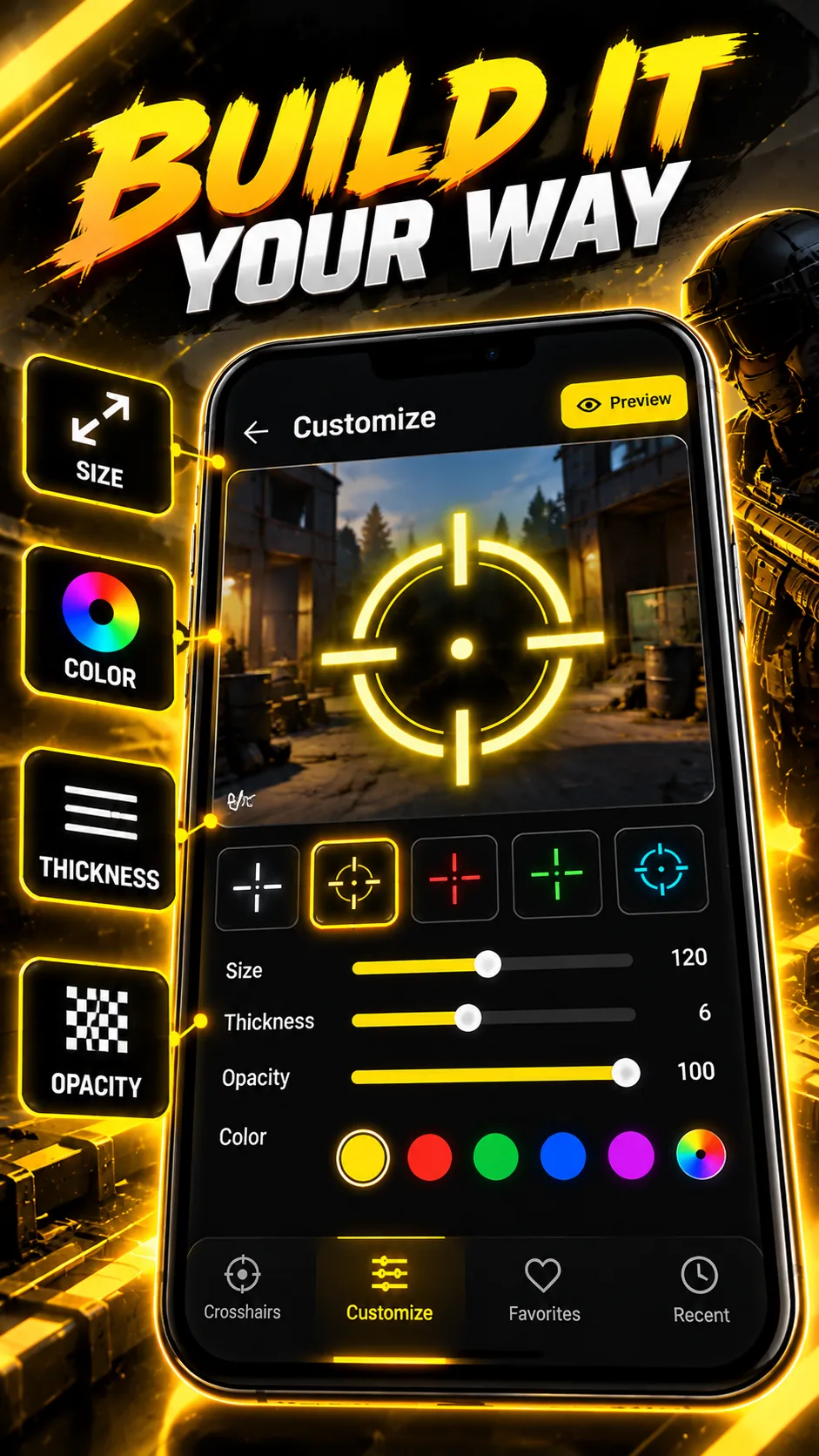
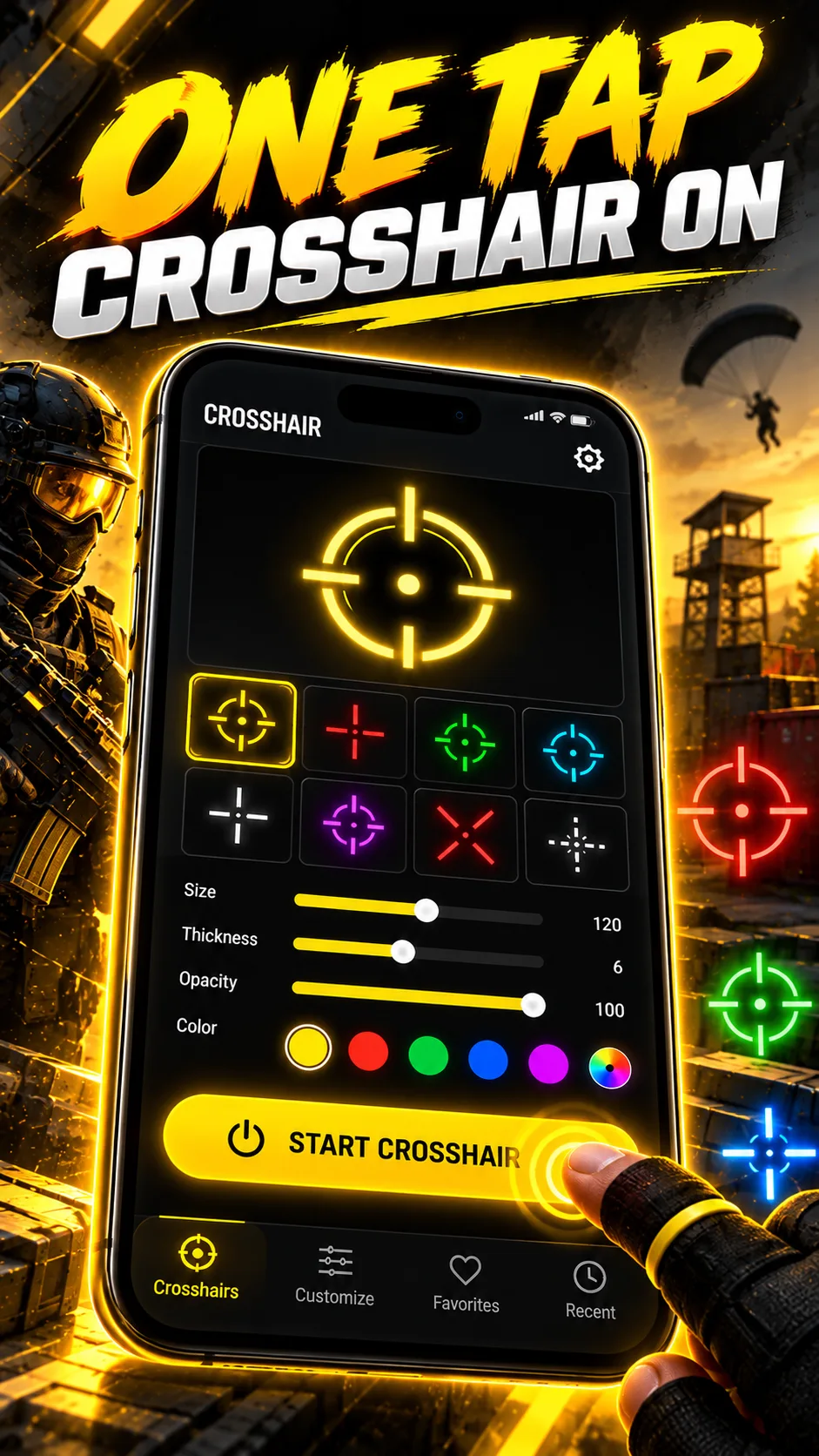
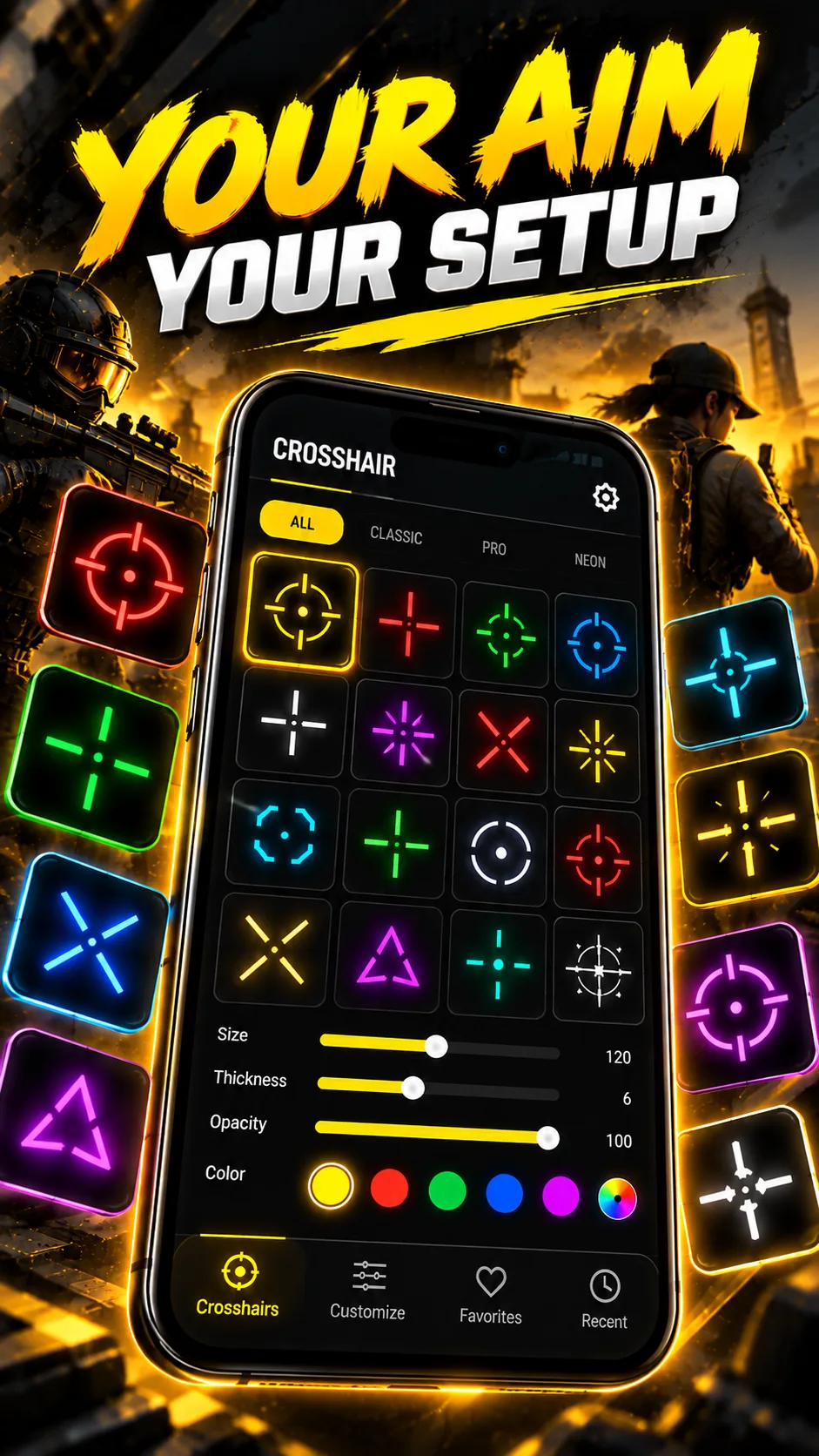
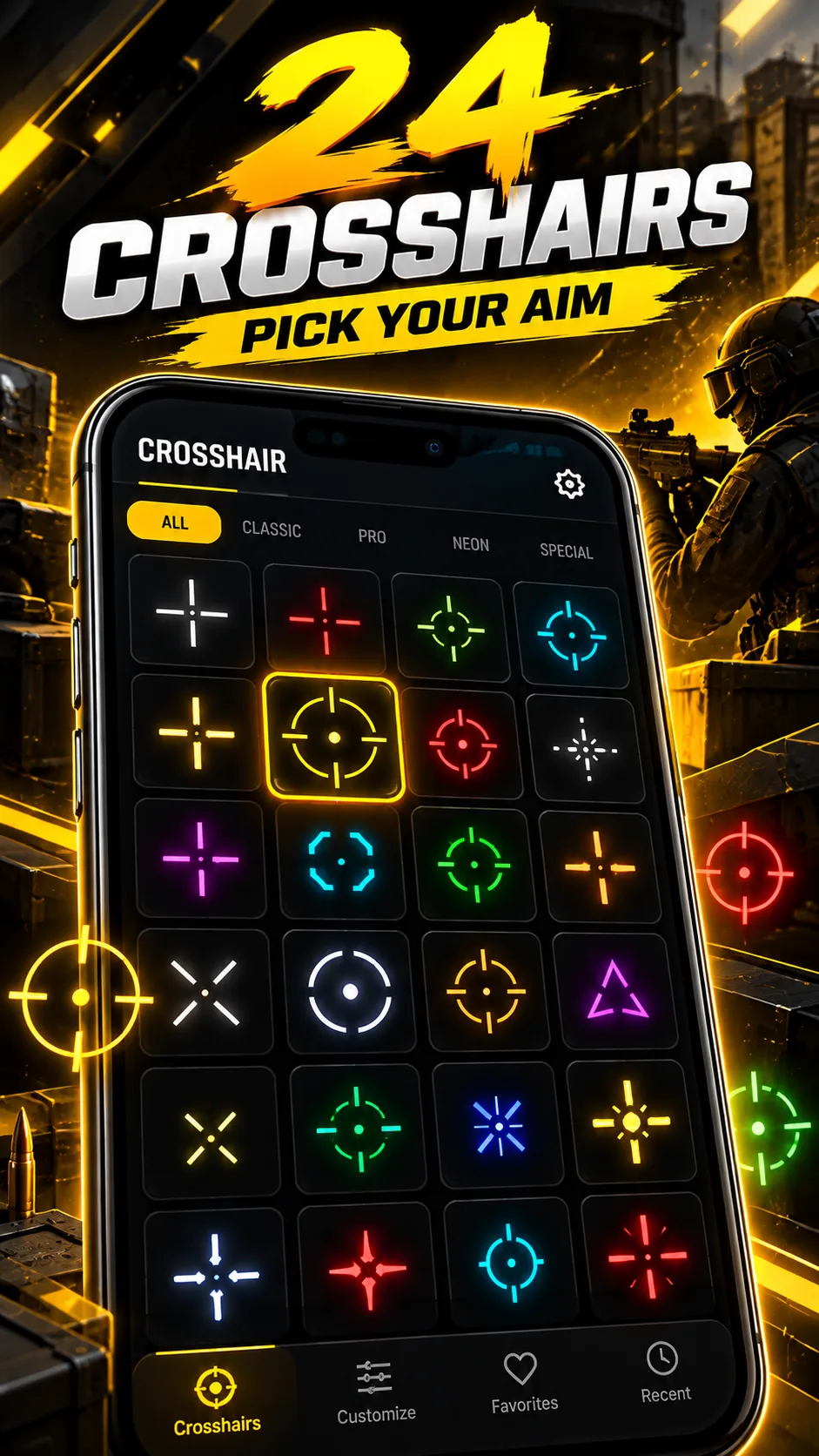
CrossAim: Custom Crosshair offers 24 styles with colors and sizes, a clean overlay tool for quick reticle changes.
Strengths
- 24 ready-made styles covering common reticle looks.
- Easy color and size tweaks.
- Minimal, fast overlay with low overhead.
- Free to try with IAP for extras.
- No root required.
Weaknesses
- Android only.
- Fewer deep customization options than generator apps.
- Smaller feature set overall.
Best for: players who want a quick, clean reticle without complexity.
Download CrossAim
6. Crosshair PRO — best pro overlay sets
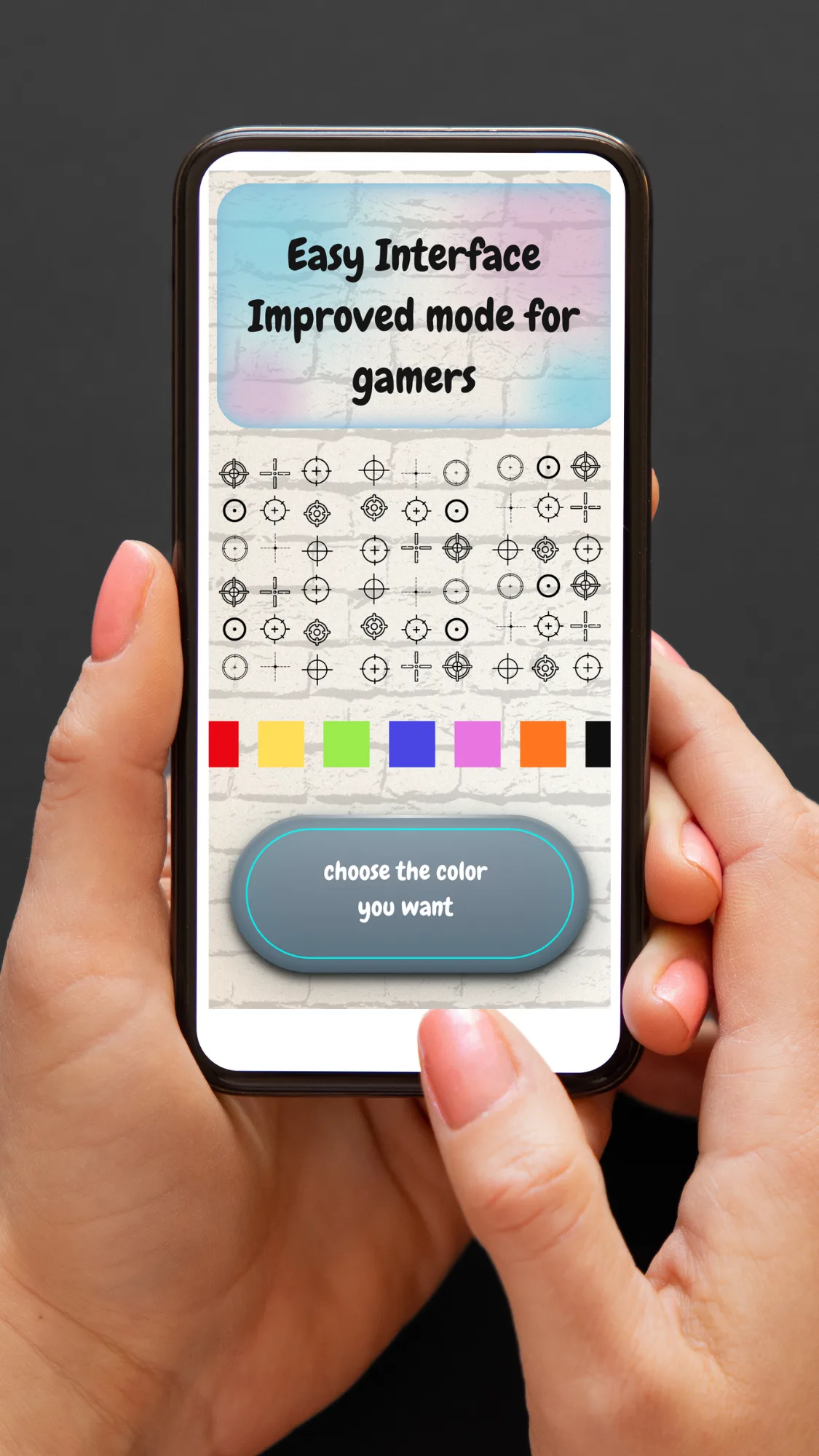
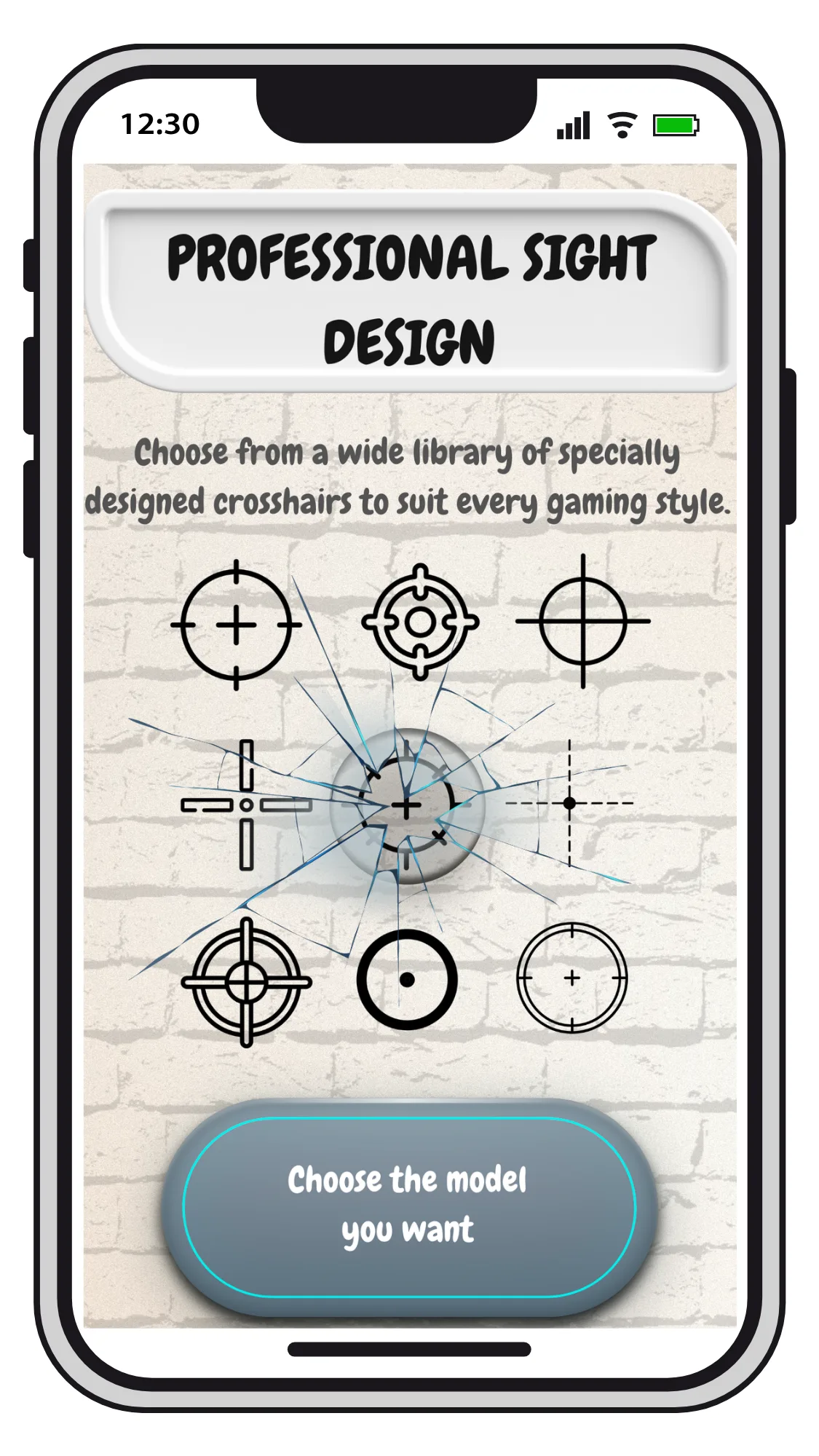
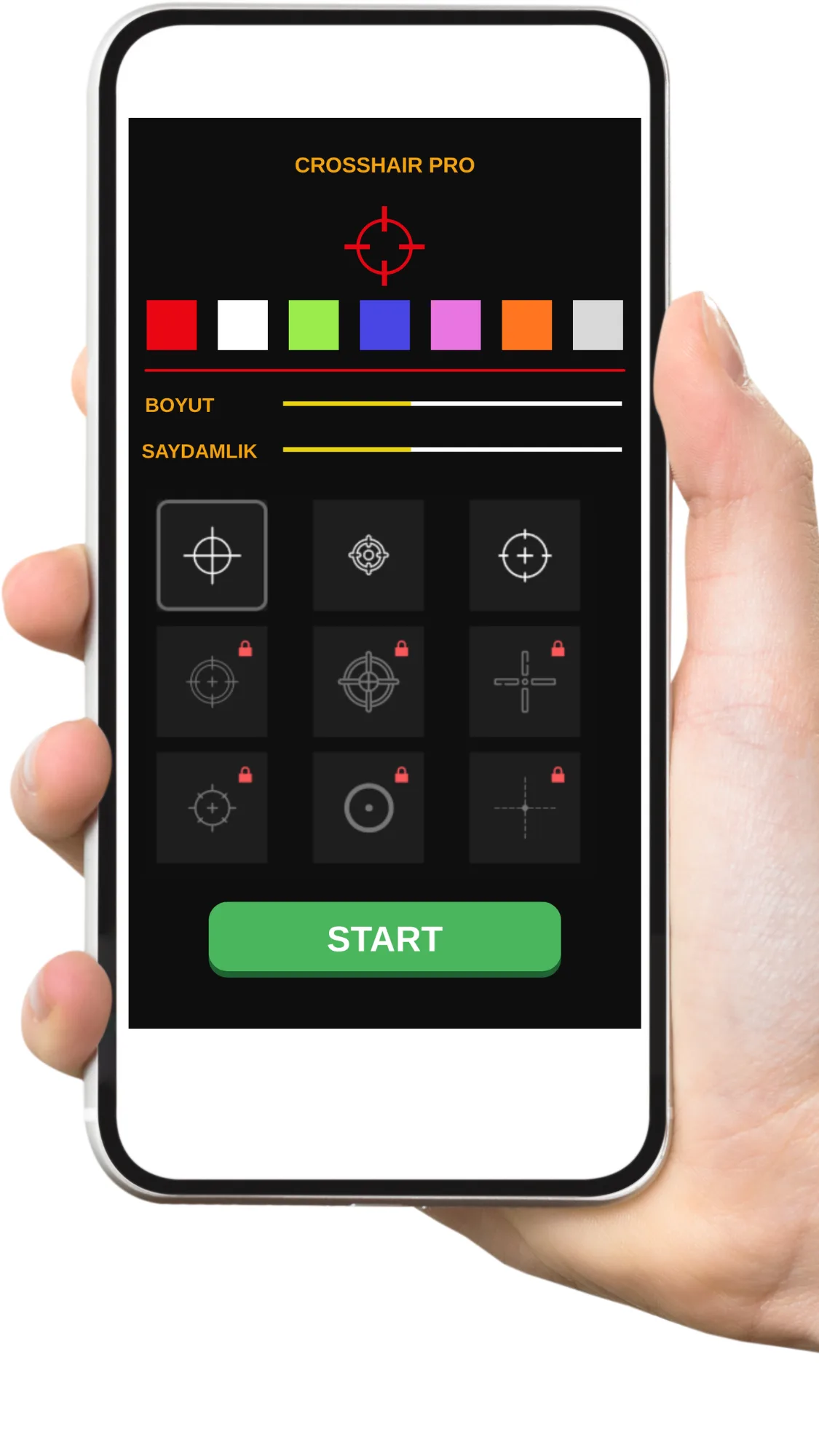
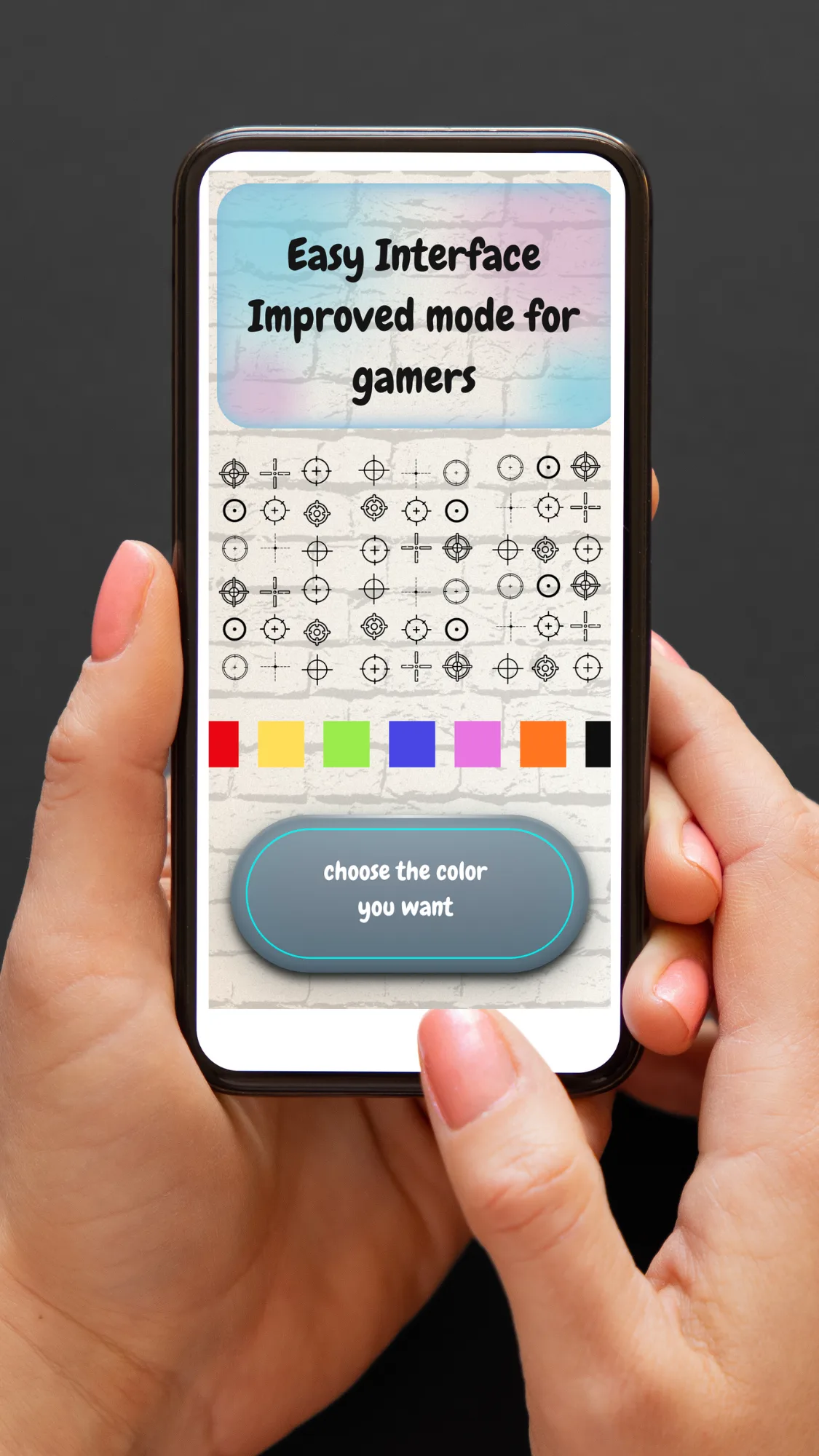
Crosshair PRO (Custom Scope) is a professional overlay tool for FPS and TPS enthusiasts, with customizable scopes and a lightweight footprint.
Strengths
- Professional overlay designed for aiming improvement.
- Customizable scope style, color and size.
- Lightweight and stable during gameplay.
- Free with in-app purchases.
- No root required.
Weaknesses
- Android only.
- Feature overlap with Crosshair Pro can make the choice confusing.
- Best styles behind IAP.
Best for: players who want a focused, pro-style scope overlay.
Download Crosshair PRO
Core-capability comparison
| Capability | Crosshair Aim | Custom Crosshair | Custom Aim | Crosshair Pro | CrossAim | Crosshair PRO |
|---|---|---|---|---|---|---|
| Platforms | Android | Android | Android | Android | Android | Android |
| No-root overlay | Yes | Yes | Yes | Yes | Yes | Yes |
| Style / preset count | 15+ | Many + animations | Generator | Basic/Pro/Precision | 24 | Pro sets |
| Customization | Size/color/scale/pos | Size/color/design | Full (shape/color/size) | Color, size, position | Colors, sizes | Customizable |
| In-game adjuster | Yes | Yes | Yes | Yes (real-time) | Yes | Yes |
| Image / custom shape import | No | No | Partial | No | No | No |
| Per-game profiles | No | No | No | No | No | No |
| Animations | No | Yes | No | No | No | No |
| Ads / IAP | Unlock | Free + Pro | Free + Pro | Free + IAP | Free + IAP | Free + IAP |
| Performance (low overhead) | Good | Good | Good | Good | Light | Light |
| Free tier | Generous | Yes | Yes | Yes | Yes | Yes |
| Game-safe (no account/root) | Yes | Yes | Yes | Yes | Yes | Yes |
How to choose
- Want 15+ styles + live in-game tuning → Crosshair Aim
- Want animated, expressive reticles → Custom Crosshair
- Want to design your own from scratch → Custom Aim
- Want precise real-time placement → Crosshair Pro
- Want a quick, clean 24-style pack → CrossAim
- Want a focused pro scope overlay → Crosshair PRO
How to migrate away from Crosshair Master
- List the games you use a custom reticle in (e.g., PUBG Mobile, Free Fire, CODM).
- Pick a replacement from the table based on how much customization you need.
- Grant display-over-other-apps permission so the overlay can draw above the game.
- Recreate your reticle — set style, color, size and position to match what you had.
- Test in a match and use the in-game adjuster to fine-tune placement before competitive play.