
Best WidgetSmith Alternatives (Including Android)
Looking for alternatives to WidgetSmith in 2026? We compare six mainstream widget apps — One Widget, KWGT, Widgy, Color Widgets, Widgetable and WidgetClub — across ready presets, custom editors, live system data and core home-screen capabilities, with detailed pros, cons and download links.
WidgetSmith is the best-known iOS widget app, but it is iPhone-only, and even on iOS some users want different styles, live device data (battery, RAM), or a bigger library of ready-made widgets. This guide compares six mainstream widget apps across platforms, each picked either for a distinct strength or for wide market reach. Every app below is covered with its real advantages, its genuine weaknesses, and how it performs on the core home-screen capabilities people actually care about — ready presets, custom editors, live system data, weather, health, photos, interactivity, and lock-screen support. Download links are at the end of each section.
Why look beyond WidgetSmith
- No Android version — iPhone-only, so Android users must pick a different tool entirely.
- Limited live device telemetry — WidgetSmith centers on photos, dates, weather and calendars; it does not surface raw device stats like battery percentage, RAM or storage the way several Android widgets do.
- A specific aesthetic — you may want One UI, Material You or Nothing looks that mimic another brand’s design language, or a cute/aesthetic theme pack.
- Ready-made vs build-it-yourself — WidgetSmith is a builder; some people just want a large library to pick from.
- Price sensitivity — WidgetSmith’s premium unlocks some styles; alternatives range from free preset libraries to one-time Pro keys to subscriptions.
The best WidgetSmith alternatives at a glance
| App | Price (2026) | Platforms | Best for |
|---|---|---|---|
| One Widget | Free One UI set + style unlock | Android | 500+ ready widgets across 4 design languages |
| KWGT | Free + one-time Pro key (~$4.99) | Android | Building widgets from scratch |
| Widgy | Free + IAP (~$4.99) | iOS (iPhone/iPad/Watch) | Deeply custom iOS widgets, no coding |
| Color Widgets | Free + Pro (~$2.50/mo billed yearly) | iOS (iPhone/iPad/Mac) | Fast, aesthetic presets + themes |
| Widgetable | Free + subscription | iOS (also Android) | Social & pet widgets for couples/besties |
| WidgetClub | Free + subscription | iOS + Android | Cute, theme-driven aesthetic widgets |
1. One Widget — best for ready, multi-style Android widgets
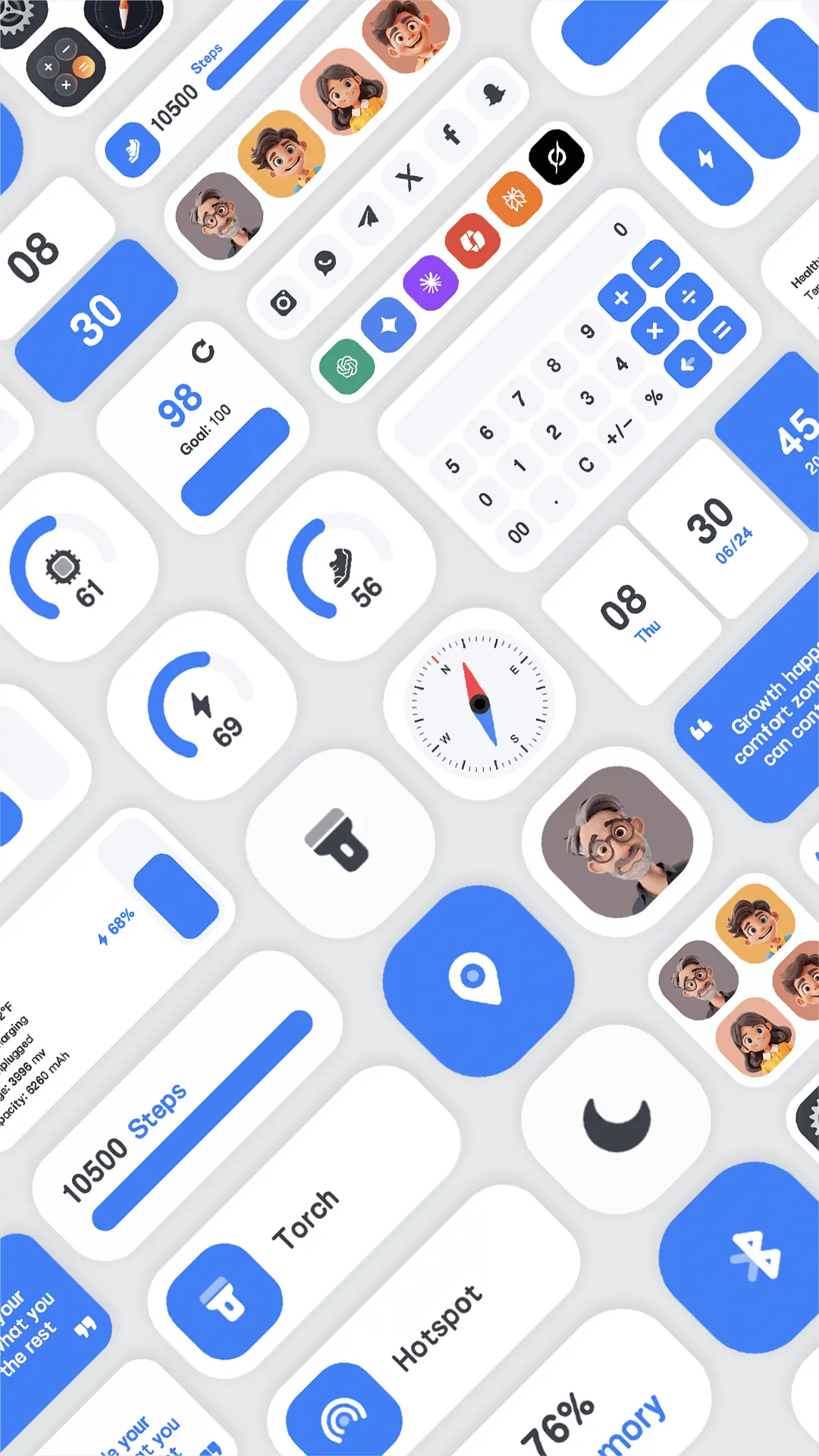
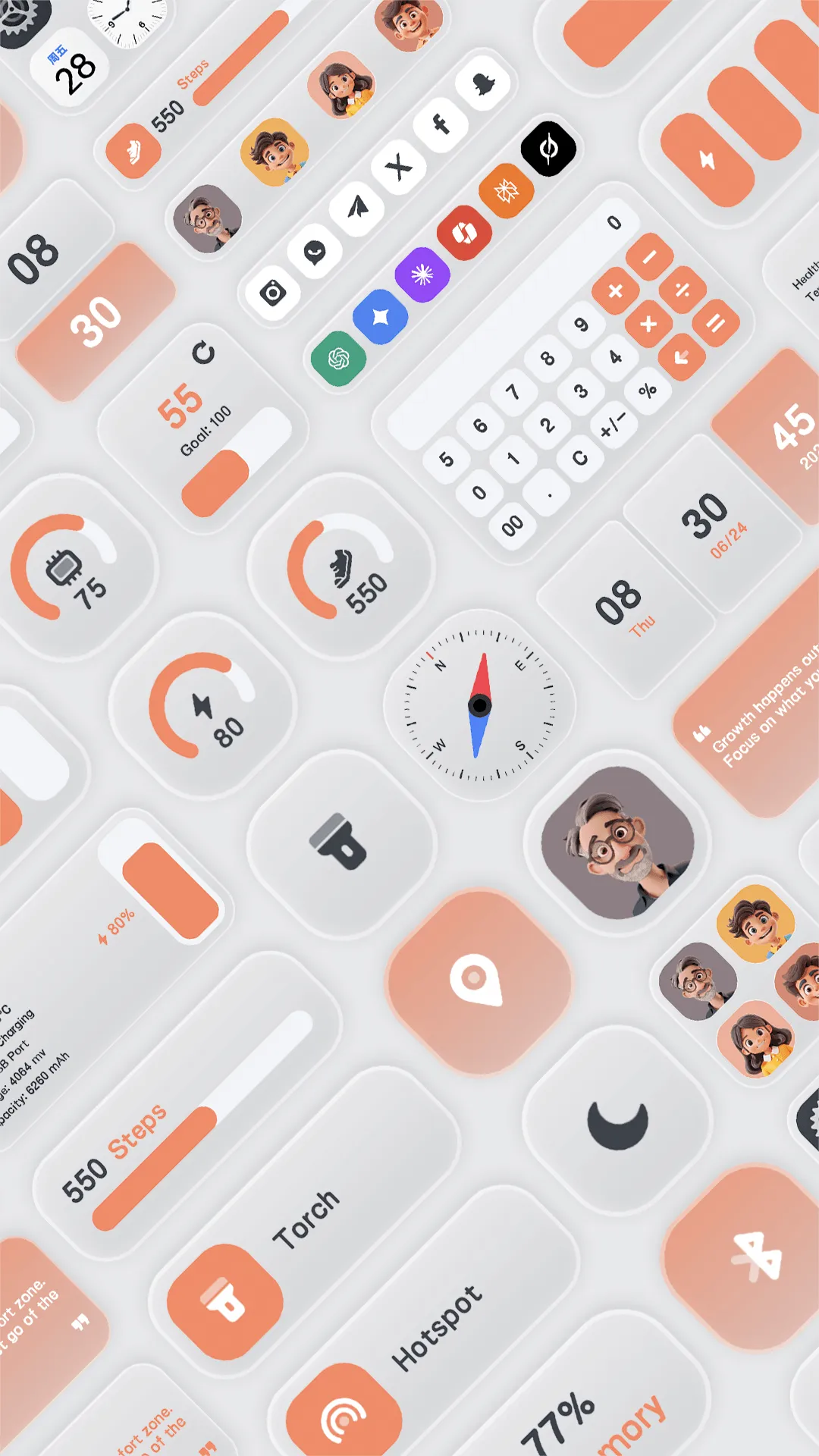
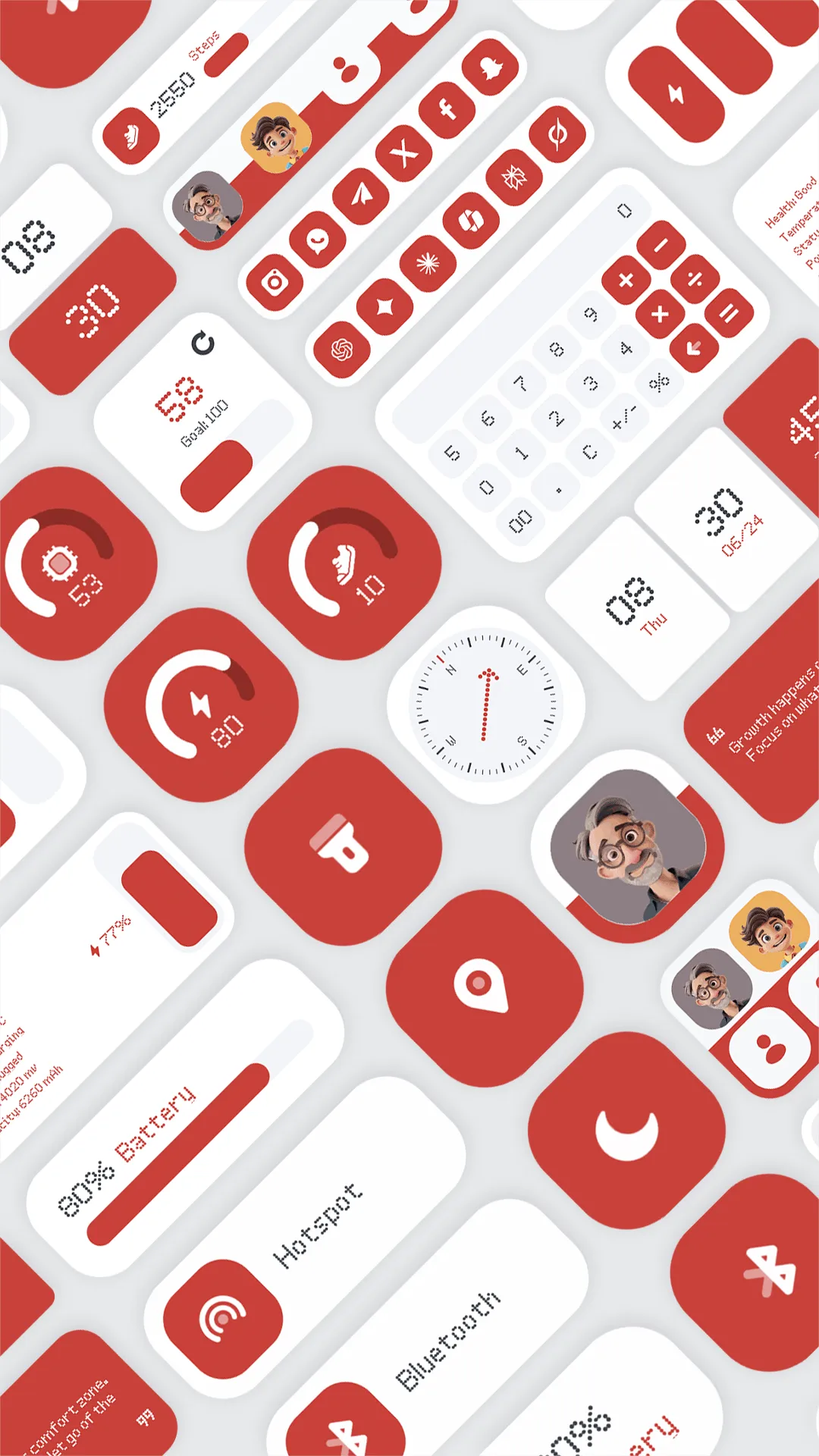
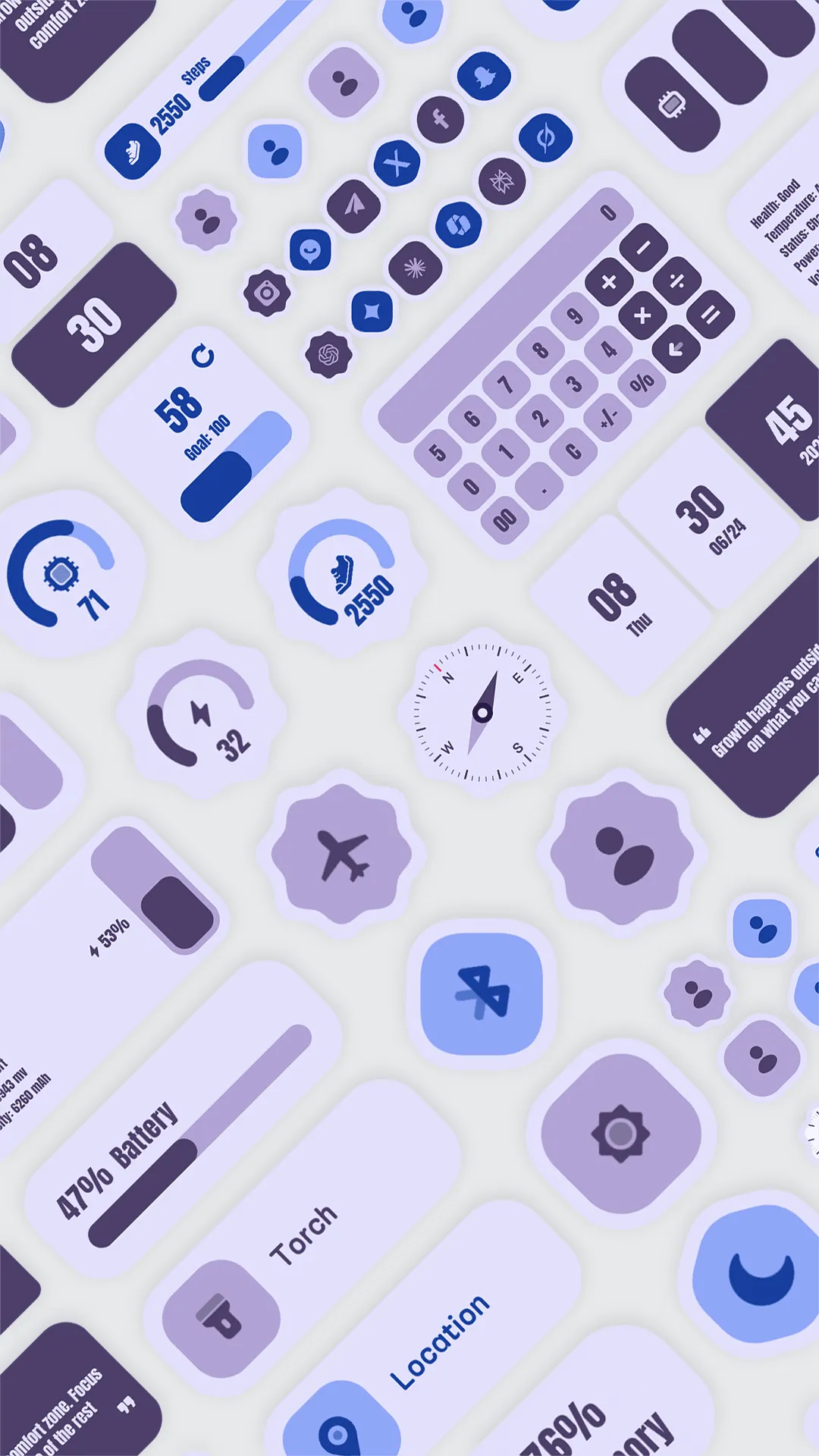
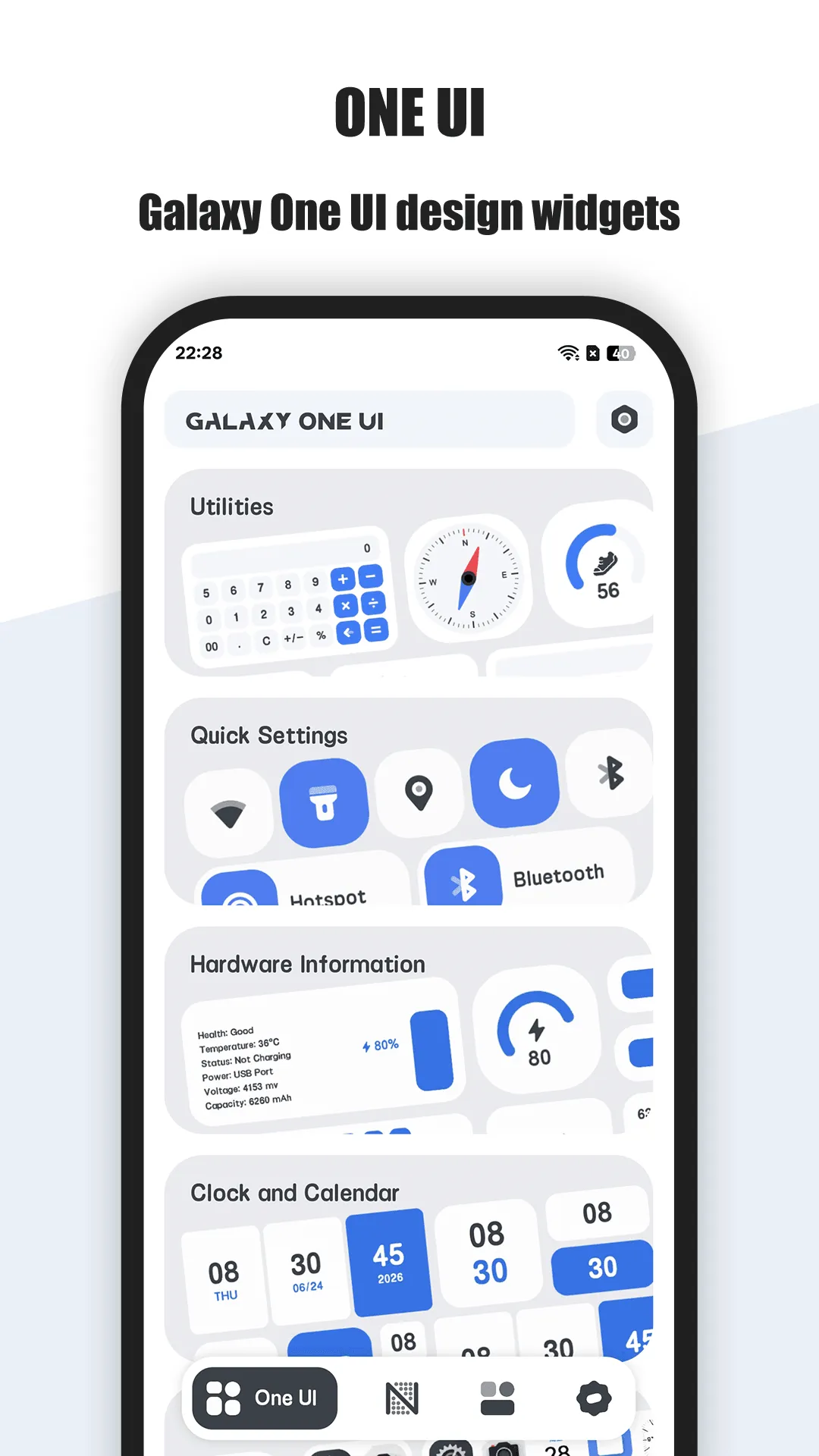
One Widget is an Android widget pack built around four complete design languages — Galaxy One UI, Material You, iOS Glass, and Nothing UI — so one app can make a Samsung, Pixel, iPhone-style or Nothing phone look cohesive. It ships 500+ ready widgets (clock, date, battery, RAM, storage, app shortcuts, toggles like Wi‑Fi/Bluetooth/flashlight, calendar, step counter, music and weather) and the developer is actively adding new components, which keeps the library fresh.
Strengths
- Four distinct style systems in one app — rare; most widget apps commit to a single look.
- Rich, ready-to-drop components, including live device telemetry (battery %, RAM, storage) that iOS widgets generally cannot show at a glance.
- Functional toggles and shortcuts (Wi‑Fi, Bluetooth, flashlight, app launch) add real utility, not just decoration.
- No design skill required — pick a style, place the widget, done.
- Frequent updates with new widgets and component types.
Weaknesses
- Android-only — no iOS version.
- Preset-based, not a free-form editor — you customize within what the templates expose; you cannot compose arbitrary layouts or write formulas like you can in KWGT.
- Some styles/components sit behind the unlock, and free users get the One UI set.
- Less suited to users who want a truly one-of-a-kind widget rather than a polished preset.
Best for: Android users who want a large, good-looking widget library spanning multiple phone aesthetics without learning a design tool.
Download One Widget
2. KWGT Kustom Widget Maker — best for building widgets from scratch
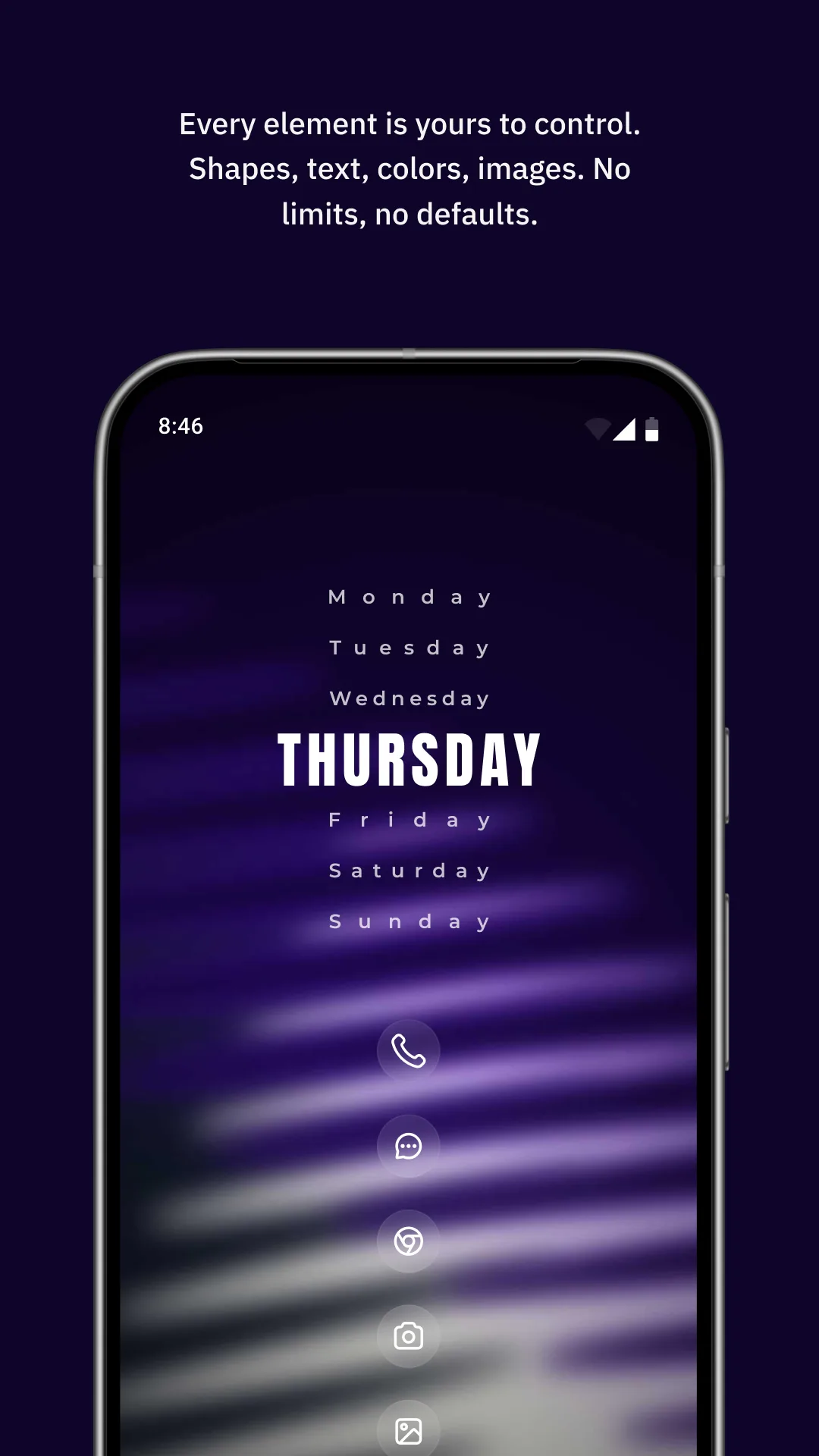
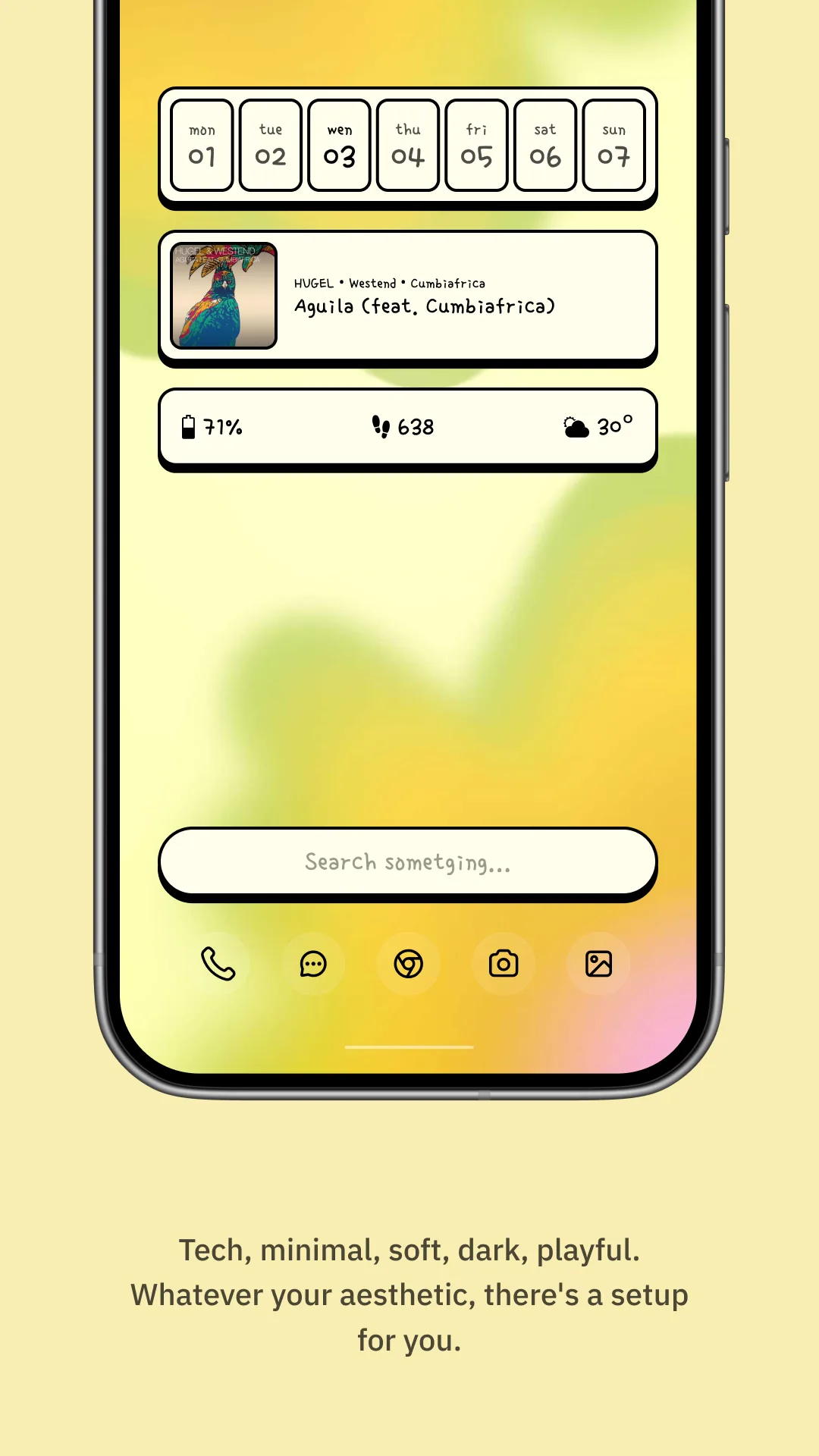
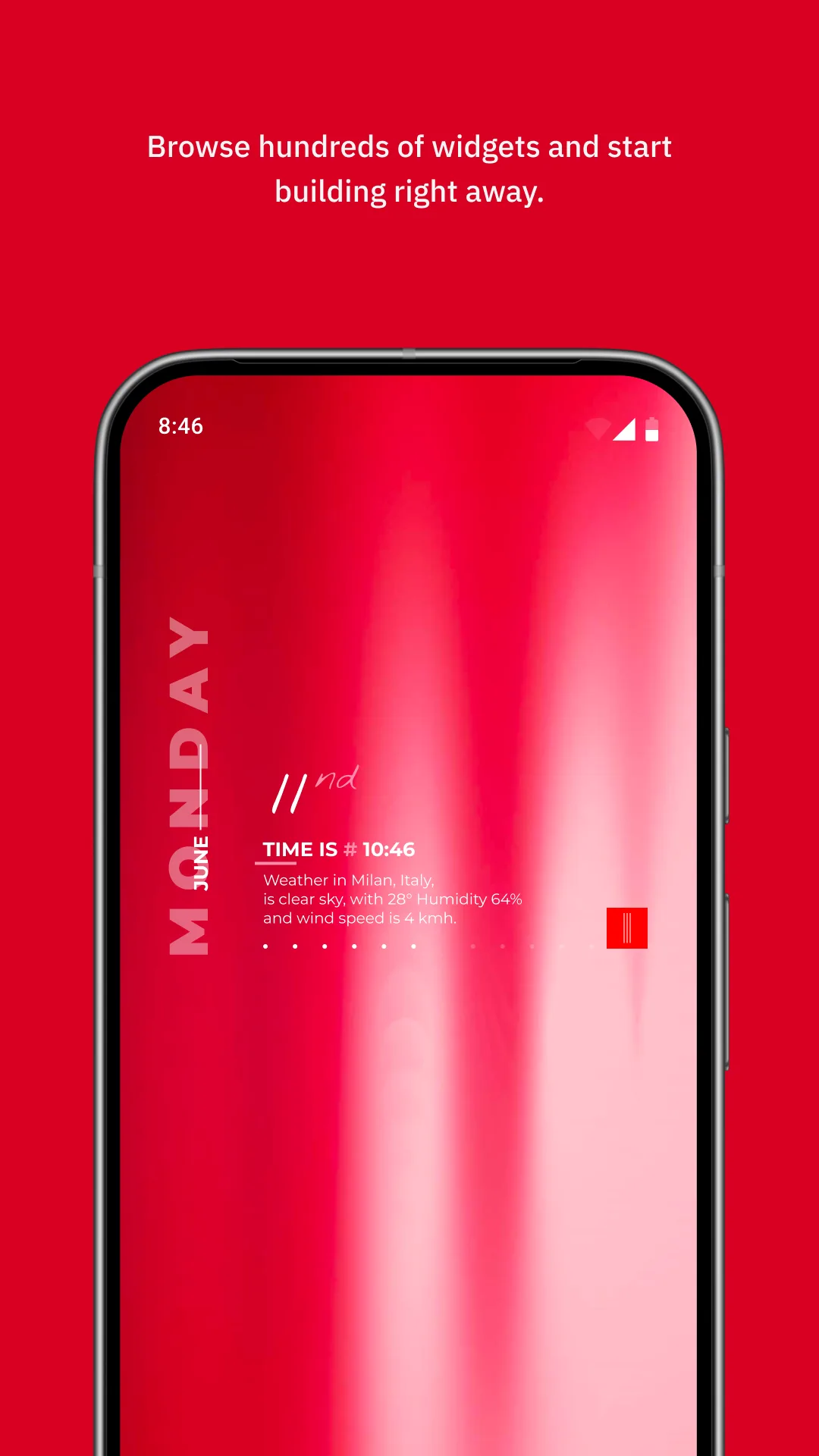
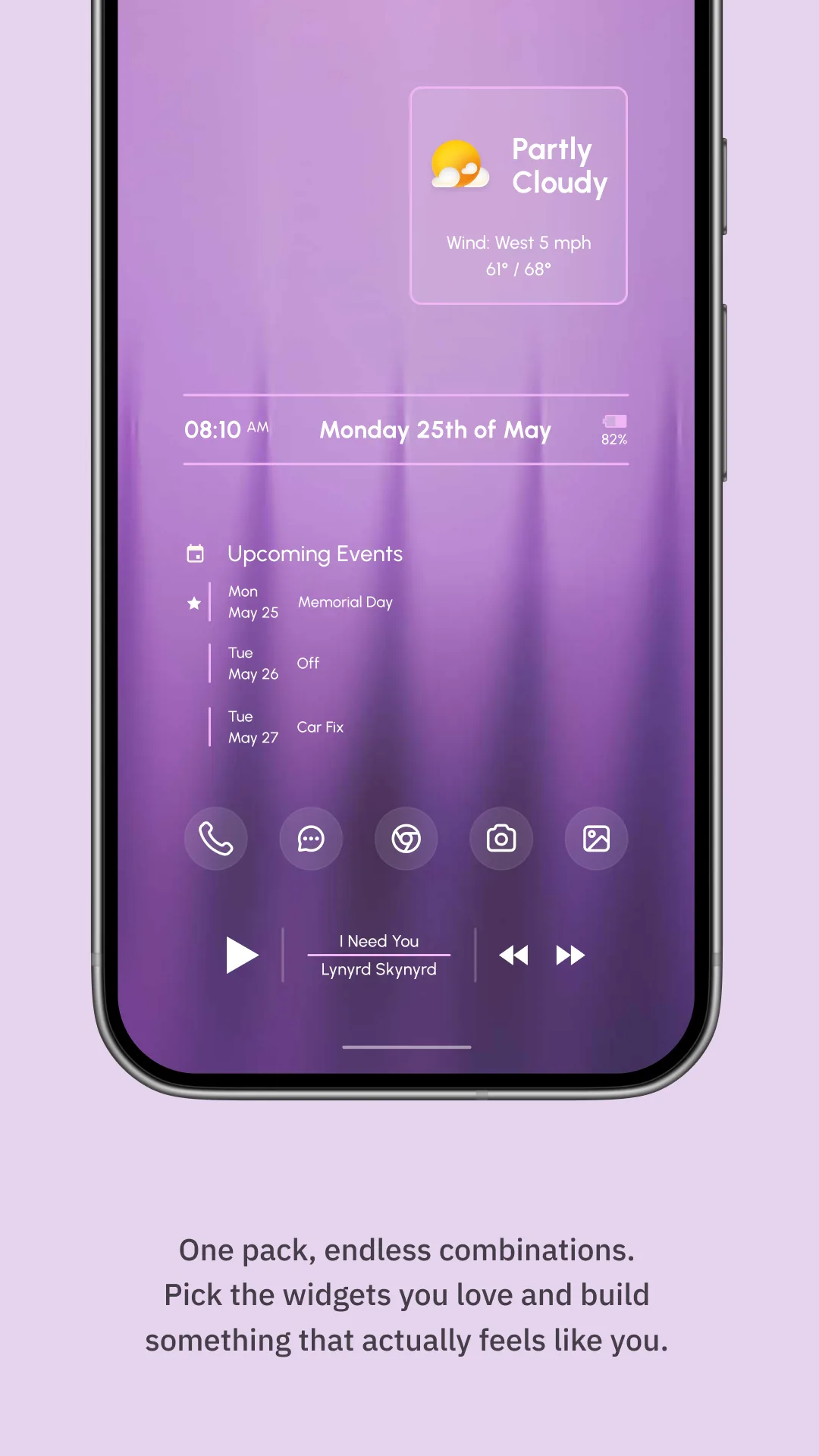
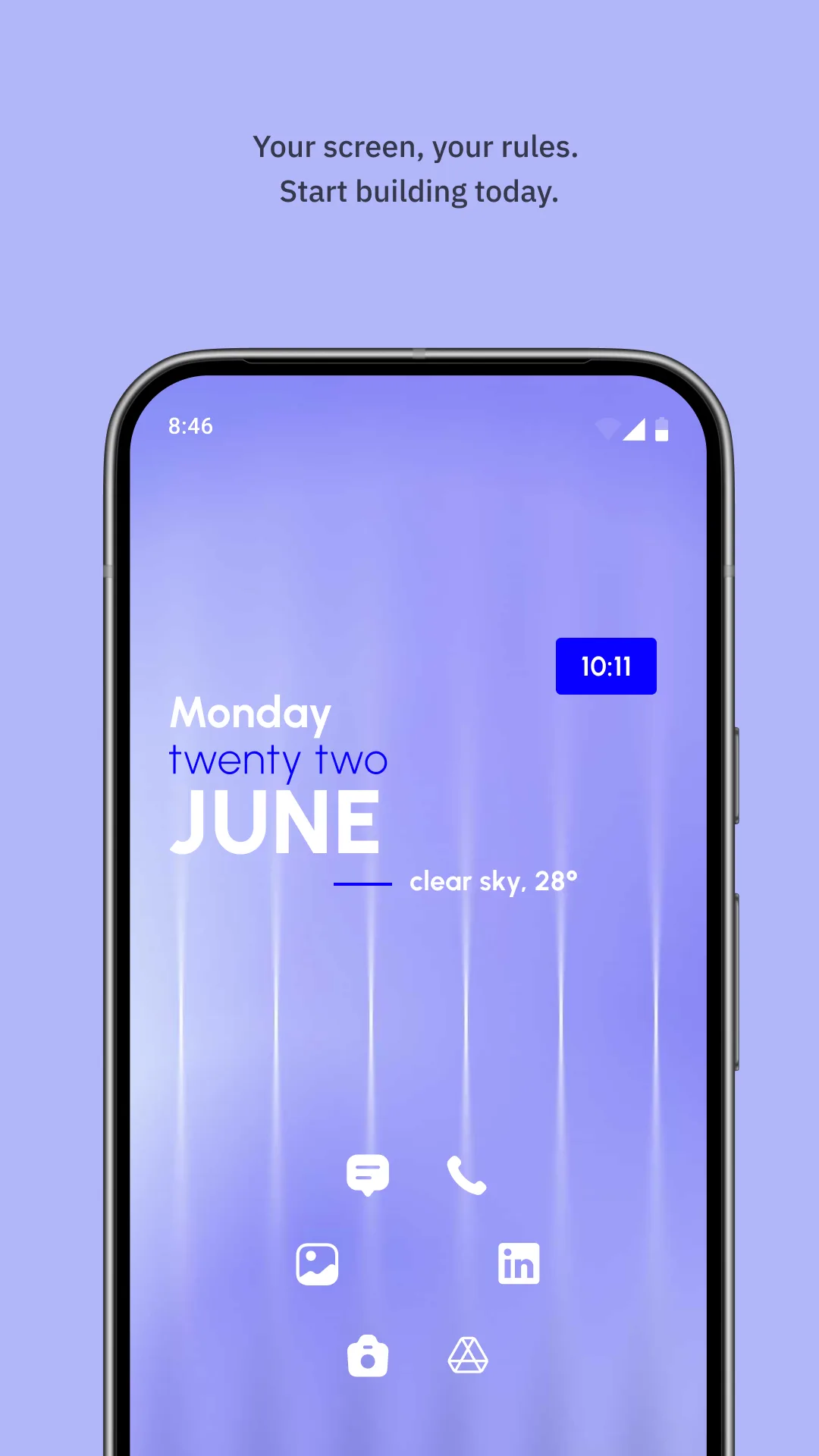
KWGT (by Kustom) is the most powerful widget editor on Android. Instead of picking a preset, you compose widgets from text, shapes, images, progress bars and a formula language that can pull in battery, network, weather, calendar and even Health Connect data (steps, sleep, calories). A large community shares presets and theme packs, so you can start from someone else’s design and tweak it.
Strengths
- Pixel-level, formula-driven control — effectively any widget you can imagine.
- Huge shared ecosystem of presets, packs and tutorials.
- Material You dynamic color support and deep live-data bindings.
- One-time Pro key (no subscription) unlocks all features.
- Health Connect integration for steps/sleep/calories.
Weaknesses
- Steep learning curve — the formula language is powerful but not casual-user friendly.
- Android-only, no iOS version.
- Building a good widget takes time; the UI is utilitarian rather than pretty out of the box.
- Tap interactions are limited compared with a native app’s own controls.
Best for: Android power users who want total control and are willing to learn the editor.
Download KWGT Kustom Widget Maker
3. Widgy — best for deeply custom iOS widgets
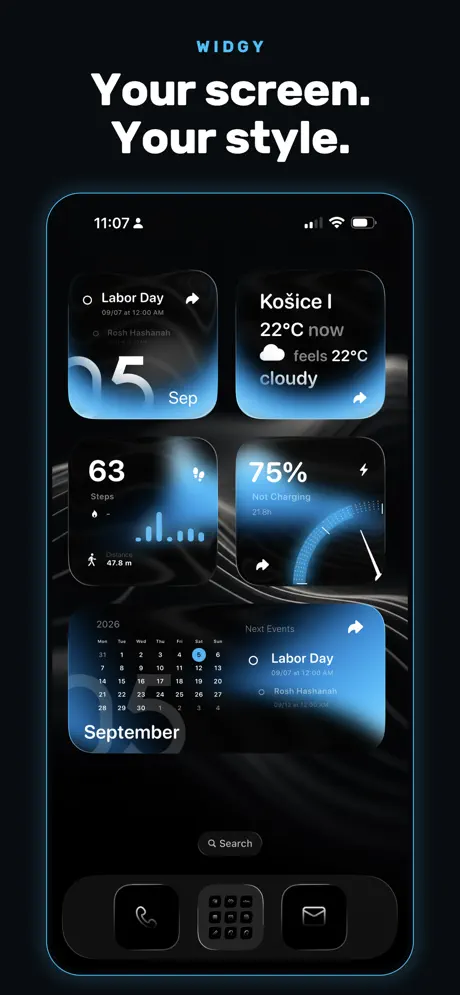
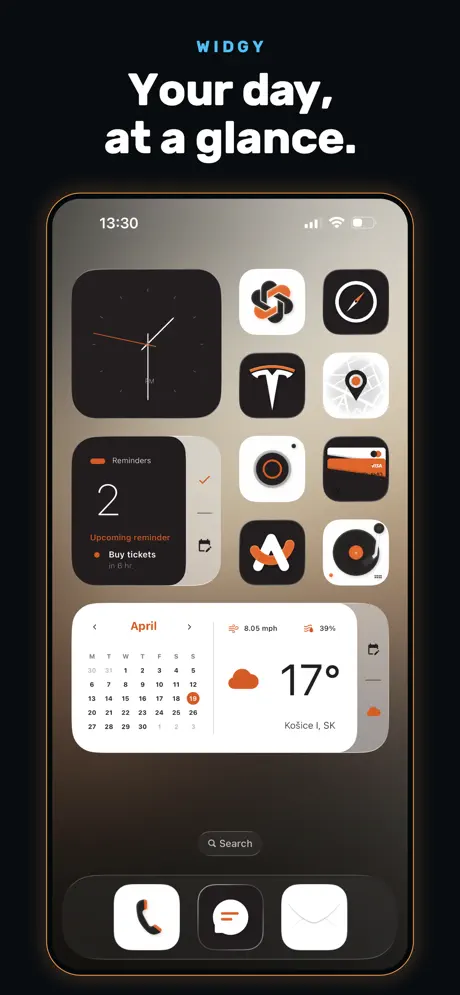
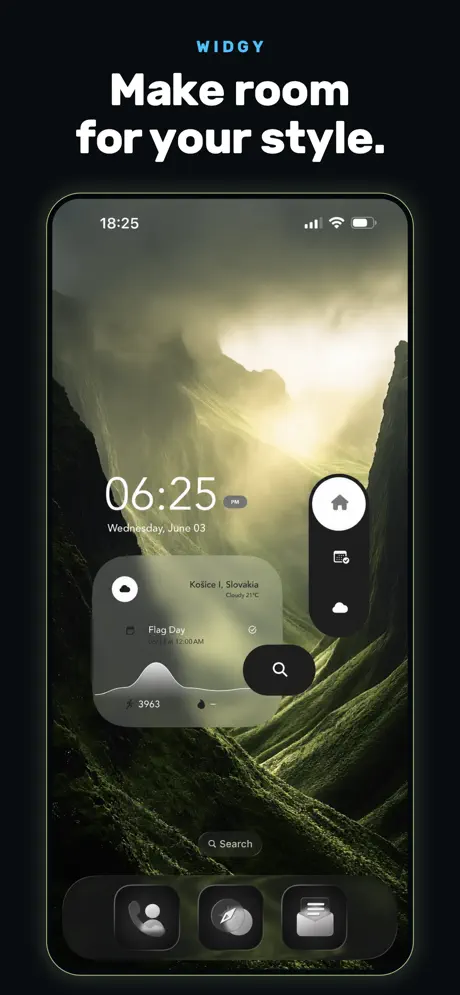
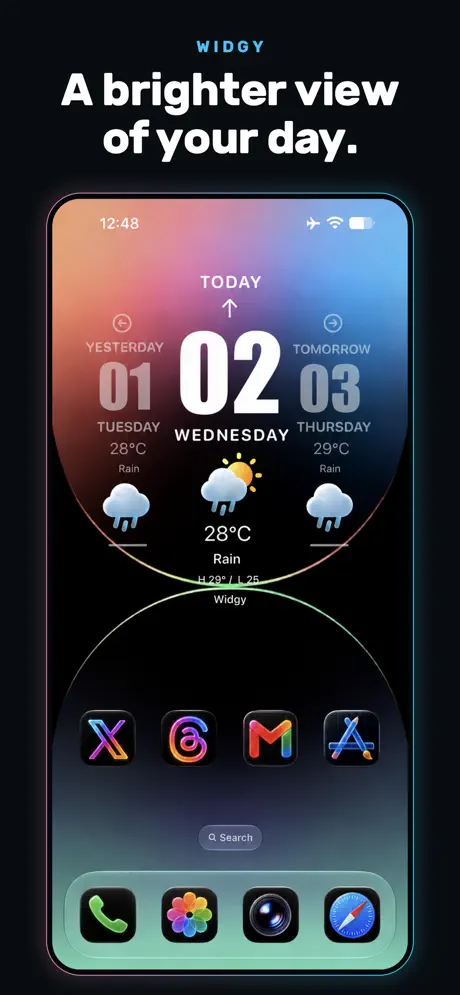
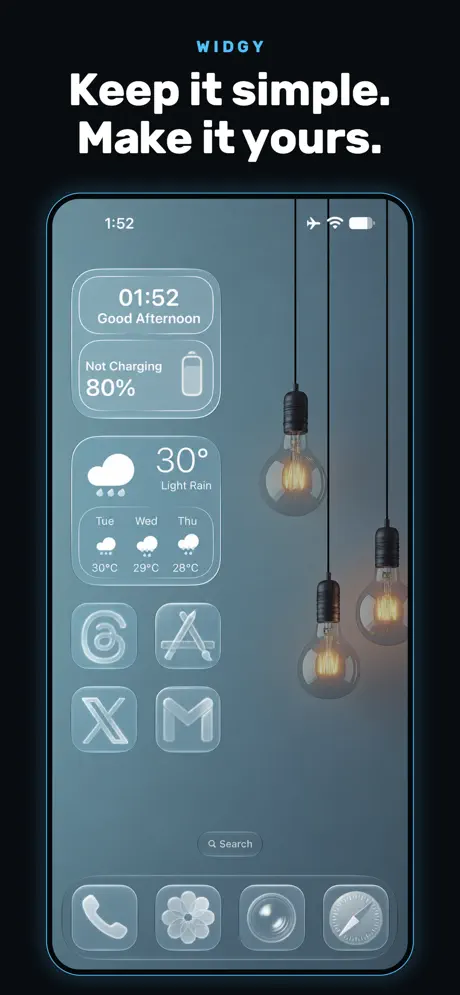
Widgy is the closest iOS equivalent to KWGT: a visual, layer-based builder (no coding) with templates and a wide range of data sources — weather, Apple Health, calendars, reminders and more. It targets iPhone, iPad, Apple Watch, the Lock Screen and StandBy, and keeps pace with new iOS design language (e.g., Liquid Glass).
Strengths
- Most capable custom widget builder on iOS, with layers, data sources and exportable designs.
- No coding required — visual editing lowers the barrier versus KWGT’s formulas.
- Deep data, including Apple Health, and support for Lock Screen, StandBy and watch faces.
- Actively updated for each new iOS release.
Weaknesses
- iOS-only.
- Still a learning curve to master layers and data bindings.
- Some widget slots/features are behind an IAP (~$4.99).
- Subject to iOS widget refresh limits — data can lag a few minutes.
Best for: iPhone/iPad users who want a bespoke widget but prefer a visual editor over code.
Download Widgy
4. Color Widgets — best for quick, aesthetic iOS presets
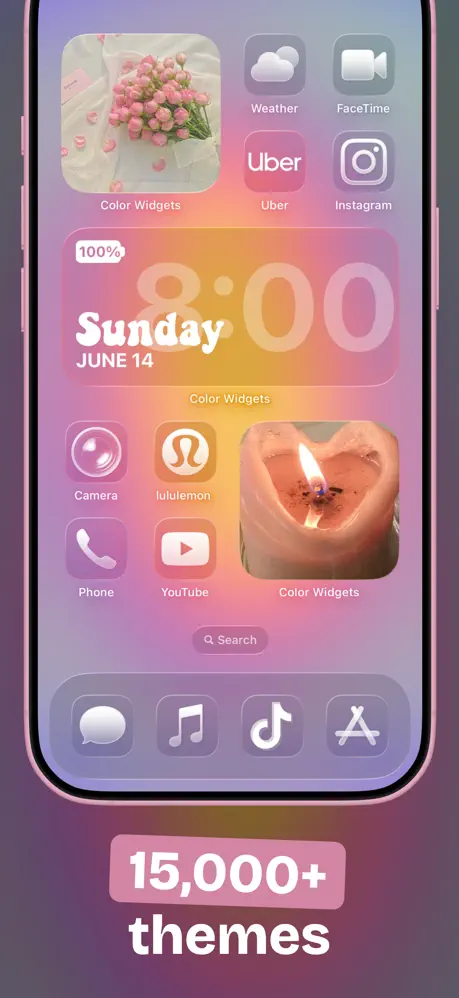
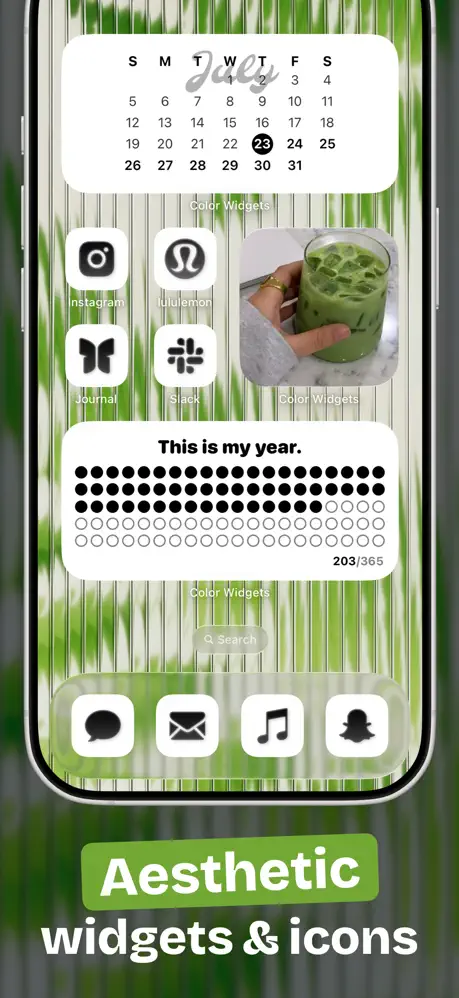
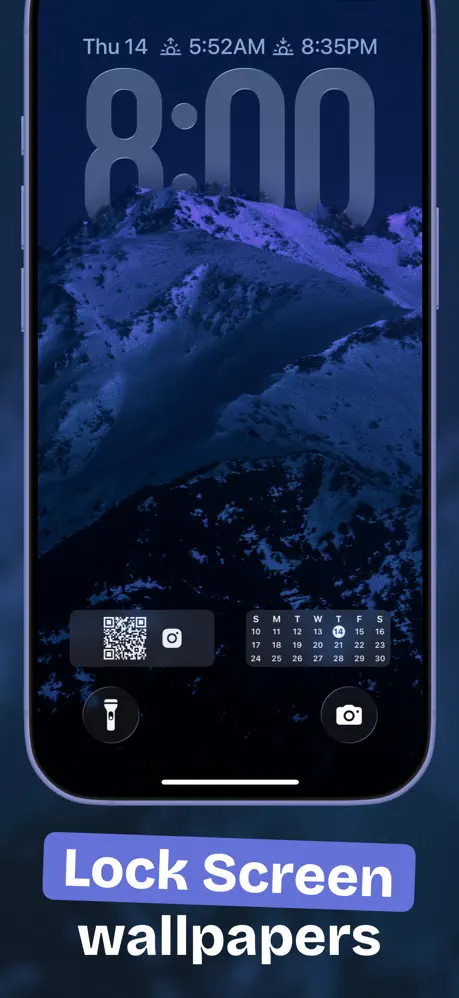
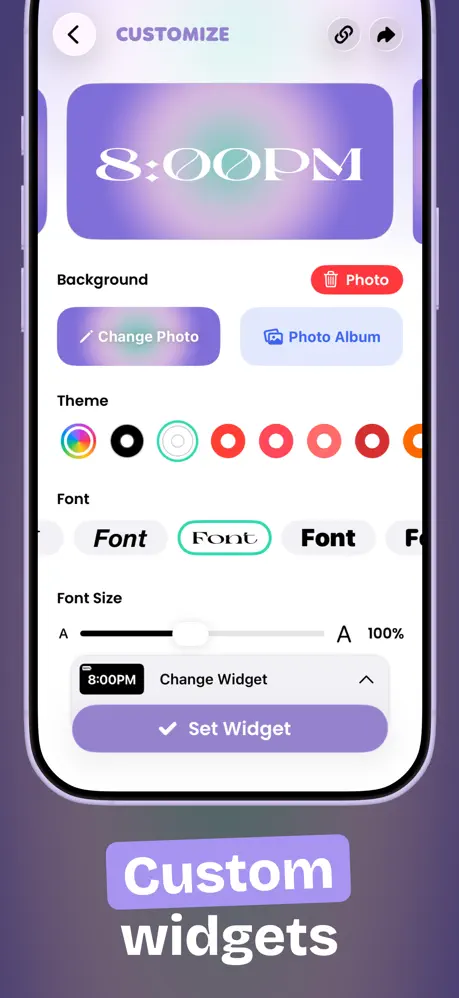
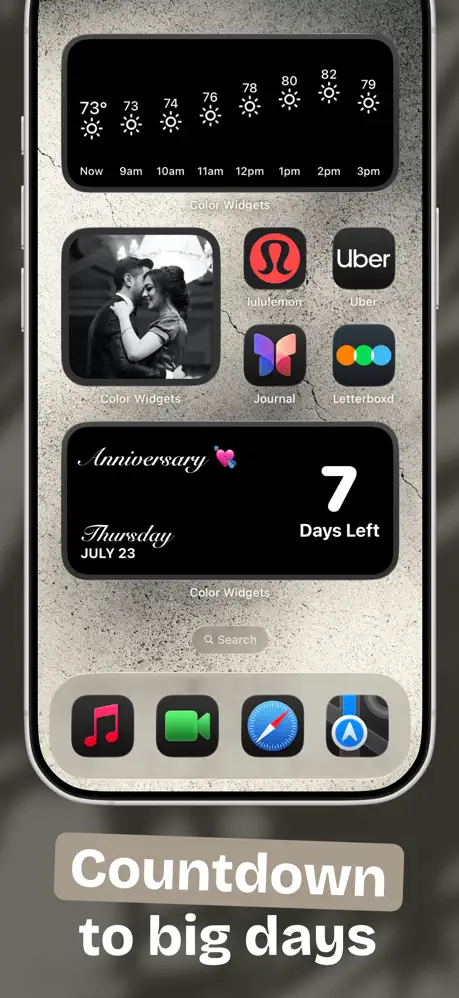
Color Widgets leans on thousands of predesigned widgets plus an easy customizer, and bundles themes, icon packs and wallpapers so the whole Home and Lock Screen can be re-skinned in a few taps. It covers photo, time/date, battery, countdown, weather, music (Apple/Spotify), calendar, quotes and activity widgets, with Apple Health integration for steps.
Strengths
- Fastest path to a good-looking widget — pick a preset or tweak colors/fonts, no design background needed.
- All-in-one theming (widgets + icons + wallpapers) for a cohesive look.
- Health integration and broad widget types.
- Privacy-first positioning and Mac support.
Weaknesses
- More about aesthetics than deep data; less free-form than Widgy.
- Best features sit behind a Pro subscription (~$2.50/mo billed yearly).
- Can feel template-heavy; originality depends on the shared library.
- Subscription model rather than one-time unlock.
Best for: iPhone users who want attractive widgets and a matched theme quickly.
Download Color Widgets
5. Widgetable — best for social & pet widgets
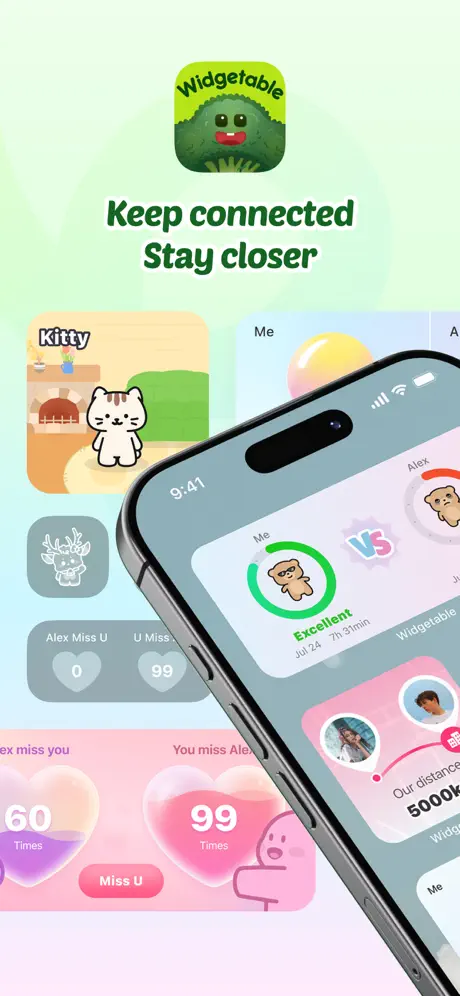
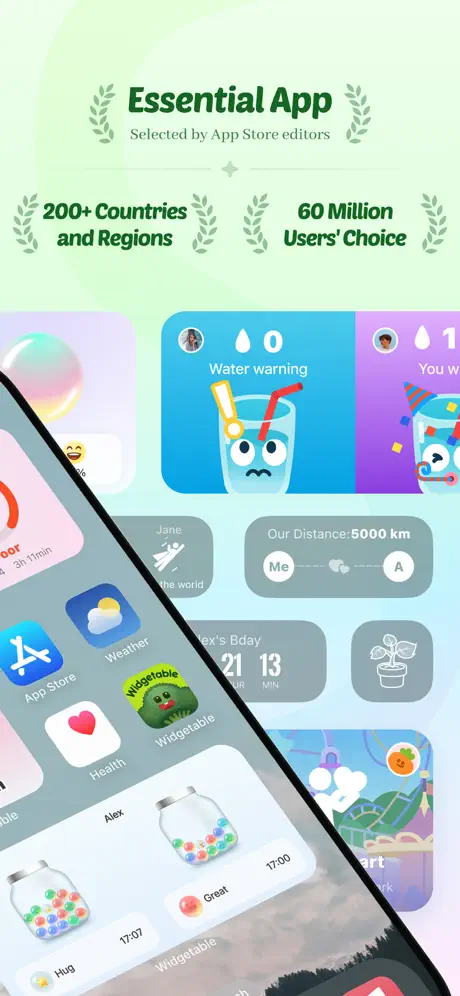

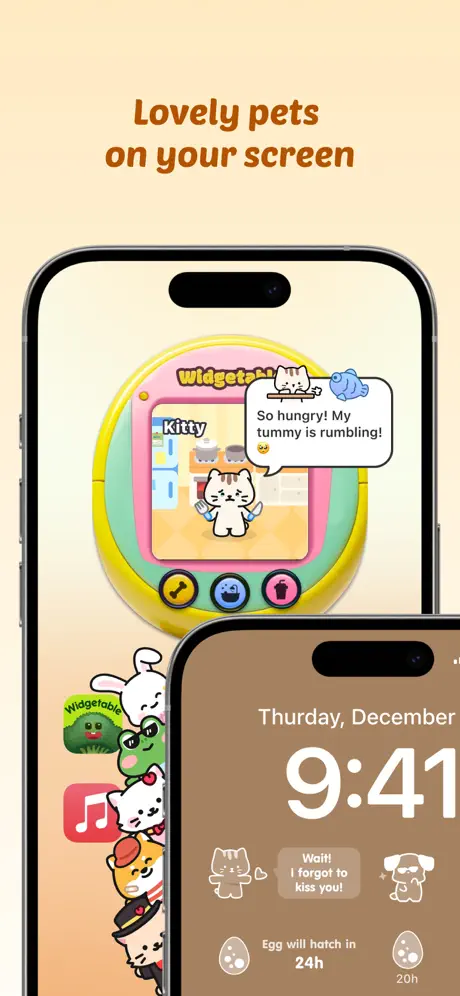
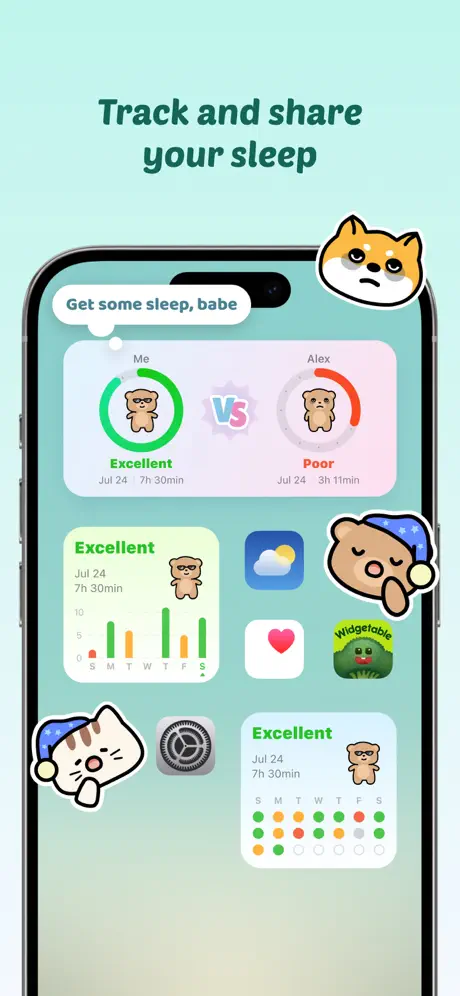
Widgetable takes a different angle: widgets built around relationships. You adopt virtual pets you co-parent with friends, share a sleep widget, send mood updates, and show the real-time distance between you and a bestie — all on the Lock or Home Screen. It is popular with couples and close friends rather than as a general productivity toolkit.
Strengths
- Unique social/relationship widgets (pets, sleep, mood, distance, friend status) not found in general widget apps.
- Cute, fun and frequently updated content; very high ratings.
- Works across iOS and Android for shared widgets with friends on either platform.
Weaknesses
- Niche — not a general widget toolkit; little use if you don’t want social features.
- Core features sit behind a subscription.
- Sharing personal status (sleep, mood, location distance) raises privacy considerations.
- Less useful for productivity/data widgets like battery, RAM or calendars.
Best for: couples, besties and pet lovers who want their lock screen to feel social.
Download Widgetable
6. WidgetClub — best for cute, theme-driven widgets
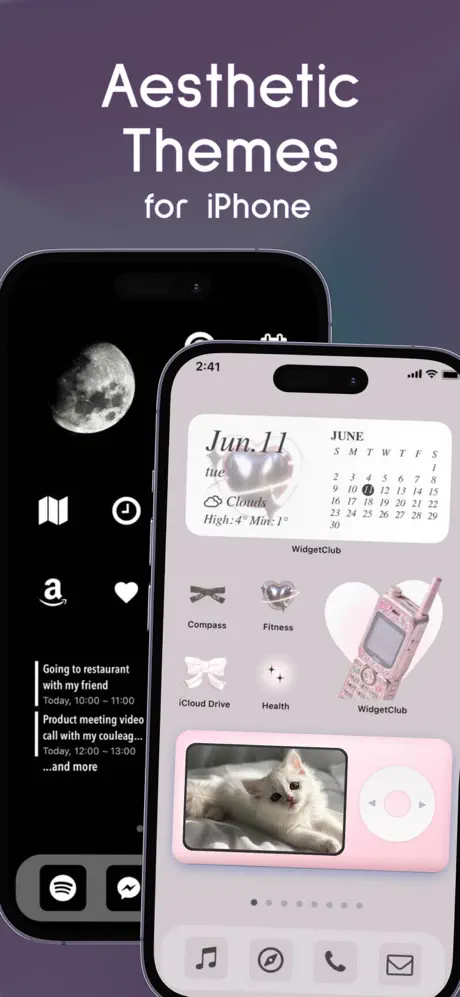
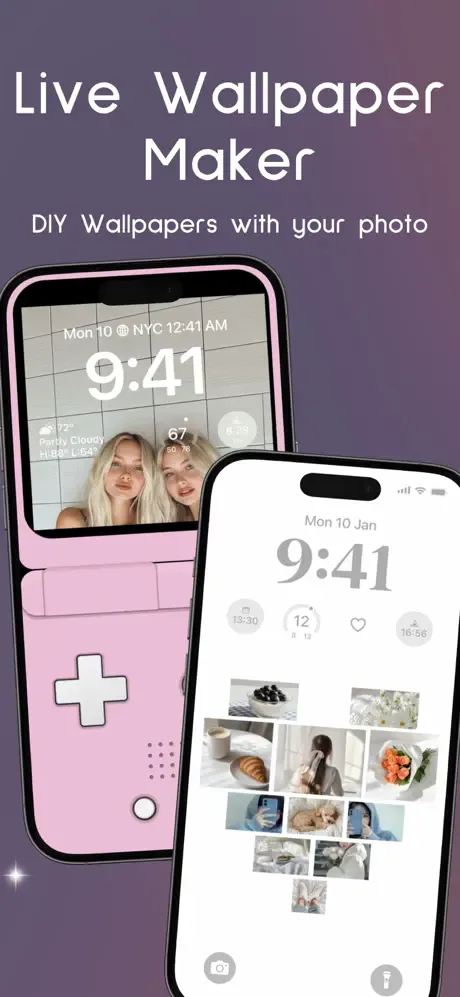
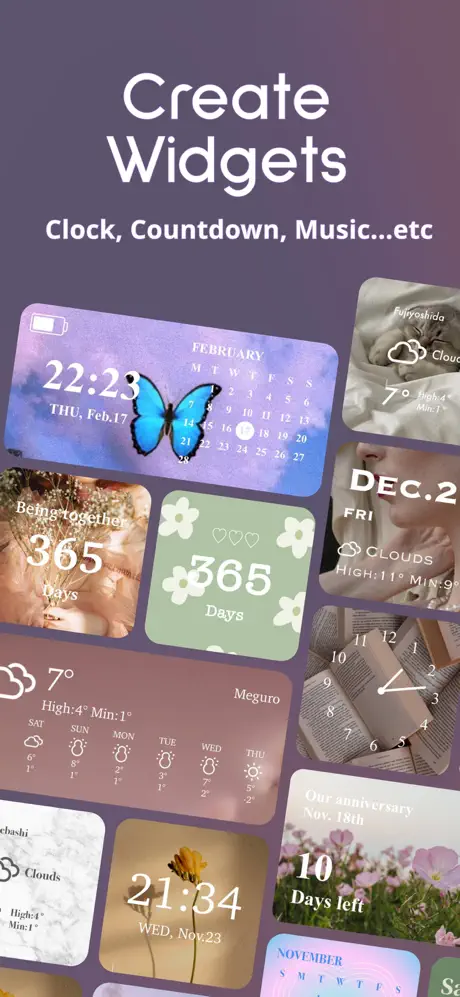
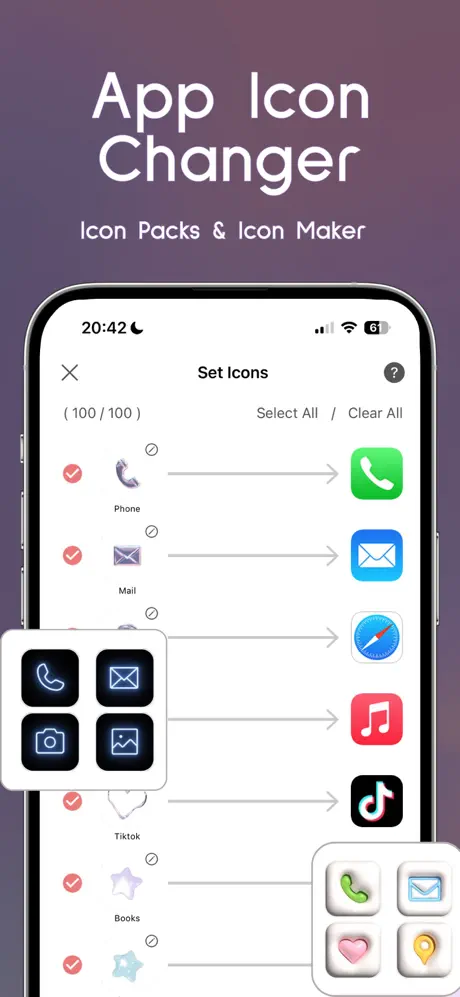
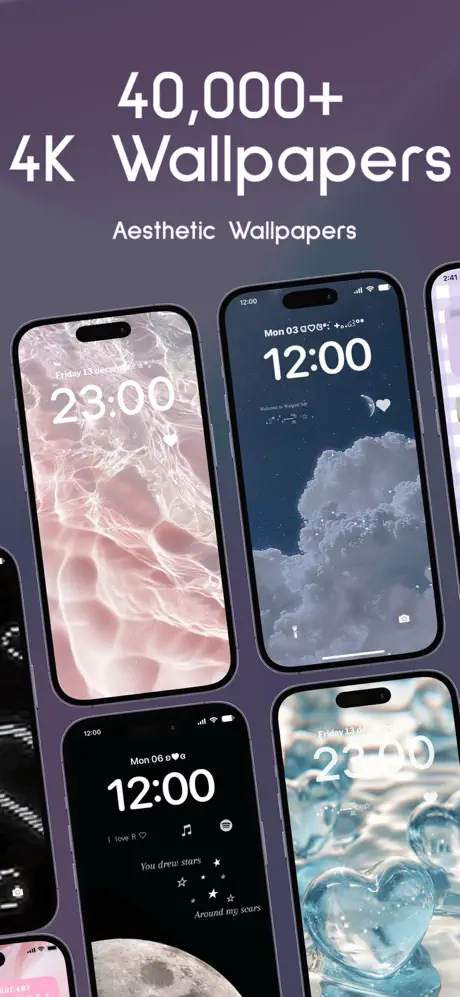
WidgetClub is an aesthetic widget, wallpaper and icon app with a large catalog (tens of thousands of themes) spanning weather, photo, calendar, clock, countdown, battery and reminder widgets. A simple maker lets you drop in photos and colors; it runs on both iOS and Android.
Strengths
- Very easy to make cute, cohesive aesthetic widgets.
- Large theme library and cross-platform (iOS + Android) reach.
- Good for photo and reminder widgets with minimal effort.
Weaknesses
- Aesthetics over depth; not a from-scratch editor like Widgy/KWGT.
- Full library requires a subscription.
- Android support is less mature than iOS.
- Battery/reminder widgets are basic compared with dedicated tools.
Best for: users who prioritize a pretty, themed home screen over deep customization.
Download WidgetClub
Core-capability comparison
The table below shows, as objectively as possible, which capabilities each app supports. “Partial” means the feature exists but with limits (e.g., presets only, or behind a paywall).
| Capability | One Widget | KWGT | Widgy | Color Widgets | Widgetable | WidgetClub |
|---|---|---|---|---|---|---|
| Platforms | Android | Android | iOS | iOS | iOS (+Android) | iOS + Android |
| Ready-made presets | Strong (500+) | Partial (community) | Yes (templates) | Strong | Yes (social) | Strong (themes) |
| Build-from-scratch editor | No (preset-based) | Yes (powerful) | Yes (visual) | Partial (customizer) | No | Partial (simple maker) |
| Style systems (One UI / Material You / Glass / Nothing) | 4 built-in | Full (you define) | Full (you define) | Aesthetic themes | Cute only | Cute / themes |
| Live system data (battery / RAM / storage) | Yes (battery/RAM/storage) | Yes (via formulas) | Yes (battery, etc.) | Yes (battery) | Limited (social) | Yes (battery) |
| Weather | Yes | Yes | Yes | Yes | No | Yes |
| Health / activity | Partial | Yes (Health Connect) | Yes (Apple Health) | Yes (steps) | Sleep (social) | Partial |
| Photo widgets | Yes | Yes | Yes | Yes (strong) | Limited | Yes |
| Calendar / date | Yes | Yes | Yes | Yes | Limited | Yes |
| Interactive (toggles / shortcuts) | Yes (toggles, shortcuts) | Limited (tap actions) | Limited (tap to open) | Tap to open | Tap to open | Tap to open |
| Lock-screen support | Android 12+ | Android lock widget | iOS lock + StandBy | iOS lock | iOS lock | iOS lock |
| Free tier | Free One UI set (+unlock) | Free + Pro key | Free + IAP | Free + Pro sub | Free + sub | Free + sub |
| Update momentum | Actively adding components | Actively maintained | Actively (new iOS) | Actively | Actively | Actively |
How to choose
- Want Android + a huge ready library in four phone aesthetics → One Widget.
- Want to design a widget from nothing on Android → KWGT.
- Want deeply custom iOS widgets without code → Widgy.
- Want pretty iOS widgets and a matched theme fast → Color Widgets.
- Want social/pet widgets with friends or a partner → Widgetable.
- Want cute, theme-driven widgets across iOS and Android → WidgetClub.