5 Easy Steps to Get Started with Meow Money Manager
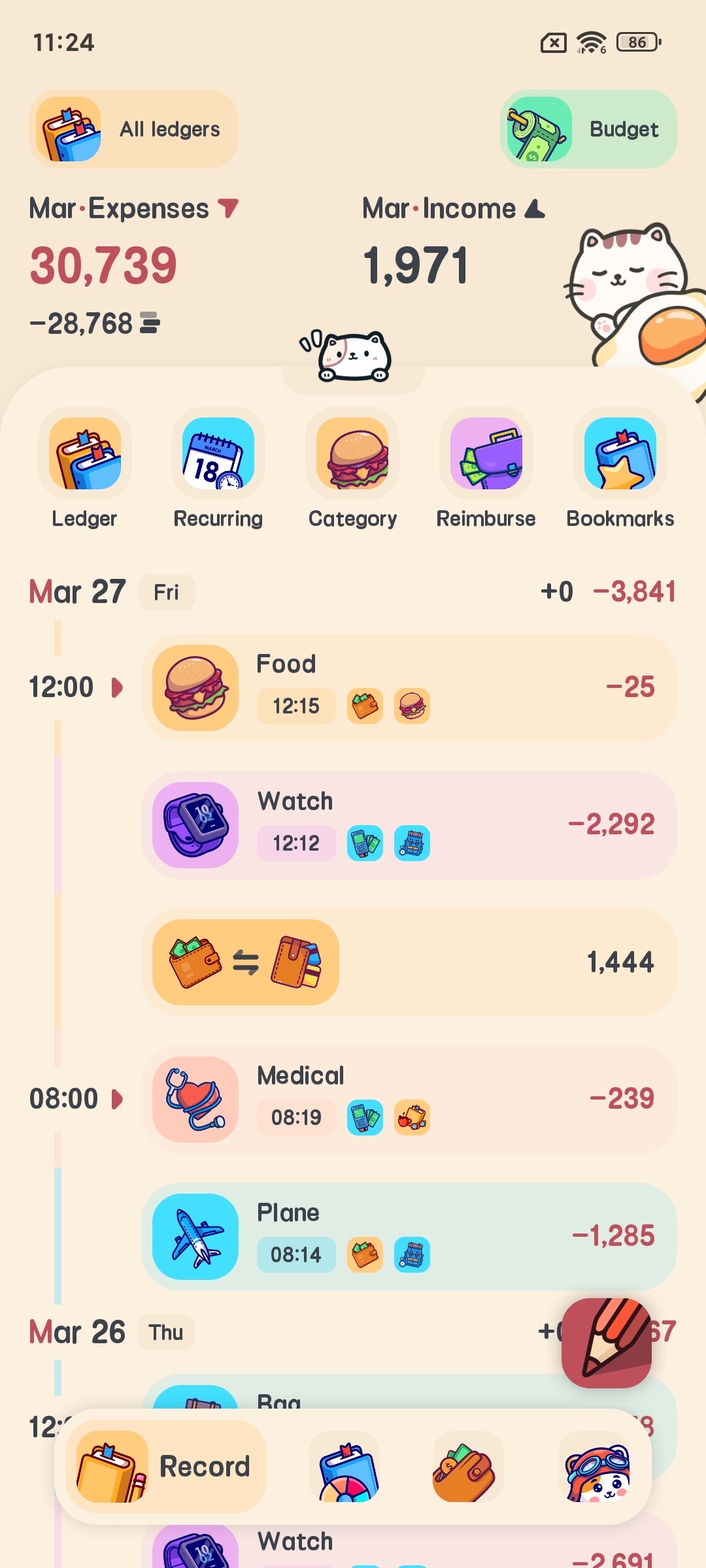
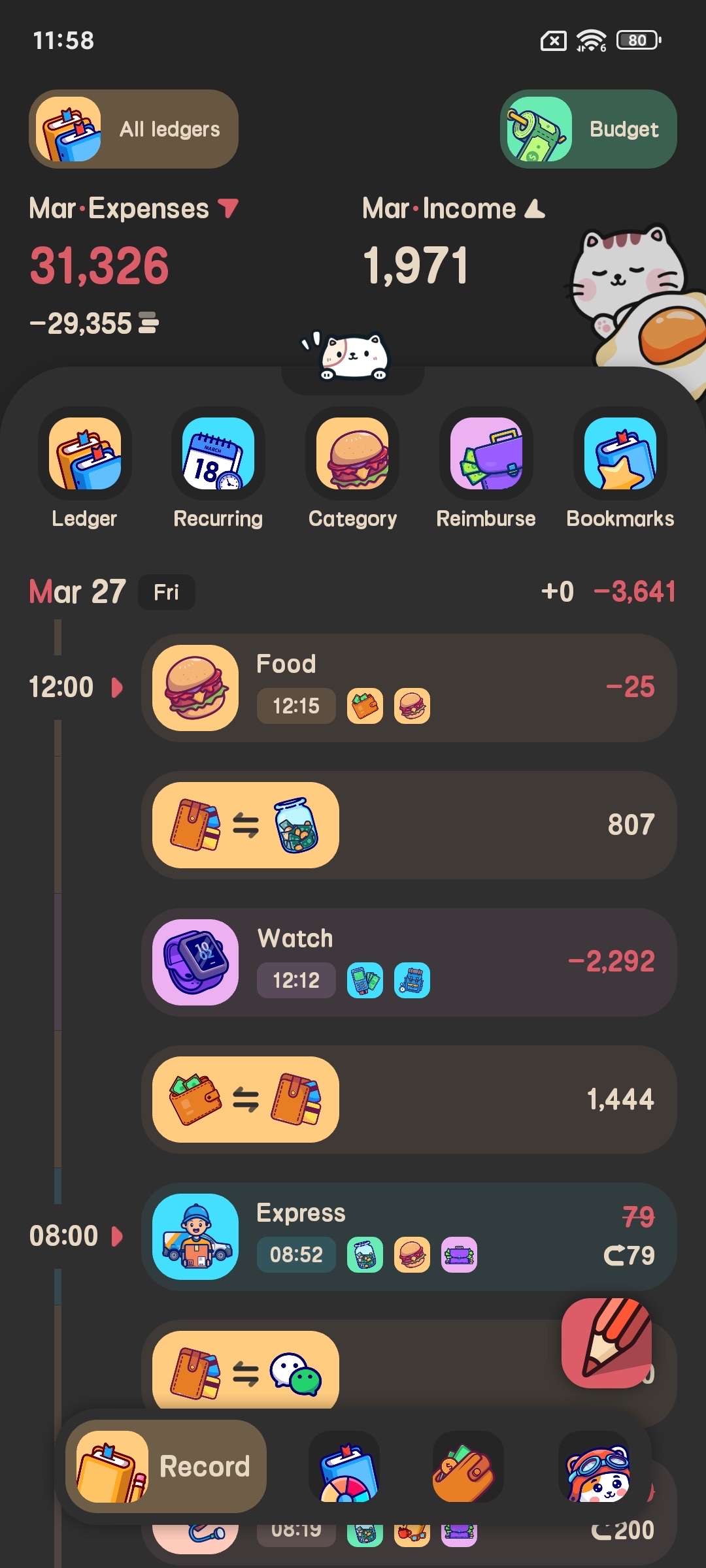
Managing personal finances doesn’t have to be boring. With its cute cat-themed interface and powerful features, Meow Money Manager makes bookkeeping fun and simple. Whether you are new to budgeting or looking for an easier tool, follow these 5 simple steps to master Meow Money Manager and take control of your finances.

Step 1: Download and Install Meow Money Manager
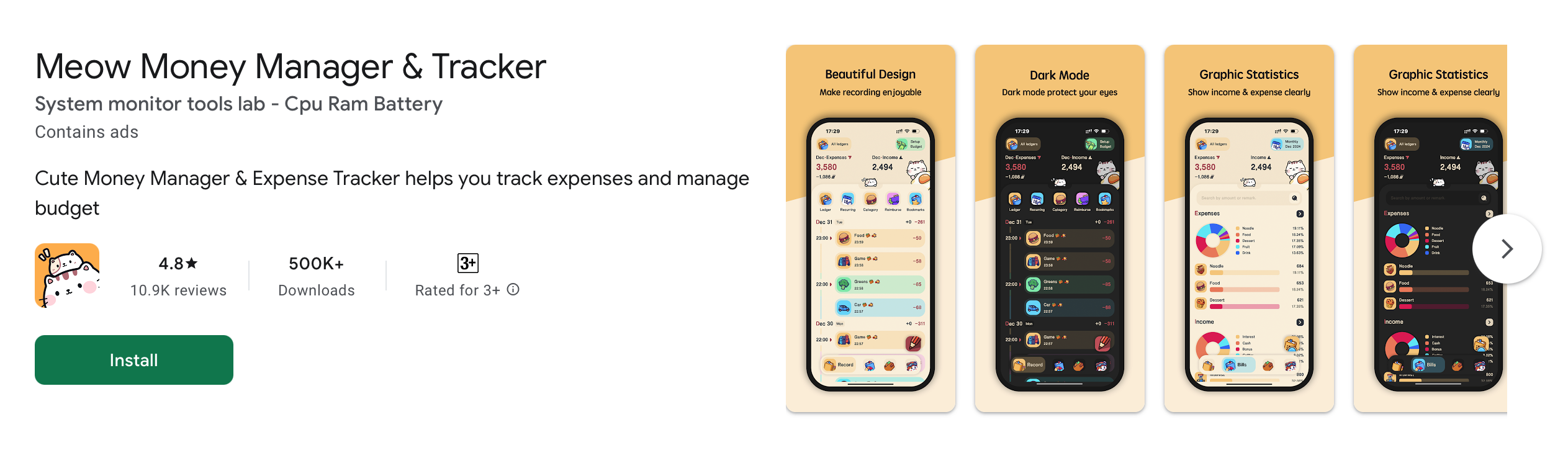
First, download the app from Google Play or App Store. It supports both Android and iOS systems and works on all your devices.
Step 2: Create Your First Ledger
After opening the app, you will be prompted to create your first ledger. Tap “Add Ledger” and name it (e.g., Personal Expenses or Work Reimbursement). You can add multiple ledgers later to track different types of income and expenses separately.

Step 3: Customize Your Budget
Go to the Budget page and set your monthly, weekly or daily total budget. You can also set category budgets for items such as Dining or Transportation to monitor spending in real time. The app automatically calculates remaining budget and alerts you when you are near the limit.


Step 4: Record Your First Income / Expense
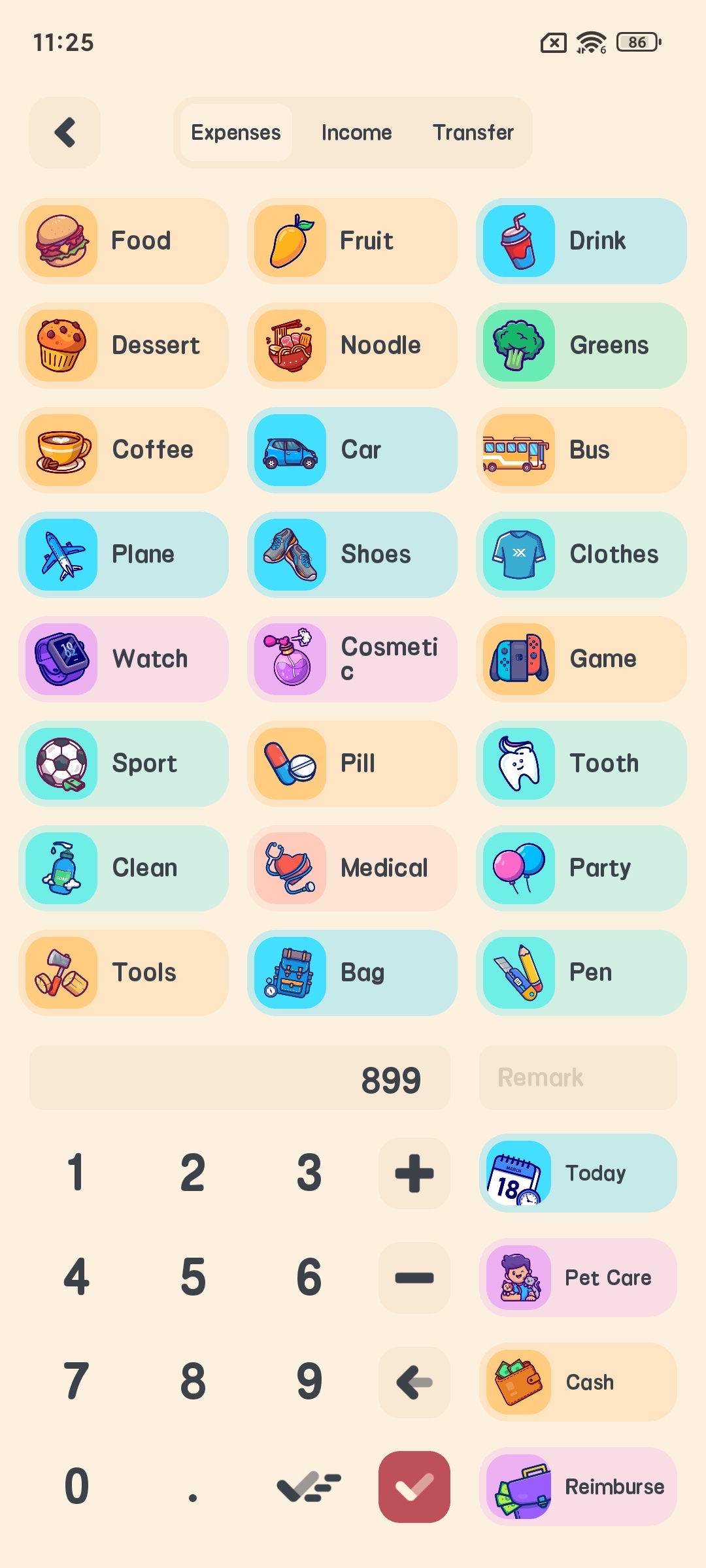
Tap the “+” button to create a new entry, select income or expense, choose icons from over 500 cute categories, enter the amount and add notes if needed. You can set recurring records for regular transactions like rent and salary.
Step 5: View Statistics & Protect Privacy
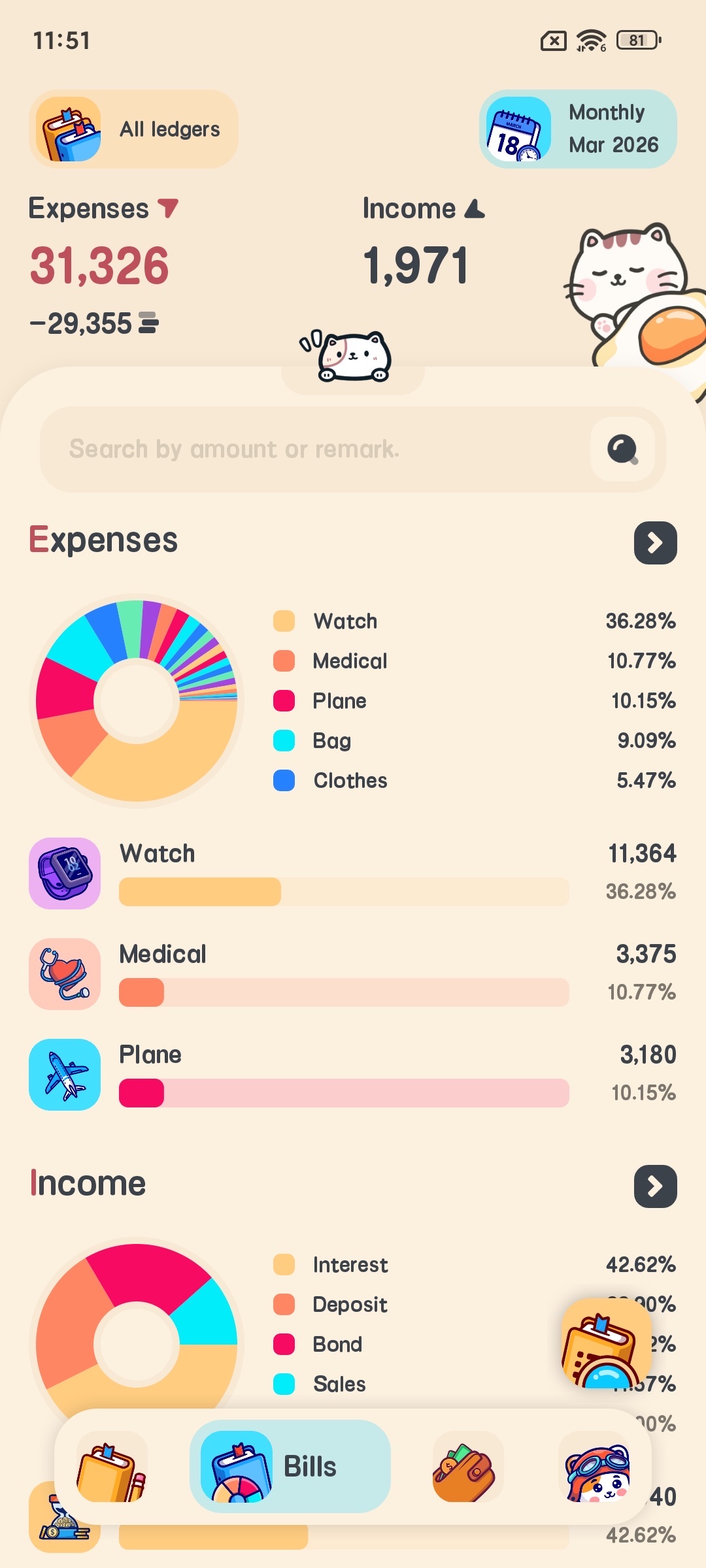
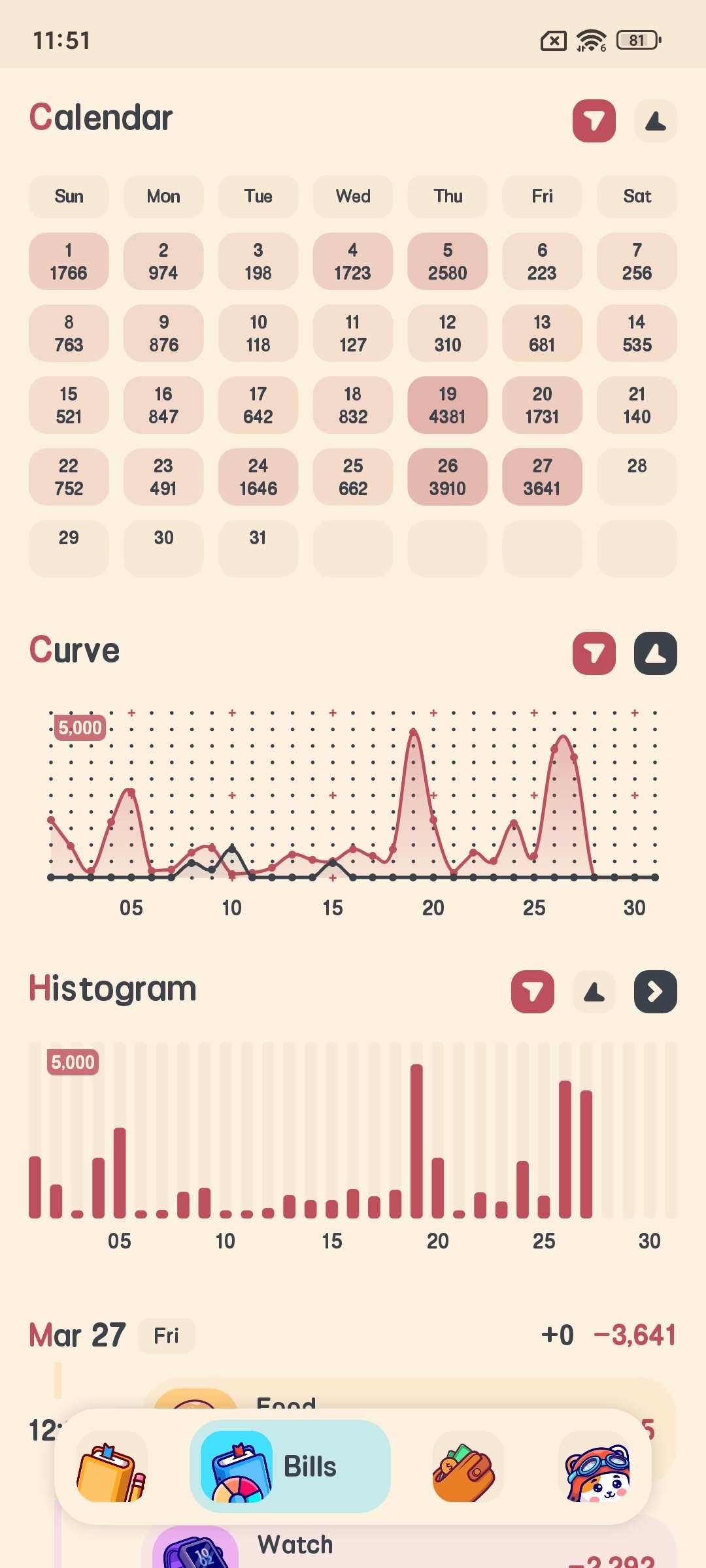
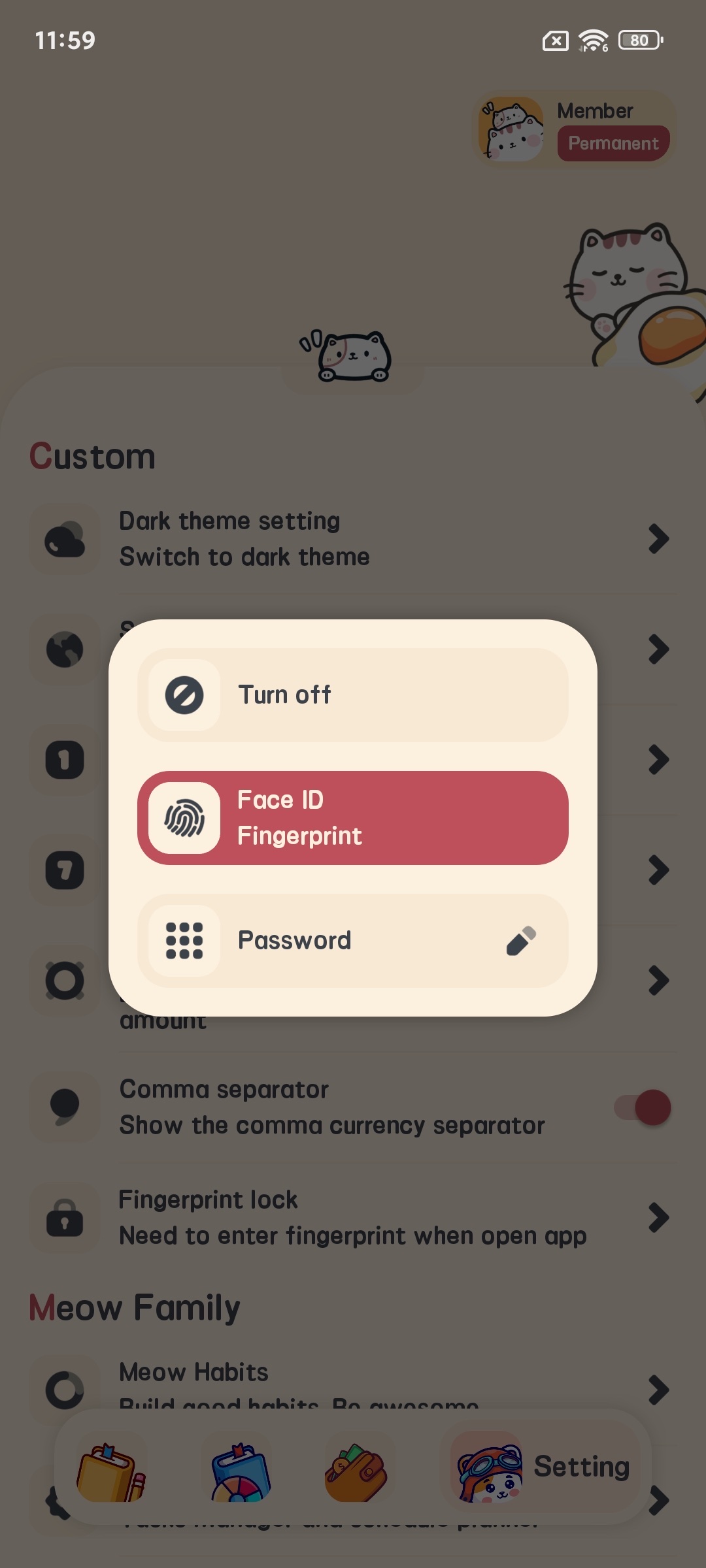
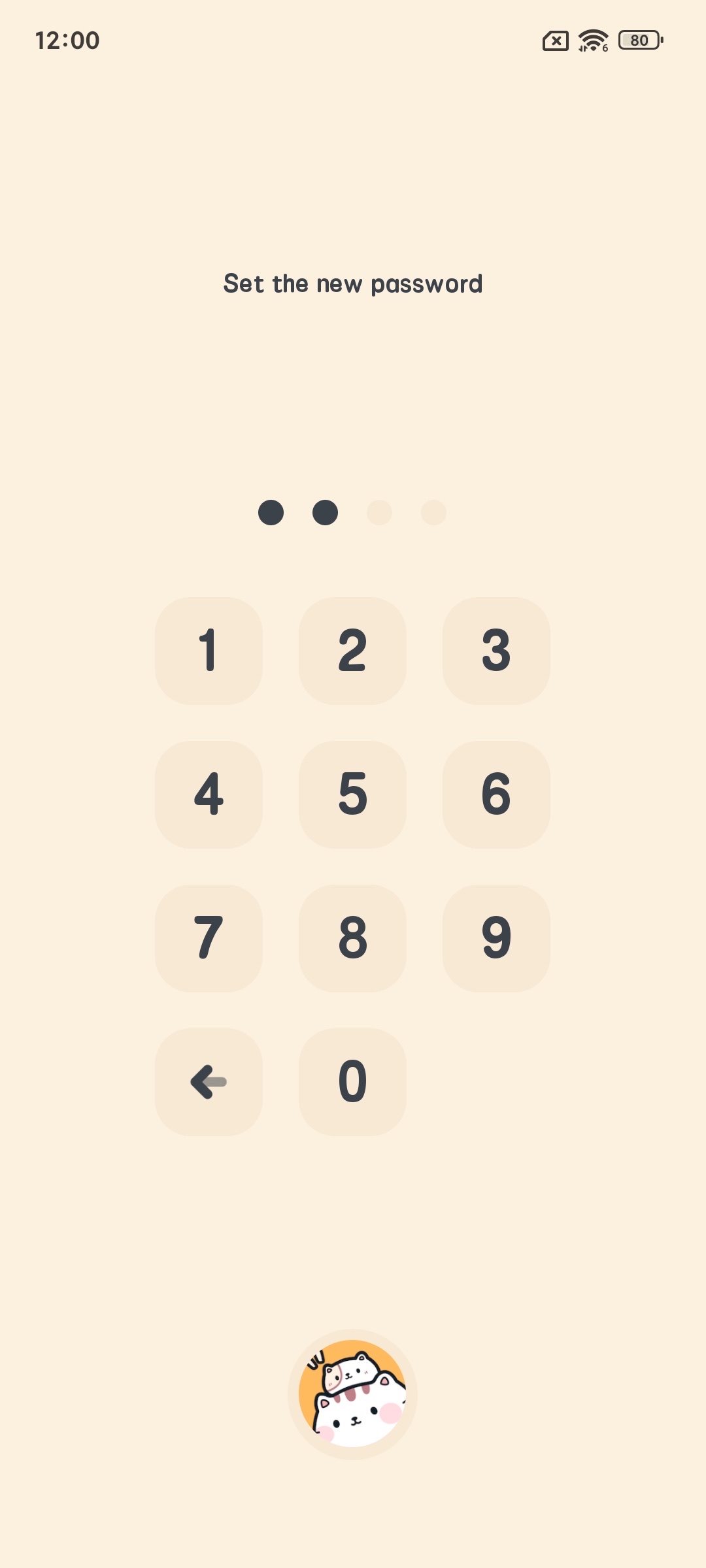
Check financial data via pie charts, bar charts or calendar views on the Statistics page, filtered by day, month, year or custom ranges. Enable fingerprint or password lock in settings to secure your data. Back up to iCloud or WebDAV and export reports as CSV files.
It’s that simple! Track your finances effortlessly with Meow Money Manager’s lovely design and practical functions. The app is free to download and use; subscribe inside the app to unlock all premium features. Download today and say goodbye to messy bookkeeping!