
Best Budget & Expense Tracker Apps for Android (2026)
The best budget and expense tracker apps for Android in 2026: what to look for (privacy, multi-currency, offline) and how Meow Money Manager, YNAB and PocketGuard compare.
If you’re on Android and trying to get a grip on spending, you have more choice than ever in 2026 — and more noise. This guide cuts through it: what a good budget or expense tracker app actually does on Android, the features that matter, and how the most-installed options compare. We go deep on Meow Money Manager (our app) and show how it stacks up against YNAB, PocketGuard and the rest, then point you to focused comparisons and tutorials.
Why a budget app on Android is different
Picking a budget app on Android isn’t the same as on iOS. You’re handing an app a window into your financial life, and Android’s open ecosystem makes the trade-offs around privacy and local storage feel more immediate. Some people want a coaching system that syncs their bank automatically; many others just want to log spending in ten seconds without creating yet another cloud account tied to their Google ID. Android’s real strength — reaching an action in one tap through home-screen widgets — is also why a good quick-add widget matters more here than on iPhone.
What to look for in a budget / expense tracker app
The features that matter most when you live inside the Google ecosystem:
- Privacy & account model — does it force a cloud account, or store data on your device behind a fingerprint? A no-account, local-first model means nothing leaves your phone unless you back up.
- Multi-currency — essential if you travel, freelance, or split costs across borders (50+ currency symbols is the bar).
- Offline entry — log an expense on the subway or a plane, with no signal.
- Home-screen quick-add widget — drop an expense in under ten seconds, no app open needed.
- Export & backup — CSV for taxes or reimbursement, plus WebDav or the cloud you choose.
- Price model — free core + optional unlock and paid download beat never-ending subscriptions for many users; know what you’re paying for.
- Platform — Android + iOS if you switch devices or share with a partner on iPhone.
The field at a glance
| App | Price (2026) | Account | Local/private | Multi-currency | Android widget | Best for |
|---|---|---|---|---|---|---|
| Meow Money Manager | Free download, core free + optional one-time VIP | No (on-device + fingerprint) | ✅ local | ✅ 50+ currencies | ✅ quick-add | Private, multi-currency, cute |
| YNAB | $14.99/mo or $109/yr (34-day trial) | Yes (cloud) | ❌ cloud sync | Limited (mostly USD) | ⚠️ basic | Zero-based coaching + bank sync |
| PocketGuard | Free + Plus ~$74.99/yr | Yes (for sync) | ❌ cloud | Partial | ⚠️ basic | “Safe to spend” simplicity |
| EveryDollar | Free (manual) + Premium ~$79.99/yr | Optional | ❌ cloud | No | ⚠️ basic | Ramsey zero-based method |
Note: Mint was shut down by Intuit in March 2024. If you were a Mint user, we compared seven replacements head-to-head in Best Mint Alternatives in 2026.
Meow Money Manager, in depth
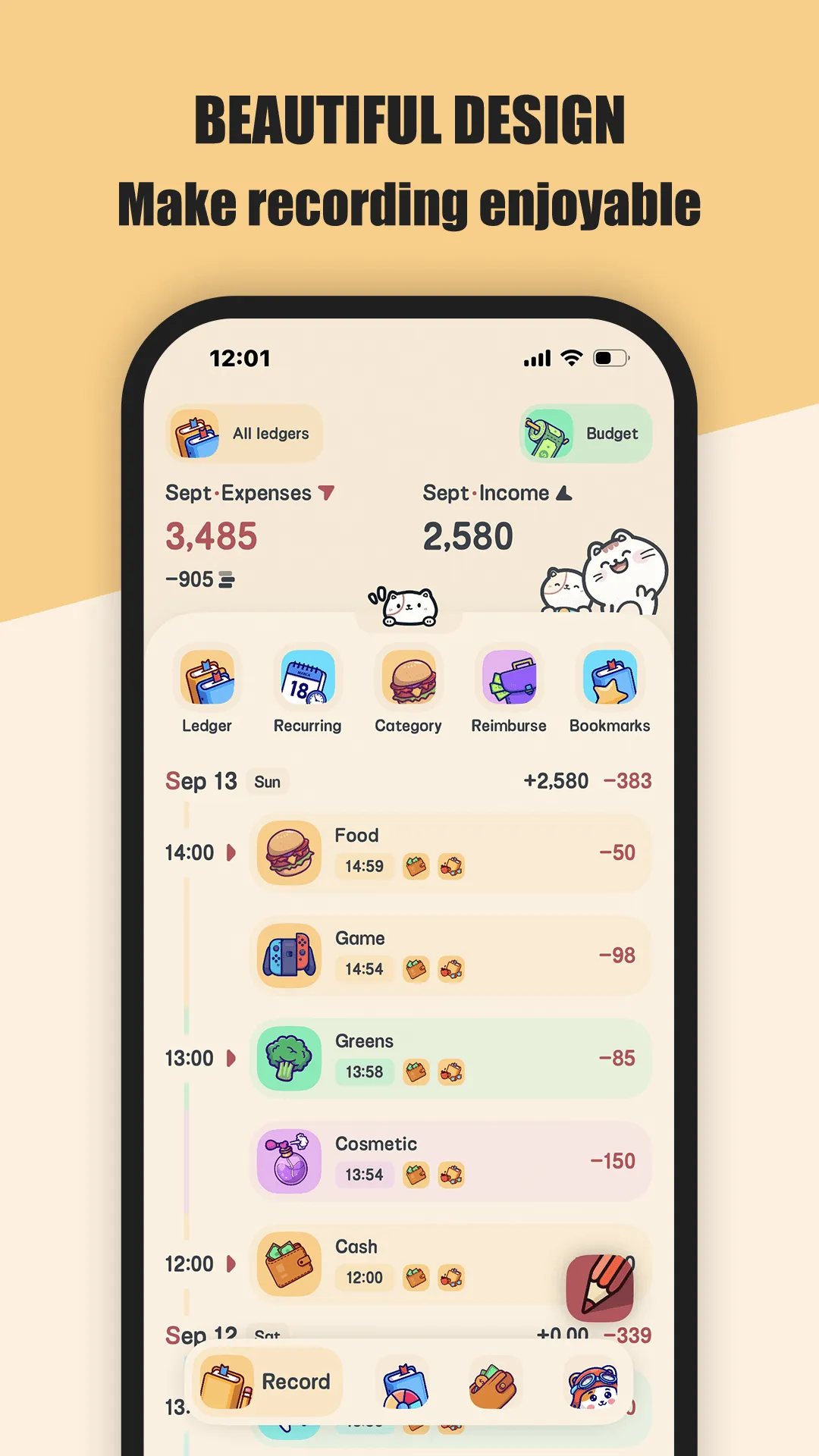
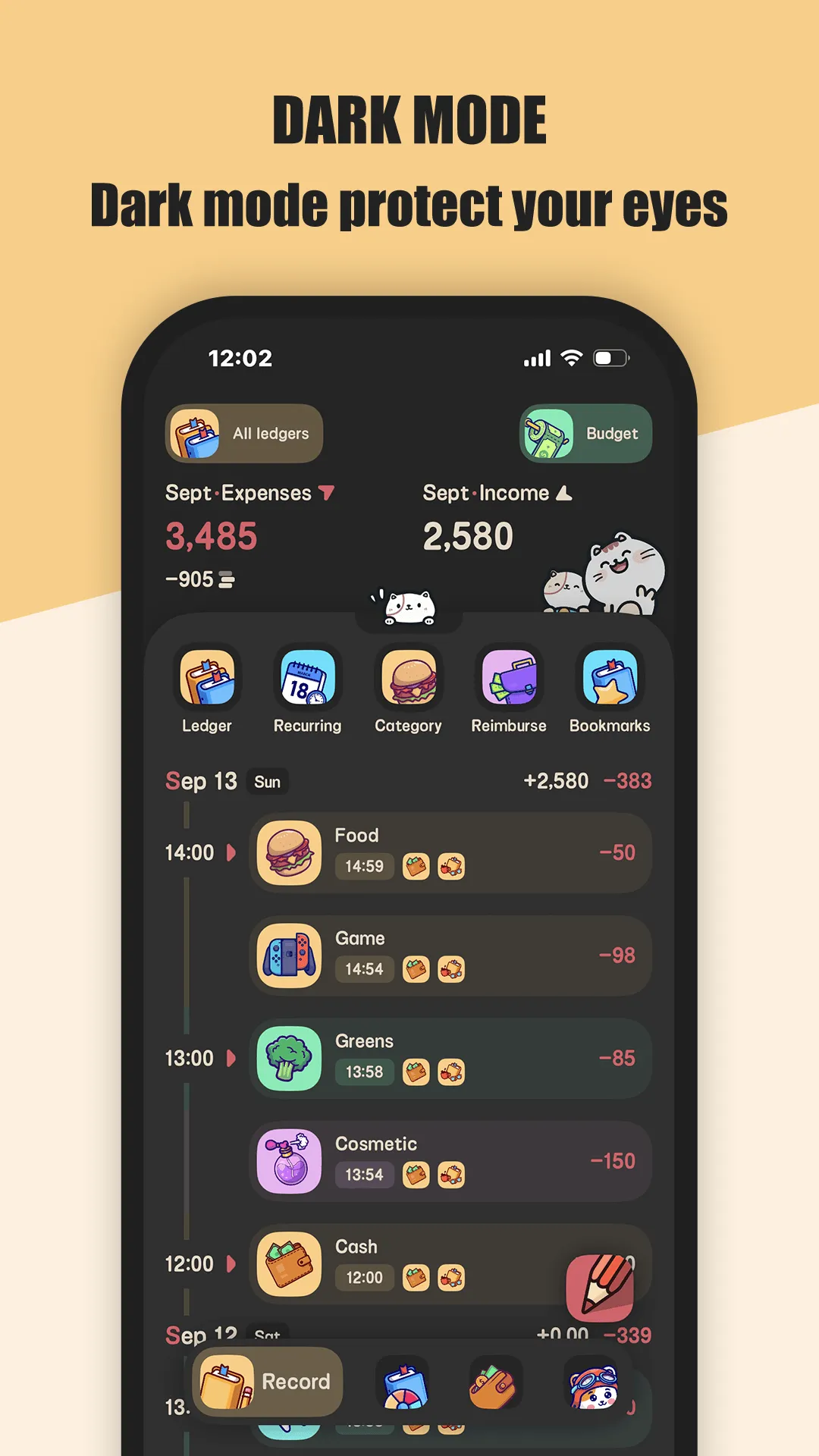
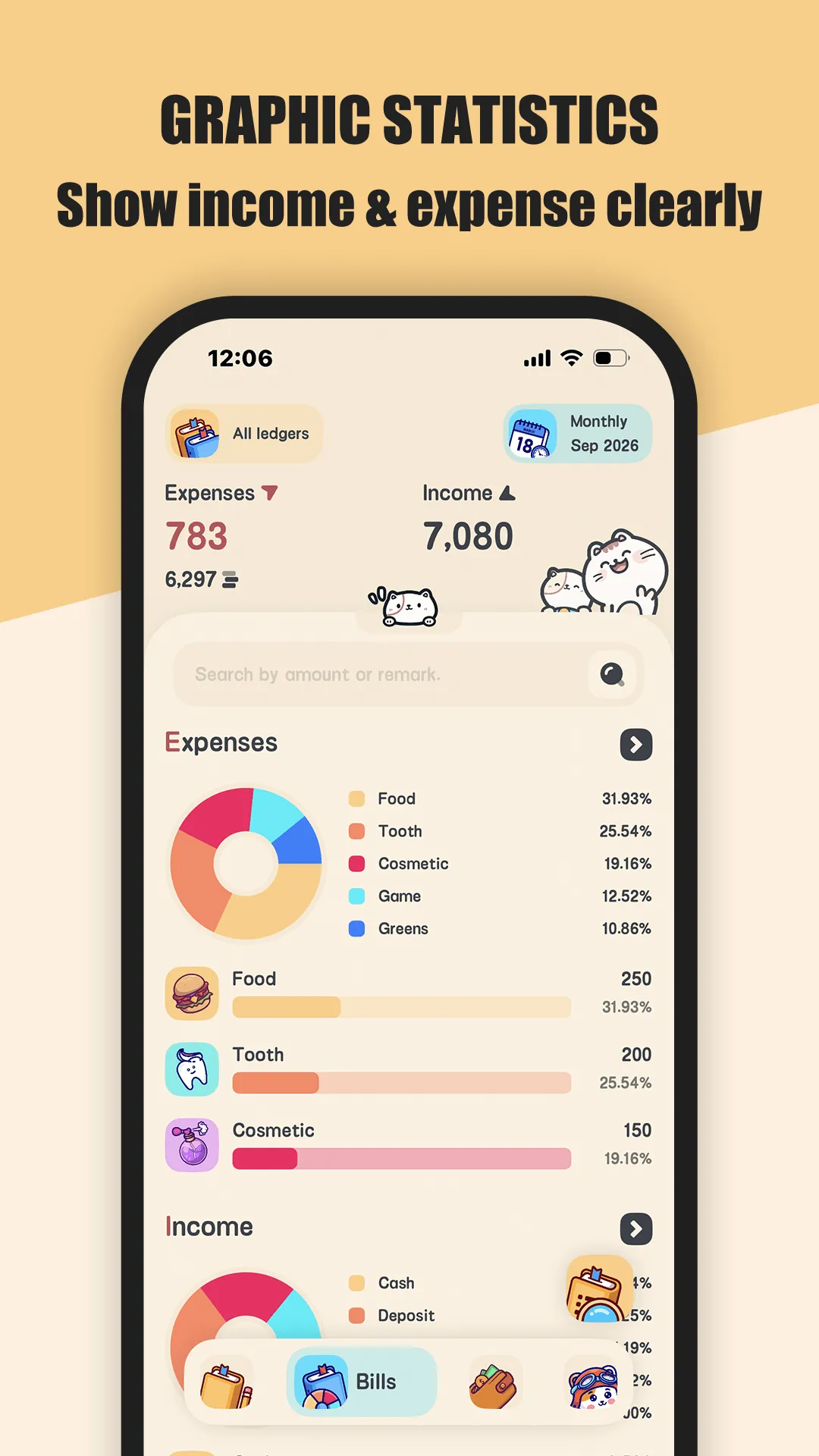
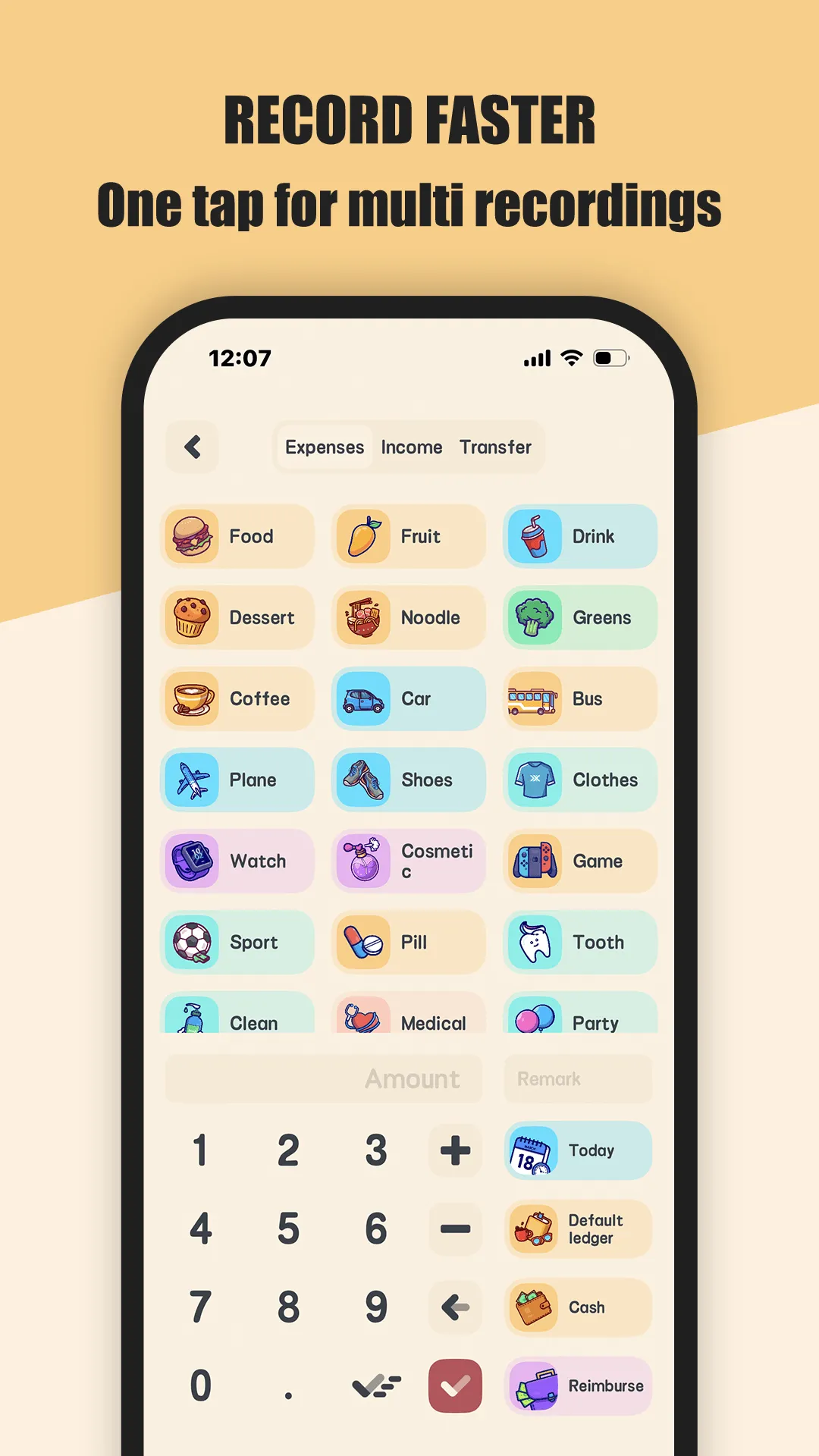
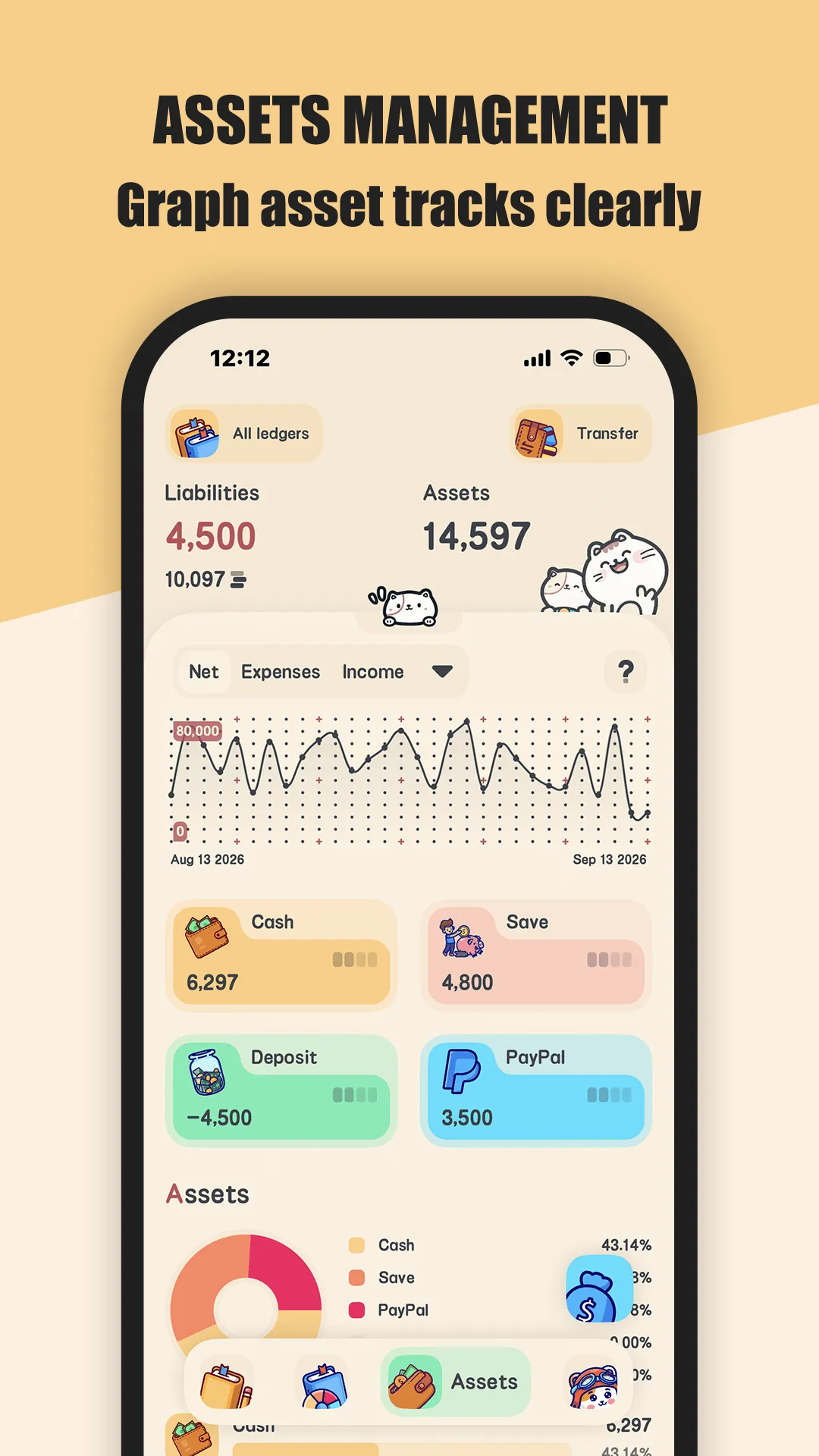
Meow Money Manager is a cat-themed expense tracker and budget app for Android and iOS that stores everything on your device behind a fingerprint lock — no sign-up, no bank login, no data leaving your phone unless you back up to iCloud or WebDav.
- No account required — open the app and start logging; nothing is uploaded to a server.
- True offline mode — entry works with no signal, which fits commutes, flights, and patchy travel coverage.
- Multi-currency ledgers — 50+ currency symbols and separate ledgers for home, travel, and business.
- Quick-add widget — drop an expense from the home screen in under ten seconds.
- Recurring transactions — rent, salary, and subscriptions auto-generate so you’re not re-typing them.
- Reimbursement tracking — mark expenses reimbursable (full or partial), handy for work trips.
- CSV export plus iCloud / WebDav backup, and 400+ cute icons with dark mode.
Best for: privacy-first Android users, multi-currency households, travelers, and anyone who wants a free budget app with no account to fear.
Go deeper:
- Meow Money Manager for Android — full review
- Best budget app for students
- Meow Money Manager app page
How Meow Money compares to the competition
- vs YNAB — local, private, multi-currency and offline vs zero-based coaching with bank sync and a subscription. Full breakdown in Meow Money Manager vs YNAB.
- Former Mint users — Mint is gone; see Best Mint Alternatives in 2026 for seven head-to-head replacements.
- PocketGuard / EveryDollar — strong for “safe to spend” simplicity and the Ramsey method respectively, but lighter on multi-currency and local privacy (see the table above).
Getting started
New to Meow Money Manager? One walkthrough:
Which should you pick?
- Want free + private + multi-currency + offline → Meow Money Manager.
- Want bank sync + a proven method and accept a subscription/cloud → YNAB.
- Want dead-simple safe-to-spend → PocketGuard.
- Want Ramsey’s zero-based plan on a tight budget → EveryDollar.
- Coming from Mint → start with our Mint alternatives guide.
Conclusion
For most Android users who value privacy, no-account tracking, multi-currency and offline entry, Meow Money Manager is the most complete pick — and it’s free to start. Download it and start logging in under a minute:
Or read the full Android review to see it next to YNAB and PocketGuard in detail.