
Meow Money Manager for Android: Budgeting Without the Bank Login
A practical look at Meow Money Manager on Android versus YNAB, PocketGuard and EveryDollar — privacy, multi-currency, offline entry and price for Android budget apps in 2026.
On Android, picking a budget app is a slightly different decision than on iOS. You’re handing an app a window into your financial life, and Android’s open ecosystem makes the trade-offs around privacy and local storage feel more immediate. Some people want a coaching system that syncs their bank automatically; others just want to log spending in ten seconds without creating yet another cloud account tied to their Google ID.
Below we compare the apps Android users actually install — Meow Money Manager, YNAB, PocketGuard and EveryDollar — through the lens of an Android phone: offline entry, multi-currency travel, home-screen widgets, and what you actually pay.
What an Android budget app should do
The features that matter most when you live inside the Google ecosystem:
- Offline-first entry — log an expense on the subway or a plane, with no signal.
- Local storage + lock — keep data on your device behind a fingerprint, not in a mandatory cloud.
- Multi-currency — essential if you travel, freelance, or split costs across borders.
- Home-screen widgets & quick add — Android’s real strength is reaching an action in one tap.
- Export & backup — CSV for taxes or reimbursement, plus WebDav or the cloud you choose.
- Fair price — core tracking shouldn’t hide behind a paywall.
The contenders at a glance
| App | Price (2026) | Account | Local/private | Multi-currency | Android widget | Best for |
|---|---|---|---|---|---|---|
| Meow Money Manager | Free core + optional VIP | No (on-device + fingerprint) | ✅ local | ✅ 50+ currencies | ✅ quick-add | Private, multi-currency, cute |
| YNAB | $14.99/mo or $109/yr (34-day trial) | Yes (cloud) | ❌ cloud sync | Limited (mostly USD) | ⚠️ basic | Zero-based coaching + bank sync |
| PocketGuard | Free + Plus ~$74.99/yr | Yes (for sync) | ❌ cloud | Partial | ⚠️ basic | “Safe to spend” simplicity |
| EveryDollar | Free (manual) + Premium ~$79.99/yr | Optional | ❌ cloud | No | ⚠️ basic | Ramsey zero-based method |
Meow Money Manager, in depth
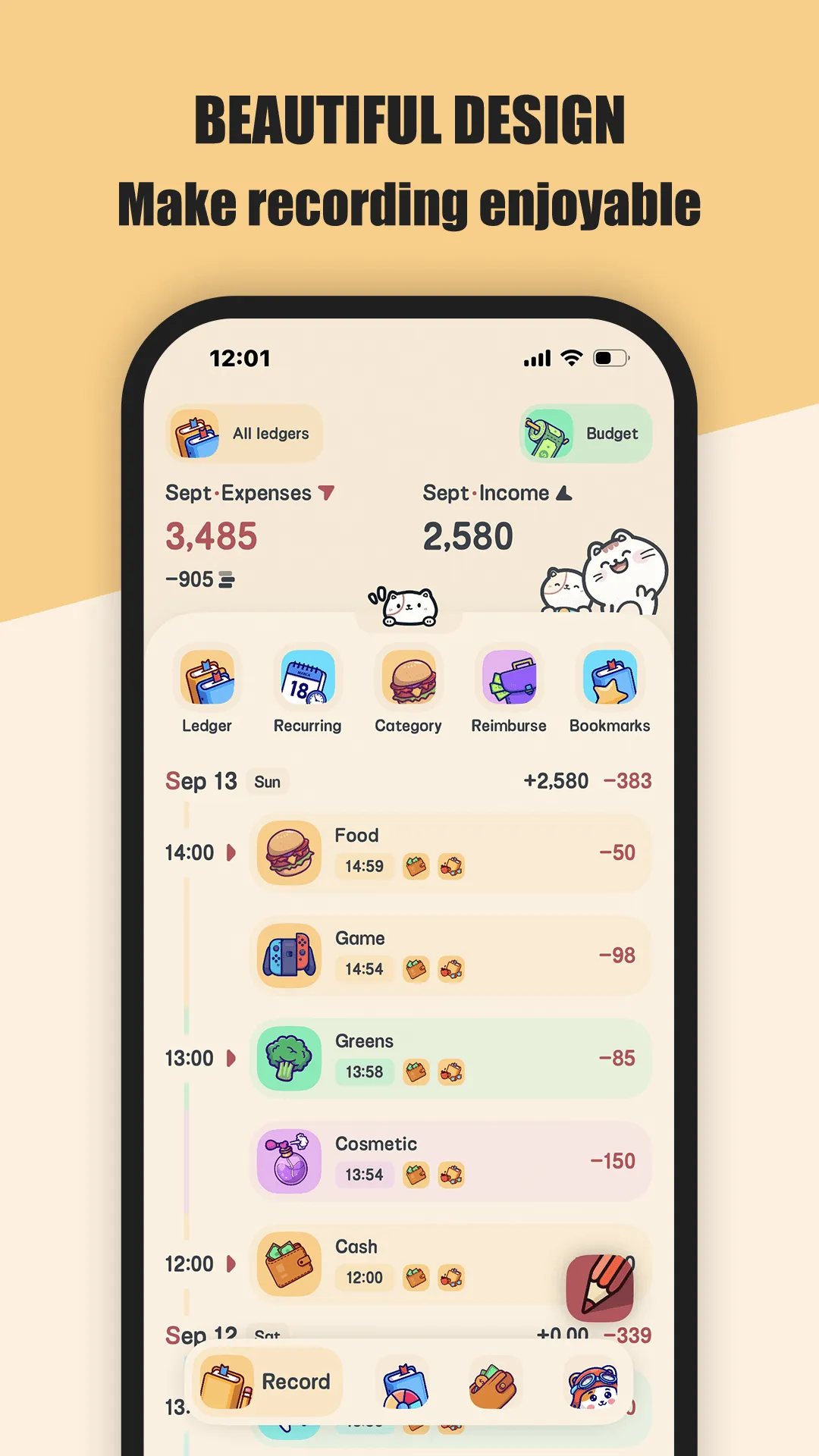
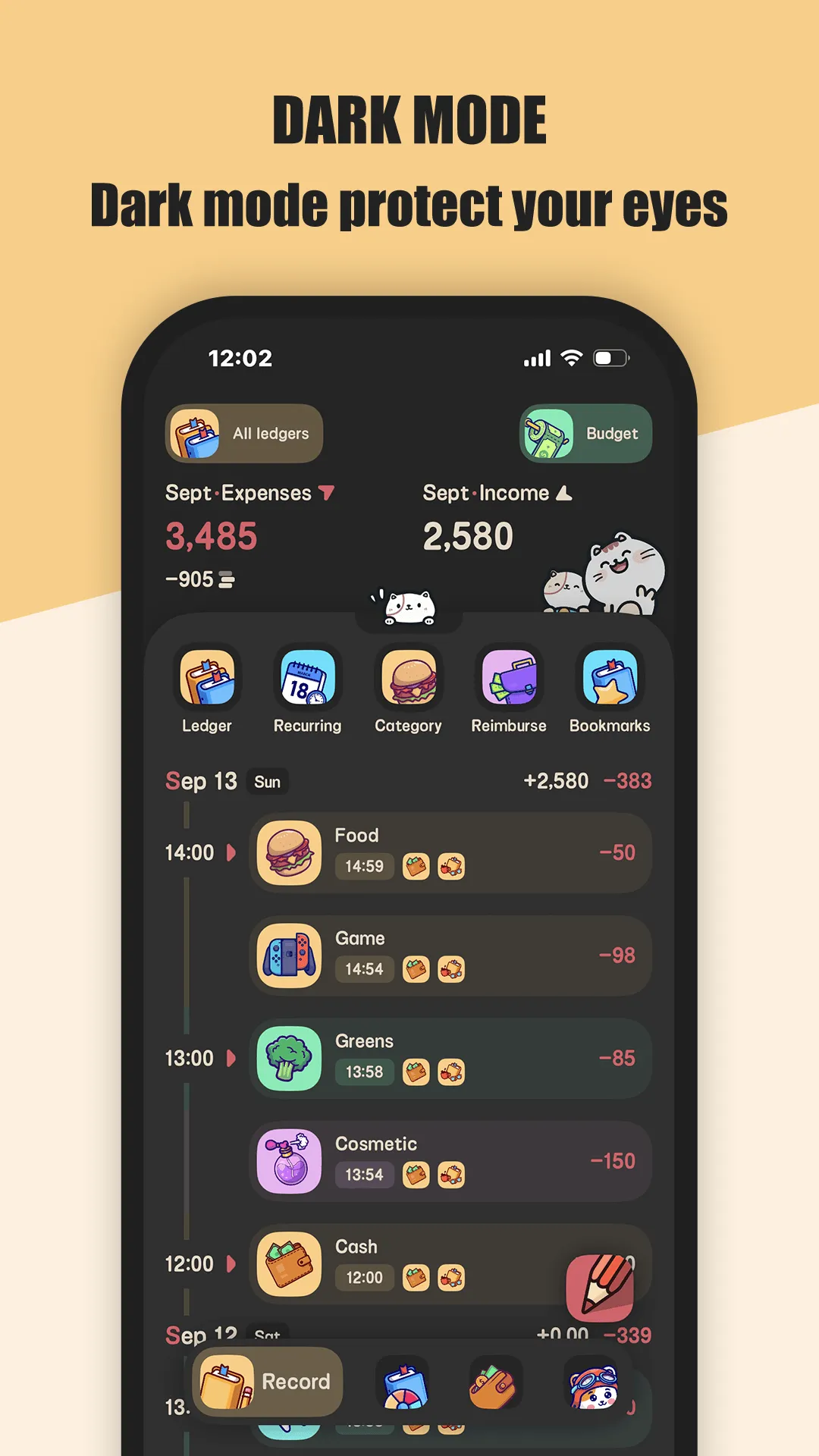
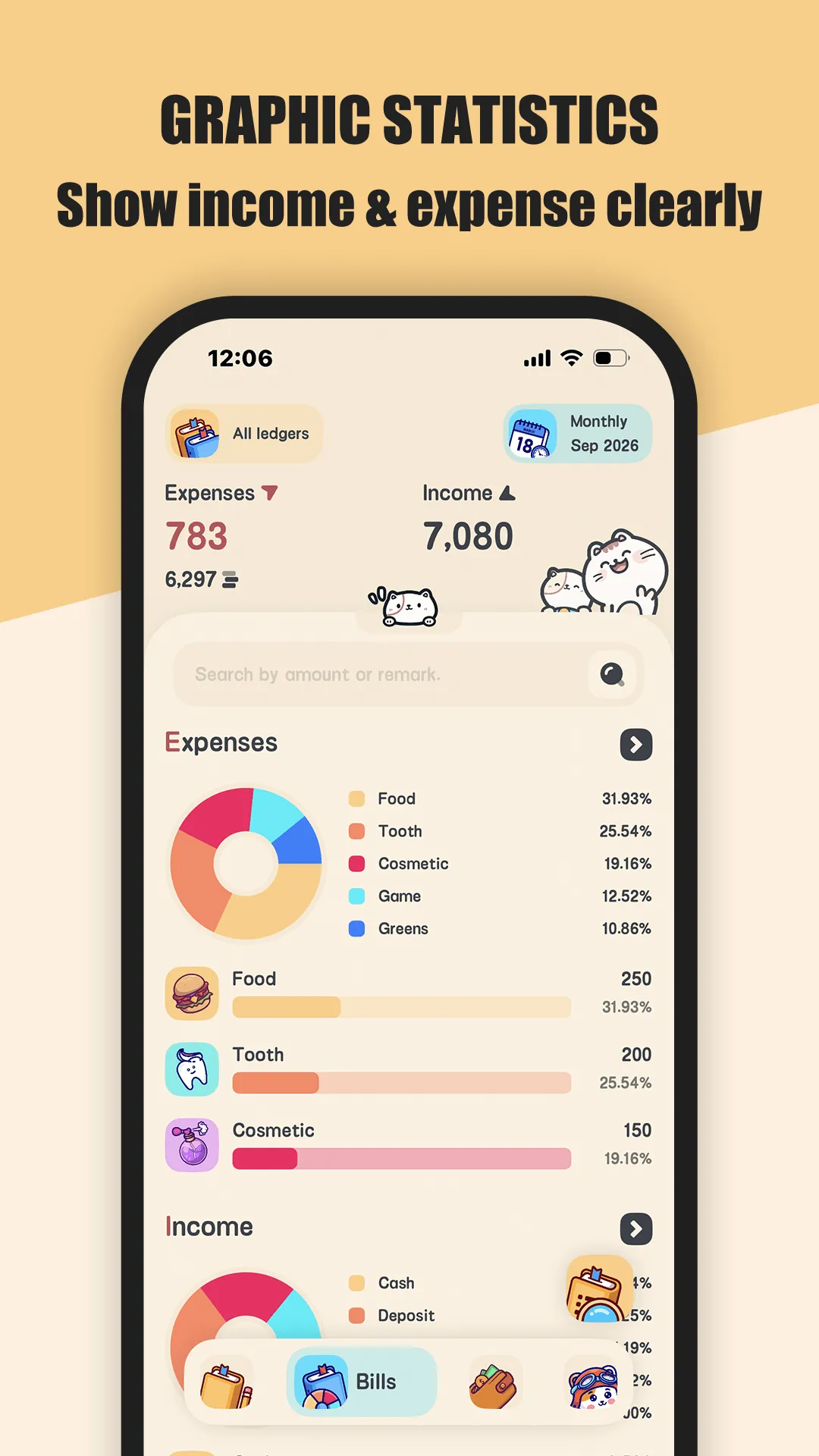
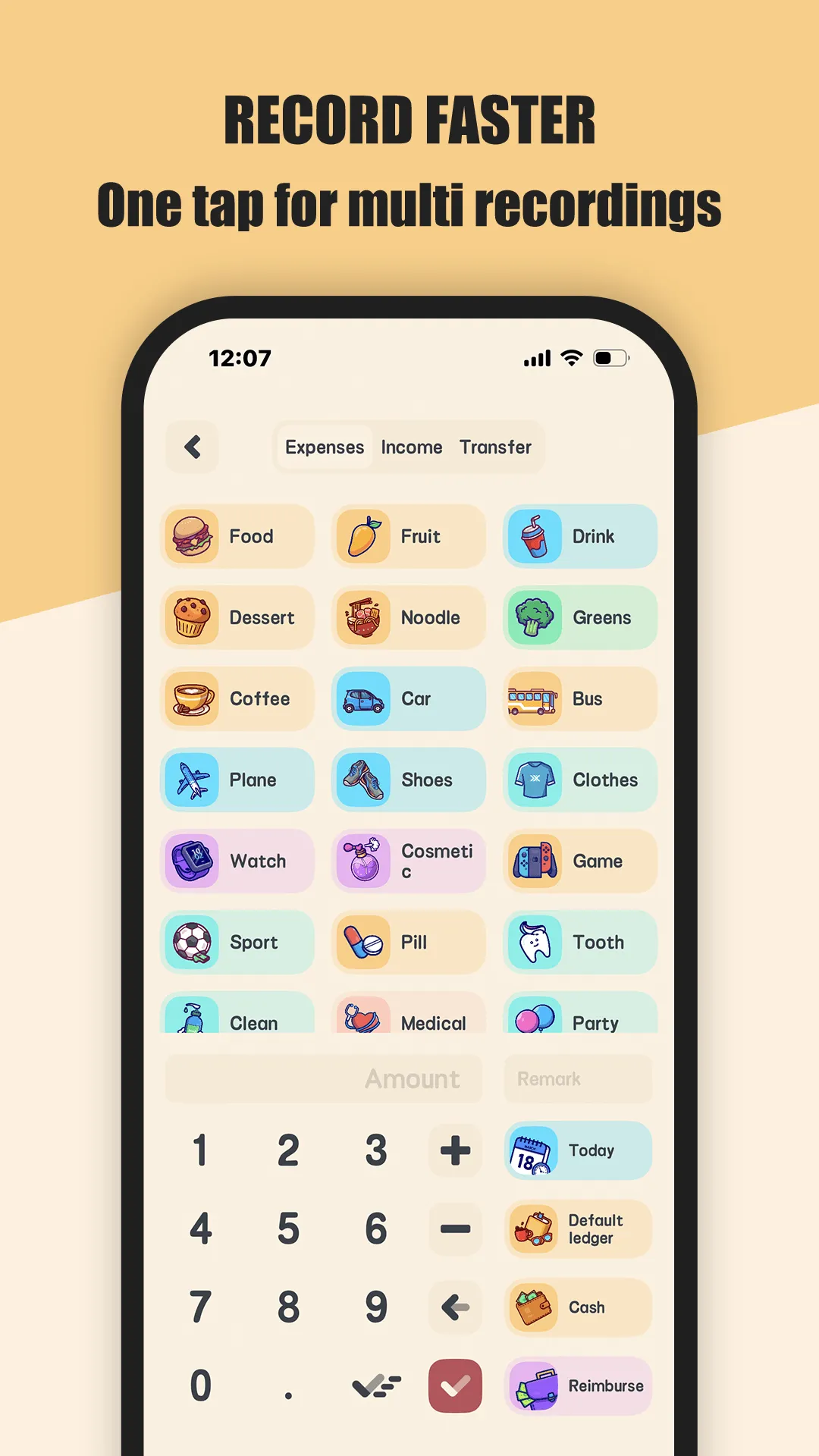
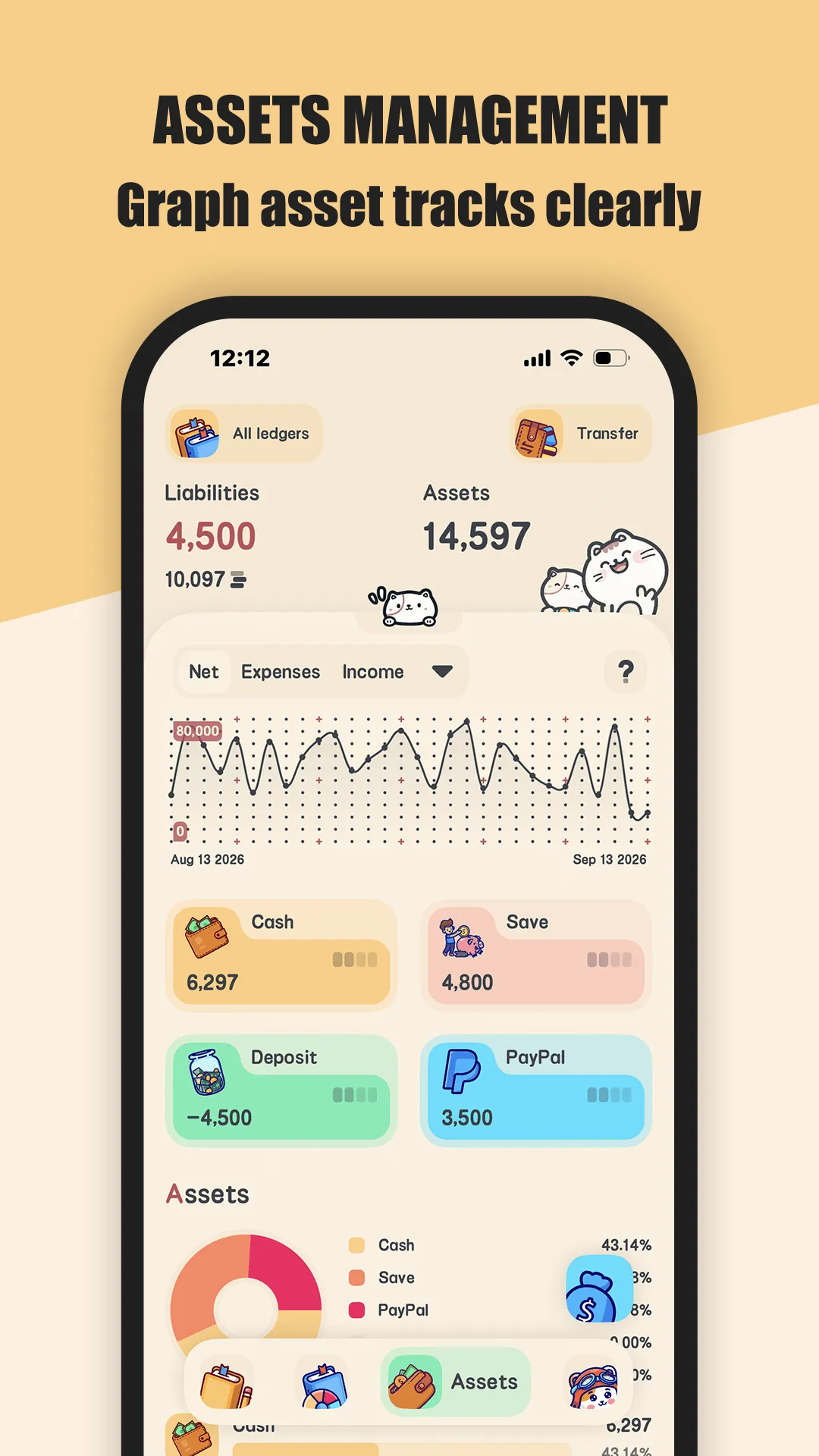
Meow Money Manager is a cat-themed bookkeeping app for Android and iOS that stores everything on your device behind a fingerprint lock — no sign-up, no bank login, no data leaving your phone unless you back up to iCloud or WebDav.
Strengths for Android users
- No account required — open the app and start logging; nothing is uploaded to a server.
- True offline mode — entry works with no signal, which fits commutes, flights, and patchy travel coverage.
- Multi-currency ledgers — 50+ currency symbols and separate ledgers for home, travel, and business.
- Quick-add widget — drop an expense from the home screen in under ten seconds, no app open needed.
- Recurring transactions — rent, salary, and subscriptions auto-generate so you’re not re-typing them.
- Reimbursement tracking — mark expenses reimbursable (full or partial), handy for work trips.
- Asset management — cash, cards, funds, and net worth live in one place.
- CSV export plus iCloud / WebDav backup, and 400+ cute icons with dark mode.
Weaknesses for Android users
- No automatic bank sync — you enter transactions manually. A win for privacy, a drag if you want hands-off tracking.
- Lighter coaching — heavy automation and “give every dollar a job” style reports are shallower than YNAB’s.
- VIP gating — unlimited ledgers, CSV export, and app lock sit behind the optional upgrade.
Best for: privacy-first Android users, multi-currency households, travelers, and anyone who wants a free budget app with no account to fear.
YNAB, in depth
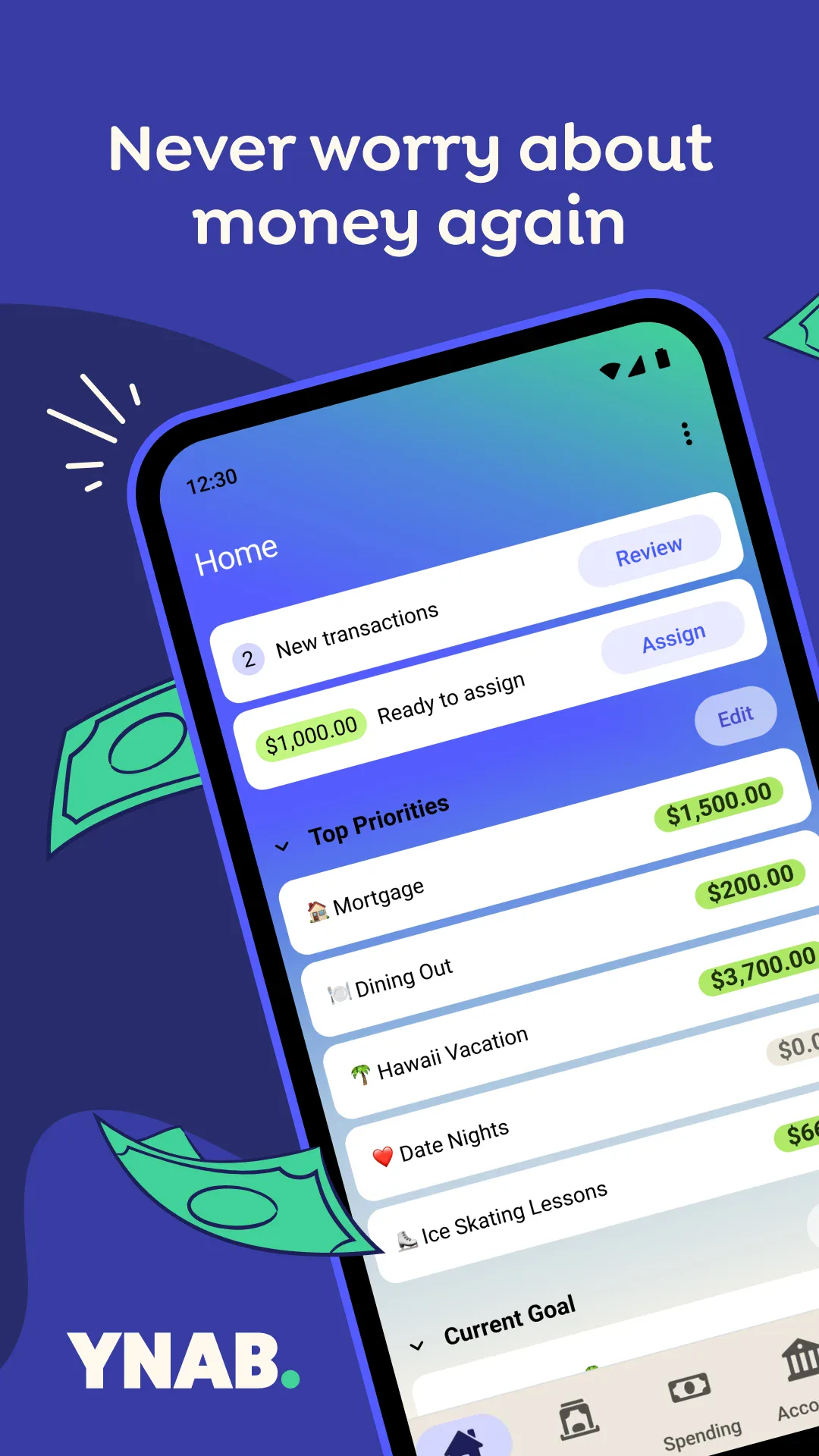
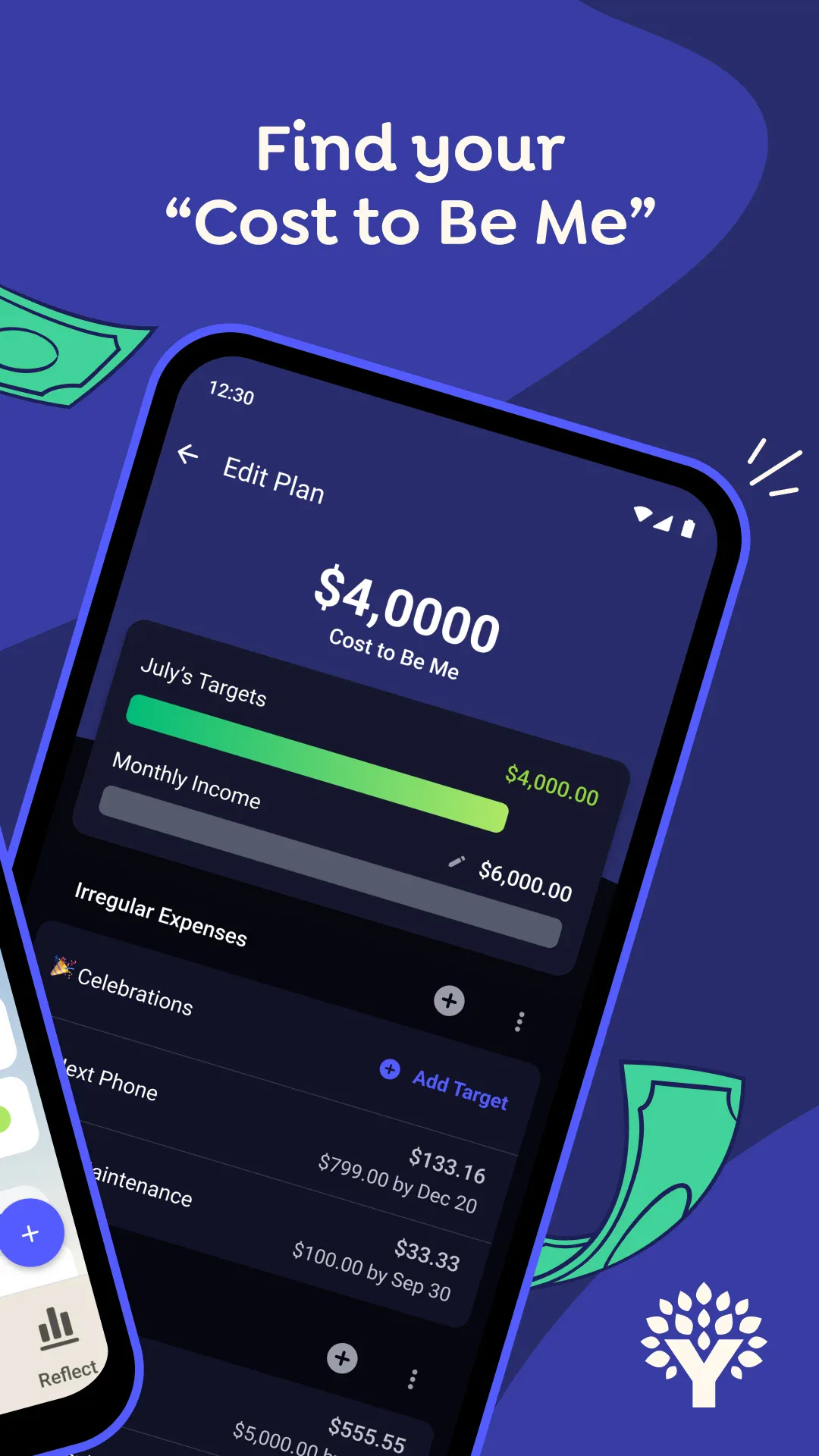
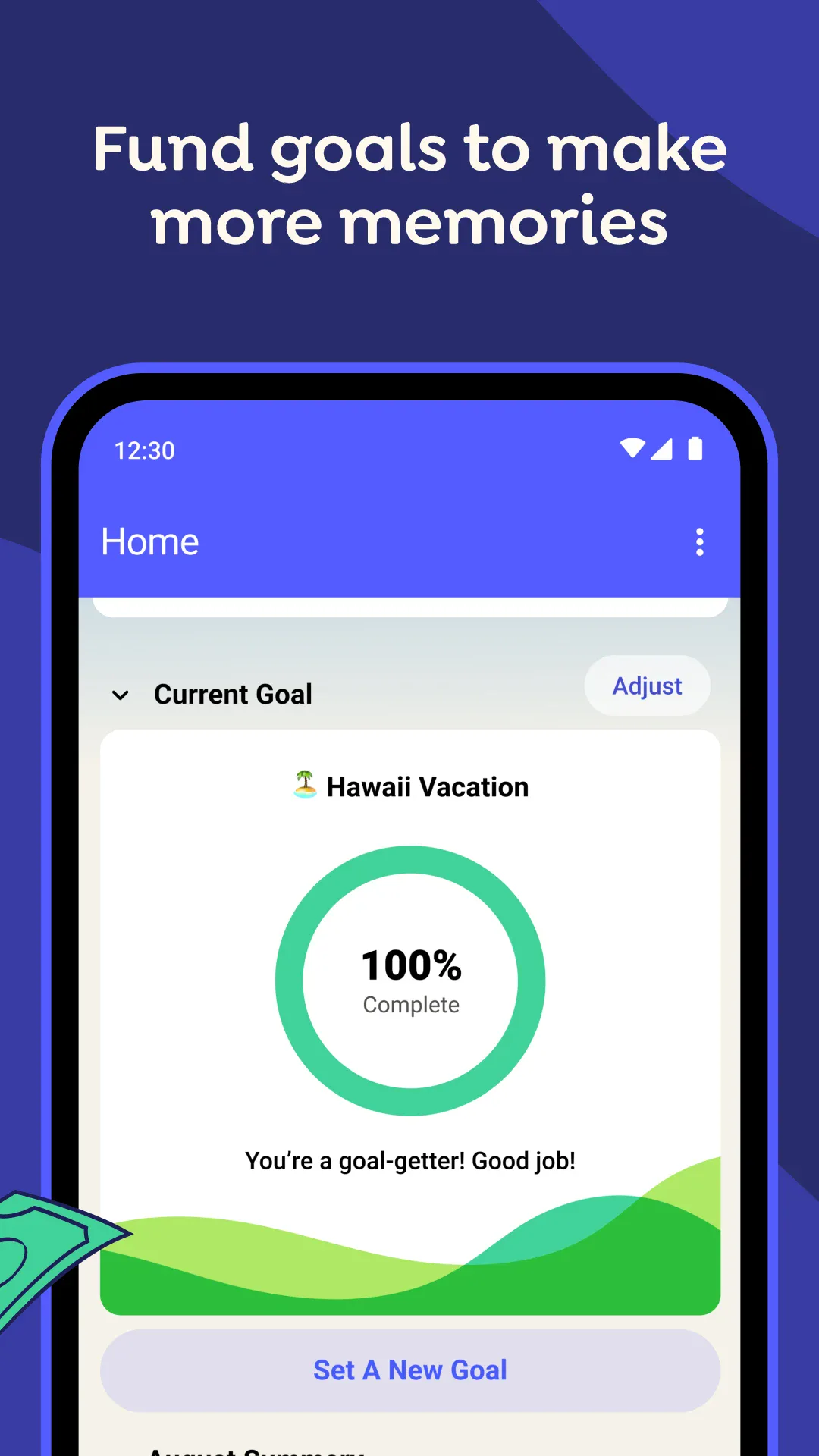
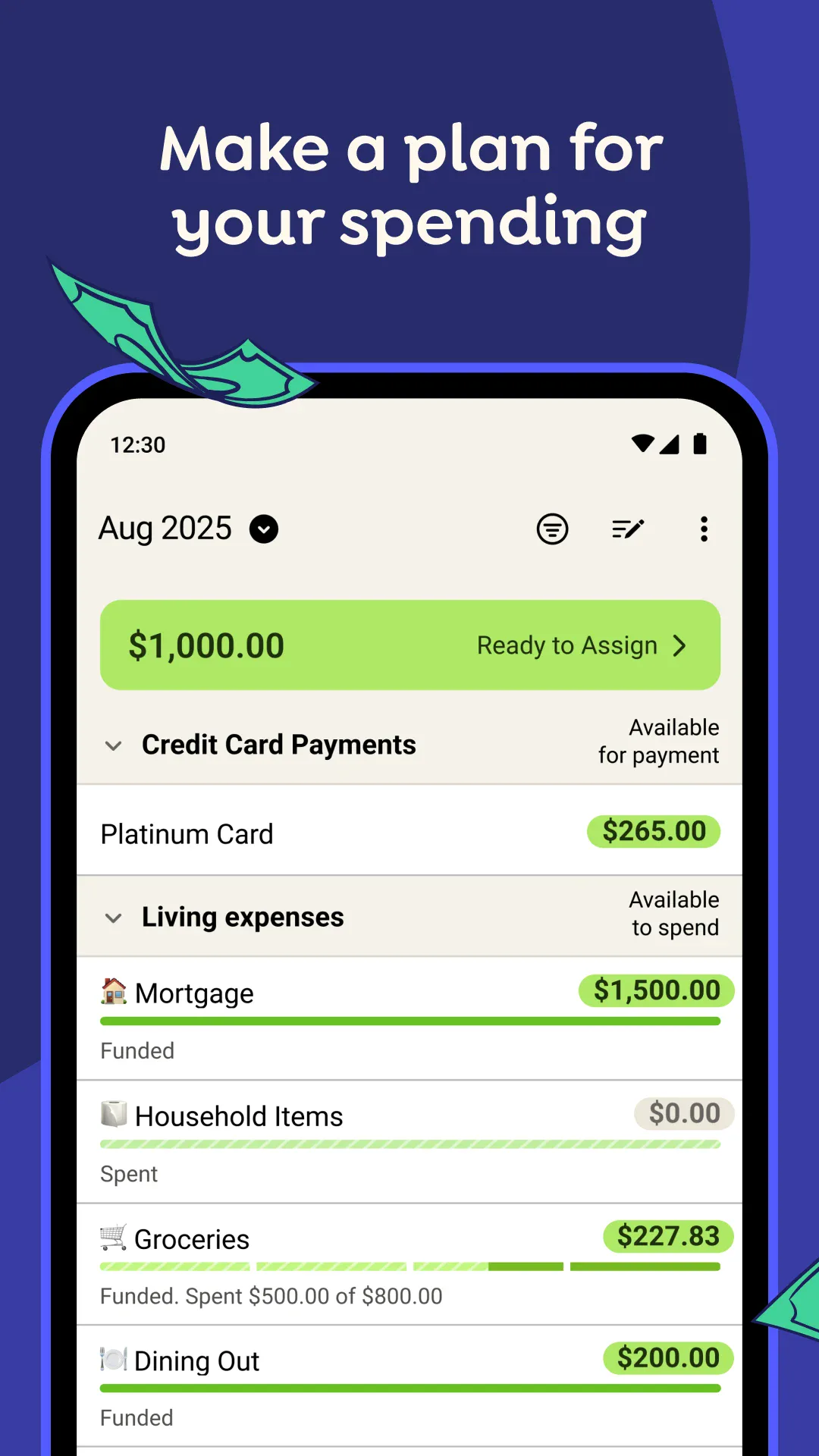
YNAB (You Need A Budget) is the well-known zero-based budgeting app: you assign every dollar a job, connect your bank through Plaid, and let it import transactions. On Android it’s a solid client, but the product is web-first — the deepest planning still happens on the desktop.
Strengths for Android users
- Bank sync — Plaid pulls transactions automatically, so daily entry is near-zero effort.
- Methodology — the four-rule system genuinely reshapes habits for disciplined users.
- Strong reports — age of money, spending by category, and goal tracking.
- Cross-platform — Android, iOS, and web stay in sync.
- Student deal — eligible students get a full year free.
Weaknesses for Android users
- Paid only — $14.99/month or $109/year after a 34-day trial; there is no free tier.
- Cloud account required — your financial data lives on YNAB’s servers.
- Learning curve — the method takes weeks to fully click.
- Weaker multi-currency — it’s built around USD; juggling several currencies is awkward.
- No reimbursement tracking — a real gap for business travelers.
- Mobile is secondary — the richest features still sit behind the web app.
Best for: users who want bank sync and a proven method and accept a subscription plus a cloud account.
How the others compare
- PocketGuard answers one question — “how much is safe to spend?” — by pulling in your accounts and subtracting bills. Free gets you manual tracking; full sync needs Plus (~$74.99/yr). Great for simplicity, light on detailed categories.
- EveryDollar mirrors Dave Ramsey’s zero-based method. The free tier is manual entry only; Premium (~$79.99/yr) adds bank sync. Clean and approachable, but thin on multi-currency and reporting.
Which should an Android user pick?
- Want free + private + multi-currency + offline → Meow Money Manager. The on-device model and quick-add widget match Android’s one-tap habits, and there’s no account to worry about.
- Want bank sync + a method and accept a subscription/cloud → YNAB.
- Want dead-simple safe-to-spend → PocketGuard.
- Want Ramsey’s zero-based plan on a tight budget → EveryDollar.
Get Meow Money Manager — available on Android and iOS.