
Meow Mood: A Private Diary That Stays on Your Device
A privacy-focused look at Meow Mood versus Day One, Daylio, Apple Journal and Penzu in 2026 — no uploads by default, on-device locks, and clear export.
If privacy matters more than cloud features, you need a private diary app that never ships your thoughts to a server. Meow Mood is an offline mood diary built around that promise: entries stay on your device, and the only backup is the Google Drive you choose. Here’s how it compares with other privacy-minded options, and what to check before you commit.
What a private journal needs
- No uploads by default — entries live on your device, not a vendor’s cloud.
- A real lock — fingerprint or passcode, not just a phone lock.
- A clear export path — PDF or text so you’re never locked in.
- Offline use — write on a plane or with no signal.
- Optional sync you control — your own Drive, not a mandated account.
The contenders at a glance
| App | Privacy model | Lock | Export | Platforms | Best for |
|---|---|---|---|---|---|
| Meow Mood | Local, no upload | ✅ fingerprint | Android + iOS | Fully on-device | |
| Day One | Cloud sync (encrypted) | ✅ app lock | Multiple | Android+iOS+Mac+Web | Full-feature, cloud |
| Daylio | Local-first | ✅ | Limited | Android + iOS | Icon mood logs |
| Apple Journal | On-device (iOS) | Device | iCloud optional | iOS only | iPhone-only local |
| Penzu | Encrypted cloud | ✅ passcode | Multiple | iOS + Web | Encrypted cloud |
Meow Mood, in depth
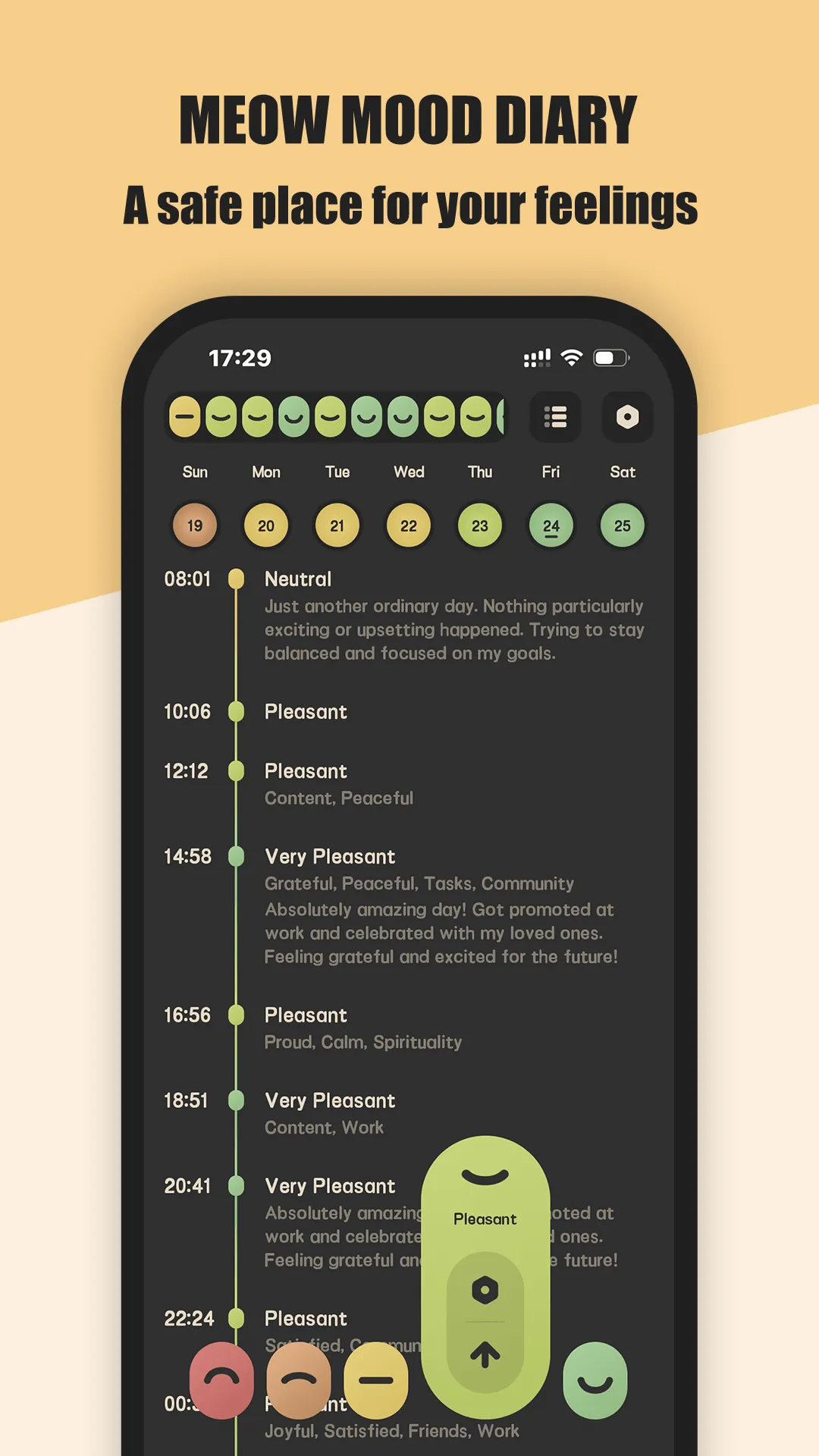
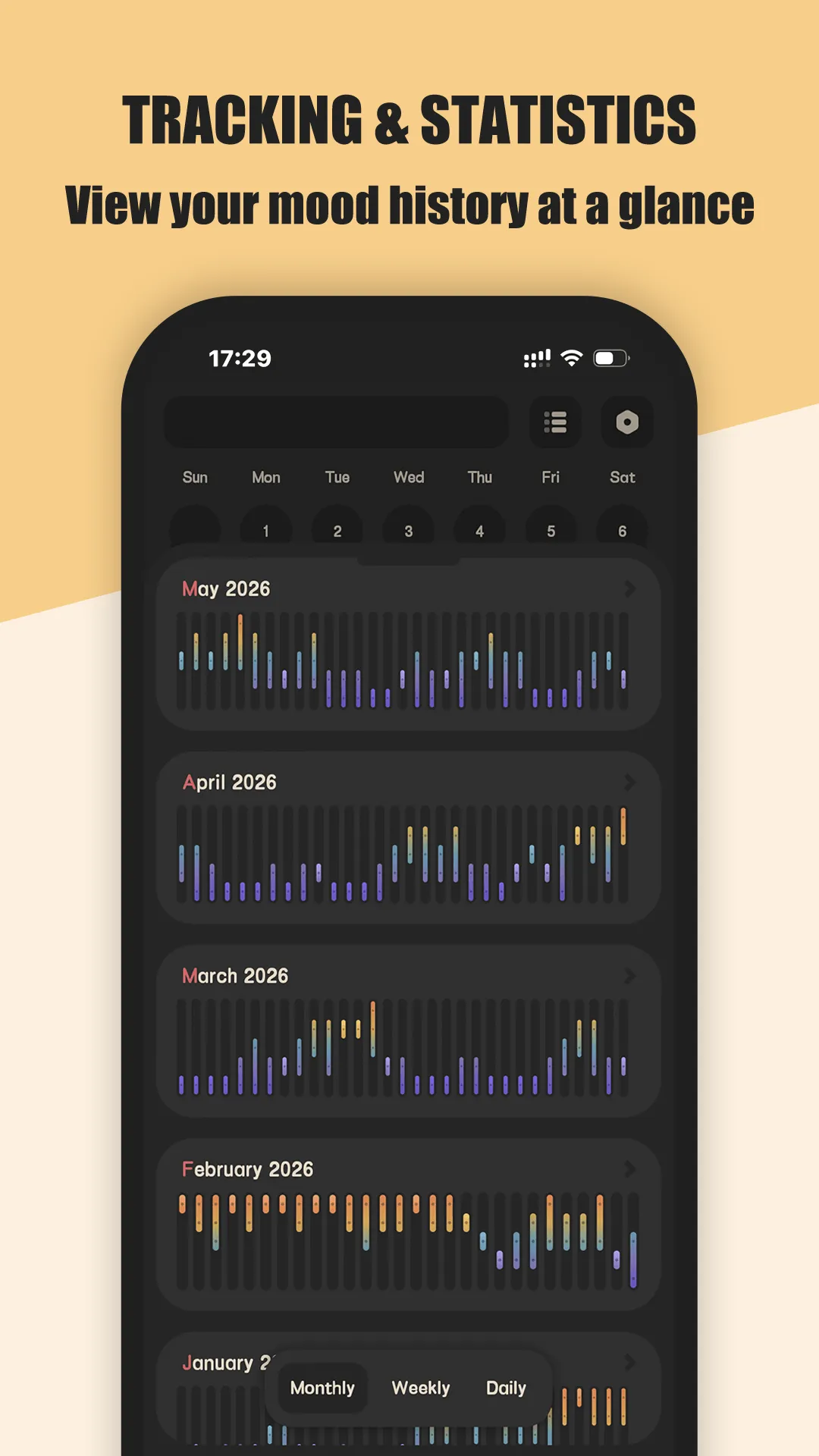
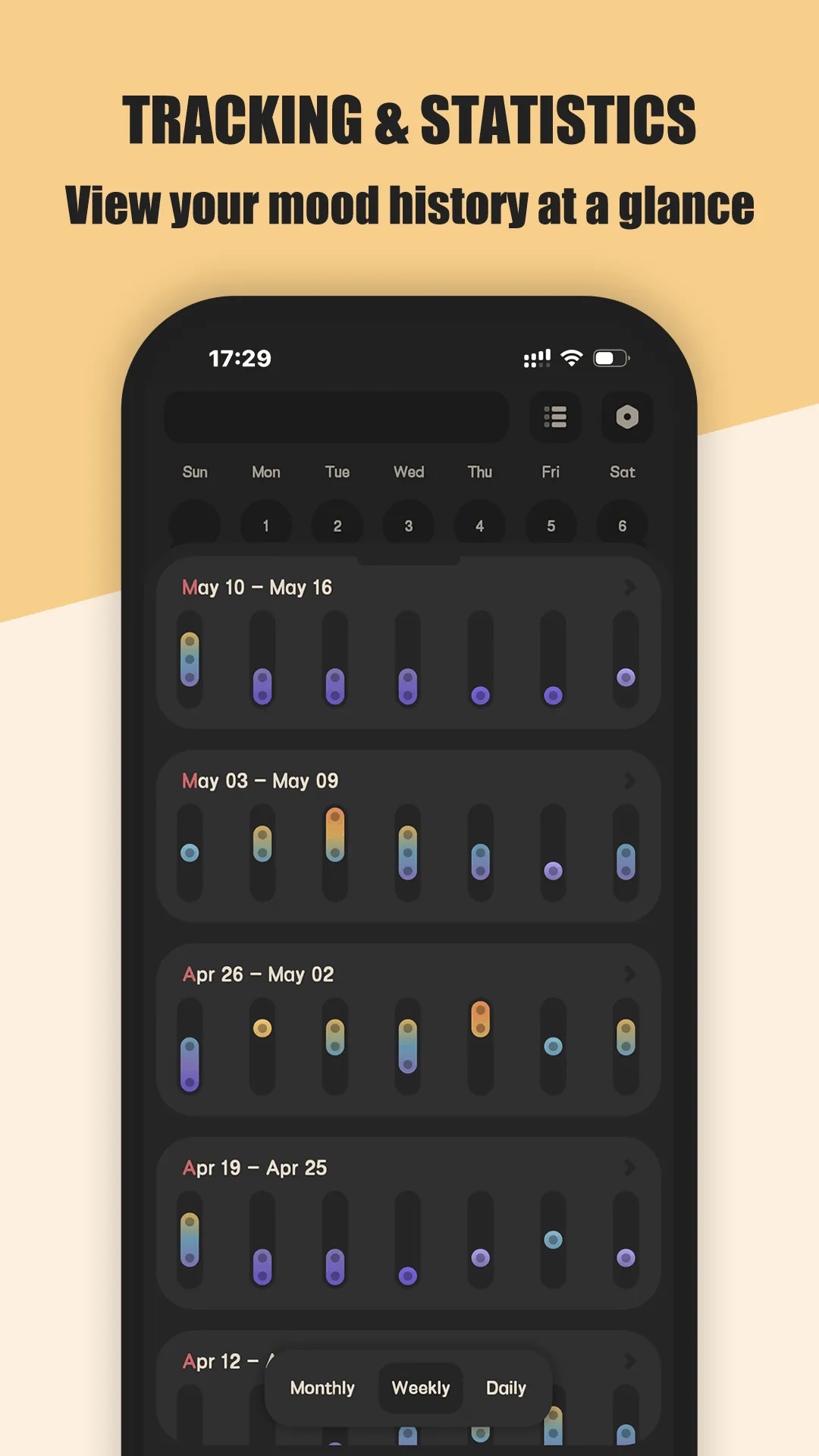
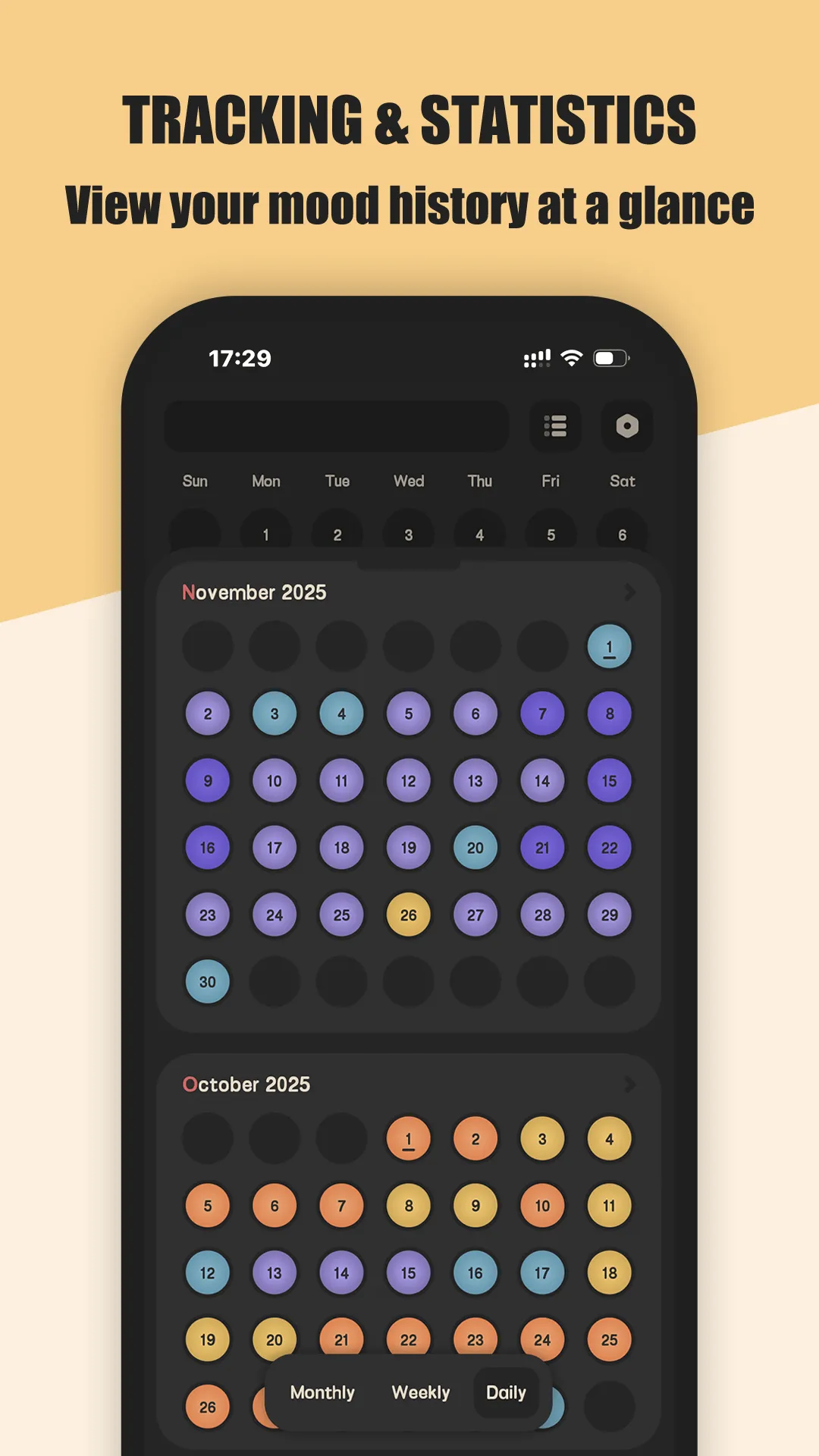
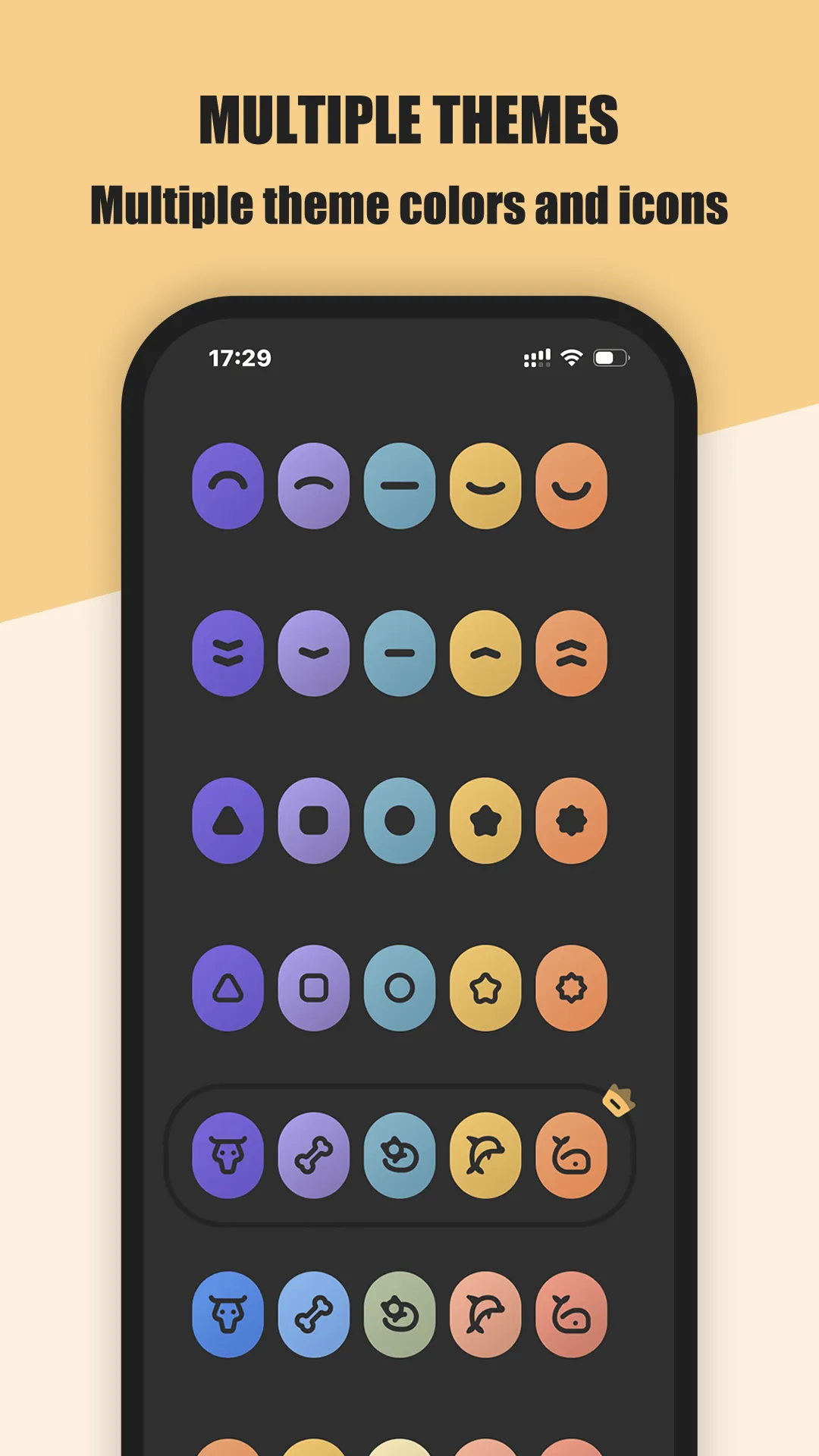
Meow Mood is a cat-themed mood and diary app for Android and iOS with privacy as the default, not a setting you hunt for.
Strengths for privacy
- No upload by default — entries never leave your device unless you back up.
- Your Drive, your choice — backups go to your own Google Drive, not a mandated account.
- Fingerprint or passcode lock — only you open it.
- Offline everywhere — write with no signal.
- PDF export — get entries out cleanly whenever you want.
- Lightweight — one-tap mood logging keeps the habit low-friction.
Weaknesses for privacy
- CSV export is VIP — free users export PDF.
- No rich cloud features — if you want multi-device sync without your own Drive, this isn’t it.
Best for: people who want a private diary app that never touches a server they don’t control.
Day One, in depth
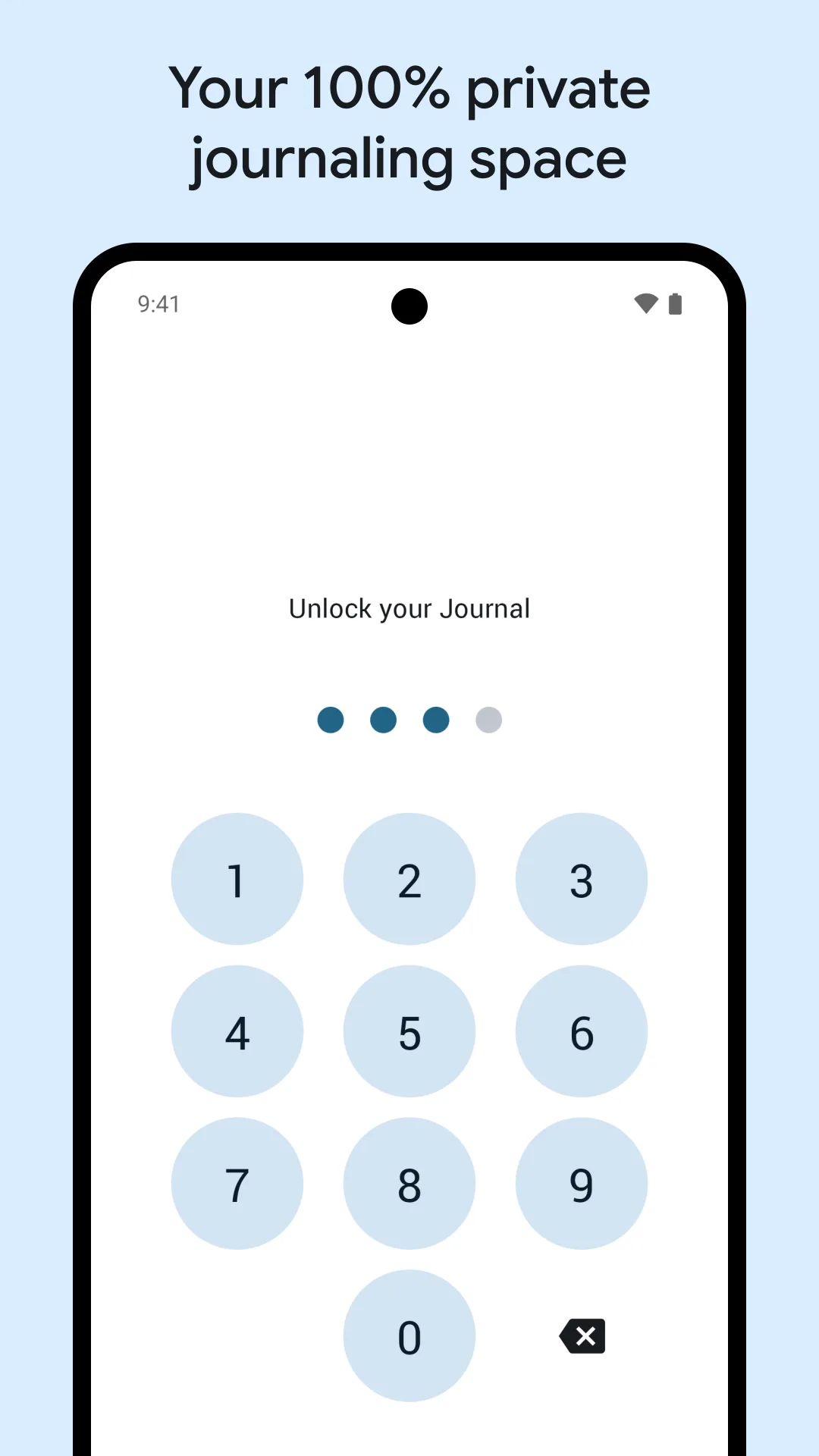
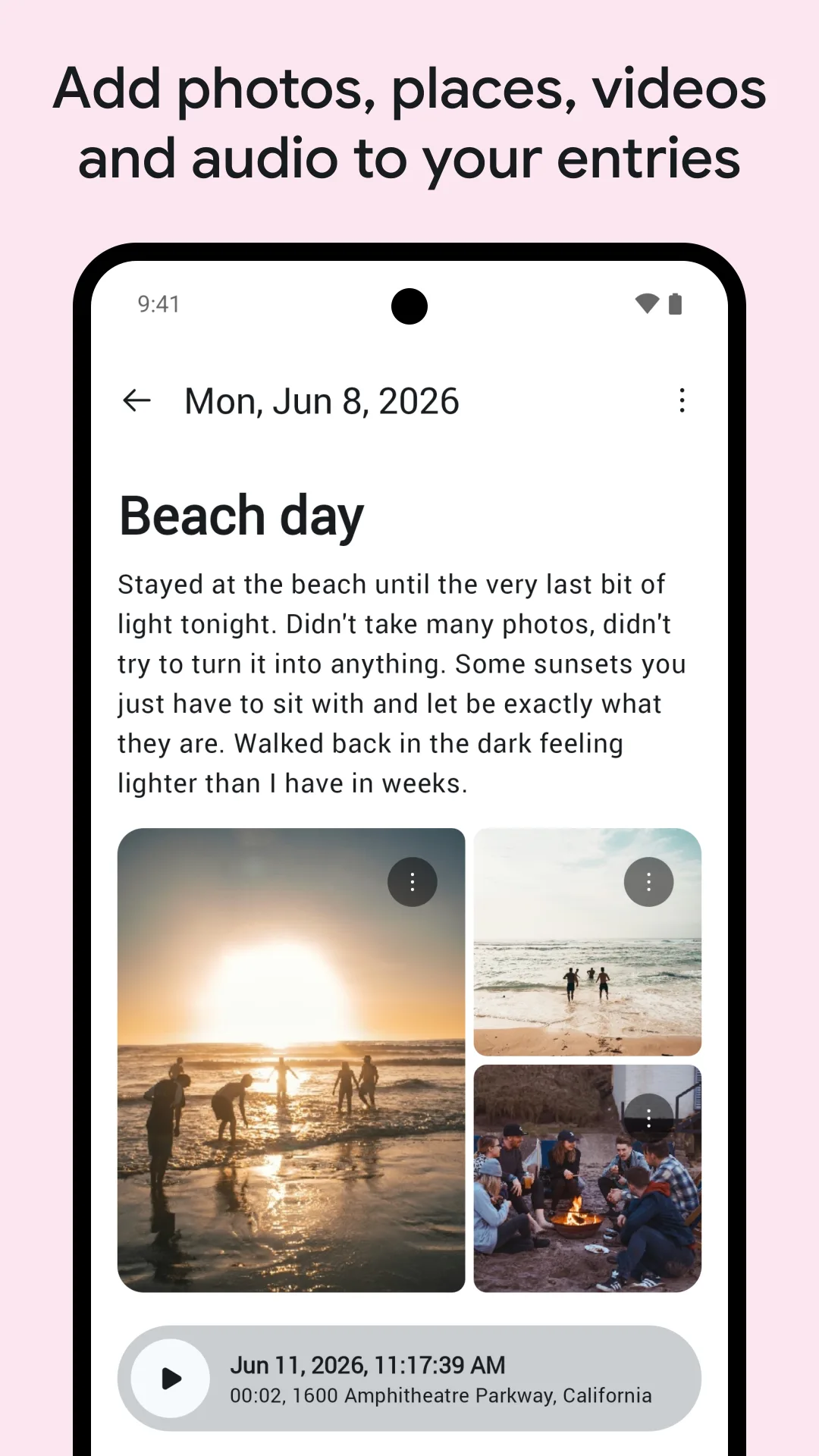
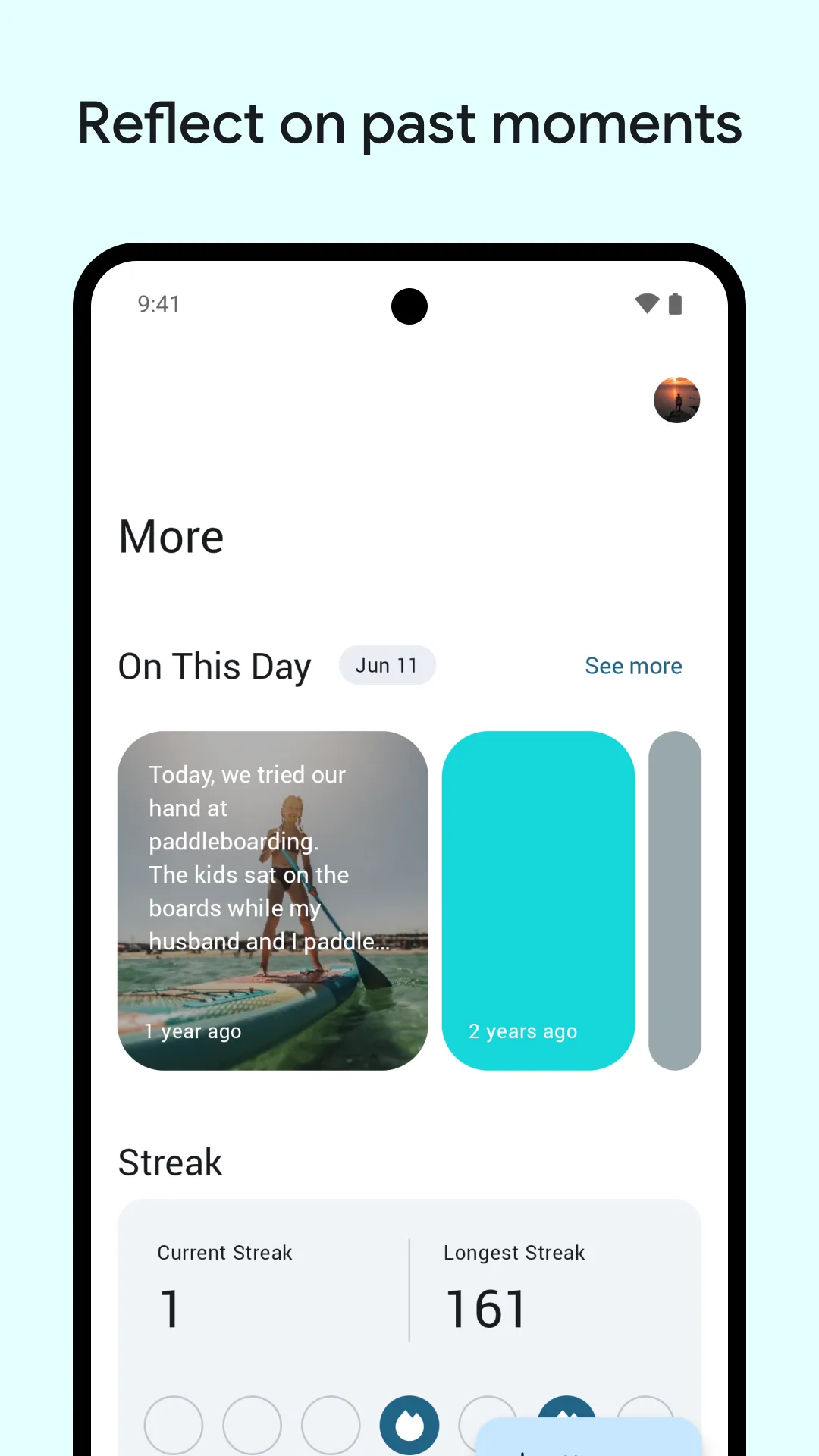
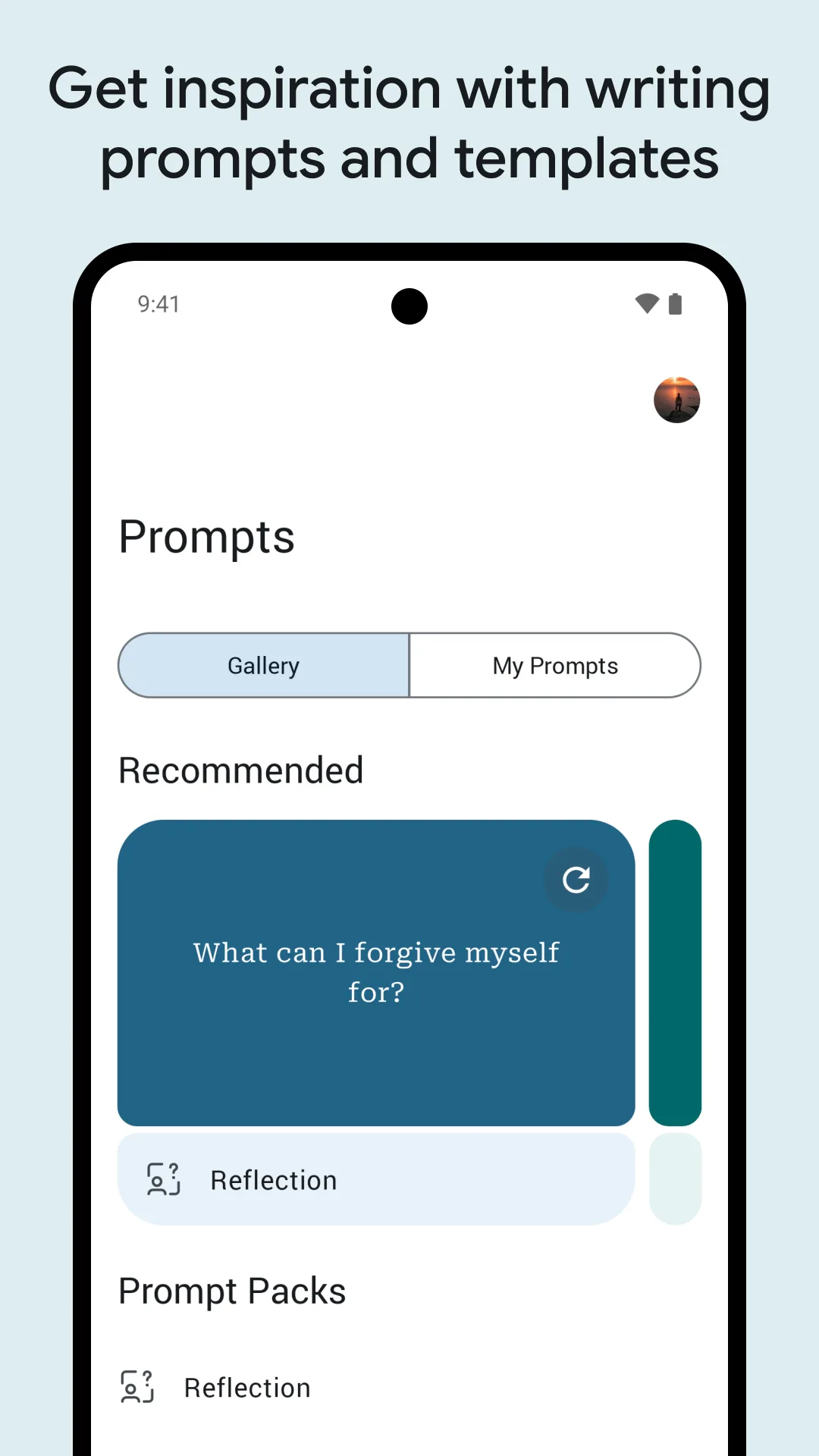
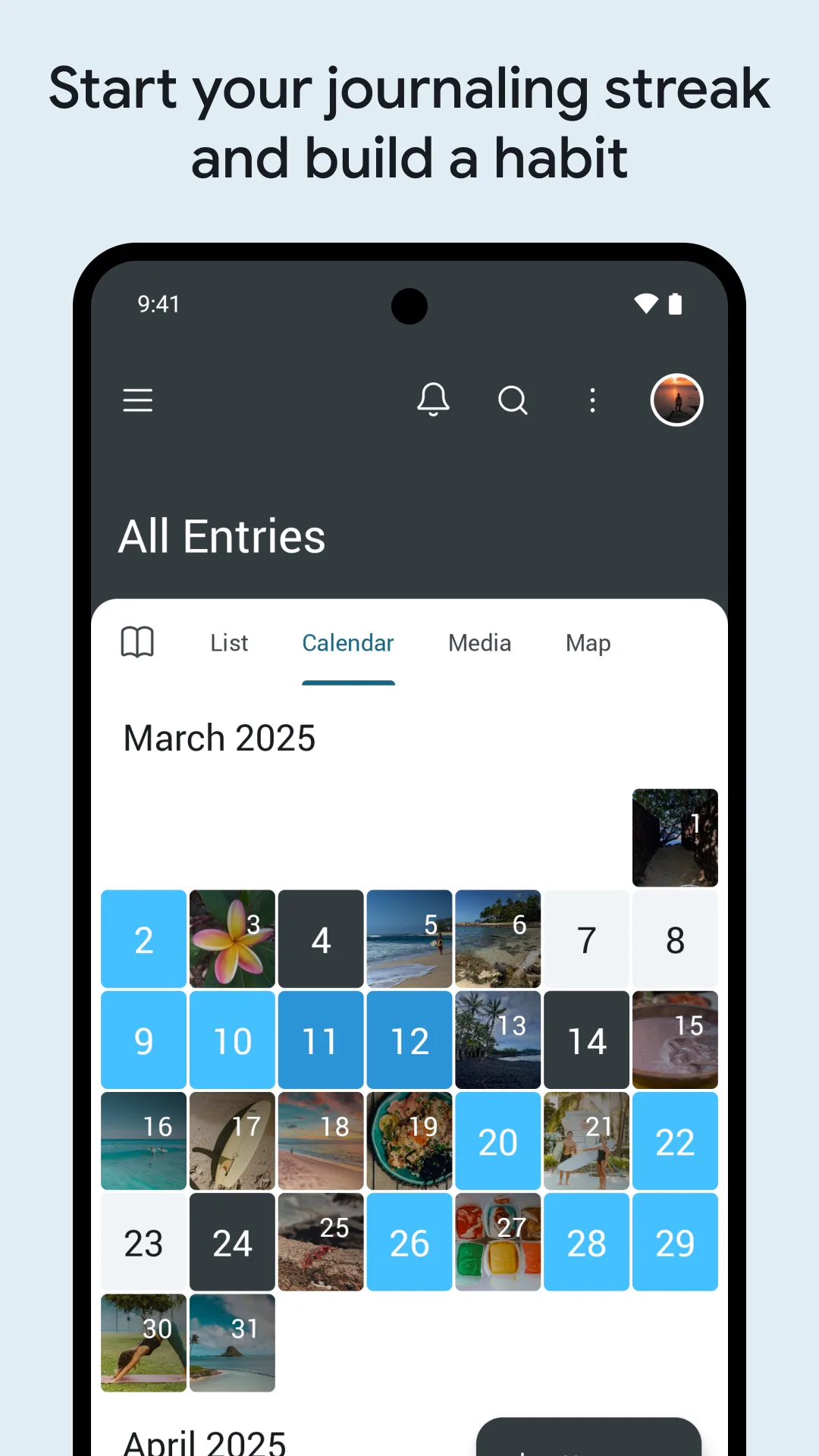
Day One is the most-awarded journal app, with encrypted sync across Android, iOS, Mac, and web.
Strengths for privacy
- Encrypted sync — strong transport and at-rest encryption.
- App lock — a passcode guards the app itself.
- Full feature set — photos, audio, location, templates.
Weaknesses for privacy
- Cloud by design — entries are stored on Day One’s servers; privacy means trusting the vendor.
- Free tier limited — devices and photos are capped; Silver/Gold unlocks full use.
- Subscription cost — ongoing payment for the premium tiers.
Best for: people who want a polished journal and accept encrypted cloud storage.
How the others compare
- Daylio is local-first and logs mood as icons; a solid private option if you only need micro mood notes.
- Apple Journal keeps entries on-device on iPhone with optional iCloud; excellent for privacy, but Android users are excluded.
- Penzu offers a passcode-locked, encrypted cloud journal — private, but still server-stored.
Which should you pick?
- Want entries that never leave your device → Meow Mood.
- Want encrypted sync you don’t manage → Day One.
- Want iPhone-only on-device → Apple Journal.
- Want encrypted cloud with a passcode → Penzu.
Get Meow Mood — available on Android and iOS.