
Best Day One Alternatives in 2026
Looking for alternatives to Day One in 2026? We compare six journals and mood diaries — Meow Mood, Journey, Diaro, Daylio, Grid Diary and Momento — across price, privacy, platforms, prompts and export, with a core-capability table and a migration checklist.
Day One is a powerful journal, but its ~$35/year subscription and cloud-first model are not for everyone. If you want something more private, more mood-focused, or simply cheaper, the journaling field has strong options.
Below we compare six alternatives to Day One — from a cute, private mood diary to cross-platform journals and micro mood loggers — across price, platforms and the capabilities that actually matter.
Why look beyond Day One
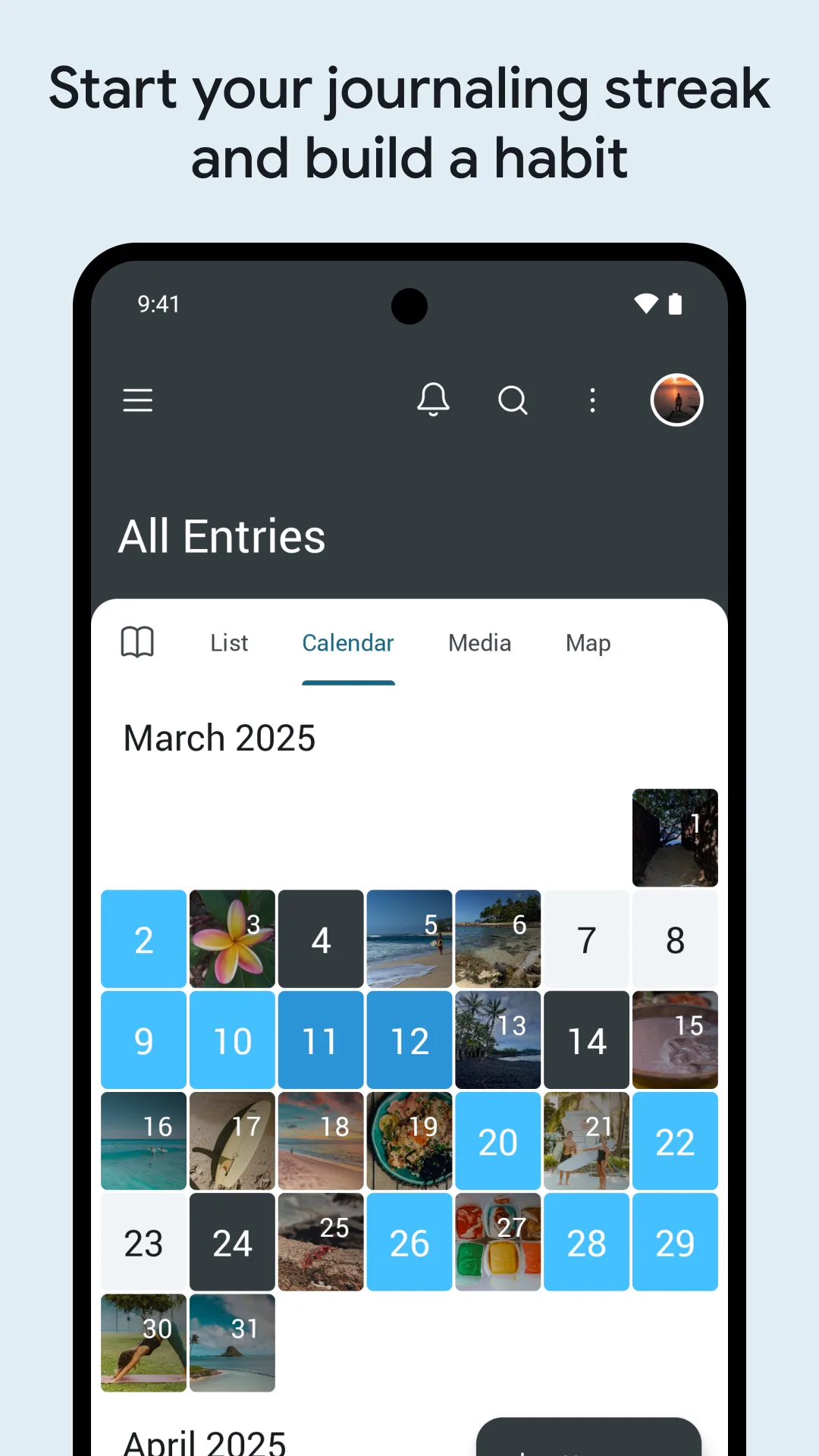
- Paid annual subscription (~$35/year in 2026) for the features most people use.
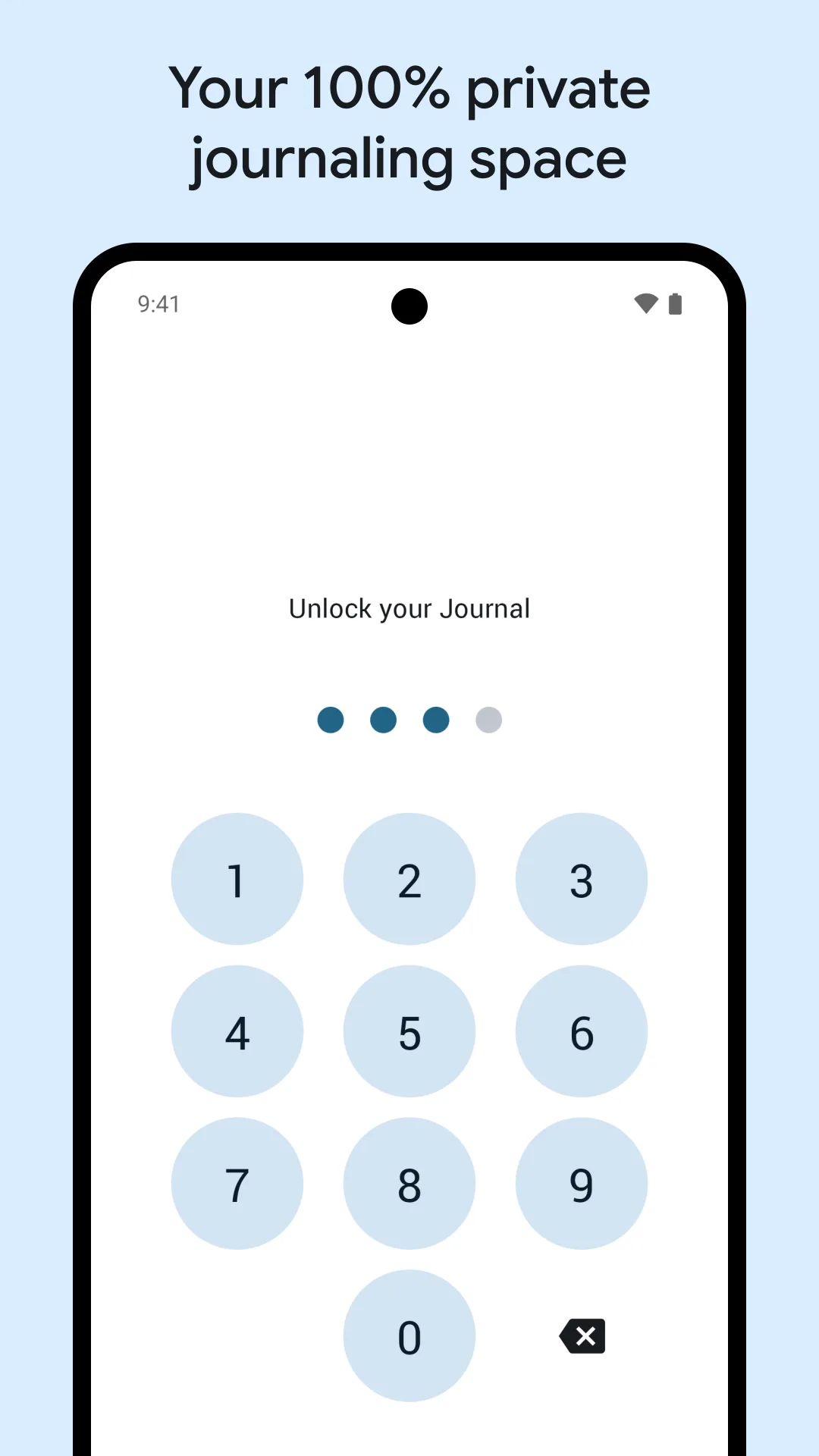
- Cloud sync by default — some users want local-only storage they control.
- Prose-first — less ideal if you just want a quick mood check.
- iPhone-leaning — the Android app and web experience lag the iOS version.
- Lock-in — leaving means exporting, and the format isn’t always portable.
The best Day One alternatives at a glance
| App | Price (2026) | Platforms | Best for |
|---|---|---|---|
| Meow Mood Diary | Free core + VIP | Android, iOS | Private, cute mood diary |
| Journey | Free + Cloud sub | Android, iOS, web, Win, Mac | Cross-platform journal |
| Diaro | Free + Pro | Android, iOS, Win, Mac | Organized text journaling |
| Daylio | Free + Premium | Android, iOS | Micro mood logs |
| Grid Diary | Free + Premium | Android, iOS | Prompt-based journaling |
| Momento | Free + Premium | iOS | Private timeline journal |
1. Meow Mood Diary — best for a private, cute mood diary
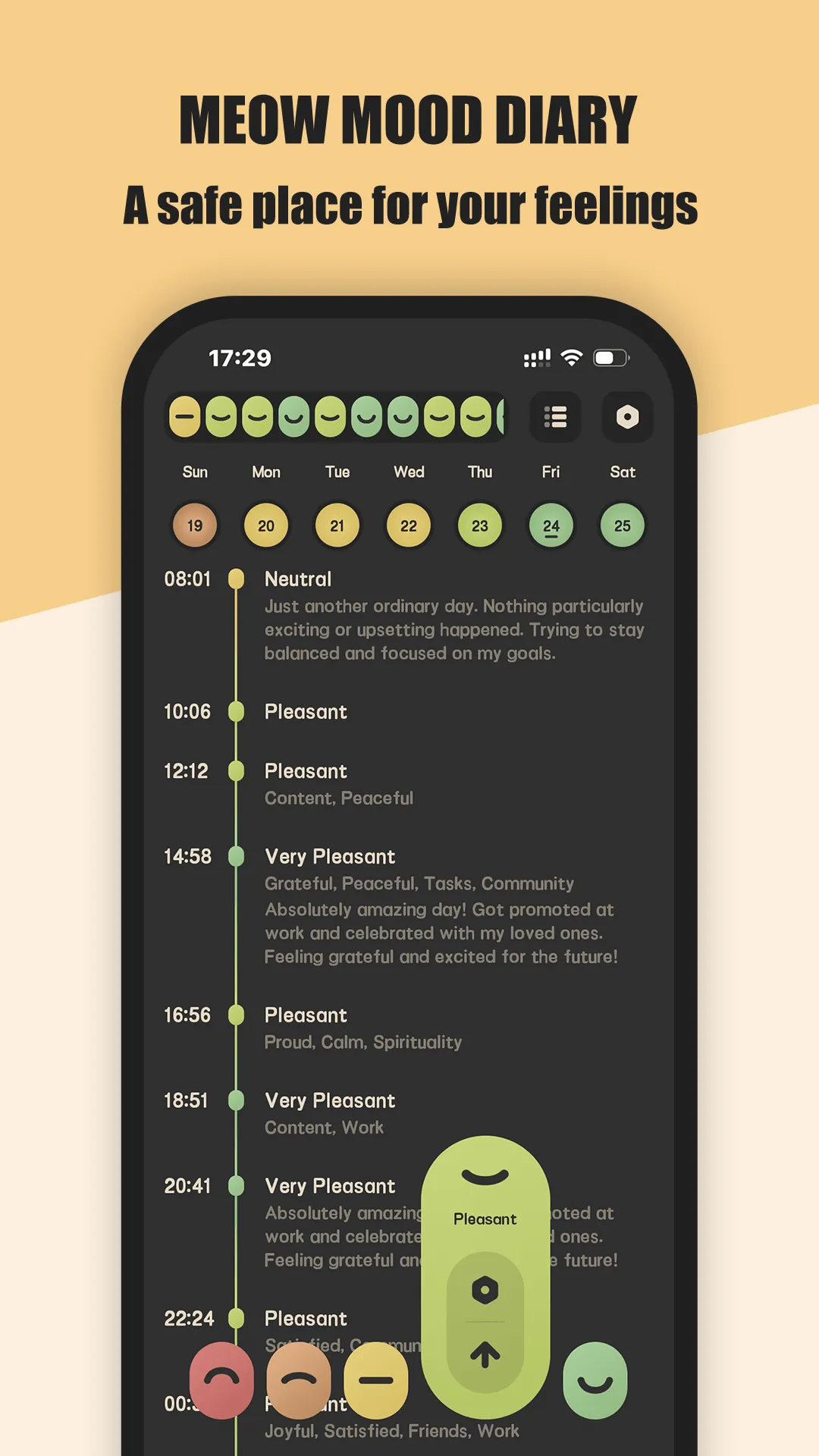
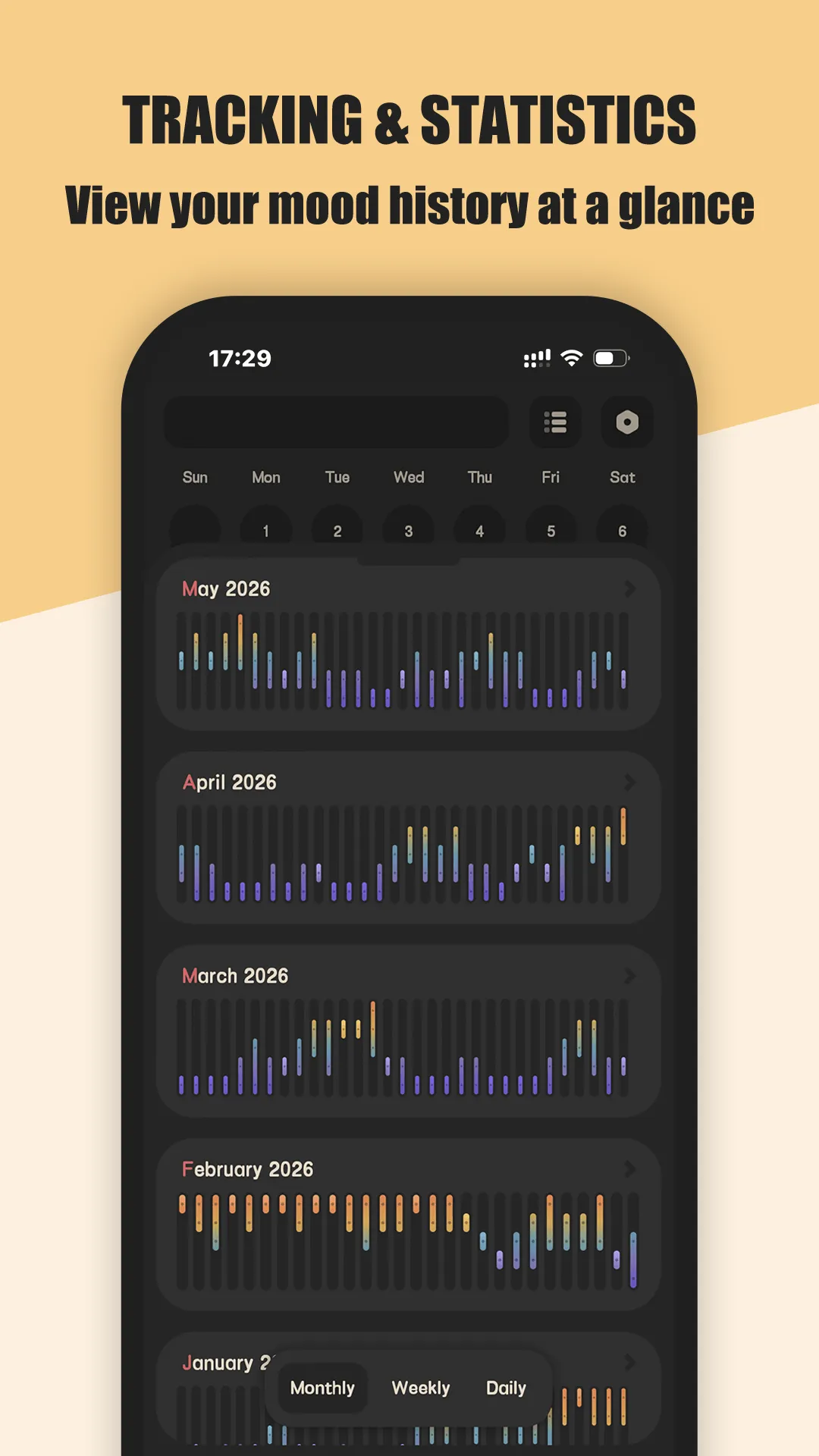
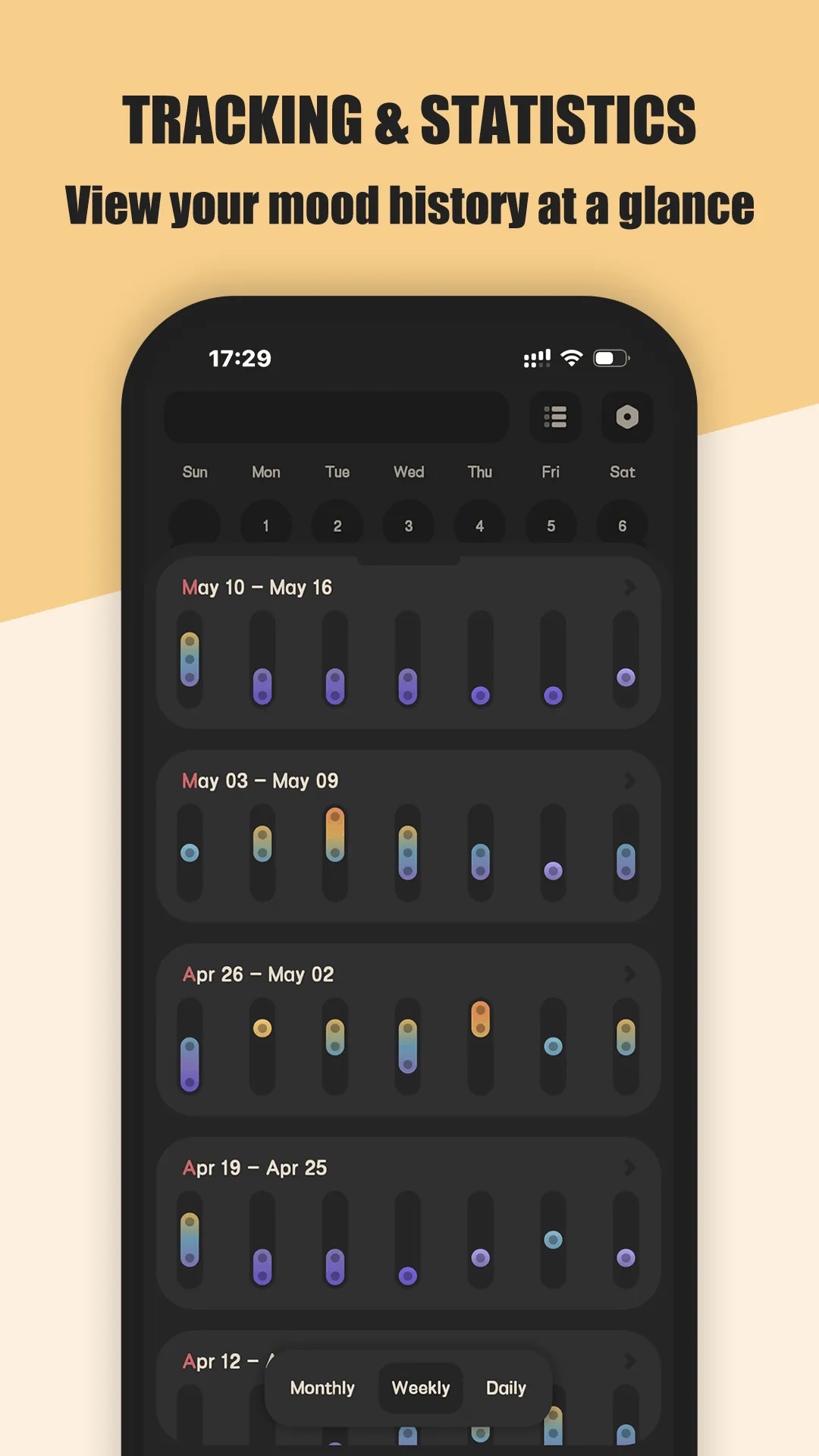
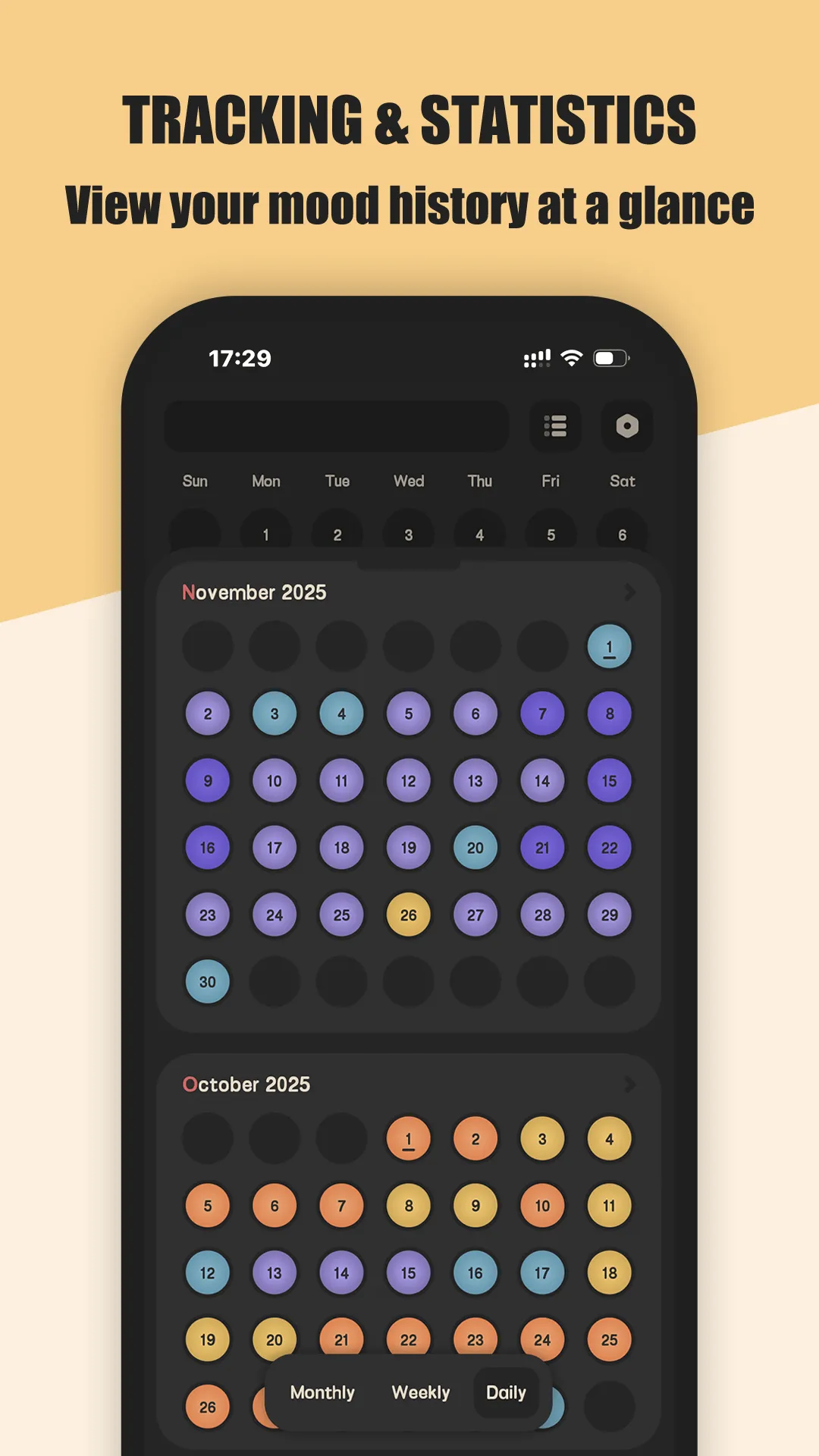
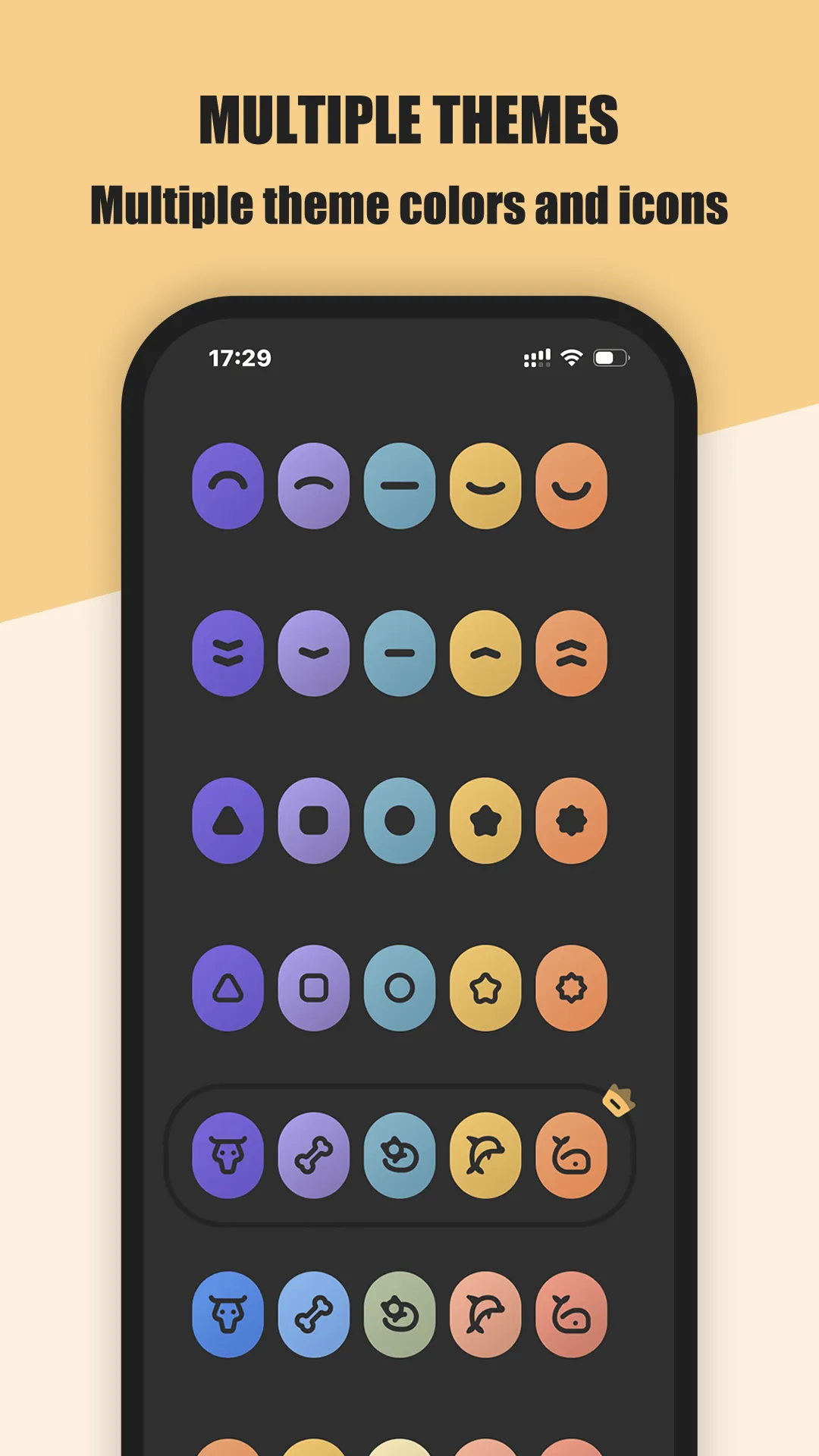
Meow Mood Diary is a safe, private mood diary with a calming cat-themed interface. Its standout trait is the design: adorable cartoon cat visuals and a wide set of mood icons make daily check-ins feel light rather than like a chore. Beyond looks, it never uploads your entries to a server and backs up only to your own Google Drive.
Strengths
- Adorable cartoon-cat UI with diverse mood icons and custom color themes — the clearest differentiator.
- Complete privacy: entries are never uploaded to our servers; backup goes only to your own Google Drive.
- One-tap quick mood logging — record how you feel without writing long entries.
- Fully offline — log moods, view history and edit entries with no Wi-Fi.
- Reminders, fingerprint/passcode lock, and calendar + chart views of your emotional trends.
- Detailed diary entries and customizable daily reminders.
Weaknesses
- No cloud account sync across devices — backup is your own Google Drive, so cross-device is more manual than Day One.
- Smaller ecosystem and fewer third-party integrations than the big journals.
- Less suited to long-form, structured prose journaling.
Best for: people who want a private, friendly mood diary that looks comforting and works fully offline.
Download Meow Mood Diary
2. Journey — best cross-platform journal
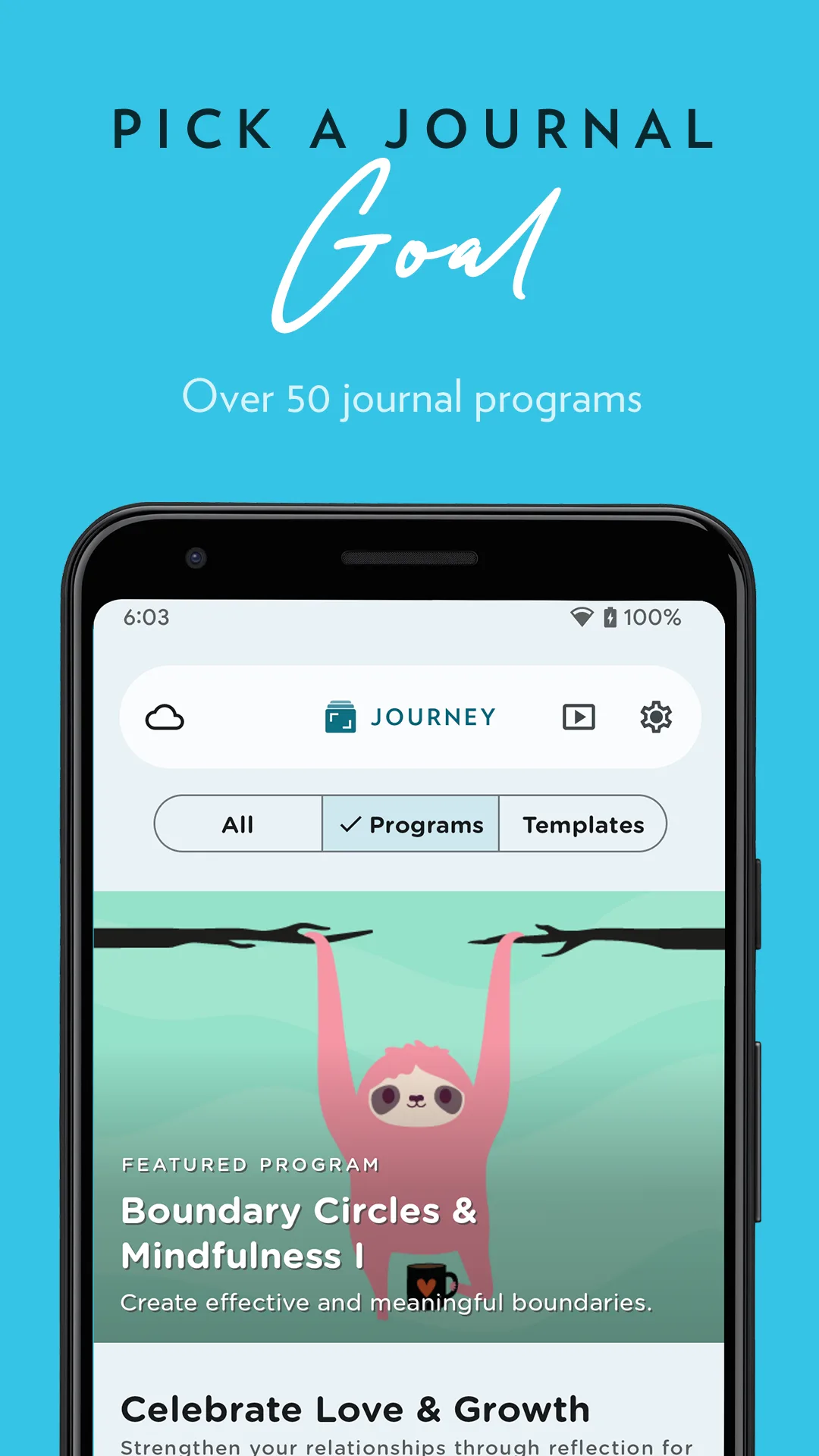
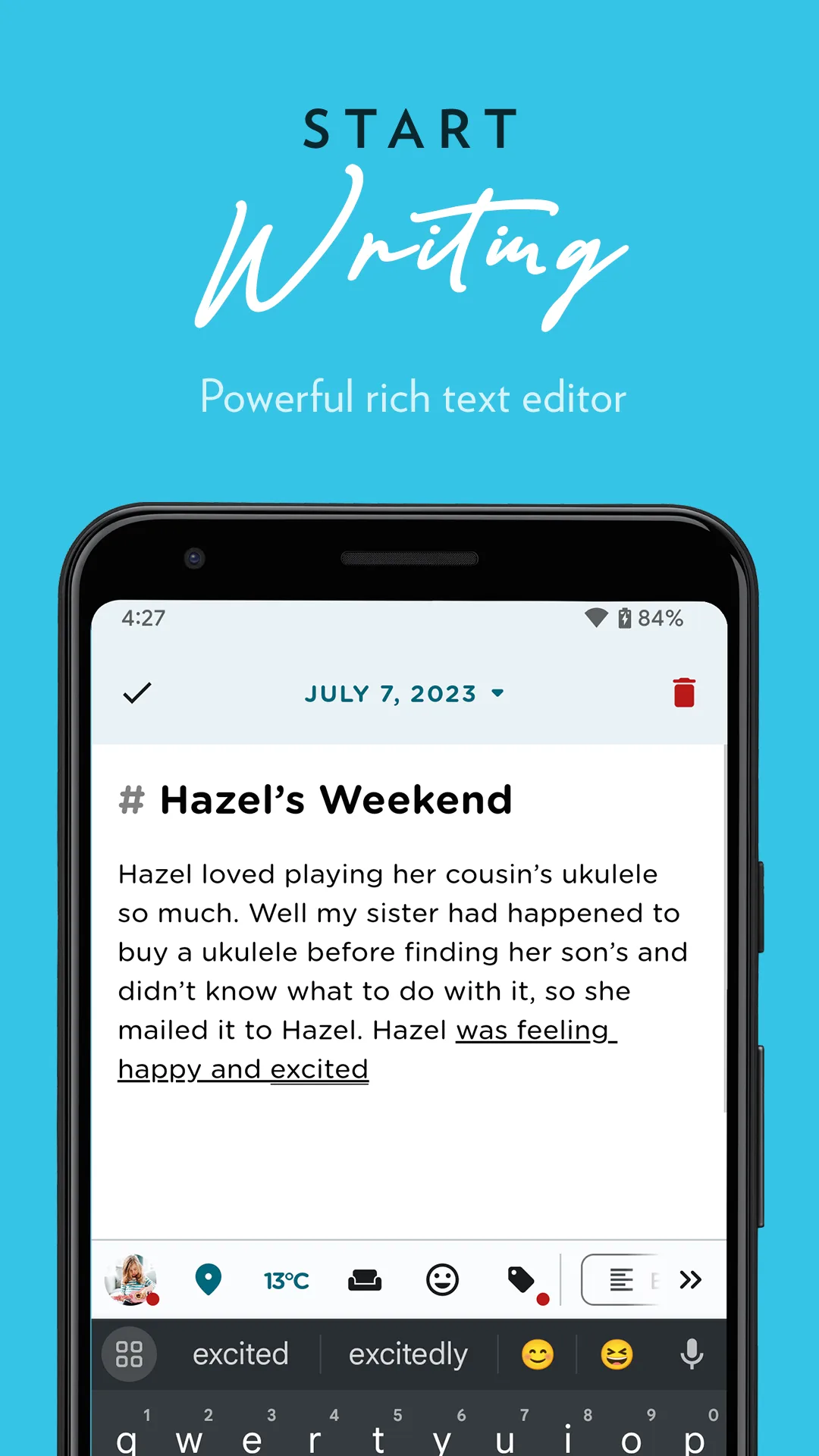
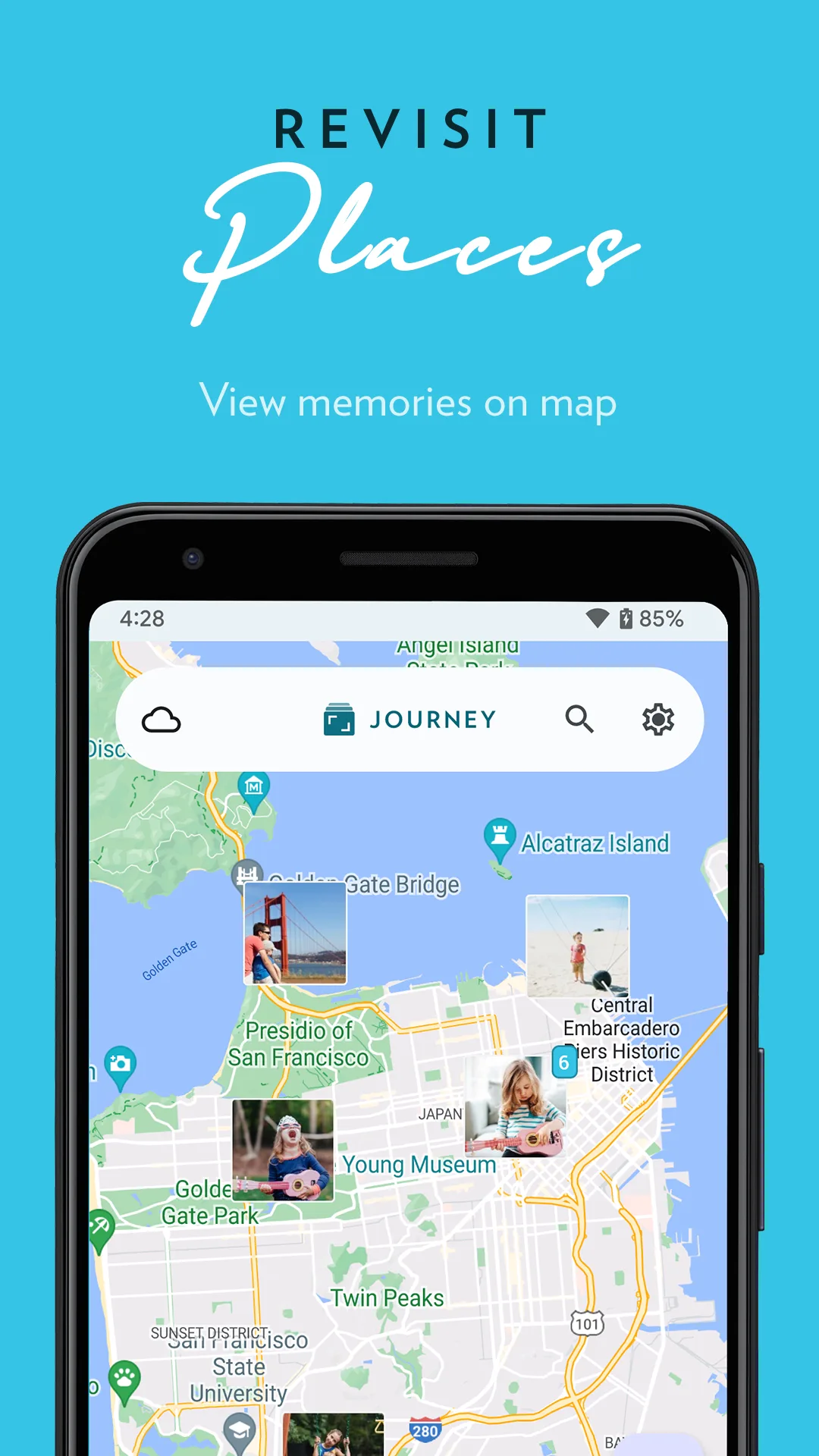
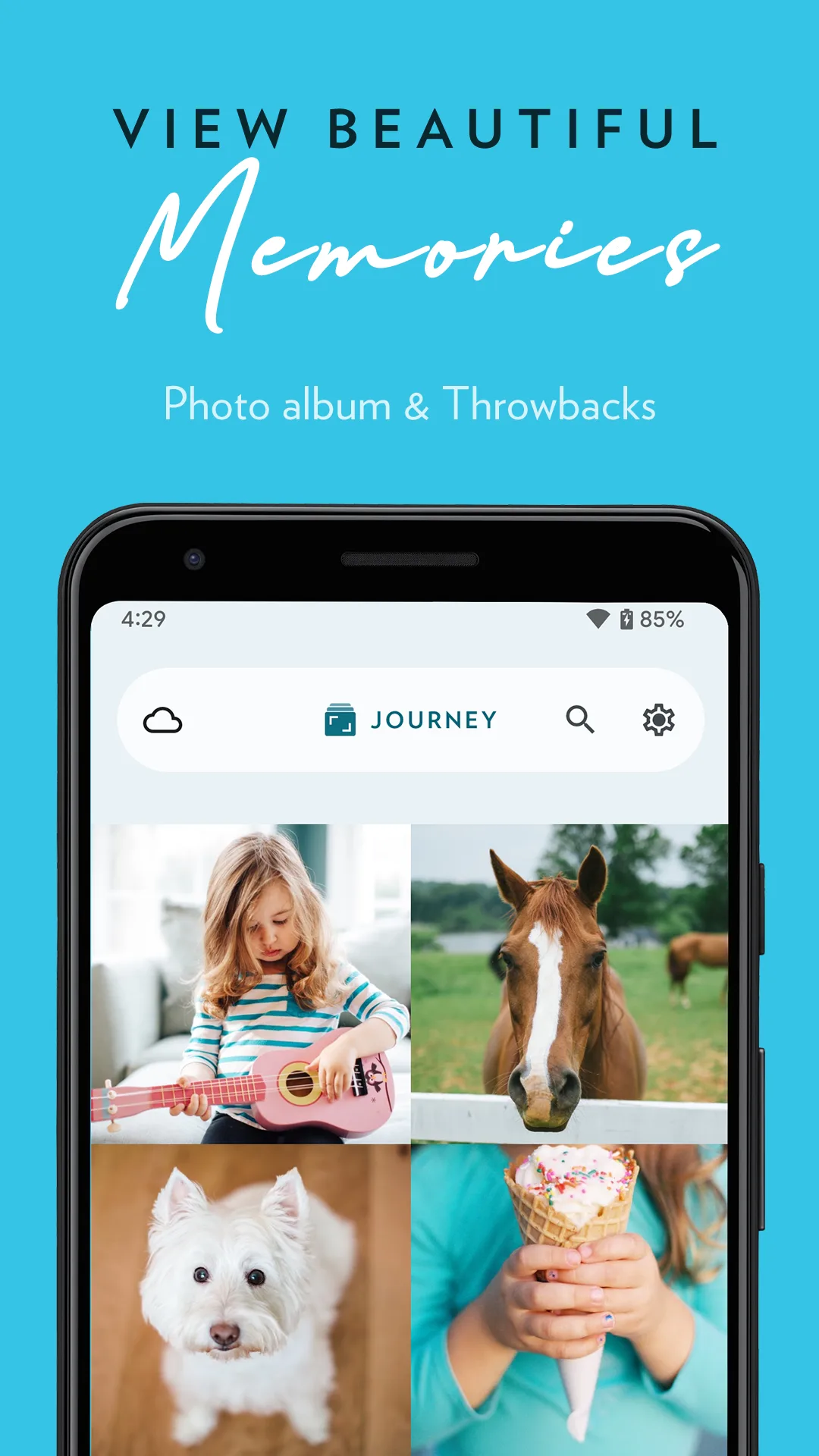
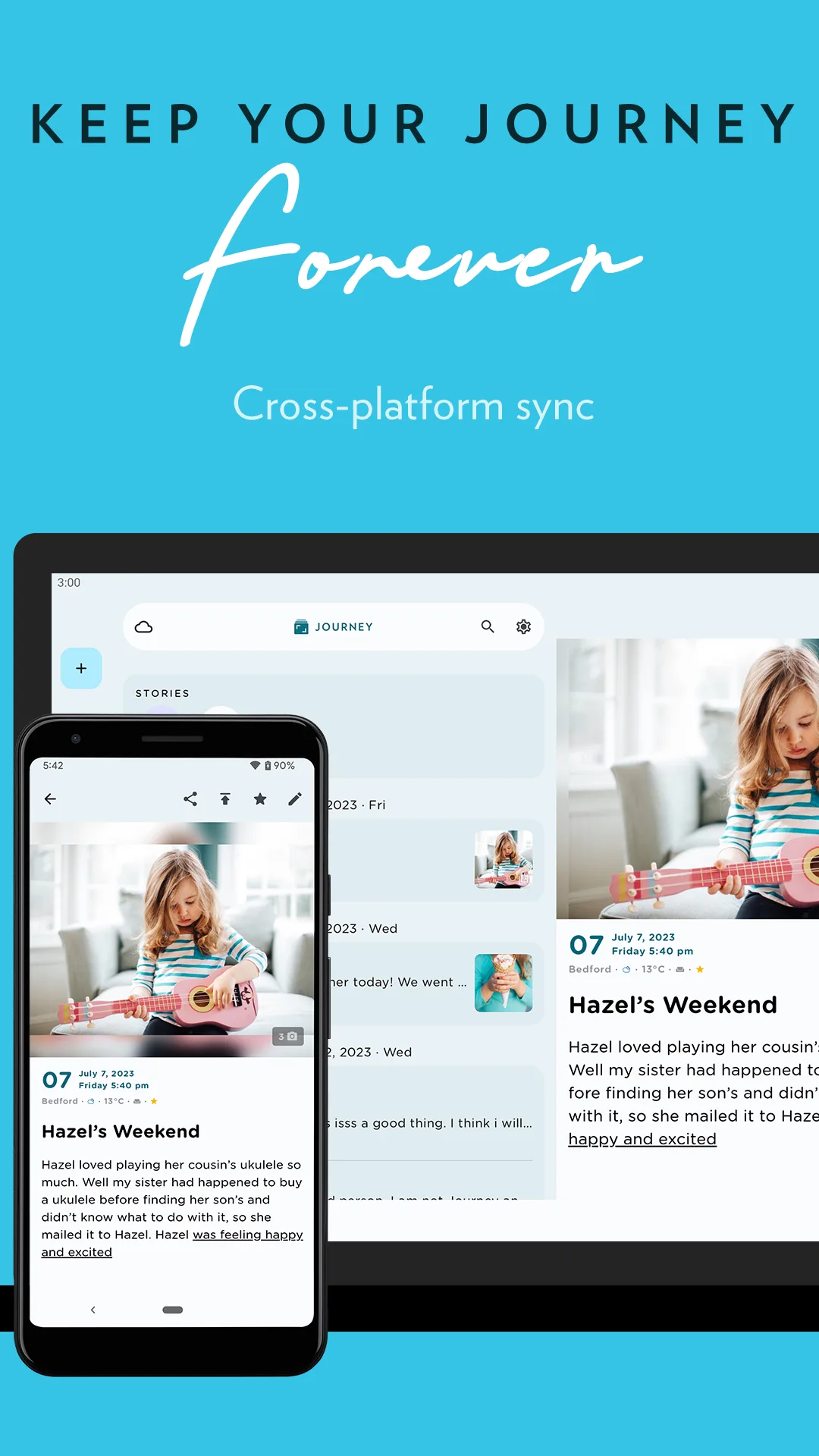
Journey is a cross-platform journal for Android, iOS, web, Windows and Mac, with photo entries, mood tracking, and Google Drive sync. It’s the closest direct competitor to Day One for people who write on many devices.
Strengths
- Strong cross-platform sync across phone, tablet, web and desktop via Google Drive.
- Rich entries: photos, locations, weather, and mood.
- Guided prompts and stats to keep a consistent habit.
- Passcode lock and offline writing.
- Generous free tier for basic journaling.
Weaknesses
- Premium (Journey Cloud) is needed for some sync and advanced features.
- The interface is functional rather than beautiful — less of the “delight” of a cute diary.
- Heavier than a quick mood logger.
Best for: writers who journal across phone, web and desktop and want reliable sync.
Download Journey
3. Diaro — best organized text journal
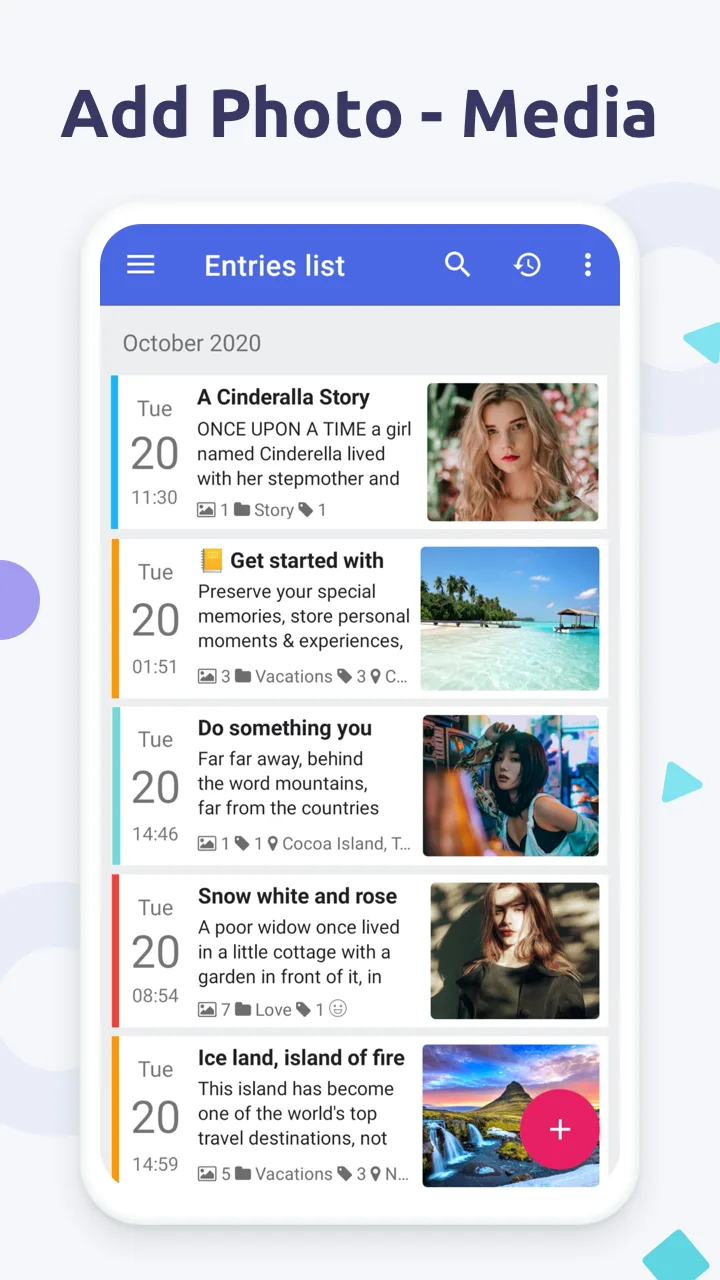
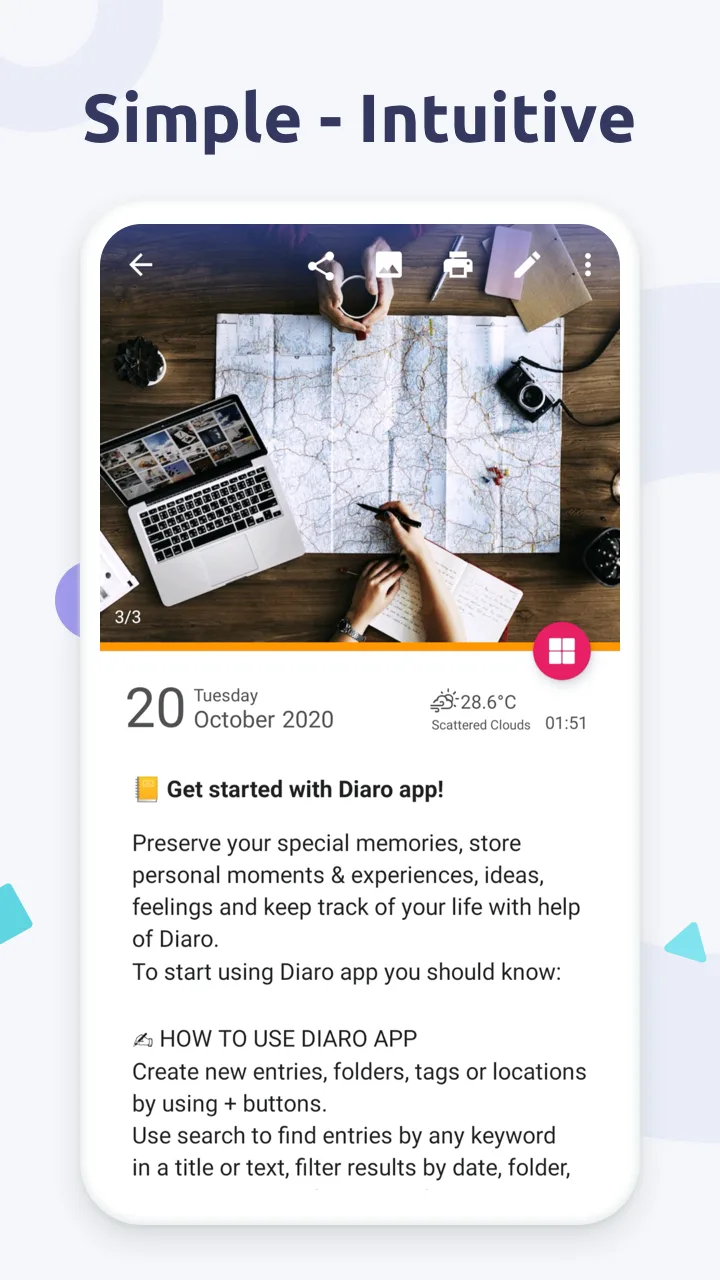
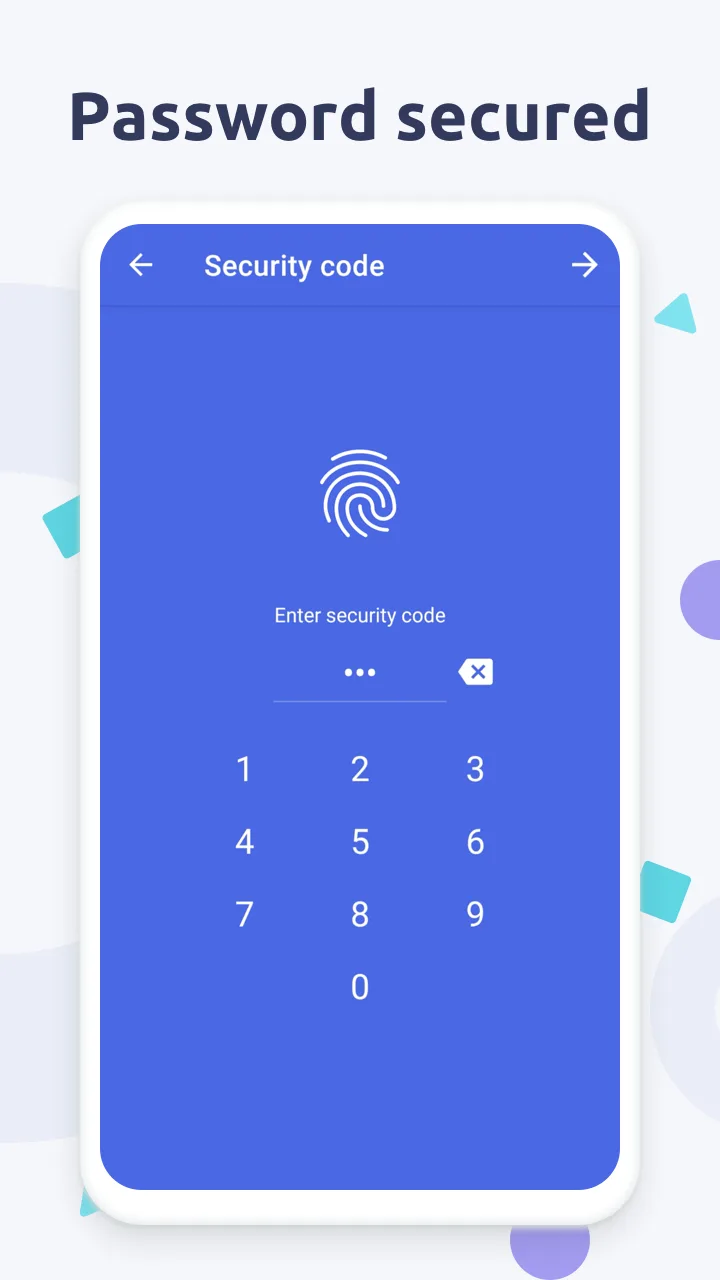
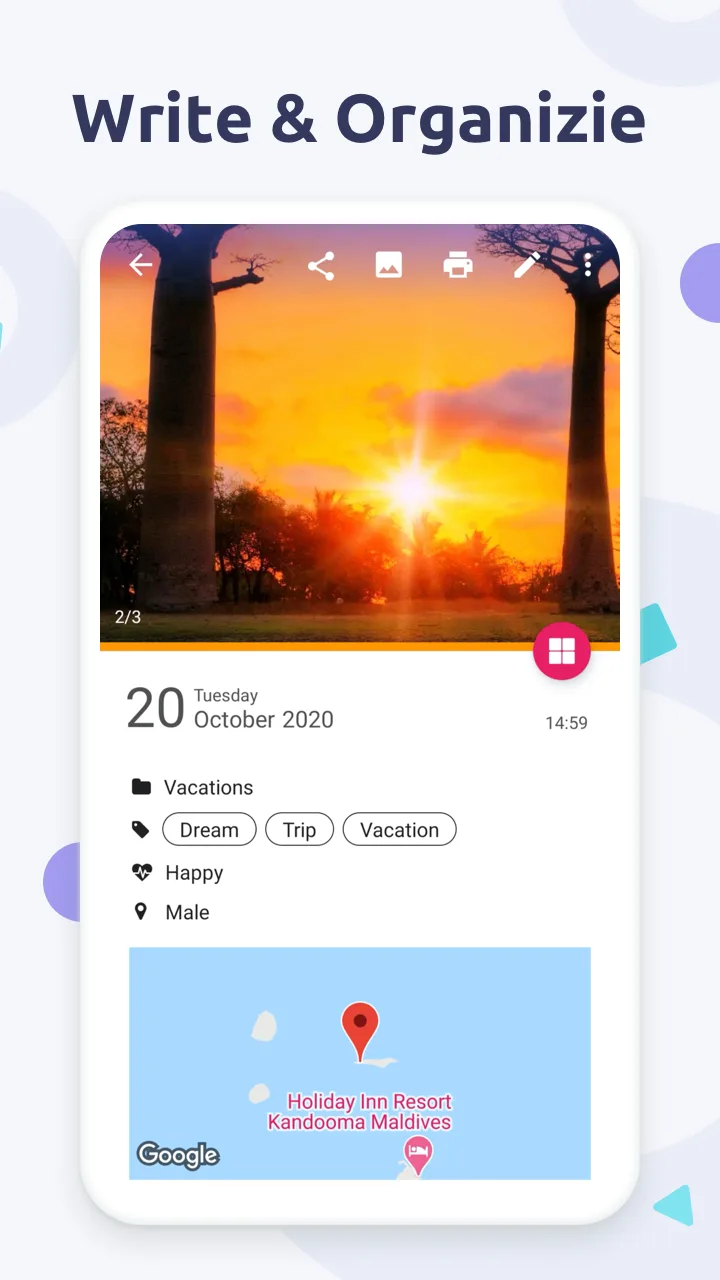
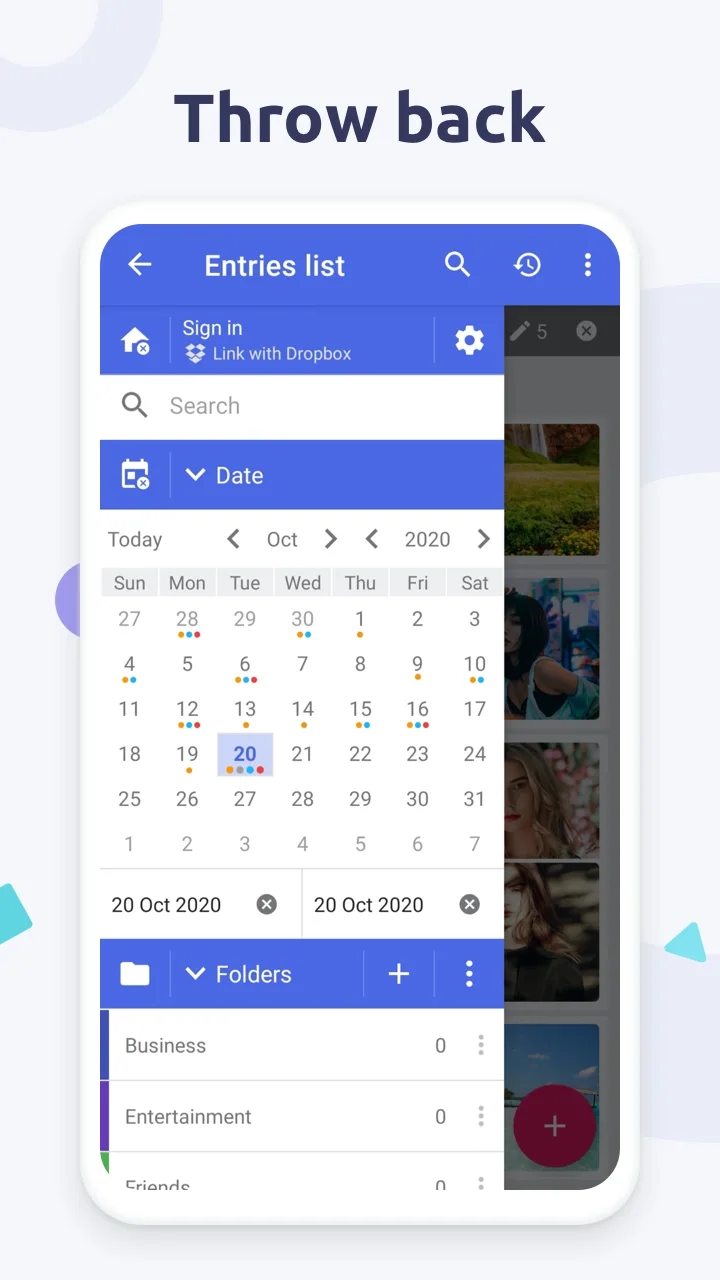
Diaro is a text-first diary with folders, tags, search, and a clean dashboard, available on Android, iOS, Windows and Mac with cloud backup.
Strengths
- Folders, tags and powerful search make long journals easy to navigate.
- Mood tracking and charts alongside text entries.
- Multi-platform with cloud sync and export to PDF/XML/TXT.
- Photo attachments and reminders.
- Free tier covers everyday journaling.
Weaknesses
- The UI is practical, not playful — no cute themes.
- Some features (cloud sync, extra exports) sit behind Diaro Pro.
- Less emphasis on quick mood check-ins.
Best for: organized writers who want folders, tags and search across devices.
Download Diaro
4. Daylio — best micro mood logs
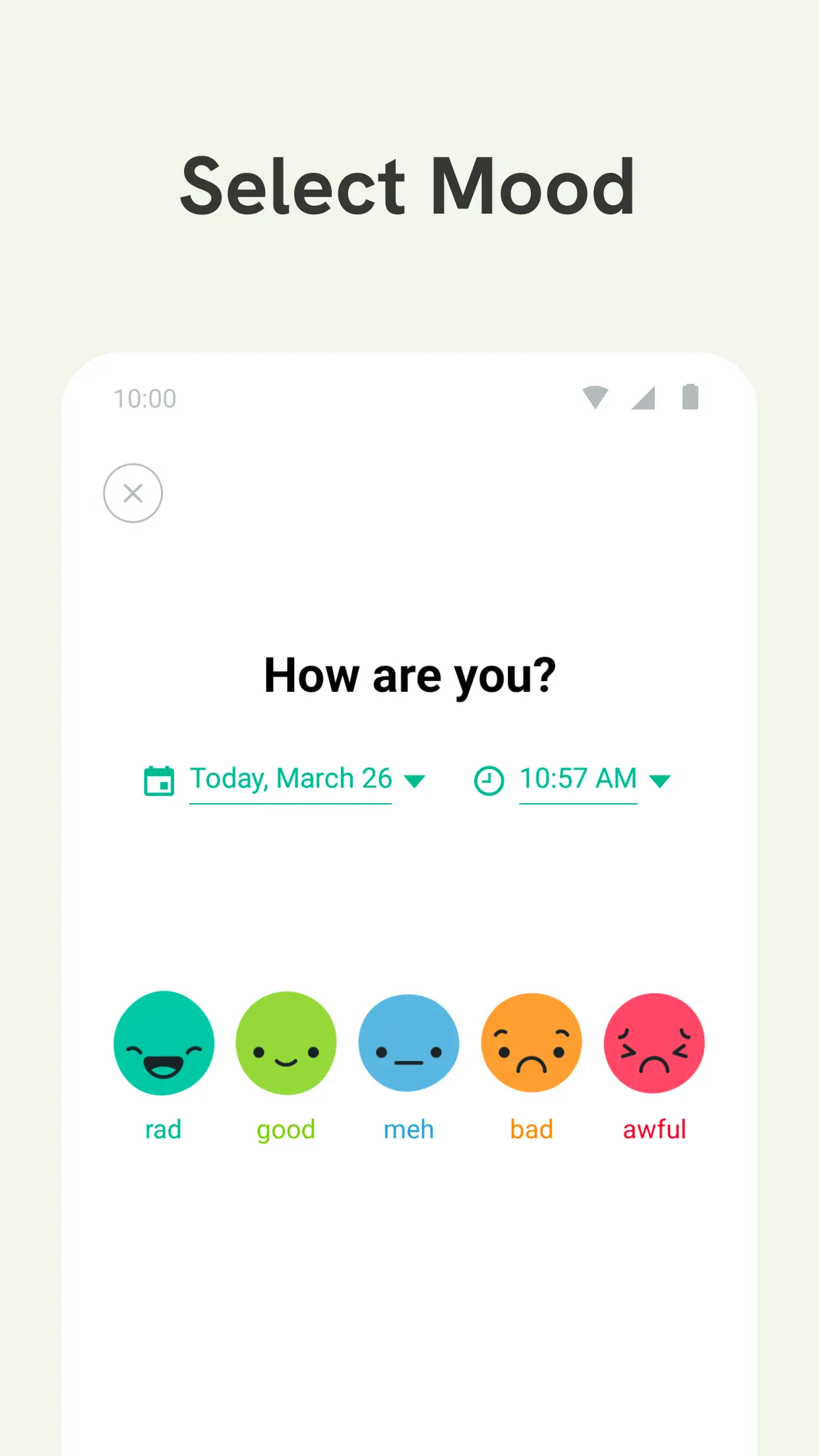
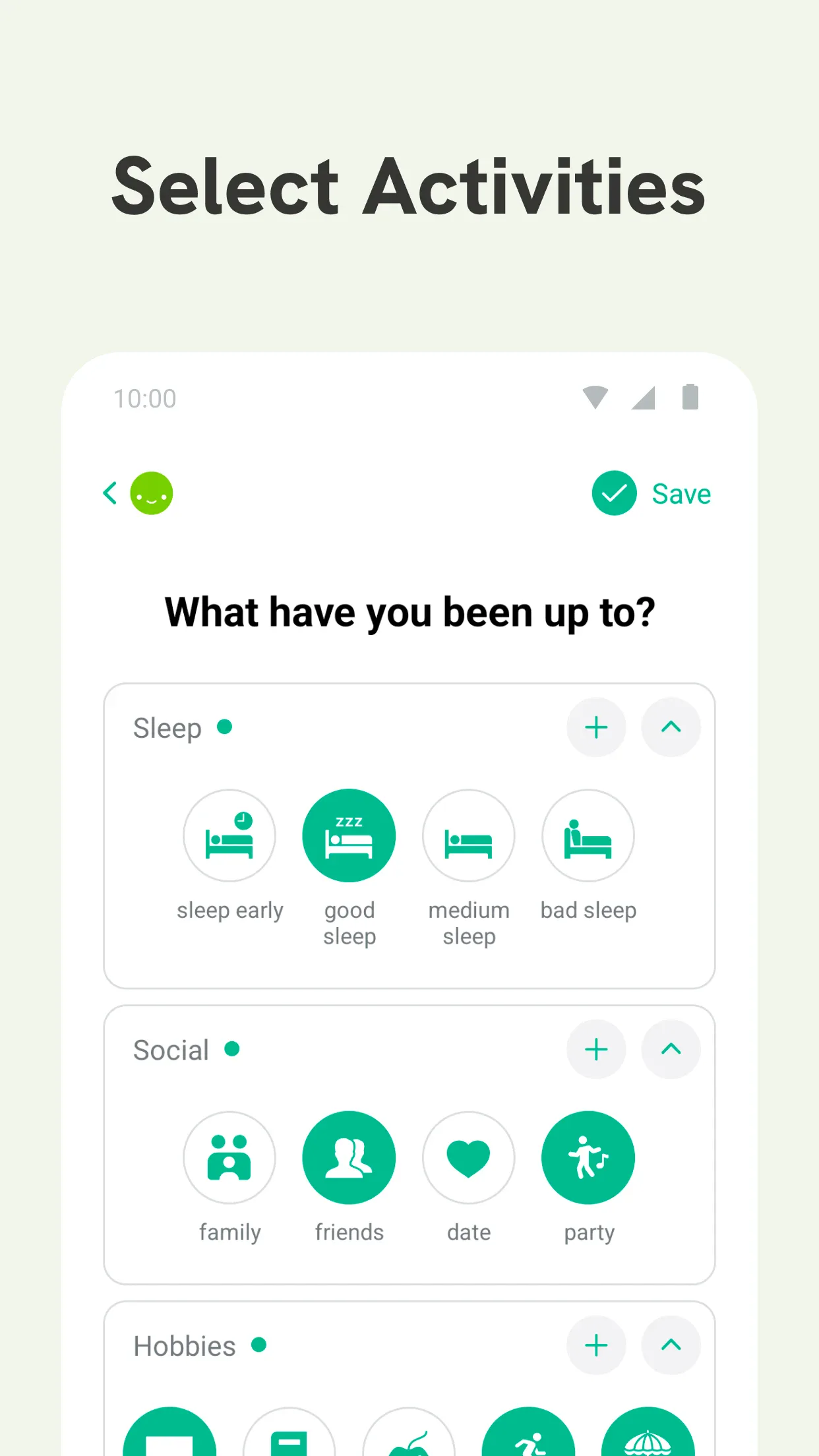
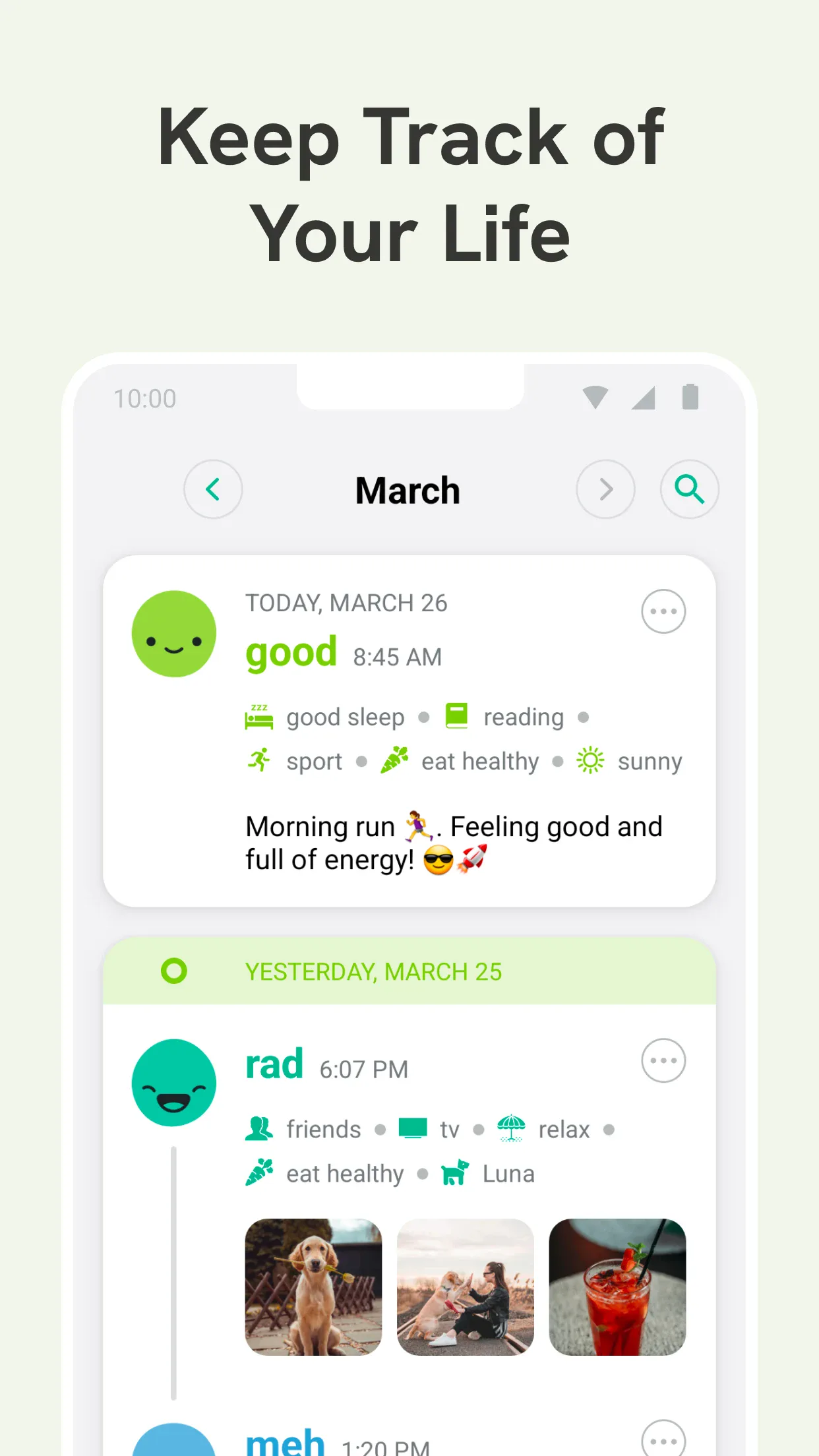
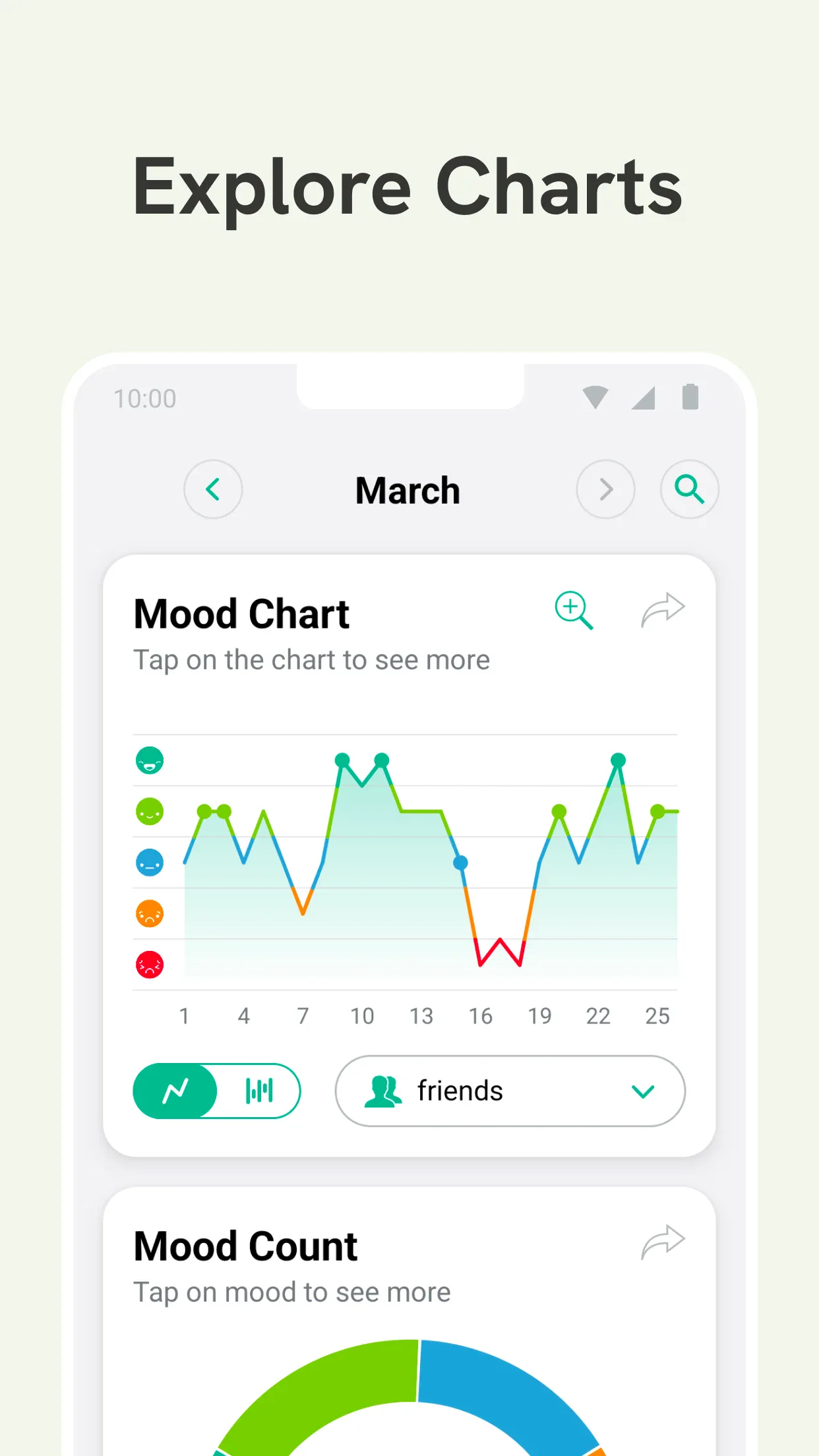
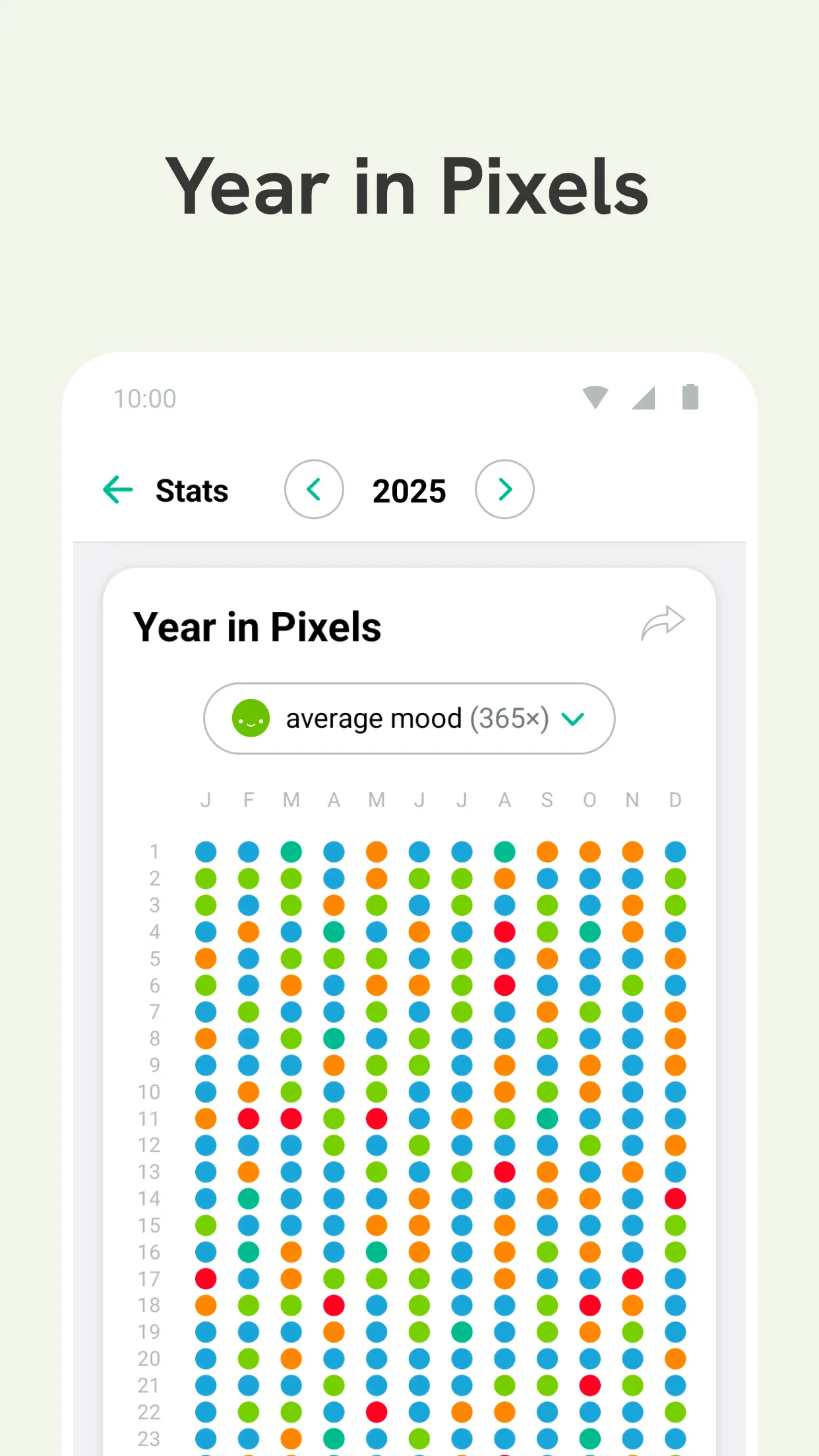
Daylio is a micro mood tracker where you tap how you feel and add a few activities — no writing required. It builds colorful calendar and stats views of your emotional patterns.
Strengths
- One-tap mood + activities — journaling in seconds, no prose needed.
- Colorful calendar and stats that reveal emotional patterns over time.
- Cross-platform (Android + iOS) with cloud backup.
- Reminders and goals to build a habit.
- Free tier is generous.
Weaknesses
- Not built for long-form writing — it’s mood-first.
- Deeper stats and unlimited history sit behind Premium.
- Customization of activities is limited on free.
Best for: people who want to track mood fast and see patterns, not write essays.
Download Daylio
5. Grid Diary — best prompt-based journaling
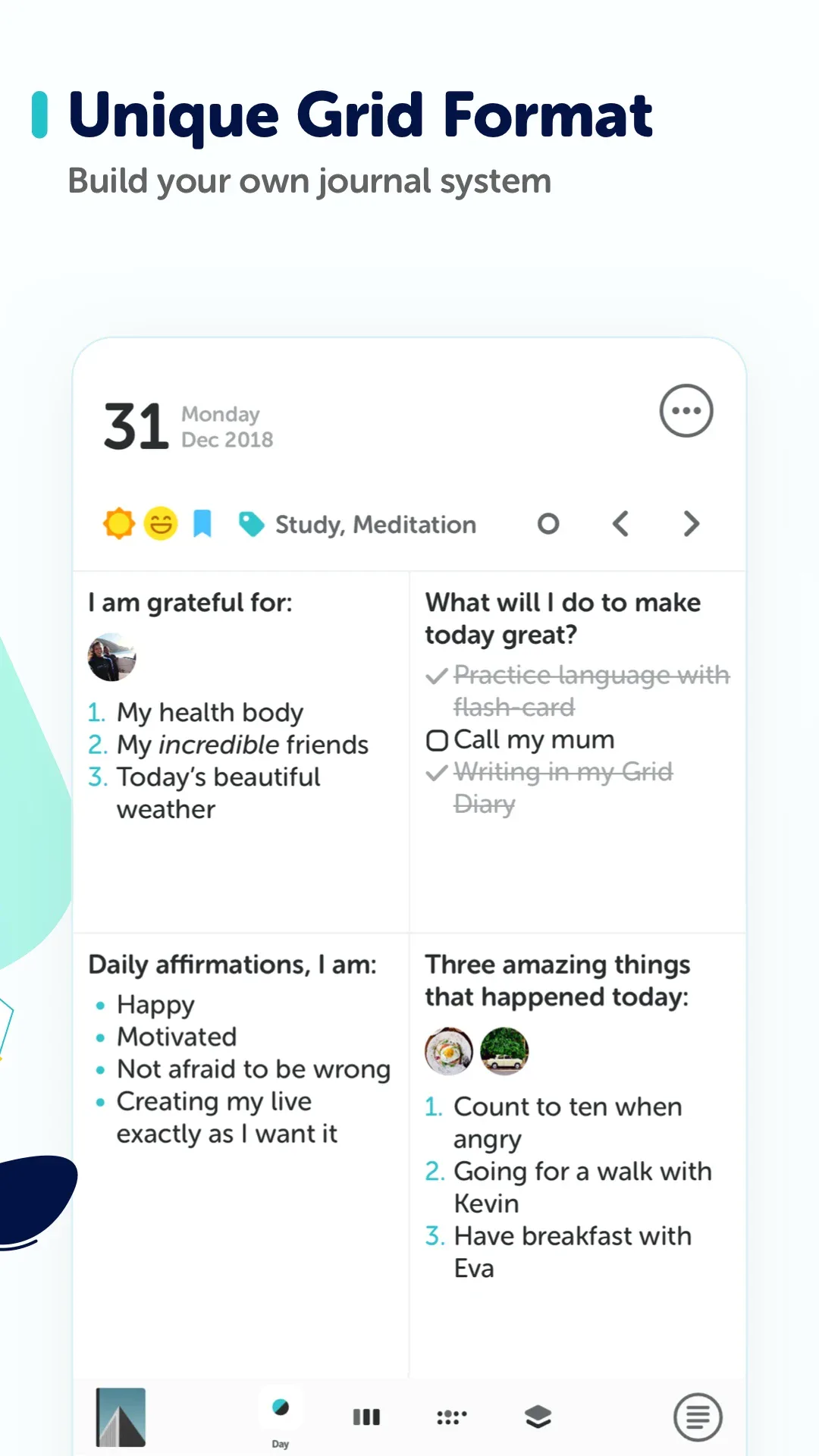
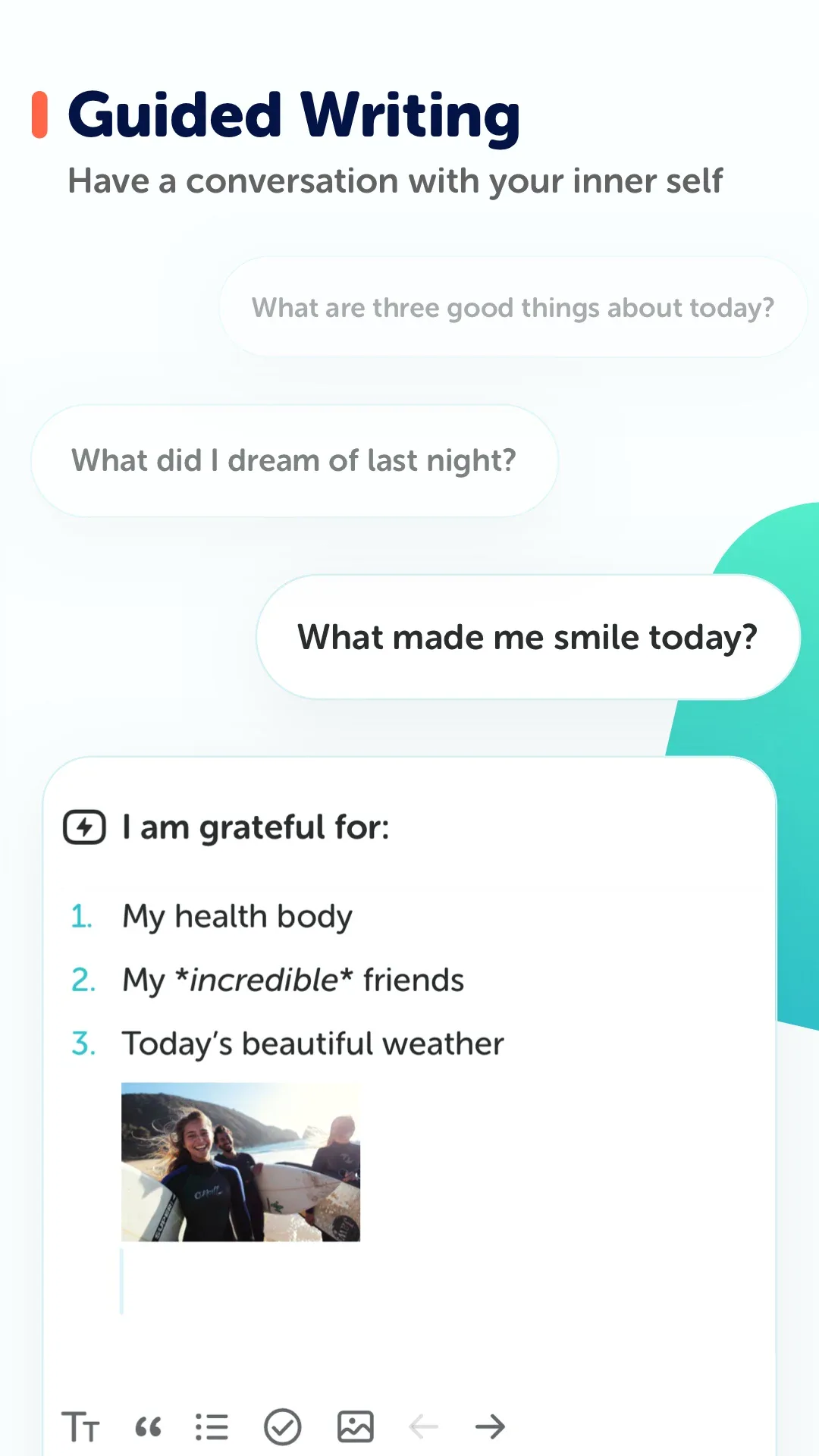
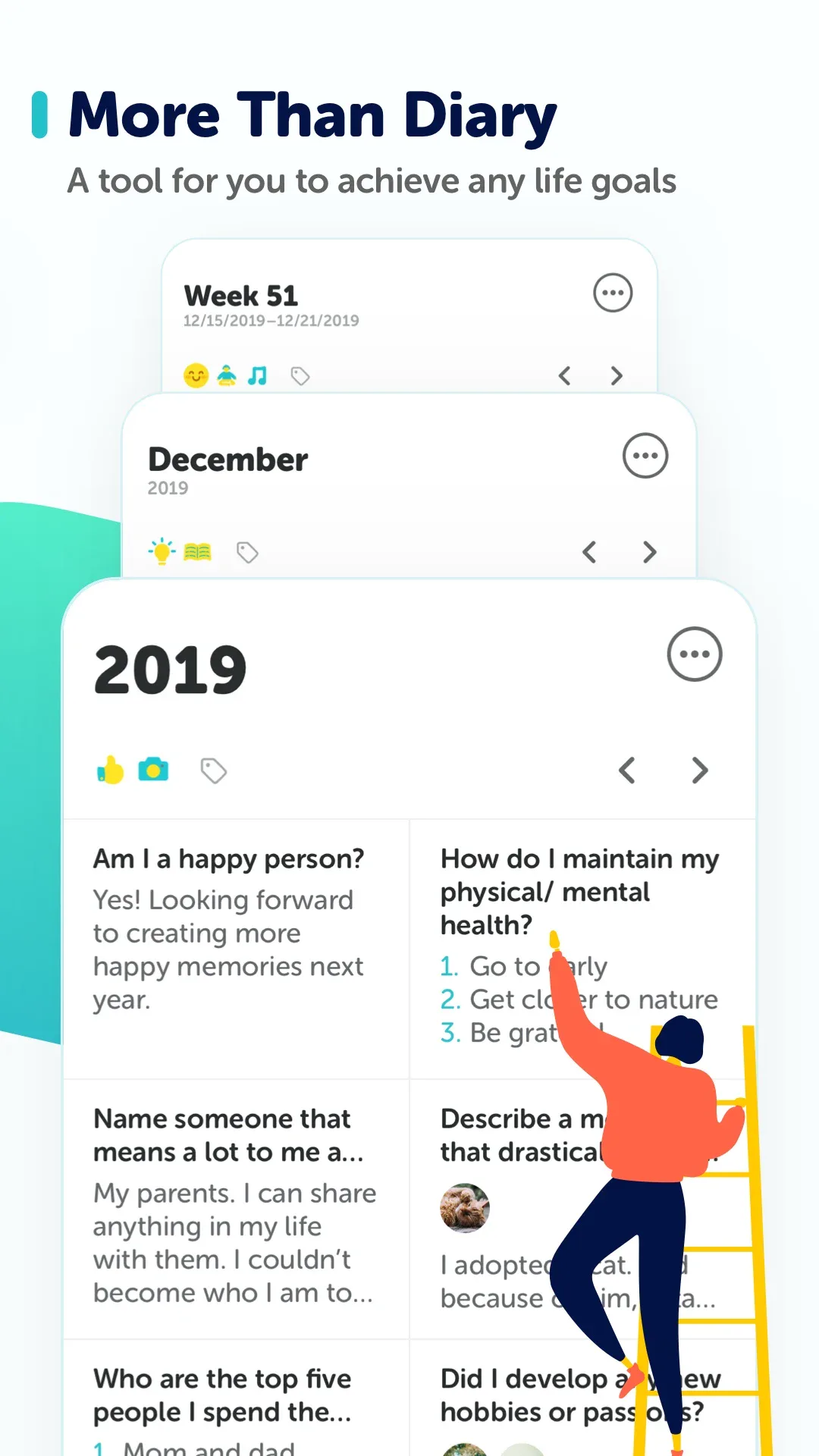
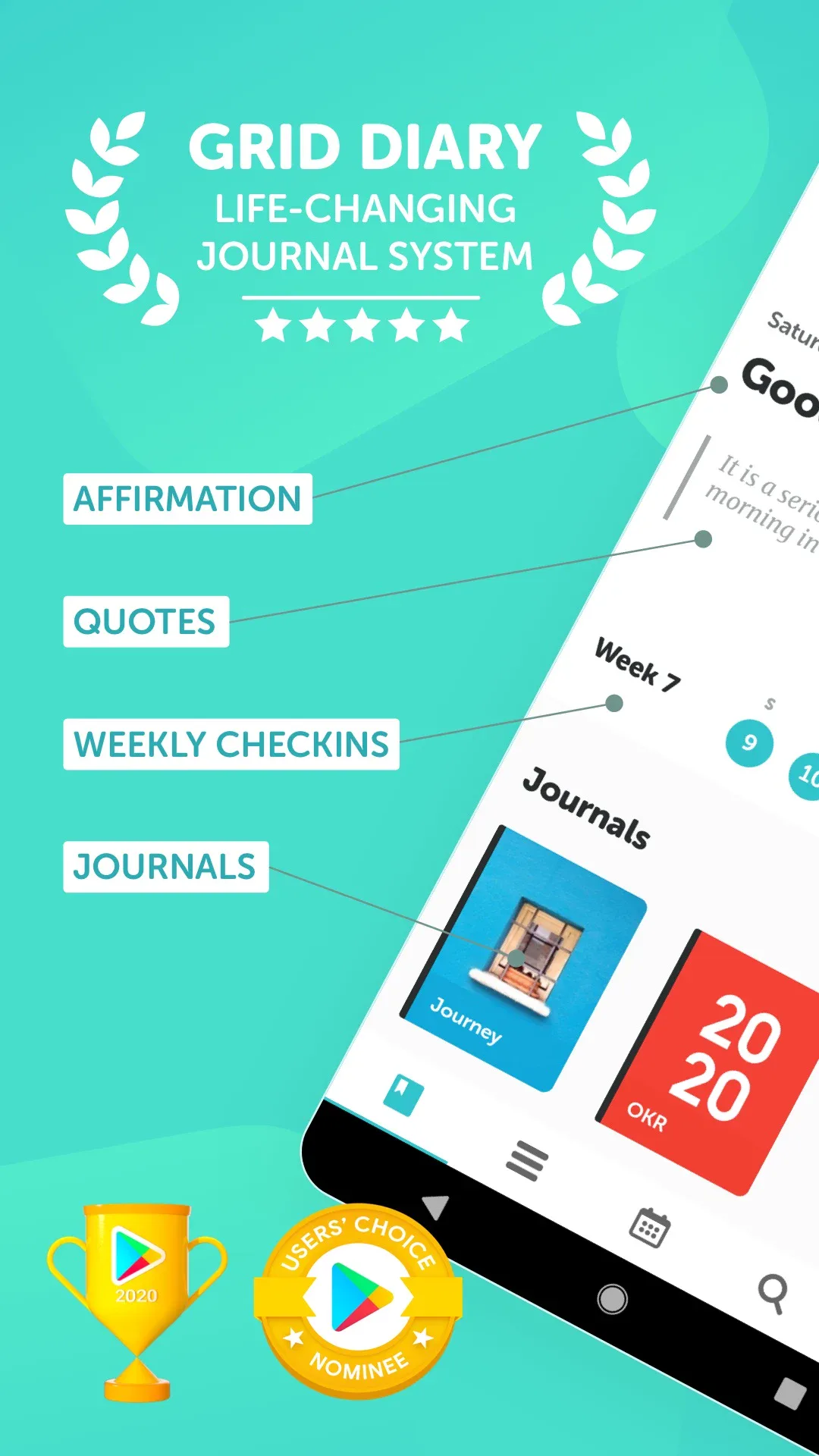

Grid Diary uses a question-prompt grid to structure entries, helping you reflect with reusable templates. It’s popular for gratitude, daily questions, and habit-style journaling.
Strengths
- Prompt-based grids turn a blank page into guided questions.
- Reusable templates for gratitude, daily review, goals and more.
- Cross-platform (Android + iOS) with cloud sync.
- Clean, focused writing experience.
- Free tier includes core prompts.
Weaknesses
- Best value needs Grid Diary Premium (more templates, sync).
- Less free-form — the grid structure isn’t for everyone.
- No cute/cartoon aesthetic.
Best for: people who write better when prompted and want structure.
Download Grid Diary
6. Momento — best private timeline journal
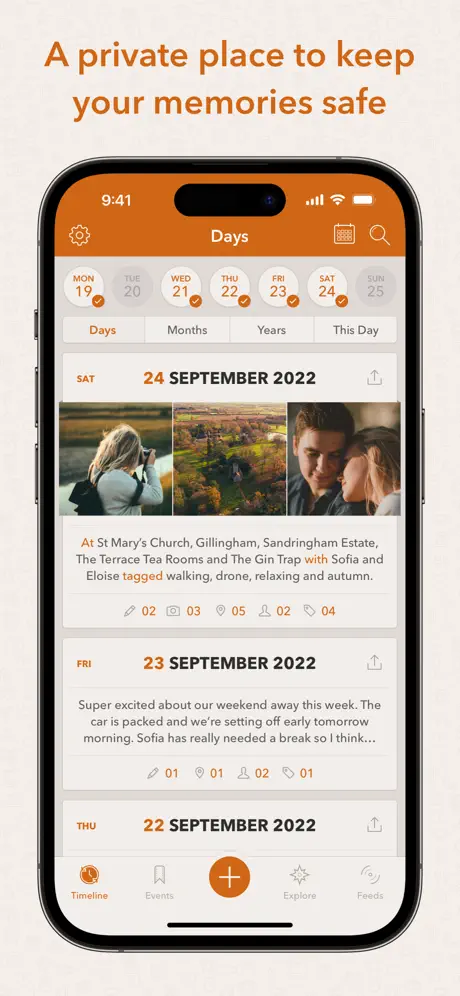
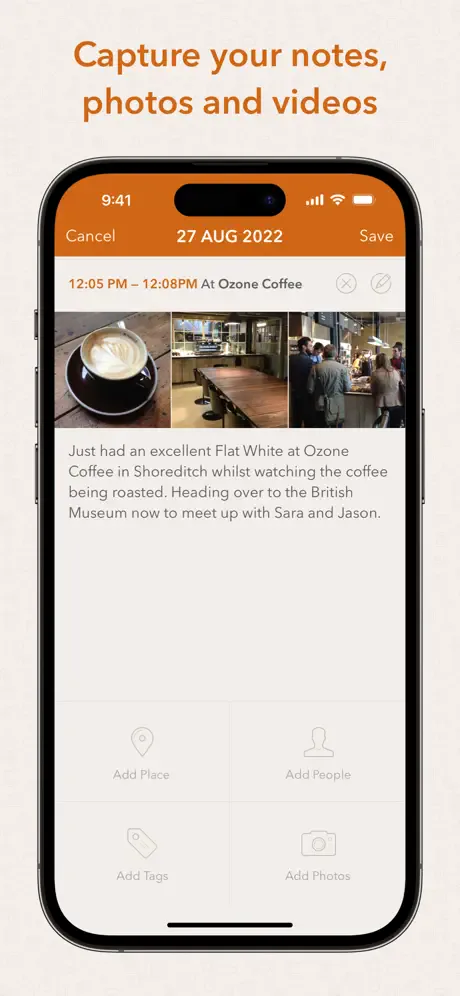
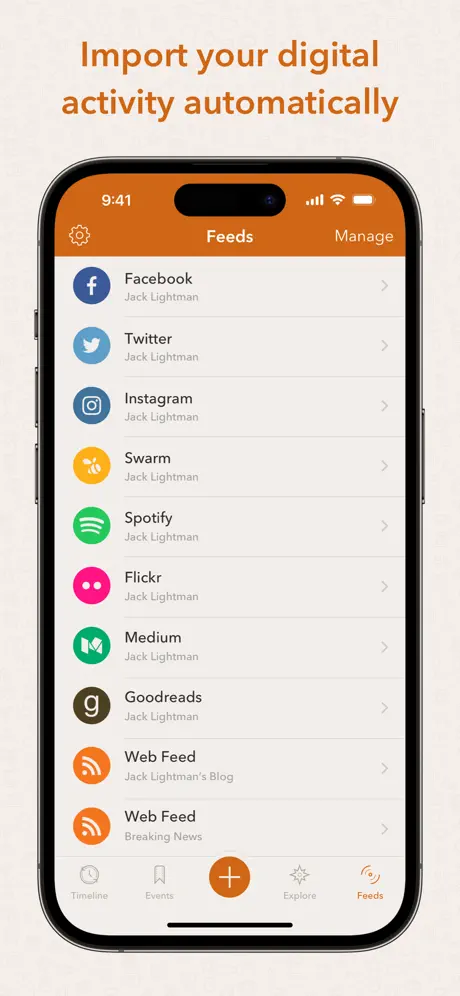

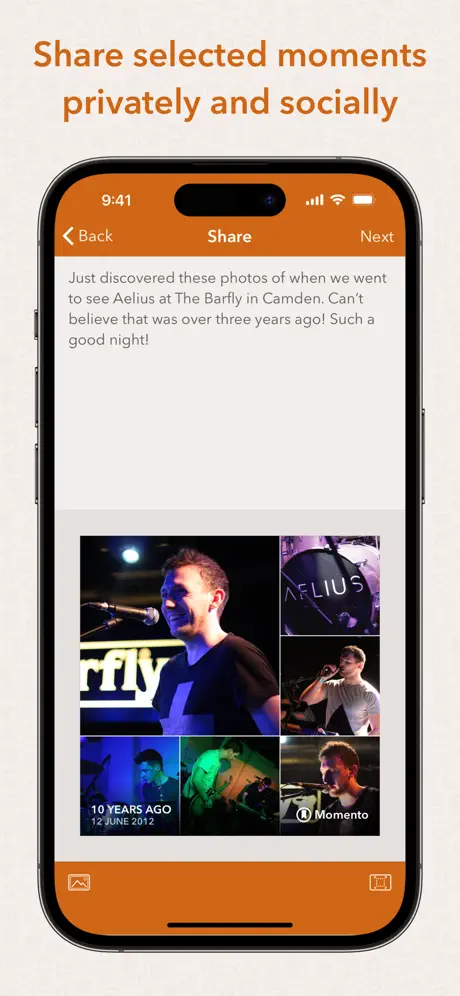
Momento is an iOS journal that builds a private timeline from your entries and connected services, focusing on a calm, personal space for reflection.
Strengths
- Private timeline that groups entries by day for quick reflection.
- Clean, minimal iOS design.
- Photo and text entries with reminders.
- Local-first privacy posture.
- Free tier available.
Weaknesses
- iOS only — no Android or web app.
- Some features and unlimited entries need a Premium subscription.
- Fewer integrations and less cross-platform reach than Journey.
Best for: iPhone users who want a calm, private timeline journal.
Download Momento
Core-capability comparison
| Capability | Meow Mood Diary | Journey | Diaro | Daylio | Grid Diary | Momento |
|---|---|---|---|---|---|---|
| Platforms | Android, iOS | Android, iOS, web, Win, Mac | Android, iOS, Win, Mac | Android, iOS | Android, iOS | iOS |
| Free tier | Generous | Yes | Yes | Yes | Yes | Yes |
| Mood tracking | Yes (icons) | Yes | Yes | Yes (micro) | Partial | Yes |
| Text journaling | Yes | Strong | Strong | Light | Guided | Yes |
| Prompts / structure | No | Some | Folders/tags | Activities | Grid prompts | Timeline |
| Photos & attachments | Yes | Yes | Yes | No | Yes | Yes |
| Privacy / local-first | Strong (no upload) | Cloud (Drive) | Cloud | Cloud | Cloud | Local-first |
| Cloud sync / cross-device | Drive backup | Yes (account) | Yes (account) | Yes (account) | Yes (account) | Limited (iOS) |
| Reminders | Yes | Yes | Yes | Yes | Yes | Yes |
| Themes / customization | Cat themes, colors | Basic | Basic | Colorful | Templates | Minimal |
| Export | Yes | Yes | PDF/XML/TXT | Yes | Yes | Limited |
| Offline | Fully offline | Yes | Yes | Yes | Yes | Yes |
How to choose
- Want a private, cute mood diary that works offline → Meow Mood Diary
- Want true cross-platform sync (phone/web/desktop) → Journey
- Want folders, tags and search for long journals → Diaro
- Want one-tap mood logs and patterns → Daylio
- Want prompt-based structure → Grid Diary
- Want a calm private iOS timeline → Momento
How to migrate away from Day One
- Export your Day One entries as a standard format (PDF or the built-in export) before canceling.
- Pick a replacement from the table based on your platform and whether you want mood tracking or long-form writing.
- Import or re-create entries — Journey/Diaro/Grid Diary accept imports; for Meow Mood, start fresh with one-tap mood logs and add notes.
- Set a daily reminder in the new app so the habit survives the switch.
- Enable backup (Meow Mood: your own Google Drive; Journey/Diaro: account sync) so you’re never locked in.