
Meow FM vs Calm: Which Sleep Sound App Should You Pick?
Meow FM vs Calm compared in depth for 2026: a simple, cute white noise player versus a full meditation and sleep subscription. Prices, sounds, and a verdict per need.
Both help you sleep, but they are different tools. Meow FM is a simple, cute white-noise player — rain, sea, fireplace and more, with a sleep timer. Calm is a full wellness subscription with guided meditations, sleep stories and music. This Meow FM vs Calm comparison helps you choose the right sleep sound app in 2026, with real pricing.
At a glance
| Meow FM | Calm | |
|---|---|---|
| Core | White noise and ambient sounds | Meditation, sleep stories, music |
| Platforms | Android, iOS | Android, iOS, web |
| Price | Free core + optional unlock | ~$69.99/yr subscription |
| Sound library | Curated ambient (rain, sea, fireplace…) | Large (ambient + music + stories) |
| Sound mixing | Curated scenes | Mixing in premium tiers |
| Sleep timer | Yes (auto-stop) | Yes |
| Guided meditation | No | Yes (large library) |
| Sleep stories | No | Yes (celebrity-narrated) |
| Focus / work mode | Yes (clock) | Yes |
| Account needed | No | Yes (subscription) |
| Style | Cute cat theme | Calm, premium |
| Best for | Simple soundscapes to sleep/focus | Guided programs + stories |
Meow FM, in detail
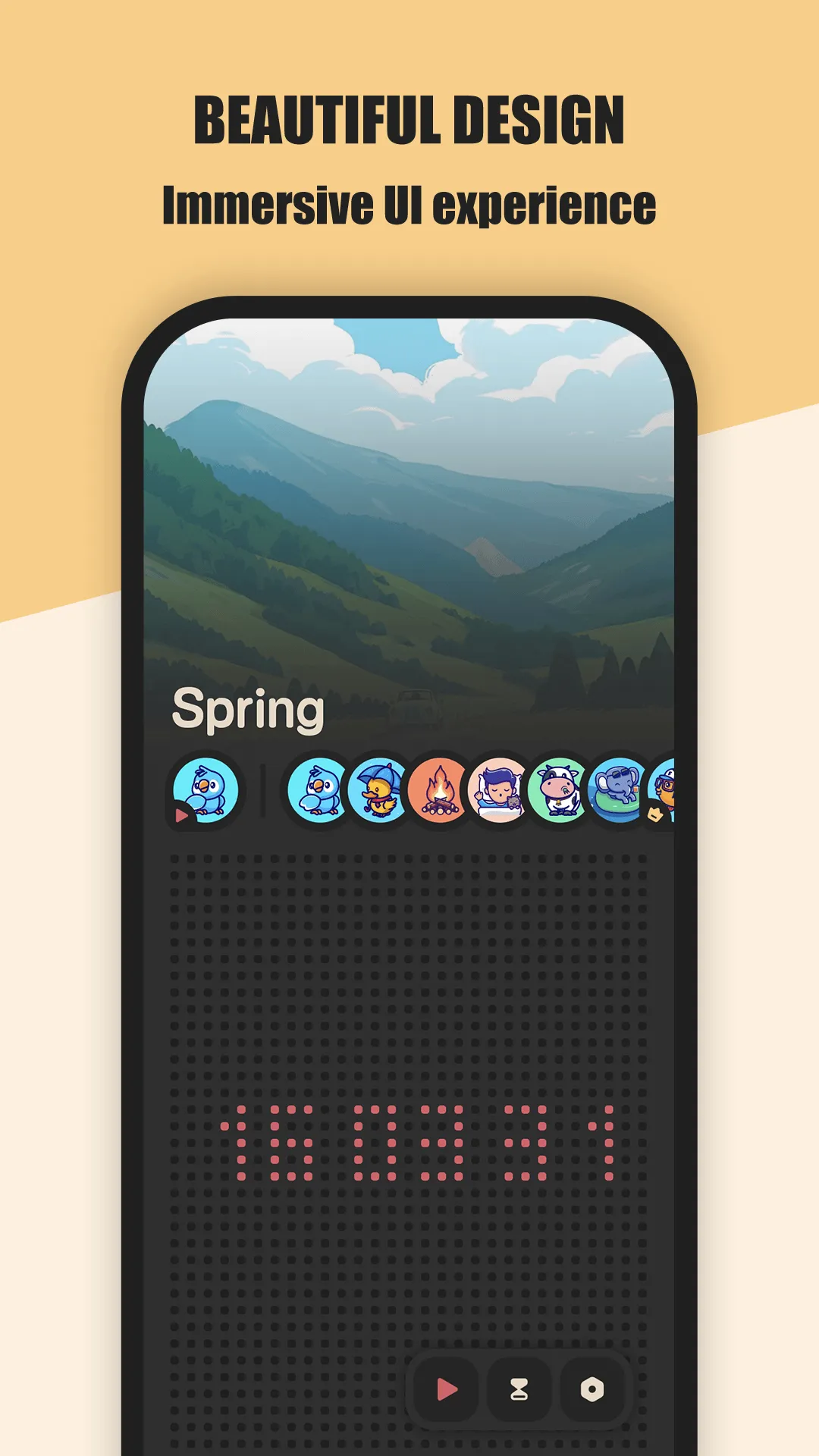
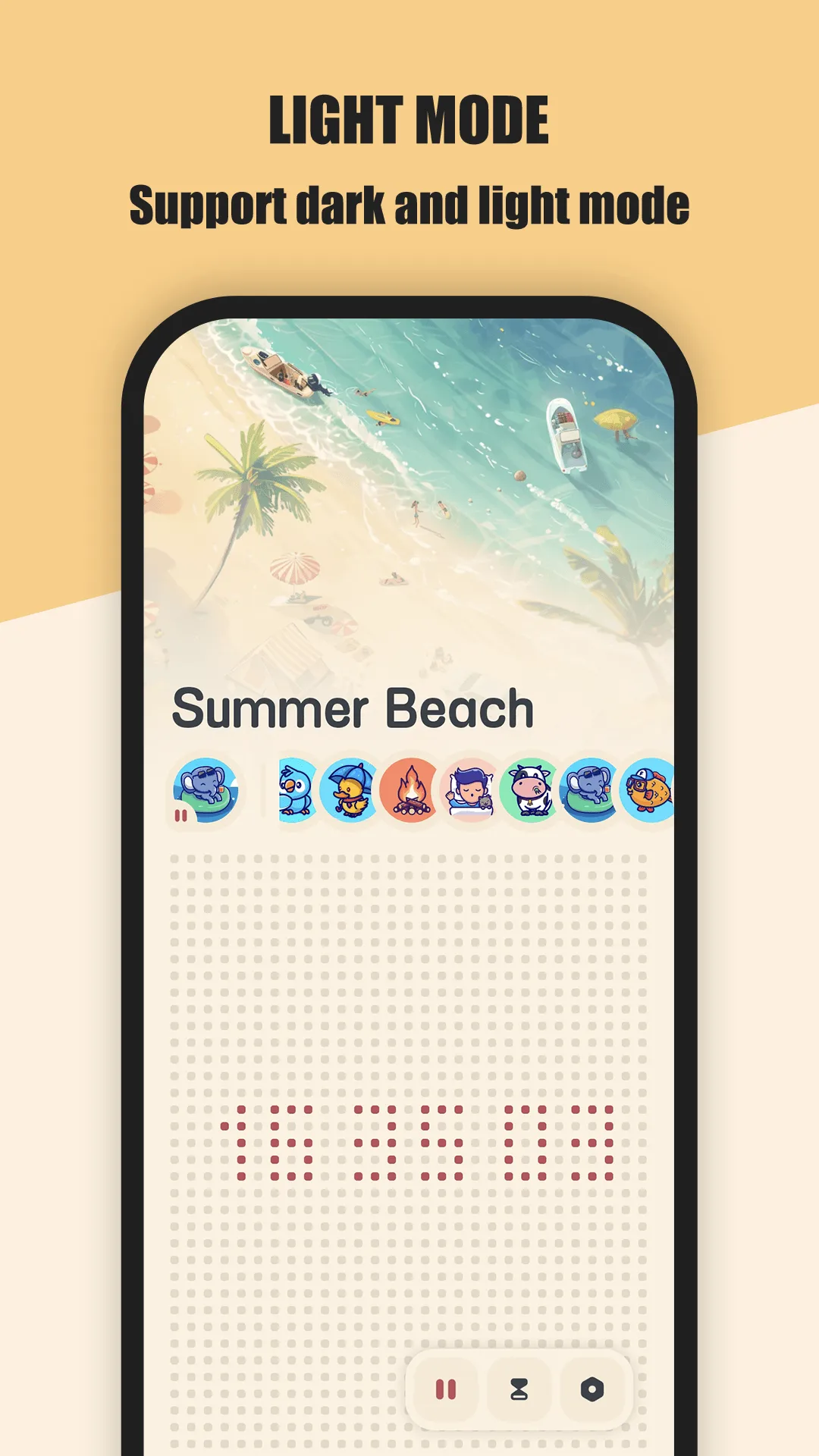
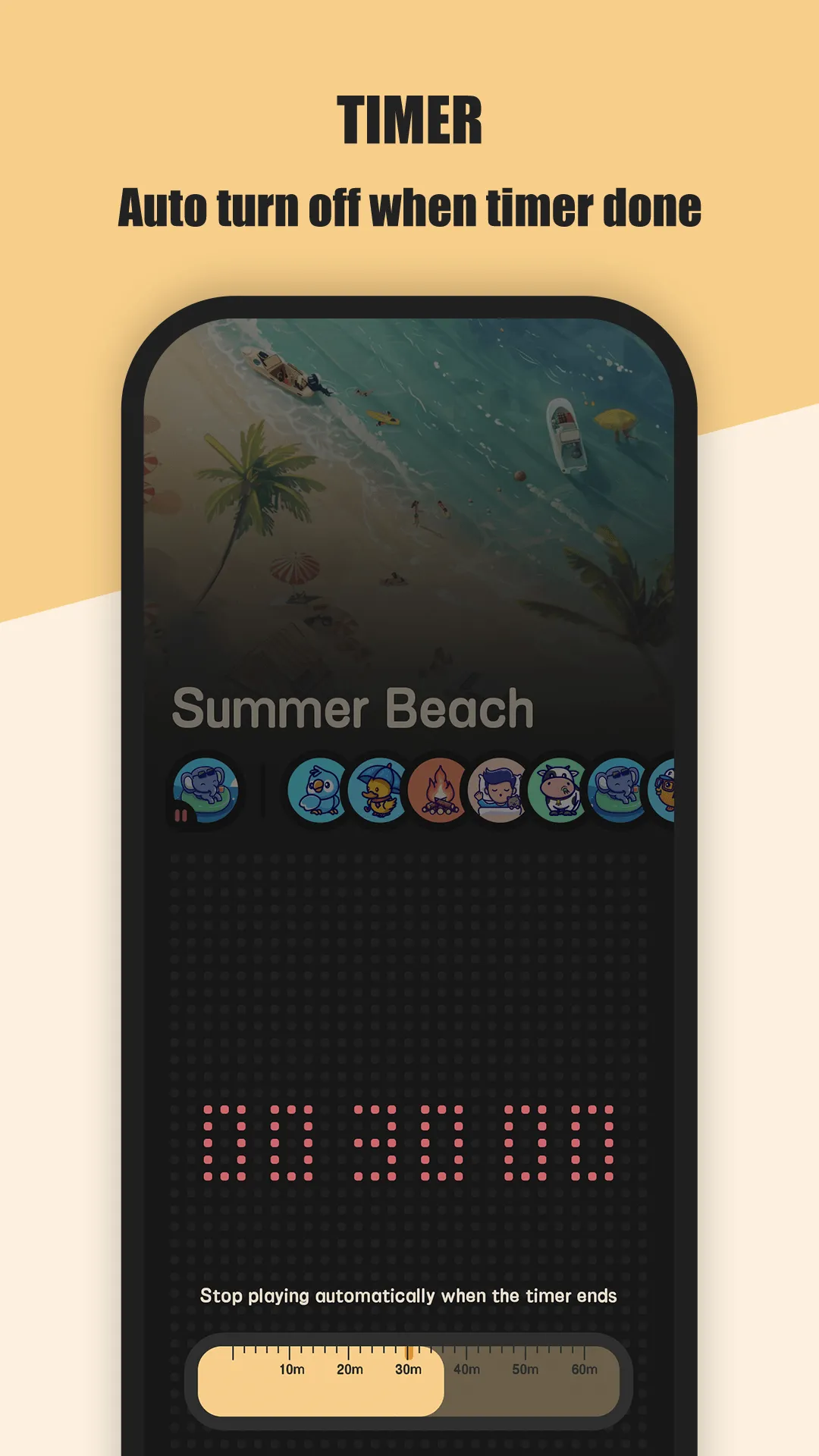
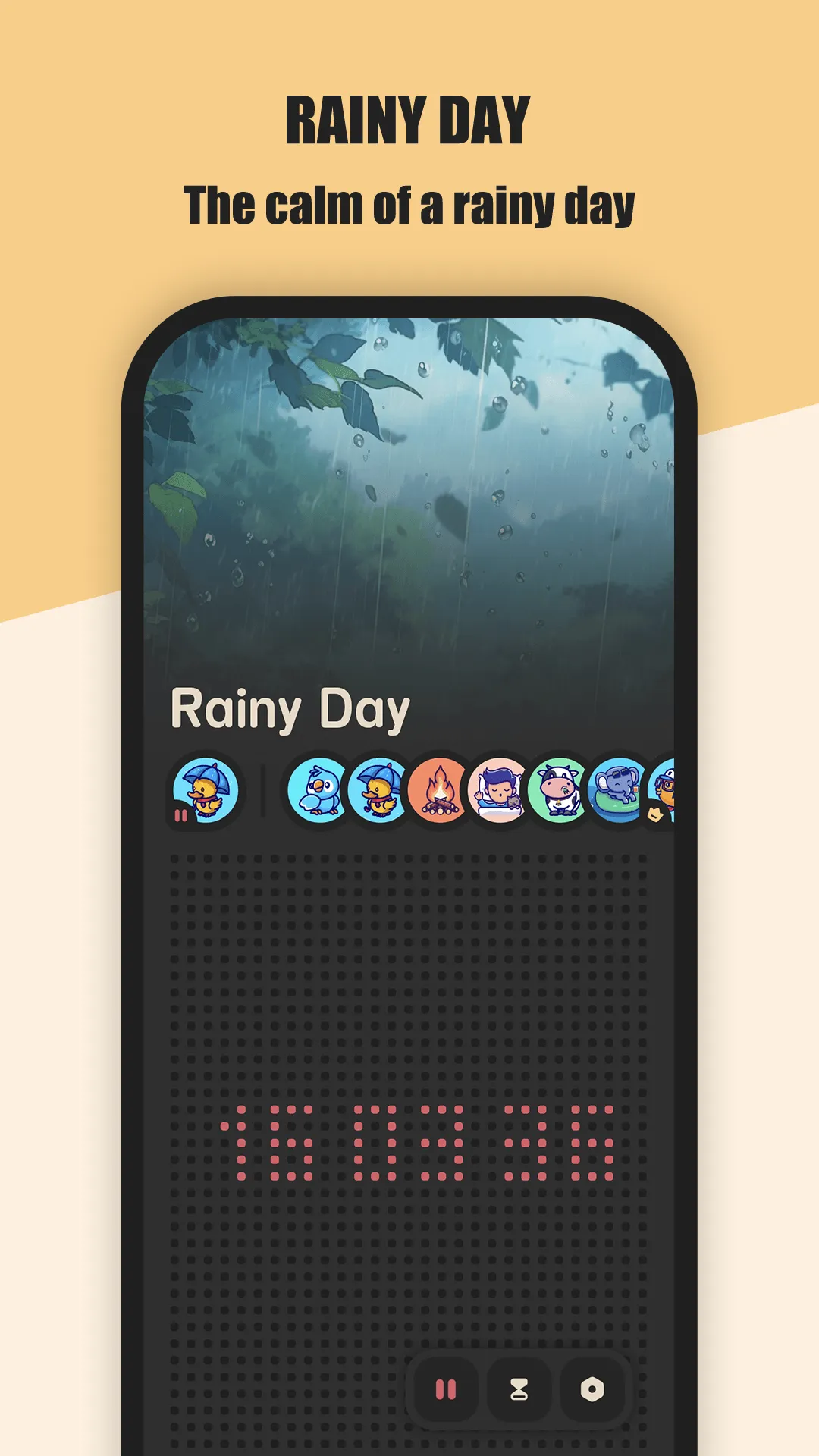
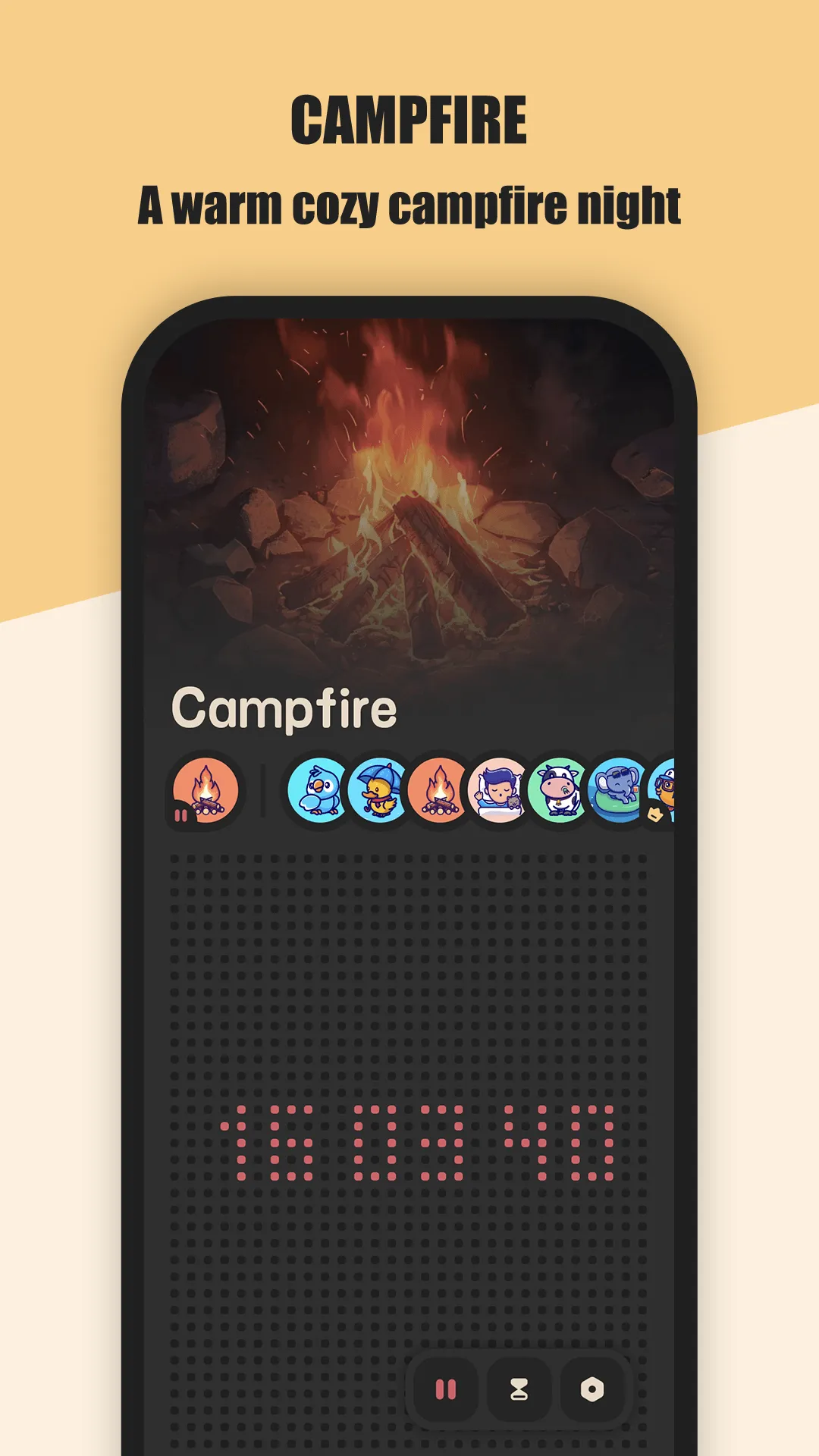
Meow FM is a white noise app for sleep, relax and focus. Pick a scene — rain, thunderstorm, forest, seaside, fireplace — add a sleep timer, and let it play. The interface is cozy and cat-themed, with a desktop clock so it doubles as a bedside companion.
Strengths
- Curated ambient sounds for sleep, relax and focus — rain, thunderstorm, wind, forest, seaside, fireplace and more.
- Sleep timer with auto-stop so sound cuts off after you drift off.
- Desktop clock to stay efficient while you work or study.
- No account required — open it and play; nothing is uploaded.
- Cute, calming Meow-styled design that feels comforting rather than clinical.
- Free core with a one-time sound unlock (no subscription pressure).
- Dark and light mode with beautiful covers for each sound.
Weaknesses
- Smaller library than a subscription service like Calm.
- No guided meditation or sleep stories — pure ambient only.
- Premium sounds require a purchase (no subscription, but not all-free).
- No web player — phone/tablet only.
- Less “structured program” if you want a daily wellness routine.
Best for
People who want pretty, simple ambient sound to fall asleep or focus — no lessons, no account, no monthly bill.
Download Meow FM
Calm, in detail


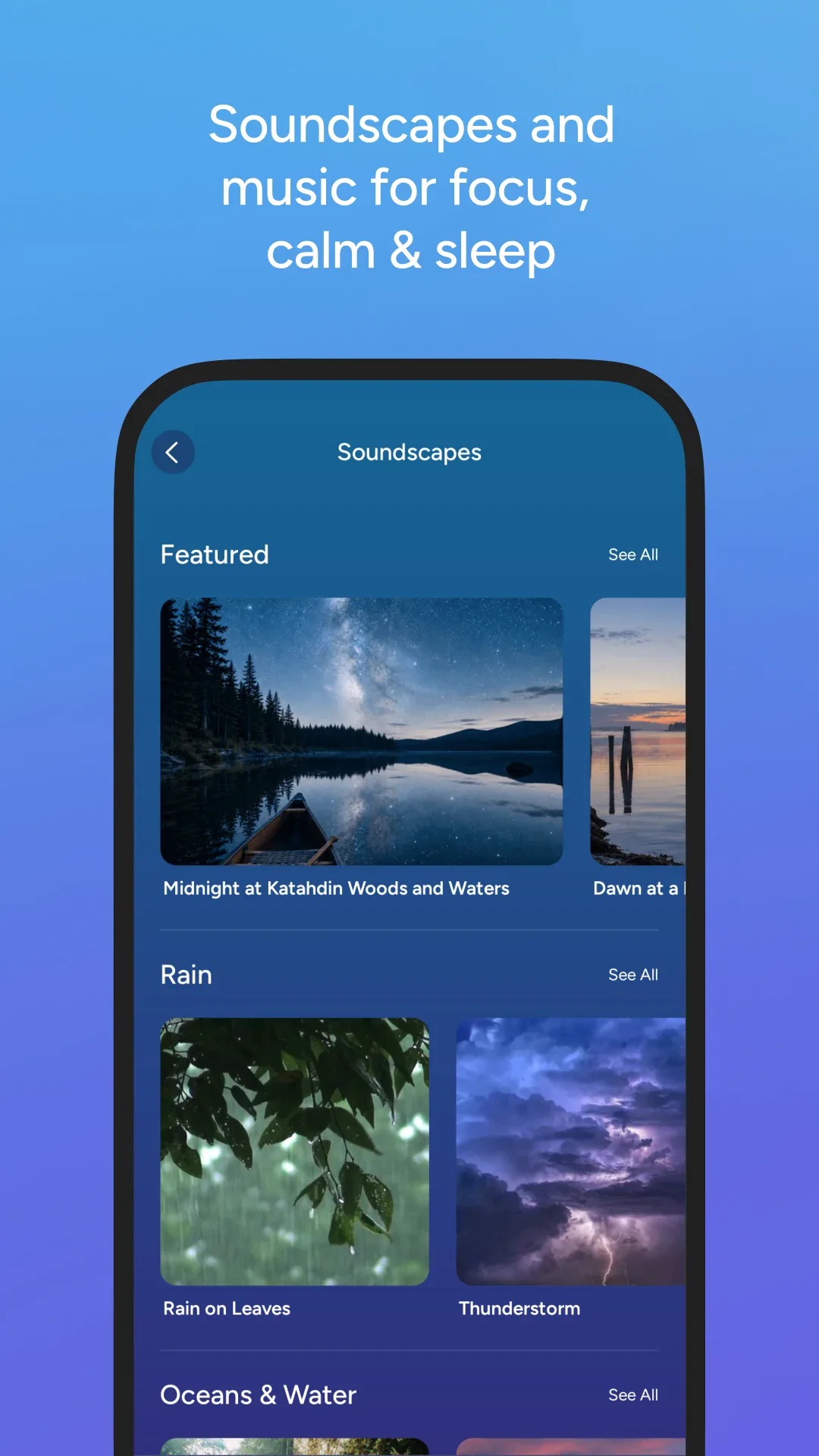
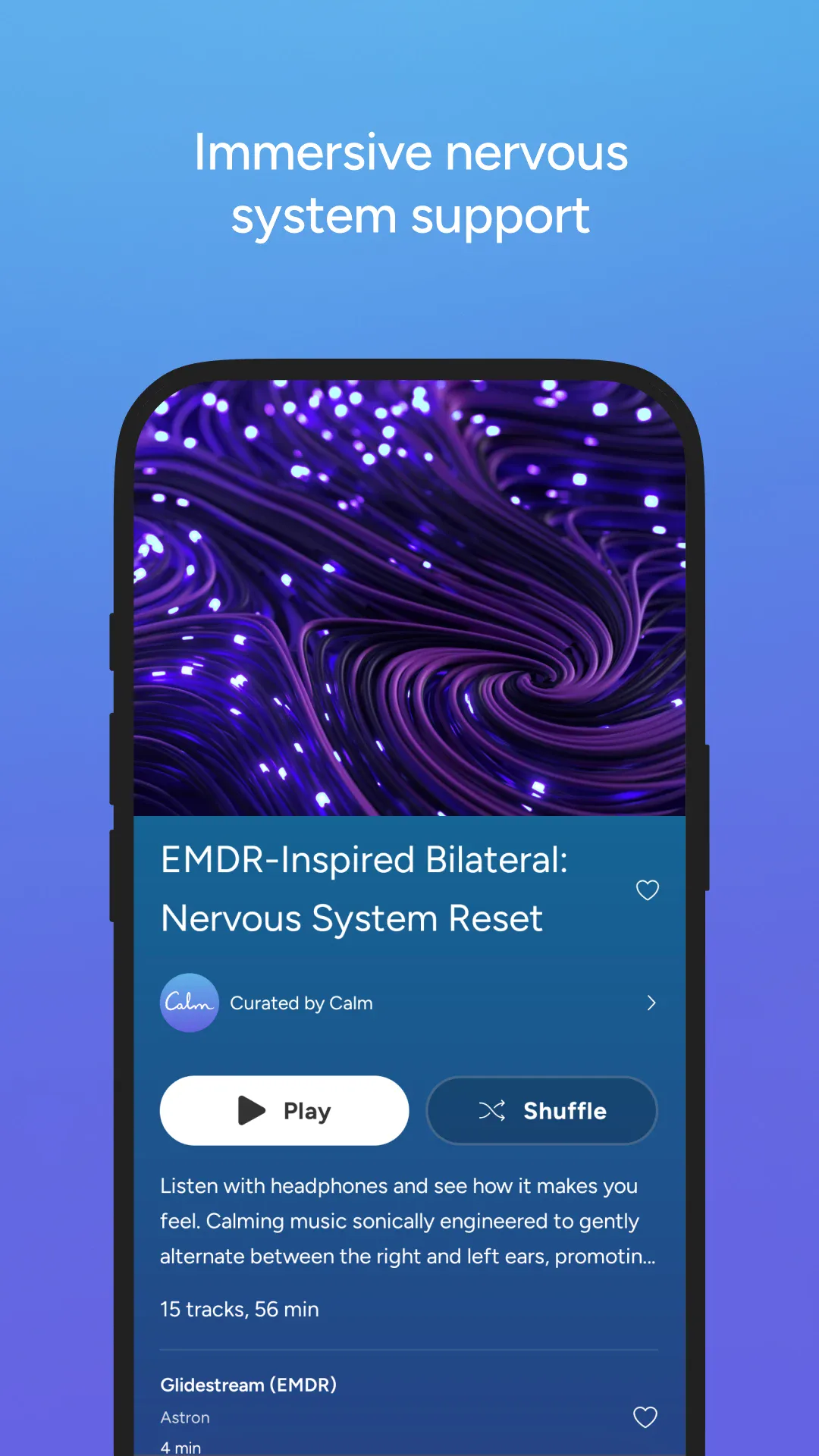
Calm is one of the most recognized mindfulness apps: guided meditations, sleep stories narrated by celebrities, breathing exercises, and a large music and sound library. It’s a wellness platform, not just a noise player.
Strengths
- Huge guided-meditation library for sleep, stress, focus and anxiety.
- Celebrity-narrated sleep stories — a signature feature many love.
- Breathing and relaxation exercises with a polished, premium feel.
- Music and soundscapes alongside meditations.
- Cross-platform — Android, iOS and web, with progress synced.
- Structured programs if you want a daily habit, not just background noise.
Weaknesses
- Expensive subscription (~$69.99/year) for the full library.
- Account required — it’s a cloud service, not local playback.
- Overwhelming if you only wanted rain noise to sleep.
- Less about pure ambient mixing — the strength is content, not sound design.
- Best content is paywalled, so free users see limited scope.
Best for
Users who want guided meditation, sleep stories and a structured wellness routine — and are comfortable with a paid subscription.
Download Calm
How they compare where it matters
Content model
Meow FM is a sound player: pick a scene, set a timer, sleep. Calm is a content platform: meditations, stories, music and programs. If you want guidance, Calm is far broader; if you want noise, Meow FM is enough.
Price and commitment
Meow FM is free to start with a one-time sound unlock and no subscription. Calm is a recurring ~$69.99/year commitment. For pure ambient sleep help, Meow FM is the cheaper, lower-friction choice.
Simplicity vs depth
Meow FM opens straight to sound — no account, no onboarding. Calm asks you to pick goals and sign in. That’s a feature for some, friction for others.
Platforms
Both cover Android and iOS. Calm adds web; Meow FM stays on mobile. Neither’s strength is desktop listening.
Which should you choose
- Choose Meow FM if you just want calming ambient sound to fall asleep or focus, prefer no account and no subscription, and like a cute, simple interface.
- Choose Calm if you want guided meditations, sleep stories and a structured wellness program and will use a paid subscription.
- Best of both: many people use Meow FM nightly for pure noise and keep Calm for the occasional meditation — but if budget matters, Meow FM covers the sleep-sound job on its own.